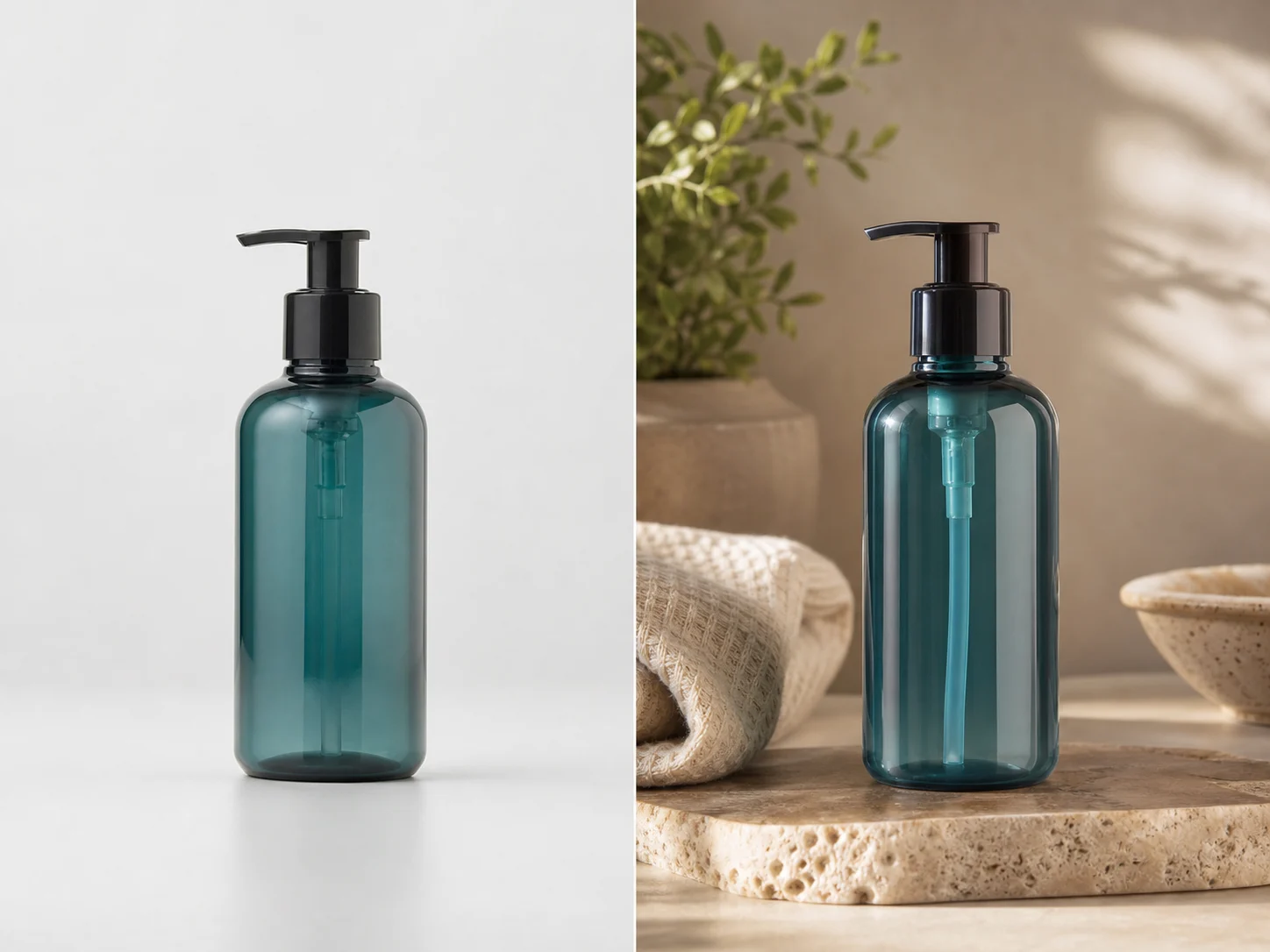
How to Edit Images With AI Prompts
Use prompt-based AI image editing to change backgrounds, clean product photos, restyle images, and prepare still frames for later video workflows.
LumiYingUpdated
Why prompt-based image editing deserves its own workflow
The source keyword data shows strong commercial demand for AI image editor pages and clear support queries around prompt editing, free access, best tools, product photos, and automated edits.
A better way to write AI image editing prompts
Good image editing prompts separate what must stay fixed from what should change. This makes each generation easier to evaluate and revise.
Name the source-image role
Tell the model whether the upload is the product, character, scene, style reference, or composition reference.
Lock the details that matter
Preserve product shape, label, colors, face-safe identity cues, composition, or camera angle before asking for a new background or style.
Ask for one primary edit
Background replacement, object cleanup, product staging, style transfer, and keyframe polish are easier to judge when requested one at a time.
Review like a production asset
Check edges, text, product geometry, lighting direction, cropping, and whether the image can continue into a video or campaign workflow.
How to edit an image with AI prompts
Use this sequence before spending credits on repeated image edits.
Choose the image and edit goal
Pick one source image and decide the job: background replacement, cleanup, ecommerce staging, poster polish, style transfer, or video keyframe preparation.
Write preservation rules
List what must not change. For product photos, preserve shape, label, proportions, color, and logo placement. For scenes, preserve layout and subject position.
Describe the change clearly
Add the new background, lighting, mood, surface, camera framing, or style. Avoid asking for several unrelated edits in the same prompt.
Generate, inspect, and revise
Review the image against the original goal. If something fails, revise only that part of the prompt and generate a new pass.
AI image editor prompt patterns
Copy the structure, then replace the bracketed details with your own image, product, or campaign context.
Background replacement
Use the uploaded image as the main subject. Keep the subject shape, color, and edges unchanged. Replace only the background with [new scene], using [lighting style] and a clean commercial composition.
Best for product listings, campaign concepts, thumbnails, and cleaner social visuals.
Product photo cleanup
Keep the product label, geometry, color, and proportions unchanged. Remove [distraction], improve the lighting, and place the product on [surface] with a premium ecommerce look.
Use this when product detail matters more than creative transformation.
Style transfer
Use the uploaded image as the composition reference. Preserve the subject and layout, but apply [visual style], [color palette], and [mood]. Do not add text or extra logos.
Useful for moodboard variants, social campaigns, and art direction tests.
Video keyframe
Turn this image into a clean first frame for a 9:16 AI video. Keep the main subject clear, add [cinematic lighting], leave room for motion, and avoid text overlays.
Generate the still first, then use it as a start frame in image-to-video later.
Where to go next
Use these links to move from prompt planning into image editing, model choice, and video continuation.
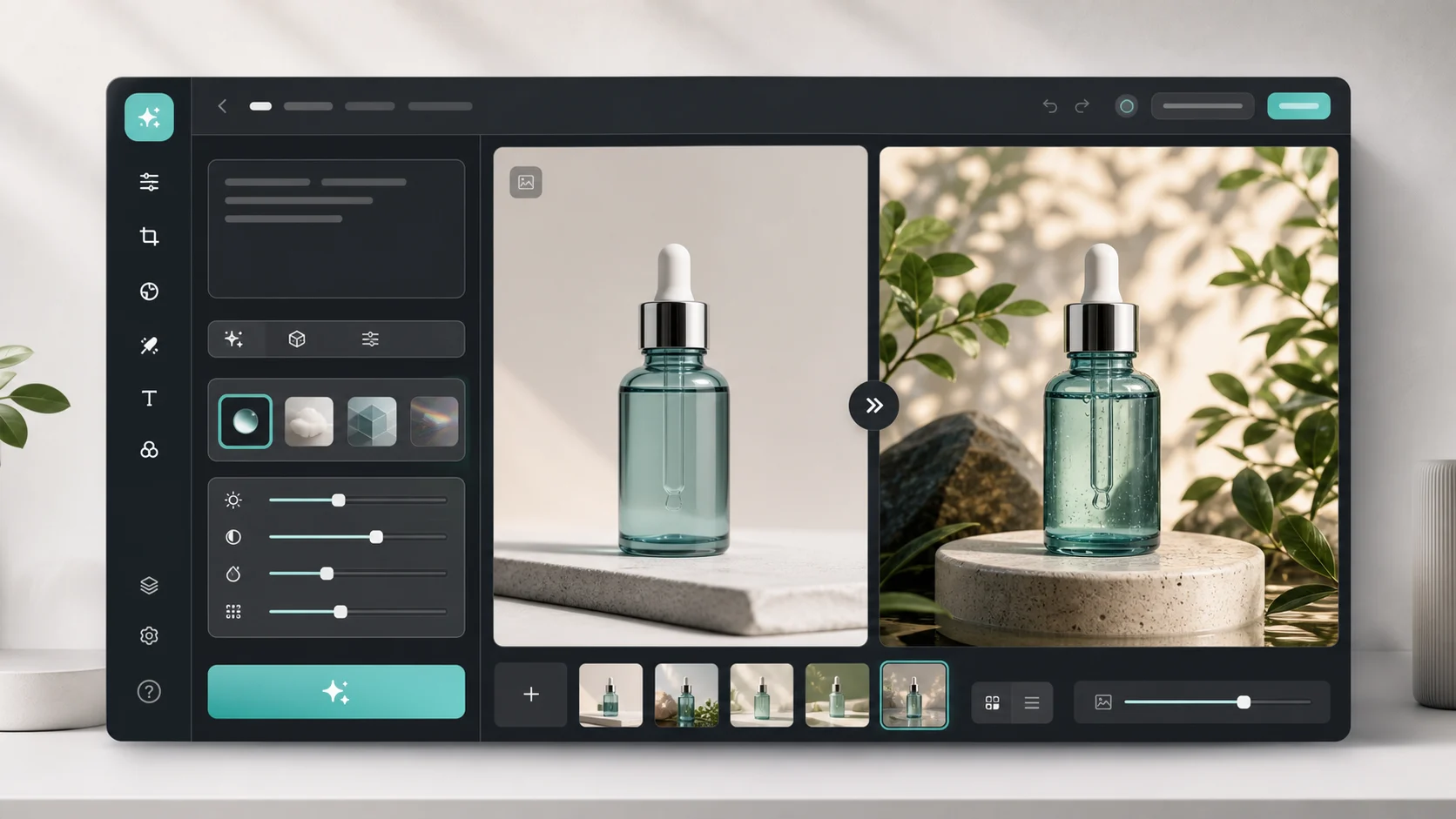
AI Image Editor
Upload a reference image and generate prompt-based edits in LumiYing.
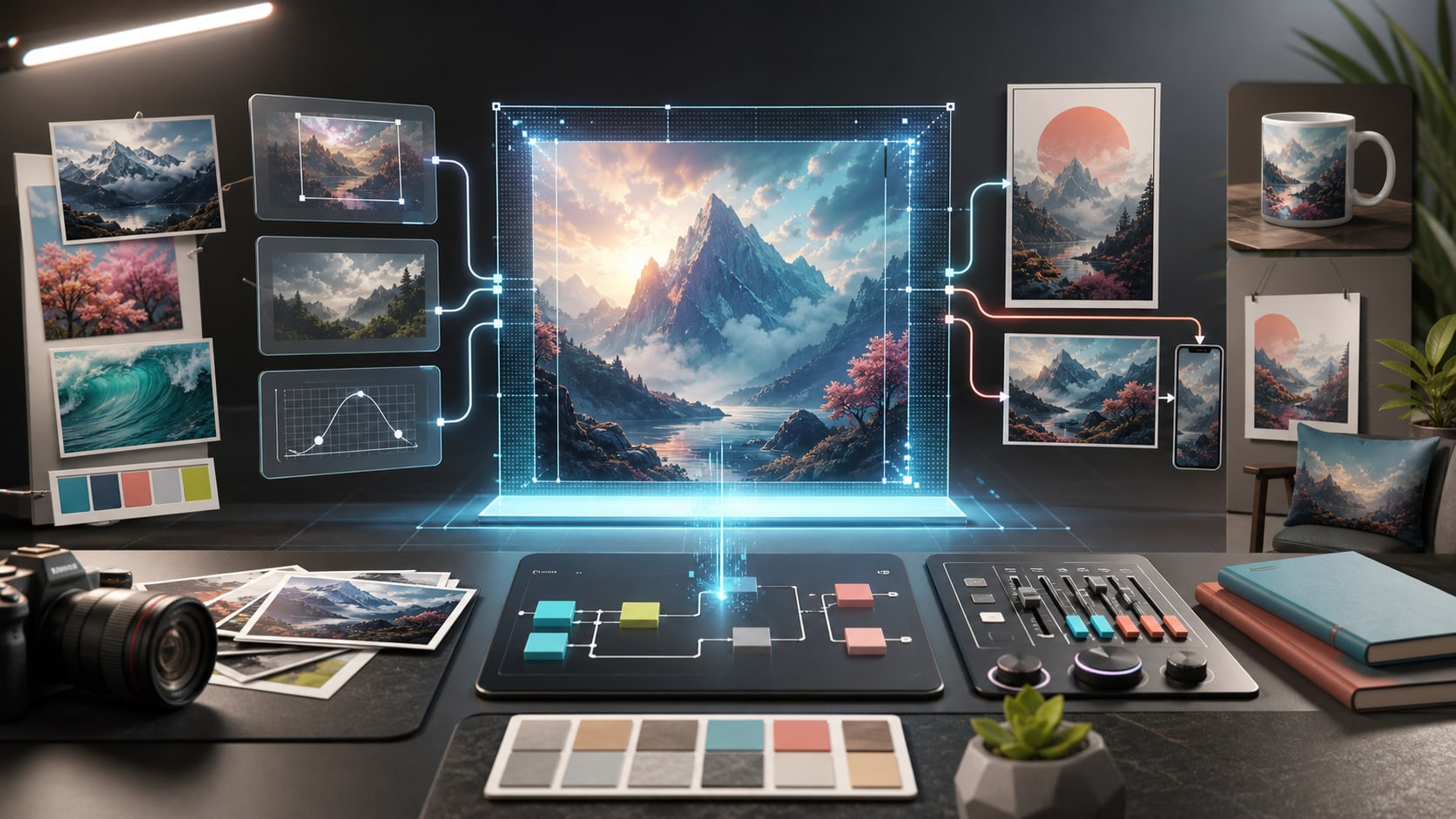
GPT Image 2 Tutorial
Learn model-specific prompt and reference-image workflows.
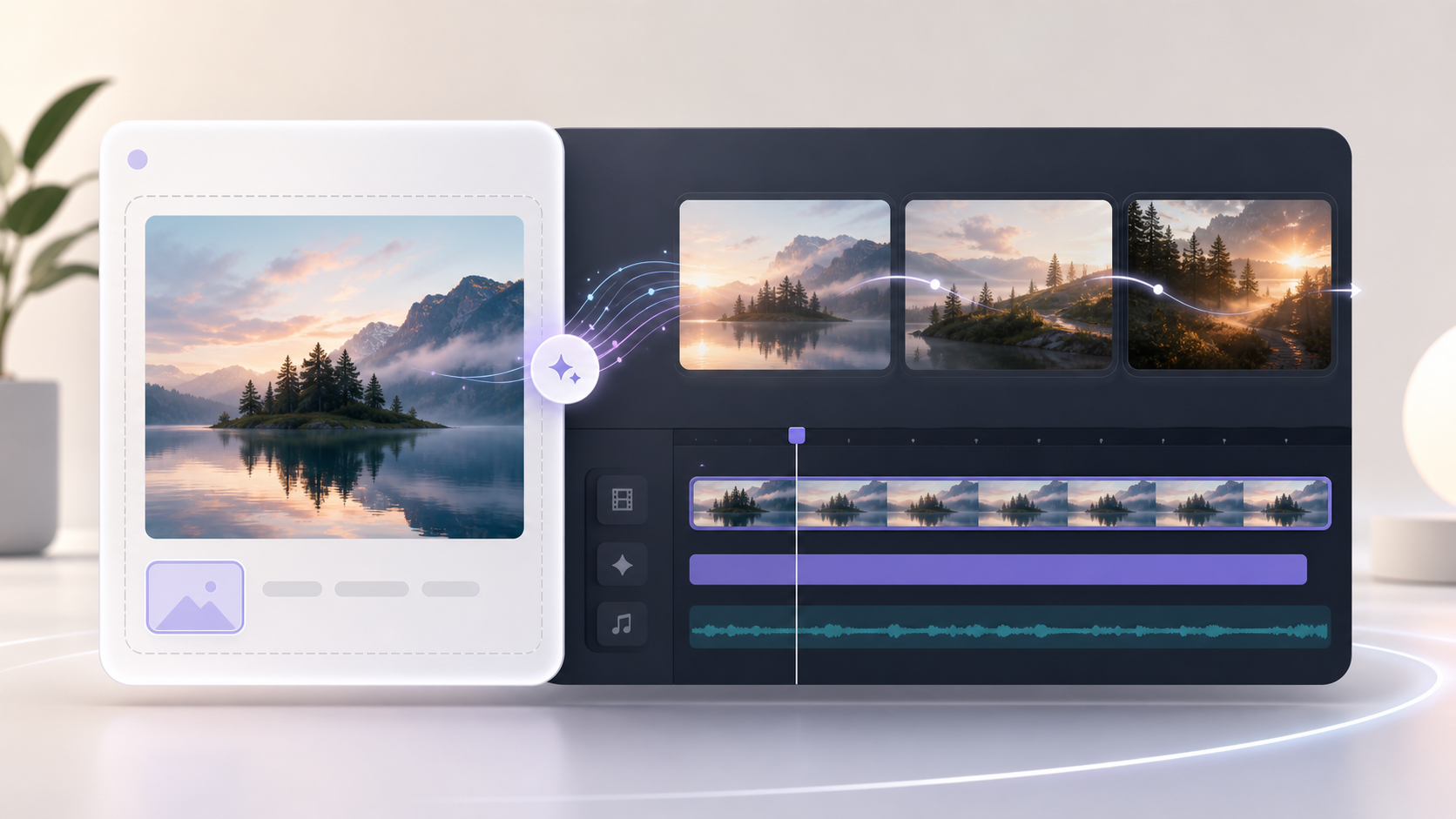
Image to Video AI
Turn an approved edited still into a short AI video clip.
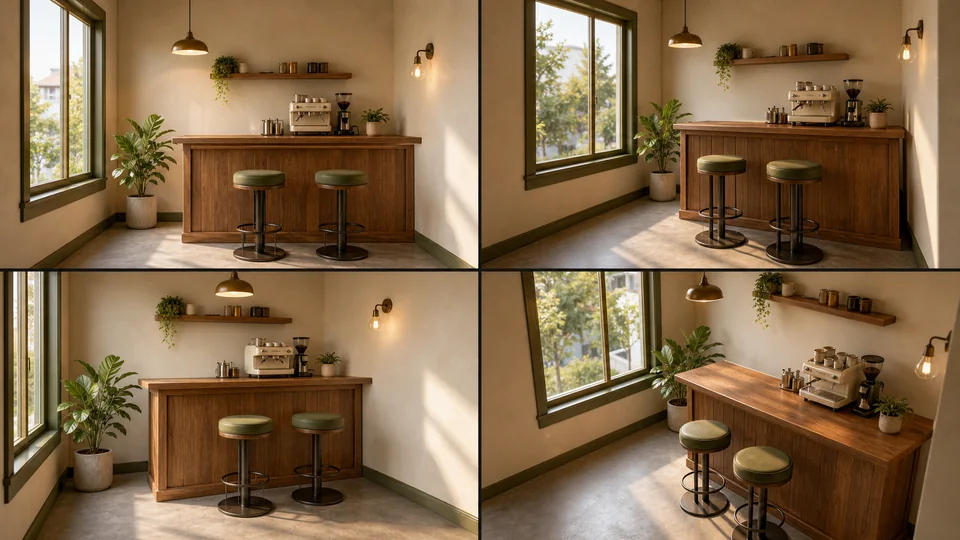
AI Scene Generator
Create consistent scene references after editing image assets.
AI image editing prompt FAQ
What should I write in an AI image editing prompt?
State what the uploaded image is, what must stay unchanged, and what should change. A focused prompt is easier to review than a long prompt with unrelated edits.
Can AI image editors automate product photo edits?
They can help with background replacement, lighting changes, cleanup, scene staging, and creative variants. For ecommerce images, explicitly preserve product shape, label, and color.
How do I make AI edits more consistent?
Keep one primary edit per generation, include preservation rules, and revise one variable at a time. If the background failed, change the background instruction without rewriting the whole prompt.
Can I use an edited image for video generation?
Yes. Once the edited still looks clean, use it as a start frame, storyboard panel, product keyframe, or thumbnail before moving into image-to-video generation.
Start editing images with prompts
Open the AI Image Editor, upload a reference image, and write the first focused edit prompt.