AI Scene Generator for Multi-Angle References
Create a consistent scene from a prompt or reference image, then generate a clean multi-angle reference grid for video planning, storyboards, product scenes, and visual design.
What You Can Create With the AI Scene Generator
Choose 2, 4, 6, or 8 camera views of the same location
Turn a text prompt or reference image into a balanced grid with 2, 4, 6, or 8 selected camera views of one consistent scene.
Preserve objects, layout, light, and mood
The Scene Angles format asks the image model to keep the same architecture, props, lighting direction, color palette, and object count across every panel.
Start from an uploaded scene reference
Upload an environment, set, room, booth, or product scene and generate alternate camera angles without turning it into a different location.
Plan shots before video generation
Use the resulting scene reference grid for storyboards, product demos, game environments, animation backgrounds, and visual direction.
AI Scene Generator Prompt Examples
Use these prompts to create AI generated scenes with consistent multi-angle references. Each example is designed for one stable environment rather than unrelated scene variations.
How to Generate Multi-Angle Scene References
Describe or upload a scene
Write a concise scene prompt, or upload a reference image when you already have a room, set, booth, or environment you want to preserve.
Choose 2, 4, 6, or 8 angles for one scene
LumiYing keeps Scene Angles selected so the result focuses on the same environment instead of unrelated scene variations.
Generate and refine
Create the grid, then adjust the prompt if you need stronger object consistency, clearer camera variety, or a different visual style.
Why use an AI scene generator for multi-angle references?
Scene references need spatial continuity. LumiYing keeps your visible prompt focused on the location while the Scene Angles format asks for matching objects, layout, lighting, and camera variation.
Better scene consistency
A normal image prompt can drift into unrelated locations. Scene Angles emphasizes one fixed scene inventory and coherent camera positions.
Useful before video production
Use the grid to plan camera coverage, storyboard scenes, product demos, animation backgrounds, and environment design before moving into video generation.
Clear difference from storyboard tools
A storyboard changes story moments. A scene reference grid keeps one moment and one environment, then rotates the camera around it.
AI Scene Generator FAQ
What is an AI scene generator?
An AI scene generator turns a text prompt or reference image into visual scene images. This LumiYing page focuses on consistent multi-angle scene references, so the output shows the same environment from several camera viewpoints.
Can I upload a reference image?
Yes. You can upload a scene, room, set, product setup, or environment reference. Scene Angles asks the model to preserve the recognizable structure, objects, materials, lighting, and mood while changing the camera angle.
How is this different from an AI storyboard generator?
A storyboard generator creates different moments or shots in a sequence. The AI Scene Generator keeps one scene and generates different camera views of that same location for consistency planning.
How do multi-angle references help scene consistency?
They give you a visual map of the same place from the number of camera views you select. That makes object placement, lighting, and camera planning easier before video, animation, or product generation.
Can I use it for video planning, product scenes, or game environments?
Yes. It is useful for video planning, product scenes, concept art, game environments, animation backgrounds, interior design, campaign visuals, and any workflow that needs a stable scene reference.
Is this the same as an AI image reference generator?
Not exactly. AI image reference generator is broader. This page is scene-specific: it focuses on a consistent environment and multiple camera angles rather than generic image references.
Related Tools and Resources
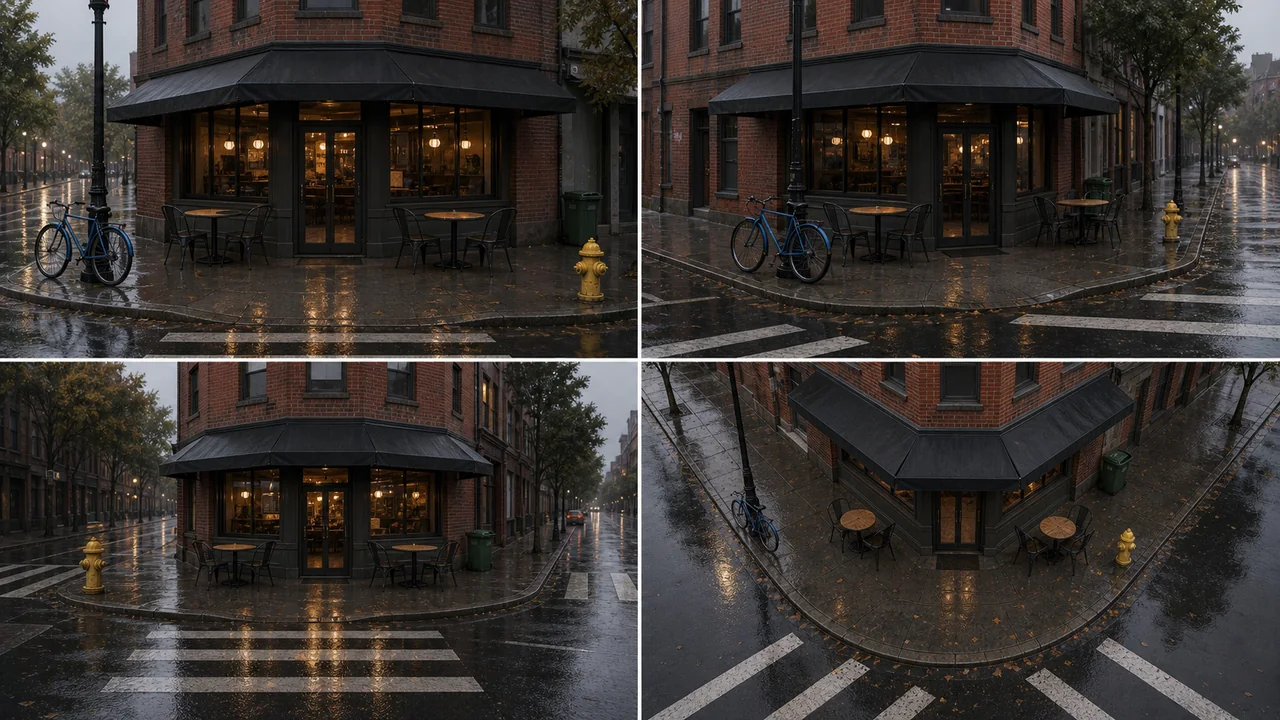
AI Scene Generator Examples
Use prompt examples for product scenes, multi-angle references, and video planning.
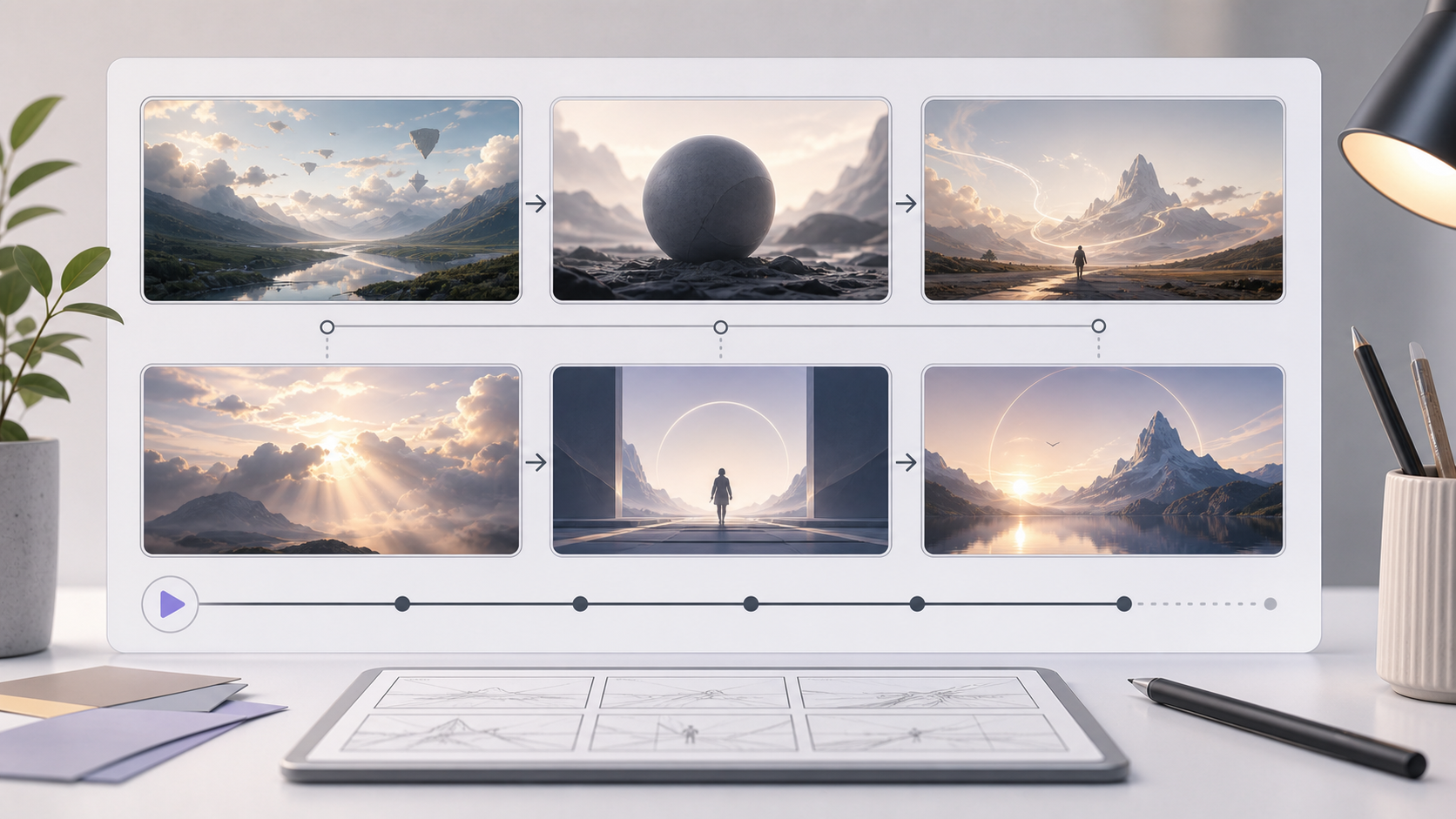
AI Storyboard Generator
Turn a scene or campaign idea into a multi-panel storyboard sheet.
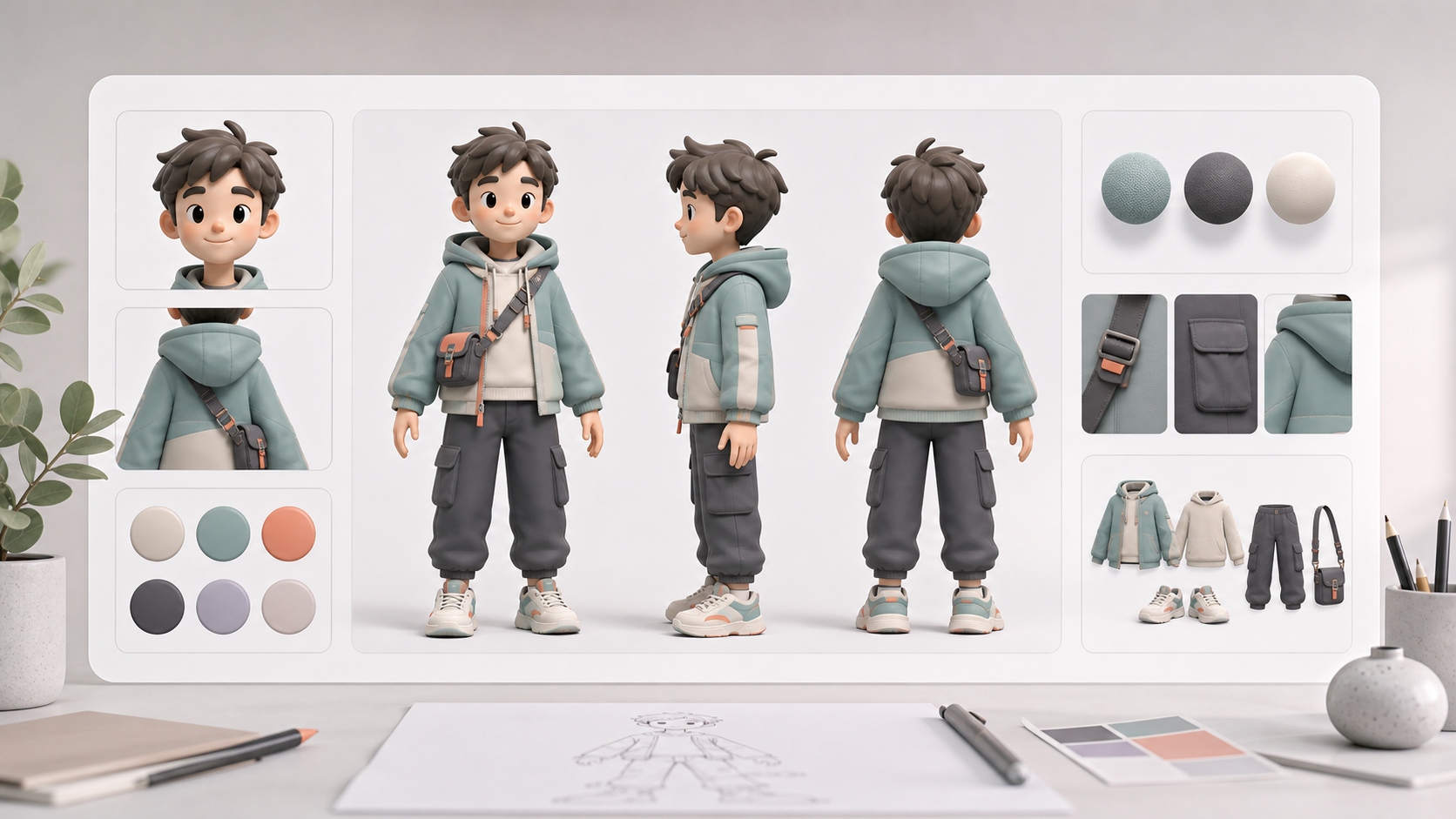
AI Character Sheet Generator
Create consistent character reference sheets for visual planning.
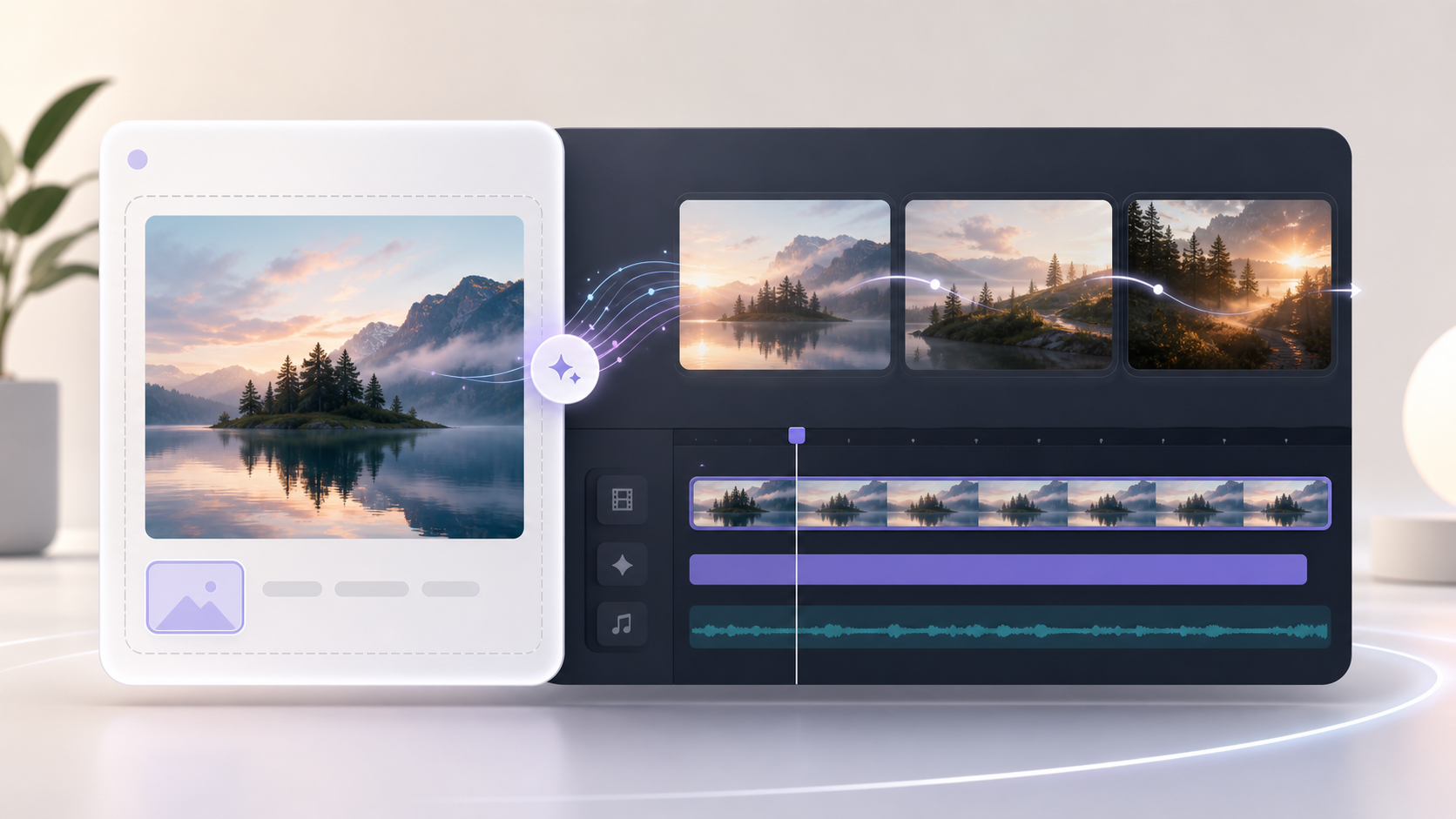
Image to Video AI Generator
Animate a source image into a short AI video clip after planning your scene.
Create your next scene reference grid
Open the generator with Scene Angles already selected and start from a prompt or reference image.