Tools & features
Explore LumiYing tools for AI creation workflows, from focused generation formats to browser-based utilities for planning, preparing, and refining creative assets.
Creative Workflow Tools
Choose the tool that matches your workflow, then generate, prepare, or refine assets for image, video, campaign, and production planning.
Video Tools
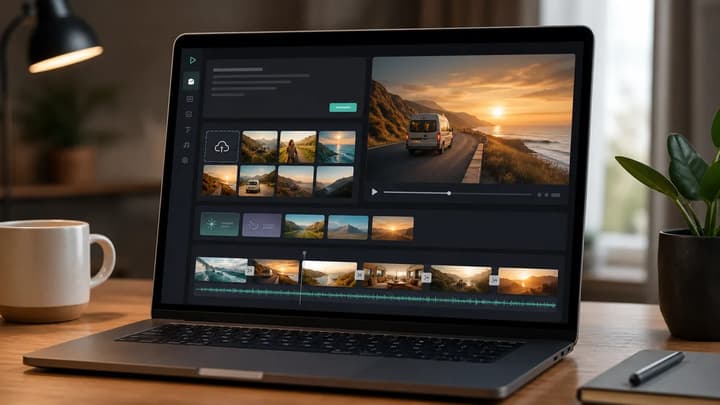
AI Video Generator
Create AI videos from prompts or images with model guidance.
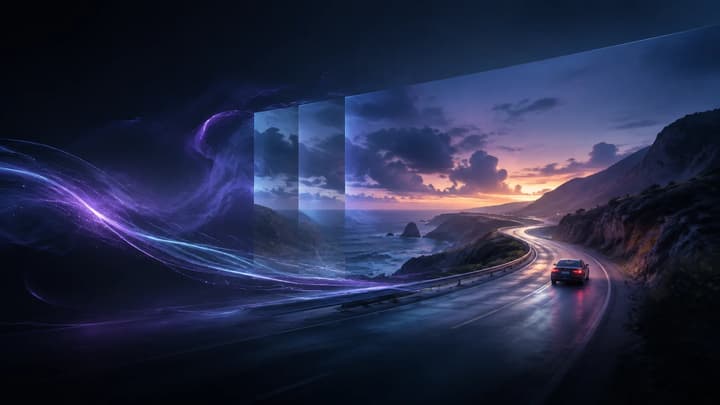
Text to Video AI
Create videos from text prompts with model and output controls.
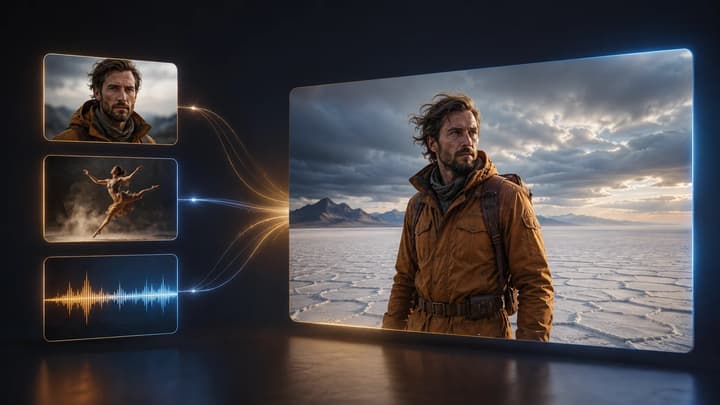
Reference to Video AI
Guide a new video with image, video, and audio references.
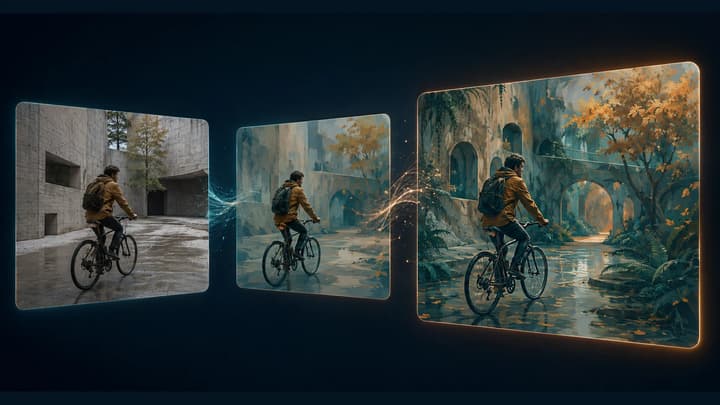
Video to Video AI Generator
Restyle existing footage with AI using one source clip and a clear prompt.

AI Video Extender
Continue a video with AI by describing what happens next.
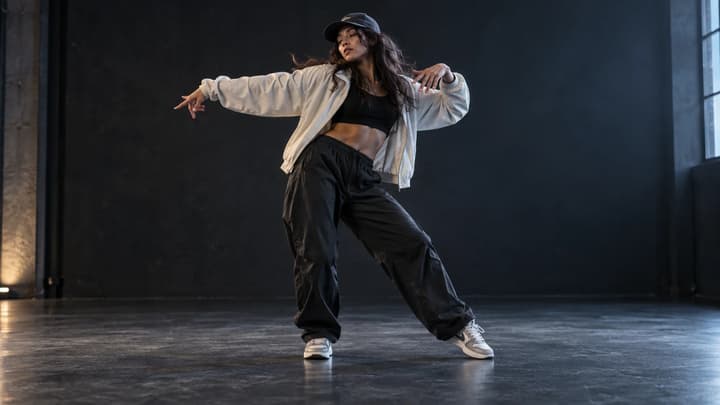
AI Dance Generator
Turn a photo into a dance clip with prompts or a motion reference.
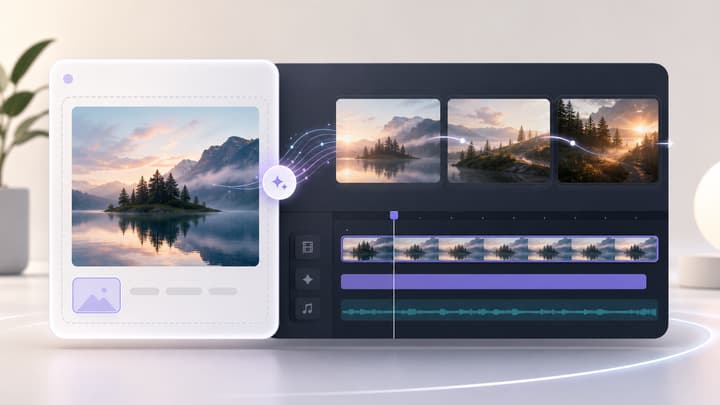
Image to Video AI
Turn a still image into a short AI video with motion prompts.

AI Product Video Generator
Turn product photos into short AI clips with directed camera motion.
Image Tools

AI Image Generator
Create images from text prompts or reference images with multiple AI models.
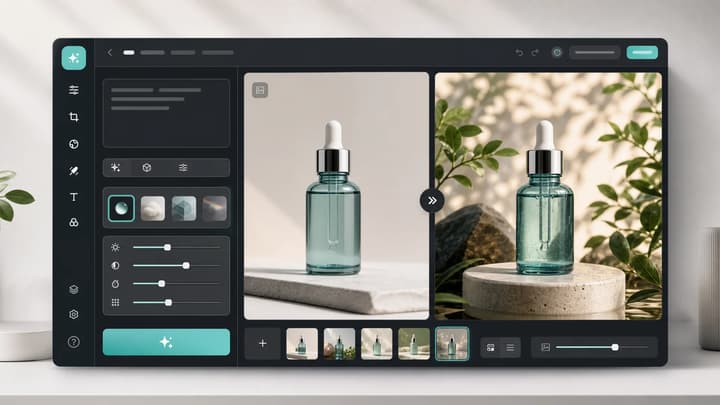
AI Image Editor
Edit uploaded images with prompts for product and social assets.
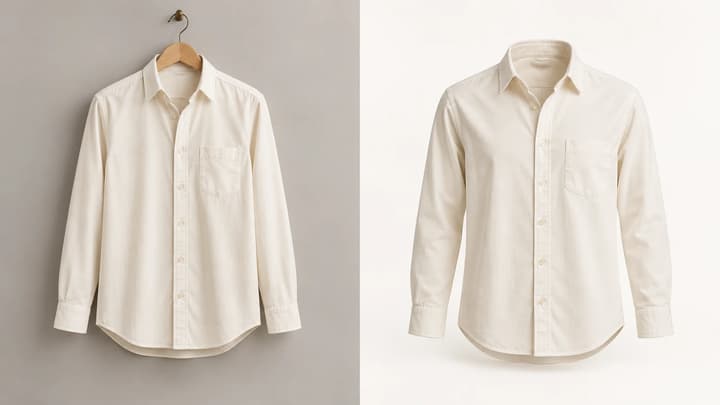
Ghost Mannequin AI
Create invisible-mannequin clothing photos from a garment image.

AI Image Relight
Relight photos with directional controls and defined lighting styles.
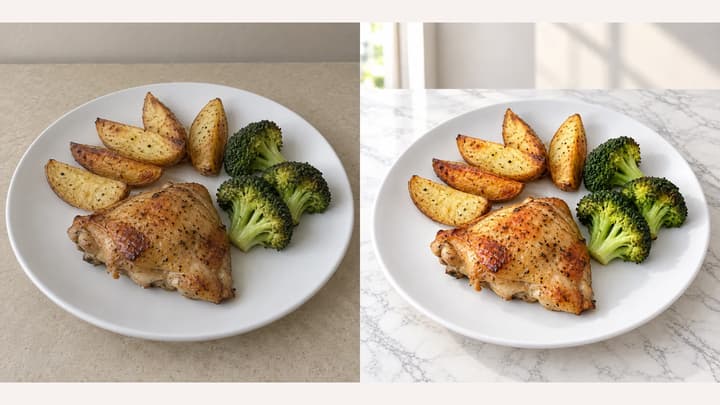
AI Food Photography
Change food backgrounds and choose appetite-enhancement templates.
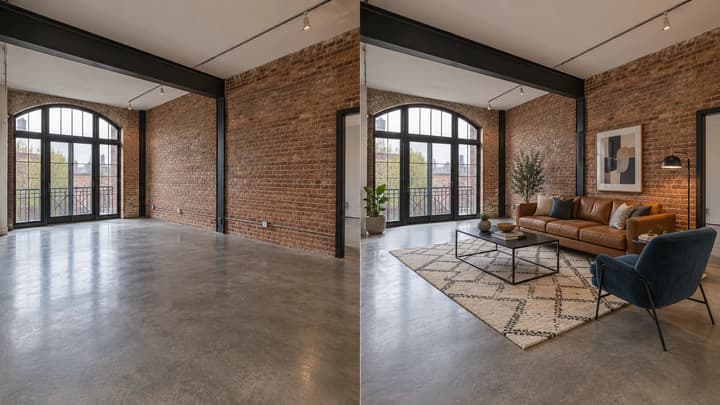
AI Virtual Staging
Add furniture to empty room photos with room and style presets.
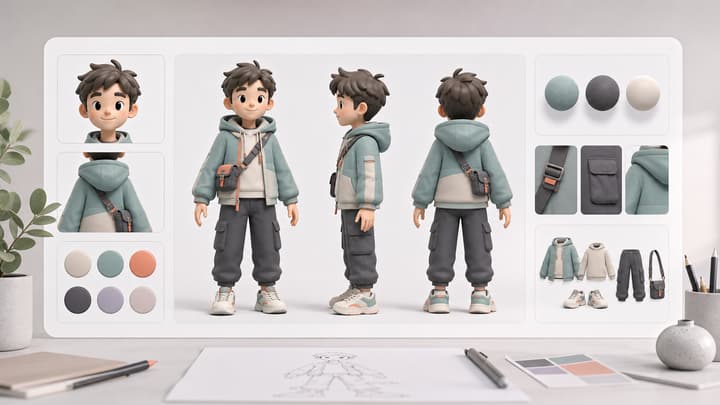
AI Character Sheet Generator
Create consistent character reference sheets for visual planning.
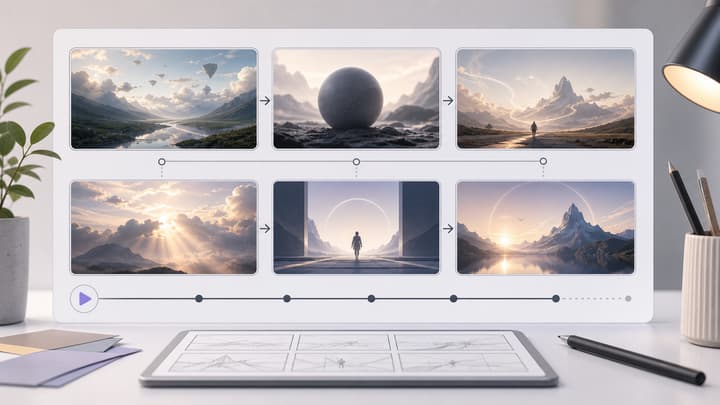
AI Storyboard Generator
Generate clean storyboard sheets for video and campaign ideas.

AI Scene Generator
Generate consistent multi-angle scene reference grids.
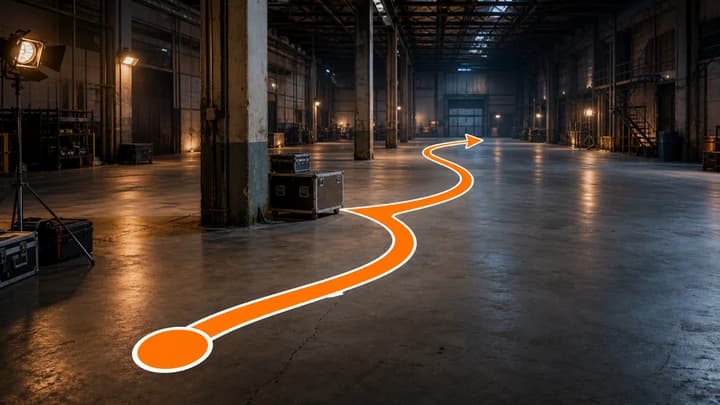
AI Motion Path Generator
Create perspective-aware movement routes over reference scenes.
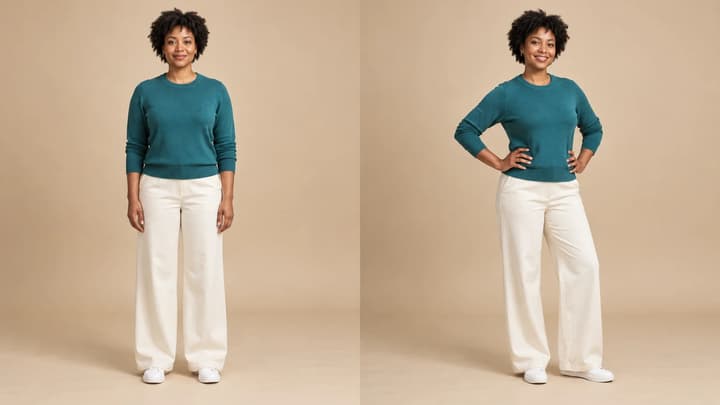
AI Pose Generator
Change photo and character poses with templates or a reference image.
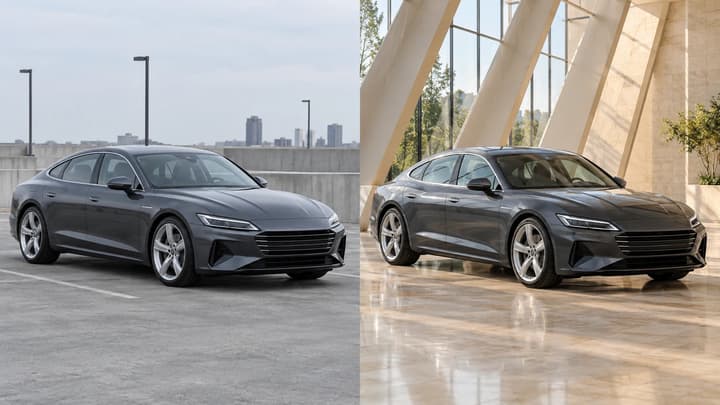
AI Car Photo Editor
Edit car backgrounds and lighting with image references.
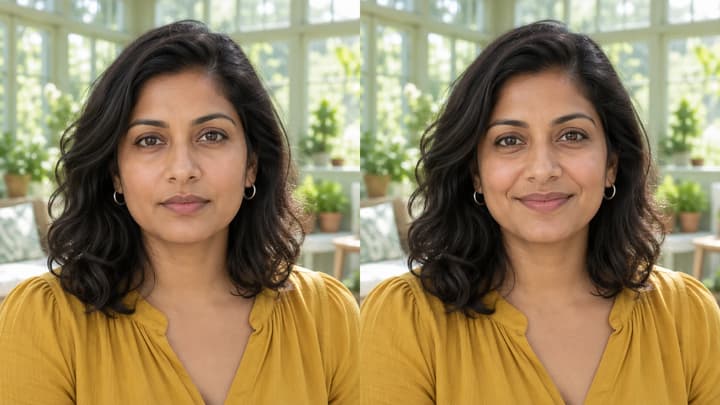
AI Expression Changer
Change facial expressions using templates or your own image reference.

AI Hair Color Changer
Change hair color with templates, image references or text prompts.

AI Bald Filter
Preview a bald head from your photo with optional editing instructions.

AI Beard Generator
Try beard styles with a template, reference photo or your own instructions.

AI Bangs Filter
Try bangs with a style template, reference photo or your own instructions.

AI Eye Color Changer
Change eye color with a template, reference photo or written instructions.
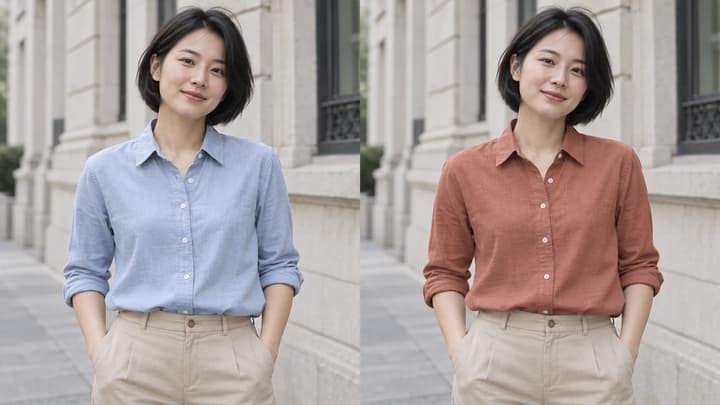
AI Clothes Color Changer
Recolor a garment with a template, reference or written instructions.

AI Beard Remover
Remove facial hair from your photo with optional editing instructions.

AI Teeth Whitening
Reduce yellow tooth tones in a photo while keeping the original smile.

AI Tattoo Remover
Remove tattoos from a photo while preserving natural skin detail.

AI Glasses Remover
Remove glasses from a photo while preserving visible facial details.
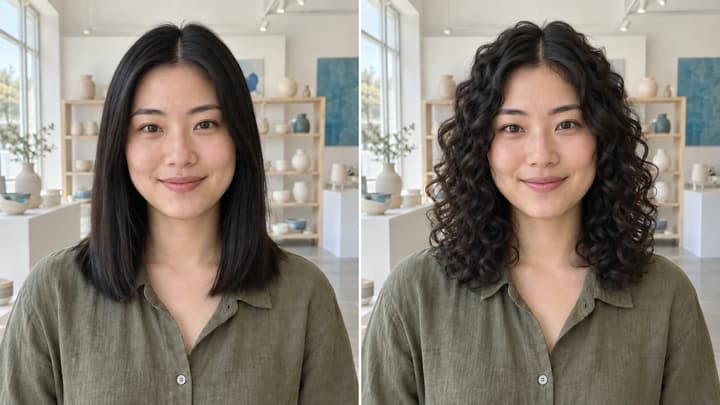
AI Curly Hair Filter
Try curls from root to tip while keeping your original hair color.

AI Buzz Cut Filter
Preview a buzz cut while keeping your original hair color.
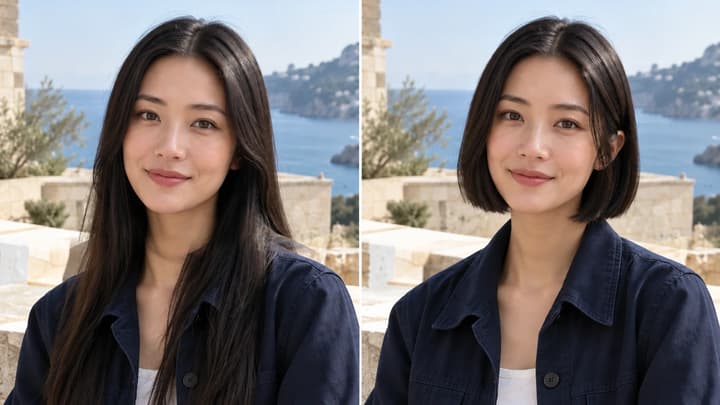
AI Short Hair Filter
Preview bobs, pixies and short crops with your original hair color.

AI Long Hair Filter
Preview long hair with your original color, image references or instructions.
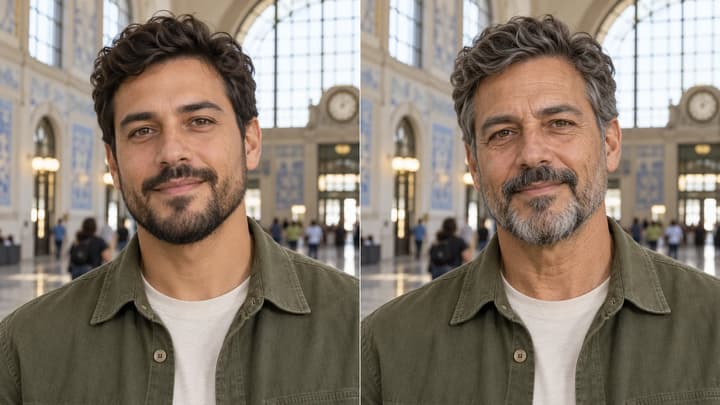
AI Age Progression
Explore an older appearance while keeping your identity, hairstyle and scene.
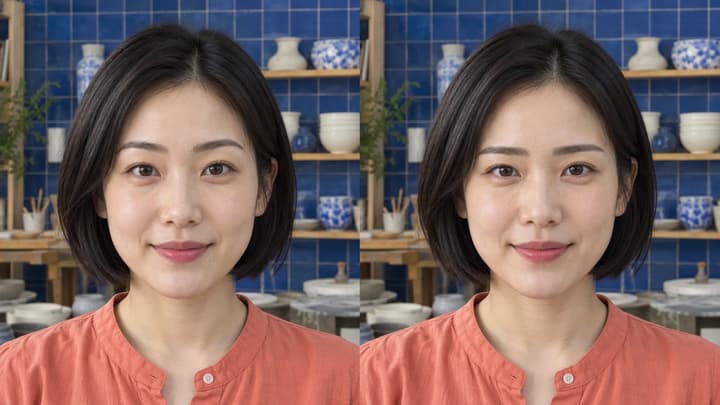
AI Eyebrow Filter
Try new brow shapes while keeping your eyes and original color.
Why Use LumiYing Tools
Focused workflows
Each tool is designed around a specific creative task, so you can move from idea to usable asset without setting up everything from scratch.
One connected workspace
Prepare assets, generate visuals, and continue into image or video creation from the same LumiYing workspace.
Tools FAQ
What are LumiYing tools?
LumiYing tools are focused creation utilities that help you plan, prepare, generate, and refine assets inside the same AI media workspace.
How should I choose a tool?
Start with the outcome you need: prepare a source asset, structure a visual idea, or create media directly. The tools page groups each option by the task it supports.
Do I need an account to use tools?
Some browser utilities can be previewed immediately, while generation tools may require signing in and using credits because they call AI models.
Can tools connect to the main generator?
Yes. Tool outputs are designed to support the broader LumiYing creation flow, so you can move from planning or asset preparation into image and video generation.
Are these tools for beginners or teams?
They are built for both. Beginners get guided entry points, while creators and teams can standardize repeatable production steps.
Choose a tool and start creating
Open a focused workflow or go directly to the main generator when you are ready to create.