AI Motion Path Generator
Upload one or more reference images, describe where a person, camera, vehicle, drone, or object should move, and create a static perspective-aware route reference without changing your current image model.
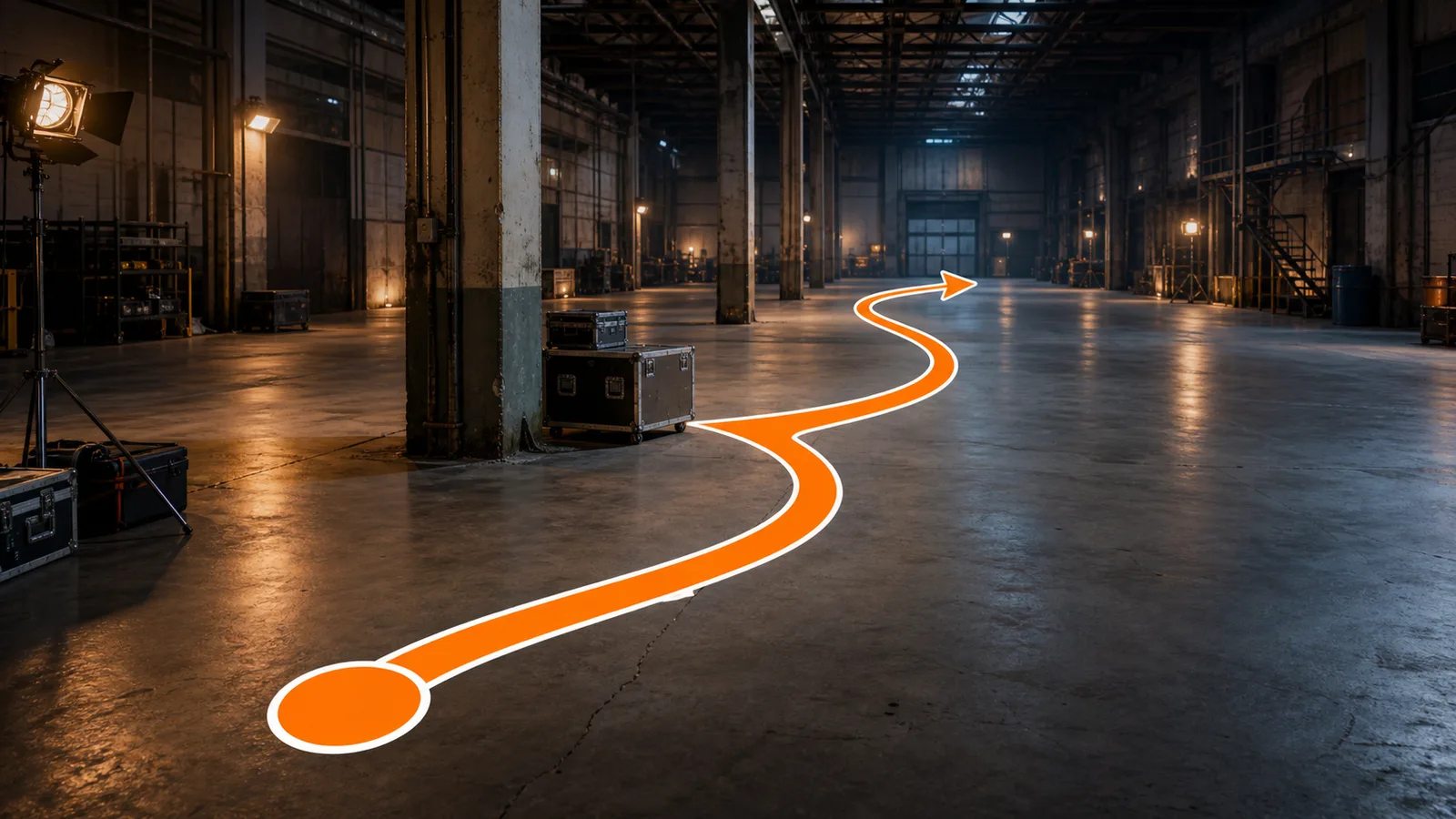
Create Clear Motion Paths From Reference Scenes
Turn route instructions into a visual direction sheet
The AI motion path generator uses your reference imagery as scene context and adds one clear route with a start marker and endpoint arrow.
Use one or more images without choosing a primary scene
Upload complementary views or visual references. The model considers them collectively instead of assigning a required main image or order.
Keep the route grounded in scene geography
The route is instructed to follow visible perspective, sit on the movement plane, and curve around furniture, barriers, walls, or other obstacles.
Create a reusable map for blocking and previs
Use the static result as a shared reference for storyboards, shot planning, animation notes, game navigation, or later image-to-video work.
AI Motion Path Generator Examples
Upload the matching scene reference, then describe only the route you need. A person is optional, and multiple references can be used together.
How to Create a Motion Path Reference
Upload Reference Images
Open Motion Path and add one scene image or several complementary references. No primary image is required, and your current image model is preserved.
Describe the Route
State the start, movement direction, turns, visible obstacles to avoid, and final destination in plain language.
Generate, Review, and Reuse
Generate the orange-and-white route sheet, check its perspective and obstacles, then refine, download, or reuse the result as a reference image.
Why Use an AI Motion Path Generator?
A route sheet makes movement intent visible before a shot, animation, or level is produced.
Communicate blocking clearly
Replace long verbal explanations with one route that performers, camera teams, animators, and collaborators can read at a glance.
Plan against the actual scene
Work over reference imagery so the path relates to real furniture, architecture, terrain, props, and open space.
Support routes without characters
A person is not required. The same format works for cameras, vehicles, robots, drones, products, props, and navigation.
Keep the next production step flexible
The result is a normal static image that can inform a storyboard, previs pass, shot list, game plan, or later video generation.
AI Motion Path Generator FAQ
Does the reference image need to contain a person?
No. Motion Path can map a camera, vehicle, robot, drone, product, prop, or environmental navigation route in a scene with no person.
Can I upload multiple reference images?
Yes. You can upload one or more images. They are considered collectively as scene context, without a required primary image or ordering rule.
Does Motion Path switch my image model?
No. The tool selects the Motion Path layout but does not set or replace the current image model.
Does it create an animation or video?
No. The output is a static route reference image. You can use it for blocking, storyboards, previs, animation notes, or as input to later workflows.
Will the original scene stay unchanged?
The generation instruction asks the model to preserve composition, camera angle, people, objects, lighting, style, and aspect ratio while adding only the route. As with any image generation, review the result before production use.
What route markers are added?
The requested format contains one thick orange continuous path with a clear white outline, one circular start marker, and one arrow at the endpoint.
Related Scene Planning Tools and Guides
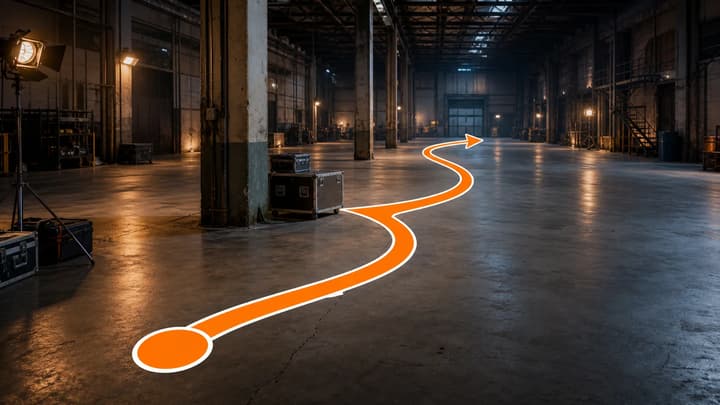
What Is a Motion Path?
Learn how motion paths work as static scene-planning references and how they differ from animation paths.
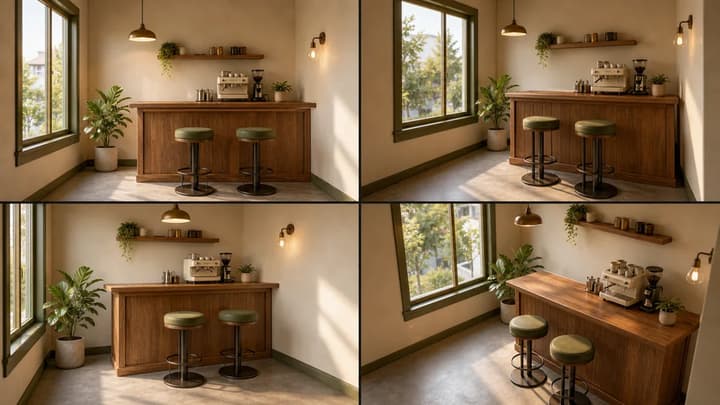
AI Scene Generator
Build consistent multi-angle references before planning movement through a location.
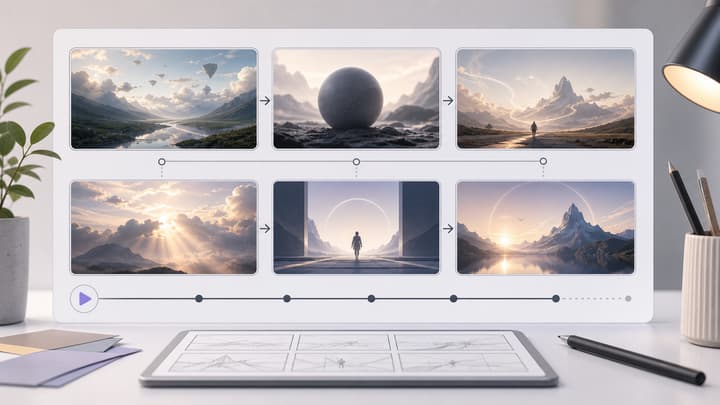
AI Storyboard Generator
Turn scene references and blocking decisions into a visual shot sequence.
Image to Video AI
Continue from a finished planning image into an image-to-video workflow.
Map the movement before production
Upload your scene references, describe the route, and create a clear motion path direction sheet.