AI Character Sheet Generator
Create AI character reference sheets from a prompt or uploaded reference image. This AI character reference sheet generator turns your brief into consistent front, side, back, portrait, outfit, prop, and detail views inside one image generation.
What You Can Create With the Character Sheet Generator
Multi-angle character views
Generate front, side, back, three-quarter, portrait, and detail studies in one organized character reference sheet, turnaround sheet, or model sheet.
Keep identity and outfit aligned
The Character Sheet format helps keep face, proportions, clothes, colors, and accessories consistent across every panel.
Design mascots and product avatars
Use the same image generator for brand mascots, app characters, game NPCs, VTuber avatars, and campaign concepts.
Plan costume, props, and close-ups
Create clean character design sheet panels for outfit details, props, material studies, facial close-ups, and production-ready visual references.
Character Sheet Prompt Examples
Use these prompt examples to create AI generated character sheets. Write a simple character brief; LumiYing organizes the result into sheet views, detail panels, and production-friendly references.
How to Generate an AI Character Sheet
Describe or upload your character
Write a concise character prompt, or upload a reference image when you already have a look you want to keep.
Create a structured character sheet
LumiYing organizes multi-angle character views, model sheet consistency, and clean panel separation from your visible prompt.
Generate and refine
Create the sheet, then adjust the visible prompt if you need stronger costume details, a different style, or cleaner proportions.
Why use a character sheet generator?
Character sheets need structure. LumiYing keeps the prompt box focused on the character while organizing the result into a production-ready reference sheet.
Cleaner prompts for creators
Users only describe the character. LumiYing adds the production prompt that asks for views, close-ups, spacing, and consistency.
Better reuse across projects
The same workflow works for game characters, mascots, animation model sheets, fashion concepts, visual reference sheets, and AI video planning.
Prompt remains editable and honest
Generation history keeps the user prompt focused on the character brief, so regenerate can restore the same workflow.
AI Character Sheet Generator FAQ
Can AI generate a character sheet?
Yes. LumiYing can generate a visual character sheet from a written prompt or reference image. The result can include consistent front, side, back, portrait, outfit, prop, and detail panels.
What is an AI character sheet generator?
It is an image-generation workflow that turns a character prompt or reference image into a structured character reference sheet with multiple views, portraits, outfit details, and prop studies.
Can I upload a reference image for a character sheet?
Yes. You can upload a reference image in the generator. Character Sheet is especially useful when you want the same identity or outfit organized into a character reference sheet or model sheet.
Is this an AI DnD character sheet generator?
No. This page creates visual character reference sheets, not RPG stat sheets. It can help visualize a DnD-style character, but it does not generate rules, stats, abilities, or spreadsheet-style character sheets.
Can I generate a character sheet without writing a prompt?
If Character Sheet is selected and you upload a reference image, LumiYing can generate even when the visible prompt is empty. Adding a short brief usually gives better results.
What is the difference between a character sheet, model sheet, and turnaround sheet?
A character sheet is the broad visual reference. A model sheet focuses on production consistency, while a turnaround sheet emphasizes front, side, and back views. LumiYing combines these ideas into one structured reference image.
Will my saved prompt stay clean?
Yes. LumiYing keeps your saved prompt focused on the character brief while regeneration can restore the same workflow.
Related Tools and Resources
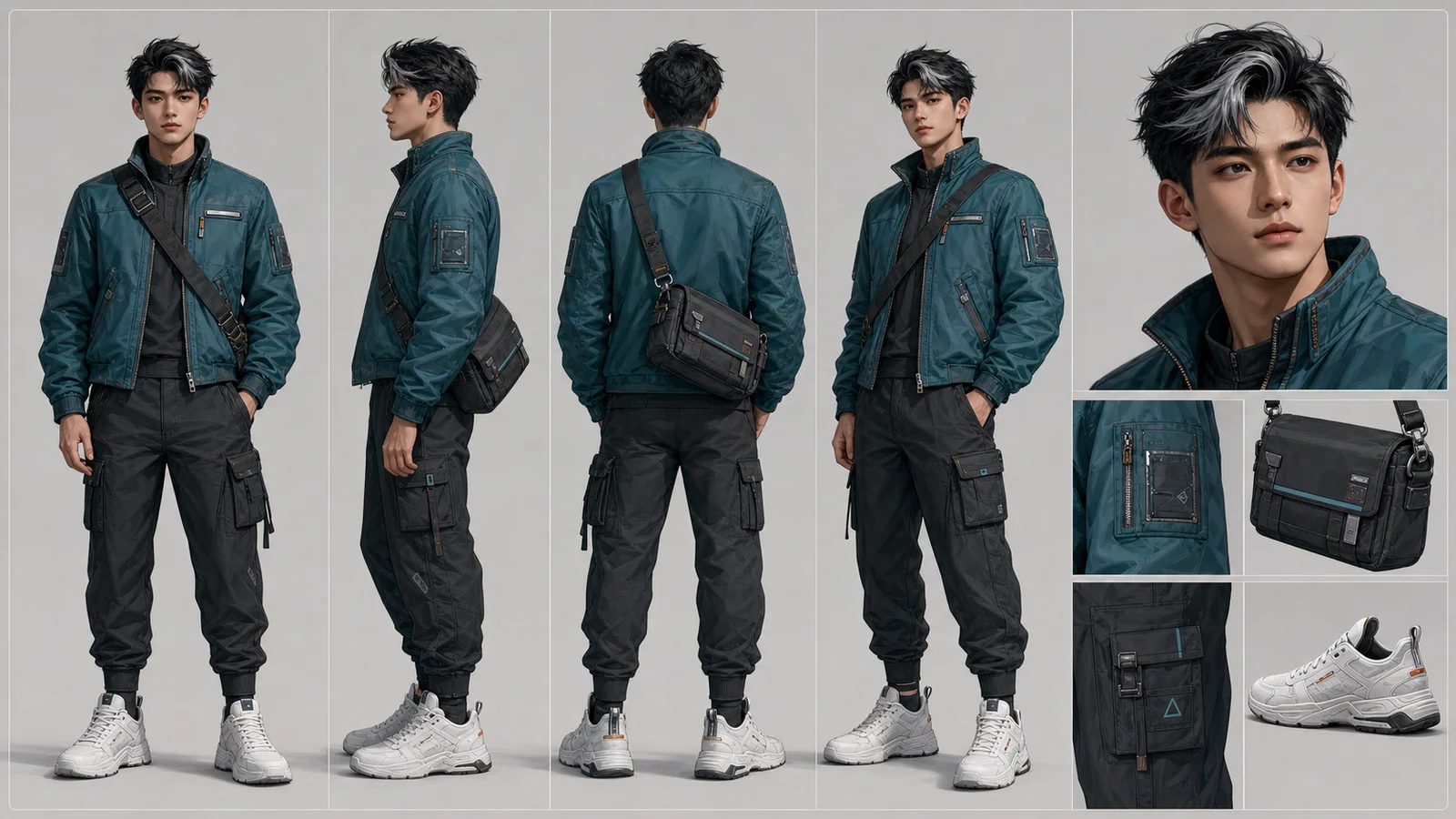
Character Reference Sheet Guide
Plan character views, expressions, outfit details, and reusable visual rules.
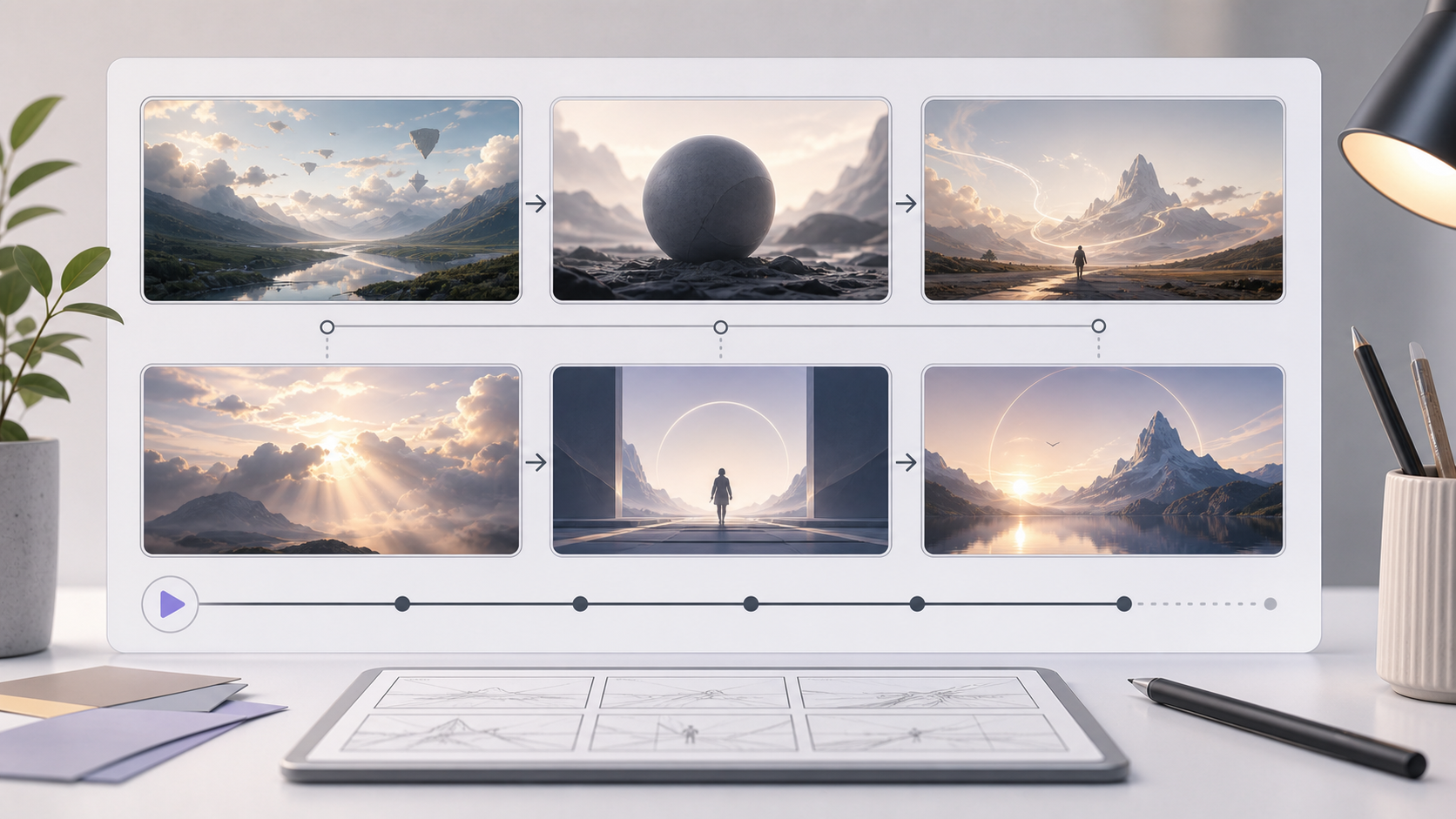
AI Storyboard Generator
Turn a scene or campaign idea into a multi-panel storyboard sheet.
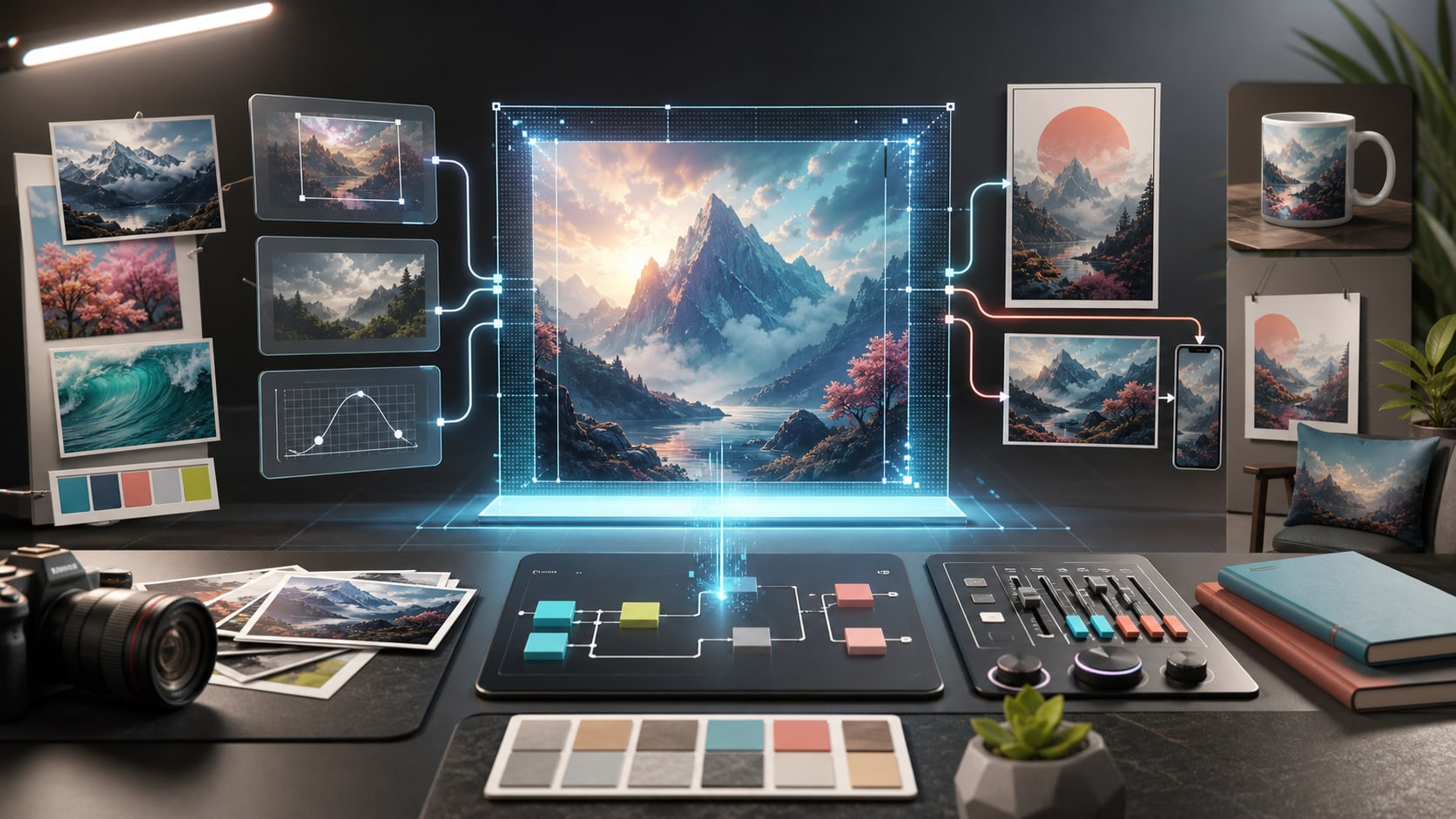
GPT Image 2 Tutorial
Learn prompts, reference images, settings, and iteration for LumiYing image generation.
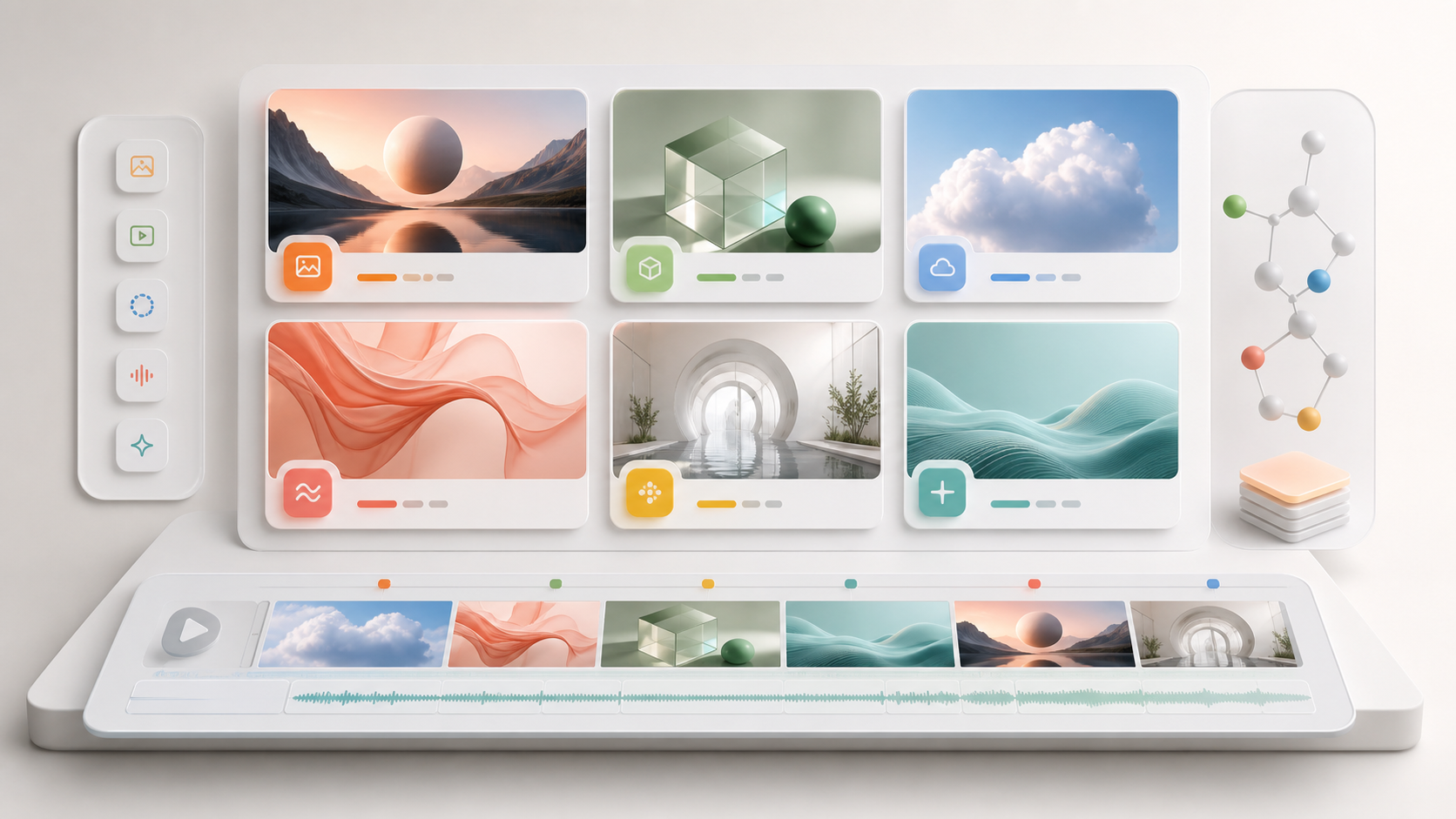
AI Models
Compare the image and video models available in LumiYing.
Create your next character sheet
Open the generator with Character Sheet already selected and start from a prompt or reference image.