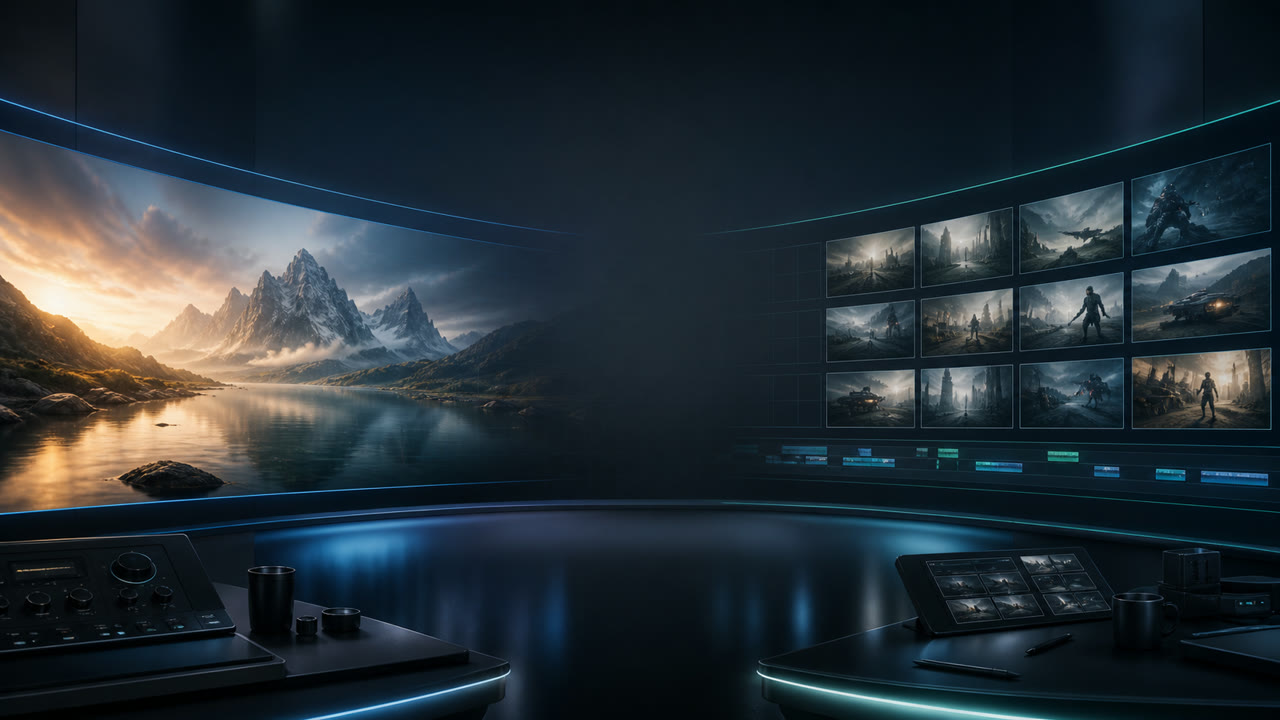
Seedance 2.0 vs Seedance 2.0 Mini
Seedance 2.0 Mini is the low-cost companion to Seedance 2.0 for quick 720P drafts, ad testing, ecommerce concepts, and prompt exploration.
LumiYingUpdated
Use Mini to test more ideas; use Seedance 2.0 for final-quality work
The practical split is simple: Mini helps you explore faster, while Seedance 2.0 is better for polished output.
Choose Seedance 2.0
For higher-stakes output, final delivery, stronger model quality, and workflows where resolution and reliability matter most.
Choose Seedance 2.0 Mini
For low-cost drafts, ecommerce concepts, social ad hooks, UGC ideas, product shots, storyboards, and prompt testing.
Use them together
Screen many concepts with Mini, then move the winners into Seedance 2.0 for final rendering.
Seedance 2.0 vs Mini comparison
A workflow comparison for choosing the right model before you generate.
How to plan the workflow
Use the model that matches the stage of the creative process.
Where each model fits
Choose based on whether you need more attempts or stronger final output.
Testing many ad hooks or product scenes
Seedance 2.0 MiniMini is built for faster, lower-cost draft exploration before committing to a final direction.
Final brand or client-facing render
Seedance 2.0Use the standard model path when quality, delivery confidence, and final polish matter most.
Prompt A/B testing
Seedance 2.0 MiniGenerate more prompt variants, then keep only the concepts that deserve final rendering.
Budget-sensitive creative screening
Seedance 2.0 MiniMini keeps early exploration lightweight for social, ecommerce, and UGC-style workflows.
Plan the right production path
Keep Mini focused on exploration and Seedance 2.0 focused on polished output.
Draft first
Use Mini to explore concepts quickly before spending time on a final render.
Polish selectively
Move only the strongest Mini concepts into Seedance 2.0 or another final-render workflow.
Start with Mini
Open Mini on LumiYing when you need lower-cost drafts and quick variants.
Keep delivery practical
For client or brand output, choose the model path that matches the quality bar.
Mini is the draft engine; Seedance 2.0 is the safer final path
Seedance 2.0 Mini is best for teams that need more attempts, faster screening, and lower-cost creative exploration.
Seedance 2.0 remains the better choice when output quality, final delivery, and production confidence matter more than attempt volume.
Seedance 2.0 vs Mini questions
Is Seedance 2.0 Mini the same as Seedance 2.0?
No. Mini is the lightweight draft option in the Seedance 2.0 family, while Seedance 2.0 is the stronger standard model path.
Should I use Mini for final delivery?
Use Mini for exploration and draft review. Use Seedance 2.0 when the output needs stronger polish or client-facing quality.
What is Mini best for?
Ad hooks, ecommerce shots, UGC concepts, social drafts, storyboards, prompt tests, and early creative screening.
How do I use Mini?
Open the Seedance 2.0 Mini page on LumiYing and start the 720P draft workflow.
Try the draft-to-final workflow
Open Mini for lower-cost draft generation, or open Seedance 2.0 for the current standard workflow.