Generador de storyboards con IA
Usa un generador de storyboard con IA y un flujo de creador de storyboard para crear hojas de storyboard cinematográficas para anuncios, demos de producto, cortometrajes, contenido social y planificación de video. LumiYing convierte un resumen simple en una cuadrícula limpia de tomas visuales.
Qué puedes crear con el generador de storyboard
Planear anuncios de video antes de la producción
Convierte una idea de producto o campaña en paneles de storyboard espaciados de manera uniforme con una progresión clara de tomas.
Visualiza las acciones y los momentos de la escena
Usa ángulos de cámara variados, un estado de ánimo consistente y un flujo de panel claro para cortometrajes, tráileres y escenas animadas.
Mostrar momentos del producto toma por toma
La función de storyboard revela primeros planos, escenas de estilo de vida y tomas finales del producto para los lanzamientos.
Convertir ideas preliminares en planes visuales
Usa el flujo de storyboard como un puente rápido entre escribir prompts, generar imágenes y producir video.
Ejemplos de storyboard
Escribe los beats de la historia; LumiYing organiza paneles, espaciado, continuidad visual y una lista de tomas aproximada en una hoja de storyboard.
Cómo hacer un storyboard con IA
Describe la secuencia o lista de tomas
Escribe los puntos de la historia, los momentos del producto, el estilo de cámara, el estado de ánimo, el número de paneles y la dirección visual que quieres ver.
Crea una hoja de storyboard estructurada
LumiYing organiza paneles limpios, variedad de tomas, estilo consistente, flujo visual y una estructura similar a una plantilla de storyboard a partir de tu resumen.
Generar y refinar
Revisa la hoja del storyboard, luego revisa el número de paneles, el ritmo, los ángulos de cámara, la iluminación o el estilo para crear un storyboard que se ajuste mejor a tu plan de video.
¿Por qué usar un creador de storyboards con IA?
Un storyboard le da a los creadores un plan visual rápido antes de gastar tiempo o presupuesto en la generación de video, filmación, animación o revisión del cliente. LumiYing funciona como un creador de storyboards con IA en lugar de una plantilla de storyboard en blanco.
Planificación visual más rápida
Pasa de una idea de campaña o escena aproximada a un plan de tomas estructurado en una sola generación de imágenes, sin crear un storyboard manualmente.
Mejor comunicación
Utiliza la hoja de storyboard para alinear a los clientes, editores, diseñadores y equipos de video sobre el ritmo, la composición, los ángulos de cámara y las decisiones de la lista de tomas.
Flujo de trabajo de indicaciones más limpio
El flujo de storyboard mantiene las reglas de panel fuera del cuadro de prompt, para que el prompt del usuario se centre en la narrativa y las ideas de tomas.
Preguntas frecuentes sobre el generador de storyboards de IA
¿Qué es un generador de storyboards con IA?
Es un flujo de trabajo de generación de imágenes que convierte una escena, anuncio o idea de video en una hoja de storyboard de varios paneles con estilo, espaciado y progresión visual de tomas consistentes.
¿Cómo hago un storyboard con IA?
Describe los beats de la historia, ángulos de cámara, ambiente y cantidad de paneles, y luego genera con Storyboard seleccionado en LumiYing. Tu resumen se convierte en una hoja visual de storyboard limpia.
¿Cómo crear un storyboard para una película, anuncio o video de producto?
Comienza con los momentos clave: plano inicial, momentos de acción, primeros planos, planos de reacción y la imagen final. Luego, LumiYing convierte esos momentos en una cuadrícula al estilo de creador de storyboard que puedes refinar antes de la producción del video.
¿Esto es diferente de una plantilla de storyboard?
Sí. Las plantillas tradicionales de storyboard dan paneles en blanco o un PDF. LumiYing genera los paneles visuales desde tu prompt y conserva una estructura de hoja de storyboard.
¿Hay un generador de storyboards de IA gratuito?
Puedes explorar ejemplos de storyboards y escribir indicaciones libremente, pero la generación real en LumiYing puede requerir una cuenta y créditos según tu plan. Evitamos llamar al generador completamente gratuito porque eso sería engañoso.
¿Puedo elegir el número de paneles?
Sí. Incluye una cantidad de paneles como 4-panel, 6-panel, 8-panel o 3x3 grid en tu prompt. Si no especificas una, LumiYing elige una cantidad adaptativa.
¿Puedo usarlo antes de la generación de video con IA?
Sí. Una hoja de storyboard es útil para la planificación de videos antes de crear los clips de video, especialmente cuando necesitas el orden de las tomas, el ambiente, los ángulos de cámara o una lista visual de tomas aprobada primero.
¿Puede la inteligencia artificial generar storyboards animados?
Esta herramienta crea imágenes fijas de storyboard. Puedes usar el storyboard como recurso de planificación antes de generar videos, pero no anima los paneles por sí sola.
¿Aparecerán instrucciones extra de storyboard en mi prompt guardado?
No. Tu historial de generación mantiene el prompt visible centrado en la narrativa y las ideas de tomas.
Herramientas y Recursos Relacionados
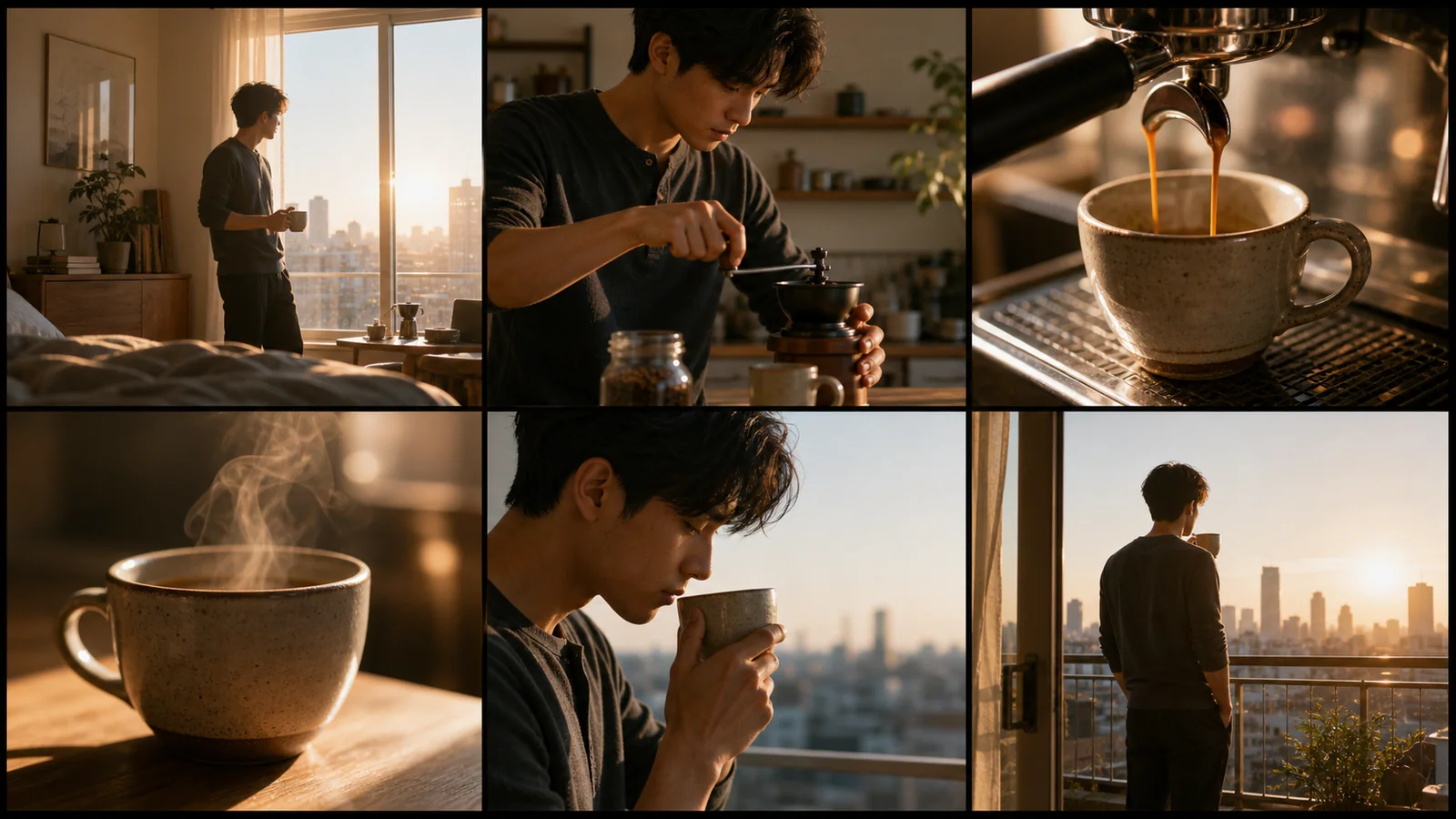
AI Storyboard Generator desde guion
Divide el guion en puntos visuales, cantidad de paneles y prompts de plano antes de generar.
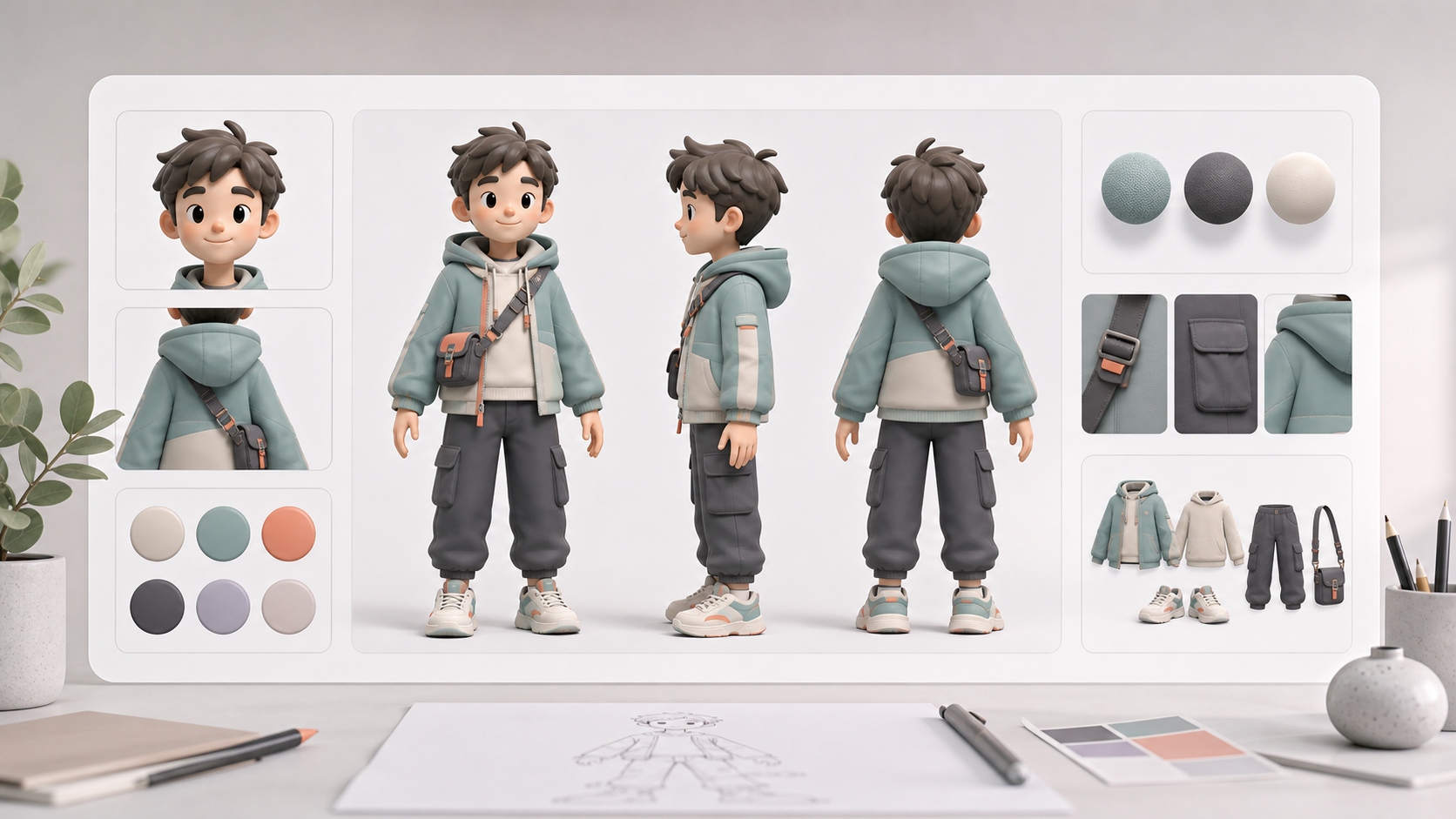
Generador de fichas de personaje con IA
Crea hojas de referencia de personajes consistentes para la planificación visual y los flujos de trabajo de video.
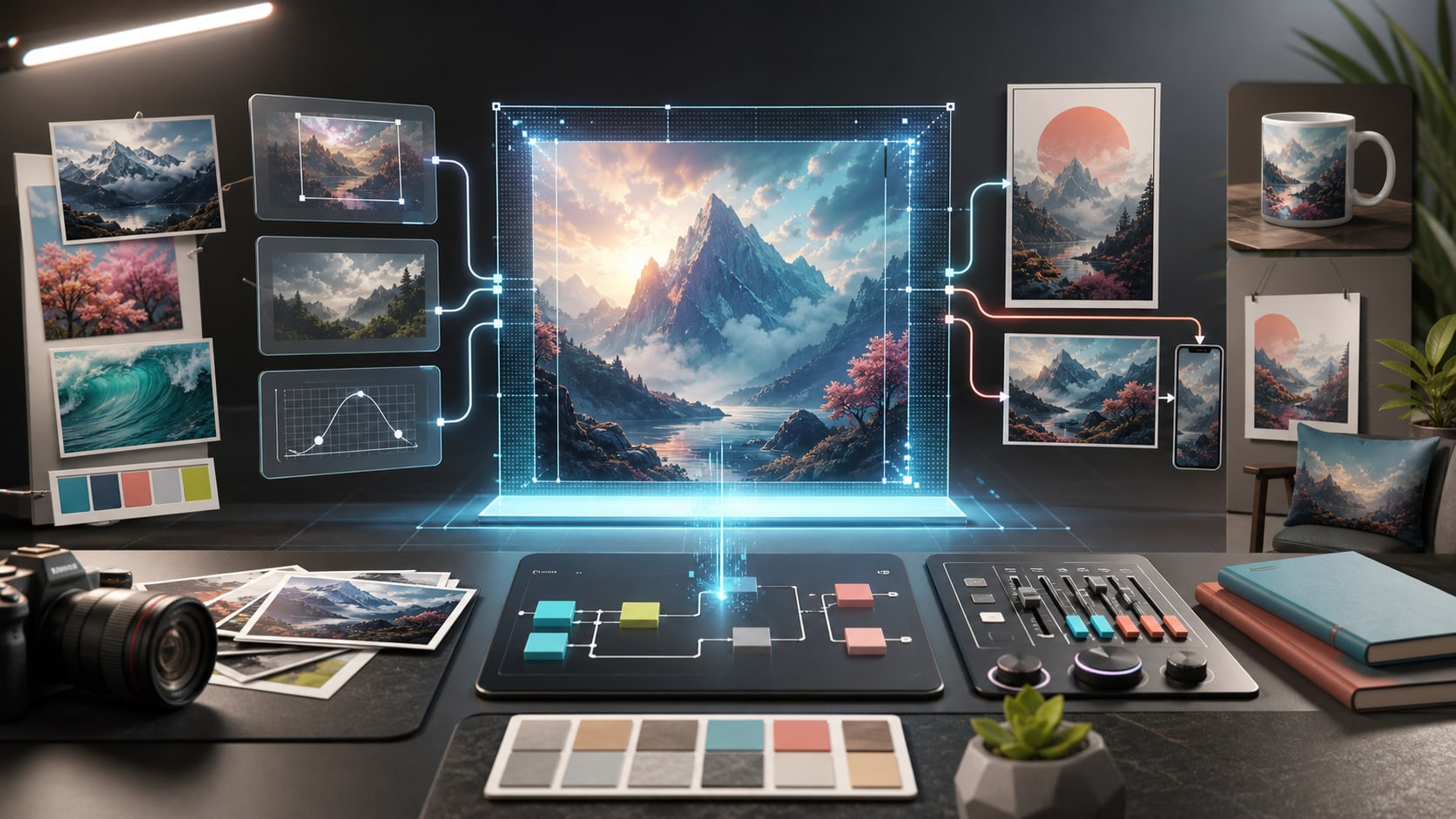
Tutorial de GPT Image 2
Aprende a escribir mejores indicaciones de imagen y a iterar dentro de LumiYing.
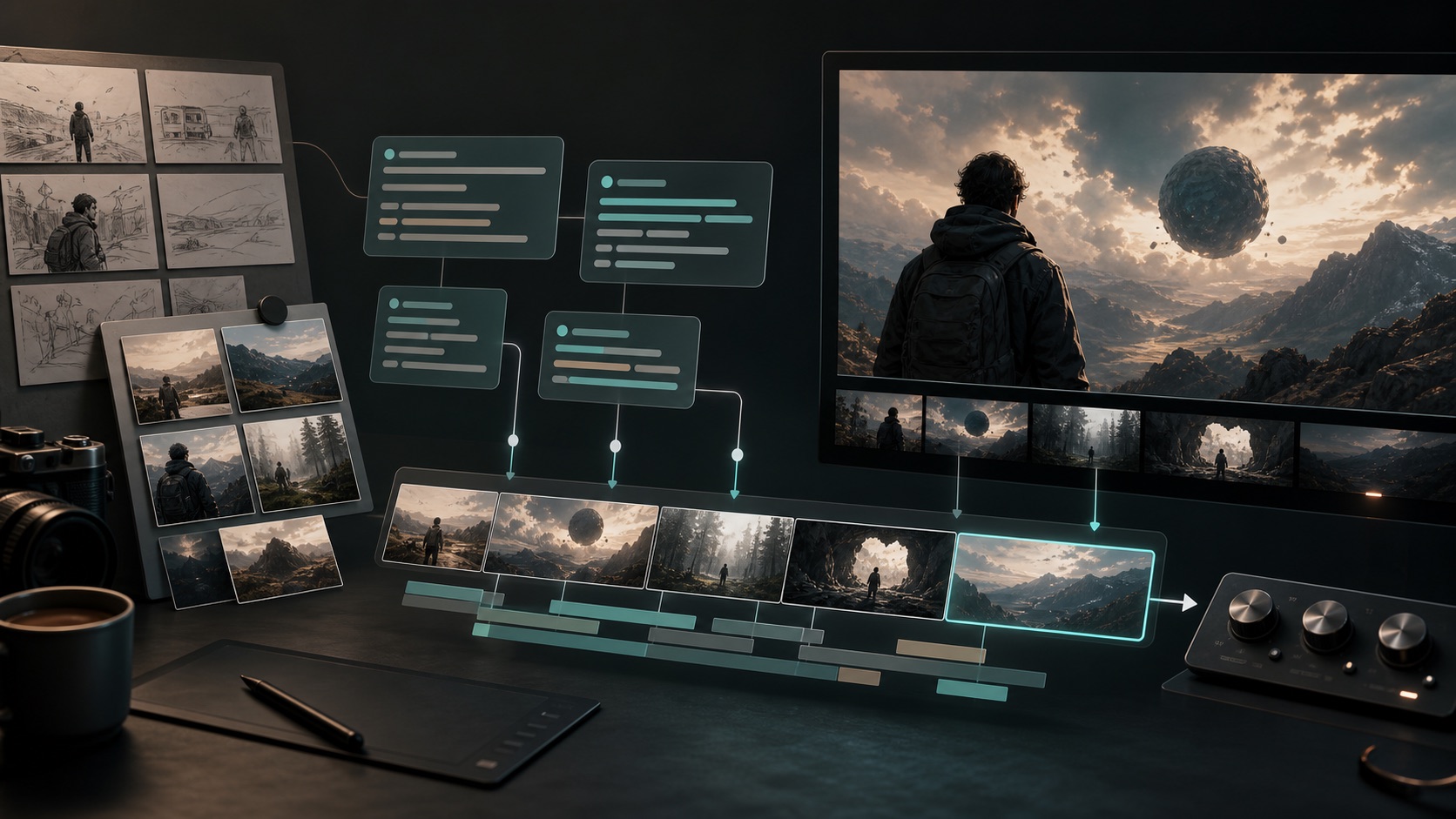
Tutorial de Seedance 2.0
Primero planifica las ideas visuales, luego convierte las escenas seleccionadas en clips de video.
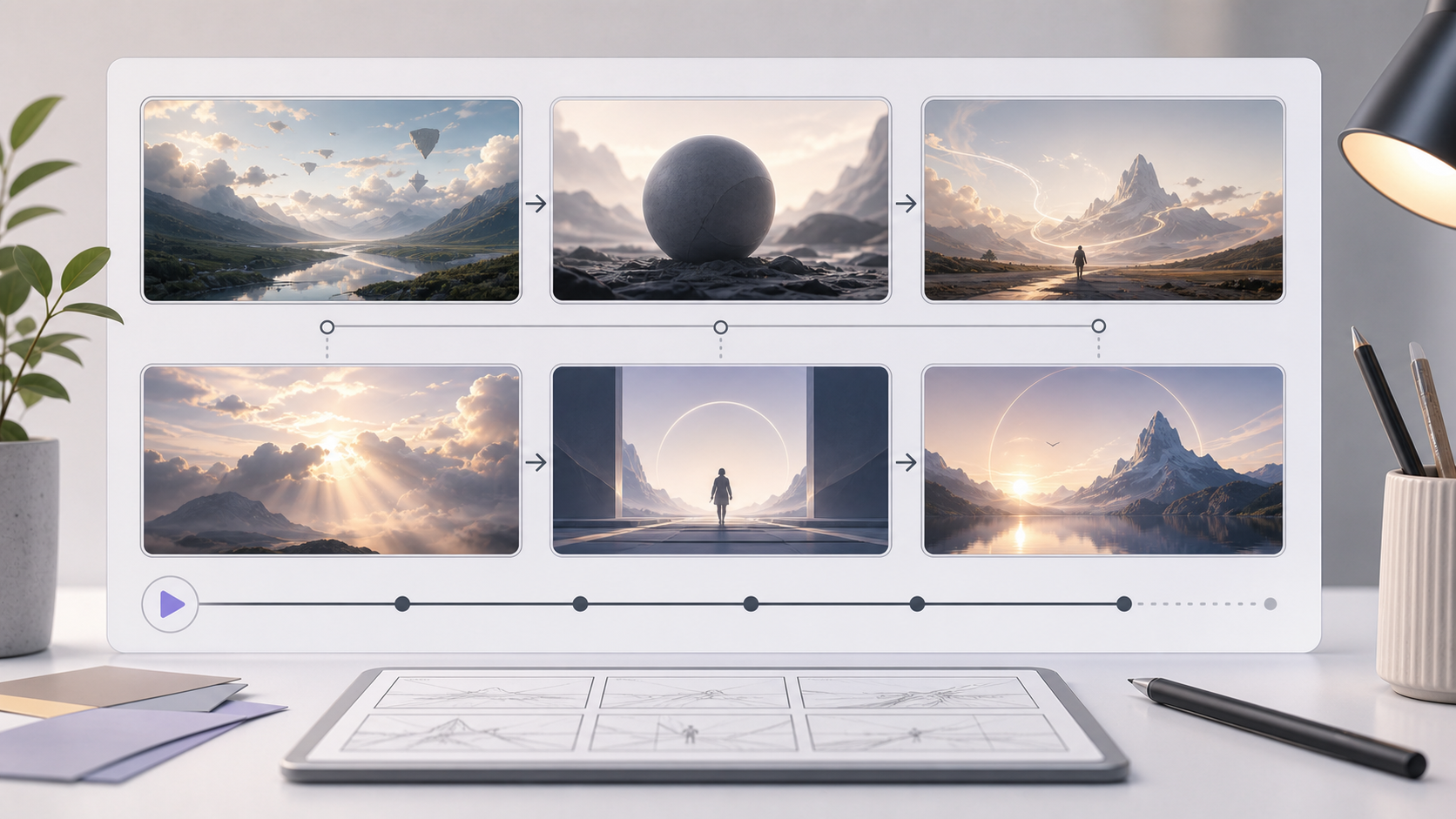
Plantilla de storyboard vs Creador de storyboard AI
Usa el generador de storyboard con IA cuando quieras paneles visuales generados en lugar de una plantilla de storyboard en blanco.
Crea tu hoja de storyboard
Abre el generador con Storyboard ya seleccionado y convierte tu próxima escena en un plan visual.