레퍼런스 투 비디오 AI 생성기
이미지·비디오·오디오로 새 장면을 안내하세요. 각 자료에 캐릭터, 제품, 장면, 움직임, 카메라 또는 리듬 역할을 지정하고 결과를 검토합니다.
Reference-to-Video AI란?
이미지·비디오·오디오 결합
이미지는 외형, 영상은 움직임이나 카메라, 오디오는 속도와 리듬을 안내합니다. 프롬프트가 새 장면을 정의합니다.
@로 자료 역할 지정
업로드 자료를 언급하고 캐릭터, 의상, 제품, 장면, 움직임, 카메라, 리듬 중 무엇을 제어하는지 적습니다.
캐릭터와 제품을 새 장면으로
선명하고 호환되는 자료는 알아볼 수 있는 특징 유지에 도움을 줍니다. 생성 결과는 반드시 검토하세요.
Reference to Video 예시
캐릭터 시트 하나로 일관된 세 장면을 만들고, 걷는 영상을 동작 참조로 재사용한 예시입니다.
캐릭터 시트 → 스토리보드 → 세 장면
배달원이 빵집에 들어가 봉투를 들고 다시 빗속으로 나갑니다. 각 장면은 해당 스토리보드 컷에서 시작합니다.
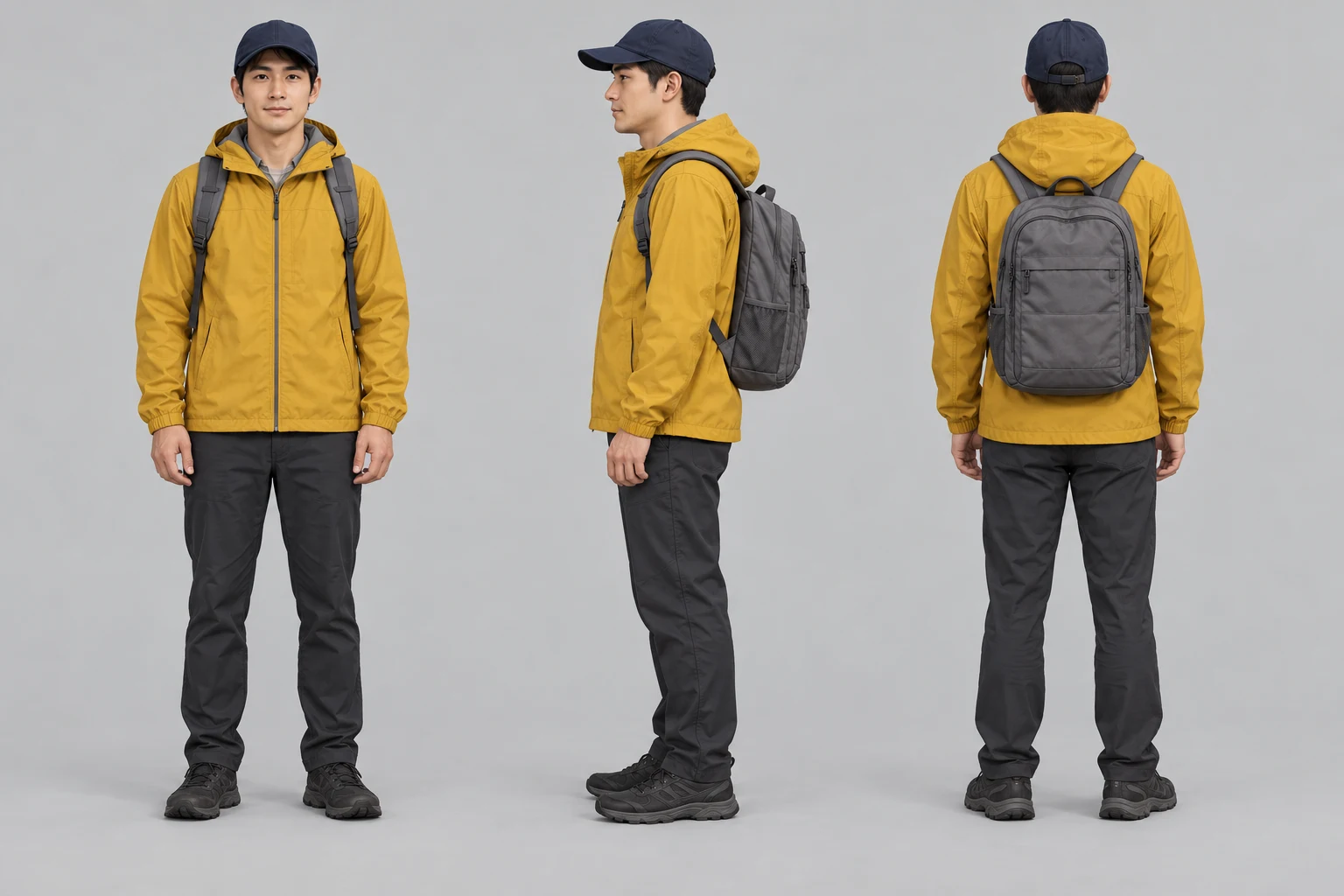
배달원 캐릭터 시트
정면, 측면, 후면을 인물 참조로 사용합니다.
프롬프트
Use case: illustration-story. Create one landscape character turnaround sheet with three equally sized full-body views of the SAME original fictional adult courier: front, side profile, back, arranged left to right on a neutral light-grey background. Adult approximately 30, clean-shaven oval face, short black hair, brown eyes, understated realistic illustrated cinematic style. Identical mustard-yellow hooded rain jacket with hood down, plain navy baseball cap, medium grey backpack with two shoulder straps, dark charcoal trousers and dark shoes in all views. Front view shows the same backpack straps; side and back show the grey backpack. Relaxed standing pose, consistent proportions and soft neutral lighting, enough space around all three complete silhouettes. No text, panel labels, logos or watermarks. This is an identity reference for a three-shot bakery sequence.
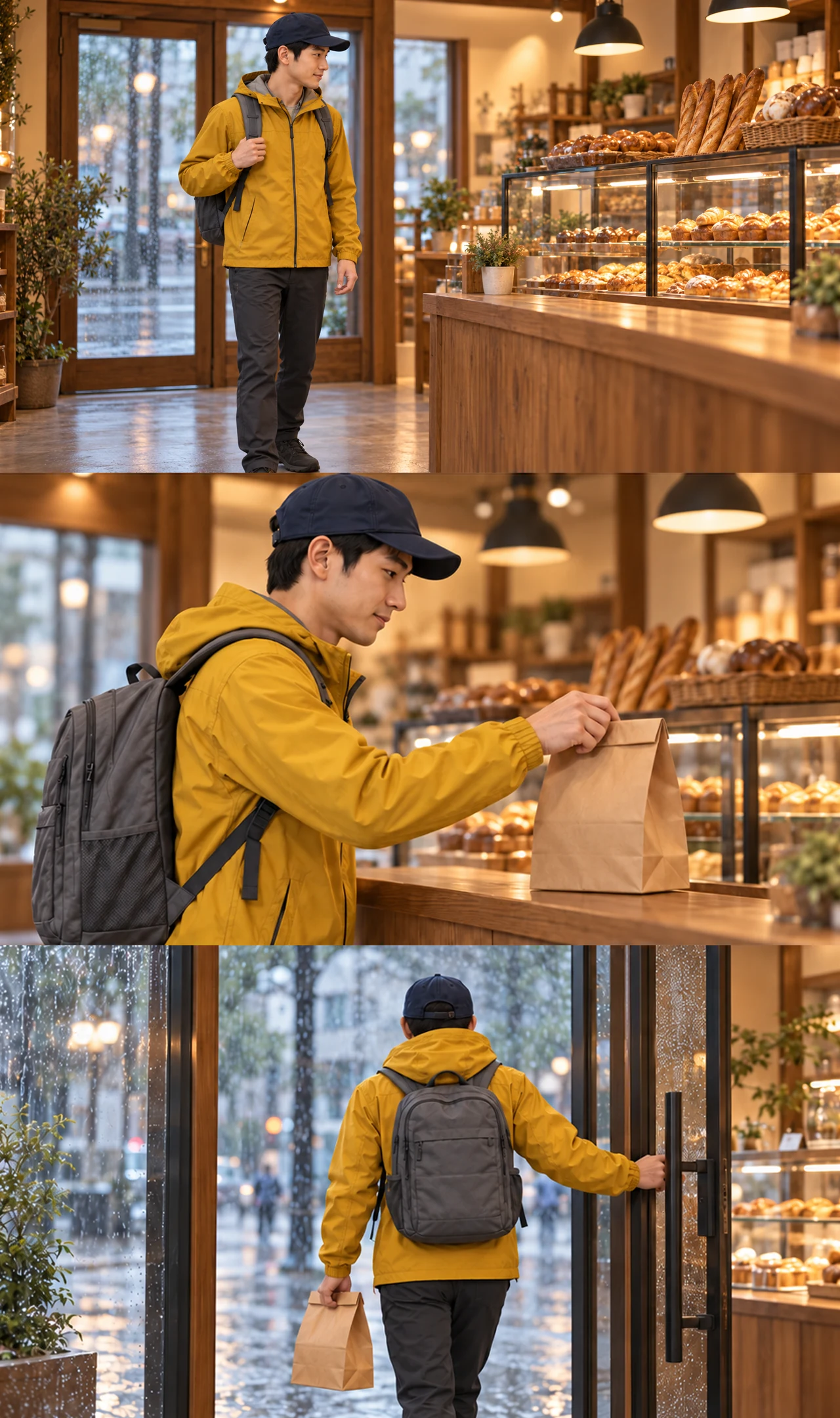
빵집 스토리보드
입장, 봉투 들기, 퇴장의 세 컷.
프롬프트
Normalize only image edges to exact 16:9, then rebuild storyboard from new shot 1 and existing shot 2/3; no generative edits.
카운터로 걷기
입구에서 들어와 카운터로 향합니다.
프롬프트
Medium-wide shot, eye level, warm tungsten bakery lighting, rain visible through the closed glass door behind him. The courier walks from the entrance toward the bakery counter on the right, glancing at the pastries. The glass door behind him stays closed and still. Natural walking motion, stable camera, cinematic, realistic.
종이봉투 들기
카운터에서 봉투를 듭니다. 얼굴과 옷차림이 일관됩니다.
프롬프트
Close-up, eye level, warm tungsten bakery lighting, shallow depth of field, stable camera, cinematic photorealism. The courier picks up the plain brown paper bag from the wooden counter with a natural hand movement. Keep the courier's face, mustard rain jacket, navy cap and grey backpack consistent with the first frame. Preserve the bag's folded top, size and shape, and the same bakery background.
빗속으로 나가기
봉투를 들고 나갑니다. 아래 동작 참조로도 사용합니다.
프롬프트
Medium shot from inside the bakery, eye level, warm tungsten interior lighting contrasting with the cool rainy street, stable camera, cinematic photorealism. The courier turns and walks back out through the glass door into the rain, carrying the same plain brown paper bag. Natural walking motion. Keep the courier's face, mustard rain jacket, navy cap and grey backpack consistent with the first frame. Preserve the bakery layout, glass door geometry, and the bag's size and folded top.
수동 작업
- 스토리보드를 컷별로 자릅니다.
- 연속성이 깨진 장면은 다시 생성합니다.
- 클립은 직접 쓰는 영상 편집기에서 이어 붙입니다.
동작 참조: 배달원 걸음 → 여우
여우 이미지는 외형을, 배달원 영상은 걸음과 카메라를 정합니다.
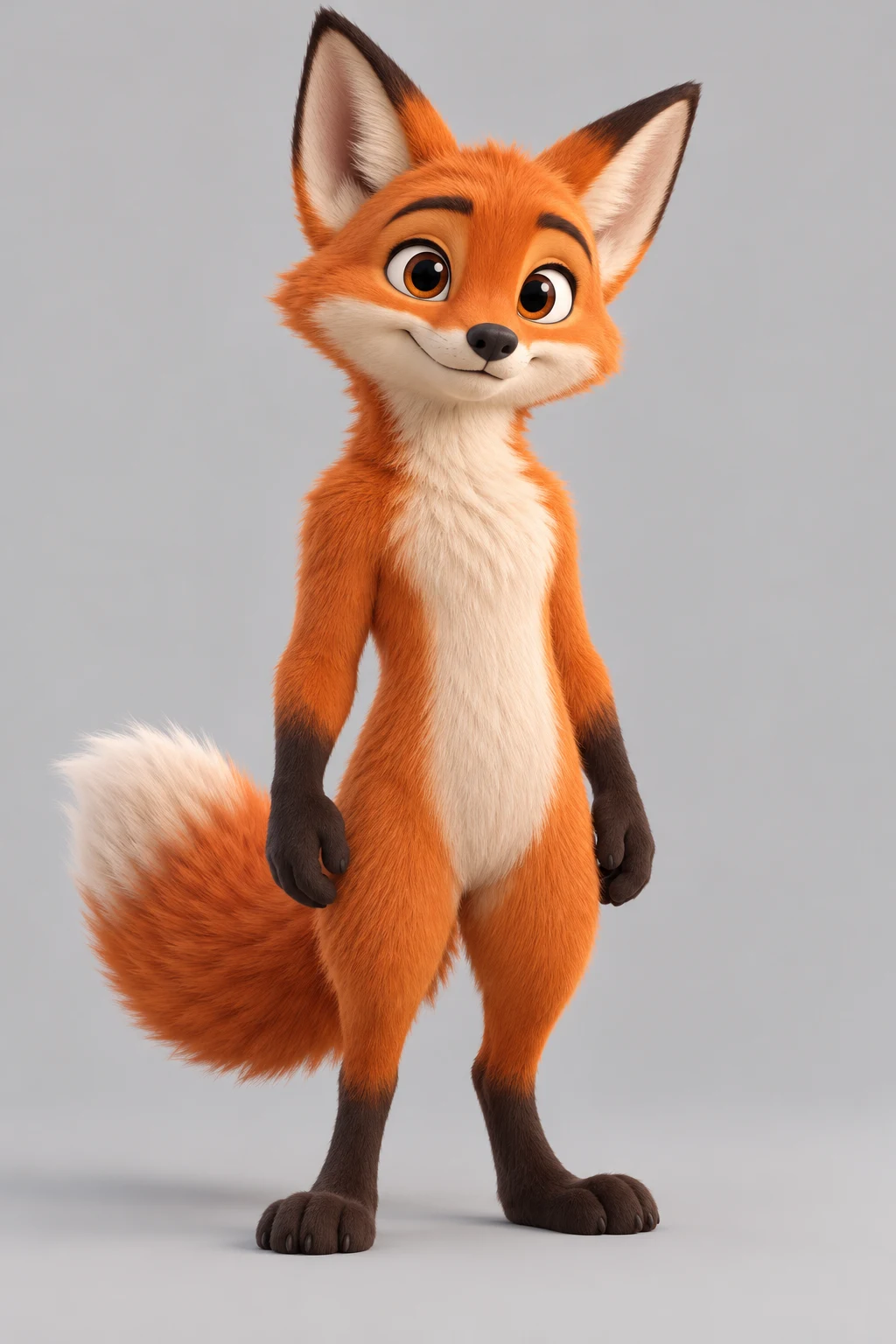
여우 캐릭터
여우의 외형과 비율을 정합니다.
프롬프트
Use case: stylized-concept. Create one original stylized 3D cartoon fox character standing upright on two feet in a relaxed neutral pose, full body entirely visible including ears, both paws, both feet and fluffy tail. Orange fur, cream muzzle and chest, dark small paws and feet, expressive friendly face, balanced clear silhouette. Plain light-grey studio background, soft even studio lighting, high-quality 3D animated-film rendering. No clothing, props, text, logo, watermark or other characters. This is a character source image for a later motion-reference animation test.
빗속으로 나가기
봉투를 들고 나갑니다. 아래 동작 참조로도 사용합니다.
결과: 걷는 여우
여우가 배달원처럼 두 발로 걷습니다. 전체 움직임을 따르며 걸음마다 일치하지는 않습니다.
프롬프트
The upright cartoon fox from the reference image walks on two legs exactly like the person in the reference video, with the same walking rhythm and camera movement, on a simple rainy street. Keep the fox standing upright with the same colors and body proportions as the reference image; it does not drop to four legs.
레퍼런스로 영상 생성하기
호환되는 자료 선택
선명한 이미지, 짧은 동작 영상, 목적이 분명한 오디오를 선택하고 중복되거나 충돌하는 자료는 제거합니다.
역할과 새 장면 설명
@로 각 자료의 역할을 밝히고 새 동작, 환경, 카메라, 조명, 분위기를 정의합니다.
생성 후 변수 하나 수정
정체성, 형태, 움직임, 카메라, 리듬, 결함을 검토하고 유용한 부분은 고정한 채 한 항목만 바꿉니다.
멀티모달 레퍼런스 워크플로를 사용하는 이유
멀티모달 흐름은 각 자료에 실용적인 임무를 줍니다. 생성 후에는 중요한 세부 사항을 검토해야 합니다.
한 장의 이미지보다 많은 제어
외형, 움직임, 카메라, 리듬에 별도 단서를 제공합니다.
더 명확한 지시
@ 언급은 각 시각·시간 결정을 어떤 자료가 안내하는지 보여 줍니다.
절대 보장 없는 유용한 연속성
레퍼런스는 특징 유지에 도움을 주지만 결과는 생성형입니다.
비교 가능한 반복
변수 하나씩 바꾸면 무엇이 장면을 개선했는지 알 수 있습니다.
Reference to Video AI FAQ
Reference to Video AI란?
이미지, 비디오, 오디오를 지침으로 사용하고 프롬프트에서 새 장면을 생성하는 영상 워크플로입니다.
어떤 미디어를 사용할 수 있나요?
지원되는 경우 이미지, 영상, 오디오 참조를 사용할 수 있습니다. 업로드 한도는 선택한 모델에 맞춰 생성기에 표시됩니다.
@ 역할은 어떻게 쓰나요?
자료를 @로 언급하고 캐릭터 외형, 제품 형태, 카메라, 리듬처럼 한 가지 책임을 명확히 적습니다.
캐릭터나 제품을 일관되게 유지하나요?
깨끗한 자료는 특징 유지에 도움을 줄 수 있지만 완벽한 정체성이나 기하 형태를 보장하지 않습니다.
Image to Video와 무엇이 다른가요?
Image to Video는 보통 시작 이미지 하나를 움직이고, Reference to Video는 여러 이미지와 영상 움직임, 오디오 타이밍을 결합합니다.
Video to Video와 무엇이 다른가요?
Video to Video는 원본 클립의 타임라인을 변환하지만 여기서는 클립이 움직임이나 카메라만 안내할 수 있습니다.
레퍼런스가 충돌하면 어떻게 하나요?
중요도가 낮은 자료를 빼고 남은 자료마다 역할 하나를 지정한 뒤 변수 하나만 바꿔 다시 생성합니다.
생성 결과는 어떻게 검토하나요?
캐릭터, 제품 형태, 움직임, 카메라, 리듬, 시각적 오류를 확인하고 한 번에 변수 하나만 바꾸세요.
AI 영상 워크플로 계속하기
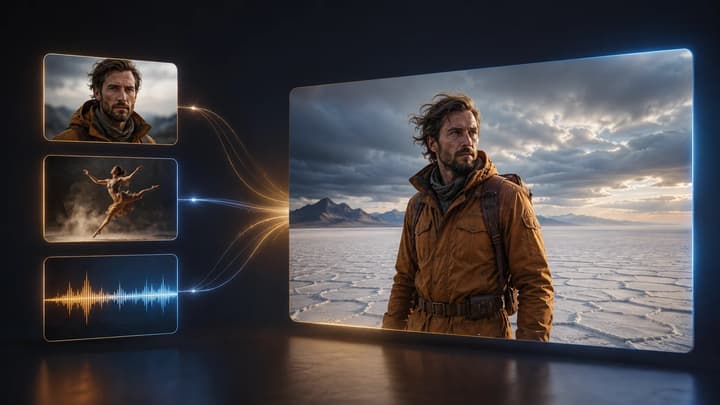
Reference to Video AI 사용법
역할 지정, 충돌 방지, 프롬프트, 반복 과정을 확인하세요.
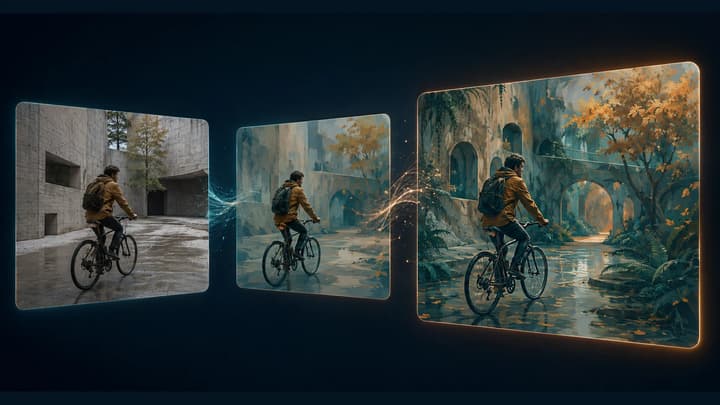
Video to Video AI 생성기
기존 영상을 AI로 편집하세요. 클립을 올리고 유지할 요소와 바꿀 요소를 설명해 새로운 스타일, 조명, 배경을 시도할 수 있습니다.
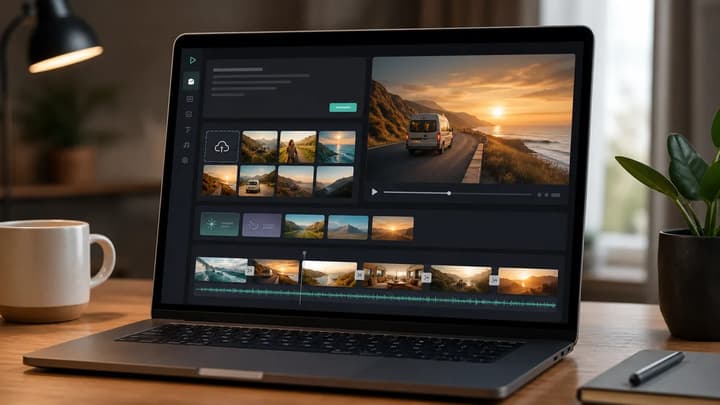
AI 비디오 생성기
입력 방식을 정하지 않았다면 일반 영상 작업 공간을 사용하세요.
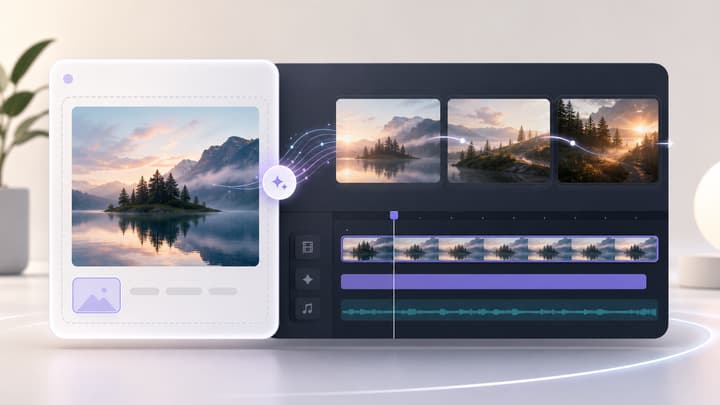
Image to Video AI
멀티모달 세트가 필요 없을 때 이미지 하나를 움직이세요.
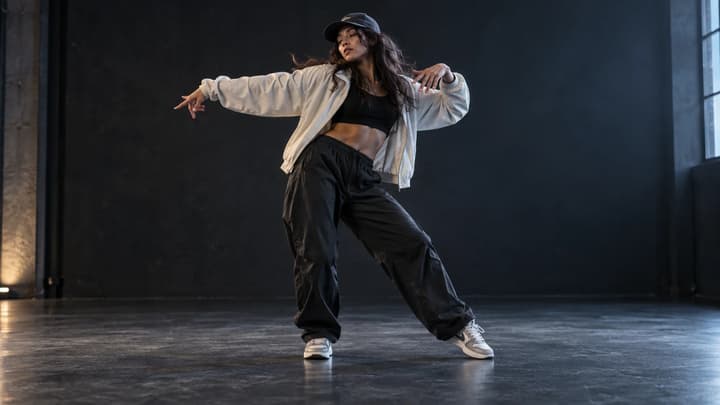
AI 댄스 생성기
인물 또는 캐릭터 사진을 올린 후 댄스 템플릿이나 직접 준비한 동작 영상을 선택하세요. 댄스 영상을 생성하고 공유 전에 움직임을 확인하세요.
AI로 동영상을 연장하는 방법
원본 준비, 후속 장면 프롬프트 작성, 설정 선택, 결과 확인까지. 실용적인 예시로 AI 동영상 연장 방법을 알아보세요.

요금
이용 가능한 플랜을 확인하세요.