How to Make a Mascot with AI
Build a recognizable digital mascot, from the first brief to new poses. Choose defining features, use a reference and check the PNG at its intended size.
LumiYingUpdated
Decide what your mascot should do
Give it a role
Choose where it will appear and what it helps communicate. A welcome, a useful hint and a celebration call for different body gestures.
Choose identifying features
Write down the body shape, main color areas, face and one accessory. These give you concrete comparison points for later poses.
Choose a visual language
Pick flat illustration, a rendered 3D look or another clear direction. Use the same palette and rendering language across a character collection.
From the first brief to a reusable mascot
Write a small character brief
Name the audience and the character's job. Choose a subject and two personality traits, then specify the main colors and an identifying accessory. Decide which pose the first image needs.
Prepare a reference when you have one
Choose a clear image or sketch showing the face, body and important accessories. Upload it in the first field. Keep a copy for comparison. Leave the field empty when exploring an original character from text.
Describe one complete pose
Write the appearance, illustration style and physical action. Ask for the full character with margin and a transparent background. Explain how a hand holds a prop or where the character points. Include lettering only when it serves the design.
Choose the frame and generate
Use square for a flexible first concept or a portrait ratio for a tall figure. Start at 1K, and select 2K or 4K when the destination needs more pixels. Review the credit quote and generate one image.
Inspect identity and silhouette
Compare the face, markings, color areas and accessories with the brief or reference. Check hands, feet, ears and held objects. Make a small preview at the intended display size and simplify details that disappear.
Use the accepted character for a new action
Upload the accepted image as the reference. Repeat its identifying features and describe one changed pose or expression. Use Re-edit to restore the original inputs when refining a result. Compare the two images at a similar visual scale.
Prepare the PNG for its destination
Open the downloaded PNG over light and dark backgrounds to inspect transparency and the edge. Save a master and a resized working copy. Keep the accepted reference, prompt and color notes together for the next design or video step.
Choose settings for the character
Six ways to judge a mascot concept
These original AI-generated concepts show possible directions on light backgrounds. The pose-change examples load their matching character reference.
Product guide
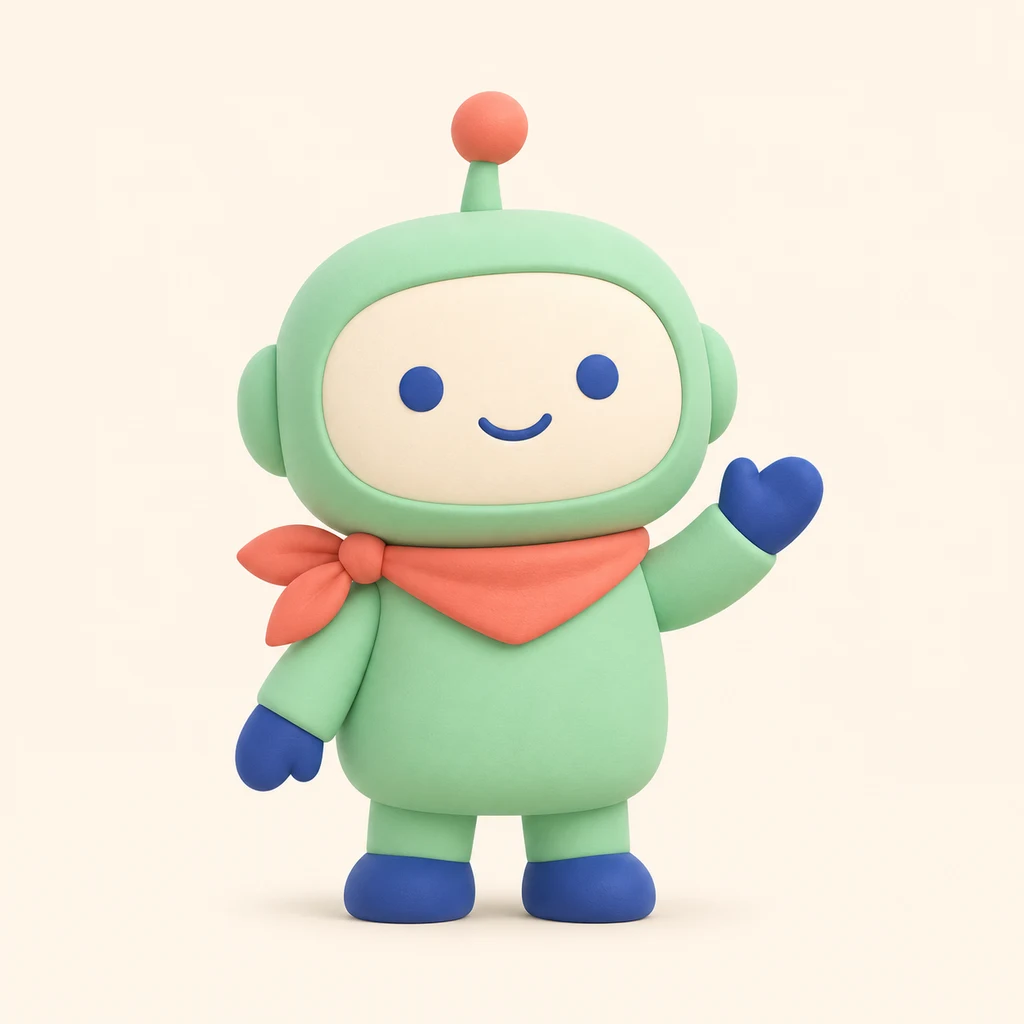
One friendly mint robot with an ivory oval face, cobalt eyes, hands and feet, a coral-tipped antenna and coral neckerchief tied on its left side. Full body, waving, matte 3D style, transparent background. No text.
The ivory face panel, coral scarf and cobalt hands make clear comparison points. Check the antenna and both feet at the canvas edges. In a small preview, the face should remain readable before you add finer surface detail.
Load this exampleGaming community
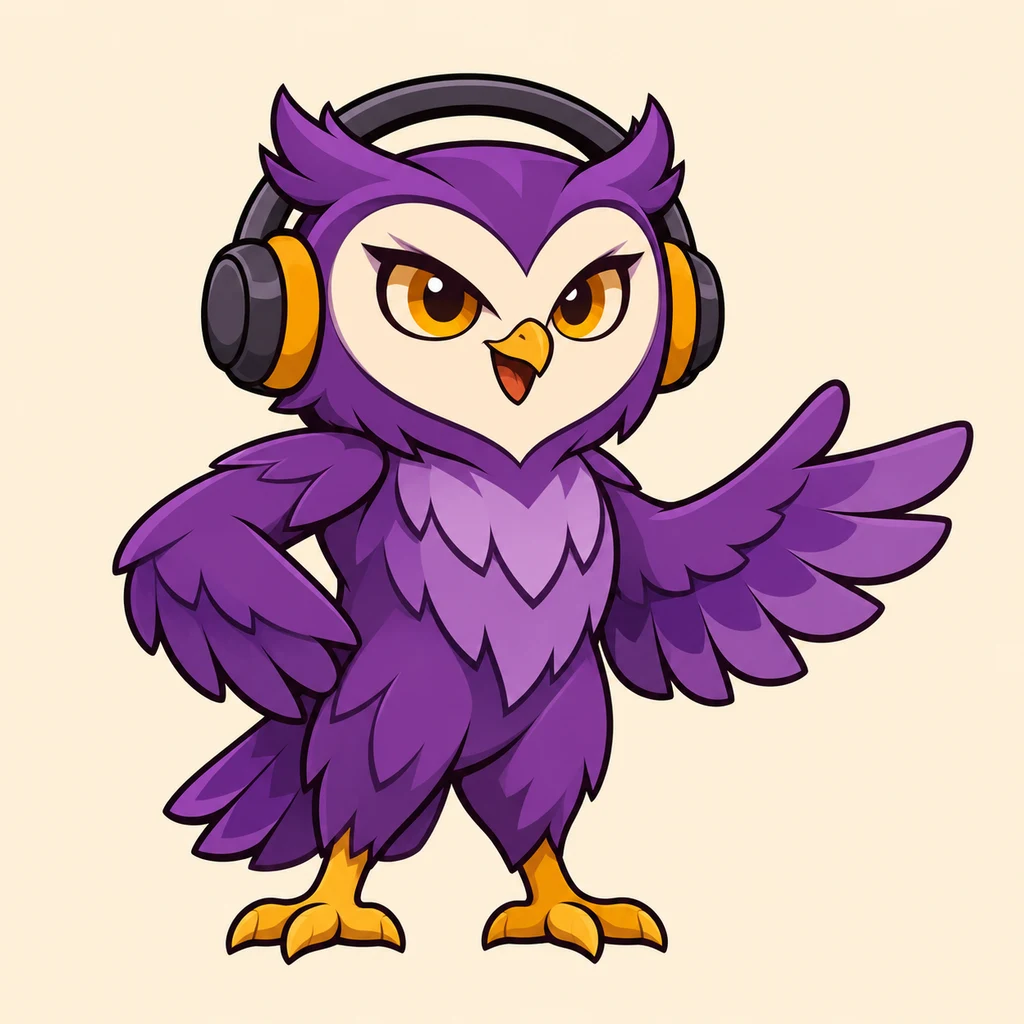
One full-body violet owl mascot with an ivory heart-shaped face, amber eyes and feet, and a charcoal headset with amber cushions. Confident friendly pose with one wing open. Bold clean 2D illustration, transparent background. No text.
The headset, broad ivory face and violet body carry the owl's identity. Check that the headset stays separate from the brow and that the open wing reads clearly. Reduce feather detail when it competes with the face.
Load this exampleLearning club
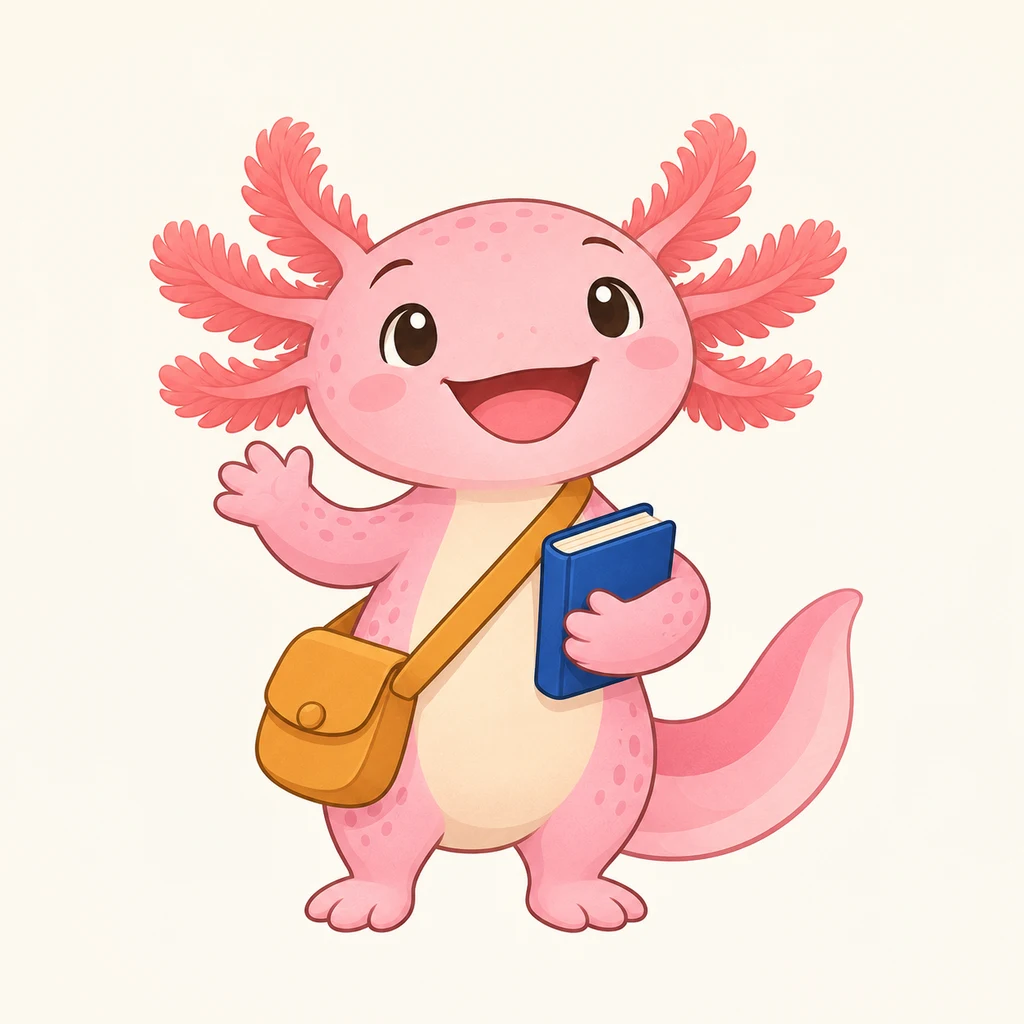
One cheerful pink axolotl with coral gills, a cream belly, an ochre crossbody satchel and one closed cobalt book held at its side. Full body with tail visible, refined storybook illustration, transparent background. No text.
The ochre satchel and cobalt book explain the learning role. Inspect the hand around the book and the strap across the body. Keep the gill tips and tail intact when choosing the crop.
Load this exampleCafe companion
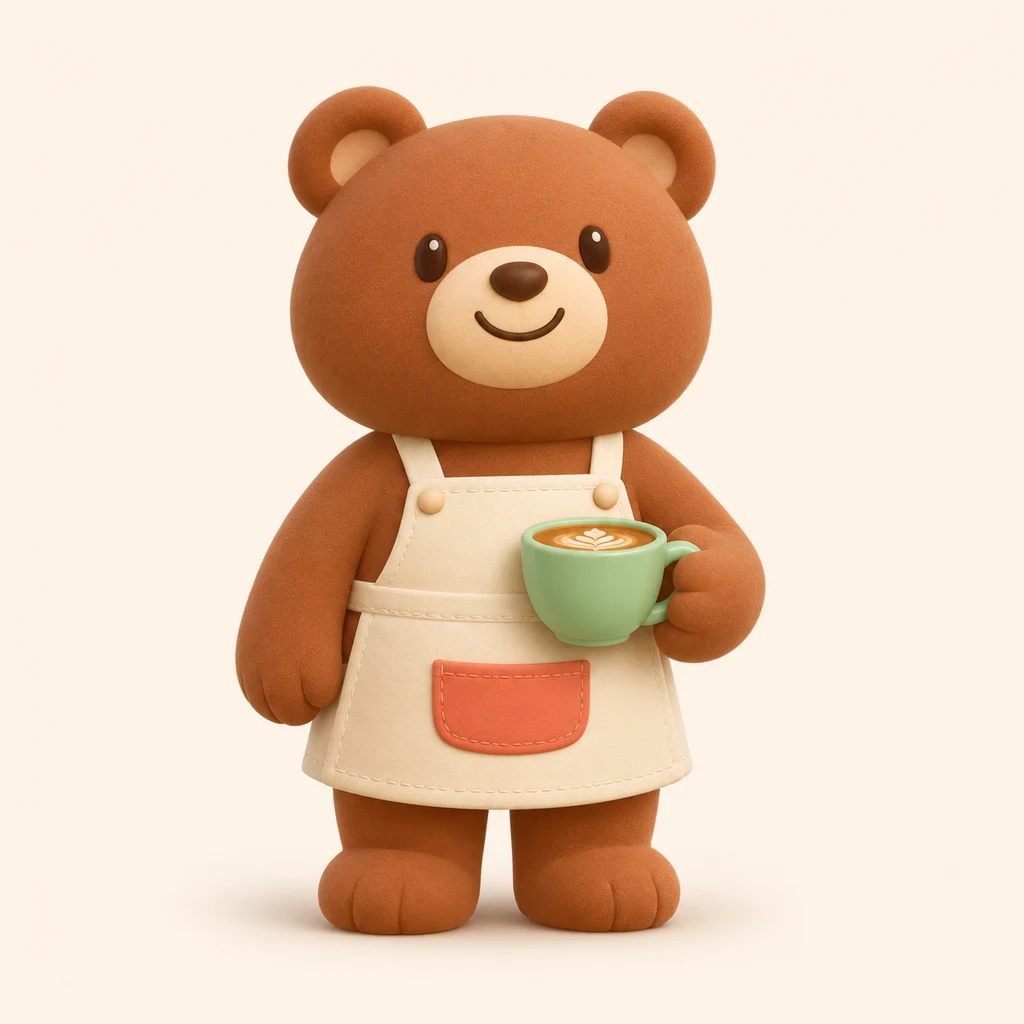
One cinnamon bear barista with round ears, cream muzzle, warm smile and ivory apron with a coral pocket. Hold one mint coffee cup at waist level. Full body, soft matte 3D style, transparent background. No text.
The mint cup supports the cafe role without hiding the apron pocket or face. Check how the paw meets the handle. Keep those color areas and proportions in the reference for the next pose.
Load this examplePoint the way
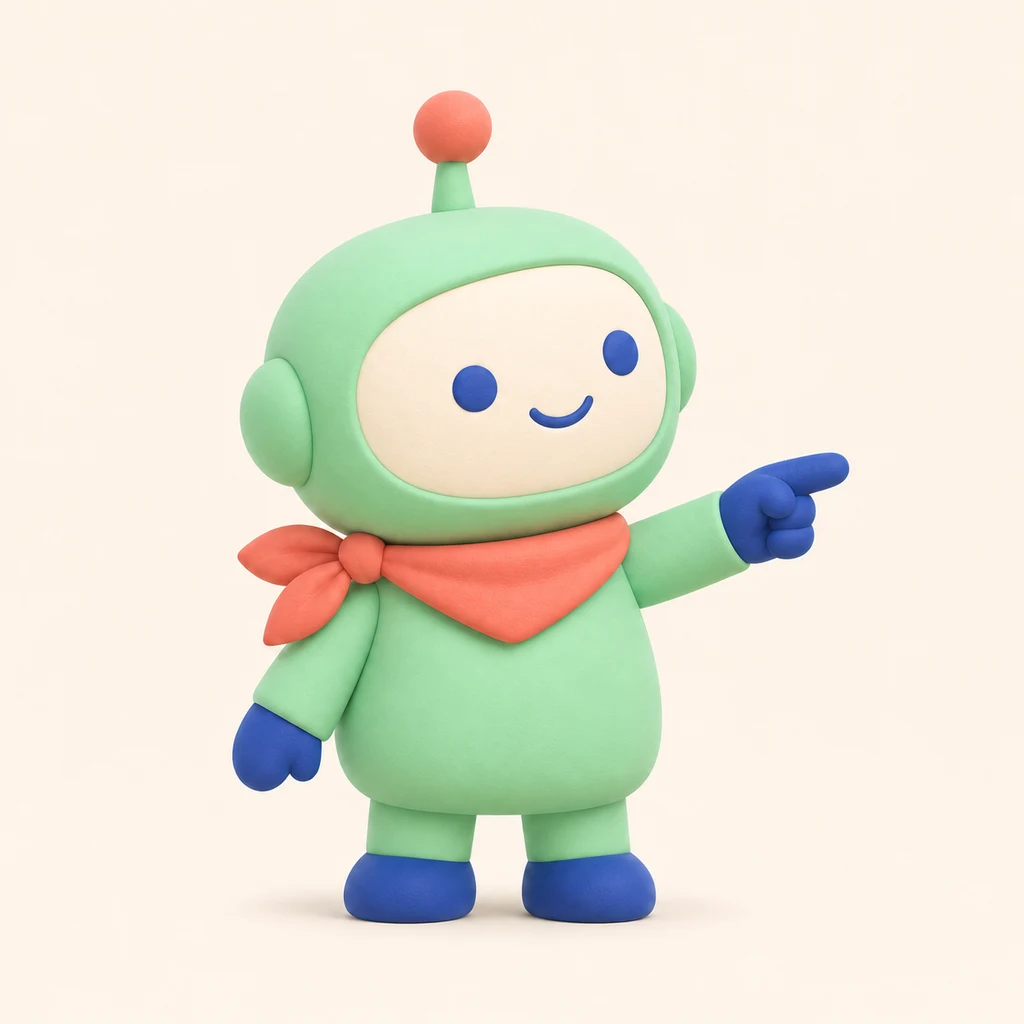
Use the robot reference. Keep its face proportions, mint body, coral-tipped antenna, left-tied coral scarf and cobalt hands and feet. Point clearly toward image-right and turn the head slightly that way. Full body, matching 3D style, transparent background. No text.
Compare the pointing version with the waving reference. The face panel, scarf knot, antenna and feet should remain recognizable. If a feature drifts, name it explicitly and keep the requested change focused on the gesture.
Load this exampleCelebrate a milestone
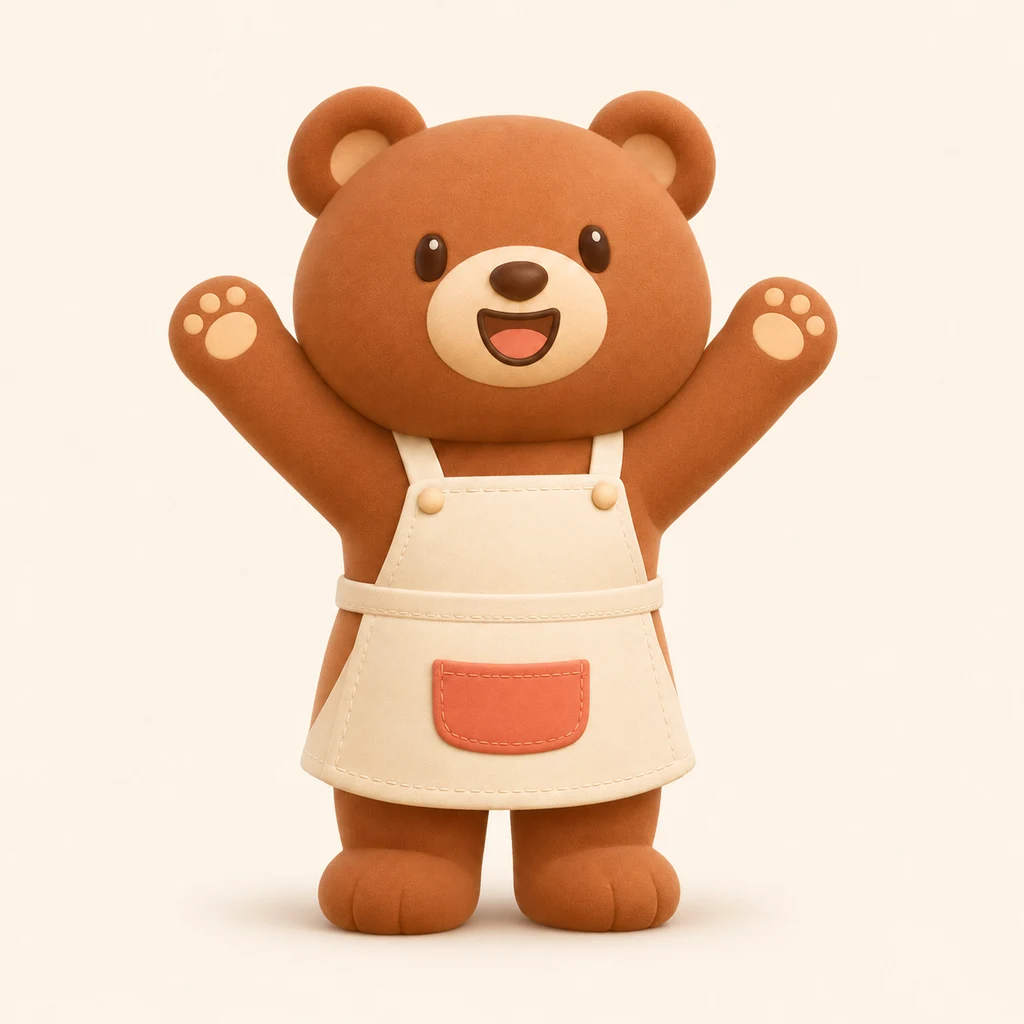
Use the bear reference. Keep its cinnamon fur, round ears, cream muzzle and ivory apron with coral pocket. Remove the cup and raise both paws in an open-arm celebration with a happy open smile. Full body, matching 3D style, transparent background. No text.
The brief removes the cup and raises both paws. Compare the ears, muzzle, body color and apron pocket with the source. Check the shoulders and paw positions while keeping the whole character inside the canvas.
Load this exampleRefine the specific problem
Related tools and guides
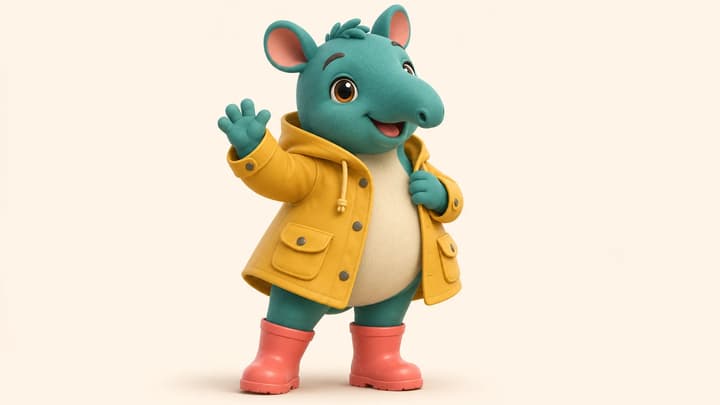
AI Mascot Generator
Create a custom mascot from a written brief or character reference. Choose the look and pose, generate a transparent PNG, and refine the character for your brand or community.
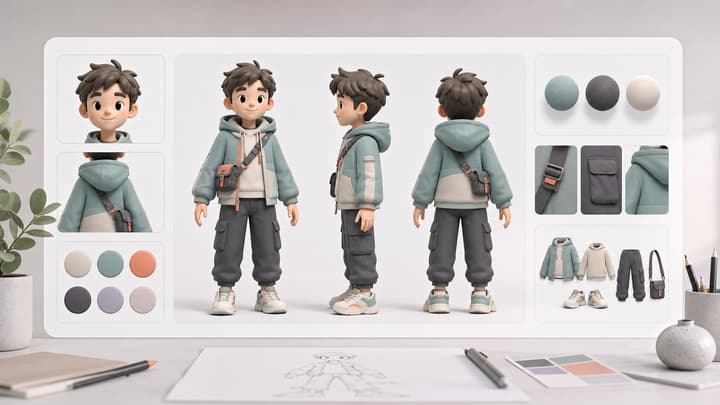
AI Character Sheet Generator
Create AI character reference sheets from a prompt or uploaded reference image. This AI character reference sheet generator turns your brief into consistent front, side, back, portrait, outfit, prop, and detail views inside one image generation.
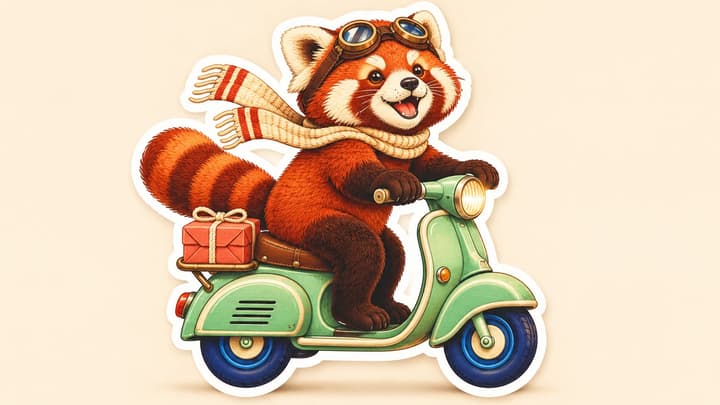
AI Sticker Generator
Create custom stickers from text or a photo. Describe the subject and style, generate one transparent PNG, and refine it for messages, journals or brand artwork.

AI Image Editor
Upload an image, describe the edit, and create polished visuals for products, social posts, posters, or keyframes.
AI mascot questions
Can I start from an existing mascot?
Yes. Upload one JPEG, PNG or WebP up to 30 MB. Describe the pose or change and name the features you want to retain. Compare each result with the reference.
What does the tool generate?
One static PNG requested with a transparent background. Choose the aspect ratio and 1K, 2K or 4K. Both flat and 3D-style character illustrations can be described in the brief.
How do I create another pose?
Use an accepted character image as the reference, then describe one new gesture or expression. Keep the important colors, proportions and accessories explicit in the brief.