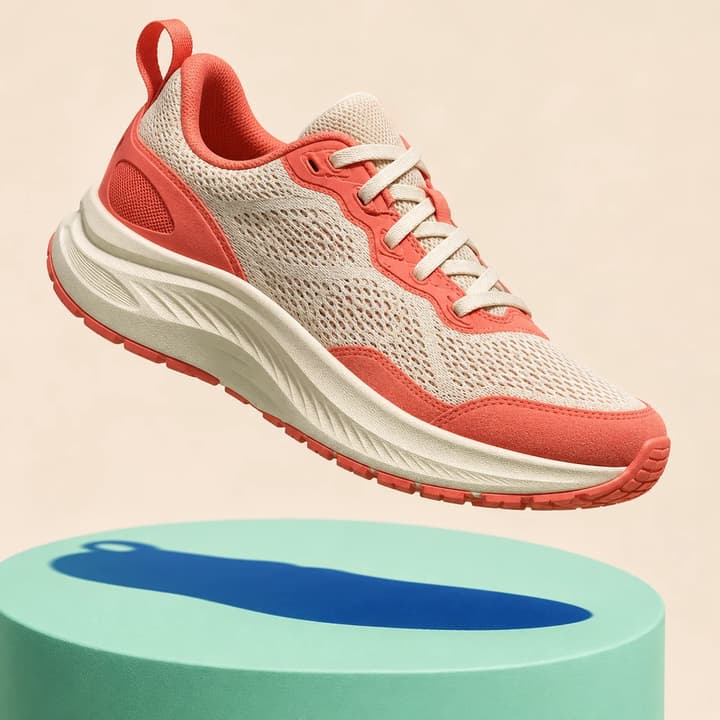
Product and shadow
Check the sole edge and whether the shadow is separated from the mint pedestal.
Load this imageSplit one image into separate layers. Inspect the results and export a layered PSD, transparent PNGs or a PNG ZIP.

Inspect product edges, shadows and background before reusing the extracted pieces in a new layout.
Preview overlapping figures, foreground shapes and background planes as independent raster layers.
Download a layered PSD to adjust placement, masking and colors in a compatible editor.
Hide individual layers to check silhouettes and reconstructed areas before preparing a scene for further work.
Explore original AI-generated source images and a coffee test fixture. Load a source and settings, then inspect the layers from your own analysis.
Check the sole edge and whether the shadow is separated from the mint pedestal.
Load this image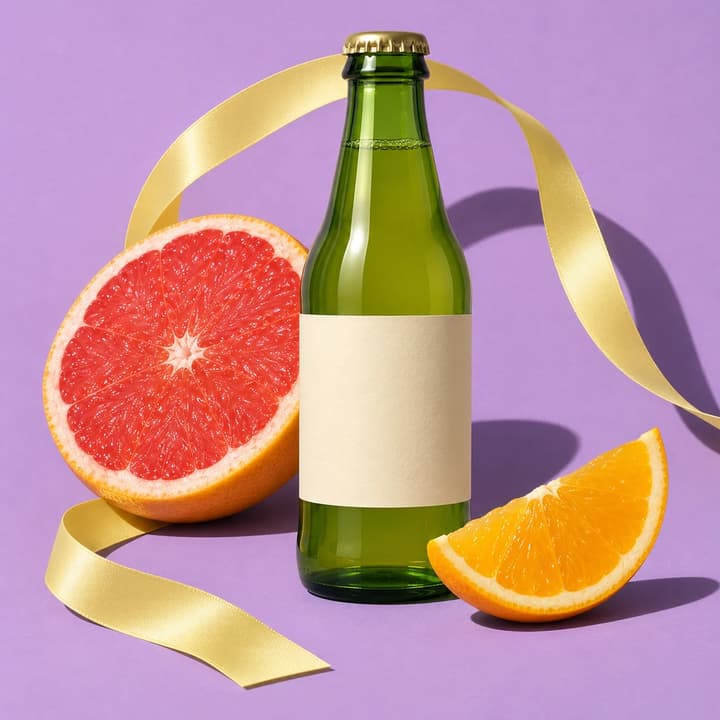
Inspect the transparent glass, ribbon overlaps and the empty label area.
Load this image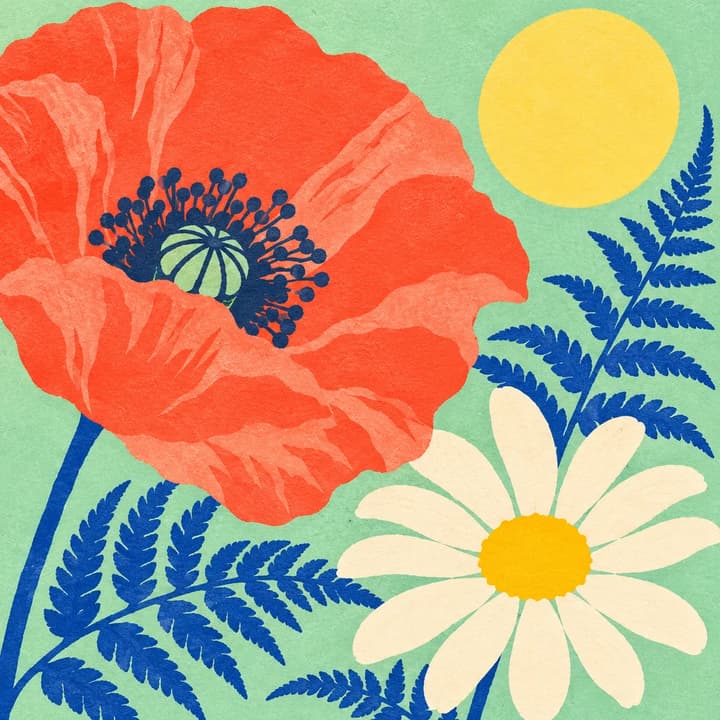

Inspect the umbrella edge, scarf fringe and the background behind the fox.
Load this image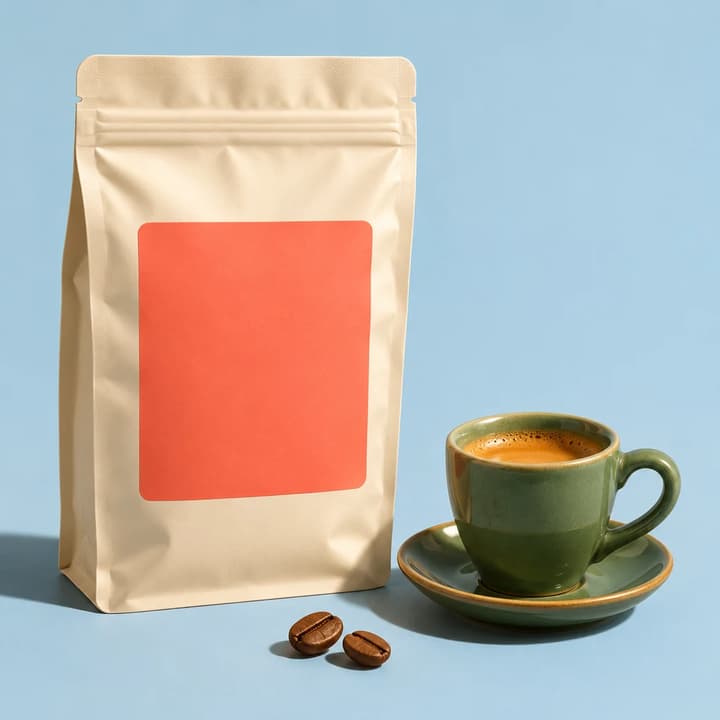
Compare the pouch contour, cup handle and contact shadow at full size.
Load this image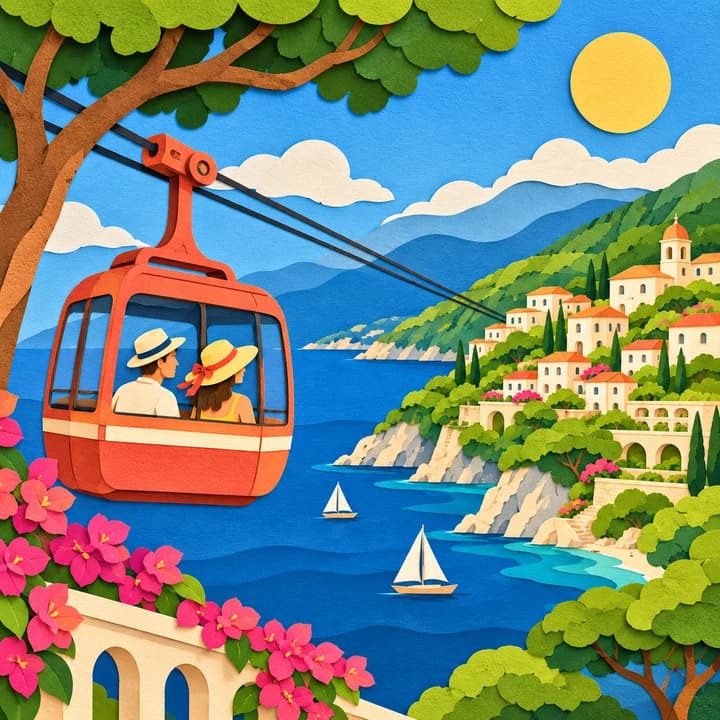
Check the cable, foreground branches and the separate sea and hillside planes.
Load this image
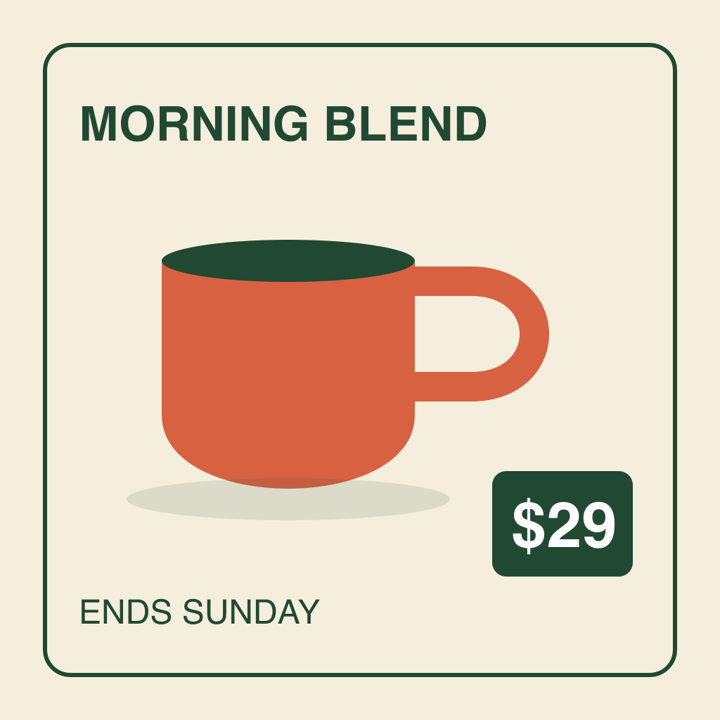
In the tested six-output split, the title and date had OCR. The $29 price remained a raster layer.
Load this imageAdd a JPEG or PNG up to 30 MB. The fixed model analyzes the source image.
Select 1K, 1.5K or 2K and a cap of 6 or 12 outputs including the base. Review the fixed analysis fee.
Toggle layers, inspect the isolated base and download PSD, PNG ZIP or an individual full-canvas PNG.
Isolate the base to find residual lettering, repeated shapes or areas that need cleanup.
Inspect hair, glass, soft shadows and narrow gaps at full size before moving the pieces.
Review OCR spelling and choose installed fonts in your editor. Keep a raster PSD copy for comparison.
A reconstructed base and transparent raster layers, with positions and stacking order. Export a layered PSD, a ZIP of PNG patches with placement metadata, or individual aligned PNGs.
Yes. Upload one PNG or JPEG. The AI reconstructs separate visual elements, which you can inspect and export to PSD.
Editable-type export uses the regular text and style information actually returned by OCR. The tested $29 price stayed inside a raster layer. Fonts are approximate and may be substituted by your editor.
Choose an upper limit of 6 or 12 outputs, including the base. The returned count depends on the image. A 12-output test returned seven files.
The displayed fee is fixed for the selected resolution and output cap, even when fewer layers are returned. Loading a sample only fills the inputs.
Hide the foreground and text layers to inspect the base, then check each layer over a contrasting background. Reconstructed regions can retain text or need edge cleanup. Compare the full composition with the source.
Enable editable text for the PSD export. Compatible OCR layers become type layers with approximate styling. Your editor may request font replacement or a text-layer refresh. Raster PSD export preserves the returned layer pixels.