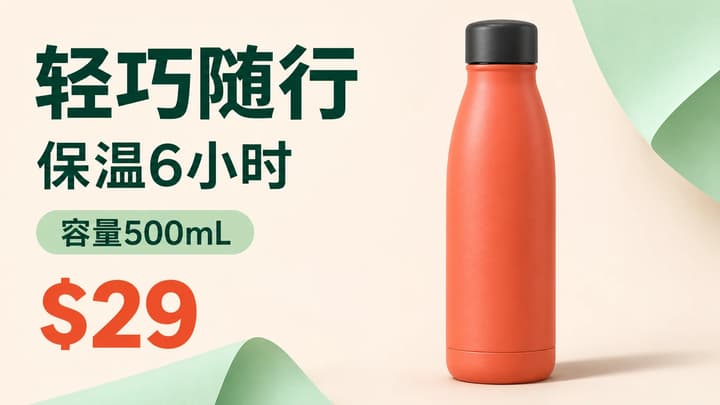
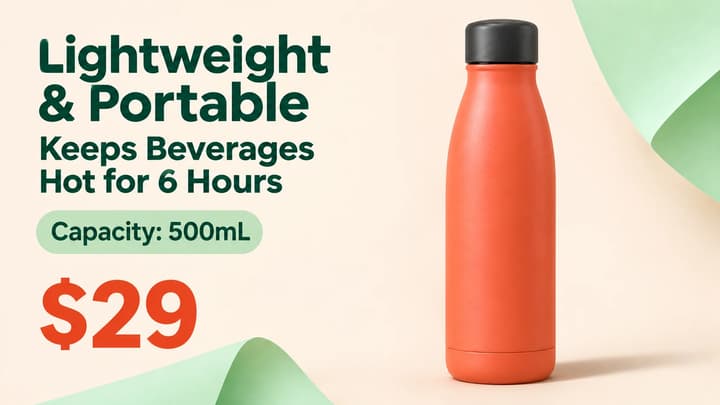
Chinese bottle graphic
Load this exampleCheck $29, 500mL and the six-hour claim.
Prepare a source image, write a useful translation brief and review prices, product details and text layout before downloading your translated graphic.
LumiYingUpdated
Upload the clearest version of the original graphic, choose the target language and state any wording that needs special treatment. GPT Image 2.6 uses the image as a reference and generates a PNG with translated text. Compare the result with the original before you publish it.
The bottle example contains a Chinese headline, a six-hour insulation claim, 500mL and $29. The imagegen translation illustrates the checks in this guide. Keep the same numeric values, preserve the claim's meaning and leave enough room for longer English wording. These examples are imagegen illustrations.
Use a clean JPEG, PNG or WebP up to 30 MB. Choose the highest-quality source you have. Small, blurred or angled lettering may be missed or misread.
Select the language your audience needs. The dedicated English page already sets English. A page's display language and the image's translation language are separate choices.
In Translation instructions, name brand terms, model codes and any text that should stay unchanged. Supply exact translations for ambiguous slogans when you have approved copy.
Review the displayed credit price and submit once. Wait for the PNG result in the tool or reopen it from history.
Read every translated phrase. Check prices, dates, percentages, quantities and units. Then inspect the product, logos, framing and background at full size.
Download the reviewed image through the standard download control. For a correction, use Re-edit, identify the phrase and state the desired wording. Each new generation uses its displayed price.
Name what needs translation and any exceptions. Give the model the wording your audience should see.
These imagegen illustrations show how the review changes with the content. Load the original image and brief when you want to try a case.
Check $29, 500mL and the six-hour claim.
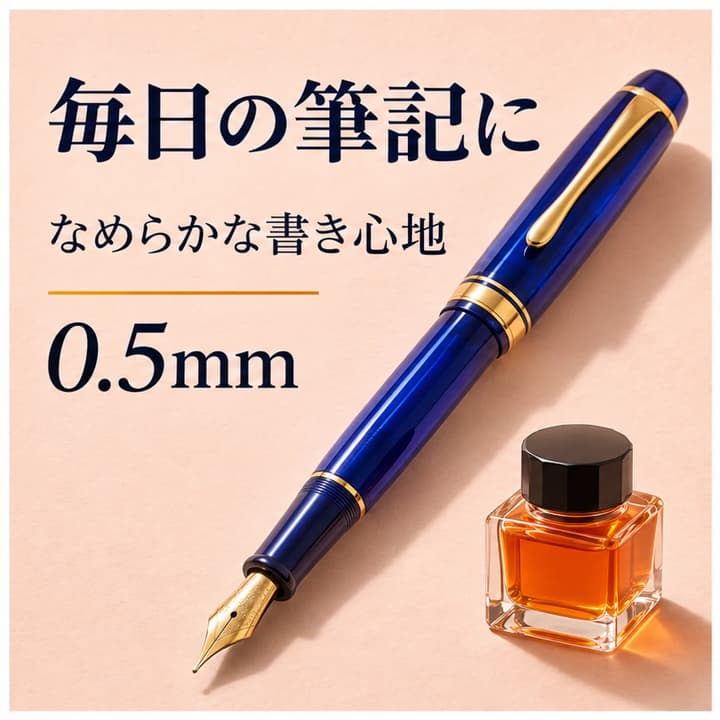
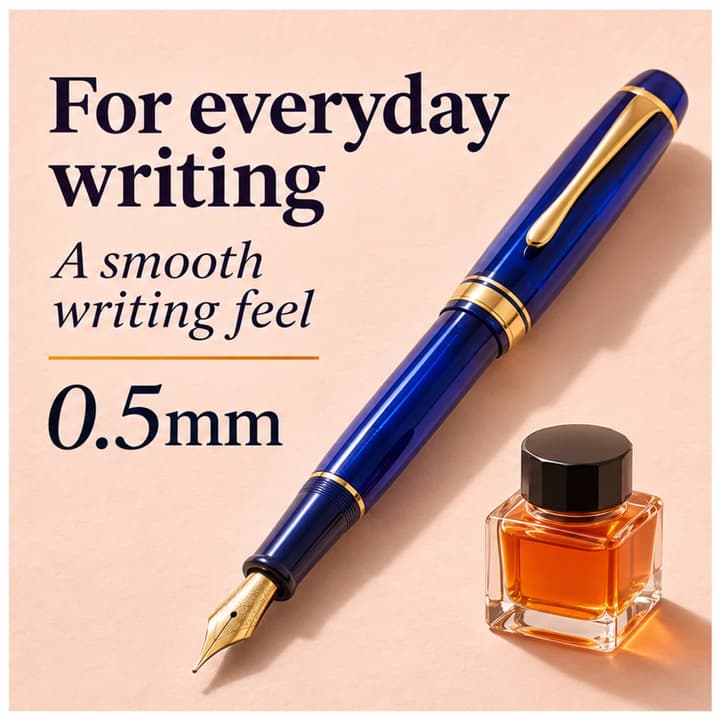
Allow longer English lines and preserve 0.5mm.
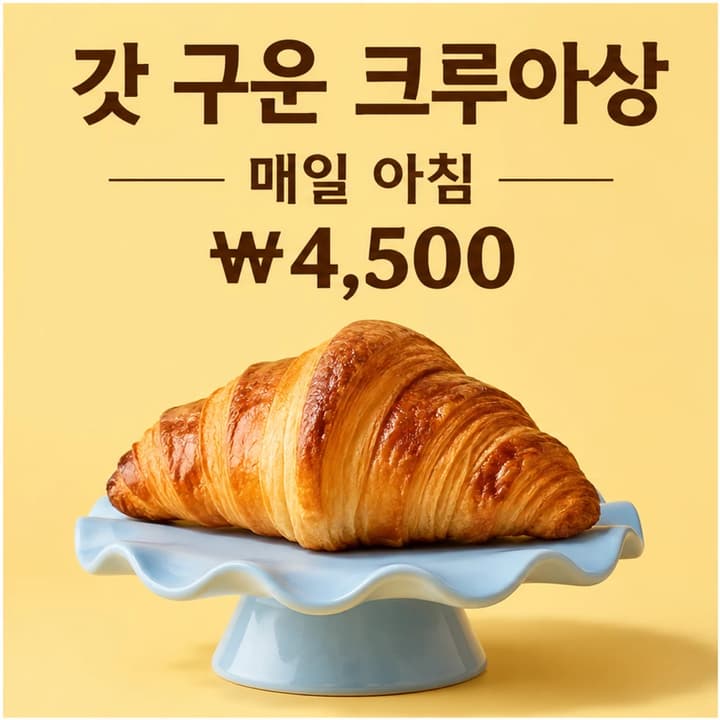
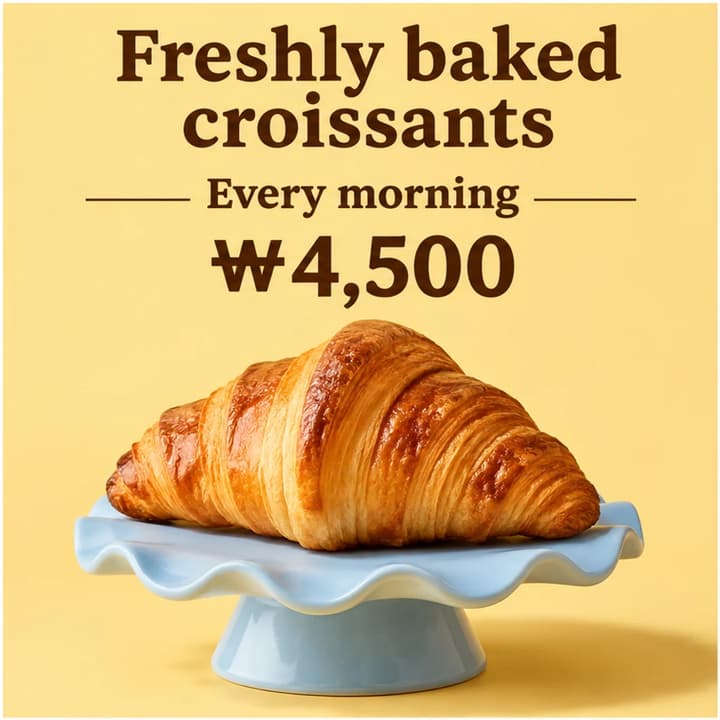
Translate the product name and retain ₩4,500.

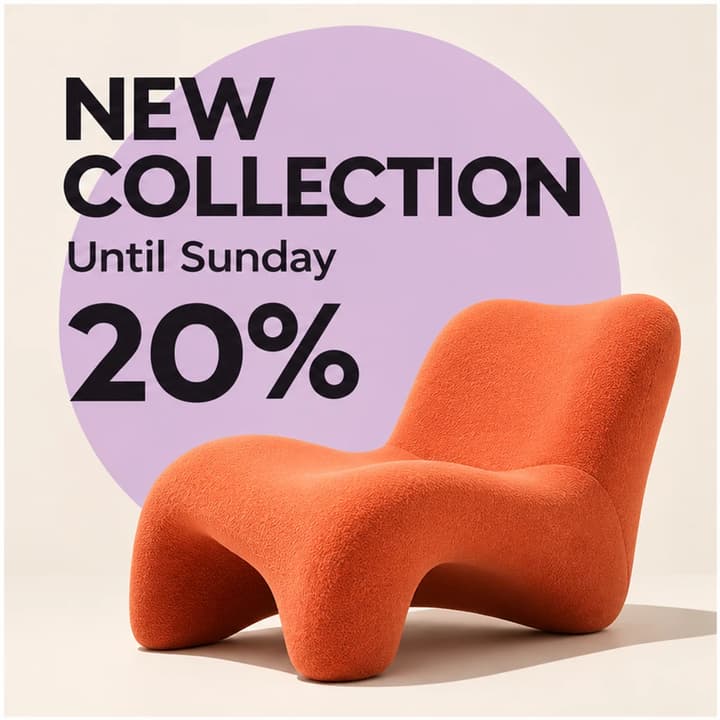
Keep 20% and the Sunday deadline.
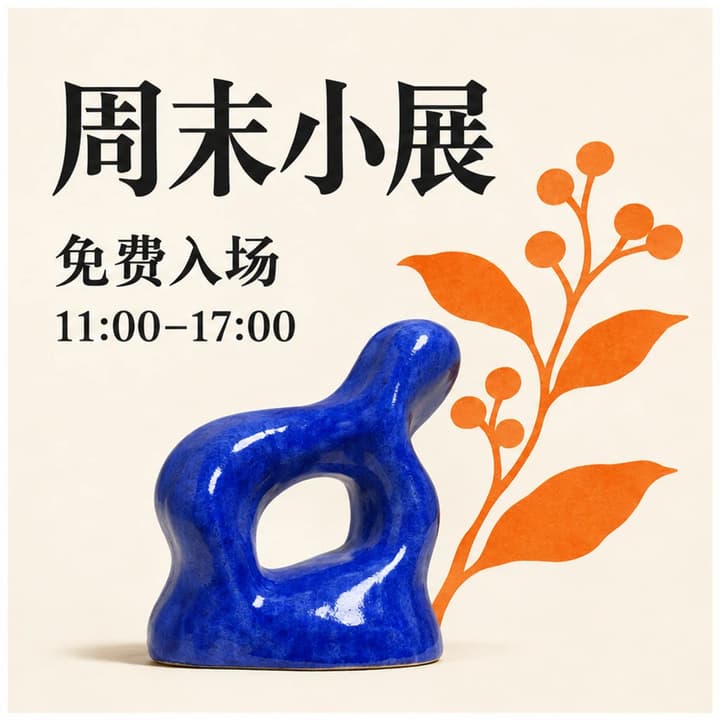
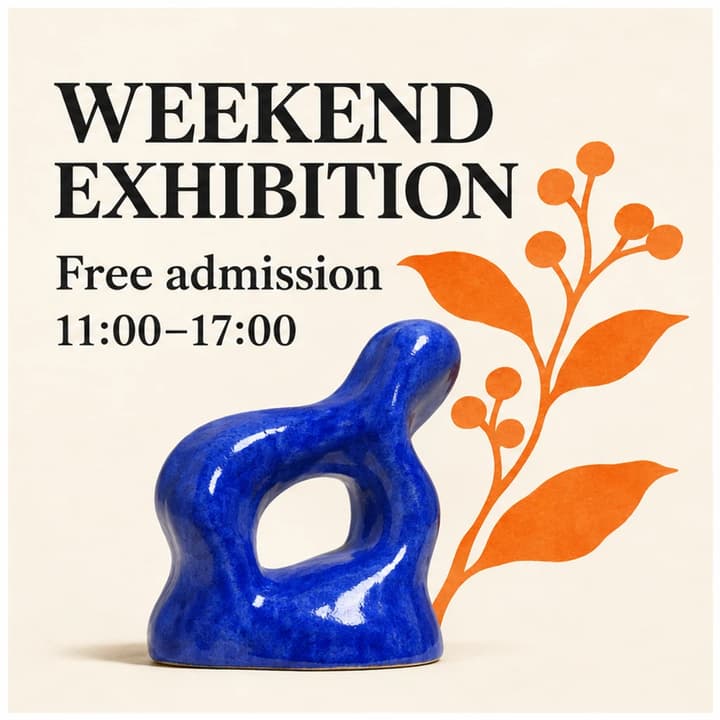
Keep the opening hours and free-entry meaning.
One PNG with the translated wording rendered into the image. The uploaded reference, selected language and your instructions guide the edit.
Yes. Choose English in the main tool, or open the dedicated English translator with its target already set.
Put the name or the wording in Translation instructions and state which words should stay unchanged. Review the generated text before publishing.
The prompt asks to retain the subject, composition, prices, numbers and units. Generative editing can change details, so compare the complete output with the original.
The Generate button shows the current credit price for one image. Loading an example fills the inputs. Eligible new accounts receive a one-time signup credit reward.
Use Re-edit to restore the original image and translation instructions. Add a precise correction and generate a new version after reviewing its price.
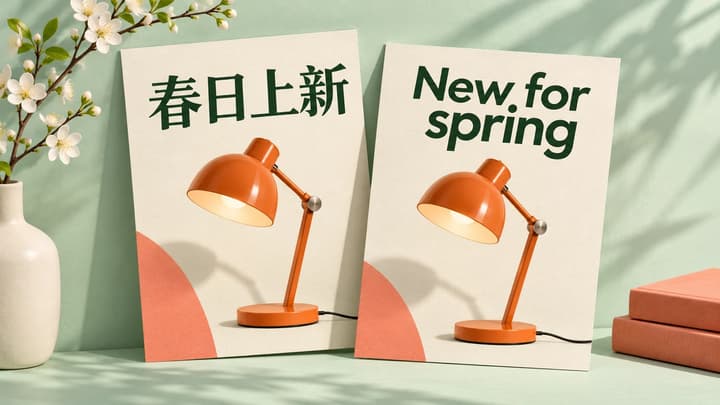
Translate text in product images, posters and menus. Upload an image, choose a language and generate a downloadable translated PNG.
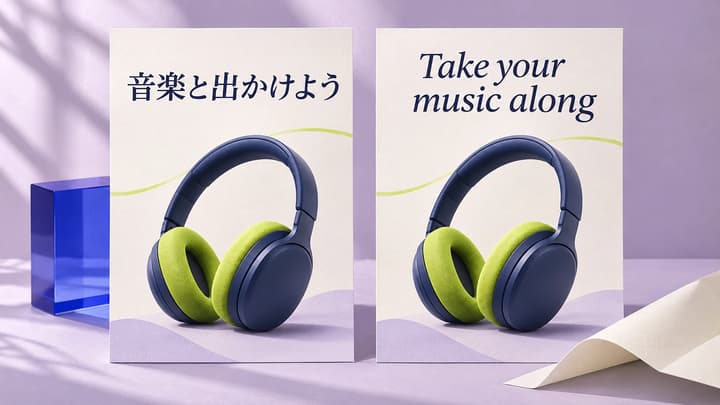
Turn Chinese, Japanese, Korean and other non-English image text into English. Upload your image and generate a downloadable English version.