AI Talking Avatar

Model

Portrait

Voice recording

0 / 8,900

Duration
Aspect ratio

AI Talking Avatar

Make a portrait speak with your uploaded voice recording. Choose an audio-compatible model and direct the expression, framing and length of one short talking video.

Talking-avatar examples

Listen to the voice and watch the performance. Load a portrait, recording and suggested direction to try your own version.

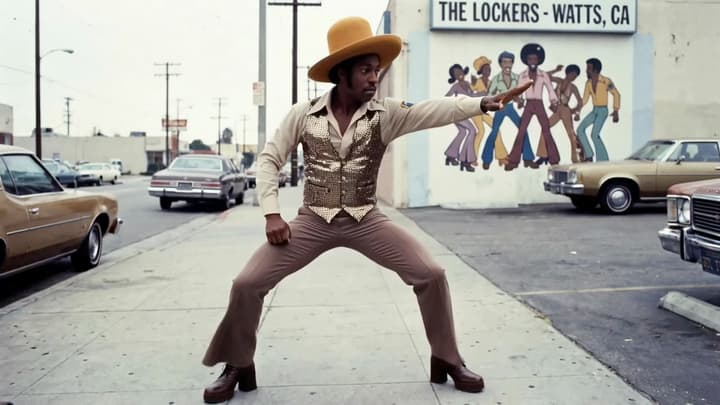
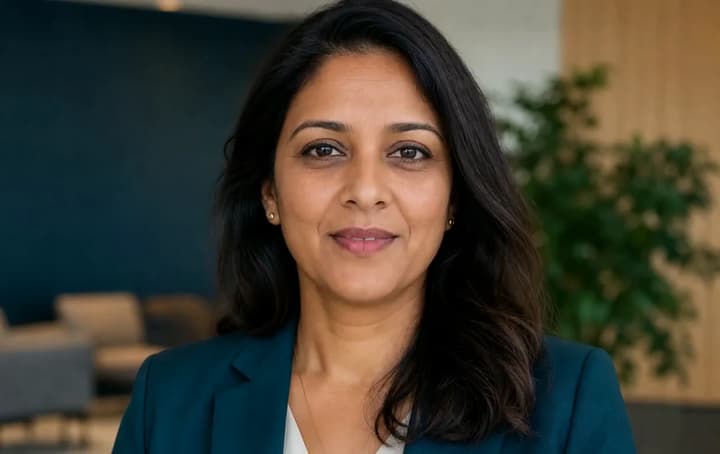
A studio introduction

Watch the small changes in expression during a direct-to-camera introduction.

Load this example
Portrait
Voice recording
Video example
Suggested prompt

Use image 1 for the single speaker, appearance, clothing and background. Have this character deliver the uploaded voice recording, matching the spoken words, mouth movements and silent pauses. Keep the same face and a steady camera. Use a composed, welcoming expression and small natural hand gestures.
Give a portrait something to say

One face and one recording give each performance a clear starting point.

Introductions

Put a face to your message

Turn a short welcome or personal introduction into a speaking portrait.

Explanations

Keep a lesson focused

Pair a clear spoken explanation with a readable face and restrained gestures.

Characters

Let a character narrate

Try a stylized face or mascot with a voice that suits its personality.

Updates

Share a short announcement

Use a familiar portrait and a fresh recording for an update or greeting.

How to make a talking avatar

01

Add a portrait and voice

Choose a model, upload one clear photo and add your MP3 or WAV recording.

02

Set the performance

Add an expression or gesture if needed. Choose a frame and enough time for the whole phrase.

03

Generate and review

Check the credits, generate, then compare speech and mouth movement before downloading.

Frequently asked questions

What do I need to upload?

Upload one JPEG, PNG or WebP portrait and one MP3 or WAV voice recording. Use a single clear speaker and follow the selected model’s media limits.

Can I use my own voice?

Yes. Upload your recorded speech. The model uses that audio to guide the voice, words and performance.

Do I have to write a prompt?

The portrait and recording are enough to submit. Performance direction is optional and can refine expression or gestures.

Will every word and mouth movement match?

Speech and mouth motion are generated, and results vary by model and input. Play the whole take with sound and compare it with the recording, especially around pauses and the end of the phrase.

How long can the video be?

Choose a duration offered by the selected model. The recording must fit inside that duration as well as the model’s audio limits. Trim a long recording into complete phrases.

How does the cost work?

The selected model and output duration determine the displayed credit cost. Loading an example fills the form. Click Generate when you are ready to create a new take.

Try one face and one phrase