Street performance
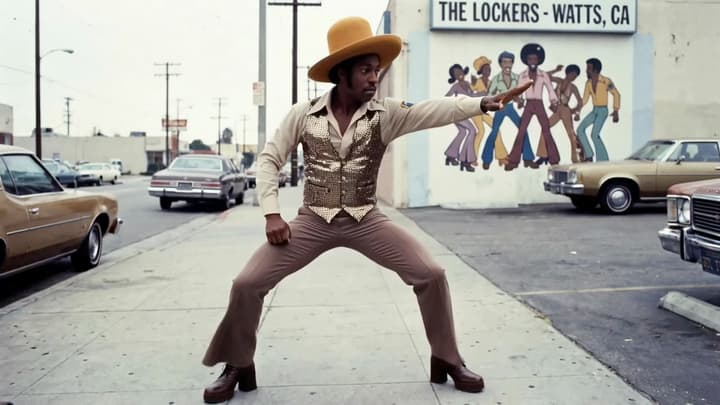
Follow the arm sweep and stance while keeping the street scene.
Scene direction
Keep the character's brown outfit, hat and street setting from the image. Follow the reference performer's arm movements, steps and pauses.
Animate a character image with movements from a reference video. Choose a model, add your image and motion clip, and direct a short performance.
Compare the character image, motion reference and example video. Load a pair to try your own version.
Follow the arm sweep and stance while keeping the street scene.
Keep the character's brown outfit, hat and street setting from the image. Follow the reference performer's arm movements, steps and pauses.
The image sets the appearance and setting. The video supplies the movement.
Use a readable hand movement for a welcome, introduction or brief presentation.
Transfer a short walk or turn with the whole body visible in both references.
Pair a stylized character with a simple movement its body can plausibly perform.
Use a short expression and gesture sequence while keeping the character recognizable.
Select a model, upload one clear character image, then add one continuous motion clip.
Use a similar starting pose and framing. Add a short scene direction if needed, then review the available settings and credit estimate.
Compare the movement, face, hands and clothing. Re-edit the saved result to adjust the same inputs, or continue with video editing and extension.
It uses a video to guide the movements of a character in a still image. The image provides the appearance, while the video provides the action.
Use one clear image and one short, continuous video with a single visible performer. Keep relevant hands and feet inside the frame. The form shows the selected model's file and duration limits.
Choose a compatible model and review its input limits and credit estimate in the form.
Results vary with the model, pose, framing and visibility of the movement. Fast cuts, hidden limbs, extreme turns and very different body shapes can cause drift. Review the entire clip.
No. Loading an example fills in the character image, motion video and suggested direction. Click Generate to submit a video generation at the displayed credit cost.
Prepare a character image and motion video, match their framing, choose settings and check the resulting performance.
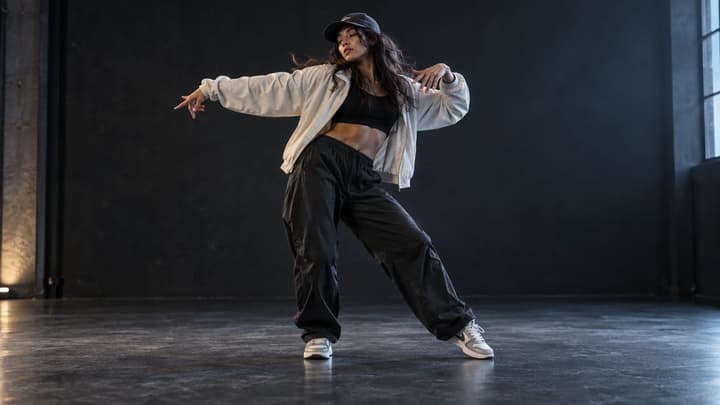
Focus on choreography and dance references.
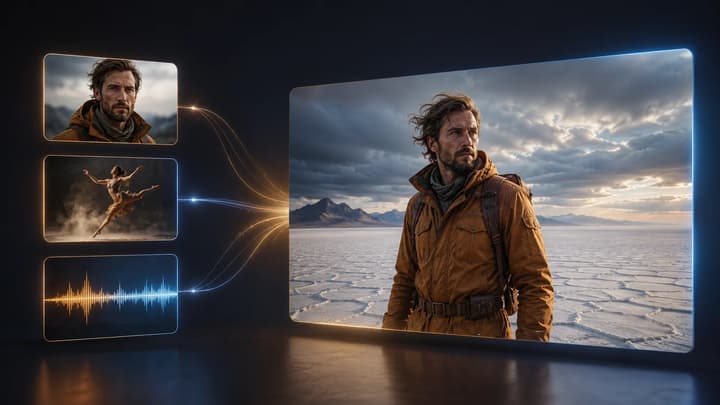
Build a shot from multiple visual and audio references.

Make further changes to an existing video.
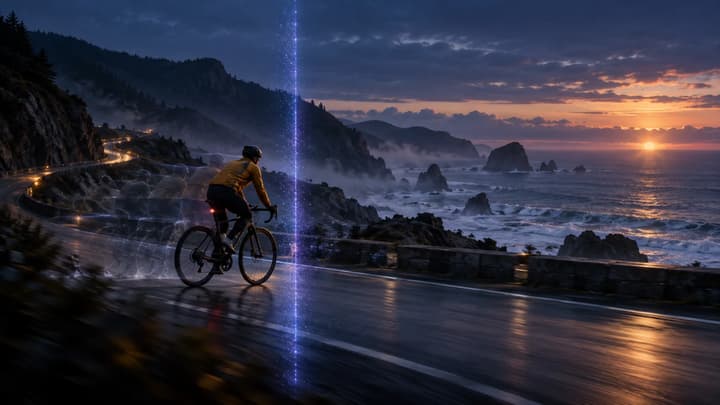
Continue a short video with another segment.