Hot noodles
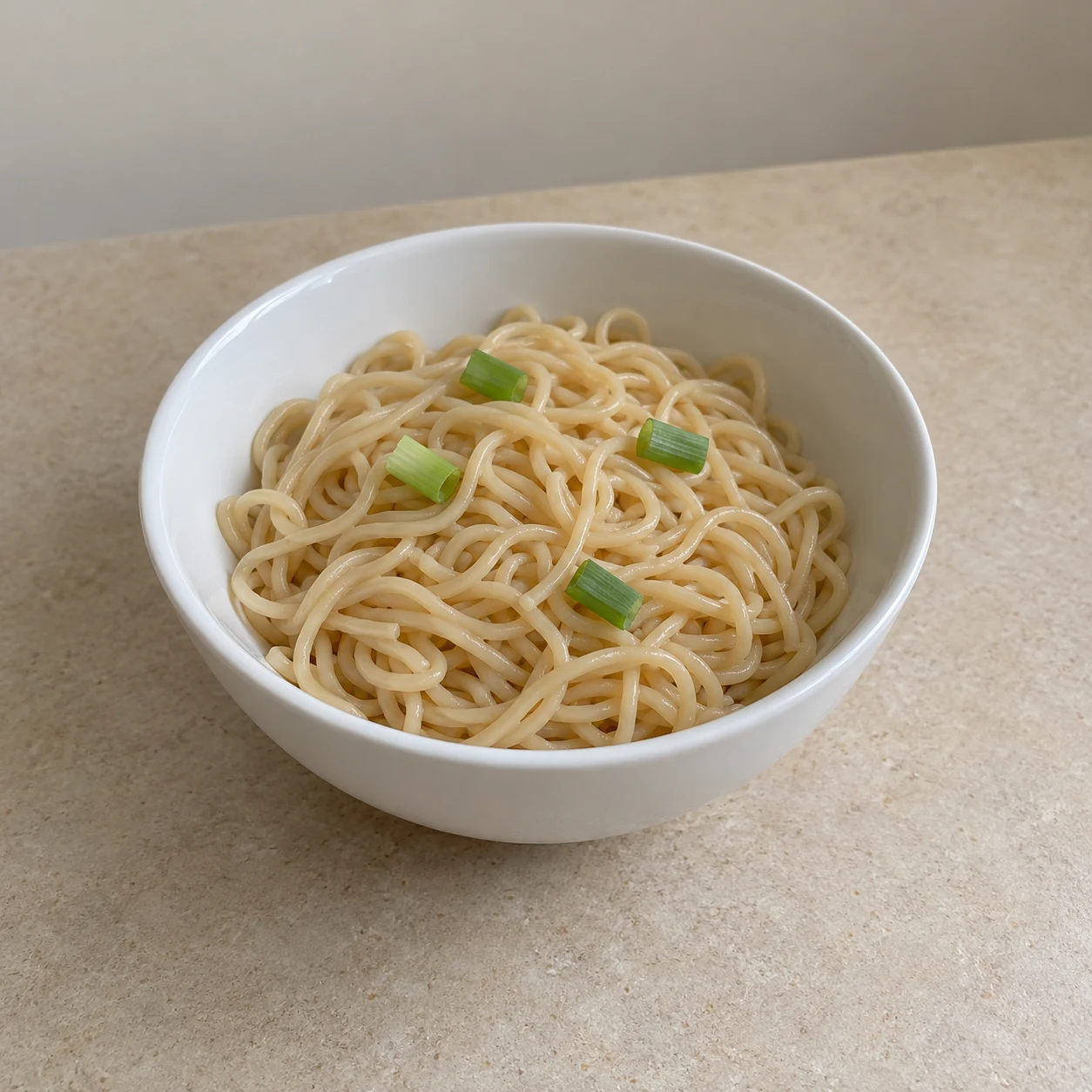
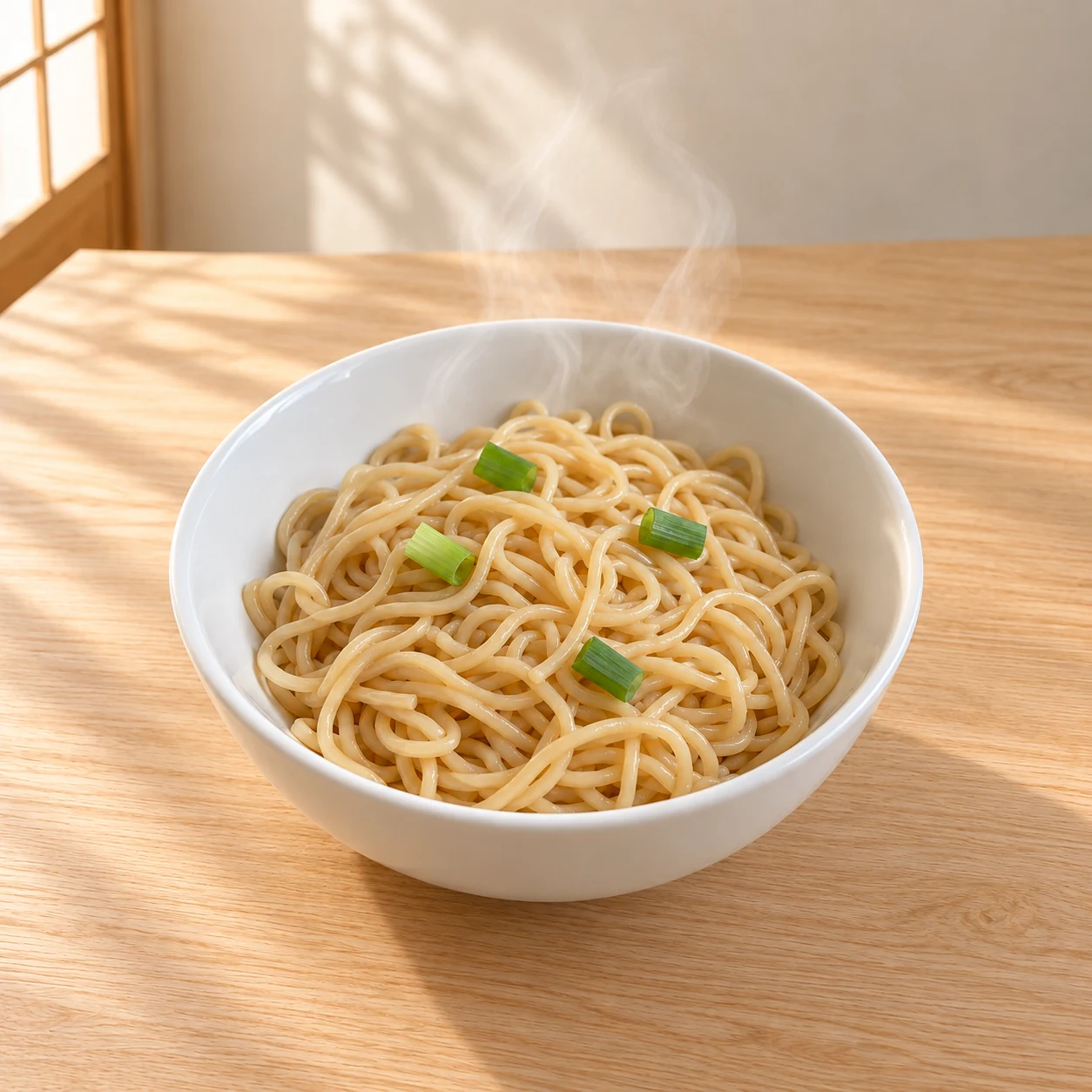
Try these settingsJapanese Wood + Steam: preserve noodles, toppings and bowl; keep steam subtle.
Start with the product you actually sell. Follow the workflow, choose appropriate templates and review the result. Background styling should not change what is on the plate.
Start with the product you actually sell. Follow the workflow, choose appropriate templates and review the result. Background styling should not change what is on the plate.
Use one JPEG, PNG or WebP up to 30 MB. Keep the whole dish or package in frame, with ingredients, portions and labels clearly visible.
Keep the original setting, choose from twelve empty tabletop and scene references, or upload your own. The reference guides only the environment and table, not the food or original tableware.
Choose Natural Enhance, Steam, Glistening, Texture Boost, Fresh Color or Steam & Shine. No effect is selected by default; click the selected template again to cancel it. Use steam for hot dishes and shine for naturally moist food, without adding ingredients or sauce.
Choose a square, portrait or landscape ratio and 1K, 2K or 4K resolution. Keep the entire dish or package in the frame; use extra space for the background rather than cutting off the product.
Review the displayed credits, then generate your photo. Compare the food, portions, tableware, labels and framing with the original before downloading.
Pick a setting that suits the product, then the smallest food treatment needed. Keep the source unchanged while comparing templates.
These original AI-created illustrations show possible treatments, not verified tool outputs. Sample buttons load the source and named settings; actual results may differ.
Japanese Wood + Steam: preserve noodles, toppings and bowl; keep steam subtle.
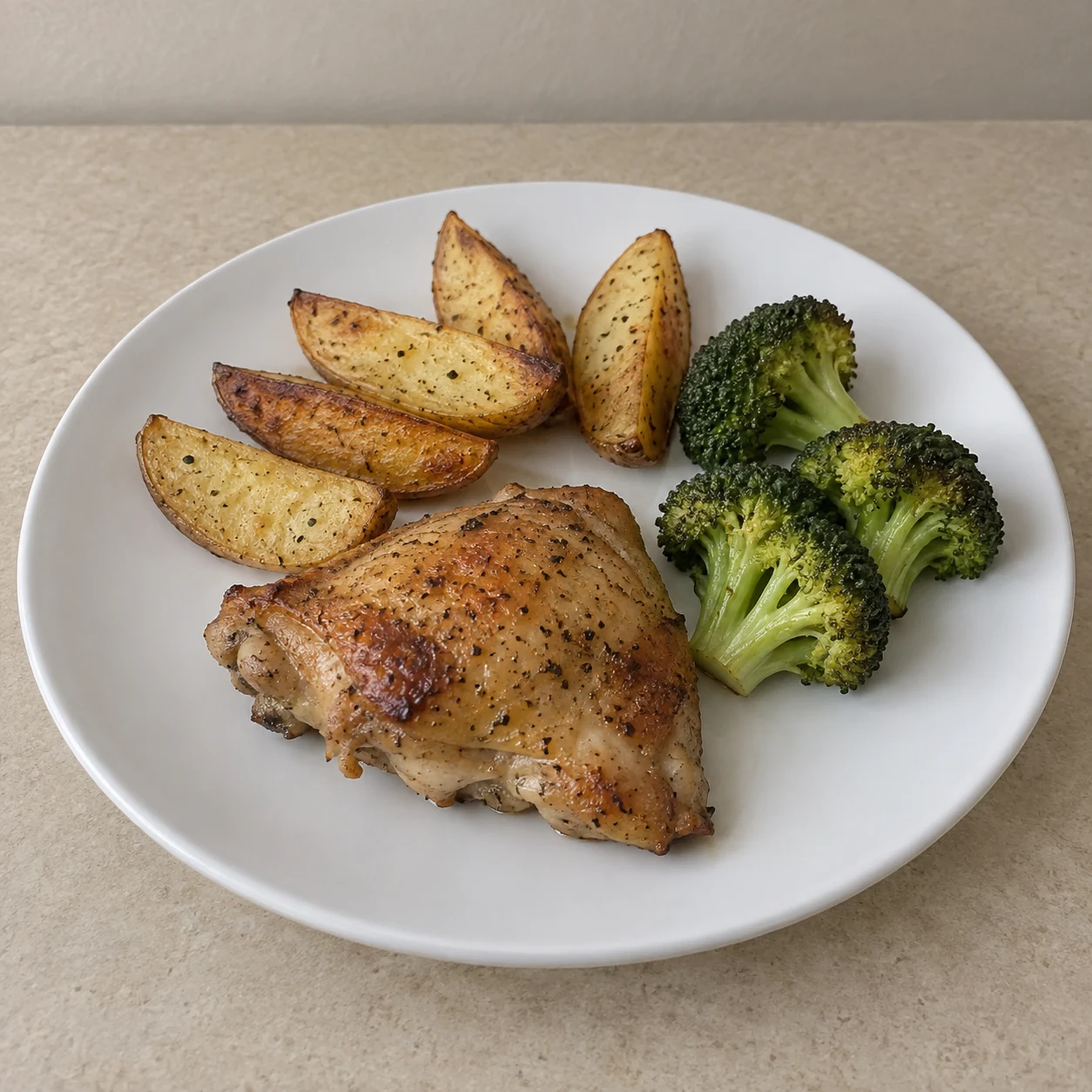
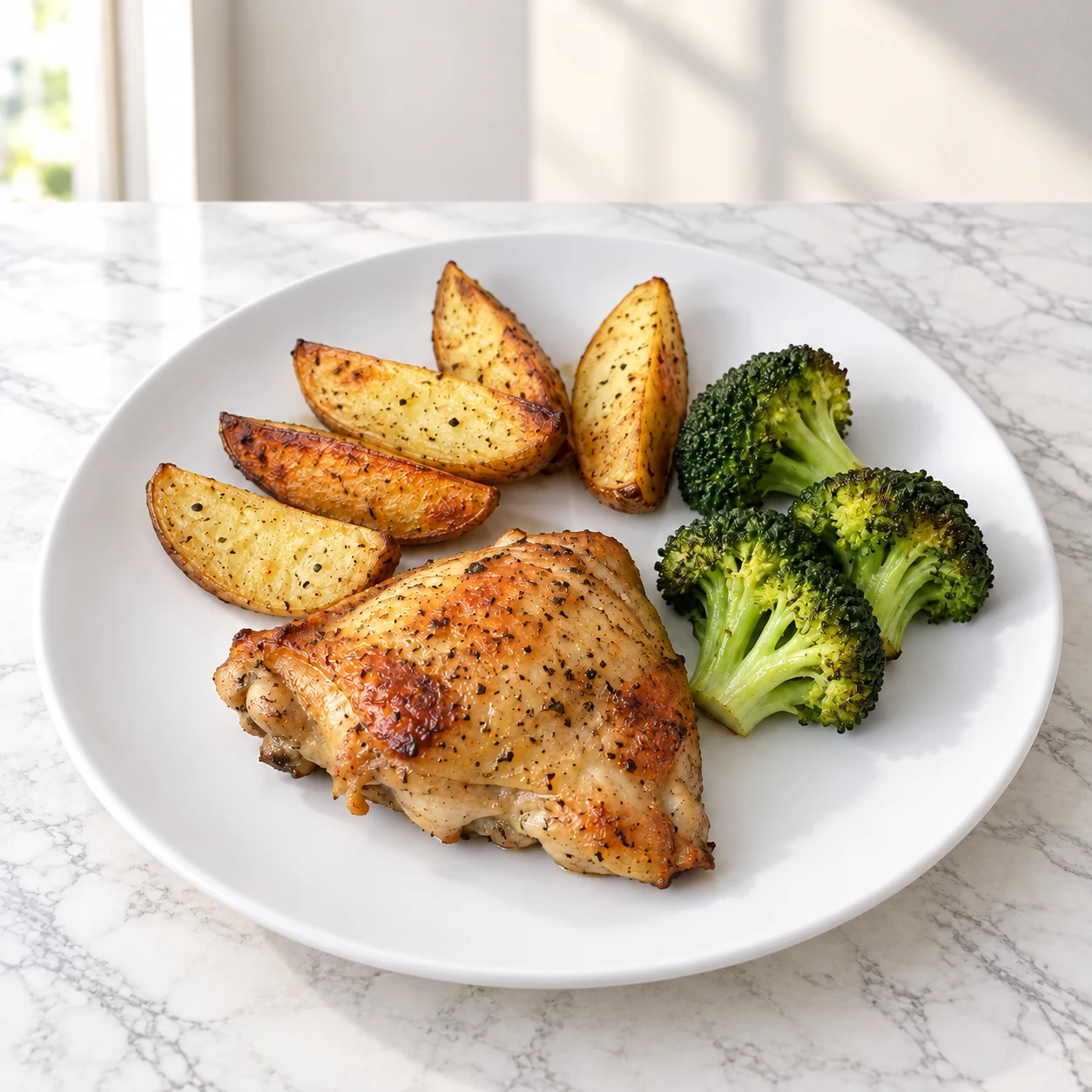
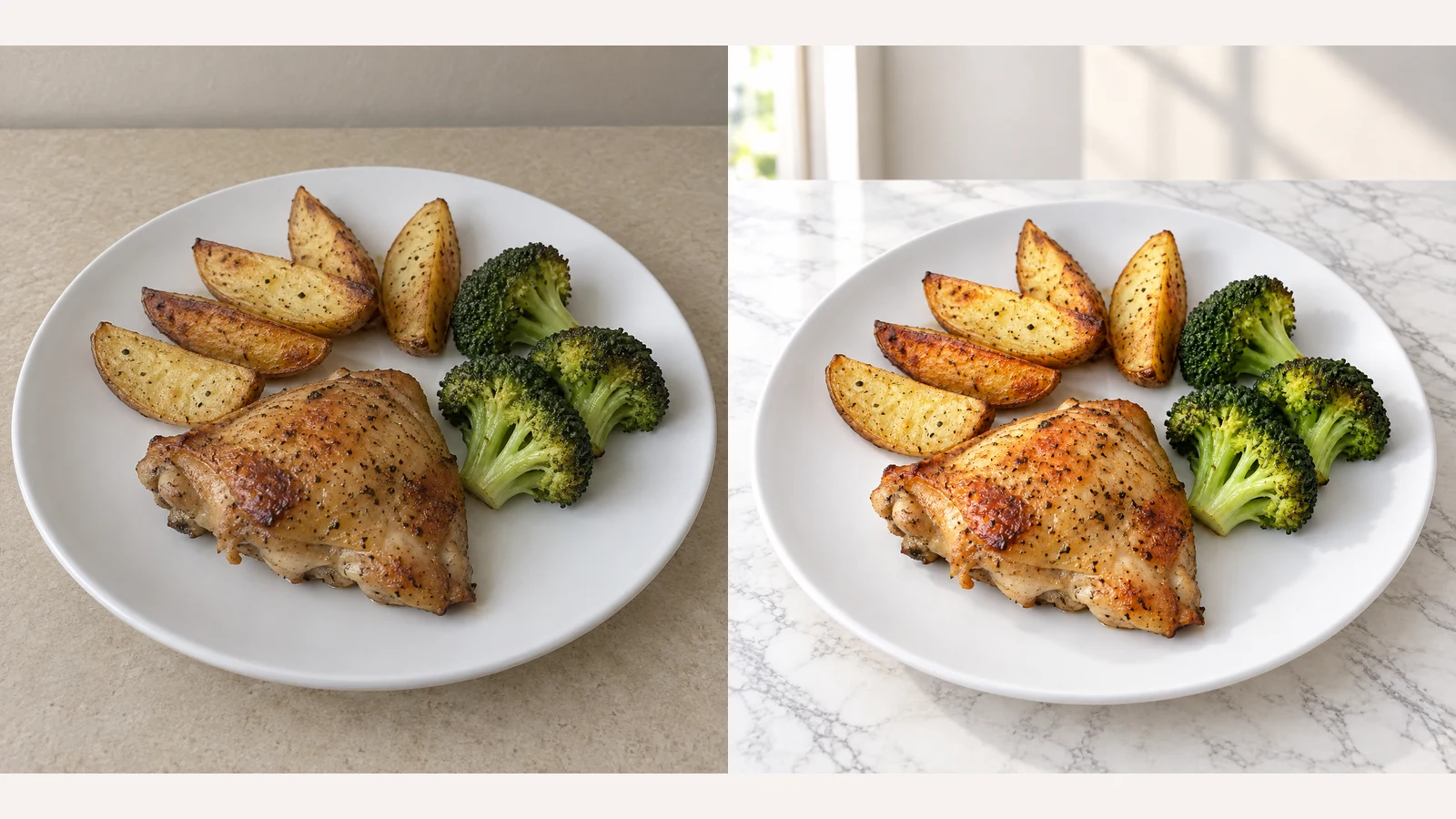
Modern Marble + Glistening: check chicken, potatoes and broccoli; do not add sauce.
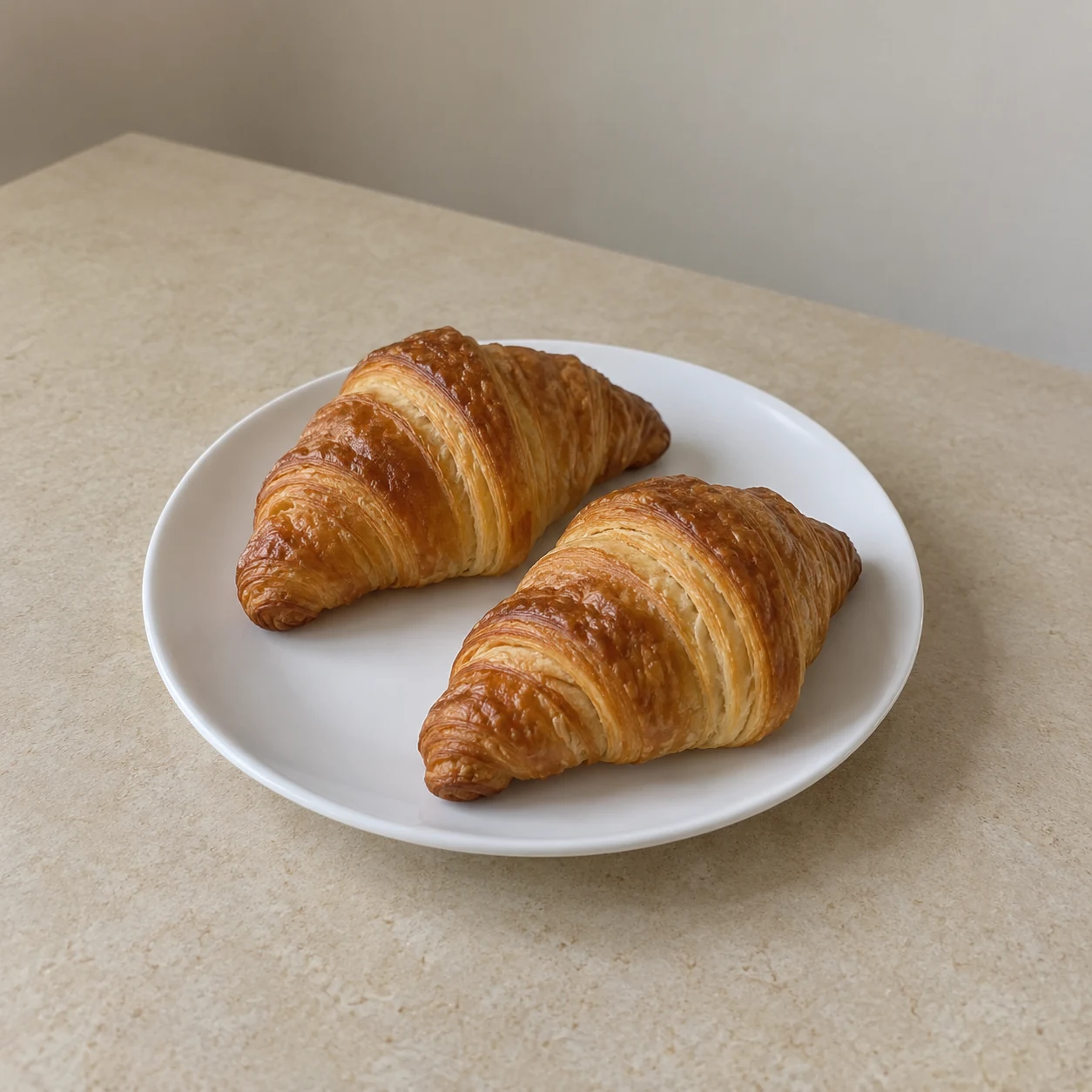
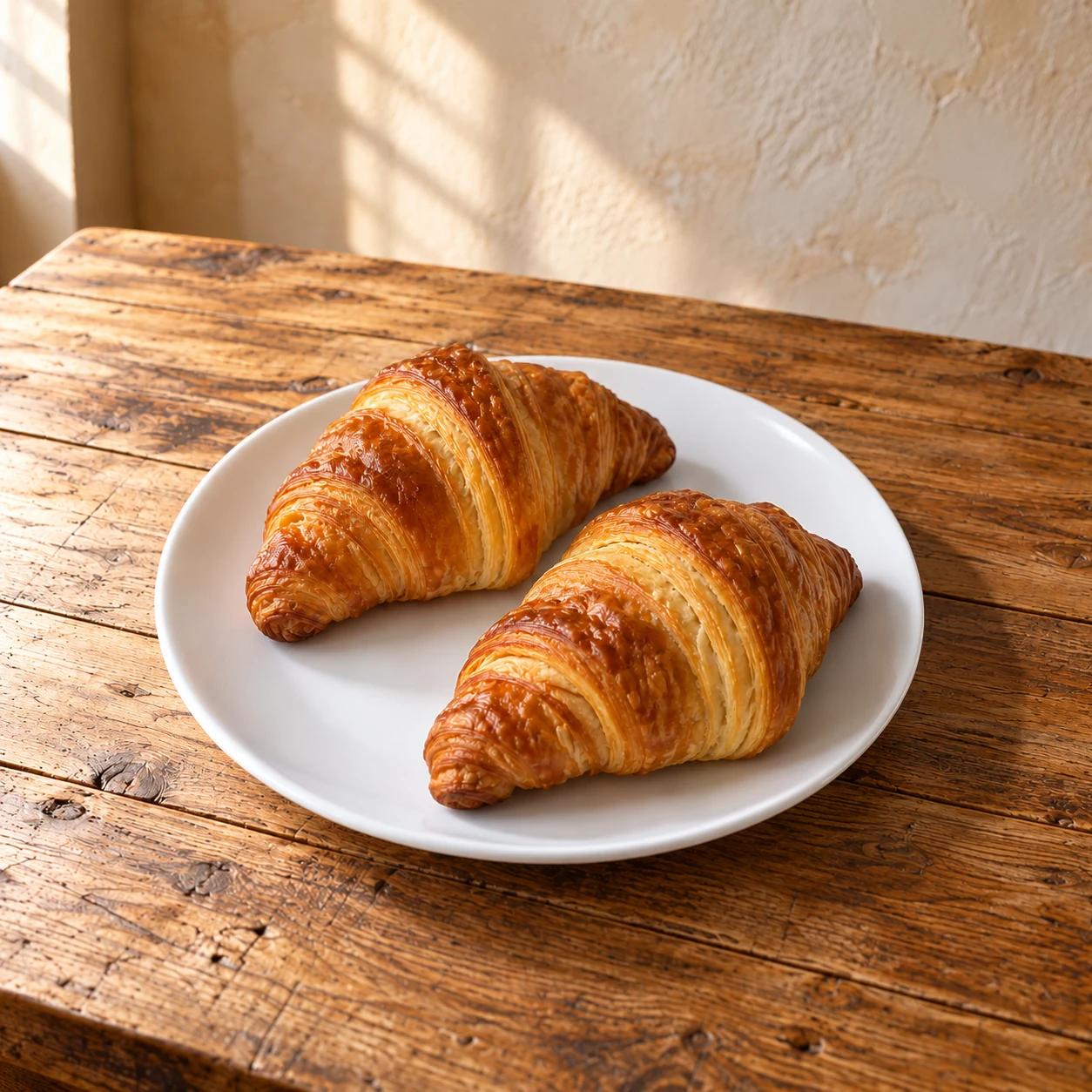
European Rustic + Texture Boost: preserve both croissants and the plate; do not invent crumbs or filling.
AI edits can alter details. Compare against the original product you actually sell, not just the mood of the image.
Start with a sharp photo of the actual dish. Identify one issue—background, color or surface detail—make a focused edit, then compare ingredients, portions and framing with the original.
Use a regular photo editor for small exposure or white-balance corrections. Use AI for a background change or selective appetite effect. Replace a badly blurred source rather than inventing detail.
Compose for the intended post format and preview the crop. Keep the dish clear at phone size and leave space around its edges. Styling should not change ingredients or portions.
Work from the original camera photo, not a screenshot. Convert HEIC to JPEG, PNG or WebP if needed. Check small details and packaging text at full size after editing.
Match the effect to the food: Steam for hot dishes, Glistening for naturally moist surfaces, Texture Boost for bread. Use Natural Enhance for a restrained comparison and reject artificial colors or added ingredients.
Use an uncluttered setting that keeps the food easy to read. Neutral surfaces suit packaged products; warm wood can suit bakery photos. Check tabletop perspective, plate contact shadows and readable labels.
Do not publish that version. Compare every item with the source, try a sharper food photo and leave enhancement off. A new background should not change what the customer receives.
Steam can look wrong on cold food, while shine can make dry bread look oily. Try Natural Enhance or no effect; keep texture visible and reject invented glaze or moisture.
Review the displayed credits, then generate your photo. Compare the food, portions, tableware, labels and framing with the original before downloading.