AI Food Photography
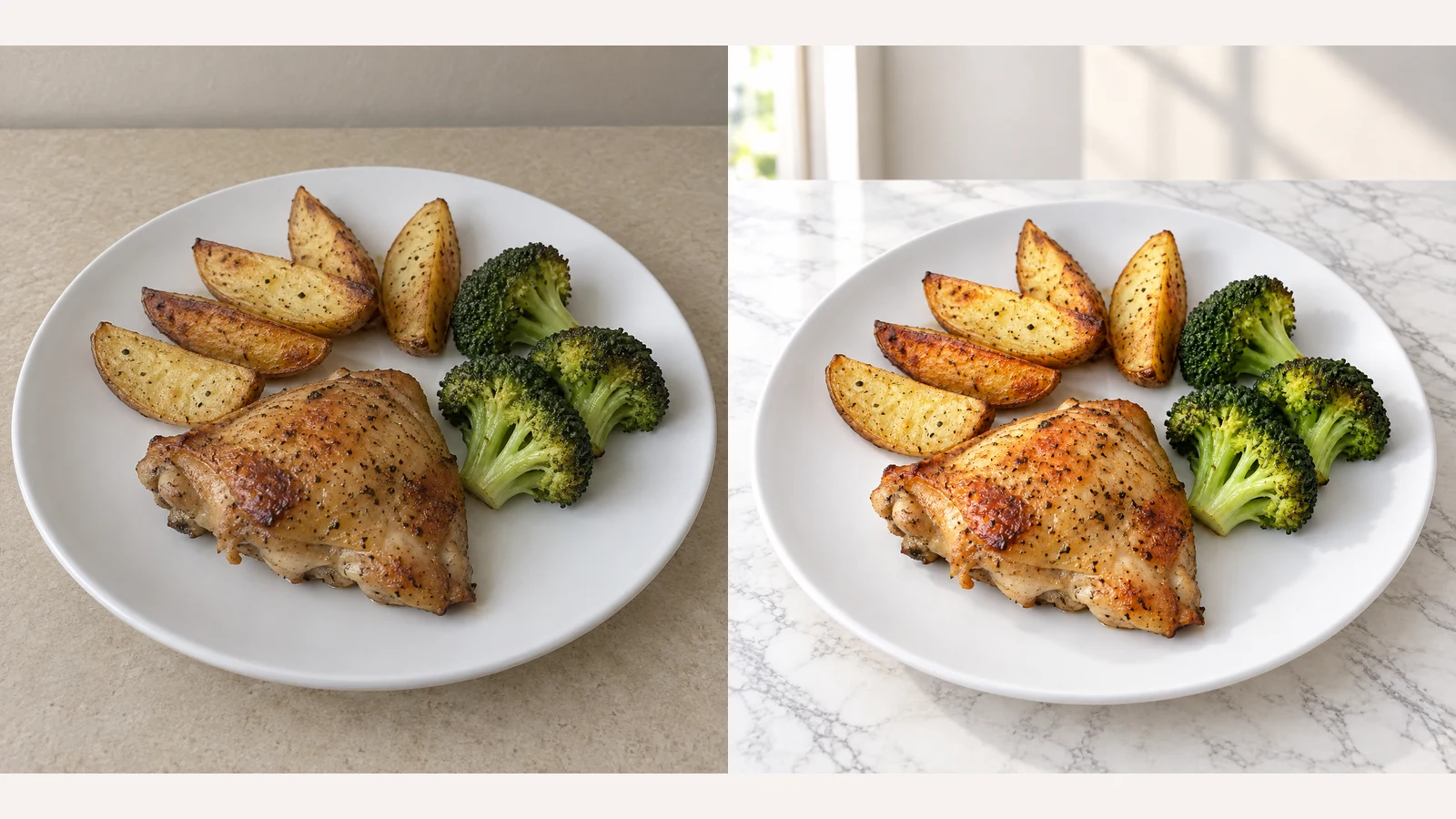
Change food-photo backgrounds and choose an appetite-enhancement template for restaurant menus, delivery listings and food ecommerce. Upload your own background or try a sample, then choose an output ratio.
AI Food Photography
Change the background, not the dish
Keep the original setting, choose from twelve empty tabletop and scene references, or upload your own. The reference guides only the environment and table, not the food or original tableware.
Choose an appetite-enhancement template
Choose Natural Enhance, Steam, Glistening, Texture Boost, Fresh Color or Steam & Shine. No effect is selected by default; click the selected template again to cancel it. Use steam for hot dishes and shine for naturally moist food, without adding ingredients or sauce.
Bakery products
European Rustic + Texture Boost: preserve both croissants and the plate; do not invent crumbs or filling.
How to Edit Food Photos with AI
Upload a clear food photo
Use one JPEG, PNG or WebP up to 30 MB. Keep the whole dish or package in frame, with ingredients, portions and labels clearly visible.
Style your photo
Choose a background and add an appetite enhancement if needed.
Generate and review
Review the displayed credits, then generate your photo. Compare the food, portions, tableware, labels and framing with the original before downloading.
Check the result before publishing
AI edits can alter details. Compare against the original product you actually sell, not just the mood of the image.
Food and portion accuracy
Check ingredients, servings, shapes, cooking color and arrangement. Reject invented garnish, extra sauce, changed quantities or misleading surface effects.
Packaging, tableware and contact shadows
Check all text and logos at full size. Preserve the original plate or package and look for plausible contact shadows. Background references must not introduce another product.
Complete subject and believable effects
Check extreme ratios for clipped dishes or packaging. Steam and shine should remain restrained; appearance does not prove actual temperature or freshness.
AI Food Photography FAQ
What can this tool change?
Replace the background or tabletop and optionally enhance the food’s appearance. Start from an existing food photo; the tool does not create menu text or promotional layouts.
What files can I upload?
Upload one food photo in JPEG, PNG or WebP format, up to 30 MB. An optional background image has the same format and size limits.
Can I use my own background?
Yes. Choose a Try sample thumbnail or upload your own background image. Uploading replaces the current reference; removing it restores the original background.
Can I replace the background without enhancing the food?
Yes. Leave all appetite effects unselected. If an effect is selected, click it again to cancel it before generating.
Which output settings are available?
Choose from the available square, portrait and landscape ratios, with 1K, 2K or 4K resolution. The default is 4:3 at 1K.
Does selecting a template spend credits?
No. Uploading, selecting templates and changing output settings do not spend credits. A generation uses the credit amount displayed before you click Generate.
How many photos are generated at a time?
Each request creates one photo. Change the background or enhancement and generate again to compare another version; each new generation uses credits.
Will it keep my dish and packaging unchanged?
The edit aims to preserve food, portions, tableware, packaging, text and logos, but details may change. Compare the result with the original before using it.
Related tools and guide
How to Edit Food Photos with AI
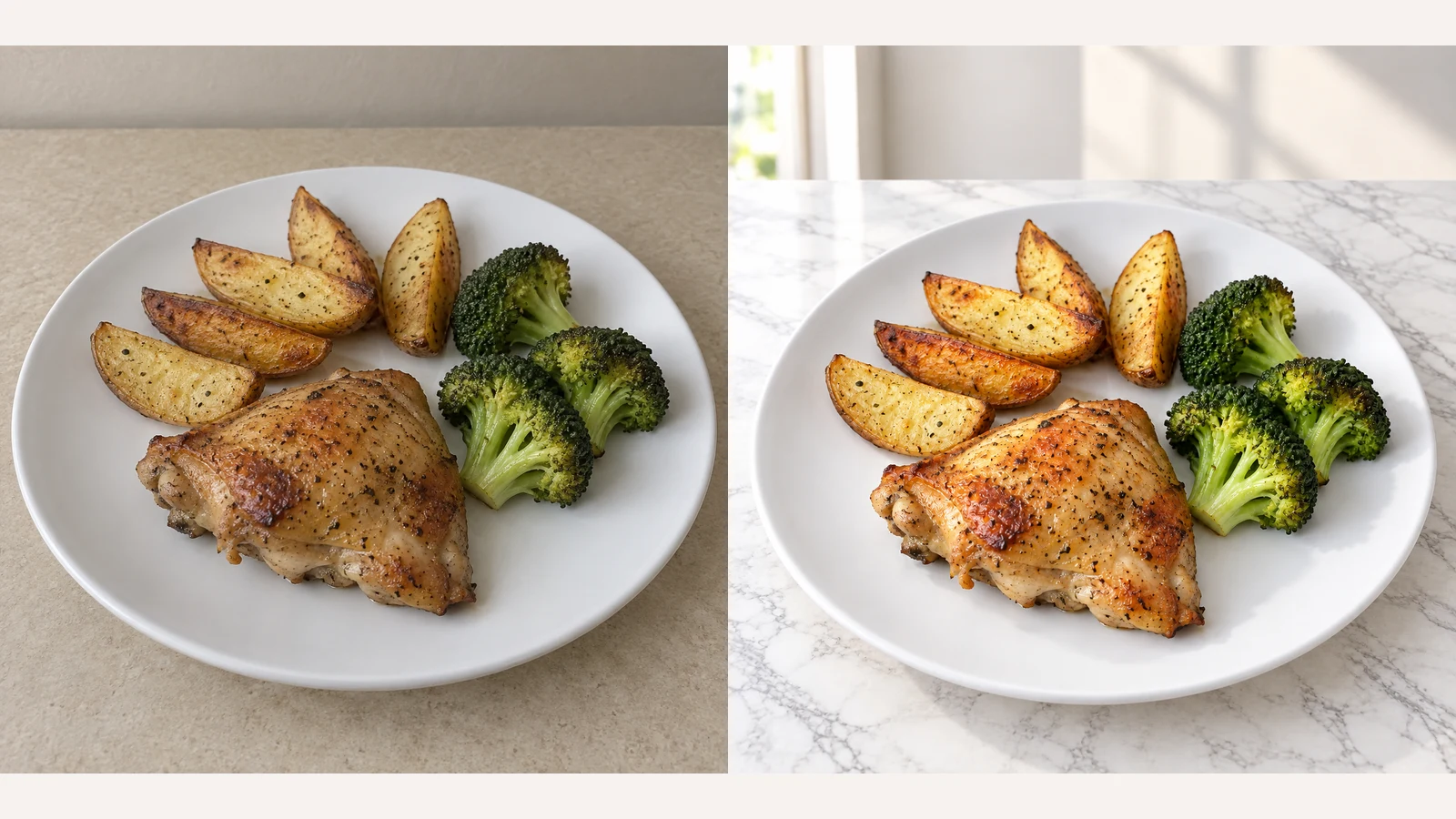
Start with the product you actually sell. Follow the workflow, choose appropriate templates and review the result. Background styling should not change what is on the plate.

AI Image Generator
Create original images from a text prompt or optional reference image. Adjust the aspect ratio and resolution to bring your creative vision to life.
AI Image Editor
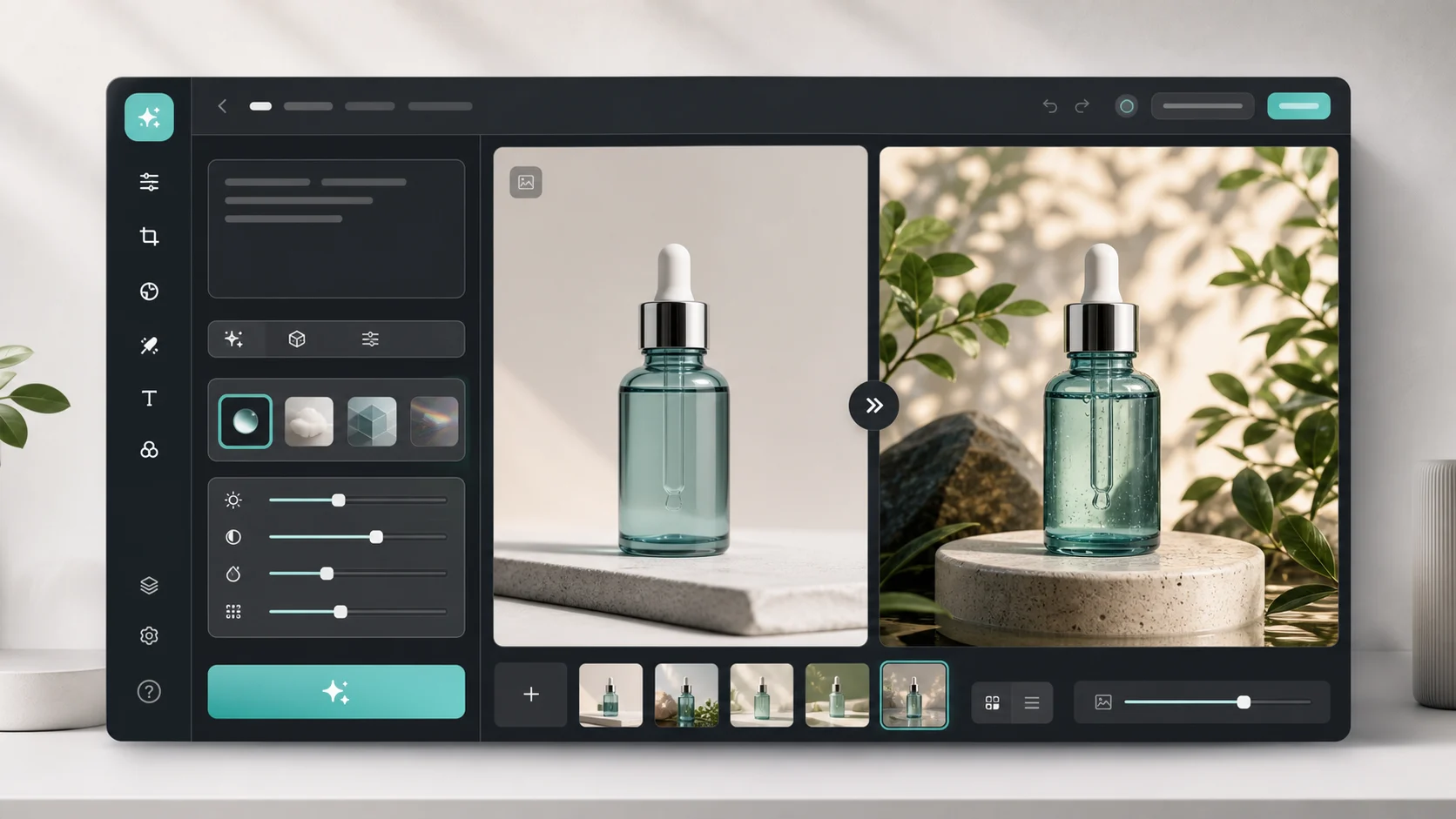
Use the general editor for changes beyond backgrounds and appetite templates.

View pricing
Review credits and plans before generating.
AI Food Photography
Change food-photo backgrounds and choose an appetite-enhancement template for restaurant menus, delivery listings and food ecommerce. Upload your own background or try a sample, then choose an output ratio.