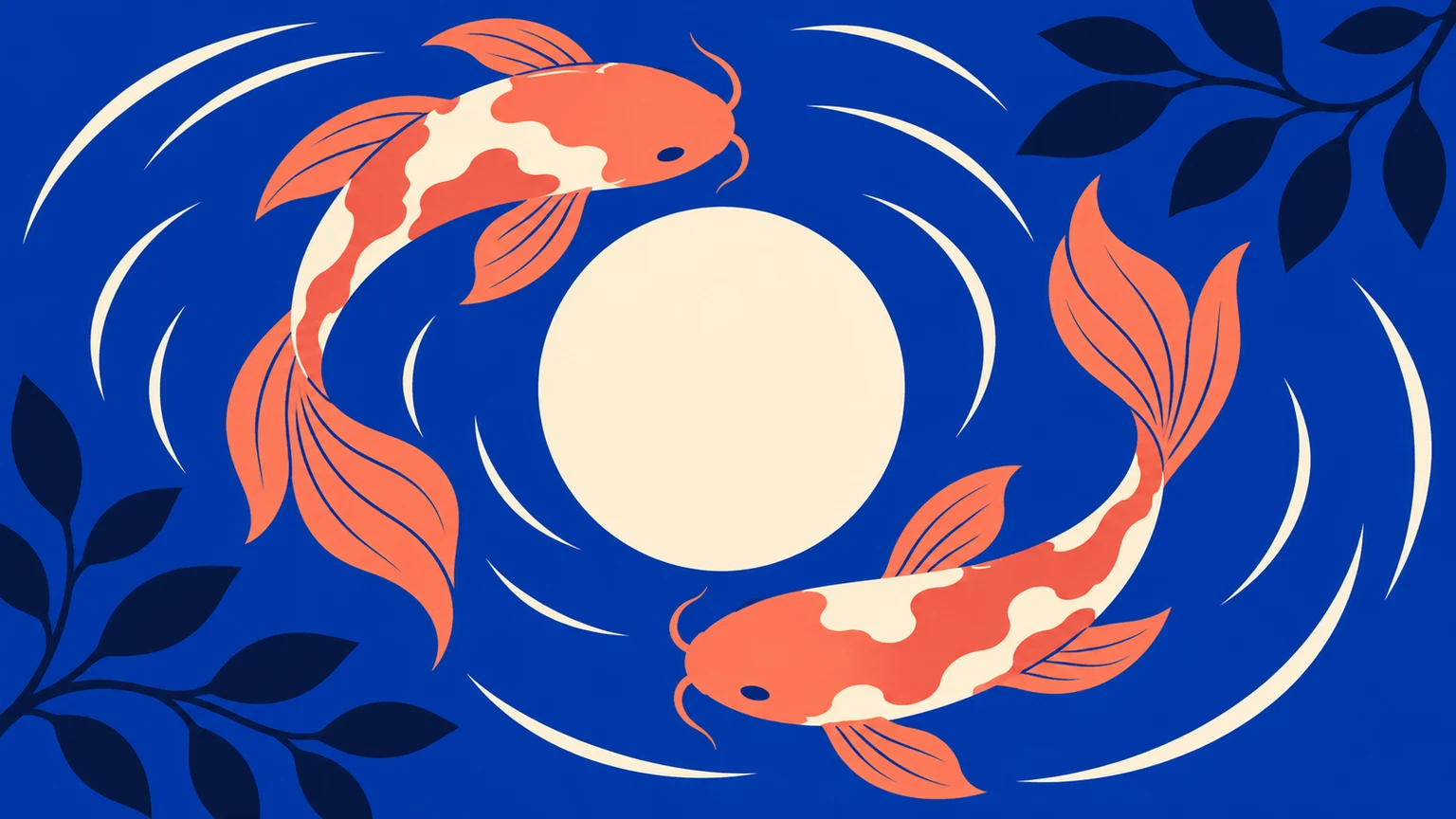

AI Vector Generator

Aspect ratio
Resolution

AI Vector Generator

Generate editable SVG artwork from text for logos, icons and illustrations. Describe your subject and style, choose the aspect ratio and generation resolution, then download the SVG file.

AI Vector Generator

Eight vector design briefs

Explore original AI-generated concept illustrations. Load a text preset to adapt the subject and style.

Coffee subscription emblem

Coffee subscription emblem

A cup and a leaf create a compact mark with a limited palette.

Vector brief

Create a new static SVG emblem for a coffee subscription: one cream coffee cup, a dark-green leaf shaped like steam, an orange circle and a navy outline. Use broad closed shapes, balanced negative space and no text, gradients, photos or embedded raster images.

Load prompt

Outdoor club badge

Outdoor club badge

A mountain silhouette tests readability inside a shield.

Vector brief

Create a new SVG outdoor club badge: two navy mountain peaks, a coral sunrise and one mustard trail inside a simple shield. Keep the silhouette readable at small size. Use solid fills and a cream margin; no text, tiny textures, mockups or embedded bitmap images.

Load prompt
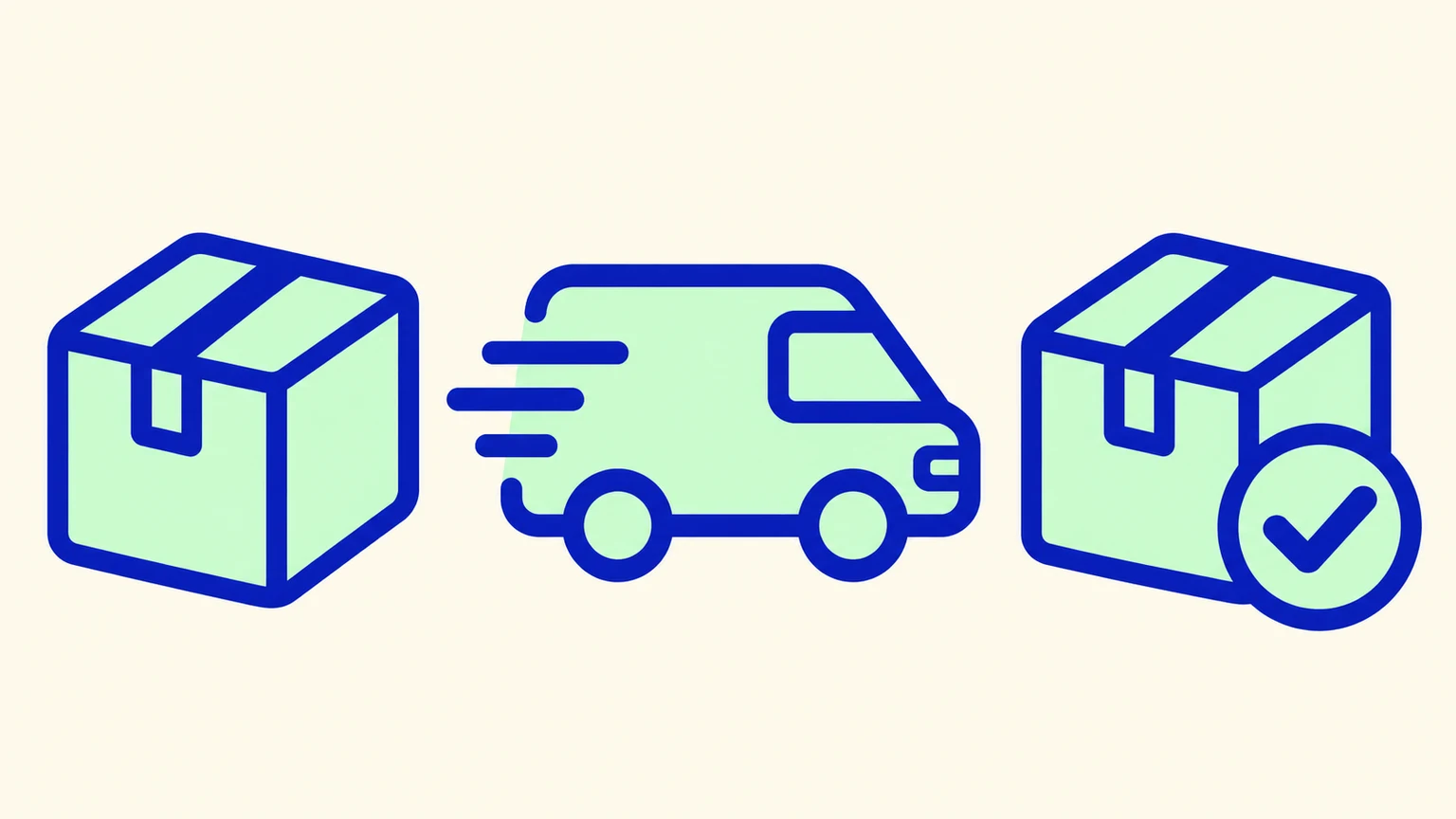
Shipping status icons

Shipping status icons

A parcel, van and delivered parcel share one outline system.

Vector brief

Design three SVG shipping status icons in a row: a closed parcel, a delivery van and a parcel with a check mark. Use matching rounded cobalt outlines, pale mint fills, equal visual weight and spacing. Avoid text, shadows, photos and embedded bitmap images.

Load prompt
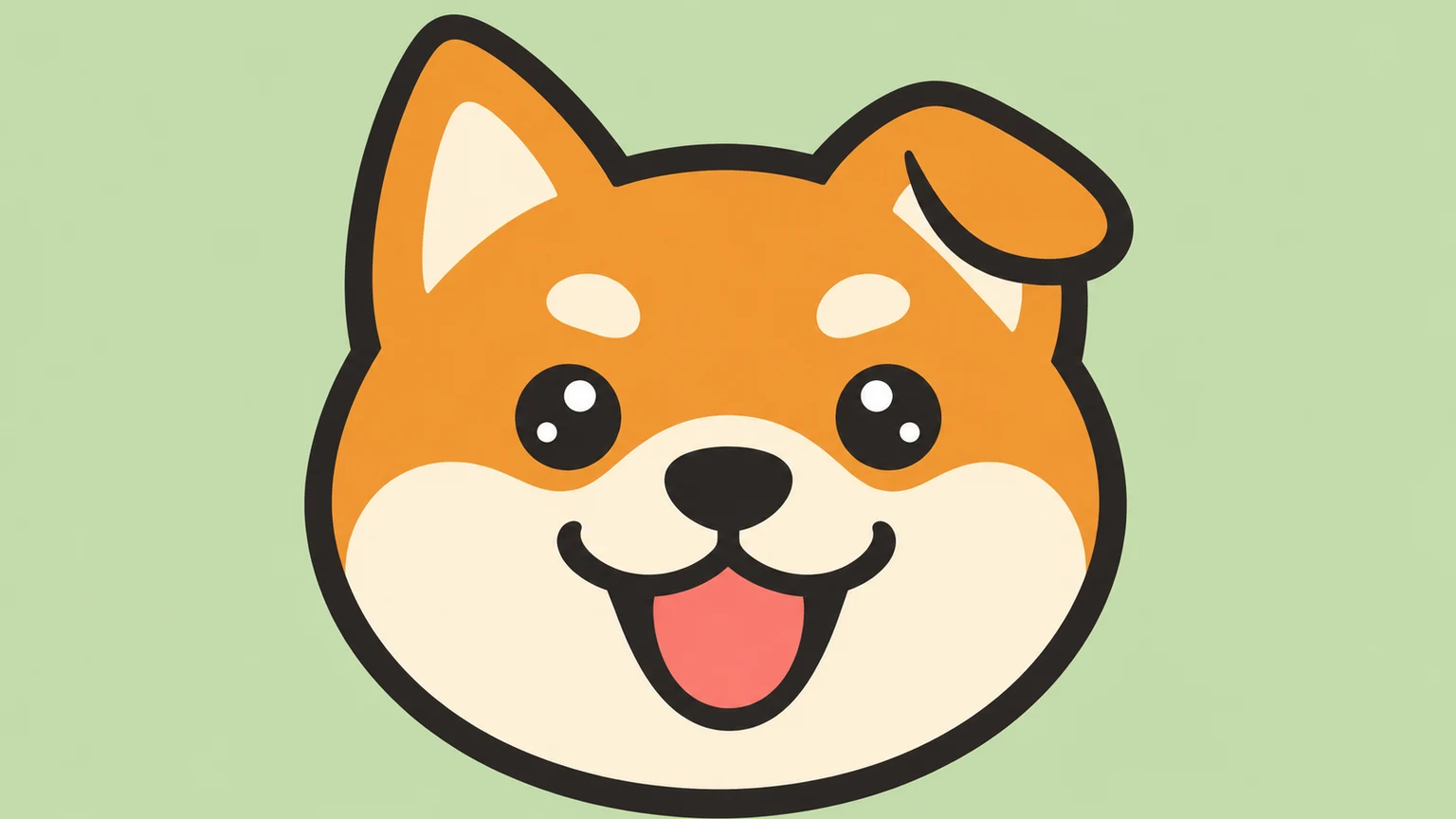
Pet care mascot

Pet care mascot

A dog face uses broad shapes and a friendly expression.

Vector brief

Create a static SVG pet care mascot: a cheerful shiba dog head with one tilted ear. Use ochre, ivory and a charcoal outline with broad simple shapes. Keep the face centred and recognisable. No words, fur texture, photographic effects or embedded raster images.

Load prompt
City arts graphic

City arts graphic

Arches and a stairway establish a clear editorial composition.

Vector brief

Create a new editorial SVG illustration for a city arts event: cobalt arches, a coral stairway, a mustard sun and two small geometric people on ivory. Use large flat shapes and room for separate typography. No generated letters, gradients, photographs or embedded raster images.

Load prompt

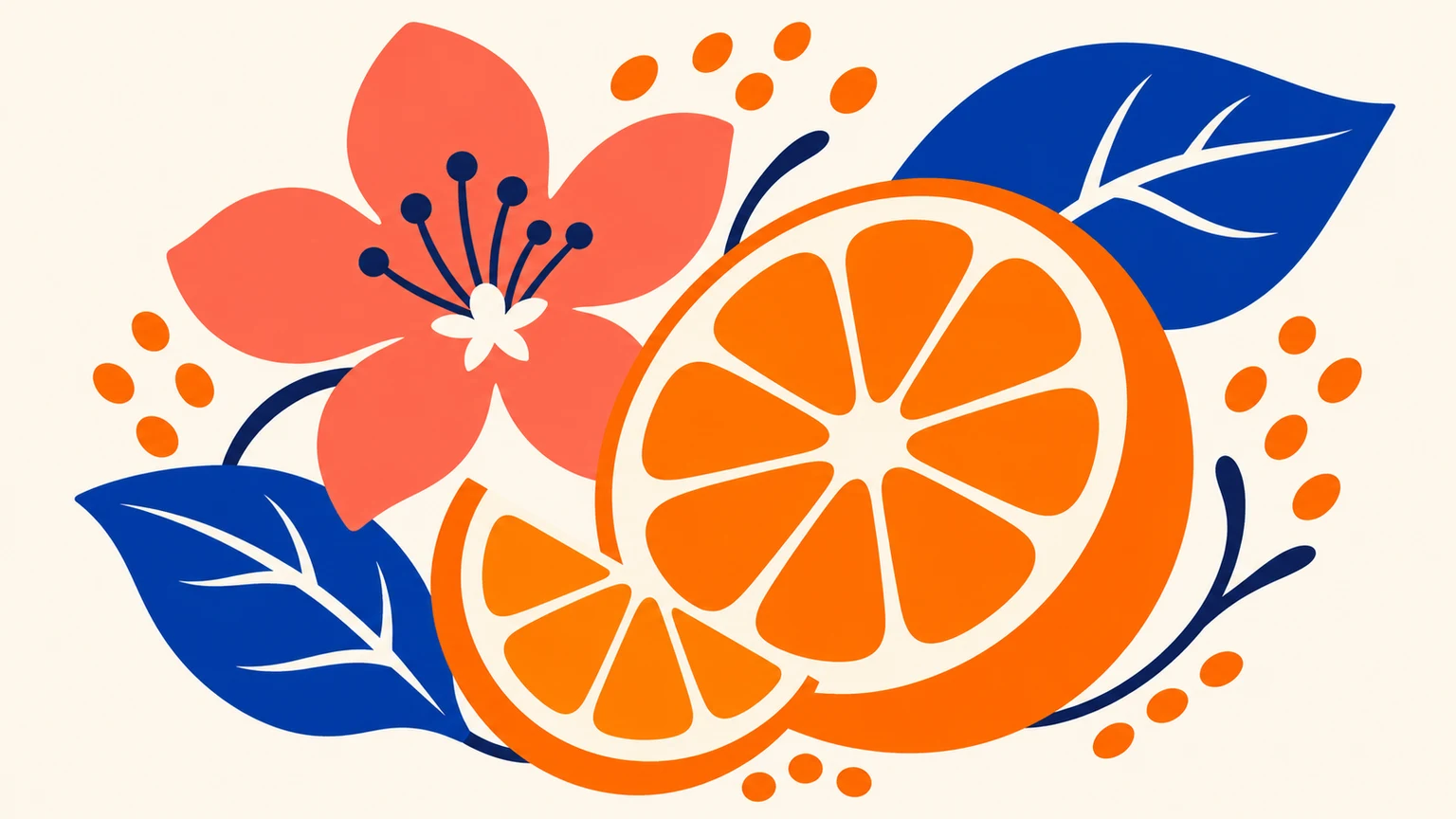
Citrus label motif

Citrus label motif

An orange and leaves form a label illustration without typography.

Vector brief

Create a static SVG botanical label motif: a sliced orange, two cobalt leaves, one coral blossom and a few seed dots, balanced as an oval vignette on ivory. Use solid fills and clean closed paths. No lettering, bottle mockup, texture or embedded bitmap images.

Load prompt
Plant lifecycle graphic

Plant lifecycle graphic

Four simple stages make the visual sequence easy to review.

Vector brief

Create a static SVG learning graphic with four plant stages from left to right: a seed, a tiny sprout, a two-leaf seedling and a flowering plant. Connect them with a dotted navy path. Use green, ochre and coral on cream. No words, numbers, photos or embedded raster images.

Load prompt
App onboarding scene

App onboarding scene

A robot and folders explain an action with a few large shapes.

Vector brief

Create a new static SVG onboarding illustration: a friendly cobalt robot sorts coral and mustard folders onto a navy shelf, with a small mint plant nearby. Use rounded flat shapes, an ivory background and a clear silhouette. No interface text, gradients, photos or embedded bitmap images.

Load prompt

What can you create with an AI vector generator?

Brand identity

Simple brand marks

Describe a recognisable silhouette and a small palette for a logo direction. Check the mark in one colour and at its smallest intended size.

Product design

Matching benefit icons

Keep subjects, outline weight and corner style consistent. Review each icon together with the rest of the set.

Campaigns

Editorial graphics

Use bold shapes and deliberate empty space for campaign artwork. Add exact headlines later in your design editor when accuracy matters.

Surface design

Decorative motifs

Explore leaves, seeds and repeating shapes for labels or backgrounds. Check tile edges in an editor before using a repeating pattern.

How to generate vector artwork

1

Describe your graphic

Enter the subject, composition, palette and outline style. You can load an example and edit its text before generating.

2

Choose your settings

Choose the aspect ratio and generation resolution. Review the credit price displayed beside Generate.

3

Generate and download SVG

Click Generate, review the result and download the SVG. Open it in a vector editor to inspect paths, lettering and drawing bounds.

Review the file, then continue

Use the checklist before treating an asset as ready for a project.

Inspect the document

Open the file in a vector editor such as Inkscape. Select a shape and change its fill or stroke. Check the viewBox and artboard. An image element can contain a bitmap, so a .svg extension alone is not proof of vector paths.

Review and hand off

Inspect edges, small gaps, outline weight and spelling at the final size. Test a one-colour version when useful. Keep the SVG master and export a PNG preview separately; confirm any print-specific requirements with the destination workflow.

Keep a raster copy

PNG suits pixel-based delivery and preview images. Keep the editable SVG master separately when you need to change shapes or scale the artwork.

AI vector generation questions

Can I generate an SVG on this page?

Yes. Enter a text brief, choose the aspect ratio and resolution, review the displayed credits and click Generate. Each submission creates one SVG file.

Is an AI vector generator the same as an AI SVG generator?

Both terms can describe creating new vector graphics from text. This tool returns a static SVG with editable paths and shapes that you can inspect in a vector editor.

Can I upload a reference image or convert a PNG/JPG to SVG?

This SVG generator accepts text only. Photos, logos and style reference images cannot be uploaded. Tracing or converting an existing PNG/JPG requires a separate image-conversion workflow.

Can I edit the downloaded result?

Open the SVG in a vector editor to select and change paths, fills and outlines. Inspect the actual file before use. Outlined lettering is editable as shapes and may require separate typesetting.

What happens when I load an example?

Its text and settings fill the workspace. You can edit them and click Generate when ready. Loading an example spends no credits.

How is SVG generation priced?

The credit price appears beside Generate and updates with the selected resolution. One submission creates one SVG. Credits are charged when you submit a generation.

Create your next vector graphic

Turn a clear text brief into an SVG, then review the shapes before using it in your project.