Portrait in soft light
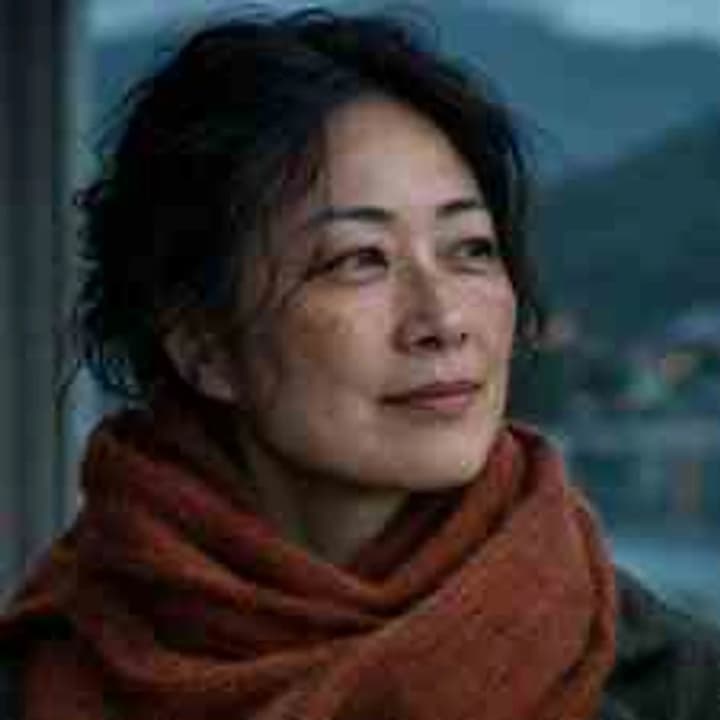
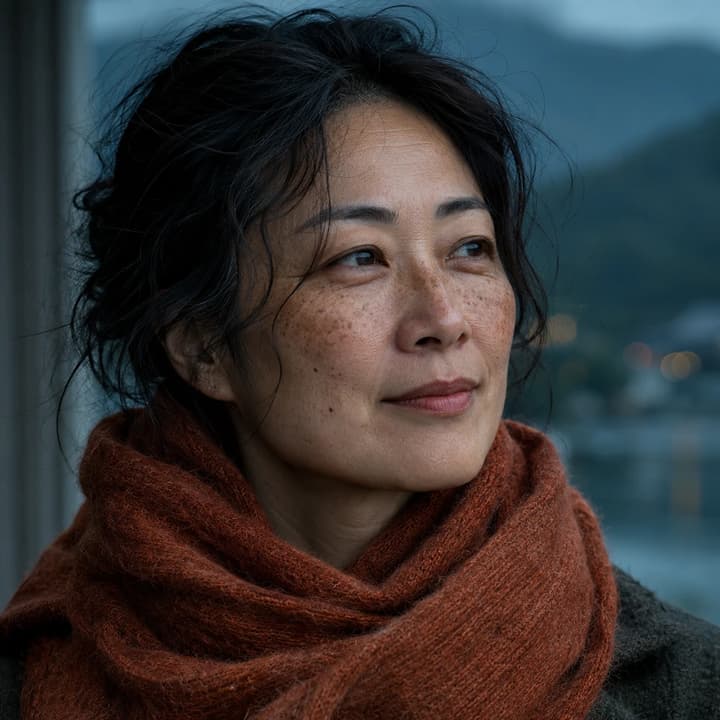
Load this imageLook at the hairline, freckles and weave of the scarf.
Make a soft or compressed image clearer. Upload a photo or illustration and download one edited PNG.
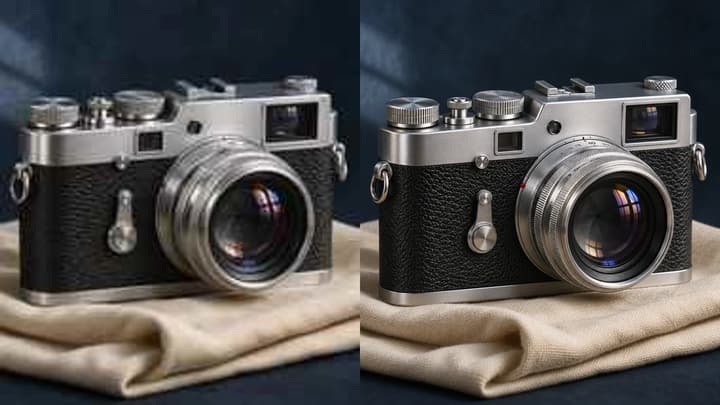
Reduce mild blur and compression artifacts around edges. In illustrations, check that fine lines and paper texture still look natural.
Compare the curtain folds next to the lamp. Check whether the folds are clearer and the shadows retain their depth.
Follow the pale hose against the dark pegboard. Look for jagged edges and bright halos where the two colors meet.
Look at the drops where they cross the leaf veins. The veins and droplets should remain distinct.
Compare a compressed copy with its clear reference. Load the compressed version to try it.
Look at the hairline, freckles and weave of the scarf.
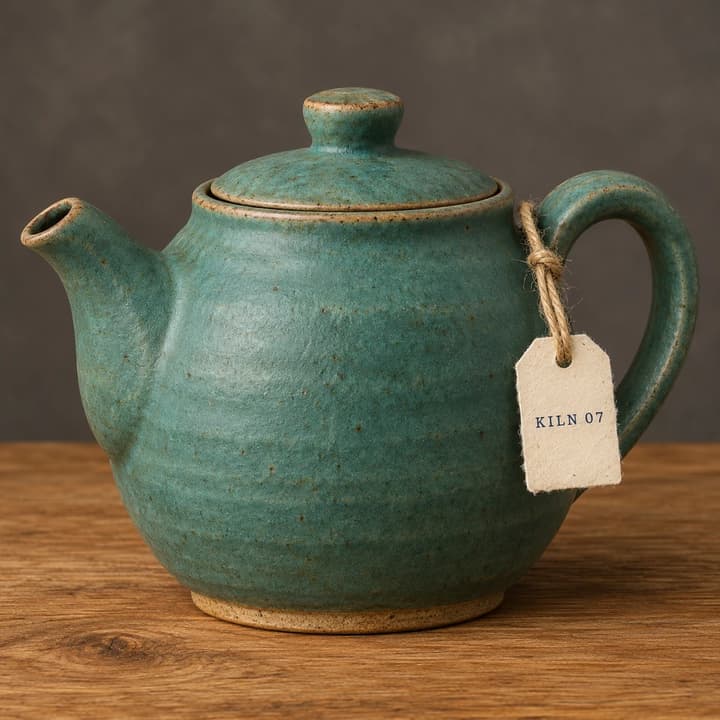
Check the rim and the small lettering on the paper tag.
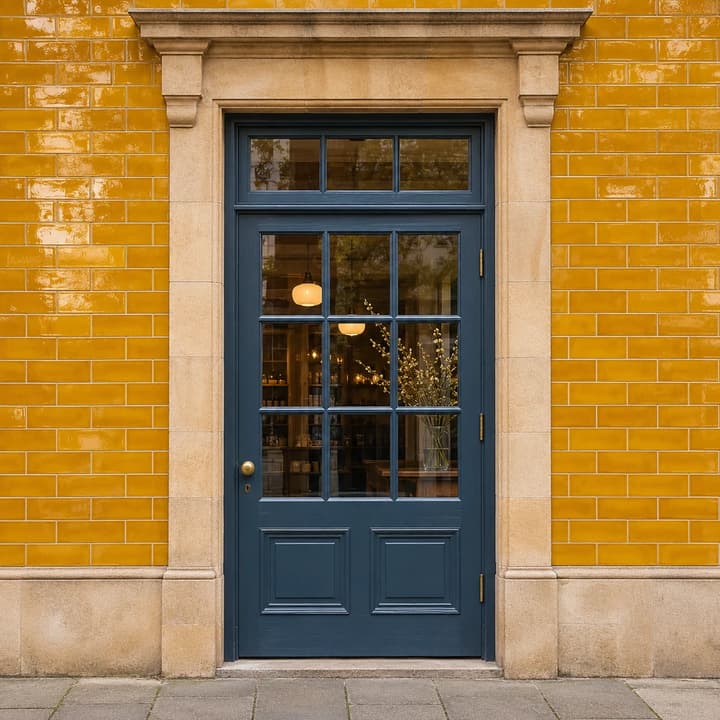
Follow the grout lines and the thin bars in the door window. Watch for soft edges and steps along straight lines.
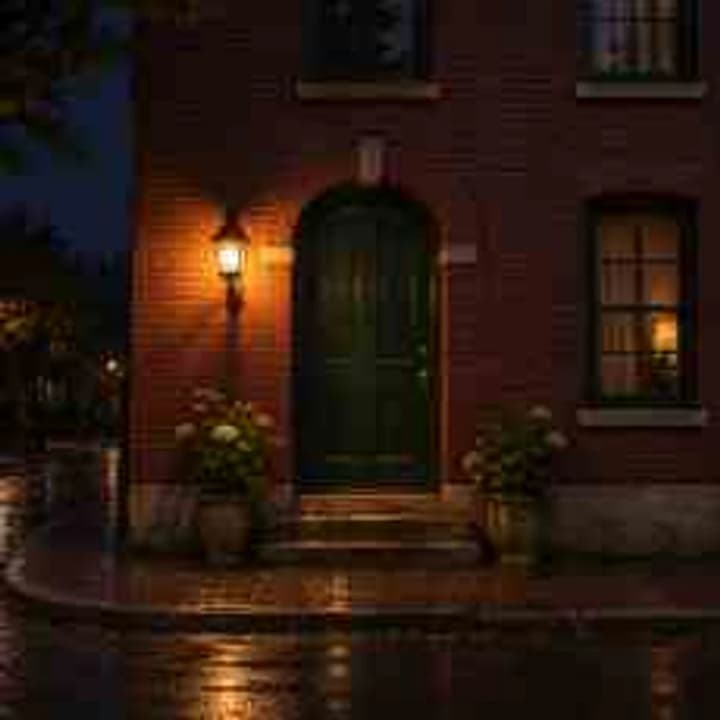
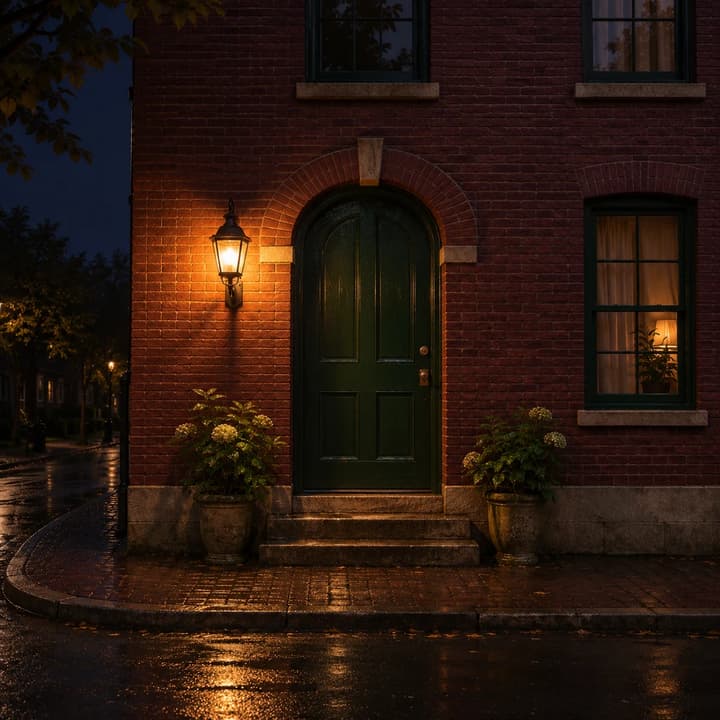
Check the bricks beside the lamp and the highlights on the wet cobblestones.
Add one JPG, PNG or WebP up to 30 MB. Use the largest, clearest copy you can find.
Choose 1K, 2K or 4K and select Generate. The output keeps the original aspect ratio. Exact pixel dimensions depend on that ratio.
Inspect faces, lettering and edges against the original before downloading the PNG.
Yes. Choose 1K, 2K or 4K. The output keeps the original aspect ratio. Exact pixel dimensions depend on that ratio.
The model can refine details it can see. Missing letters or facial features can be reconstructed incorrectly. Start from a clearer original when accuracy matters.
No. It fills the image input. Generating uses the credit amount shown on the button.