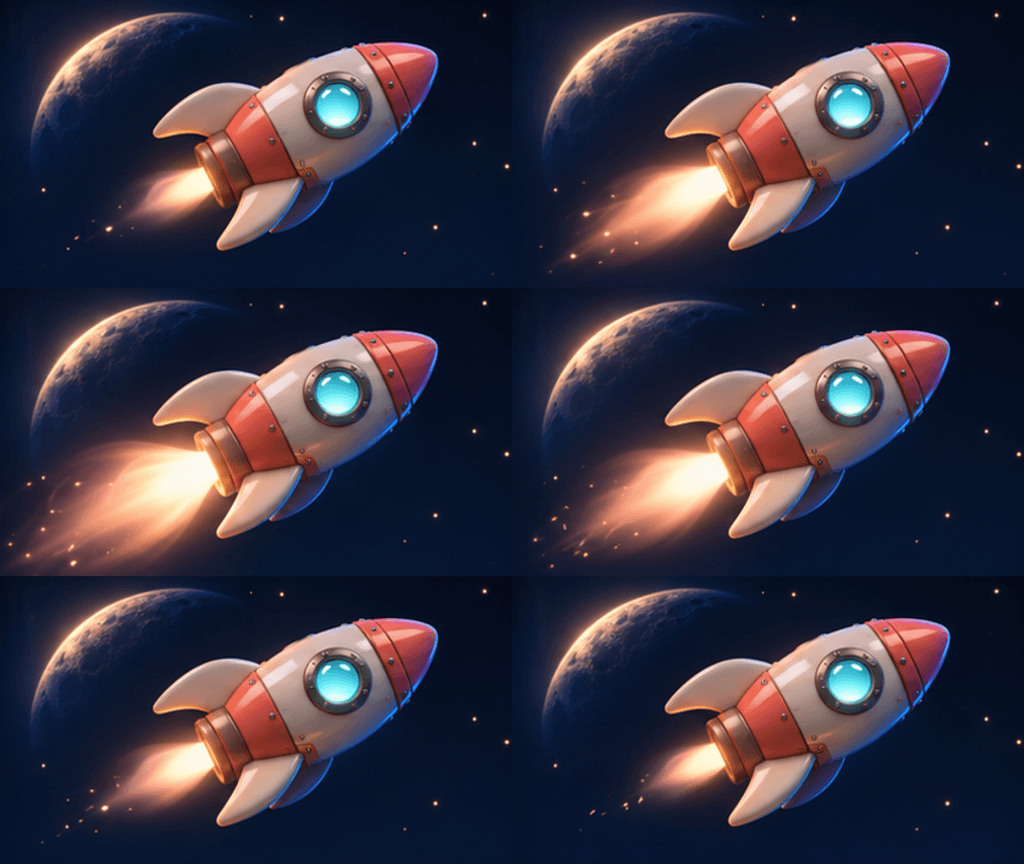
AI GIF Maker

Still-image reference

0 / 31,100

GIF frame size
8
200 ms

AI GIF Maker

Create an animated GIF from text and an optional still-image reference. Choose frame size, frame count and timing, review the credits and download your GIF.

AI GIF Maker

Eight starting points for your GIF

Explore concept animations assembled from original AI-generated illustrations. Load an example to use its first frame as a reference and adapt the text and timing.

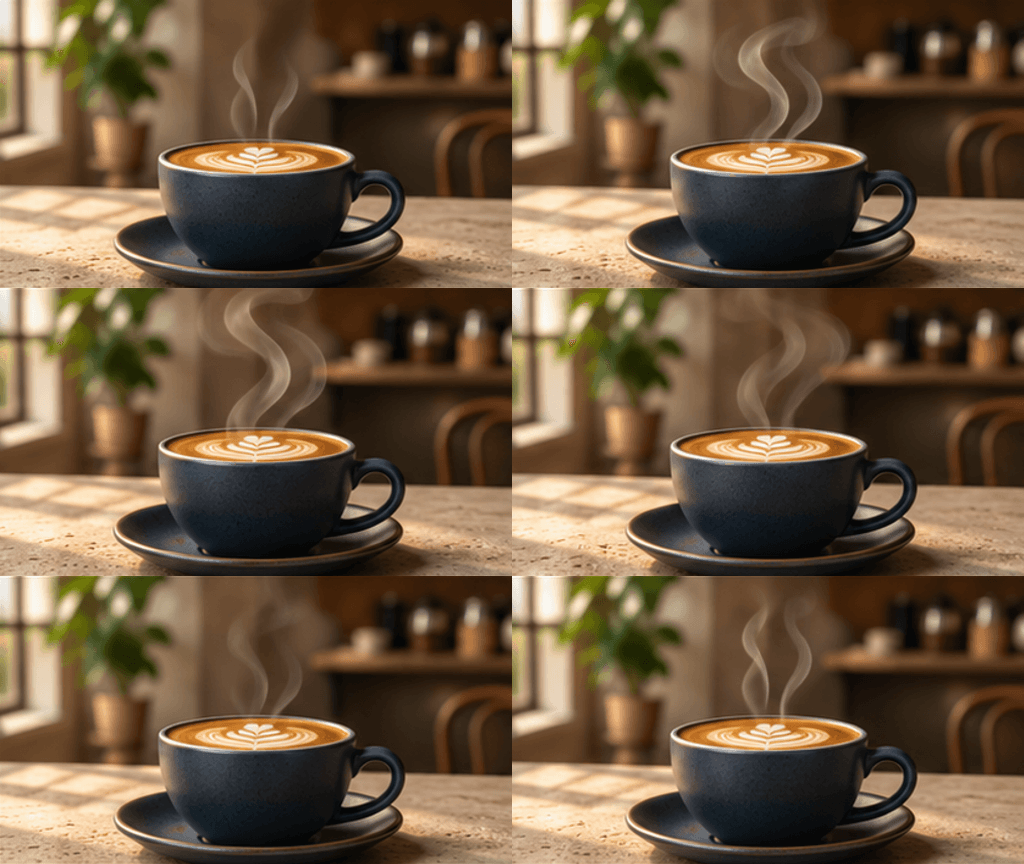
Coffee steam

Coffee steam

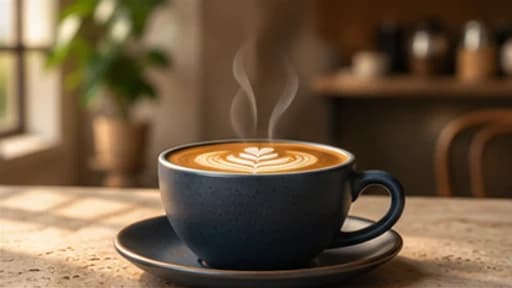
Warm cafe light and curling steam for a coffee launch.

Motion prompt

Keep the navy coffee cup and cafe camera still. Let soft steam curl upward, fade and renew in a continuous loop. Photorealistic warm window light, no lettering.

Load this example
Skincare launch

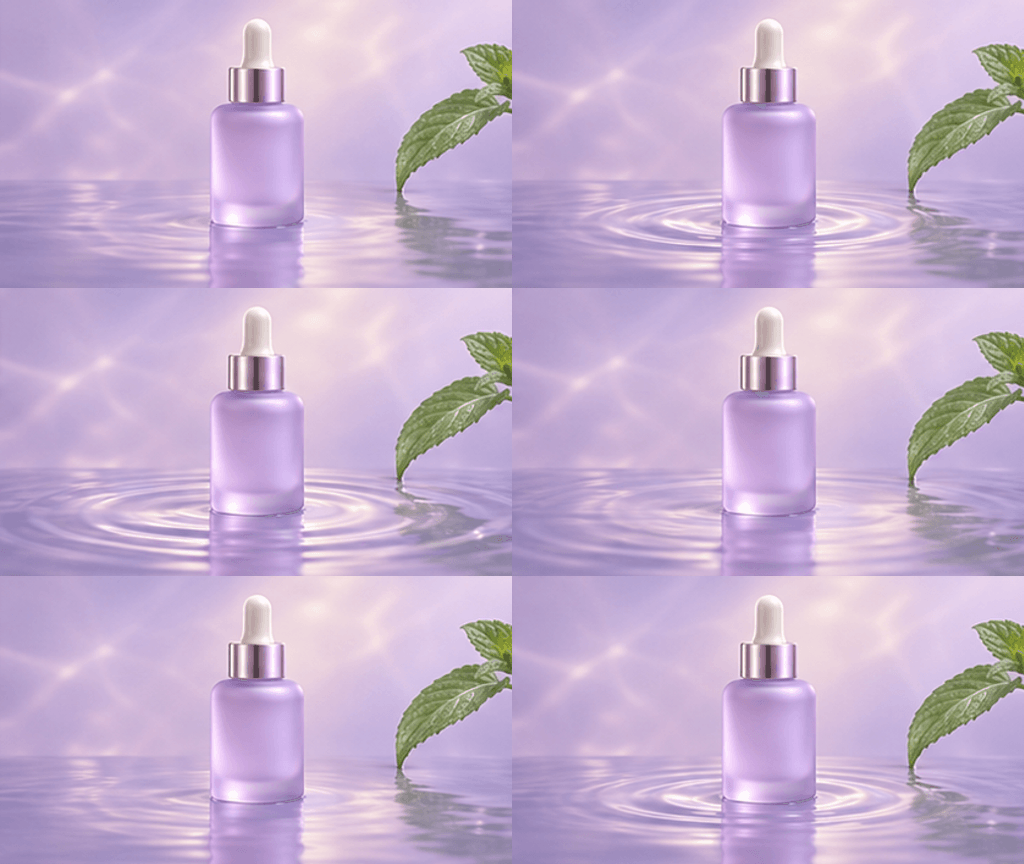
Skincare launch

Frosted glass and expanding water ripples for a skincare launch.

Motion prompt

Keep the frosted lavender serum bottle and mint leaf still while concentric ripples spread and fade across the shallow reflective pool. Soft luxury studio light, fixed camera, no labels.

Load this example
Gift reveal

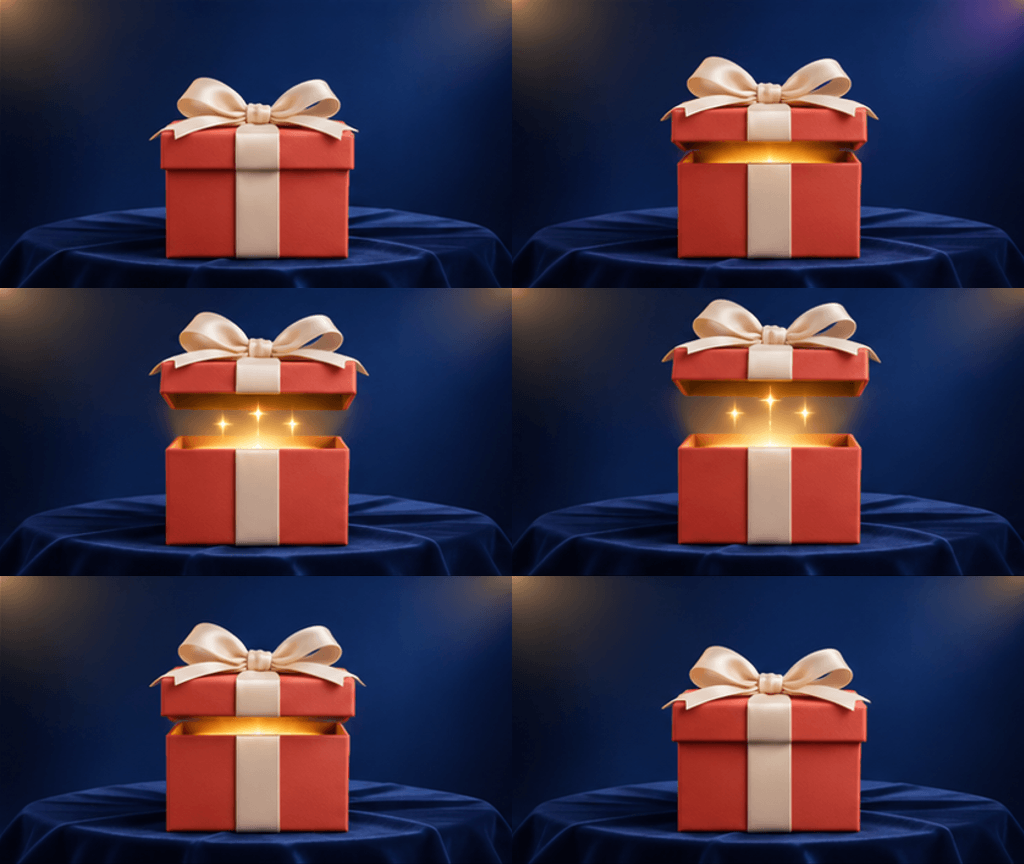
Gift reveal

A gift lid lifts to reveal a warm glow, then closes.

Motion prompt

Lift the lid and ivory bow of the coral gift box, reveal a warm golden glow and a few sparkles, then lower the lid to the starting pose. Keep the velvet stage and camera fixed. No text.

Load this example
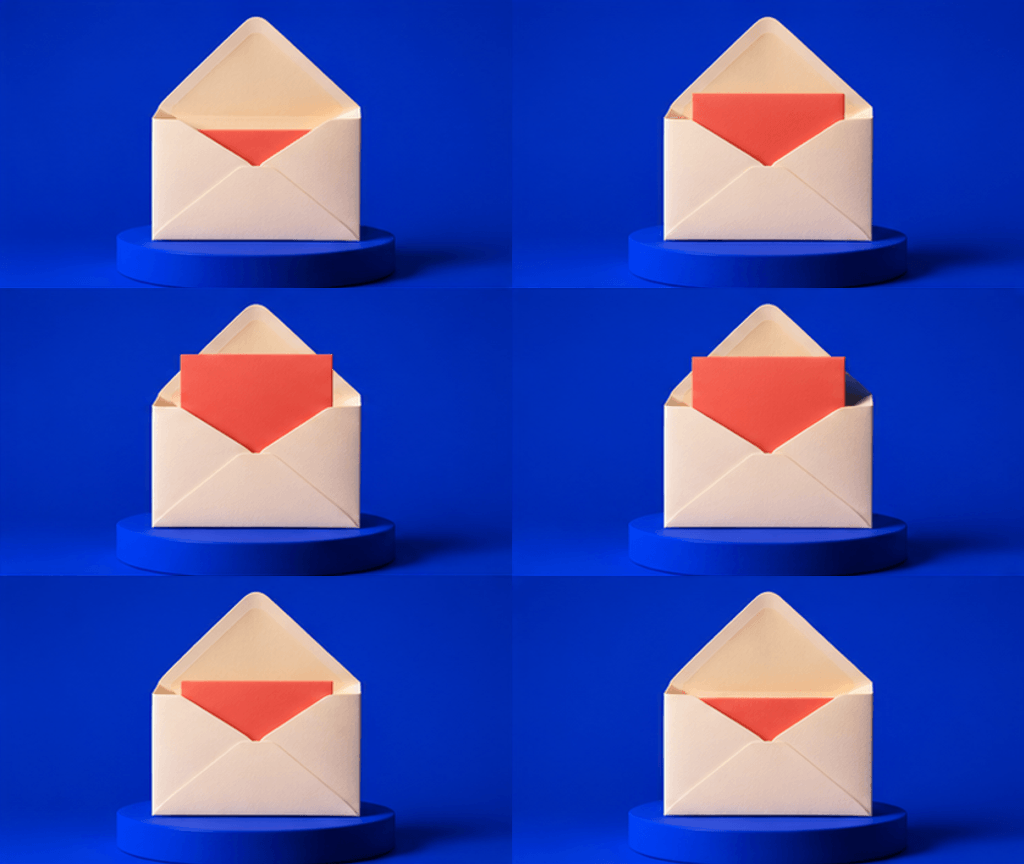
Newsletter invitation

Newsletter invitation

A coral card slides out of an ivory invitation.

Motion prompt

Slide the coral card upward from the open ivory envelope, pause briefly and return it to the starting position. Keep the cobalt pedestal, background and camera still. No words.

Load this example
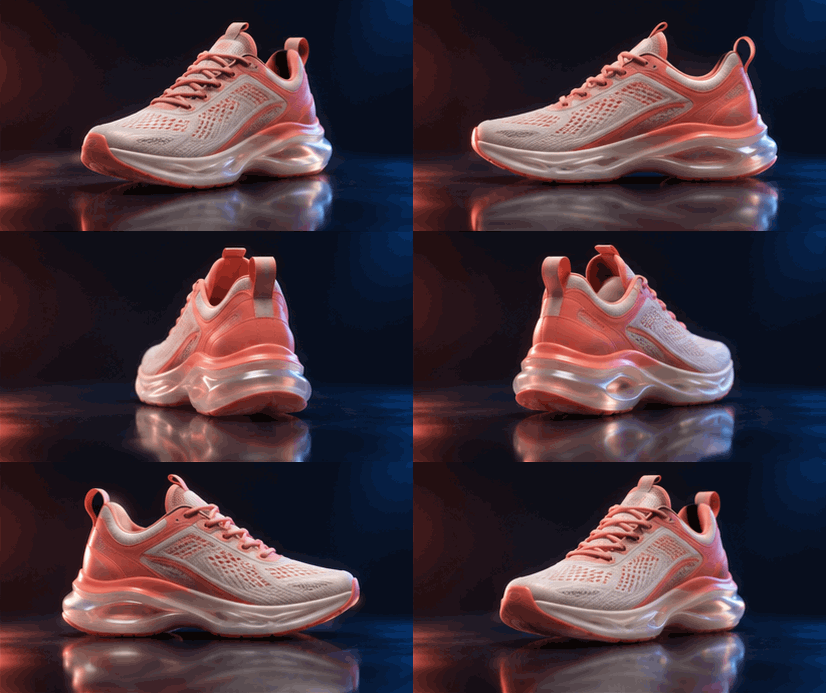
Sneaker spotlight

Sneaker spotlight

A coral sneaker turns on a dark reflective stage.

Motion prompt

Show the coral-and-ivory sneaker turning once around its vertical axis on the dark reflective studio floor. Keep its design, lighting and camera consistent, with a smooth return to the opening view. No logos or lettering.

Load this example

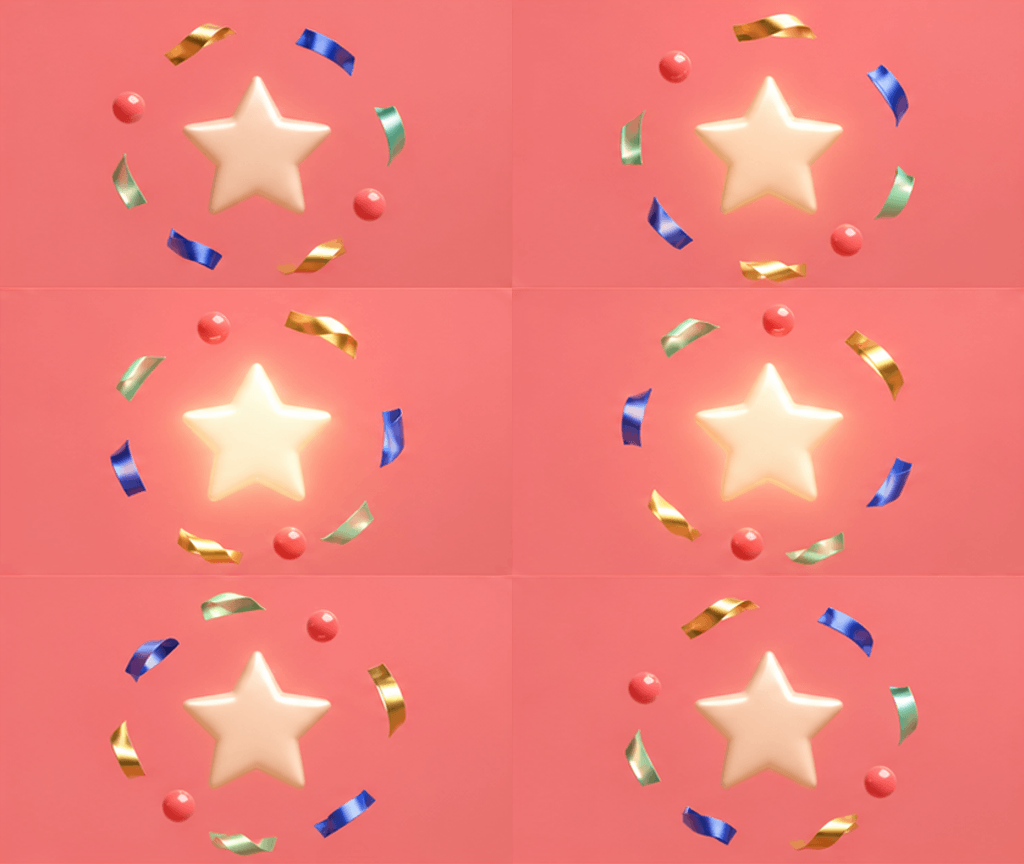
Celebration accent

Celebration accent

Metallic confetti orbits a softly glowing star.

Motion prompt

Let metallic gold, cobalt and mint confetti orbit a softly glowing ivory star on coral. Keep the star centered and the camera fixed, returning to the opening arrangement. No text.

Load this example
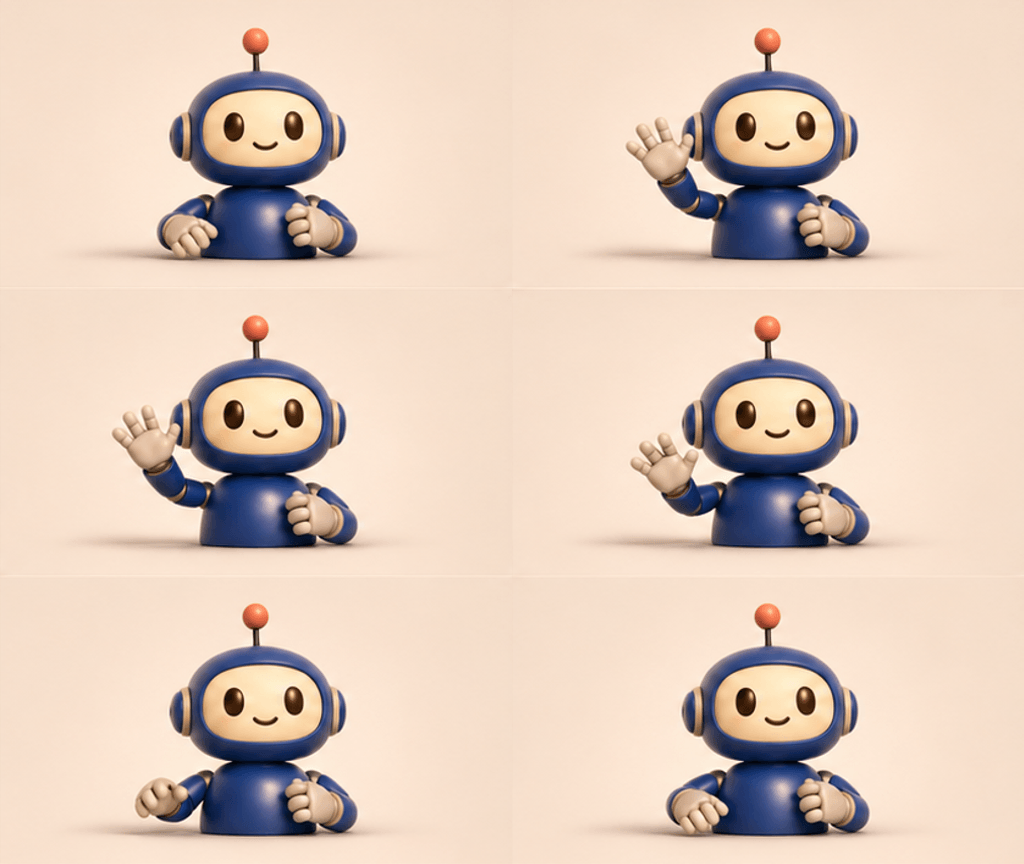
Onboarding greeting

Onboarding greeting

A dimensional robot waves a welcome.

Motion prompt

Animate a welcoming wave from the cobalt robot's raised hand, add one soft blink, then return to its opening pose. Preserve its face and body. Warm ivory studio background, fixed camera, 3D style.

Load this example
Coastal mood

Coastal mood

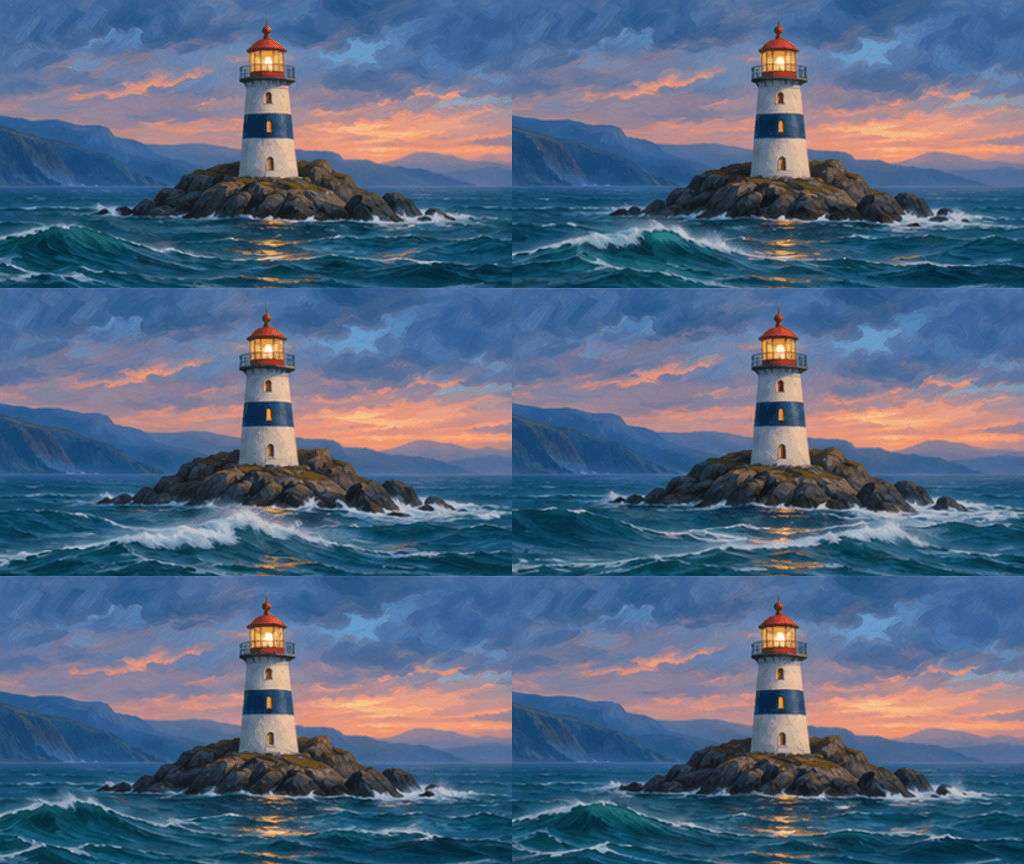
Painted ocean swells pass a lighthouse at dusk.

Motion prompt

Animate gentle teal ocean swells and foam passing the lighthouse island at dusk. Keep the lighthouse, rocks, horizon and camera fixed. Painterly coastal style with continuously flowing water, no text.

Load this example

Where a short GIF can help

Commerce

A small store announcement

A sculptural shopping bag and flowing satin ribbon give a shop update a polished product-ad feel.

Documentation

A quiet help-page cue

Animate a small status indicator beside a help document. Check that the page still makes sense with animation paused.

Community

A friendly reaction

Use a character with a readable expression and one small gesture. Review its face across every frame.

Social

A recurring visual motif

Let a seedling sway while the background stays still. Use a short motion that can return toward its starting pose.

How to make a GIF with AI

1

Describe one movement

Write the subject, its small action and what should stay still. Optionally upload one JPEG, PNG or WebP reference, or load an example.

2

Choose frames and timing

Choose the GIF frame size, 2–16 frames and a frame duration. Review the displayed credit price, which changes with frame count.

3

Generate and inspect

Submit the generation, play the result for several cycles and download the GIF. Check the first frame, subject consistency and the transition back to the beginning.

Plan the motion around its destination

Make the first frame useful

For an email or a product announcement, the first frame should communicate the subject on its own. Check the actual email client or destination before sending.

Give the action a way back

Describe a sway, pulse or wave that ends near its starting pose. Watch the join between the last and first frames and revise the motion if it jumps.

Check the delivered file

Download the GIF and check dimensions, playback speed, loop behaviour and file size. Reduce motion complexity or frame count if the result is too heavy for its destination.

GIF questions

Can this AI GIF generator start from text or an image?

A written motion description is required. You can also add one JPEG, PNG or WebP still image up to 30 MB as a reference. Each submission creates one GIF.

Which GIF settings can I change?

Choose frame size, 2–16 frames and a frame duration from 20 to 2,000 ms in 10 ms steps. For example, 8 frames at 200 ms describe a 1.6-second animation cycle.

Will the animation loop seamlessly?

Describe a movement that returns toward the starting pose, then inspect the actual result. Subject consistency and a smooth last-to-first transition need visual review.

What happens when I load an example?

Its first-frame reference, motion prompt and frame settings fill the workspace. Edit them before generating. Loading a preset spends no credits.

How are credits calculated?

The displayed price updates with frame count. Review it before submitting. A generation produces one GIF and remains in your history for download or reuse of its inputs.

Can I change how many times an existing GIF plays?

Use a GIF loop-count editor for an existing file. The linked guide explains infinite playback, limited repeats and the difference between playback settings and the animation's motion.