Amazon URL to Video

Model

Amazon product link

0 / 7,100

Duration
Aspect ratio

Amazon URL to Video

Turn a public Amazon.com product link into a short AI video. Review the listing details, select matching photos and direct a shot with your preferred model.

Amazon URL to Video

Product demonstrations to try

Watch the motion, then use a prompt with your own Amazon product link and selected photos.

A cleaner at work

Watch the contact between the hand, cleaner and desk.

Use this prompt
Prompt

Guide the selected desktop vacuum slowly across a few crumbs on a wooden desk. Keep the hand touching the cleaner throughout. Use a close view that shows the contact with the surface. Preserve its shape and controls.

Video example

From listing photos to a product shot

Use the listing to establish the item, then choose what the camera should show.

One ASIN

Keep the product version consistent

Check the color, size and configuration in every selected photo. A listing gallery can contain several variants.

Construction

Show a detail that matters

Use a sharp view of the zip, handle or fitting you want to show. Keep the camera move small enough to inspect it.

Everyday use

Explain one visible action

Choose an action the product photos can support. Give the item room and keep its contact with hands or surfaces clear.

Package contents

Show what comes with it

Select photos of the exact set. Check the number of pieces and accessories before using the finished clip.

How to turn an Amazon URL into a video

01

Paste the Amazon link

Use a public Amazon.com product-detail page. The available listing information is read automatically.

02

Choose matching photos

Confirm the product version, select its images and add a shot direction.

03

Generate and inspect

Choose supported settings, check the credit quote and review the complete video.

Amazon URL to Video questions

Which Amazon links should I use?

Start with a public Amazon.com product-detail URL containing an ASIN, such as amazon.com/dp/ASIN. Open shortened links first and copy the full product URL.

Will it choose the correct color or size?

Choose the intended version on Amazon, copy its product link and check the imported name and gallery. Select only photos showing the color, configuration and accessories you want.

How many photos can I select?

The limit follows the selected model. Choose a clear whole-product photo, then add another angle or detail when the shot needs it.

How long is the generated video?

Choose a duration supported by your model. Each generation returns one short video. The credit quote updates with the selected settings.

What if the listing cannot be read?

Confirm the product page opens publicly and that the ASIN is correct. Removed items, regional restrictions or blocked access can prevent import.

Can I upload the result to my Amazon listing?

Review the result and download the version you accept. Upload it through Seller Central and follow the current video requirements and review process for your account.
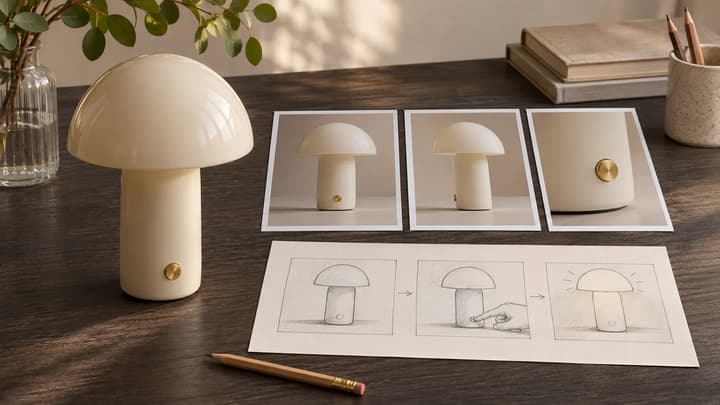

Make a video from your Amazon link