Product image
Prompt
A serum bottle slowly rotates as water drops slide down the glass.
Video example
Original product photo and published prompt.
Turn product photos into AI product videos. Direct camera motion and lighting, generate short clips, and review the result before using it in your next campaign.
See how lighting, camera movement and setting shape a product video. Explore the examples and adapt the prompts for your own products.
A serum bottle slowly rotates as water drops slide down the glass.
Original product photo and published prompt.
Generate advertisement content for the perfume product in @Image1. Start with a close-up of the cap, reveal the full bottle in an ocean-inspired setting, and finish with a clean product shot. The voiceover should use a natural-sounding female voice in English. Pay close attention to the bottle's proportions, label and cap, keeping them consistent with the reference image and naturally lit within each scene. Avoid heavy texture mapping or a cutout look; the pacing should be relatively fast and upbeat. Do not add subtitles, platform logos or watermarks.
Recreated image and adapted single-image prompt. Video shown for inspiration.
Create a 15-second cinematic commercial for Pringles Original. The video should feel like a premium global snack advertisement with smooth visual storytelling, elegant transitions, and highly satisfying food transformation shots. Story flow: 0–1s Open with a breathtaking sunrise over a lush potato field. Golden morning light shines across long rows of healthy green potato plants. The atmosphere feels fresh, natural, and premium. 1–2s Cut to a close-up beneath the soil: several clean, plump potatoes nestled in rich dark earth, with tiny roots and a green sprout visible. The shot is detailed and cinematic. 2–3s One potato rises dramatically out of the soil in slow motion, dirt particles flying through the air. The background remains softly blurred farmland. 3–4s The potato flies through a burst of crystal-clear water. Splash droplets surround it as it becomes perfectly clean. The motion is smooth and stylish. 4–5s A sleek metal peeler removes the potato skin in a macro close-up. The peel curls away beautifully. The shot feels precise, satisfying, and premium. 5–6s The peeled potato is sliced into thin, even round slices. The slices float in the air with graceful motion, showing precision and cleanliness. 6–7s The flat potato slices transform into the iconic curved Pringles chip shape while floating in a bright, clean environment. The transformation is magical but realistic. 7–8s The curved chips turn golden, crispy, and perfectly textured. Warm light highlights the crunchy surface as chips rotate in slow motion. 8–9s The chips align into a tall, neat, satisfying stack. The stack is perfectly uniform and visually pleasing. 9–11s The stack glides smoothly into an open red Pringles Original can. The motion is elegant and iconic. Show the recognizable cylindrical can clearly. 11–13s Hero product shot: the red Pringles can lands upright on a clean surface. Several golden chips float around it in a cinematic way. The background is warm and premium. 13–15s Final packshot: a beautiful red Pringles Original can with a stack of chips in front. Crumbs and a few floating chips add motion and appetite appeal. End with a powerful advertising feel, iconic, irresistible, polished, and memorable. Visual requirements: commercial food photography look cinematic camera movement ultra detailed chip texture strong appetite appeal clean premium ad style seamless transitions between stages no people no subtitles no watermark
Recreated product image; original video and published prompt.
Turn a still catalogue image into a moving product shot: introduce the item, highlight its finish or place it in a new setting. Use the result in a product gallery, social promotion or launch edit. The images in this section illustrate shot concepts.
Use a clean reference that shows the product's shape, material and packaging. Request a slow push-in, a small camera slide or changing light. Keep the first shot simple so you can judge whether the product stays recognizable.
A hero shot introduces the item; a close-up draws attention to one material or feature; a context shot shows its setting. Generate and review each shot separately, then assemble accepted clips in your video editor.
Place headphones on a desk, a mug beside a book or a skincare bottle by a bathroom mirror. Describe the setting and one gentle camera move. Check the product's scale and contact shadows so it feels grounded in the scene.
Frame the product for a vertical clip and ask for a gentle reveal or moving light. Leave room for a headline, price or release date added in your editor. Review the opening frame so the product reads clearly on a small screen.
Add a well-lit reference with visible edges and enough space around the item. Use the file requirements shown by the uploader; avoid a tiny screenshot or a collage of different products.
Use the upload's displayed @ label. Name the product details to retain and one camera move. Choose a supported aspect ratio, duration and resolution, then review the displayed credit cost.
Check the opening, middle and end for changing labels, warped edges or sliding shadows. Revise one instruction when needed. Download an accepted clip and finish captions, branding and assembly in your video editor.
Choose the customer's question first, then create the shot that helps answer it.
Show the whole item before moving closer to its finish or packaging. For a serum bottle, keep the label facing the camera while light reveals the glass. Pair a reviewed clip with accurate product photos and specifications in your listing.
Build an opening around one visible detail: the curve of a cup, a shoe's texture or a package reveal. Leave space for a short message and add the final offer in your editor. Test a different opening while keeping the rest of the edit the same.
Give a new color, package or design change its own close-up. Follow it with a whole-product shot so viewers understand what they are seeing. Use a current photo of the real variant; a prompt alone is not a reliable source for an exact new SKU.
Keep the camera brief and edit structure while replacing the reference with each actual product photo. Review every output individually. This gives you a repeatable creative plan without implying an automatic bulk-catalogue workflow.
Upload a clear product photo, describe one shot and choose supported settings. Generate the clip, compare it with the source and download an accepted version. For a longer product video, create separate shots and assemble them with titles and a call to action in your editor.
Exact preservation is not guaranteed. Generative video can alter lettering, geometry and reflections. Use restrained movement, compare against the reference and reject clips that misrepresent the product.
Generation requires an account and credits. The cost varies with your chosen settings. Review the amount shown in the workspace before generating.
This page starts from uploaded media and a prompt. It does not automatically import a store listing or extract a product from a URL. Prepare the product image before uploading.
It generates short footage. Plan separate shots and assemble accepted clips, captions, brand graphics and a call to action in your video editor. Do not expect an automatically edited campaign from one image.
Choose a supported vertical aspect ratio in the generator before creating the clip. Keep the product inside the intended frame; available formats and durations depend on the selected model.
Processing time varies by model, settings and service load. Follow the task status in the workspace; the selected clip duration is not a processing-time estimate.
Match the tool to the job. For a physical product, test your actual photo and compare label readability, shape, camera control and credits spent per usable clip. Software walkthroughs need accurate screen recordings; presenter-led ads need a separate presenter workflow. A general model ranking cannot settle those needs.
Plan the shots before generating. Test one short shot, save the source and prompt, then change only the failed instruction. Keep usable clips and regenerate only what is missing. Check the displayed credit cost; a free trial or unlimited generation is not assumed.
AI can help plan an unboxing script and create supporting product shots. Use actual footage when the sequence must prove what is inside a package, how a mechanism works or what a screen displays. Edit the verified demonstration and generated footage together after checking the details.
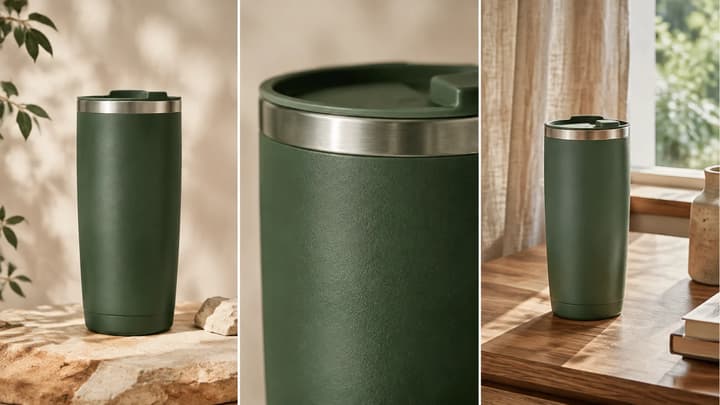
Plan product shots, prepare reference photos, adapt four AI video prompts, and check labels, geometry and motion before publishing.
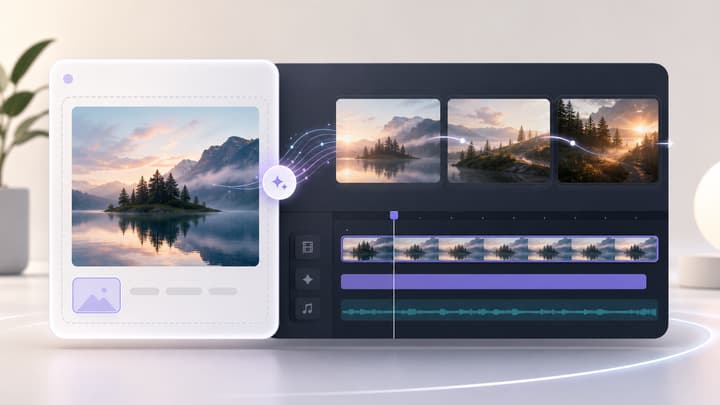
Turn a photo, product shot, character image, or concept art into a short AI video. Upload an image, describe the motion, choose an AI video model, then generate cinematic image-to-video clips.
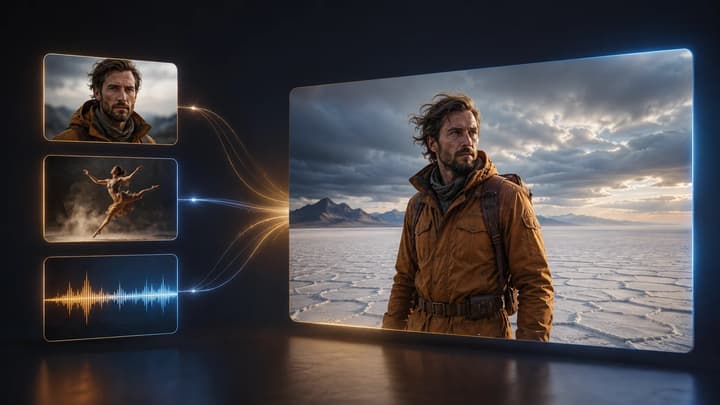
Guide a new shot with image, video, and audio references. Assign each asset a clear role for character, product, scene, motion, camera, or rhythm, then generate and review the result.

Upload an image, describe the edit, and create polished visuals for products, social posts, posters, or keyframes.
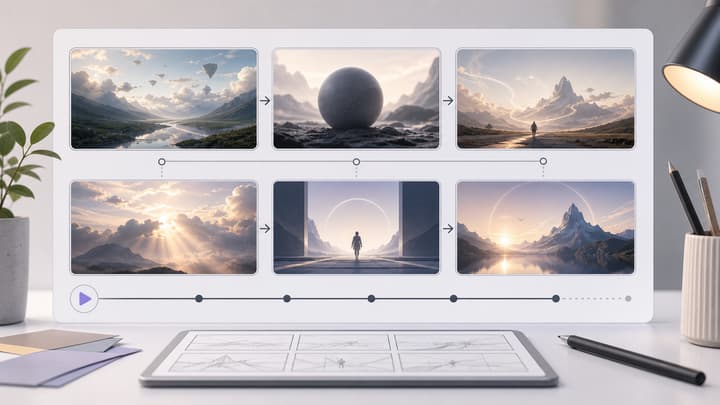
Use an AI storyboard generator, storyboard AI generator, and storyboard maker workflow to create cinematic storyboard sheets for ads, product demos, short films, social content, and video planning. LumiYing turns a simple brief into a clean grid of visual shots.

View the available plans for different creation workflows.
Prepare one product photo and adapt a prompt above, then open the generator.