商品画像
プロンプト
A serum bottle slowly rotates as water drops slide down the glass.
動画例
元の商品写真と公開されたプロンプト。
商品写真から短いAI動画を作成。カメラの動きや光を指定し、生成結果を確認して次のキャンペーンに活用できます。
照明、カメラの動き、背景によって変わる商品の見せ方をチェック。動画を参考に、プロンプトを自分の商品に合わせてアレンジしましょう。
A serum bottle slowly rotates as water drops slide down the glass.
元の商品写真と公開されたプロンプト。
Generate advertisement content for the perfume product in @Image1. Start with a close-up of the cap, reveal the full bottle in an ocean-inspired setting, and finish with a clean product shot. The voiceover should use a natural-sounding female voice in English. Pay close attention to the bottle's proportions, label and cap, keeping them consistent with the reference image and naturally lit within each scene. Avoid heavy texture mapping or a cutout look; the pacing should be relatively fast and upbeat. Do not add subtitles, platform logos or watermarks.
再作成した商品画像と、画像1枚用に書き換えたプロンプト。動画は演出の参考例です。
Create a 15-second cinematic commercial for Pringles Original. The video should feel like a premium global snack advertisement with smooth visual storytelling, elegant transitions, and highly satisfying food transformation shots. Story flow: 0–1s Open with a breathtaking sunrise over a lush potato field. Golden morning light shines across long rows of healthy green potato plants. The atmosphere feels fresh, natural, and premium. 1–2s Cut to a close-up beneath the soil: several clean, plump potatoes nestled in rich dark earth, with tiny roots and a green sprout visible. The shot is detailed and cinematic. 2–3s One potato rises dramatically out of the soil in slow motion, dirt particles flying through the air. The background remains softly blurred farmland. 3–4s The potato flies through a burst of crystal-clear water. Splash droplets surround it as it becomes perfectly clean. The motion is smooth and stylish. 4–5s A sleek metal peeler removes the potato skin in a macro close-up. The peel curls away beautifully. The shot feels precise, satisfying, and premium. 5–6s The peeled potato is sliced into thin, even round slices. The slices float in the air with graceful motion, showing precision and cleanliness. 6–7s The flat potato slices transform into the iconic curved Pringles chip shape while floating in a bright, clean environment. The transformation is magical but realistic. 7–8s The curved chips turn golden, crispy, and perfectly textured. Warm light highlights the crunchy surface as chips rotate in slow motion. 8–9s The chips align into a tall, neat, satisfying stack. The stack is perfectly uniform and visually pleasing. 9–11s The stack glides smoothly into an open red Pringles Original can. The motion is elegant and iconic. Show the recognizable cylindrical can clearly. 11–13s Hero product shot: the red Pringles can lands upright on a clean surface. Several golden chips float around it in a cinematic way. The background is warm and premium. 13–15s Final packshot: a beautiful red Pringles Original can with a stack of chips in front. Crumbs and a few floating chips add motion and appetite appeal. End with a powerful advertising feel, iconic, irresistible, polished, and memorable. Visual requirements: commercial food photography look cinematic camera movement ultra detailed chip texture strong appetite appeal clean premium ad style seamless transitions between stages no people no subtitles no watermark
再作成した商品画像、元の動画、公開されたプロンプト。
カタログ写真に動きを加え、商品の紹介、質感の接写、新しい環境での見せ方に活用できます。商品ギャラリー、SNS告知、新商品紹介の素材として使いましょう。このセクションの画像は構図のイメージです。
形状、素材、パッケージが分かる写真を選びます。ゆっくり寄る、少し横に移動する、光を変えるなど、最初はシンプルな指示にすると商品の再現性を判断しやすくなります。
全体像で商品を紹介し、接写で素材や特徴を見せ、環境のあるカットで用途を伝えます。各カットを個別に生成・確認してから、採用した動画をお使いの編集ソフトでつなぎます。
デスクの上のヘッドホン、本の横のマグカップ、洗面台の鏡の前のスキンケアボトルなど、身近な場面を指定します。背景と穏やかなカメラの動きを1つ伝えましょう。商品の大きさや接地部分の影を確認すると、シーンになじんでいるか判断できます。
縦型の動画に合わせて商品を配置し、ゆっくり姿を見せる動きや光の変化を指定します。見出し、価格、発売日は編集ソフトで加えられるよう、余白を残しましょう。最初のフレームで、小さな画面でも商品がはっきり分かるか確認します。
輪郭が見え、周囲に余白のある明るい写真を選びます。アップロード画面のファイル要件を確認してください。小さなスクリーンショットや複数商品のコラージュは避けます。
アップロードした画像に表示される@ラベルを使います。維持したい商品特徴と1つのカメラ動作を指定し、対応する比率・長さ・解像度を選んで、表示されたクレジット費用を確認します。
冒頭・中間・最後で文字の変化、輪郭のゆがみ、影のずれを確認します。必要なら指示を1つ修正します。採用した動画をダウンロードし、テロップやブランド素材、編集はお使いの動画編集ソフトで仕上げます。
まず顧客が知りたいことを決め、それに答えるカットを作ります。
全体を見せてから、仕上げやパッケージに寄ります。美容液ならラベルを正面に保ち、光でガラスの質感を見せます。確認済みの動画に正確な写真や仕様を添えましょう。
カップの曲線、靴の質感、パッケージなど、見て分かる特徴から始めます。短いメッセージ用の余白を残し、オファーは編集時に追加します。後半を固定したまま冒頭を変えて比較できます。
新しい色、包装、デザインを接写し、その後に商品全体を見せます。実際の新バリエーションの写真を使ってください。プロンプトだけを正確な商品情報の代わりにはできません。
カメラ指示と編集構成を保ち、各商品の実際の写真に差し替えます。出力は1本ずつ確認します。再利用できる制作手順であり、カタログの自動一括生成機能ではありません。
鮮明な商品写真をアップロードし、1つのカットを説明して対応する設定を選びます。生成結果を写真と比較し、採用した動画をダウンロードします。長い商品動画は、複数カットとテロップ、行動を促す文言を編集ソフトで組み合わせます。
完全な維持は保証されません。生成動画では文字、形状、反射が変化する場合があります。控えめな動きを指定し、元写真と比較して、商品を誤って表現する動画は採用しないでください。
生成にはアカウントとクレジットが必要です。費用は選択した設定によって変わります。生成前にワークスペースの表示費用を確認してください。
このページではアップロードしたメディアとプロンプトを使います。ショップの商品情報を自動で取り込んだり、URLから商品を抽出したりする機能ではありません。商品画像を先に用意してください。
生成するのは短い映像素材です。複数のカットを計画し、採用した動画、テロップ、ブランド素材、行動を促す文言を動画編集ソフトで組み合わせます。1枚の画像から編集済み広告を自動作成するものではありません。
生成前に対応する縦型比率を選んでください。商品が画面内に収まる構図にします。利用できる形式や長さは選択したモデルによって異なります。
モデル、設定、サービスの混雑状況によって変わります。作業画面のタスク状況を確認してください。動画の長さは処理時間の目安ではありません。
実物の商品なら、自分の写真でラベルの読みやすさ、形状、カメラ制御、採用できた動画あたりのクレジットを比較します。ソフトウェアのデモには実際の画面録画、話者のある広告には別の出演者ワークフローが必要です。一般的なモデル順位だけでは判断できません。
先にカットを計画します。短い動画を1本試し、写真とプロンプトを保存して、問題のある指示だけを変えます。使えるカットは残し、不足分のみ再生成します。表示費用を確認し、無料体験や無制限生成を前提にしないでください。
開封台本の作成や補助的な商品カットに活用できます。箱の内容、機構の動作、画面操作を証明する場面は実写を使います。確認したデモと生成素材を編集で組み合わせましょう。
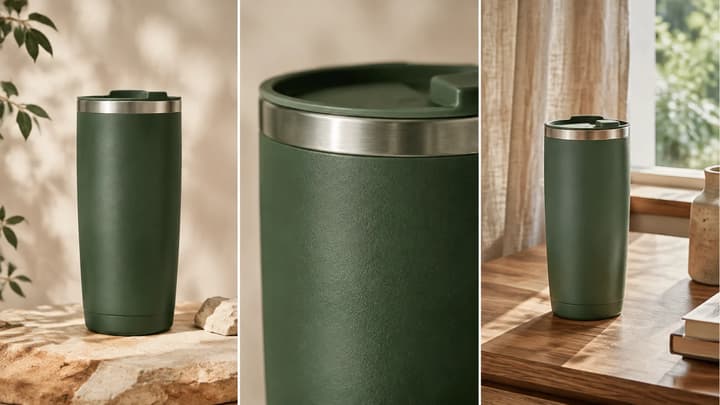
撮影プラン、参照写真の準備、4つのプロンプト例を解説。公開前にラベル、形状、動きを確認しましょう。
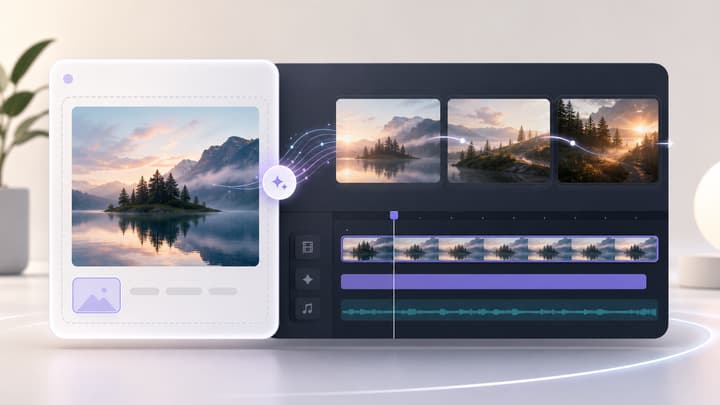
写真、商品画像、キャラクター画像、コンセプトアートを短いAI動画に変換できます。画像をアップロードし、動きを説明し、AI動画モデルを選んで、画像からシネマティックな動画クリップを生成します。
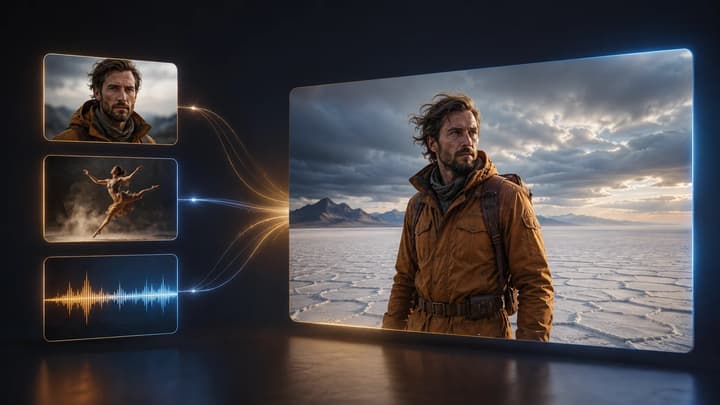
画像・動画・音声を使って新しいショットを導きます。各素材に人物、商品、シーン、動き、カメラ、リズムの役割を割り当て、生成結果を確認します。

画像をアップロードして変更内容を伝えるだけで、商品、SNS投稿、ポスター、キーフレーム向けの整ったビジュアルを作成できます。
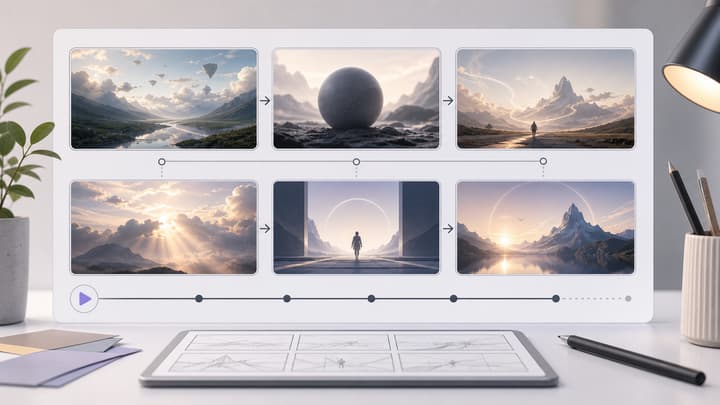
AI ストーリーボード生成と ストーリーボード作成 ワークフローで、広告、製品デモ、短編映画、SNS コンテンツ、動画計画向けの映画的なストーリーボードシートを作成します。LumiYing はシンプルな概要を、視覚的なショットのきれいなグリッドに変換します。

利用できるプランを確認。