Reference to Video AIジェネレーター
画像・動画・音声を使って新しいショットを導きます。各素材に人物、商品、シーン、動き、カメラ、リズムの役割を割り当て、生成結果を確認します。
Reference-to-Video AIとは?
画像・動画・音声を組み合わせる
画像は外見、動画は動きやカメラ、音声はテンポとリズムを案内します。新しいショットはプロンプトで定義します。
@で素材の役割を指定
各素材を参照し、人物、衣装、商品、シーン、動き、カメラ、リズムのどれを制御するか明記します。
人物や商品を新しい場面へ
鮮明で整合する参照は認識可能な特徴の維持に役立ちます。生成結果は必ず確認してください。
Reference to Video の作例
キャラクターシートから一貫した三つのショットを作り、歩く動画を動きの参考に再利用した例です。
キャラクターシート → 絵コンテ → 三つのショット
配達員がパン屋に入り、袋を受け取って雨の中へ戻ります。各ショットは対応する絵コンテのコマから始まります。
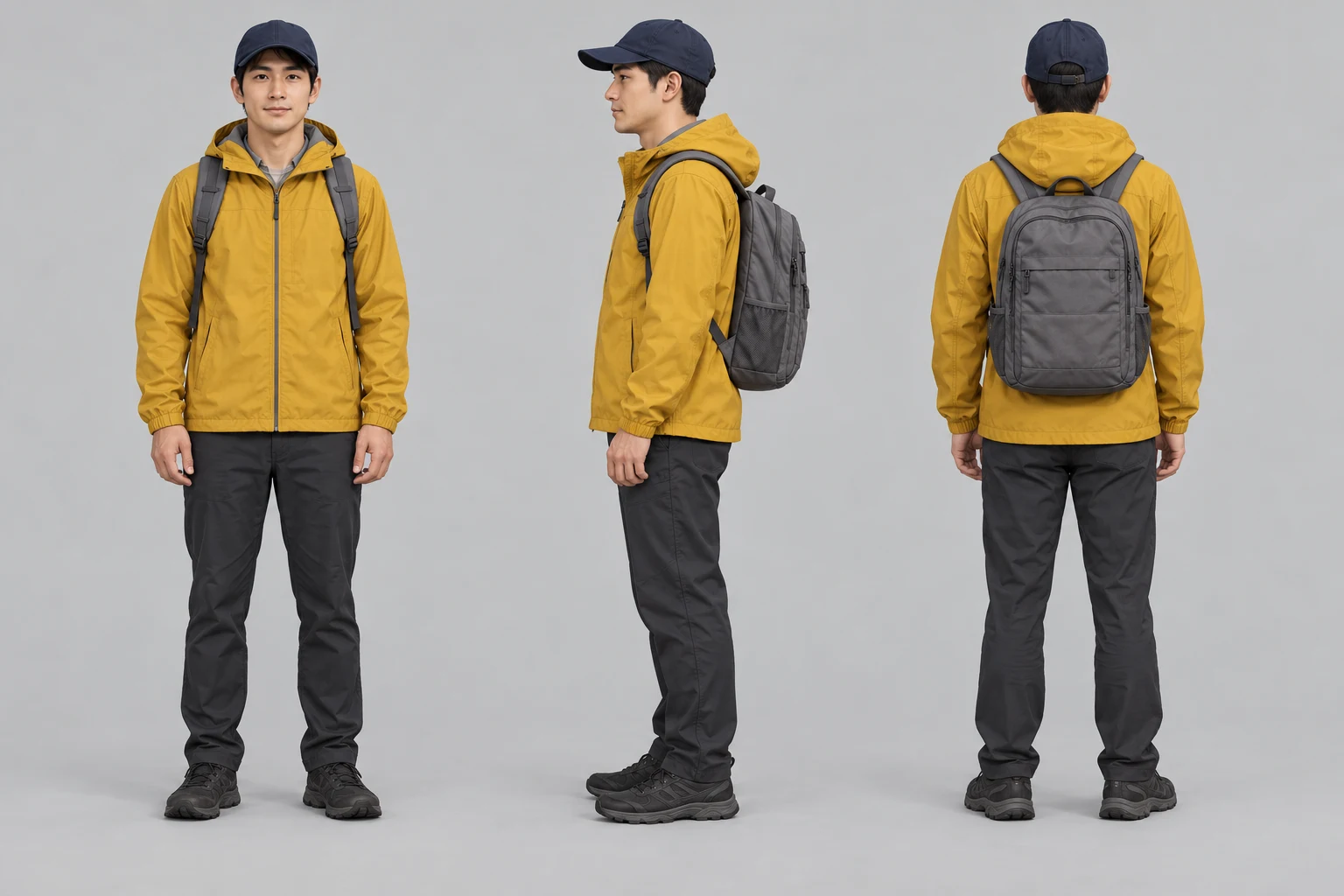
配達員のキャラクターシート
正面・側面・背面を人物の参考に使用。
プロンプト
Use case: illustration-story. Create one landscape character turnaround sheet with three equally sized full-body views of the SAME original fictional adult courier: front, side profile, back, arranged left to right on a neutral light-grey background. Adult approximately 30, clean-shaven oval face, short black hair, brown eyes, understated realistic illustrated cinematic style. Identical mustard-yellow hooded rain jacket with hood down, plain navy baseball cap, medium grey backpack with two shoulder straps, dark charcoal trousers and dark shoes in all views. Front view shows the same backpack straps; side and back show the grey backpack. Relaxed standing pose, consistent proportions and soft neutral lighting, enough space around all three complete silhouettes. No text, panel labels, logos or watermarks. This is an identity reference for a three-shot bakery sequence.
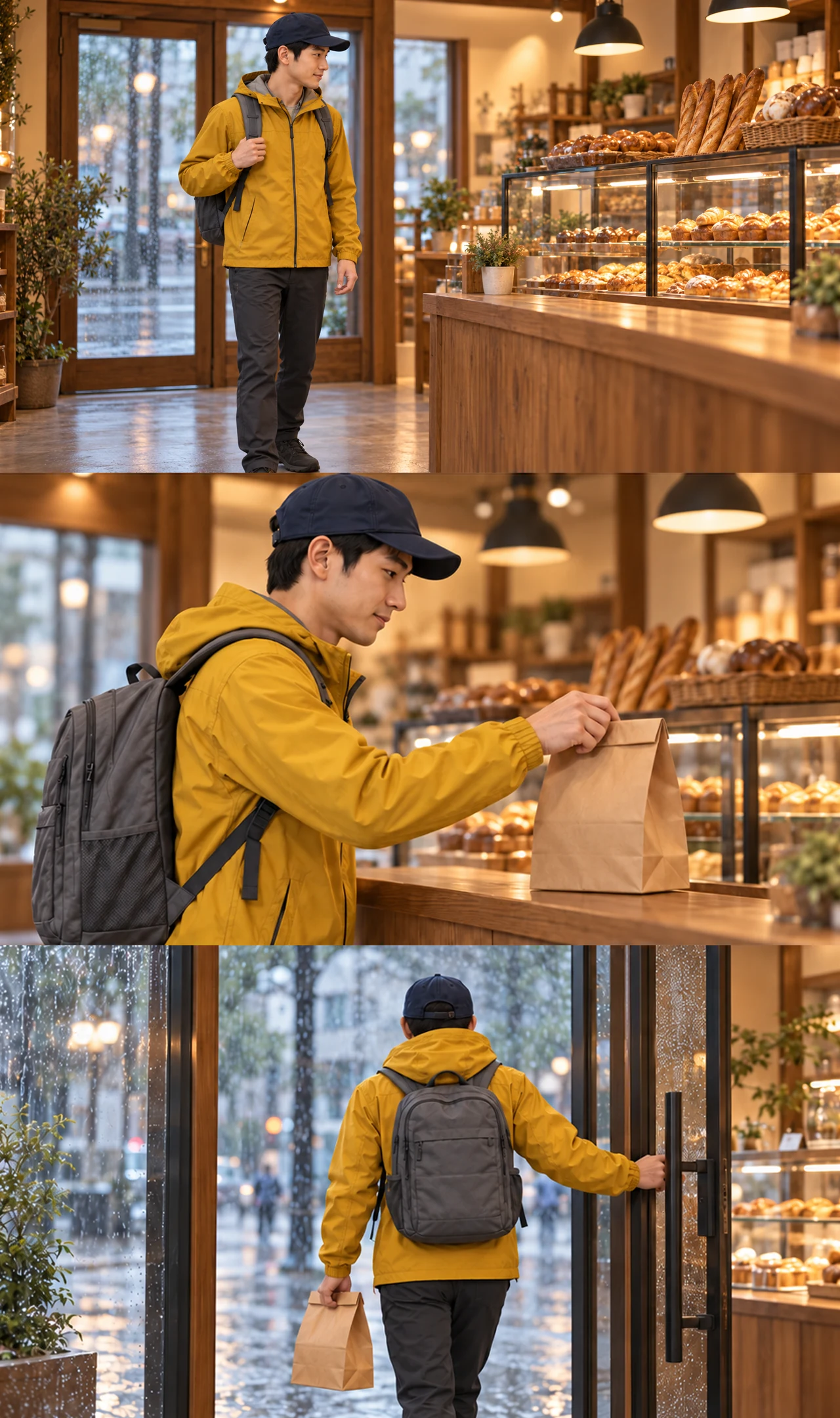
パン屋の絵コンテ
入店、袋を取る、退店の三コマ。
プロンプト
Normalize only image edges to exact 16:9, then rebuild storyboard from new shot 1 and existing shot 2/3; no generative edits.
カウンターへ歩く
入口から入り、カウンターへ向かいます。
プロンプト
Medium-wide shot, eye level, warm tungsten bakery lighting, rain visible through the closed glass door behind him. The courier walks from the entrance toward the bakery counter on the right, glancing at the pastries. The glass door behind him stays closed and still. Natural walking motion, stable camera, cinematic, realistic.
紙袋を取る
カウンターから袋を持ち上げます。顔と服装は一貫しています。
プロンプト
Close-up, eye level, warm tungsten bakery lighting, shallow depth of field, stable camera, cinematic photorealism. The courier picks up the plain brown paper bag from the wooden counter with a natural hand movement. Keep the courier's face, mustard rain jacket, navy cap and grey backpack consistent with the first frame. Preserve the bag's folded top, size and shape, and the same bakery background.
雨の中へ出る
袋を持って店を出ます。下の動きの参考にも使用。
プロンプト
Medium shot from inside the bakery, eye level, warm tungsten interior lighting contrasting with the cool rainy street, stable camera, cinematic photorealism. The courier turns and walks back out through the glass door into the rain, carrying the same plain brown paper bag. Natural walking motion. Keep the courier's face, mustard rain jacket, navy cap and grey backpack consistent with the first frame. Preserve the bakery layout, glass door geometry, and the bag's size and folded top.
手作業の工程
- 絵コンテをコマごとに切り分ける。
- 連続性が崩れたショットは生成し直す。
- クリップは手持ちの動画編集ソフトでつなぐ。
動きの参考:配達員の歩き → キツネ
キツネの画像で見た目を、配達員の動画で歩き方とカメラを指定します。
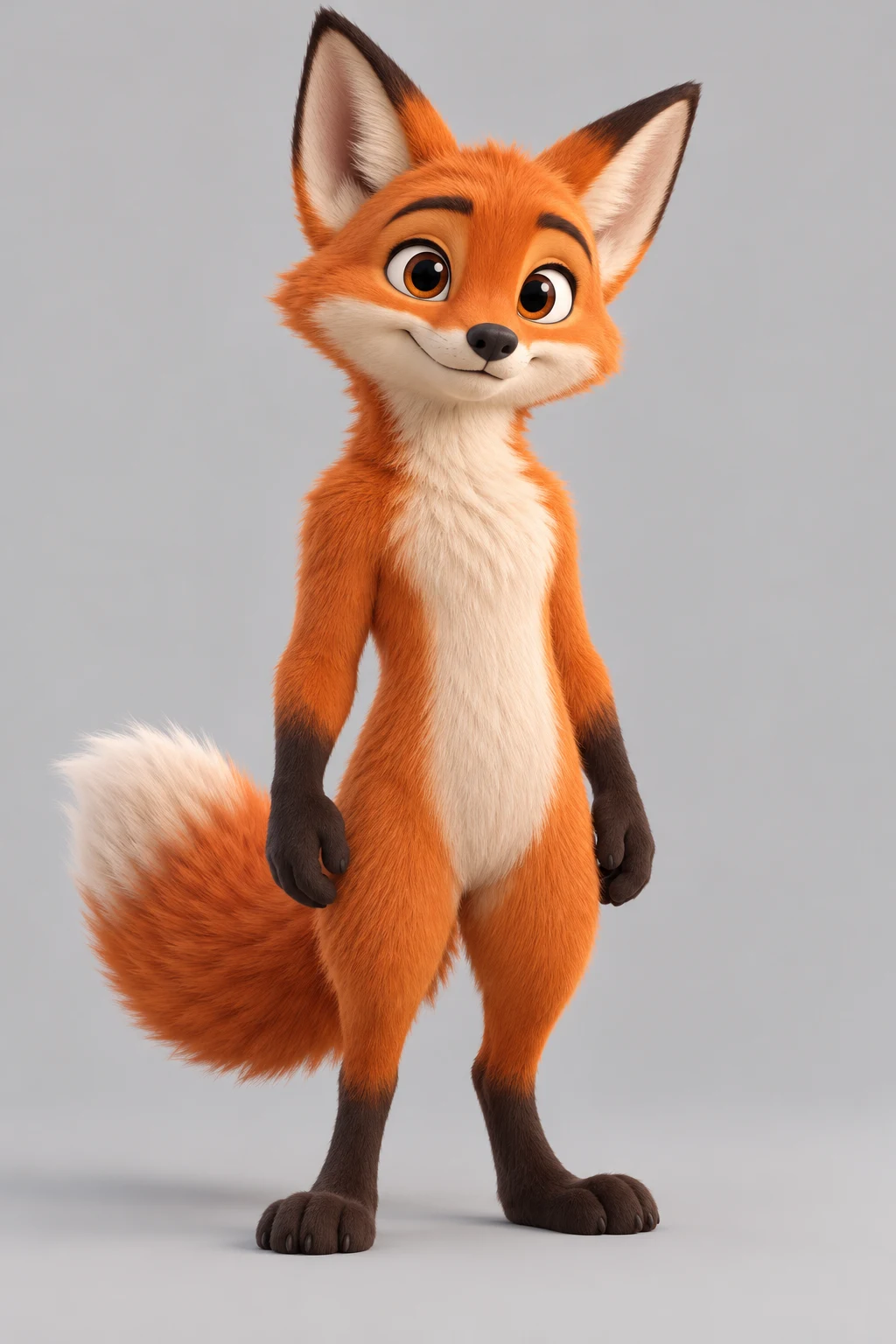
キツネのキャラクター
キツネの見た目と体のバランスを指定。
プロンプト
Use case: stylized-concept. Create one original stylized 3D cartoon fox character standing upright on two feet in a relaxed neutral pose, full body entirely visible including ears, both paws, both feet and fluffy tail. Orange fur, cream muzzle and chest, dark small paws and feet, expressive friendly face, balanced clear silhouette. Plain light-grey studio background, soft even studio lighting, high-quality 3D animated-film rendering. No clothing, props, text, logo, watermark or other characters. This is a character source image for a later motion-reference animation test.
雨の中へ出る
袋を持って店を出ます。下の動きの参考にも使用。
結果:歩くキツネ
配達員と同じように二足で歩きます。全体の動きは再現しますが、一歩ずつは一致しません。
プロンプト
The upright cartoon fox from the reference image walks on two legs exactly like the person in the reference video, with the same walking rhythm and camera movement, on a simple rainy street. Keep the fox standing upright with the same colors and body proportions as the reference image; it does not drop to four legs.
参照素材から動画を生成する方法
整合する参照素材を選ぶ
鮮明な画像、短い動き、目的が明確な音声を選び、重複や矛盾する素材を削除します。
役割と新しいショットを記述
@で各素材の制御対象を示し、動作、環境、カメラ、照明、雰囲気を定義します。
生成して1変数だけ変更
人物、形、動き、カメラ、リズム、破綻を確認し、有効な部分を固定して1項目だけ変更します。
マルチモーダル参照ワークフローを使う理由
マルチモーダルの流れは各素材に実用的な役割を与えます。生成後は重要な詳細を確認してください。
1枚の画像以上の制御
外見、動き、カメラ、リズムに別々の手掛かりを追加できます。
明確な指示
@指定でどの参照が各決定を支えるか明示できます。
絶対保証ではない有用な一貫性
参照は特徴の維持に役立ちますが、結果は生成的です。
比較できる反復
1変数ずつ変えることで改善要因を判断できます。
Reference to Video AI FAQ
Reference to Video AIとは?
画像、動画、音声をガイドとして使い、プロンプトから新しいショットを生成する動画ワークフローです。
どのメディアを使えますか?
対応モデルでは画像・動画・音声を参考素材に使えます。アップロードの上限は、選択したモデルに合わせて生成画面に表示されます。
@の役割指定はどう使いますか?
素材を@で示し、人物の外見、商品の形、カメラ、リズムなど1つの責任を明記します。
人物や商品を一貫させられますか?
良い参照は特徴維持に役立ちますが、完全な同一性や形状を保証しません。
Image to Videoとの違いは?
Image to Videoは通常1枚の開始画像を動かし、Reference to Videoは複数画像、動画の動き、音声のタイミングを組み合わせます。
Video to Videoとの違いは?
Video to Videoは元動画の時間軸を変換しますが、ここでは動画を動きやカメラだけのガイドにできます。
参照素材が矛盾するときは?
重要度の低い素材を外し、残りに1役ずつ与え、1変数だけ変えて再生成します。
生成結果はどう確認しますか?
人物、商品形状、動き、カメラ、リズム、視覚的な乱れを確認し、1回に1つの変数だけ変更します。
AI動画ワークフローを続ける
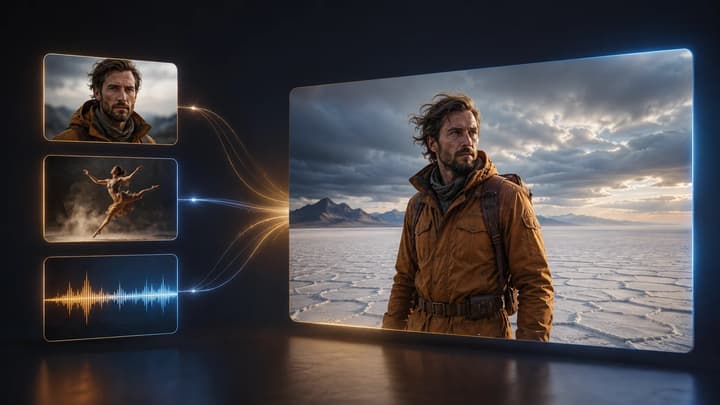
Reference to Video AIの使い方
役割指定、競合回避、プロンプト、反復の手順を確認します。
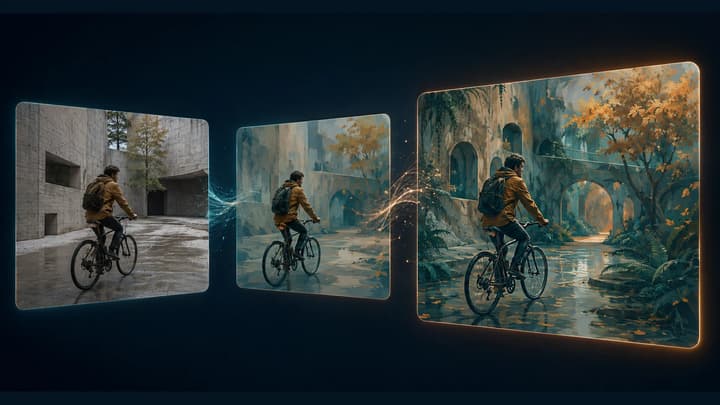
Video to Video AI動画生成
手持ちの動画をAIで編集。クリップをアップロードし、残す要素と変える要素を指定して、スタイルや照明、背景の新しい表現を試せます。
AI動画ジェネレーター
入力方式が未定なら一般的な動画ワークスペースを使います。
Image to Video AI
複数参照が不要なら1枚の画像を動かします。
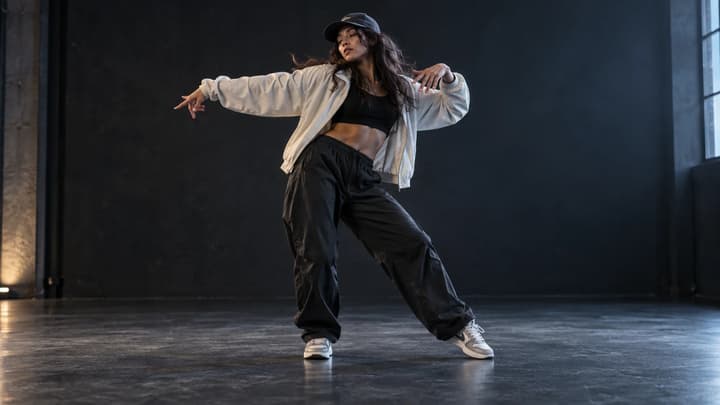
AIダンス生成
人物やキャラクターの写真をアップロードし、ダンステンプレートまたは自分の動作動画を選びます。ダンス動画を生成し、共有前に動きを確認してください。
AIで動画を延長する方法
元動画の準備、続きを指示するプロンプト、設定の選び方、出力の確認まで。AIで動画を延長する手順を具体例とともに解説します。

料金
利用できるプランを確認します。