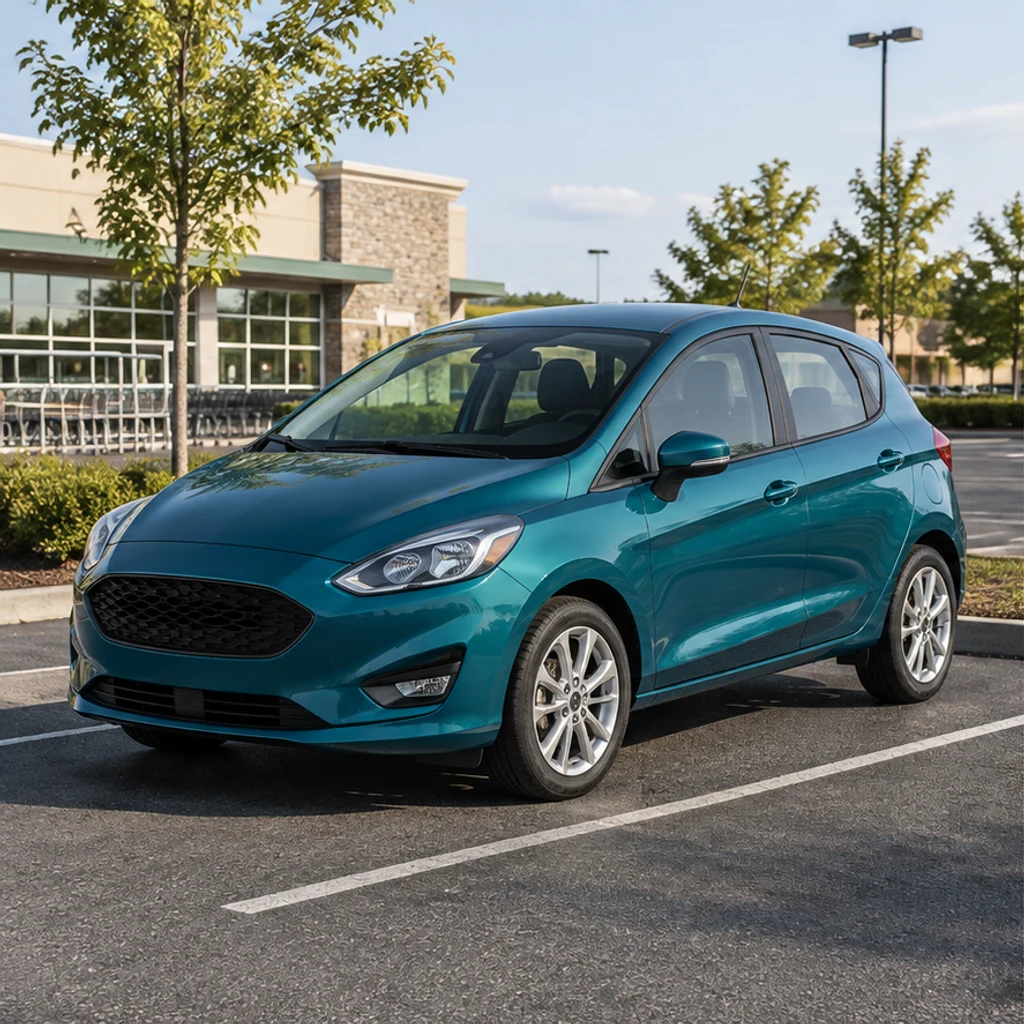
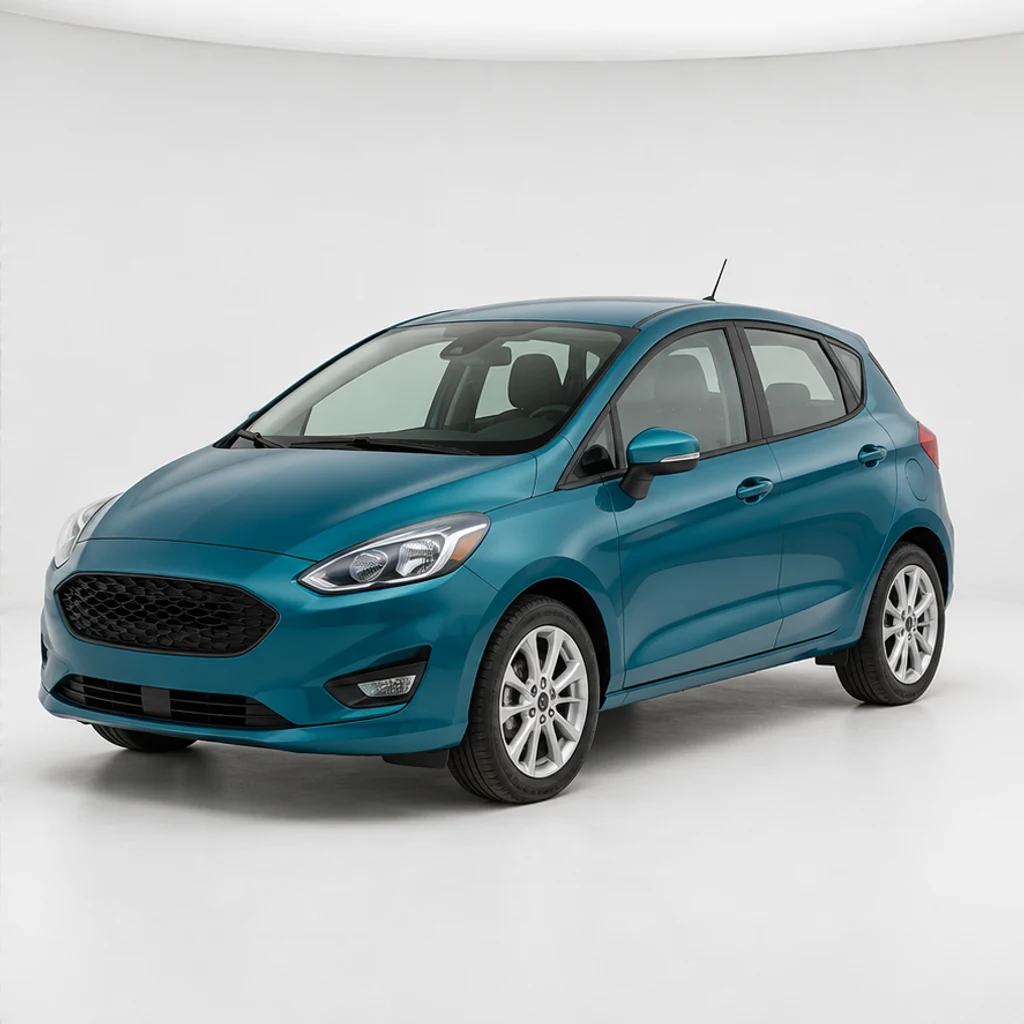
Teal hatchback · clean studio
Try these settingsA compact hatchback moves into a white studio. Check the split-spoke rims and the front bumper against the original.
Edit car photos with AI. Choose a background template or reference, refine lighting, then review your car’s details and download.
Move a silver wagon from an ordinary parking bay to a restrained studio setting. Match the tire shadows and keep the original vehicle angle.
A red roadster stays in its brick courtyard while exposure improves. Leave Background empty for lighting changes without requesting a new location.
A cream vintage saloon illustrates details worth checking after background replacement: window pillars, mirrors, chrome trim and the tire contact points.
A navy pickup, an empty courtyard reference and a new scene show the input relationship. Your car photo supplies the vehicle; the second image supplies the environment.
These AI-created illustrations demonstrate scene ideas, not verified outputs of this tool. Load an original illustration and its settings to try your own generation.
A compact hatchback moves into a white studio. Check the split-spoke rims and the front bumper against the original.
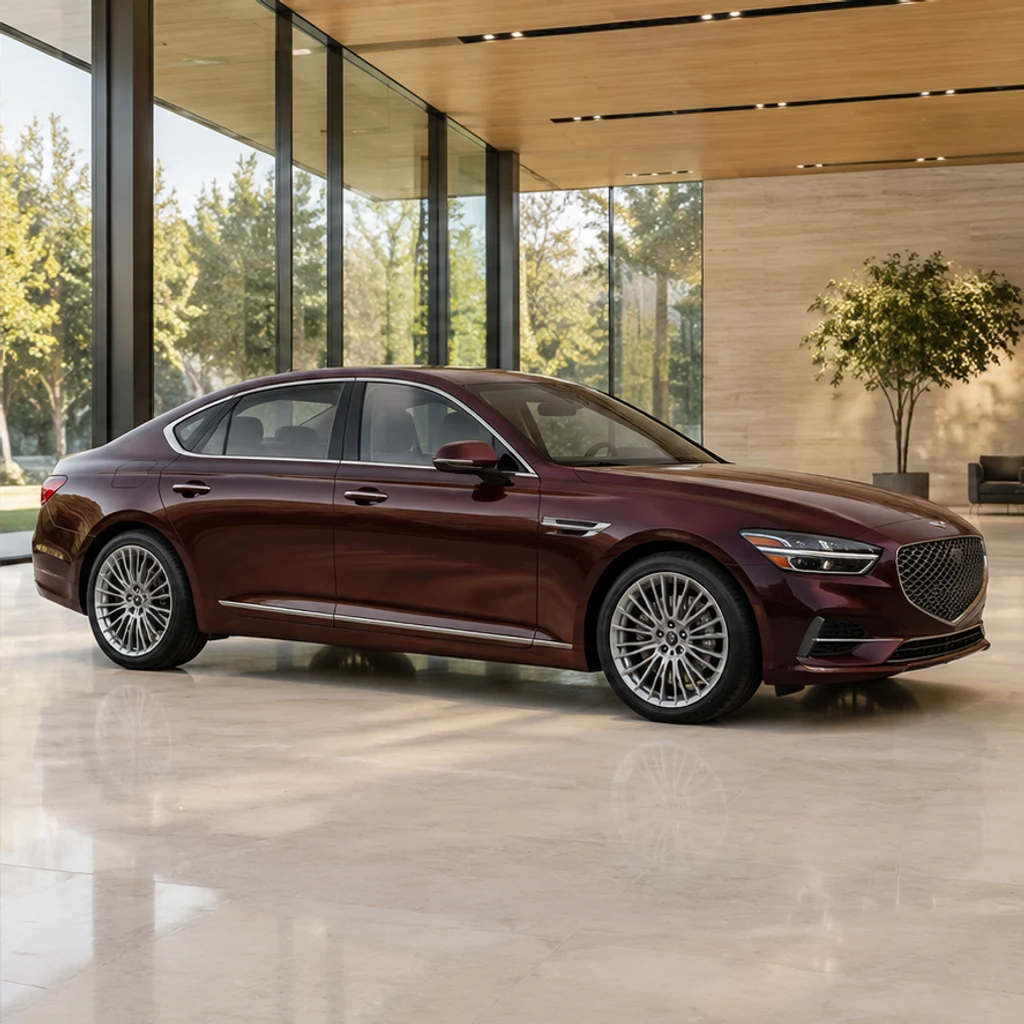
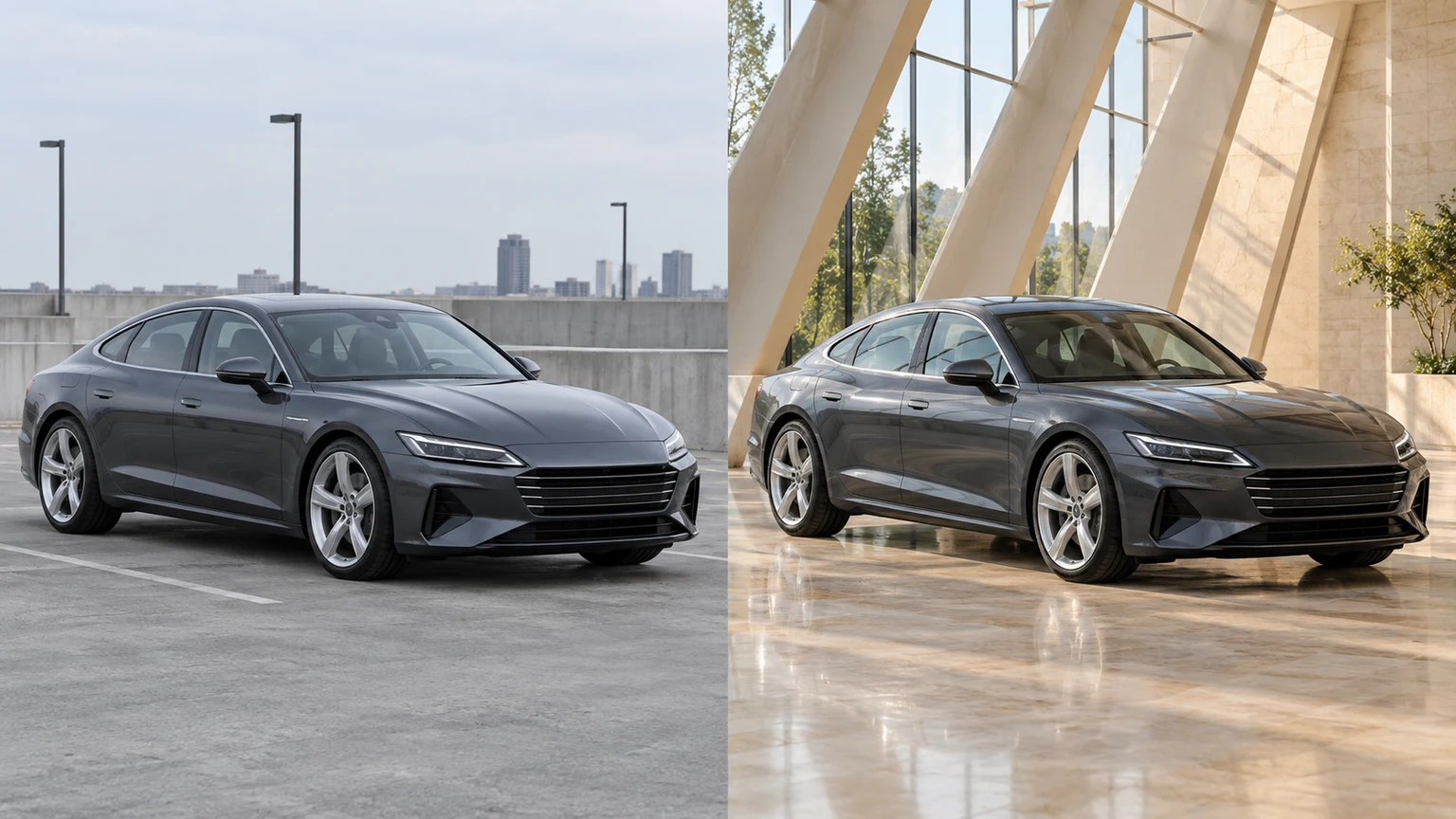
A side view gains a warm glass showroom. Check the window line, wheelbase and burgundy paint.
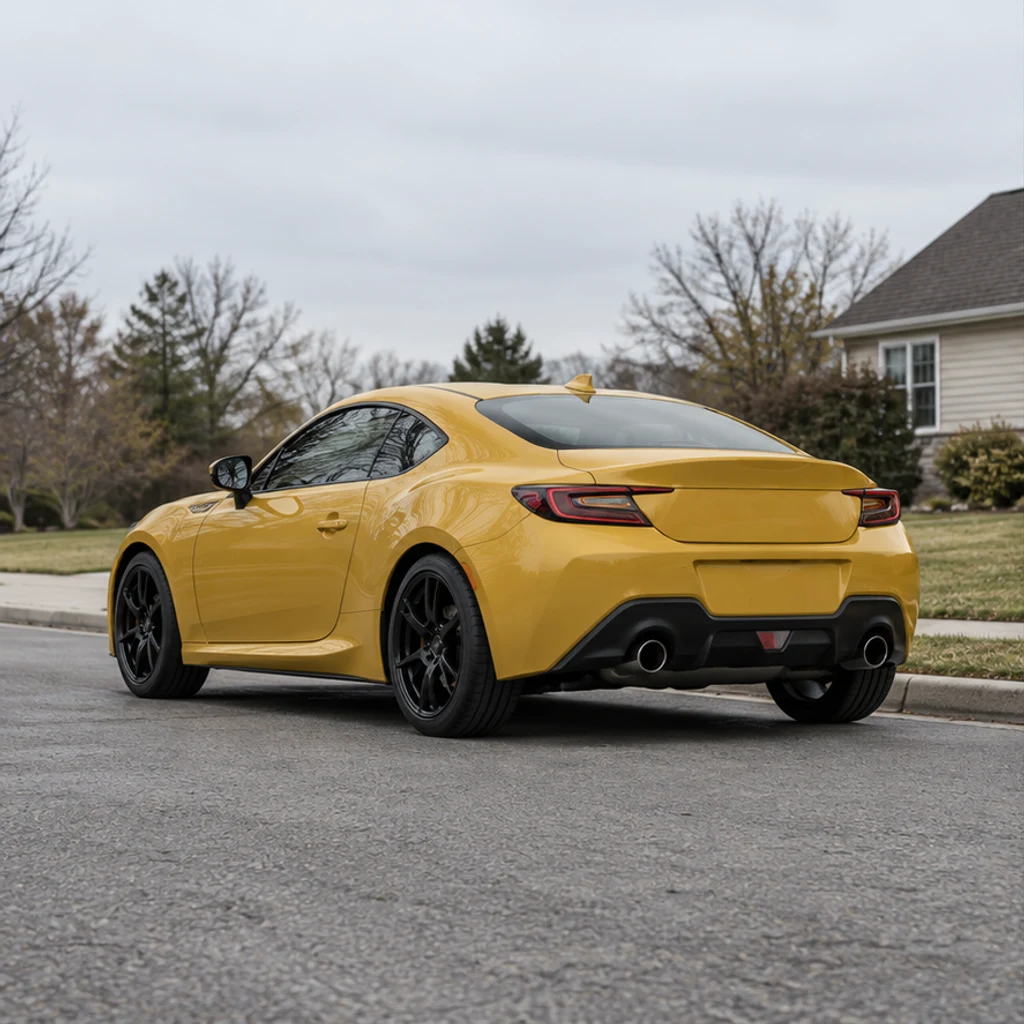
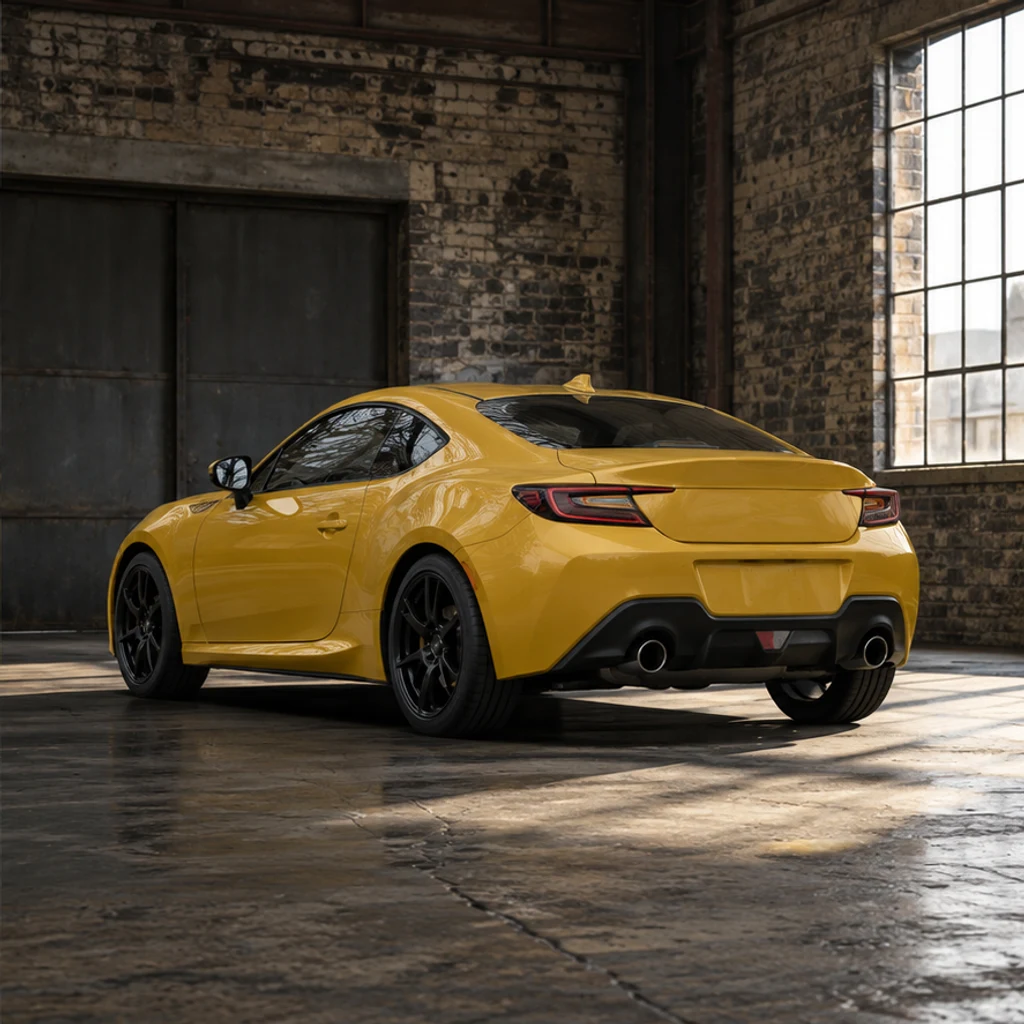
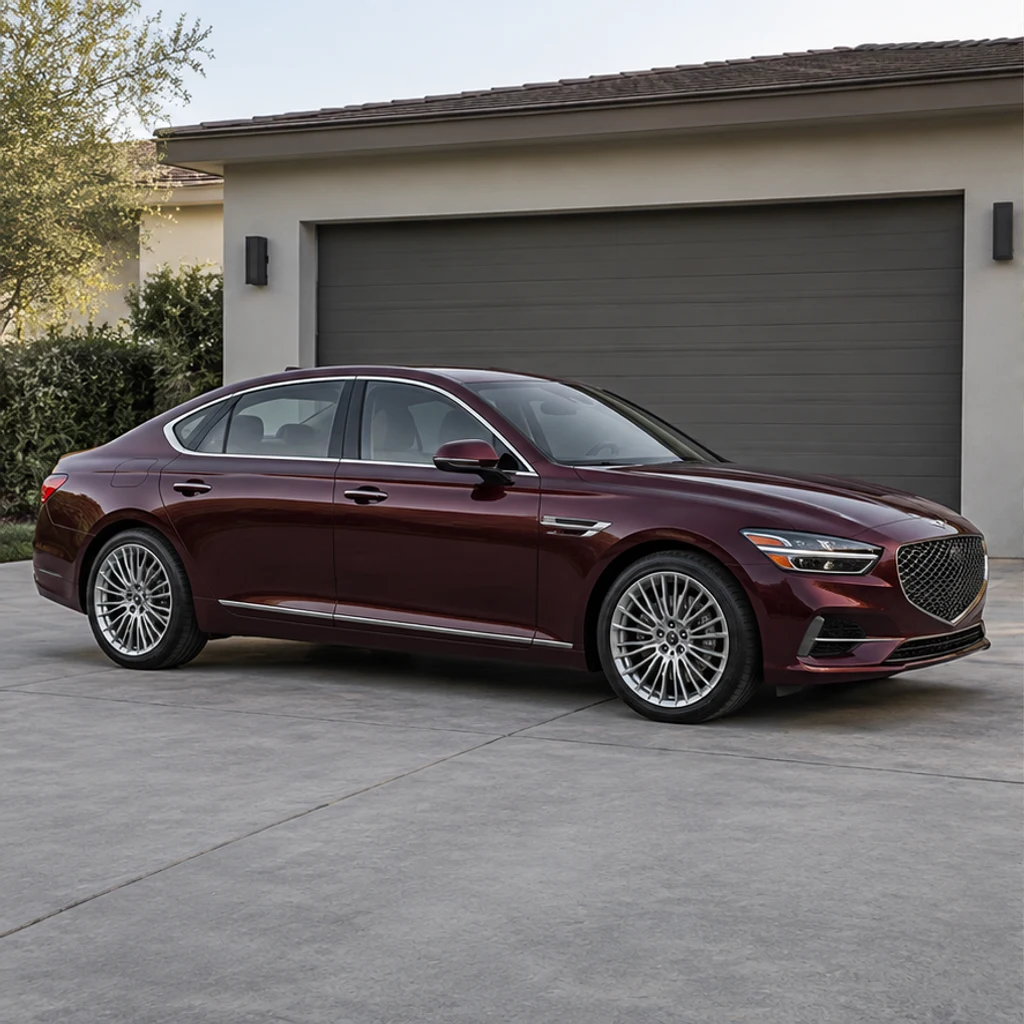
A rear three-quarter coupe gains a brick garage setting. Review rear lights, black rims and concrete contact shadows.
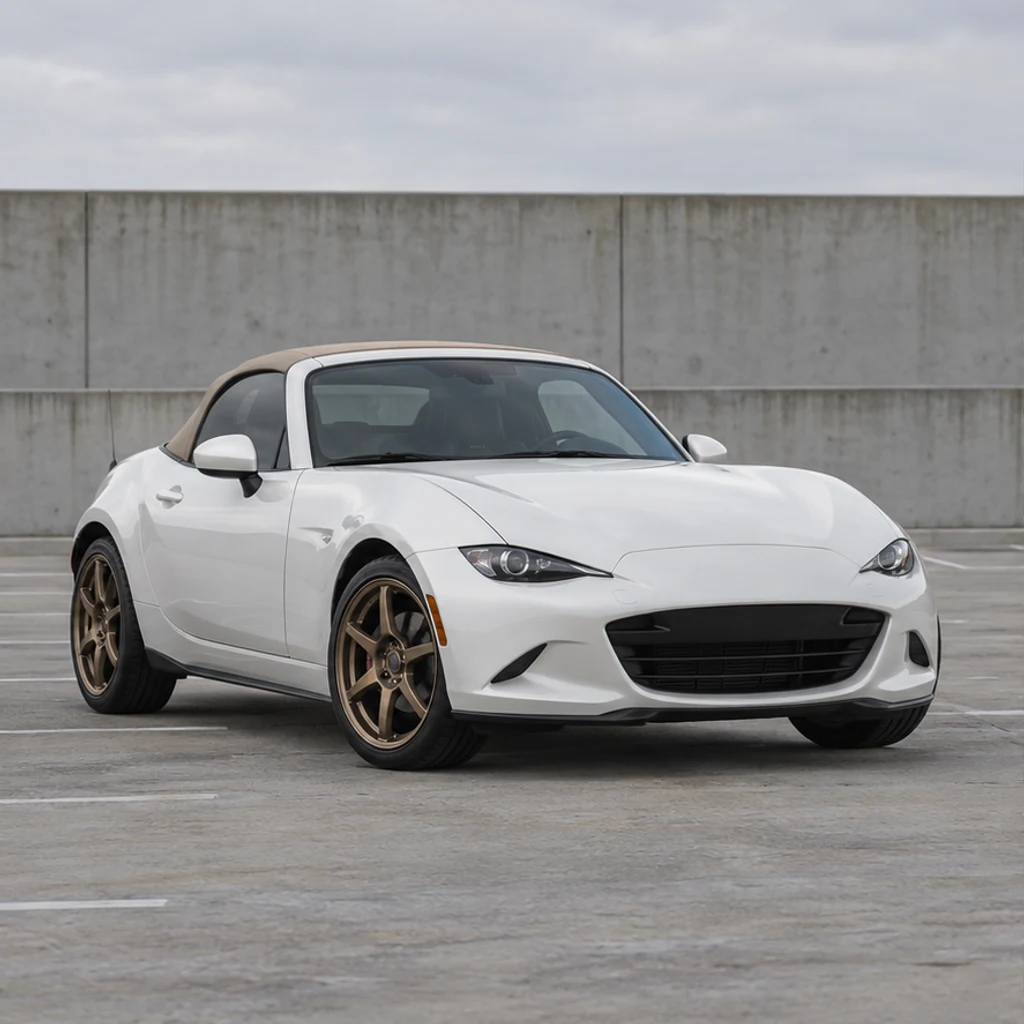
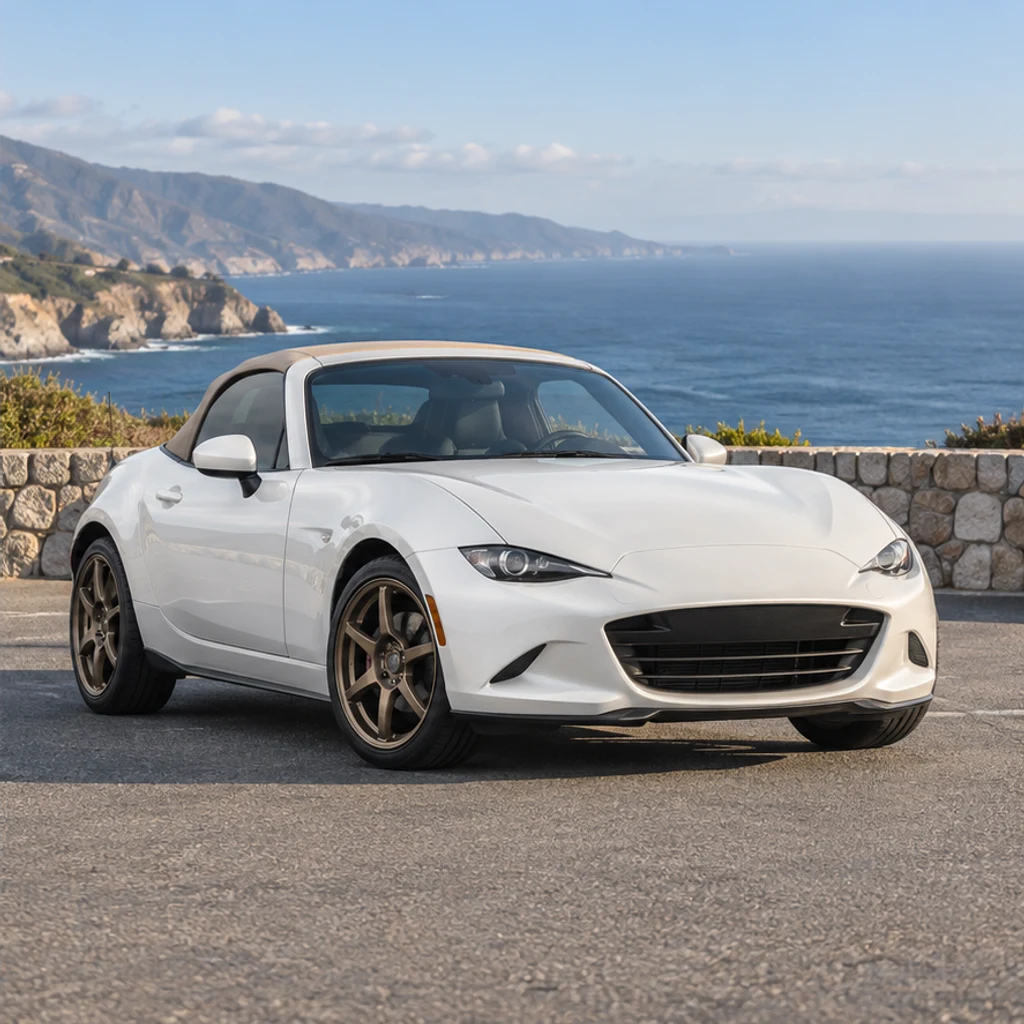
A low front view moves to an ocean viewpoint. Check the roofline, bronze wheels and unchanged body shape.
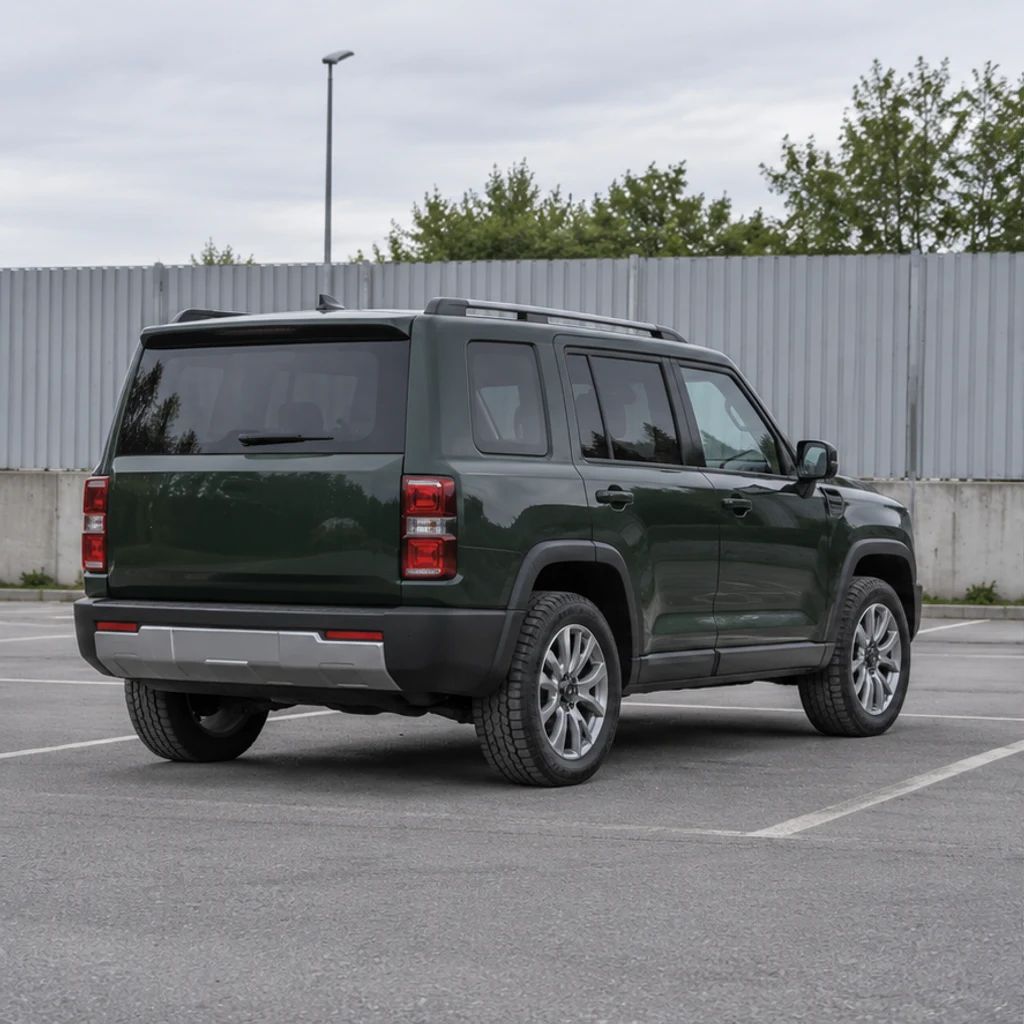
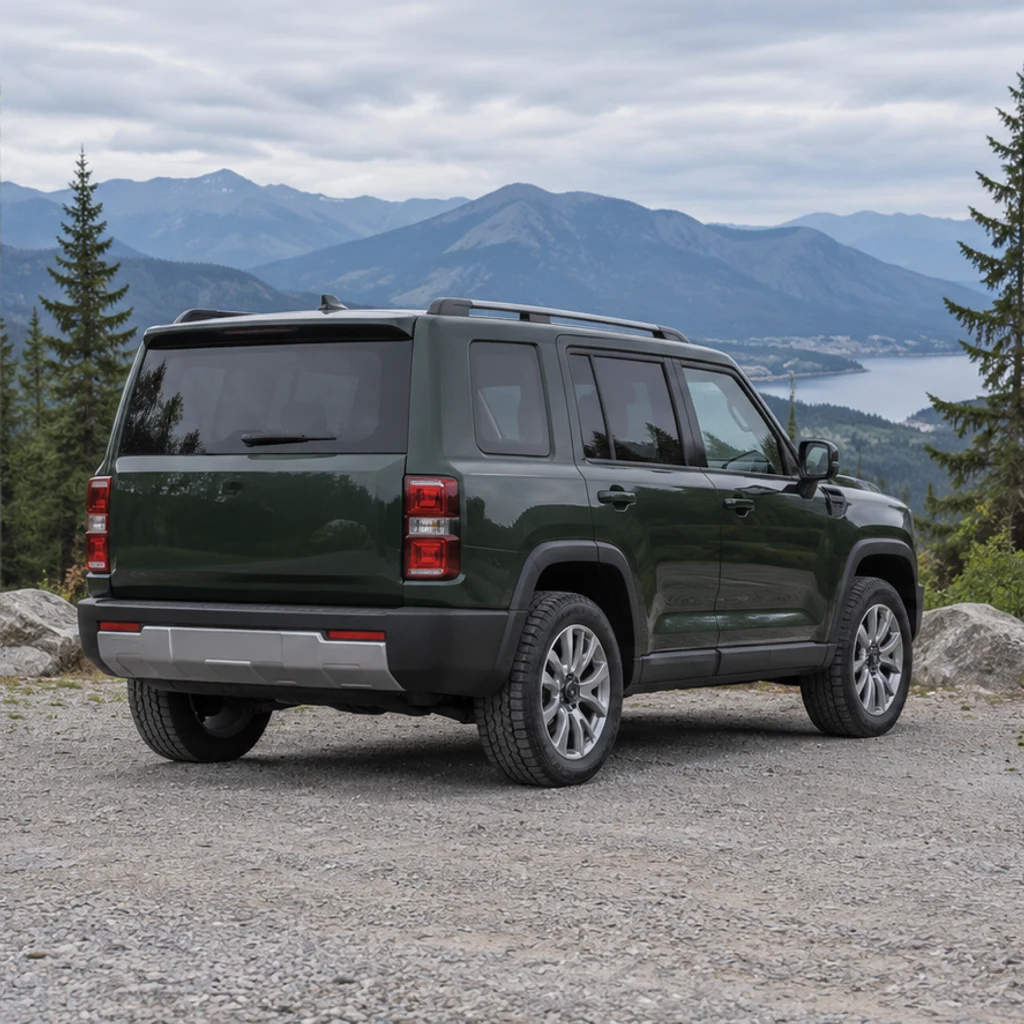
A boxy SUV gains a mountain backdrop. Keep the roofline, rear lights and wheel pattern recognizable.
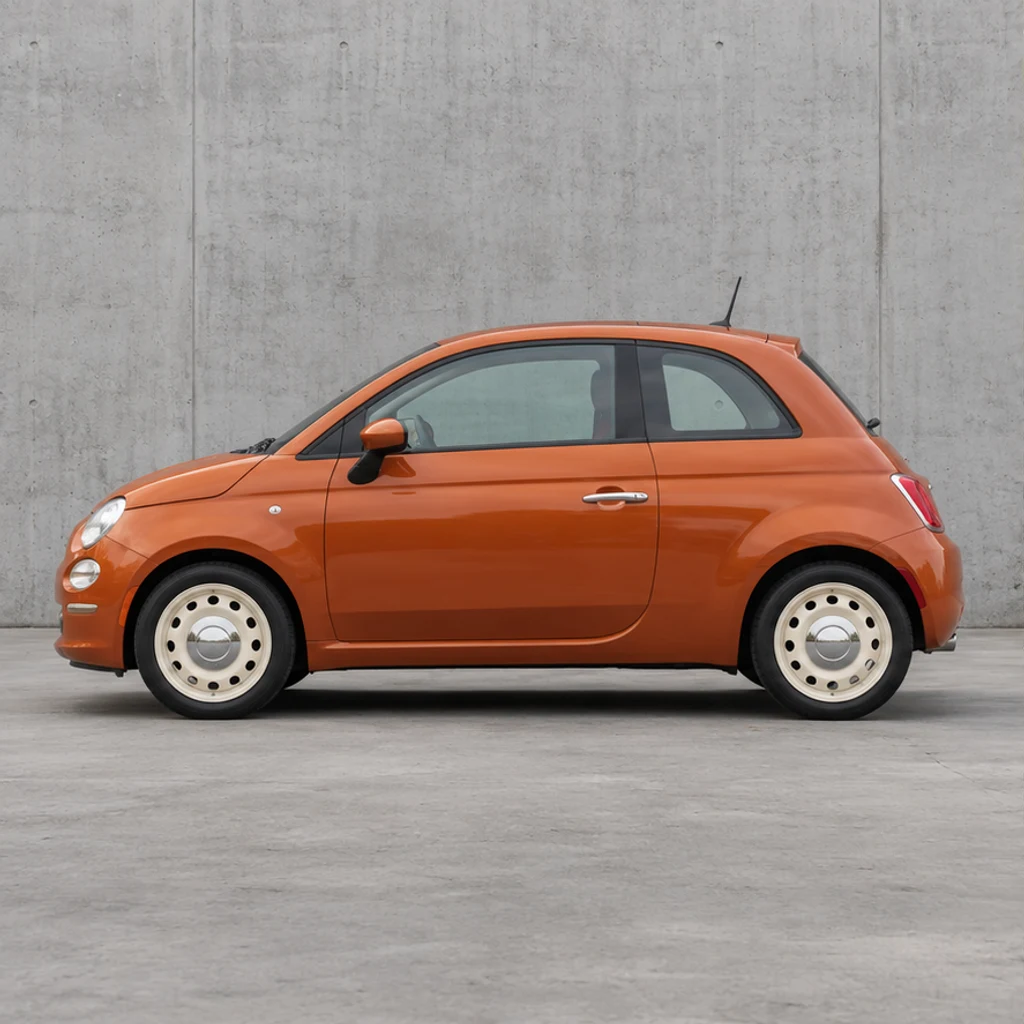
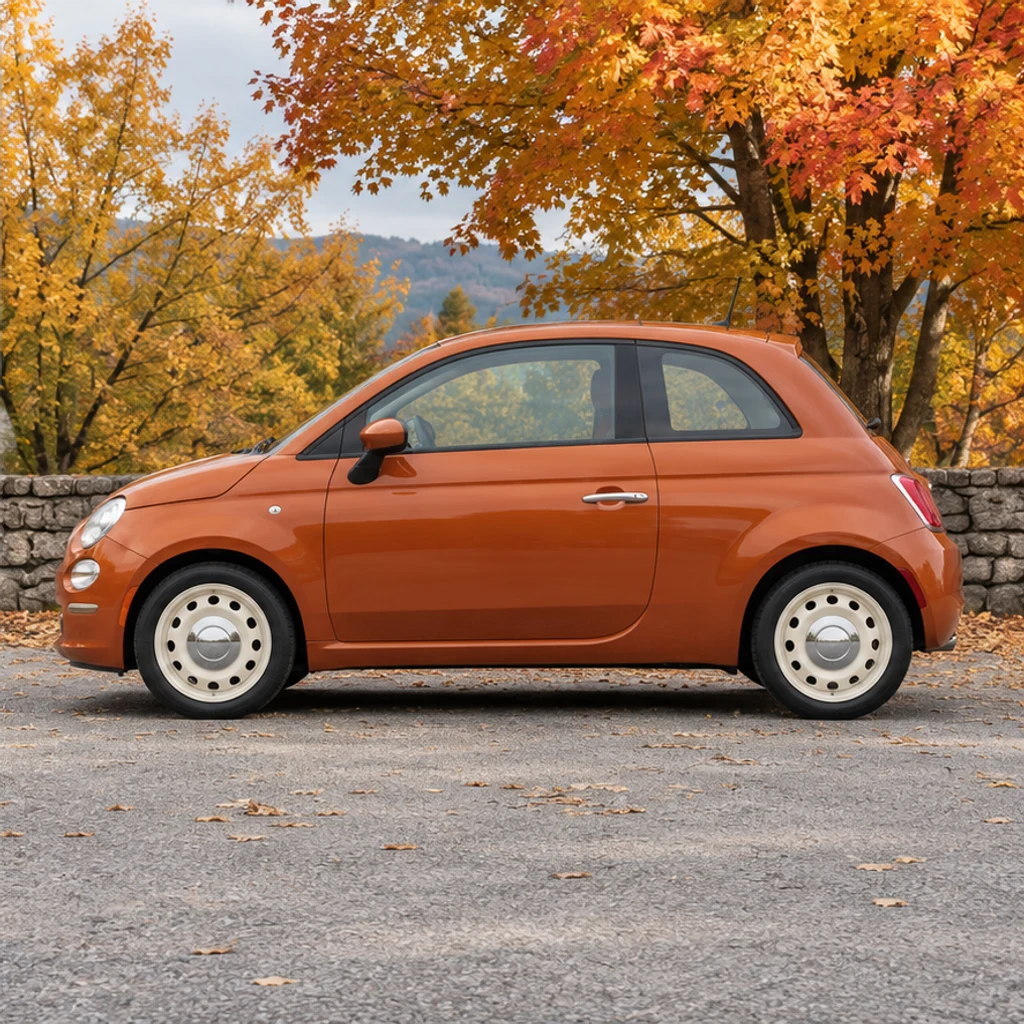
A side profile moves beside amber trees. Check the small-car proportions and cream steel wheels.
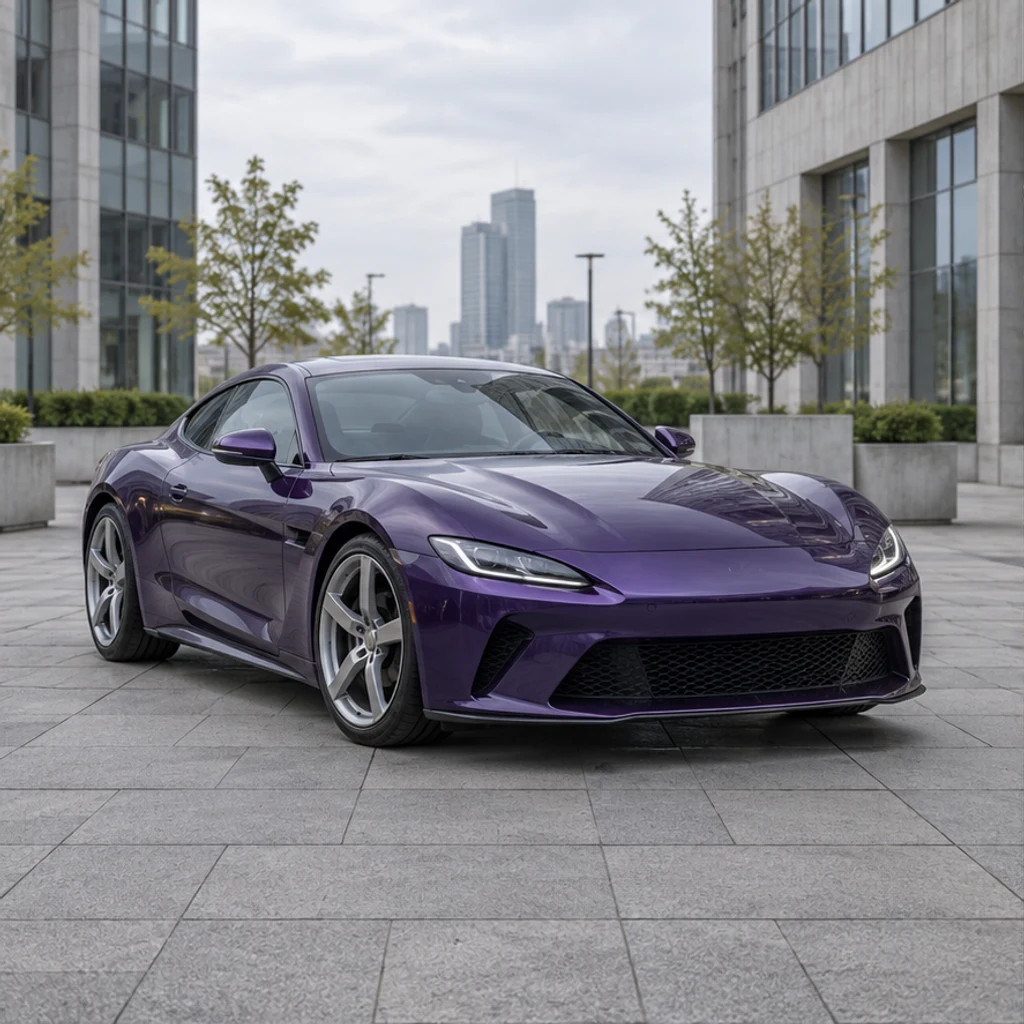
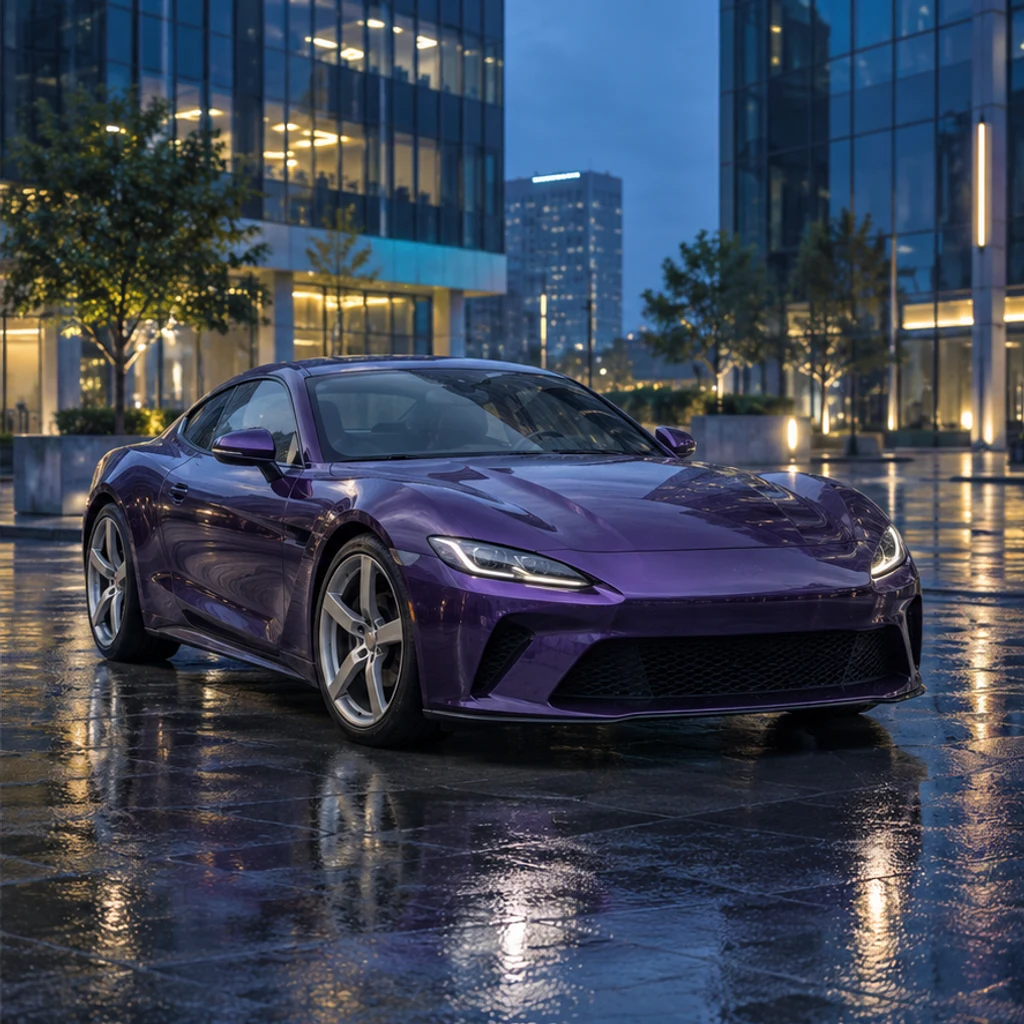
A stationary coupe gains a city scene after rain. Review reflections without accepting a changed paint color.
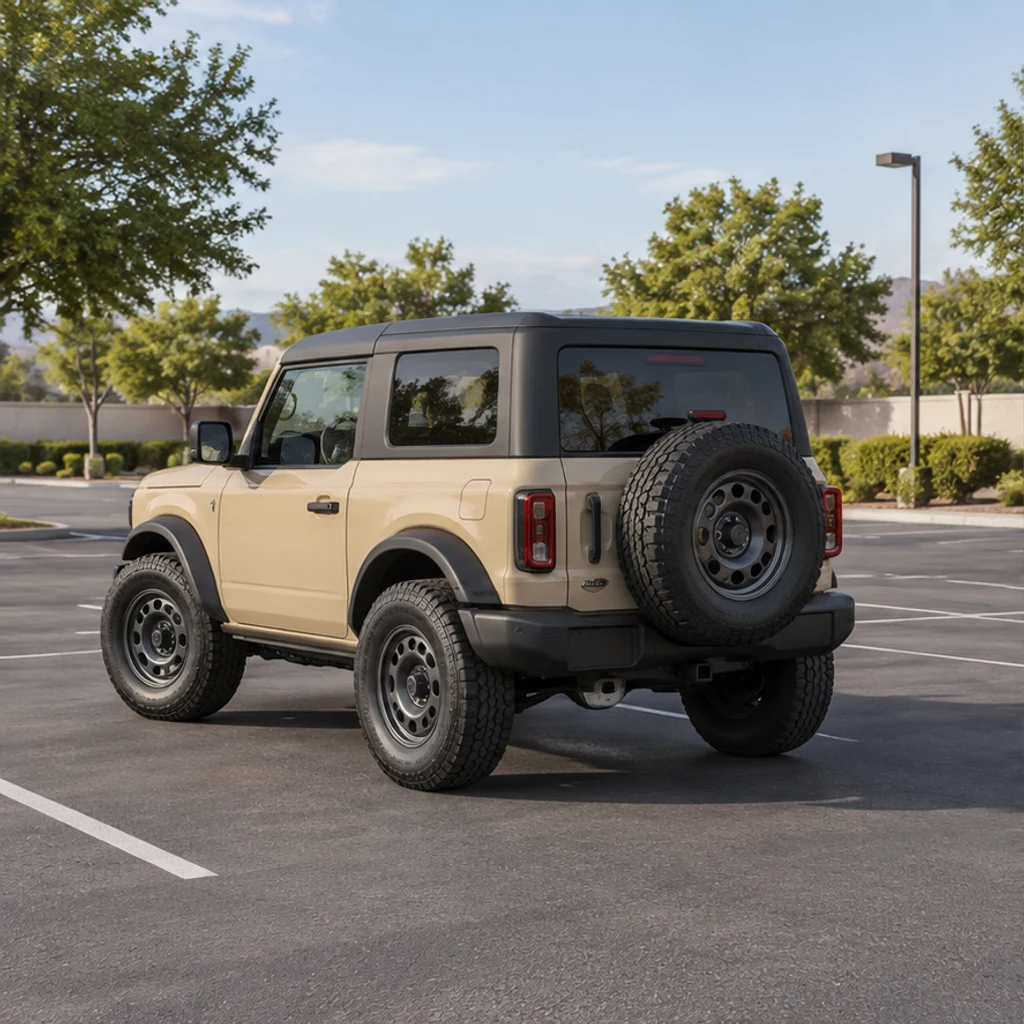
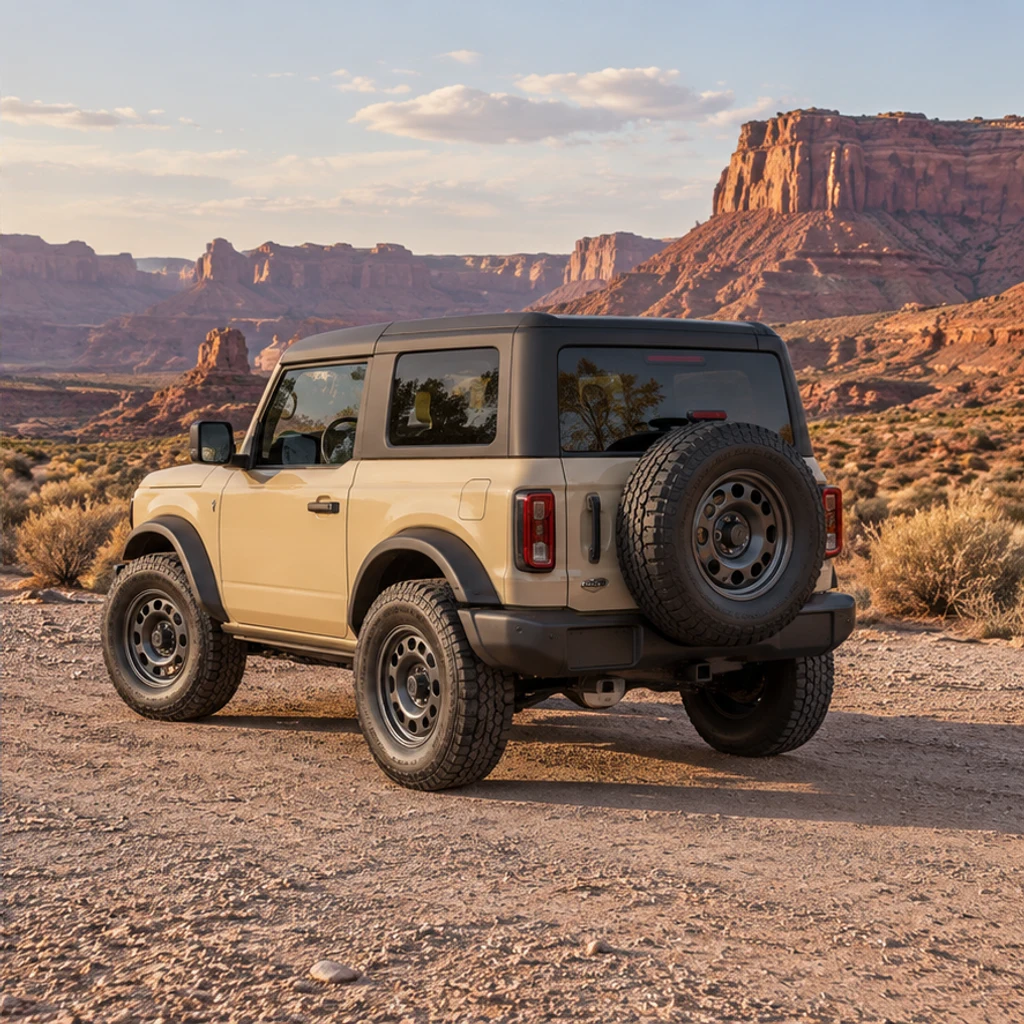
An off-road vehicle moves onto firm desert gravel. Check its black roof, steel wheels and tire contact.
Use a sharp photograph with one fully visible car. Front three-quarter or side views make wheels, lights and body lines easier to inspect. Upload JPEG, PNG or WebP, up to 30 MB.
Choose one of 8 background cards or upload an environment reference with a compatible ground plane. A selected card can be removed. Leave Background empty to retain the scene and adjust lighting.
Check the displayed credits, then click Generate. Each submission creates one static image. Choosing or removing a template and loading example settings do not spend credits. Check paint color, wheel design, headlights, windows and contact shadows. Keep the source photo. For sales listings, retain evidence of the actual vehicle condition and clearly identify generated presentation images.
Compare the full-size result with your original. Keep the original photograph and reject edits that change the vehicle or its visible condition.
Compare body proportions, grille, trim and paint color with the original. Reject changed hardware or hidden damage.
Check spoke patterns, tire contact, headlight shapes and visible mirror edges. Use a sharper source if details drift.
Match the ground plane to the original camera angle. Reject floating tires, impossible reflections or conflicting light directions.
Use an empty background with a similar viewpoint. Describe only the scene or light you want; this tool is for photo presentation.
Use a clear photo of one car with the whole vehicle visible. Similar camera angles between the car and background make perspective easier to match. Cropped or obscured details may be invented.
Yes. Leave Background empty or remove the selected template or upload. The tool then requests lighting and exposure adjustments in the existing scene.
No. The active template or upload is the single background image reference. Uploading switches to your reference; choosing a card switches to that template. Extra notes add text direction.
The editing instruction asks to preserve the vehicle, but generative editing can alter fine details. Inspect the paint, wheels, grille, lights and condition before using the image.
Check the credits shown before Generate and the current pricing plans. Browsing templates and trying example settings cost nothing; a submitted generation uses the displayed credits.
This tool creates a static background or lighting edit. It does not provide an interactive 360 view, engineering modification preview, batch inventory processing or a guaranteed transparent cutout.
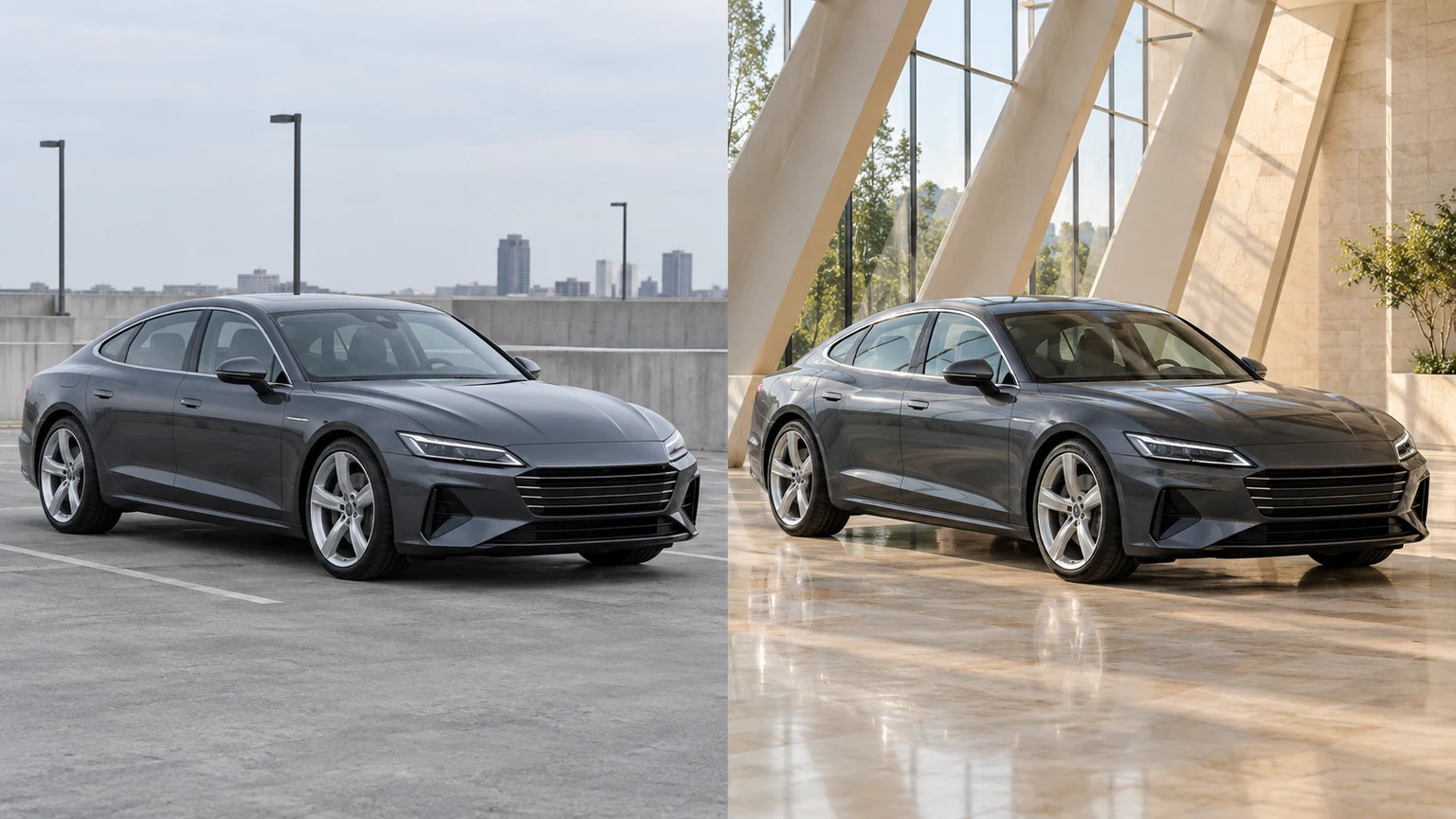
Edit car photos with AI. Choose a background template or reference, refine lighting, then review your car’s details and download.
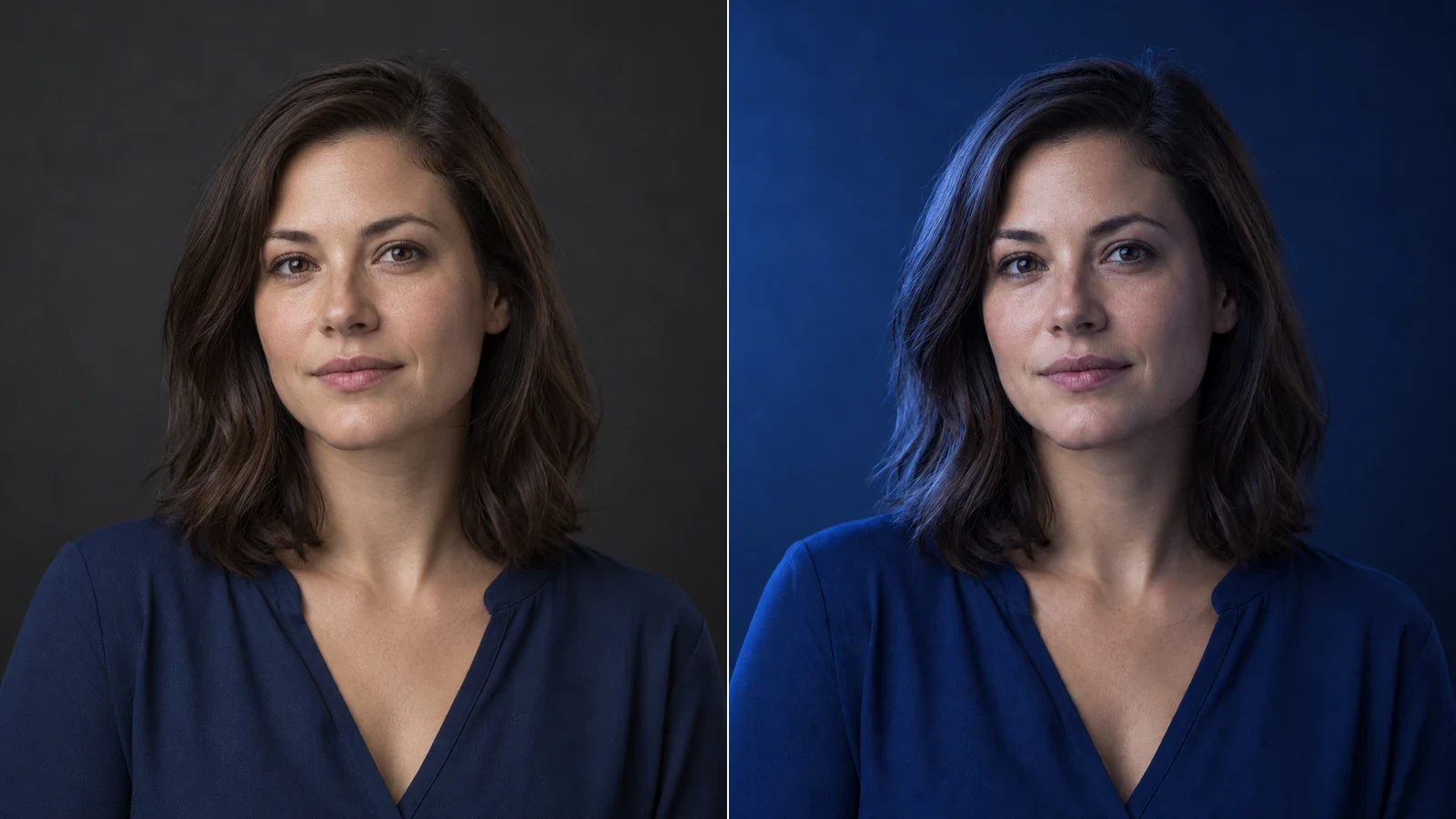
Change the direction and mood of light in a photo while keeping the subject, composition, text, and product details under review.
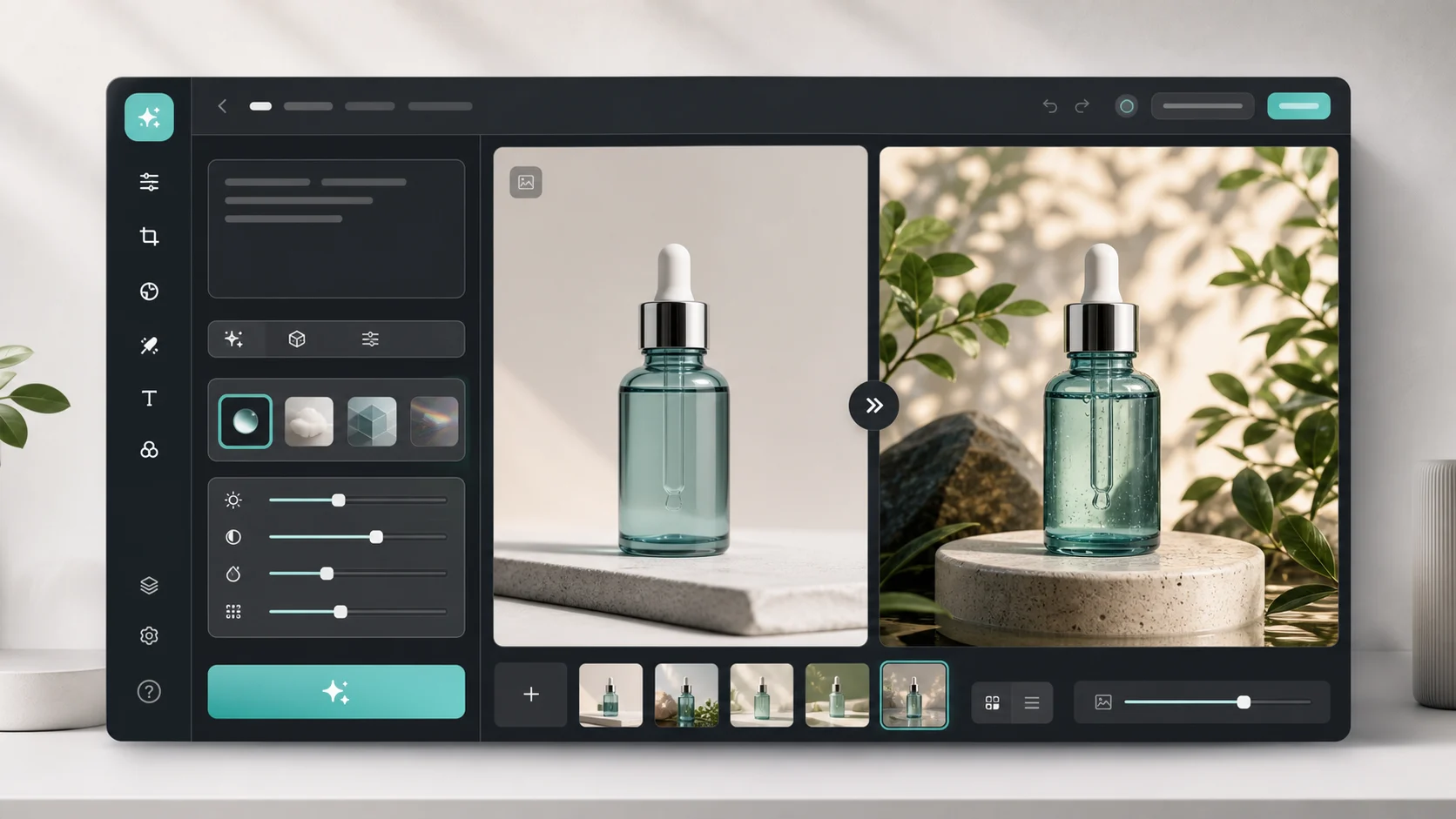
Upload an image, describe the edit, and create polished visuals for products, social posts, posters, or keyframes.

Review credits and plans before generating.
Edit car photos with AI. Choose a background template or reference, refine lighting, then review your car’s details and download.