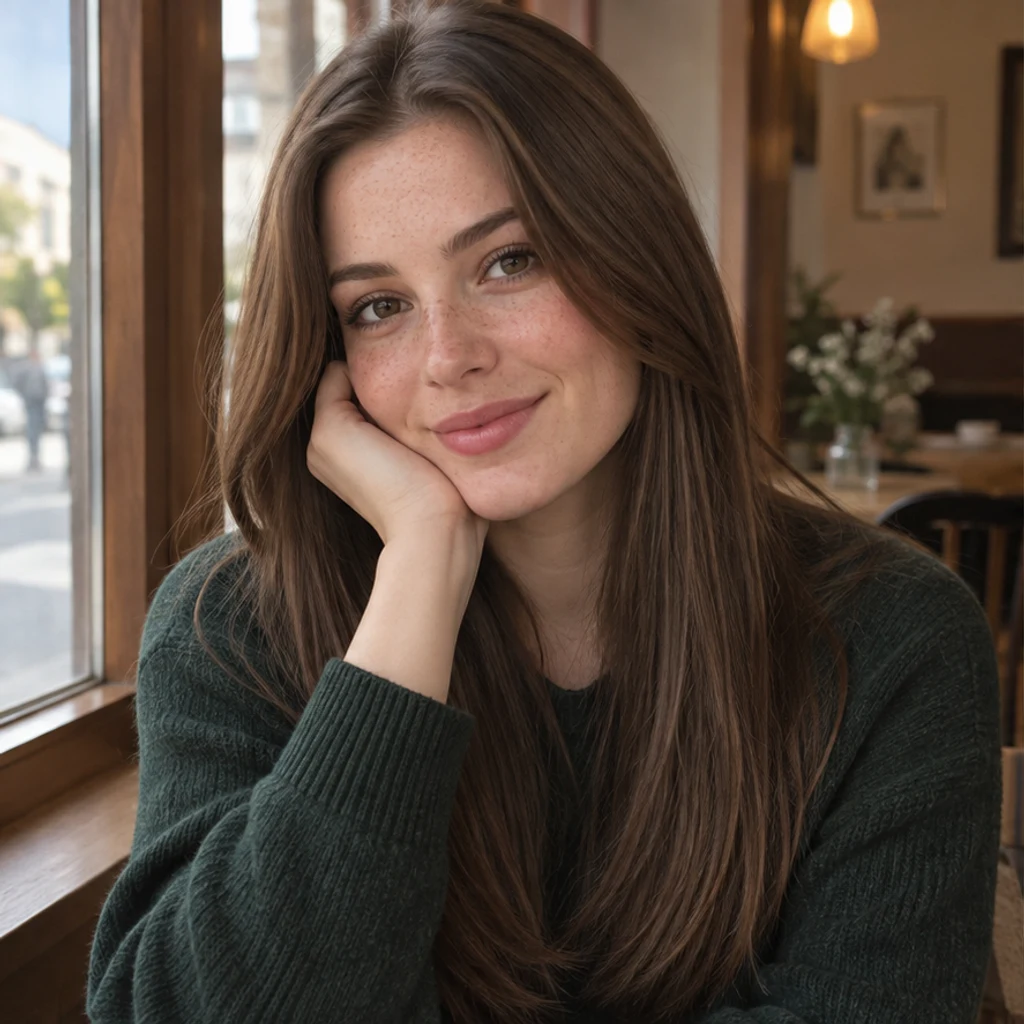
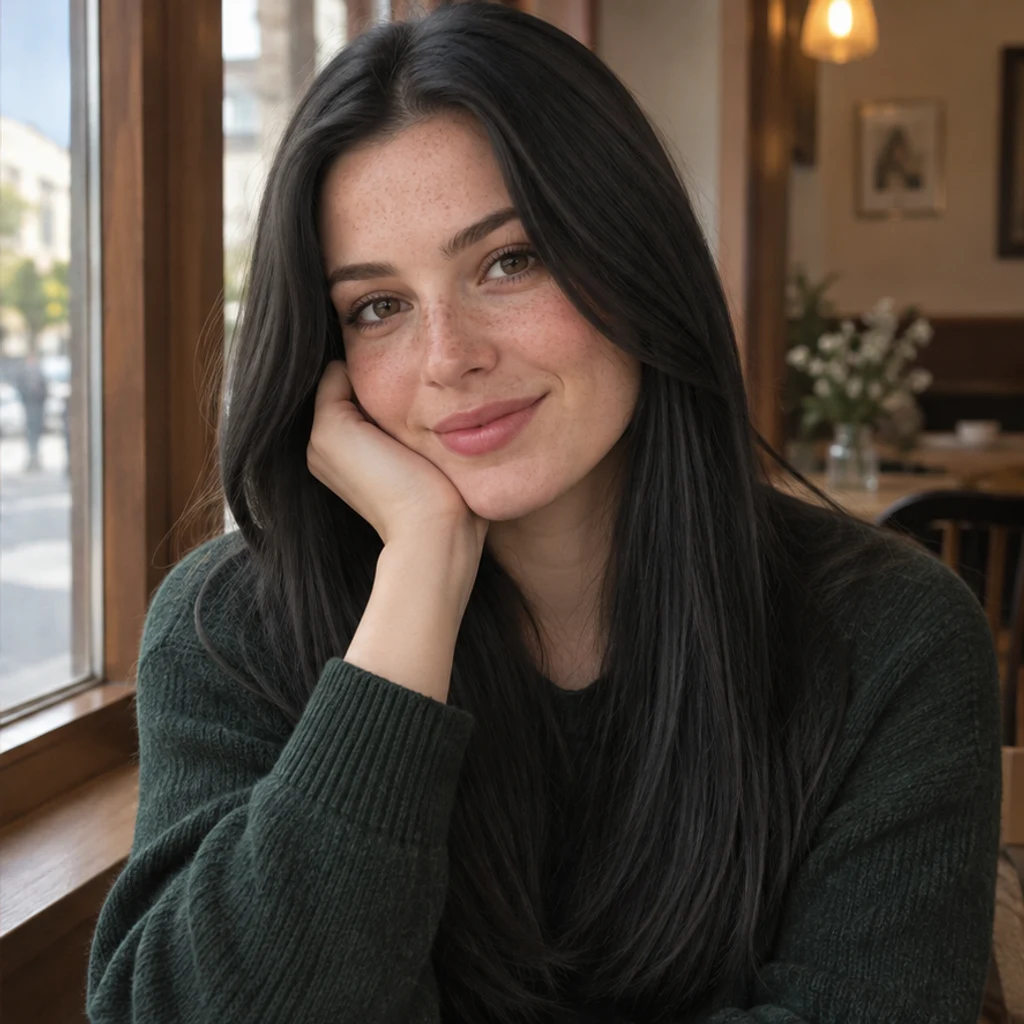
Cafe portrait · natural black
Try these settingsDeepen brown hair to black while keeping visible strands, freckles and the green sweater.
To change hair color in a photo, upload a clear portrait and specify the new color with a template, reference image or written description. Your photo supplies the person and hairstyle. An optional second image guides the color; text can work on its own or refine the reference. Start from the same original for each shade.
LumiYingUpdated
Learn how to change hair color in a photo with a template, reference image or text prompt, then review the hairline, texture and face.
Choose one sharp portrait with the full hair visible and even light. Keep an unchanged copy. A strongly tinted photo can make the target shade harder to judge.
Select one of 12 color templates, upload a reference, or describe your target color in Color instructions. Templates and uploads replace one another. No color is selected by default; click a selected card again or remove its preview to clear it.
Describe tone and placement in Color instructions. For highlights, name the area and ask to retain the base. Review the displayed credits, then generate one image.
Check the color, hairline, curls, face and scene. Use Re-edit to restore the original inputs for another shade. Download an accepted result as a visual reference.
A readable source and one precise color request are more useful than several conflicting instructions.
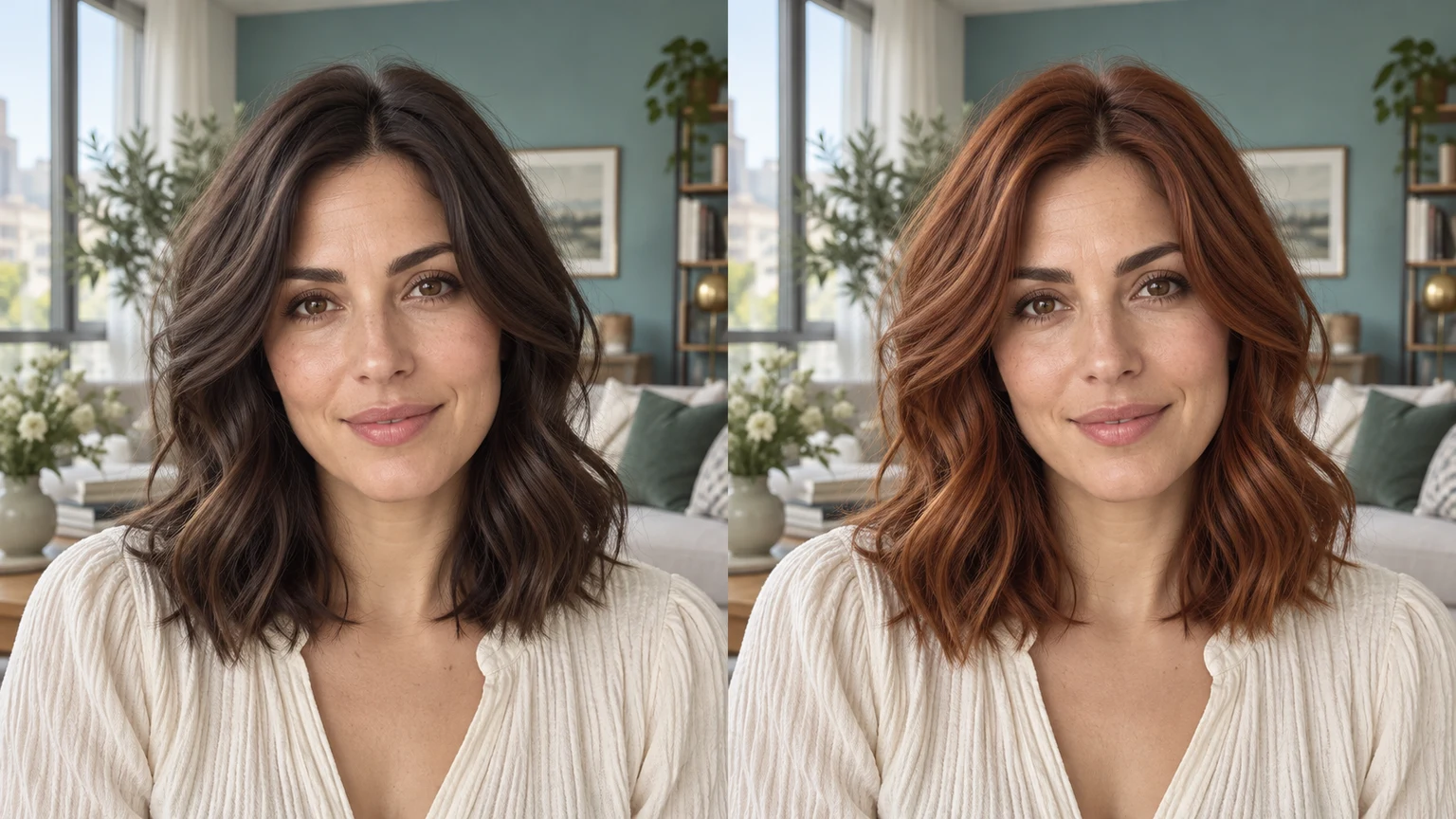
Explore hair color ideas with these AI-generated illustrations. Choose an example to load its photo and color settings.
Deepen brown hair to black while keeping visible strands, freckles and the green sweater.
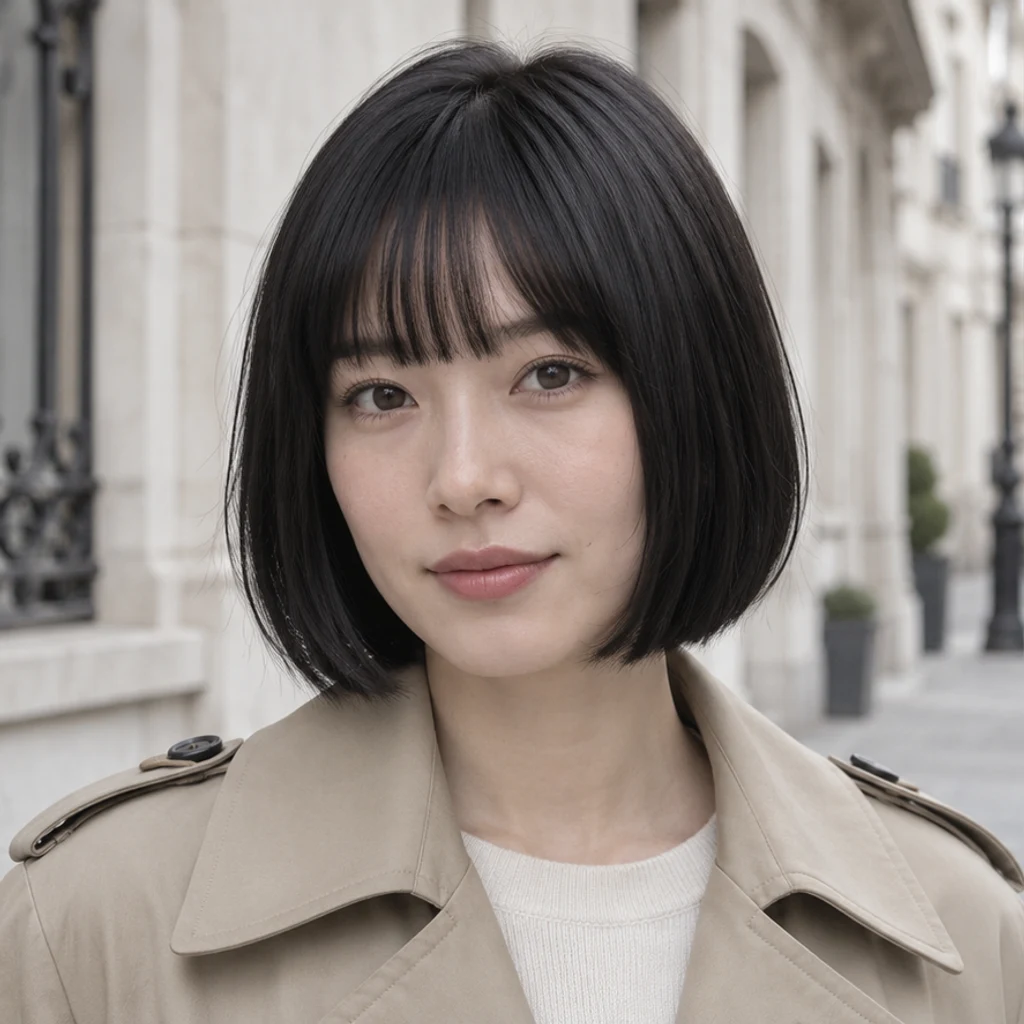
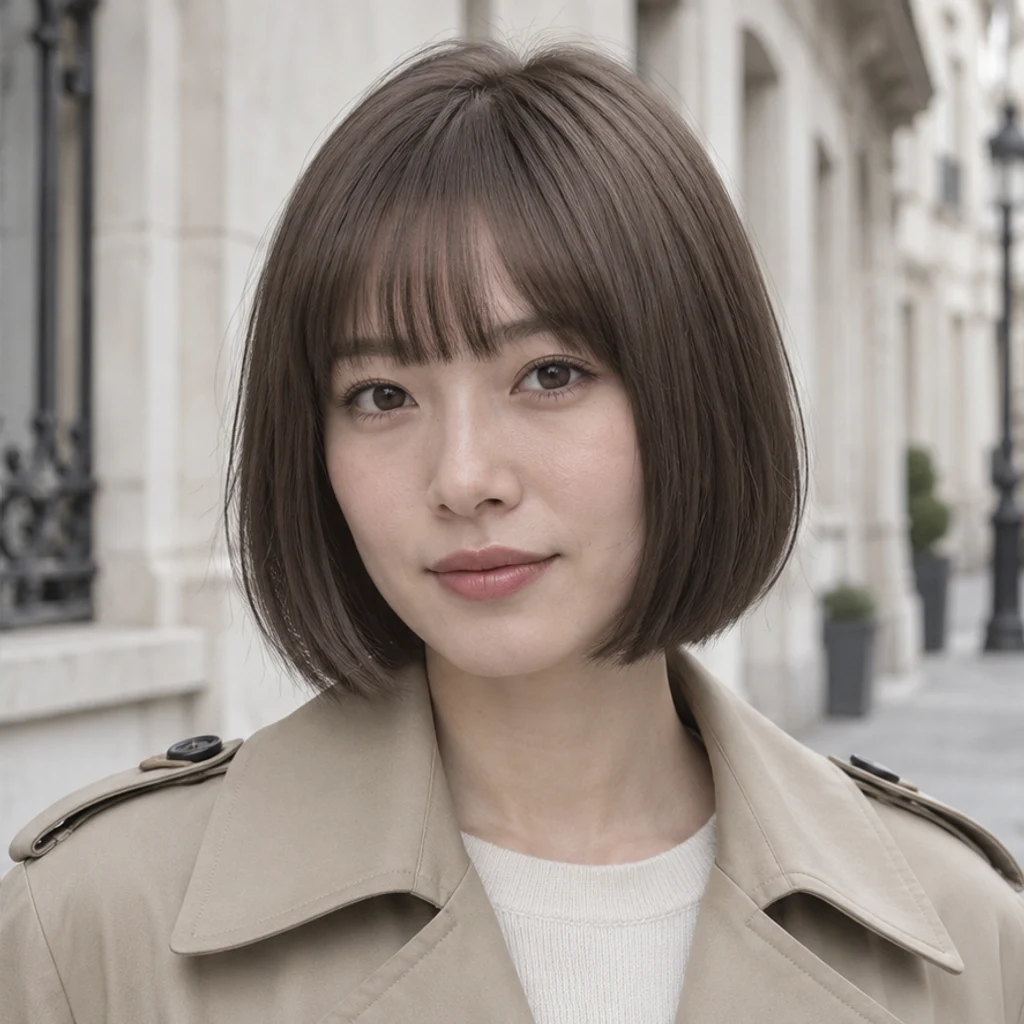
Preview a cooler brown on a straight bob without changing the bangs or face.
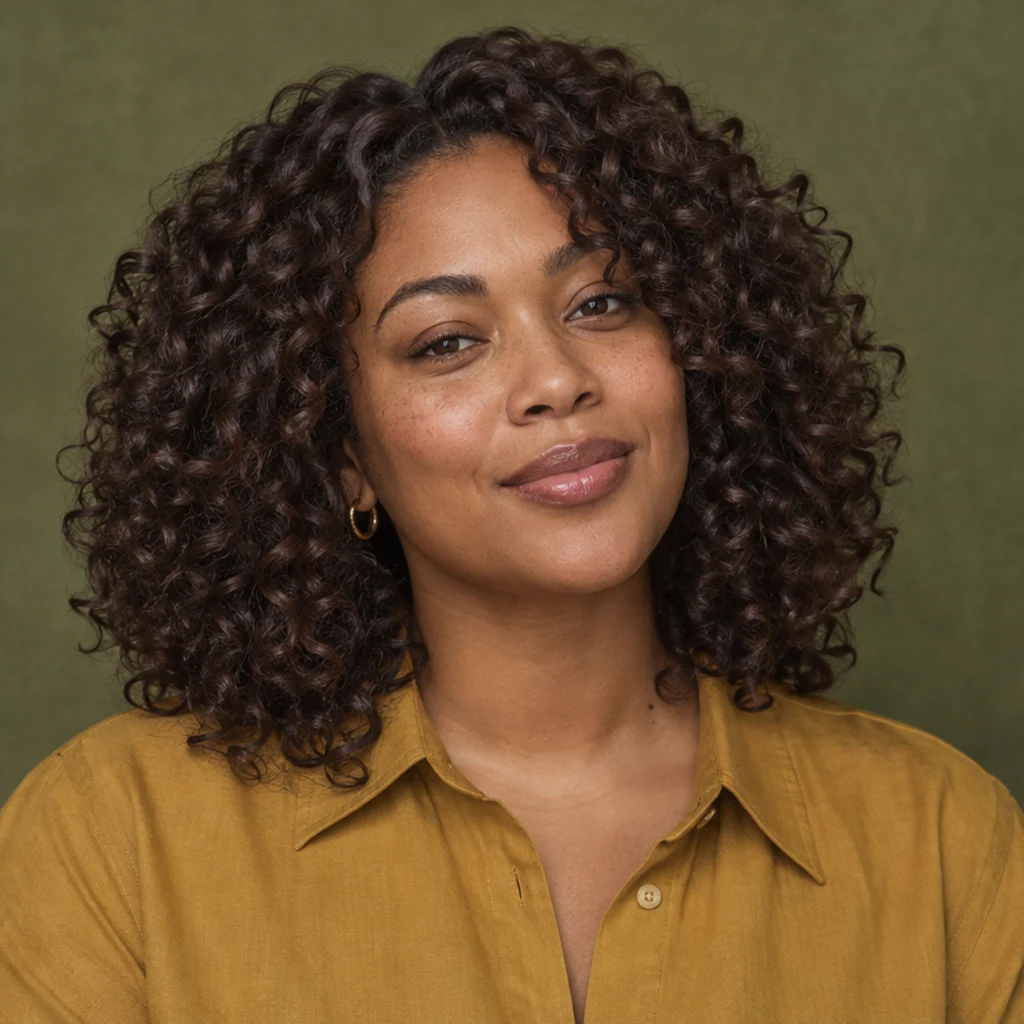
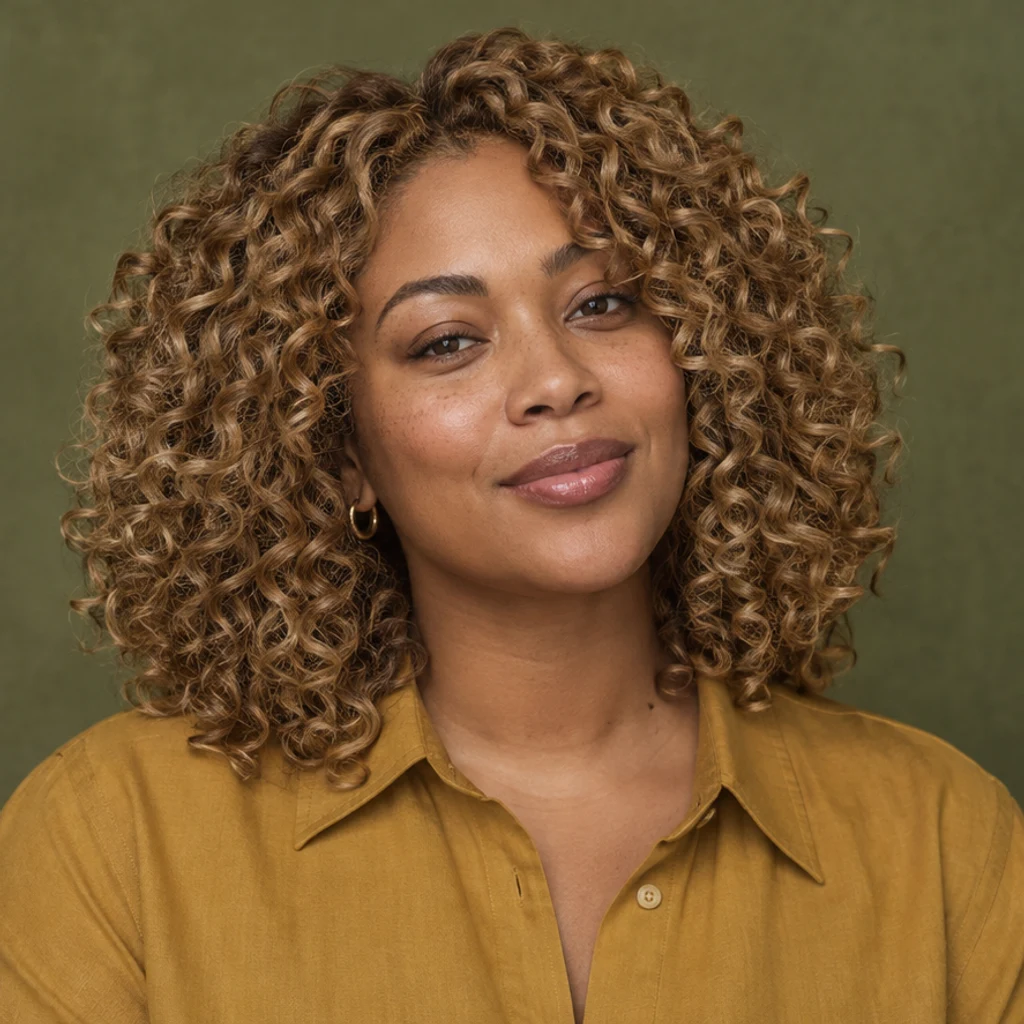
Explore warm blonde on defined curls; compare volume, edges and individual curl shapes.
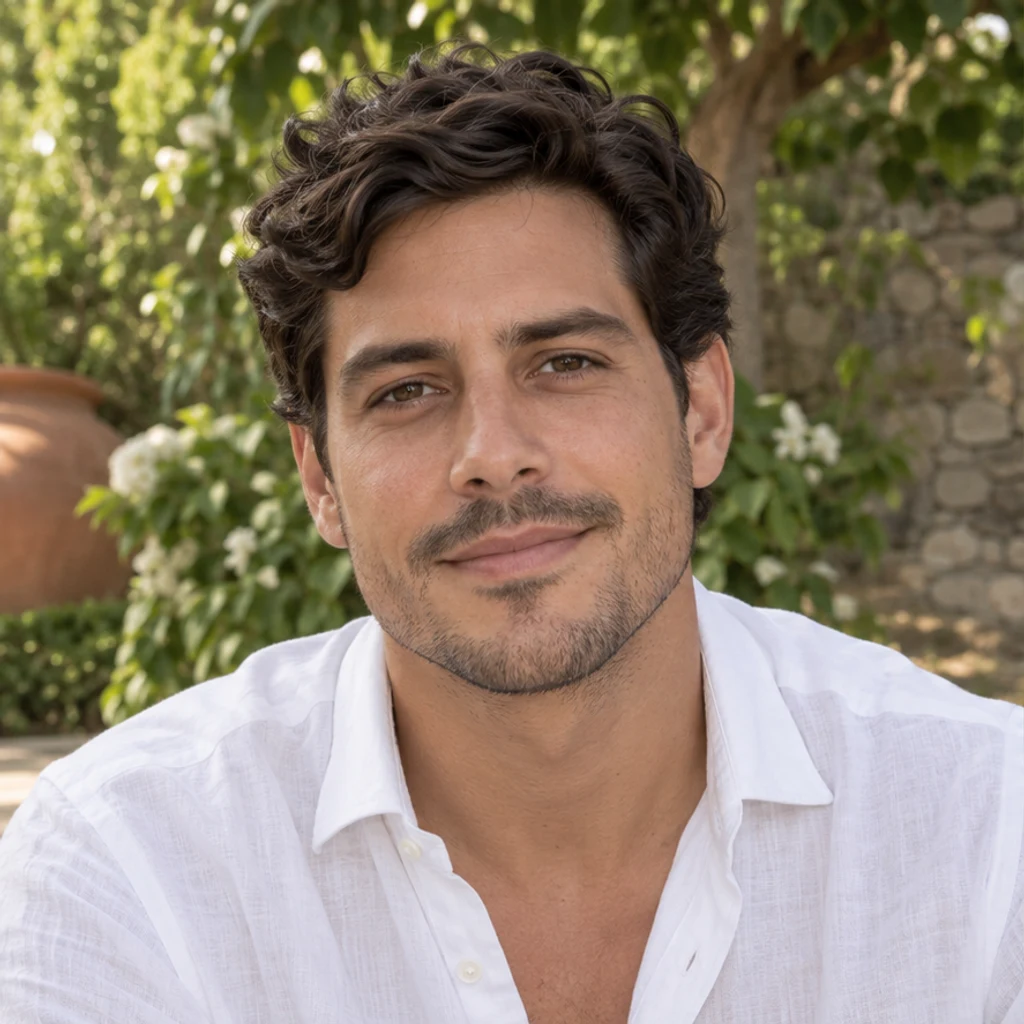
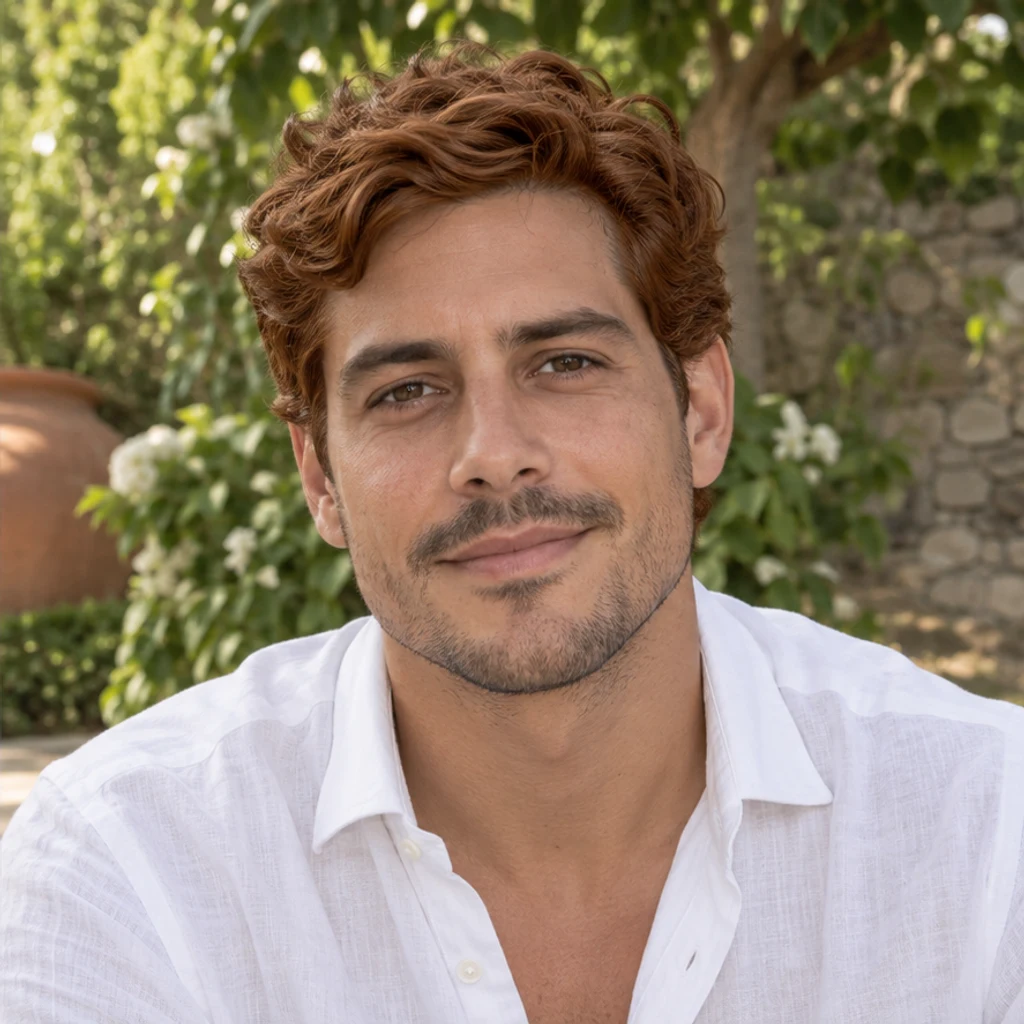
Try copper on a short wavy cut while retaining the original eyebrows and stubble.
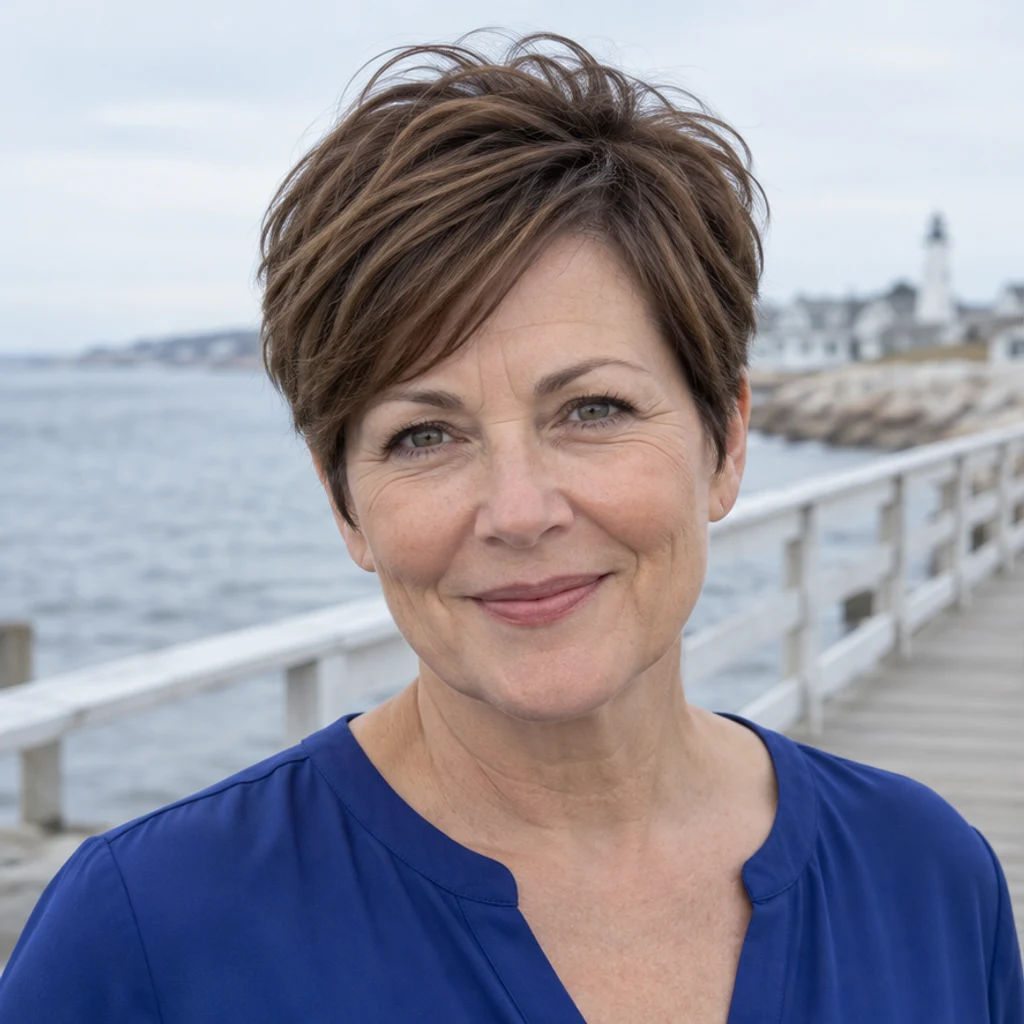
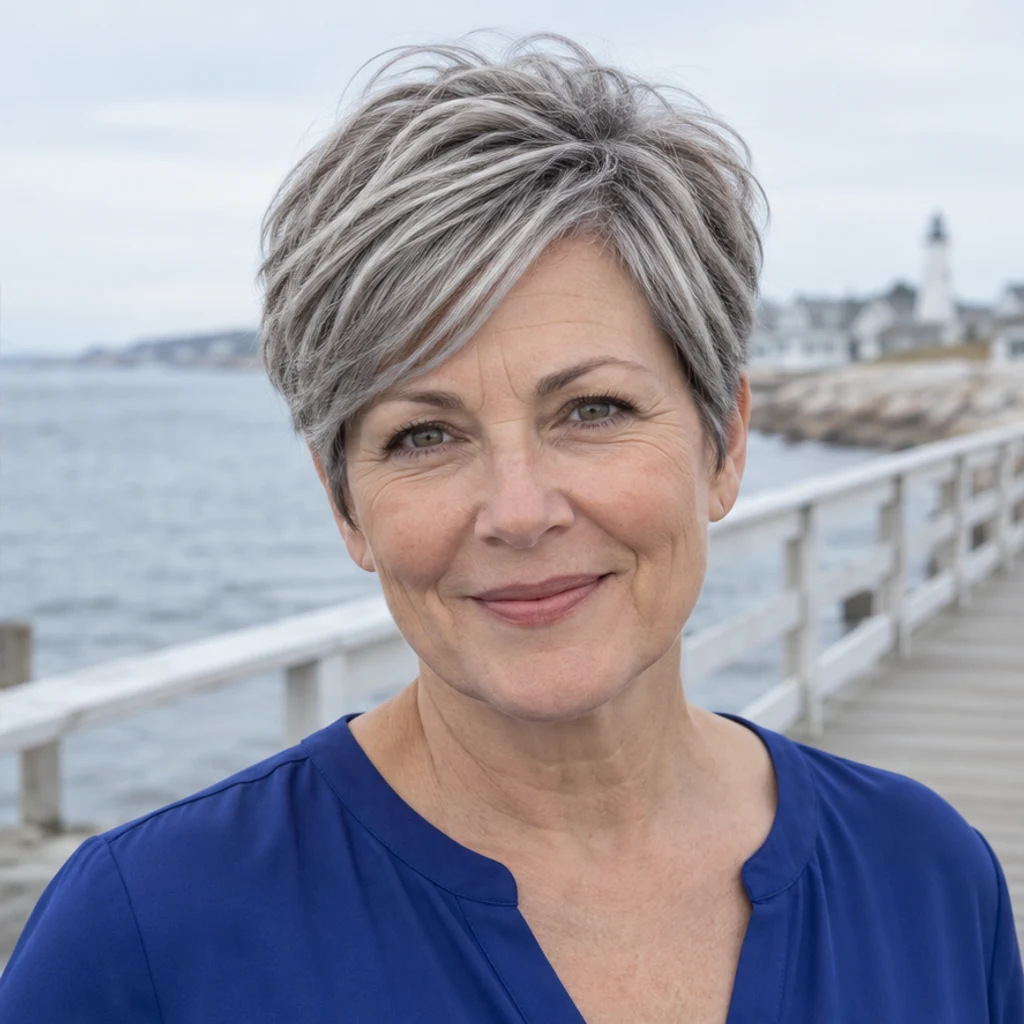
Preview silver gray on a pixie cut without changing age or skin texture.
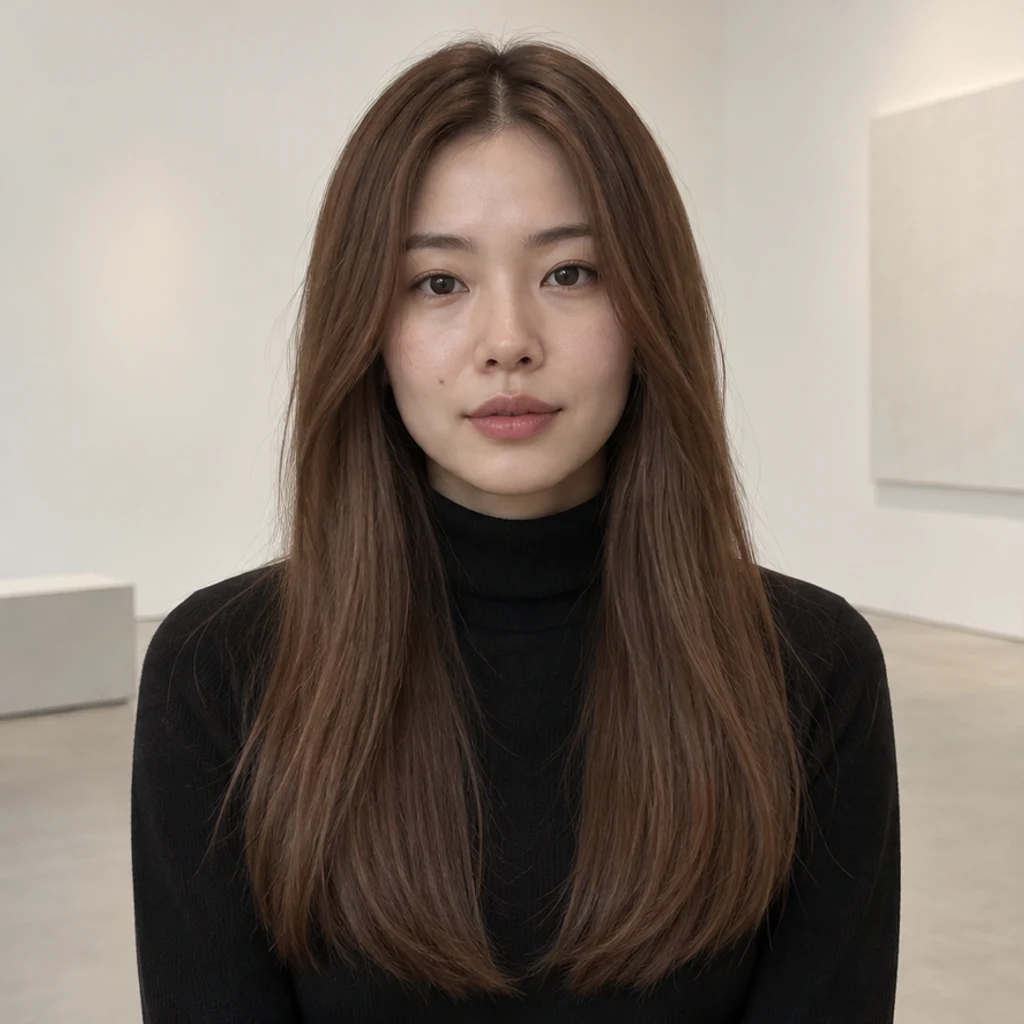
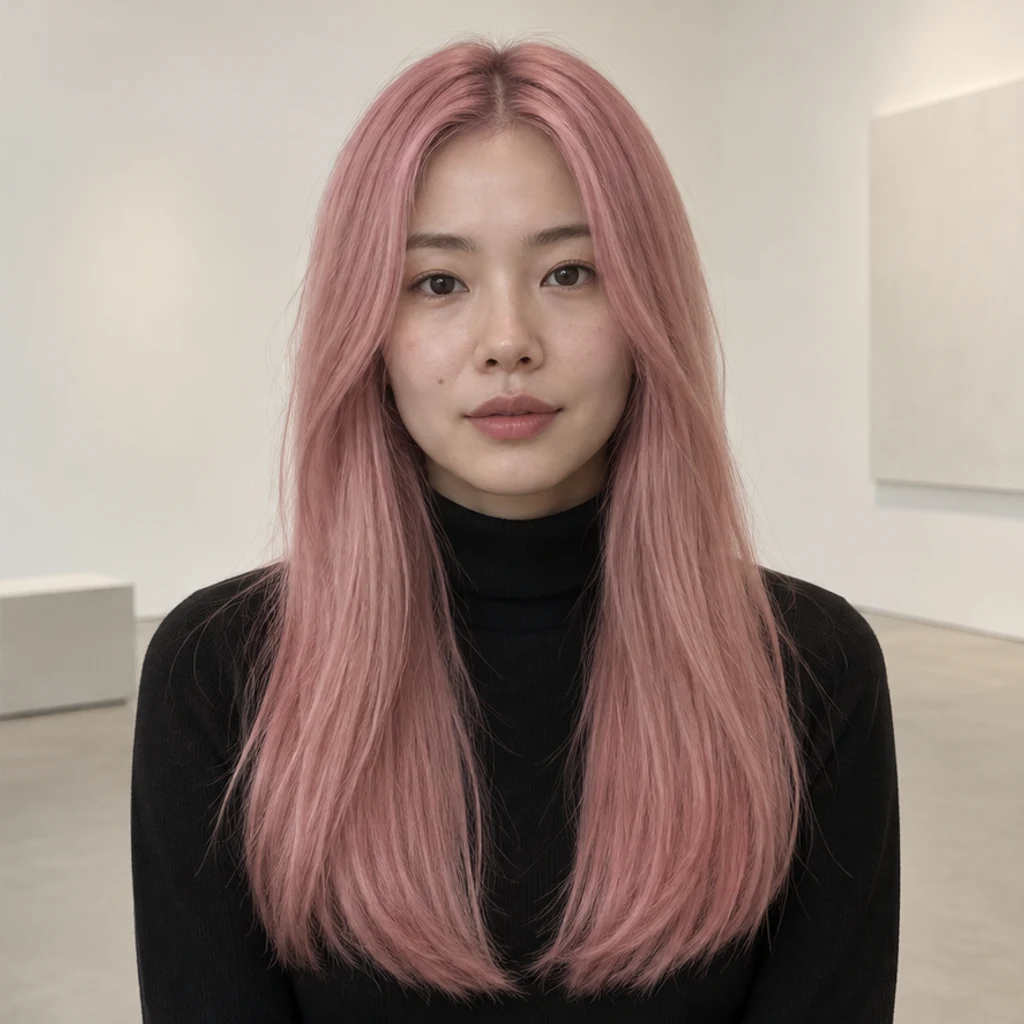
Try soft pink on long straight hair; check that the black turtleneck stays unchanged.
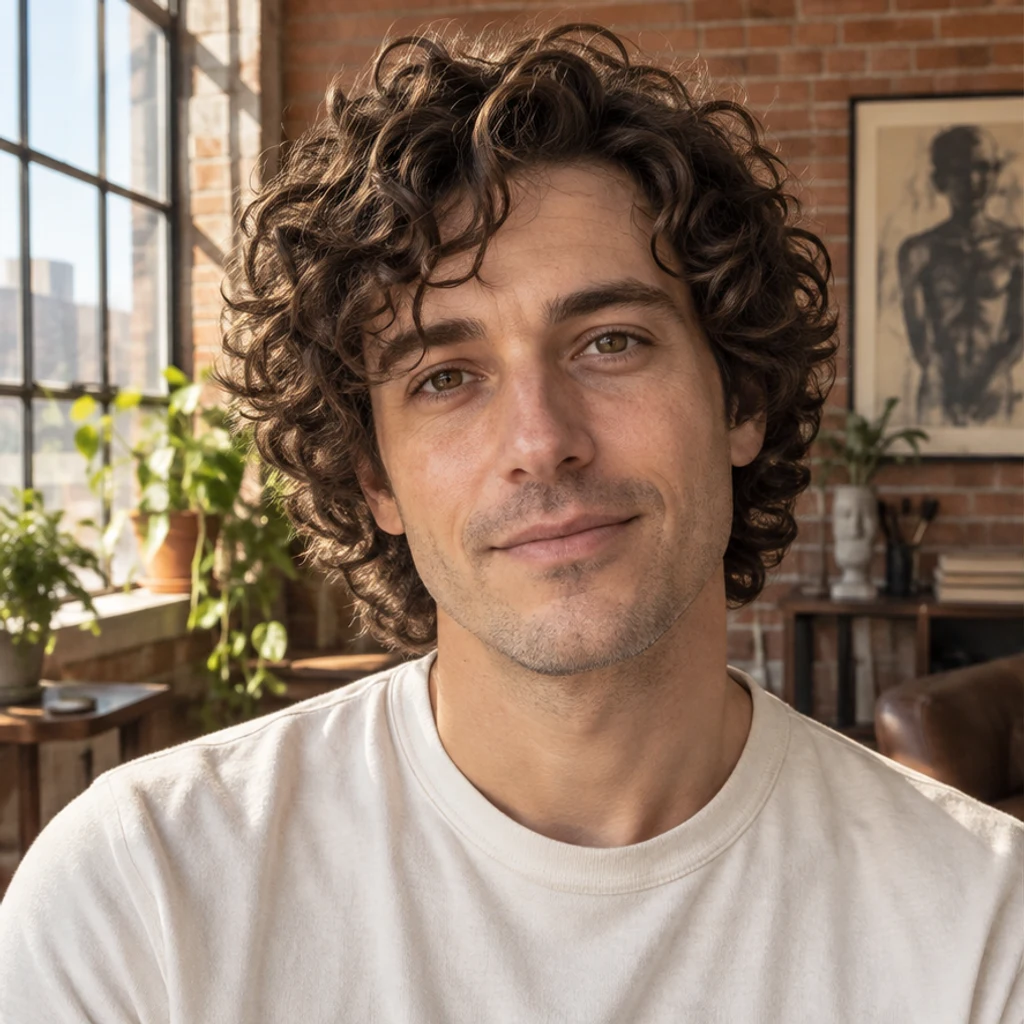
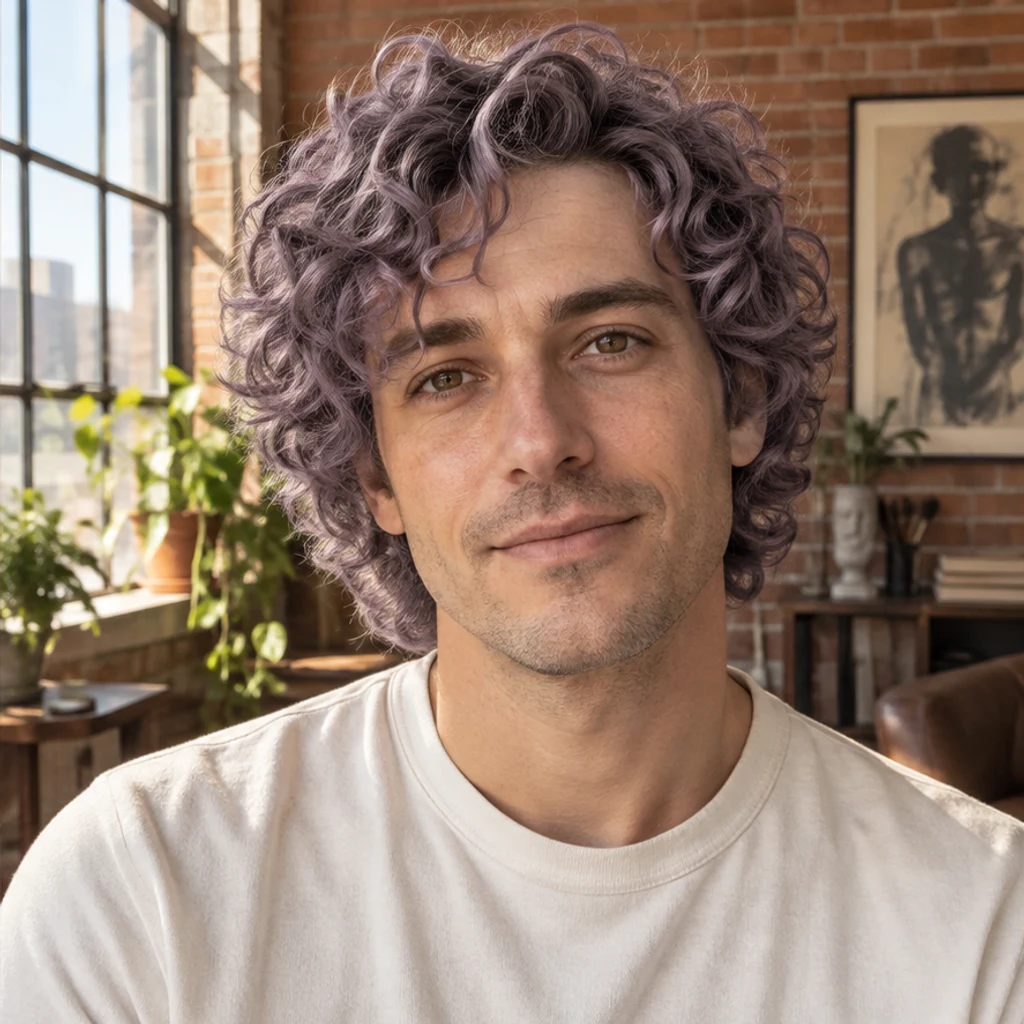
Explore muted purple on curls while preserving the original face and loft lighting.
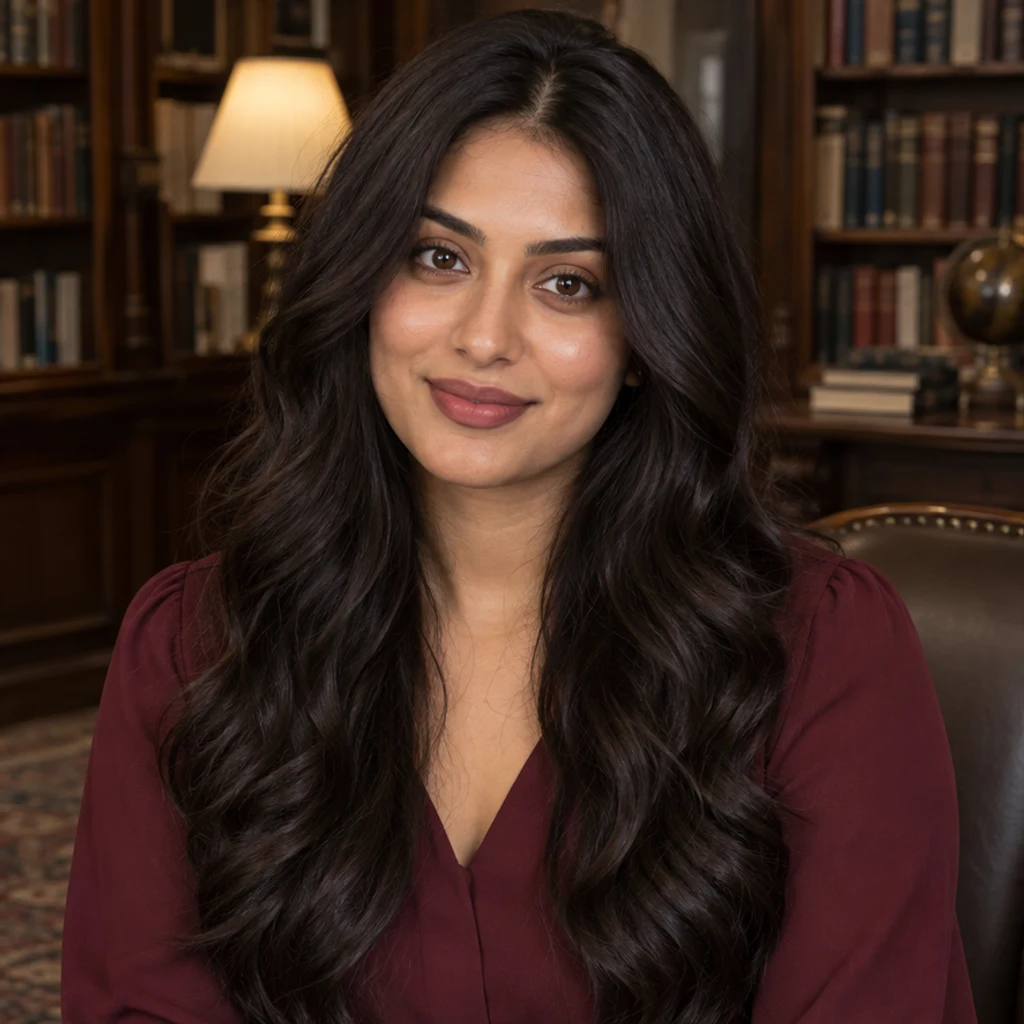
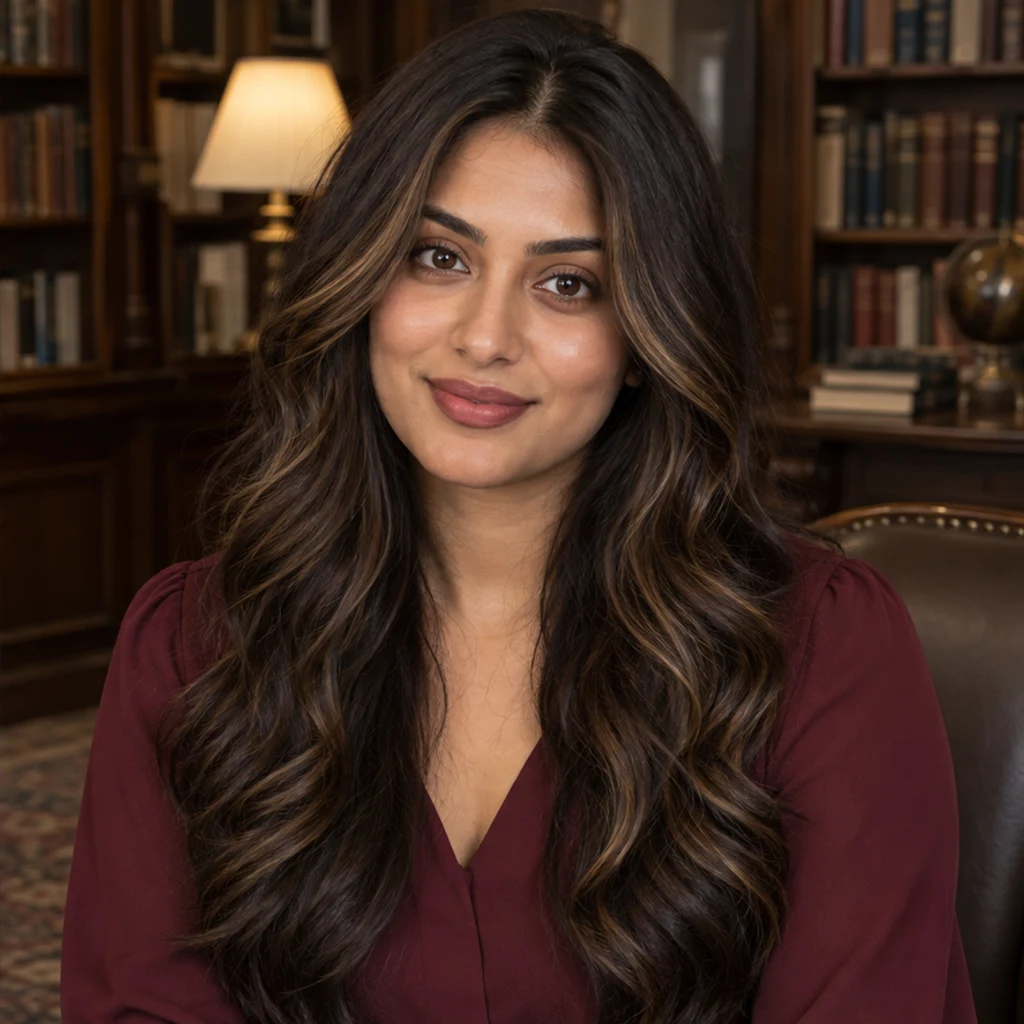
Add sparse honey face-framing highlights while keeping the dark brown base.
Compare the original and result at full size. Keep the edit only when the color and the surrounding details work together.
Start each attempt from the same original photo with the same light and framing. Change only the active color reference or one note.
A reference may influence details beyond color. Use a clearer source, explicitly preserve the cut and texture, and reject a result with the wrong silhouette.
Try a cooler color reference and specify reduced warm undertones. Check the starting photo for warm light; the preview still needs visual review.
You can use it to communicate a visual direction. It does not identify a dye formula or predict the outcome on real hair.
Learn how to change hair color in a photo with a template, reference image or text prompt, then review the hairline, texture and face.
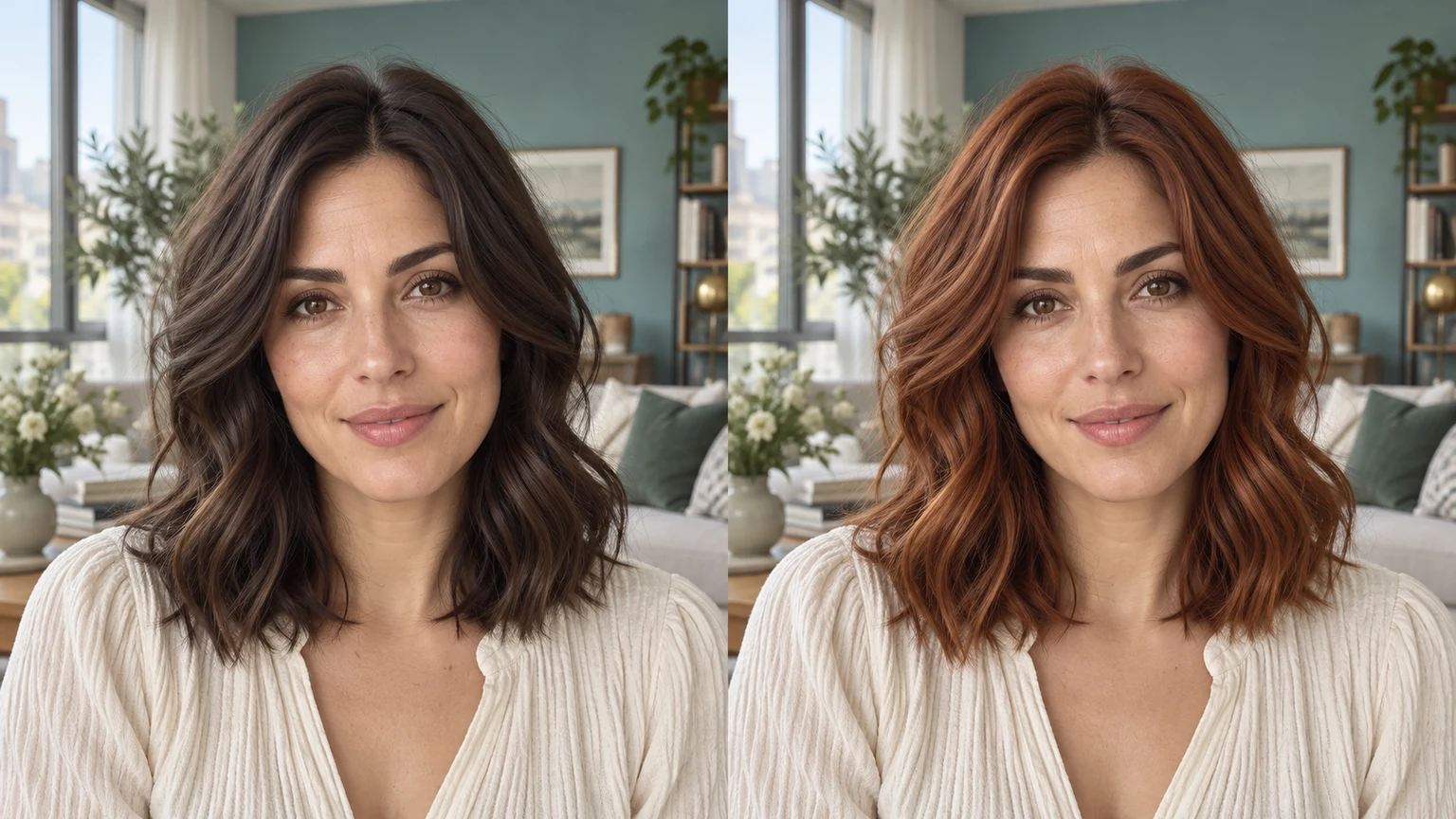
Change hair color in a photo with AI. Use a color template, upload a reference or describe your color in words, then compare and download the result.
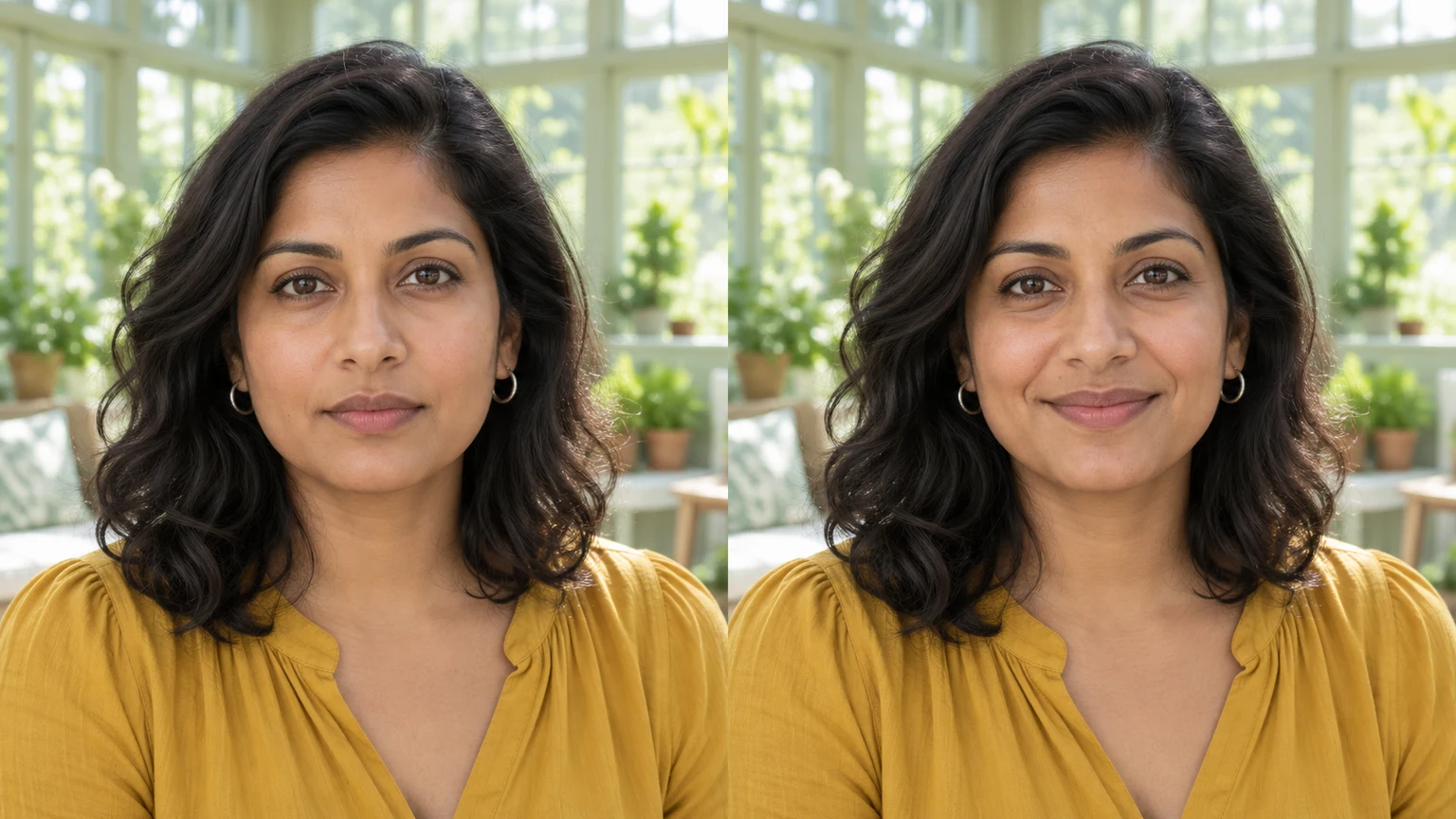
Edit facial expressions with AI. Choose a smile, reaction template or your own expression reference, then generate and review your portrait or character image.
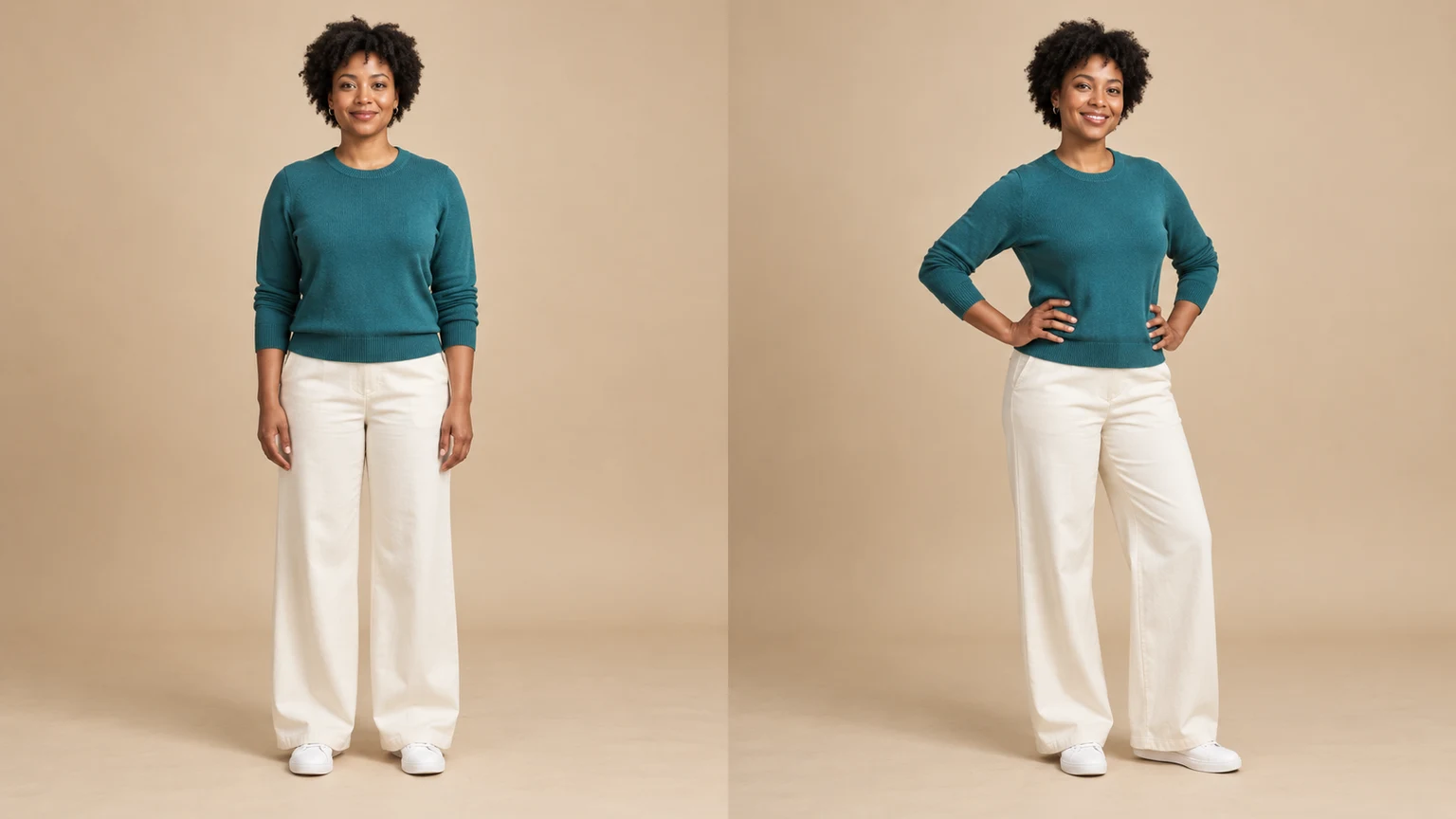
Change a person or character’s pose from a photo. Choose 8 pose templates or upload a pose reference, then generate and review the result.
Upload an image, describe the edit, and create polished visuals for products, social posts, posters, or keyframes.

Review credits and plans before generating.
Change hair color in a photo with AI. Use a color template, upload a reference or describe your color in words, then compare and download the result.