

Office portrait · friendly smile
Try these settingsA neutral headshot gains a moderate toothy smile. Check the teeth, beard and original jacket.
Edit facial expressions with AI. Choose a smile, reaction template or your own expression reference, then generate and review your portrait or character image.
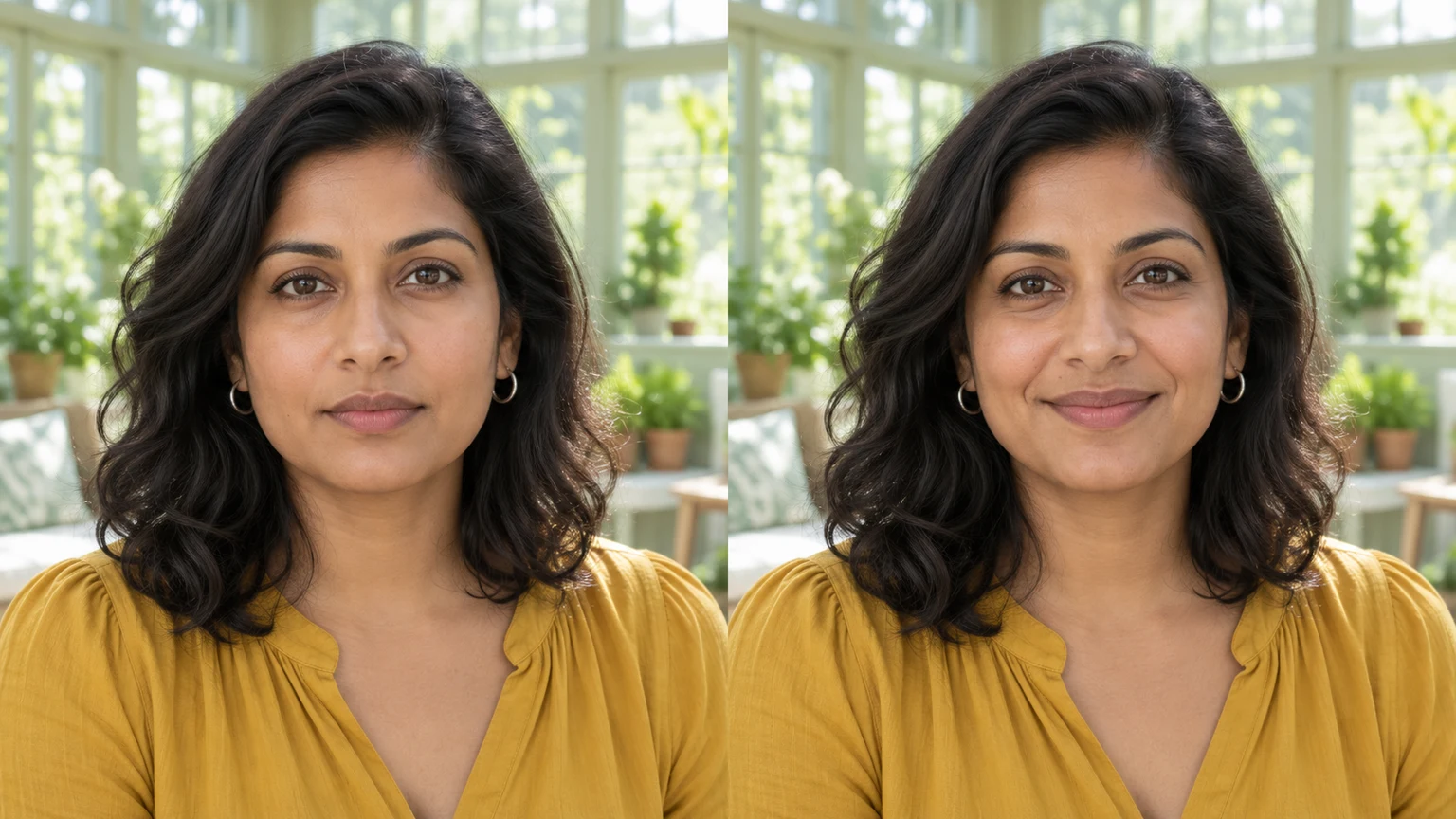
A bookshelf portrait shifts from neutral to a soft closed-mouth smile. The head, clothes and setting remain the basis of the edit.
A comic character moves from calm to surprise. The reference guides facial emotion while the original artwork supplies the character and drawing style.
A neutral portrait, a surprised clay face and an edited portrait show the relationship. Borrow the expression, rather than the reference person's identity or material.
A glasses-wearing portrait illustrates details to compare: face shape, age, skin texture, hair, frames and the surrounding room.
These AI-created illustrations show possible expression directions, not verified outputs of this tool. Load an original illustration and its settings to try a generation.
A neutral headshot gains a moderate toothy smile. Check the teeth, beard and original jacket.
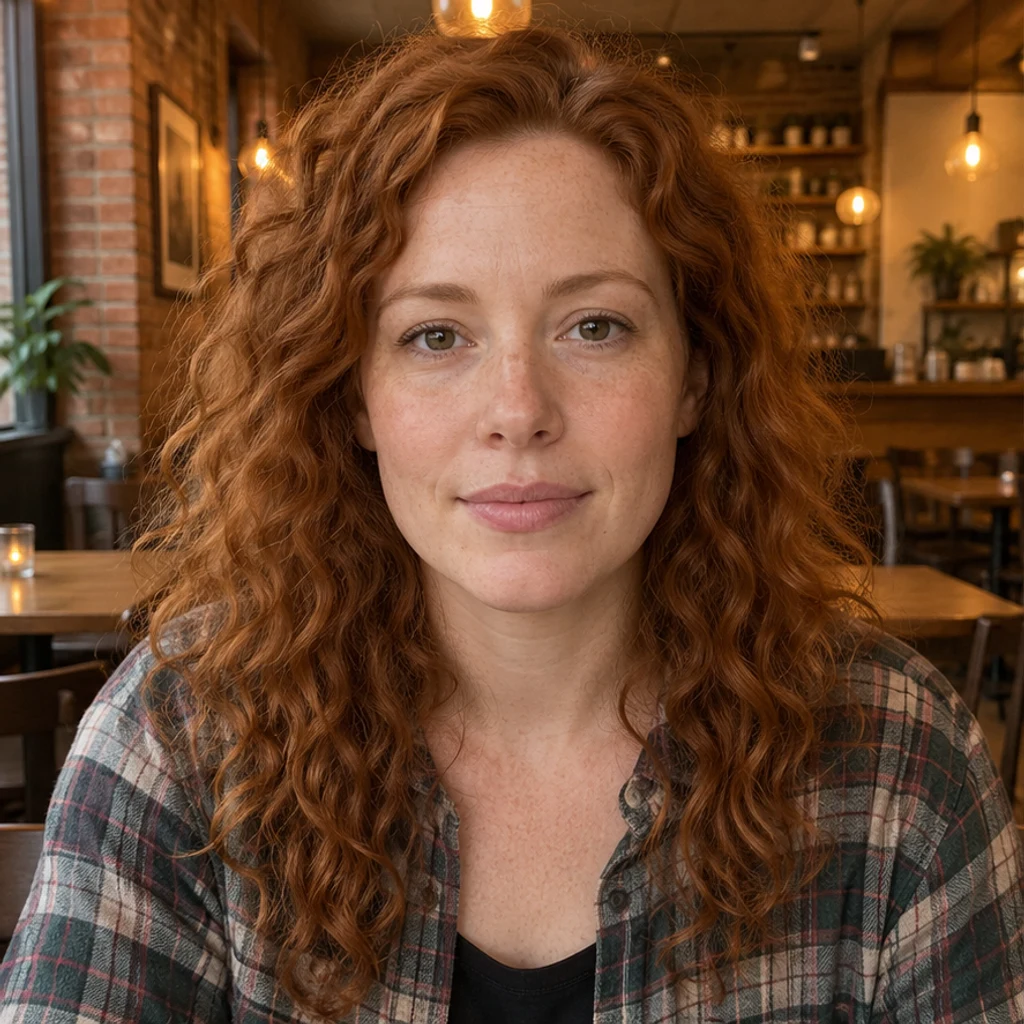
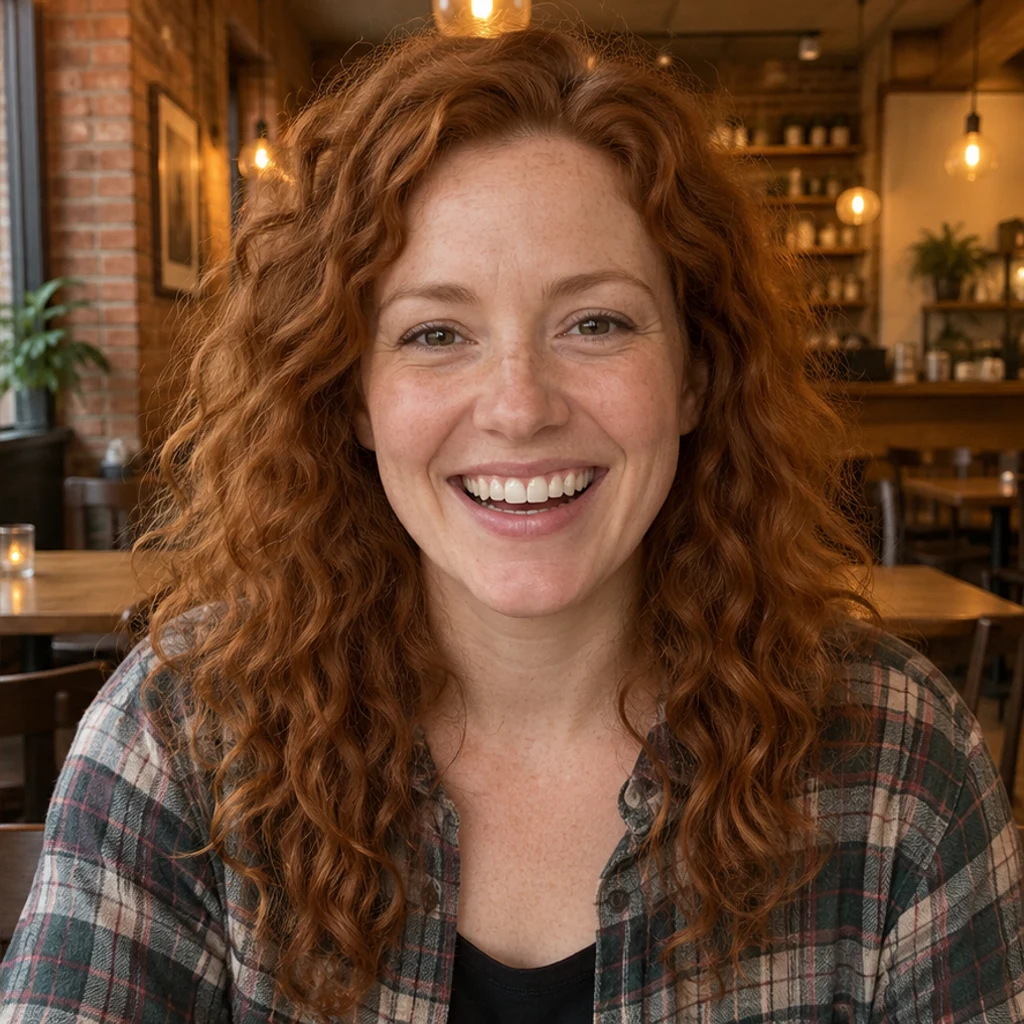
A cafe portrait becomes a warm laugh. Compare freckles, hair, lip edges and background light.
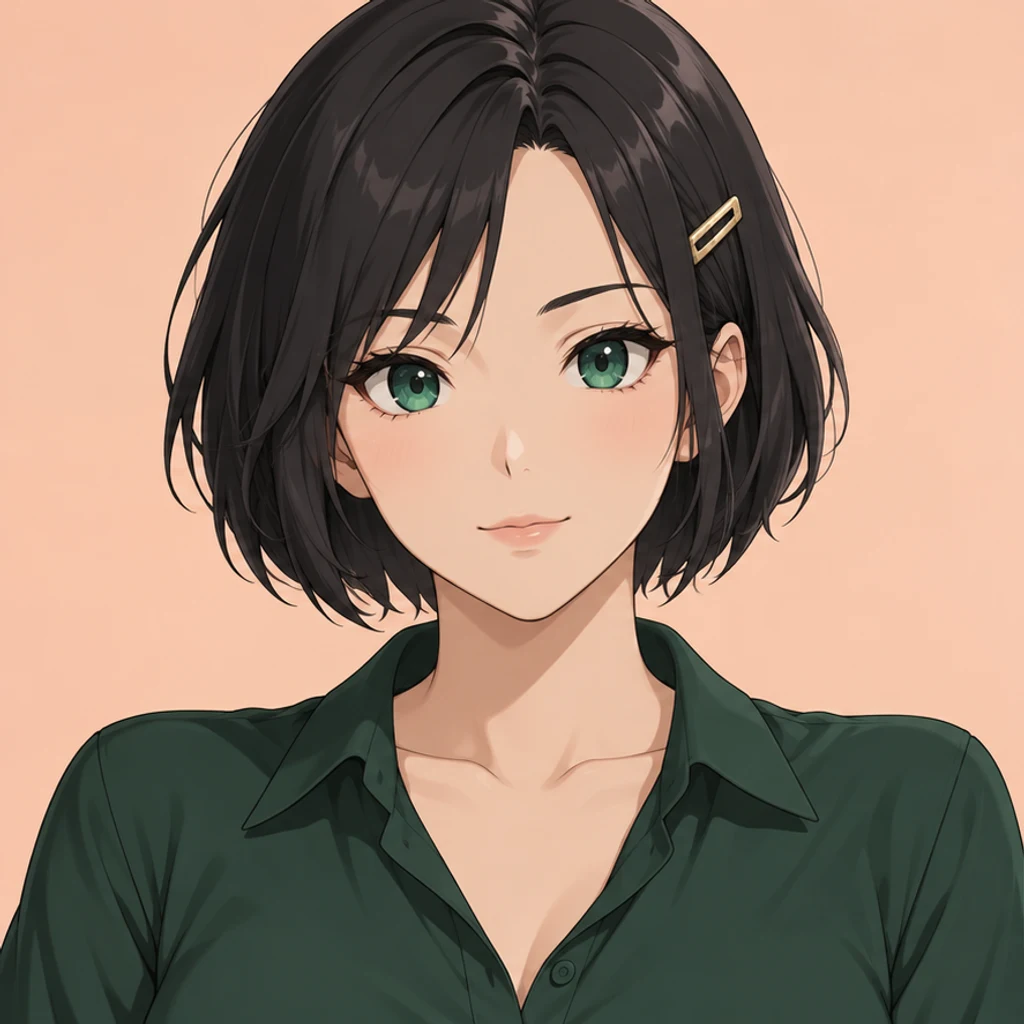
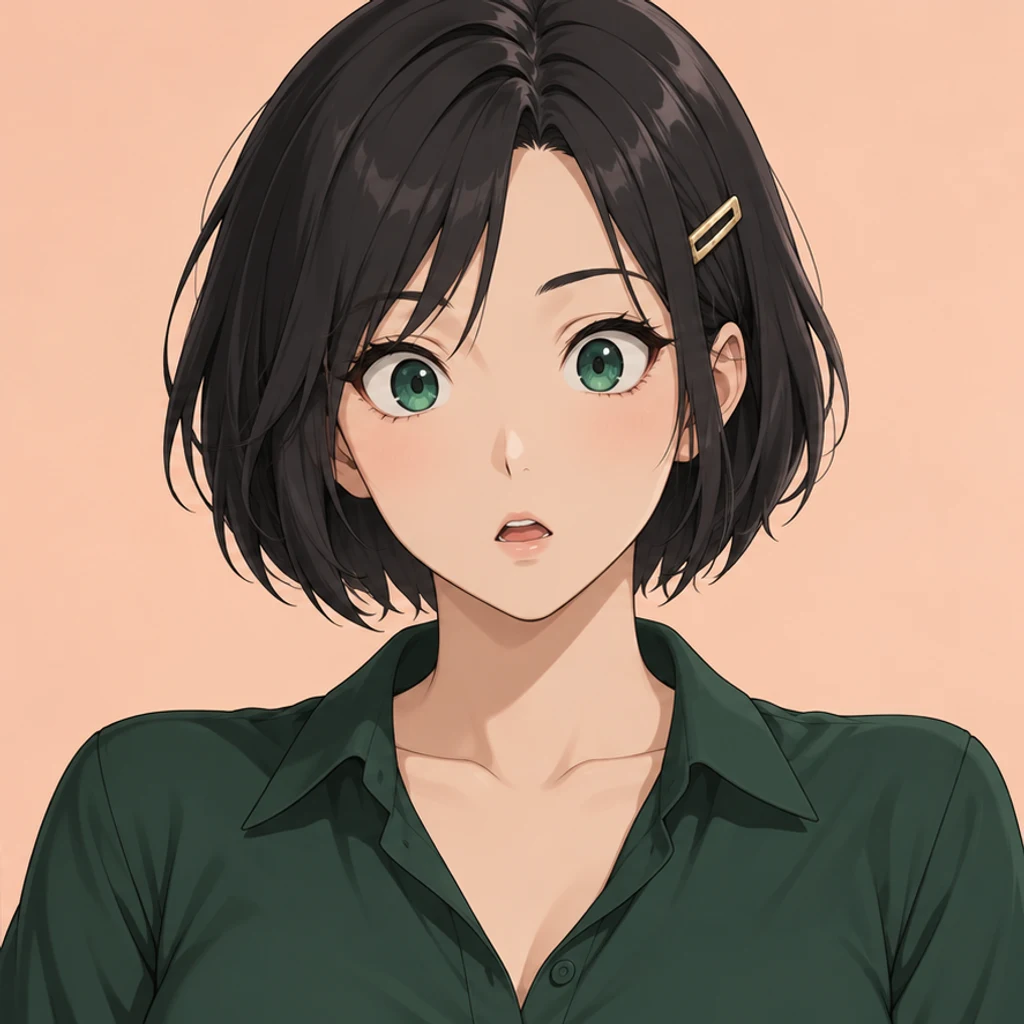
An anime character reacts with raised brows and a small open mouth. Keep the eyes, hair clip and cel-colored design recognizable.
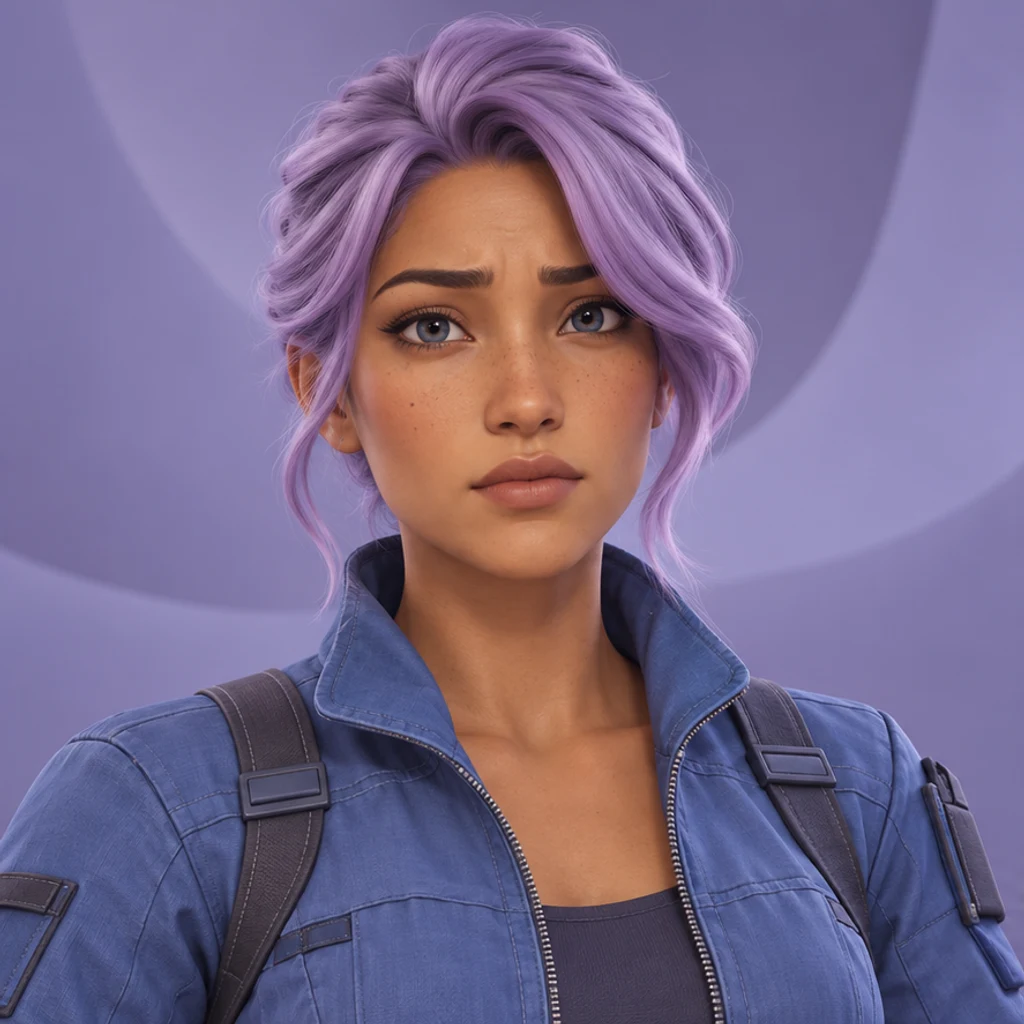
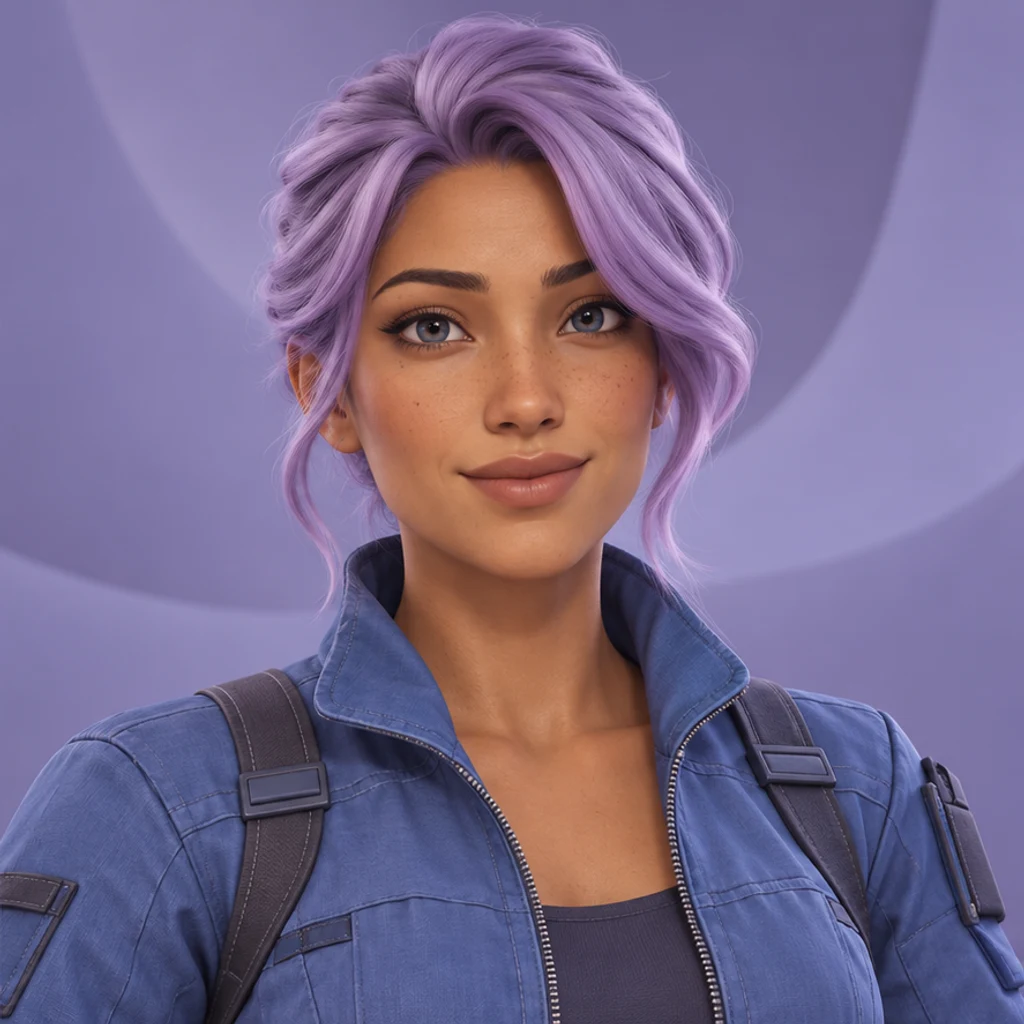
An avatar shifts from uncertainty to a small confident smile. Review the hair, facial proportions and rendered materials.


One eye closes for a wink while the portrait stays in the same mountain setting. Check which eye changes and whether the head angle drifts.
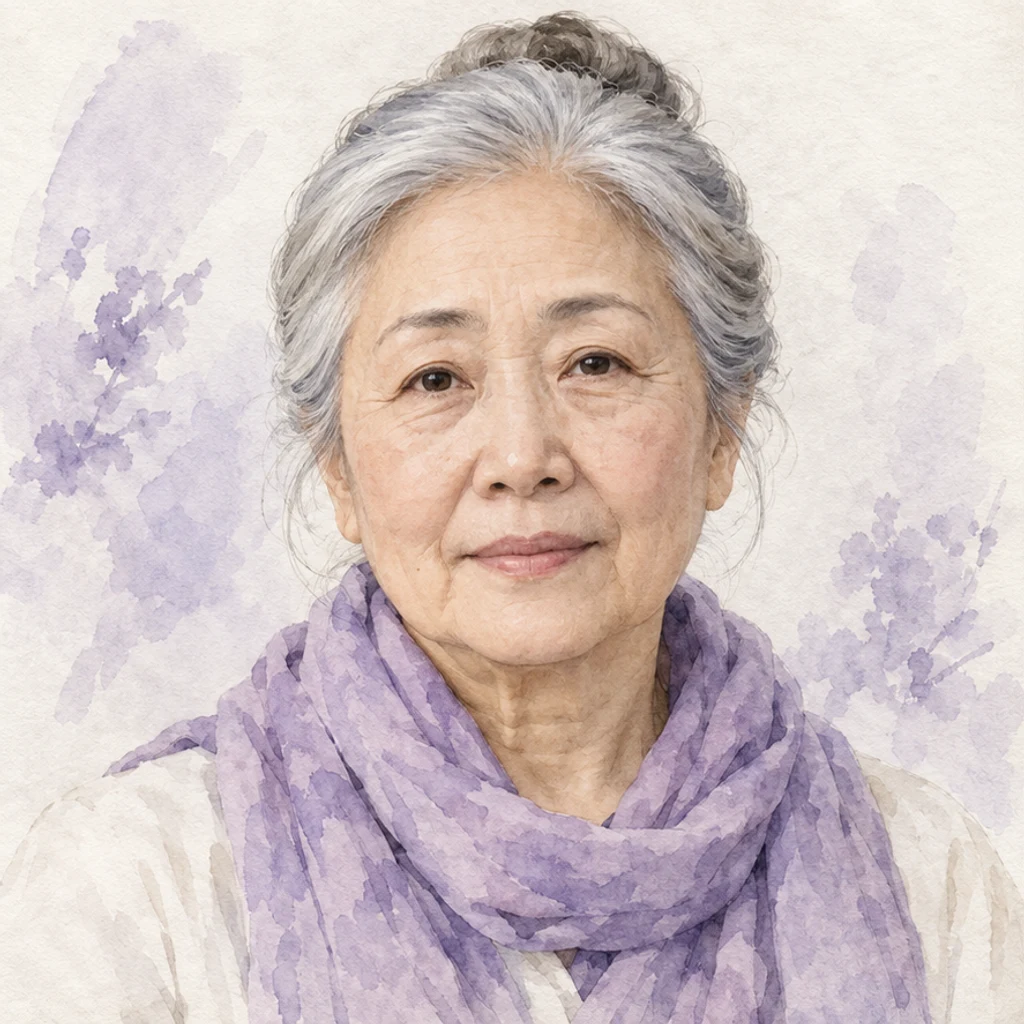
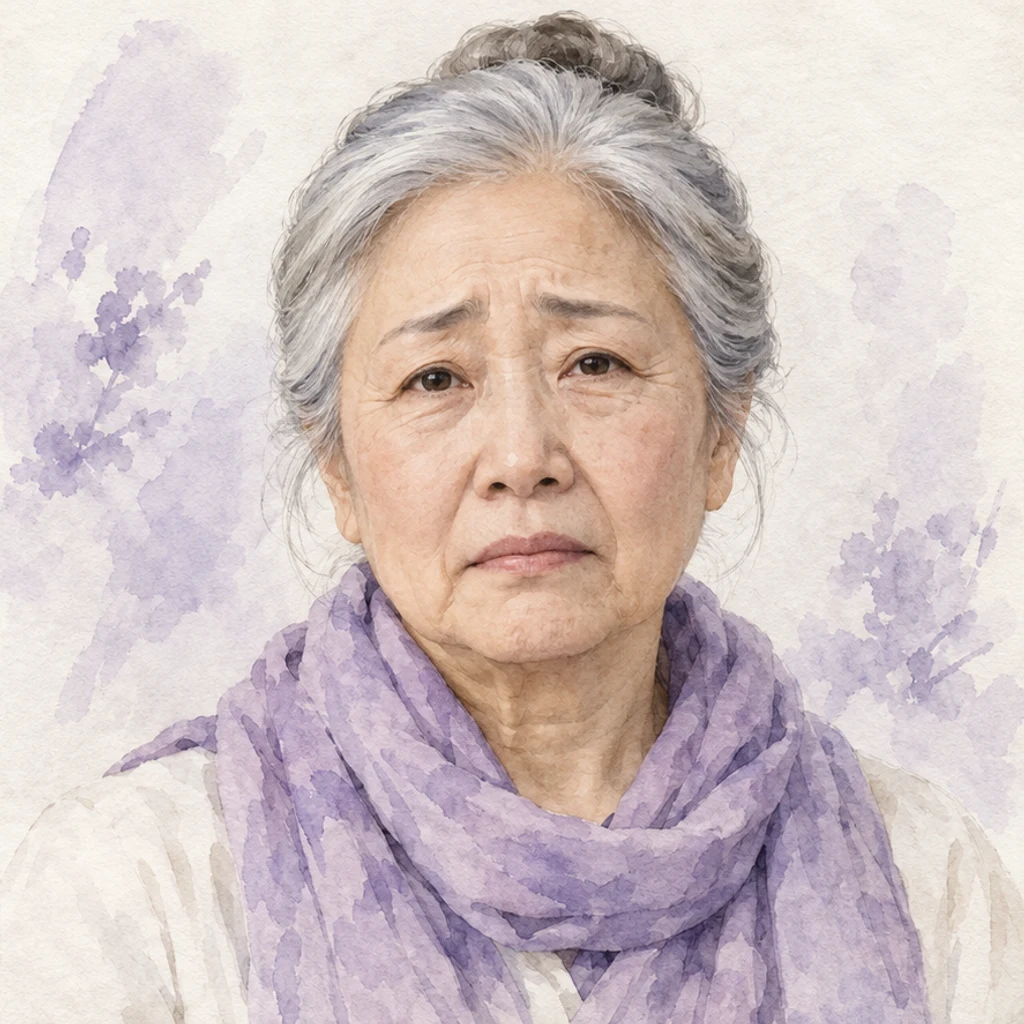
A watercolor portrait gains a subdued sad expression. Compare the face, scarf and soft paper texture.


A smiling ceramicist becomes serious. Review the beard, apron and unchanged workshop.
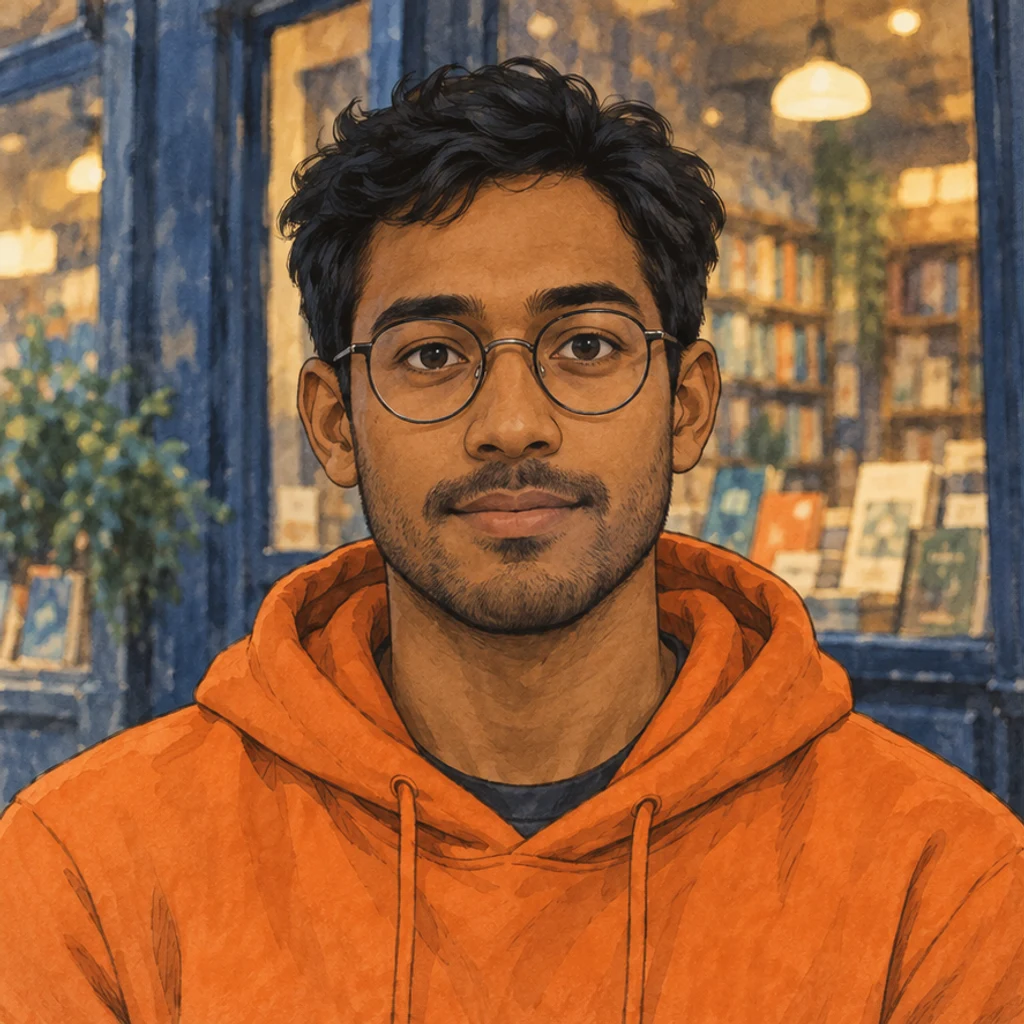
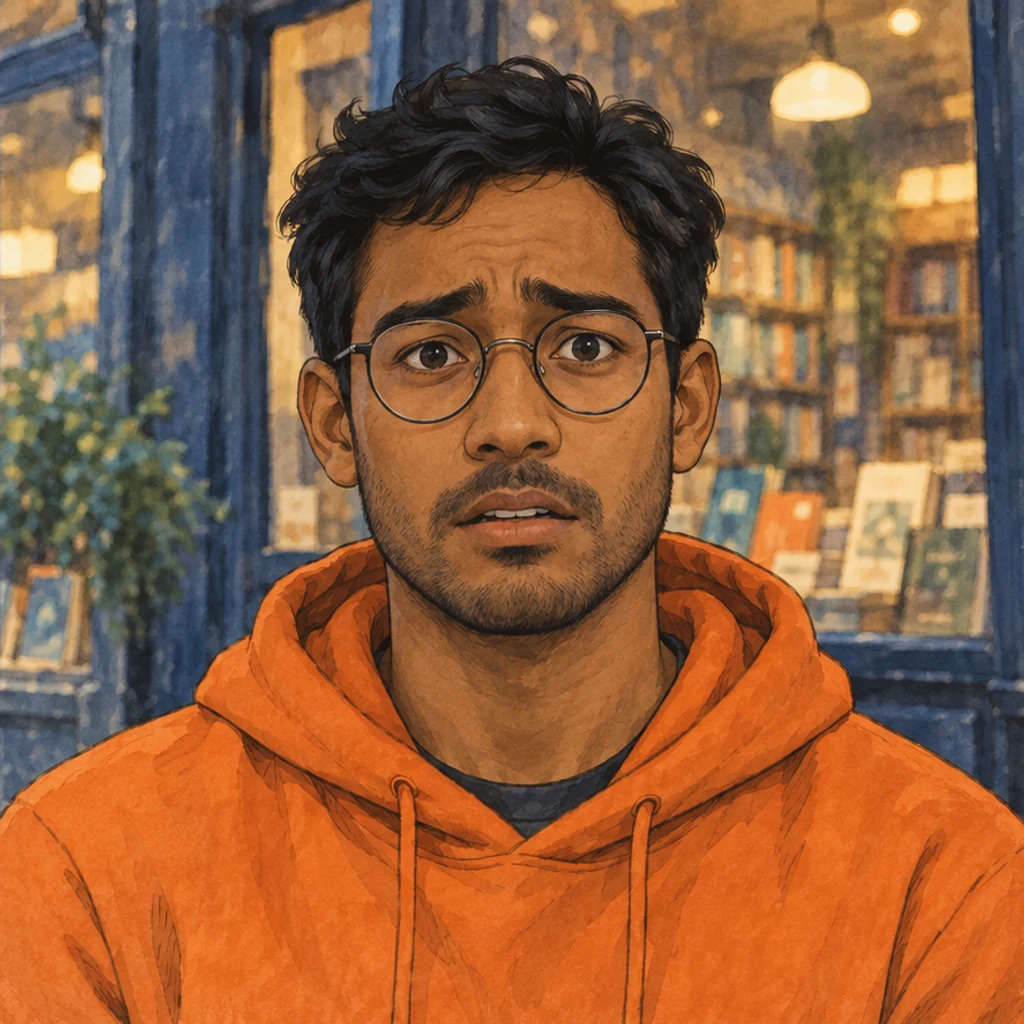
A painted character shows concern through the brows and lips. Check the glasses, orange hoodie and ink texture.
Use one visible face with readable eyes, brows and lips. A front or gentle three-quarter portrait is a useful starting point. Upload JPEG, PNG or WebP, up to 30 MB.
Choose one of 12 expression cards or upload your own face-expression reference. No card is selected by default. Uploading replaces a template; choosing a card replaces the upload. Click a selected card again or remove the preview to clear it.
Check the displayed credits and click Generate. Each submission makes one static image. Selecting, uploading or removing a reference does not start generation. Add a short note for the expression's intensity, such as a small smile with lips together. Compare face shape, eyes, teeth, glasses, hairstyle, clothes and background with the original. Generative editing can change details. Reject an edit that no longer looks like the same person; keep the source and download only a result you have reviewed.
View the result at full size beside your source. A believable expression should fit the same person and the same photo or artwork.
Compare the nose, jaw, age, skin texture, hair, glasses and facial hair. A reference should not replace the person.
Look for mismatched pupils, doubled eyelids, unnatural lip edges or invented tooth shapes. A wider smile exposes more detail to inspect.
Compare the body pose, head direction, outfit, light and background. The expression request should not become a new portrait or pose.
Match the expression to the intended use. A small closed-mouth smile often needs fewer changes than an open-mouth laugh.
Start with a clear photo of one person, with the eyes, eyebrows and mouth visible. Strong occlusion, very small faces and tight crops leave more detail for the model to invent.
No. One active template or uploaded image supplies the expression. Uploading replaces the template; choosing a card replaces the upload. Your Person image supplies the identity and scene.
Yes. Click the selected card again or remove its preview. No expression is selected by default. Choose a card or upload a reference before generating.
The instruction asks to retain the person, body pose, clothes and scene, but generative editing can change details. Compare the result with your source; this is not a pixel-preserving masked retouch.
You can upload a character image and request a facial reaction in its original style. Inspect facial proportions and drawing details after generation. The output is one image, not an expression sheet or animation rig.
Generation requires an account and uses the credits displayed before Generate. Browsing templates and loading examples do not spend credits. Each submission creates one static image; there are no real-time facial sliders or batch controls.
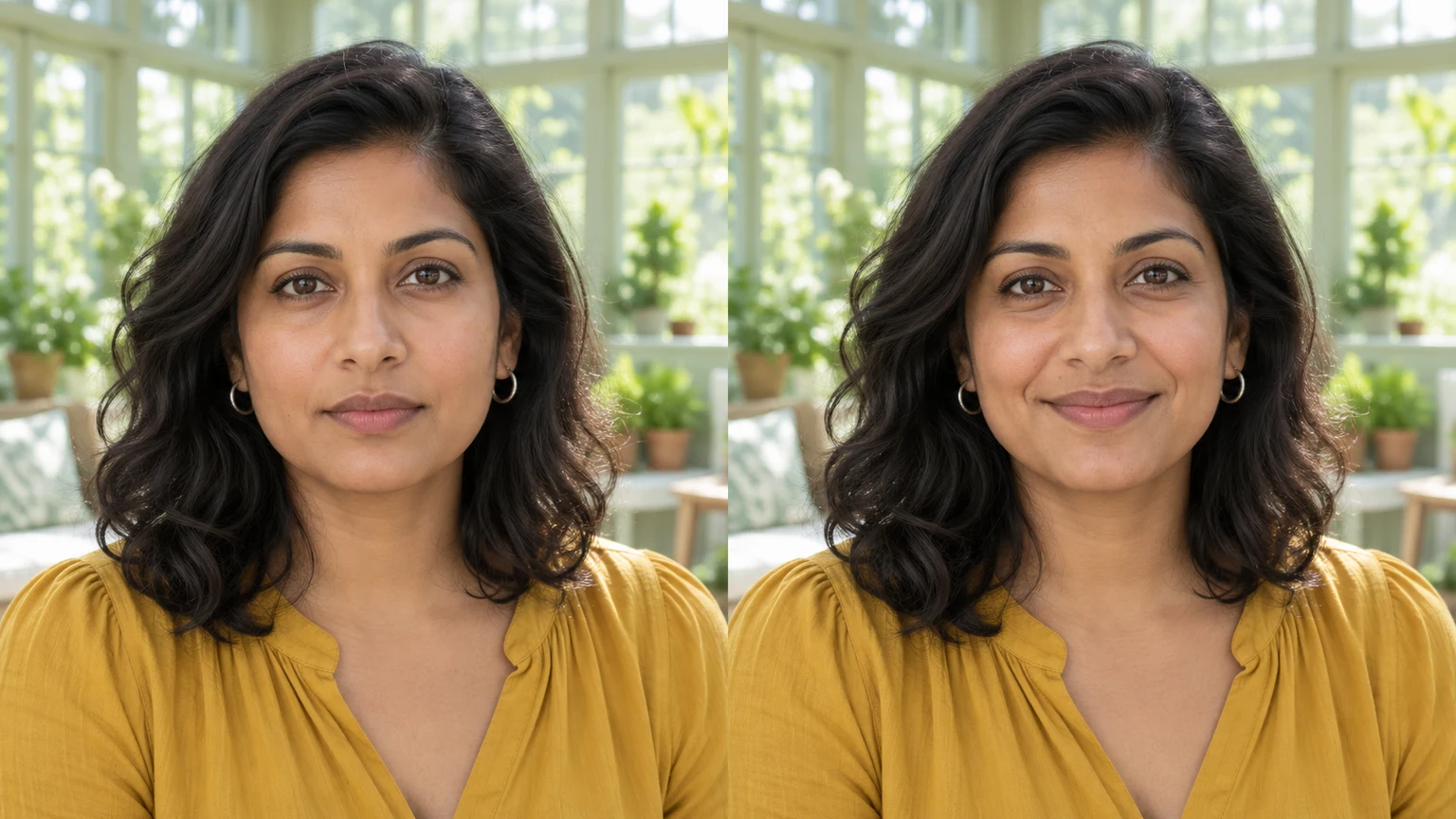
Add a smile to a photo with AI: prepare a clear portrait, choose a closed-mouth or toothy smile, write a short note and check the result against your original.
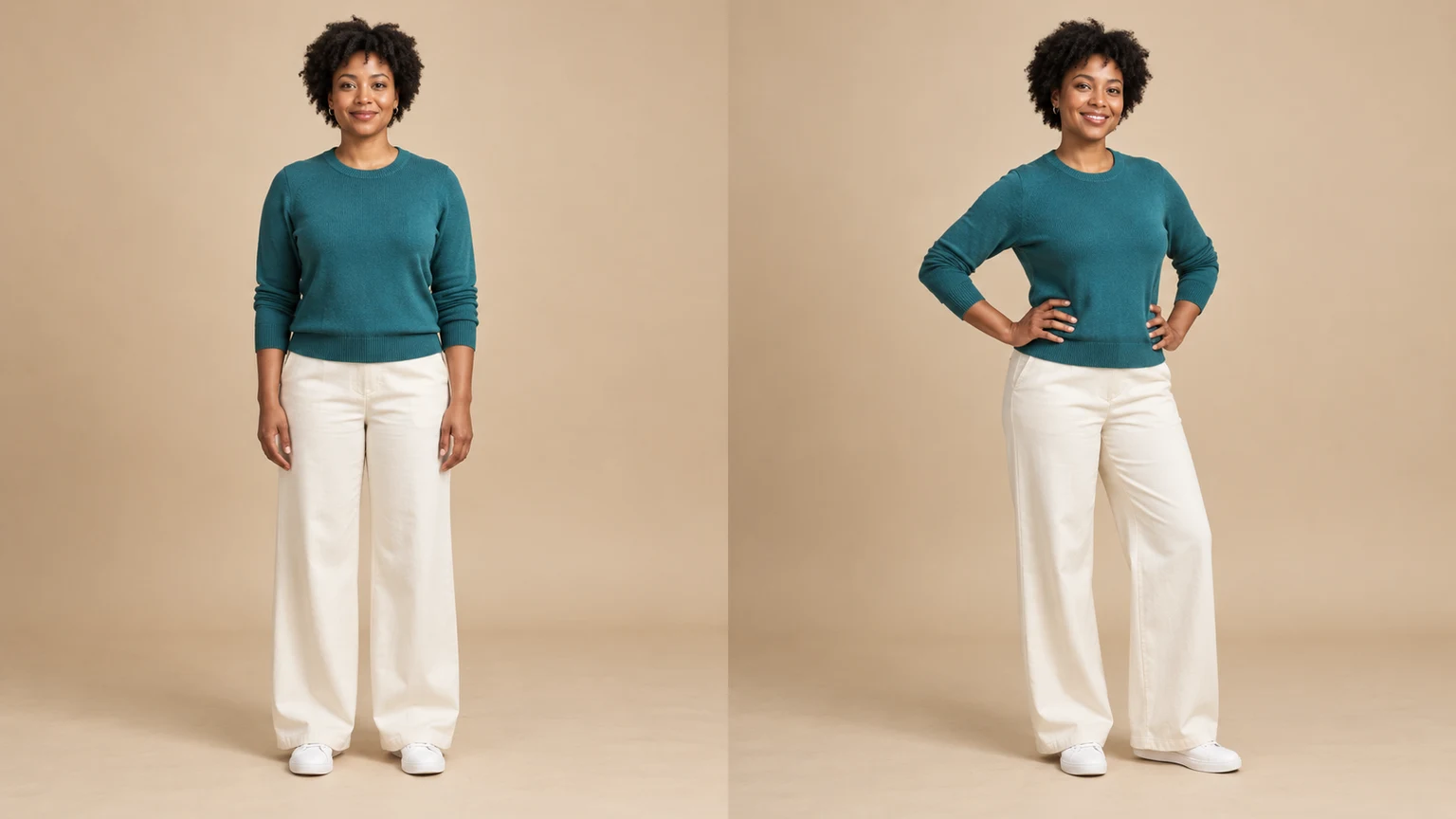
Change a person or character’s pose from a photo. Choose 8 pose templates or upload a pose reference, then generate and review the result.
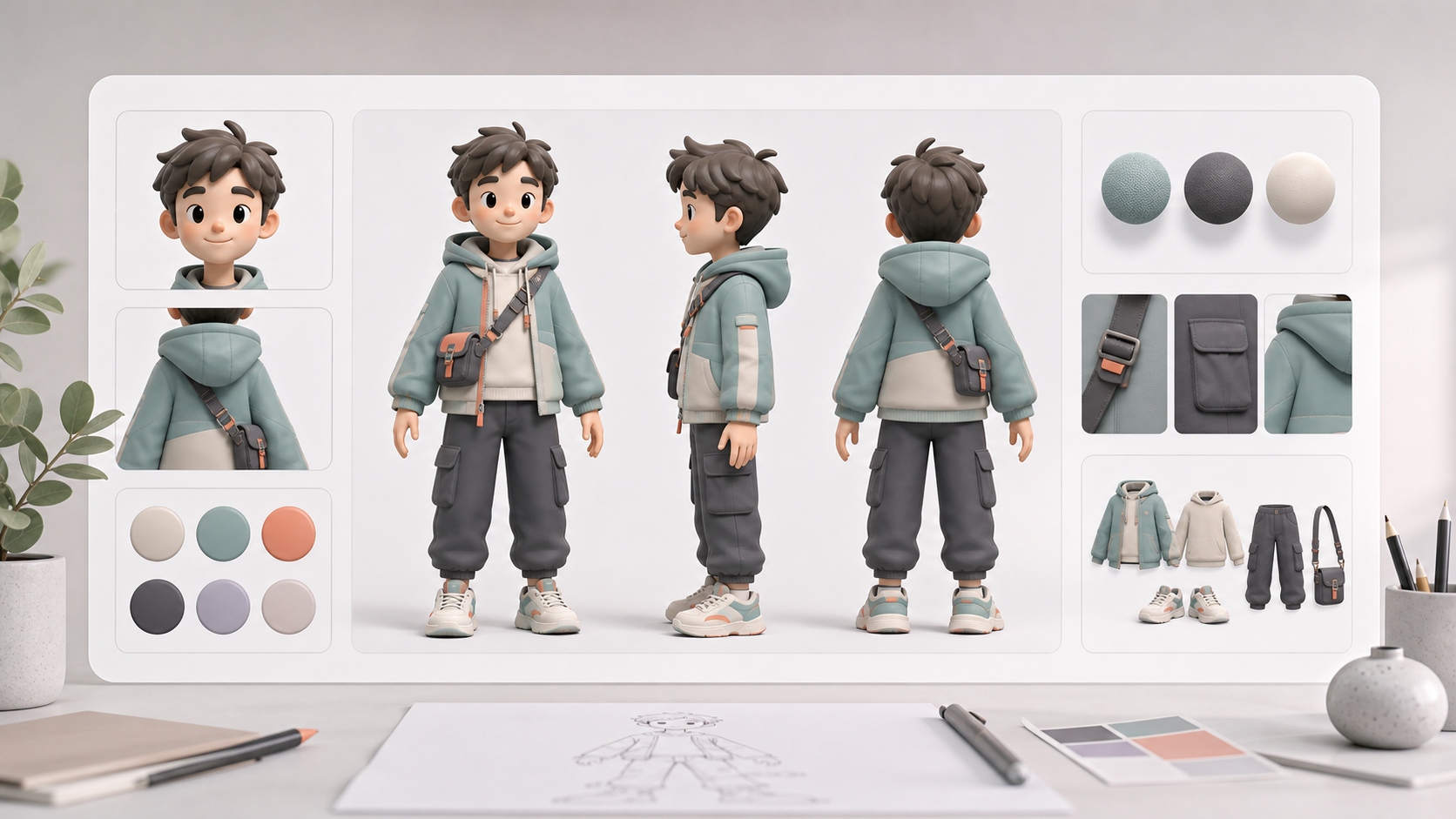
Create AI character reference sheets from a prompt or uploaded reference image. This AI character reference sheet generator turns your brief into consistent front, side, back, portrait, outfit, prop, and detail views inside one image generation.
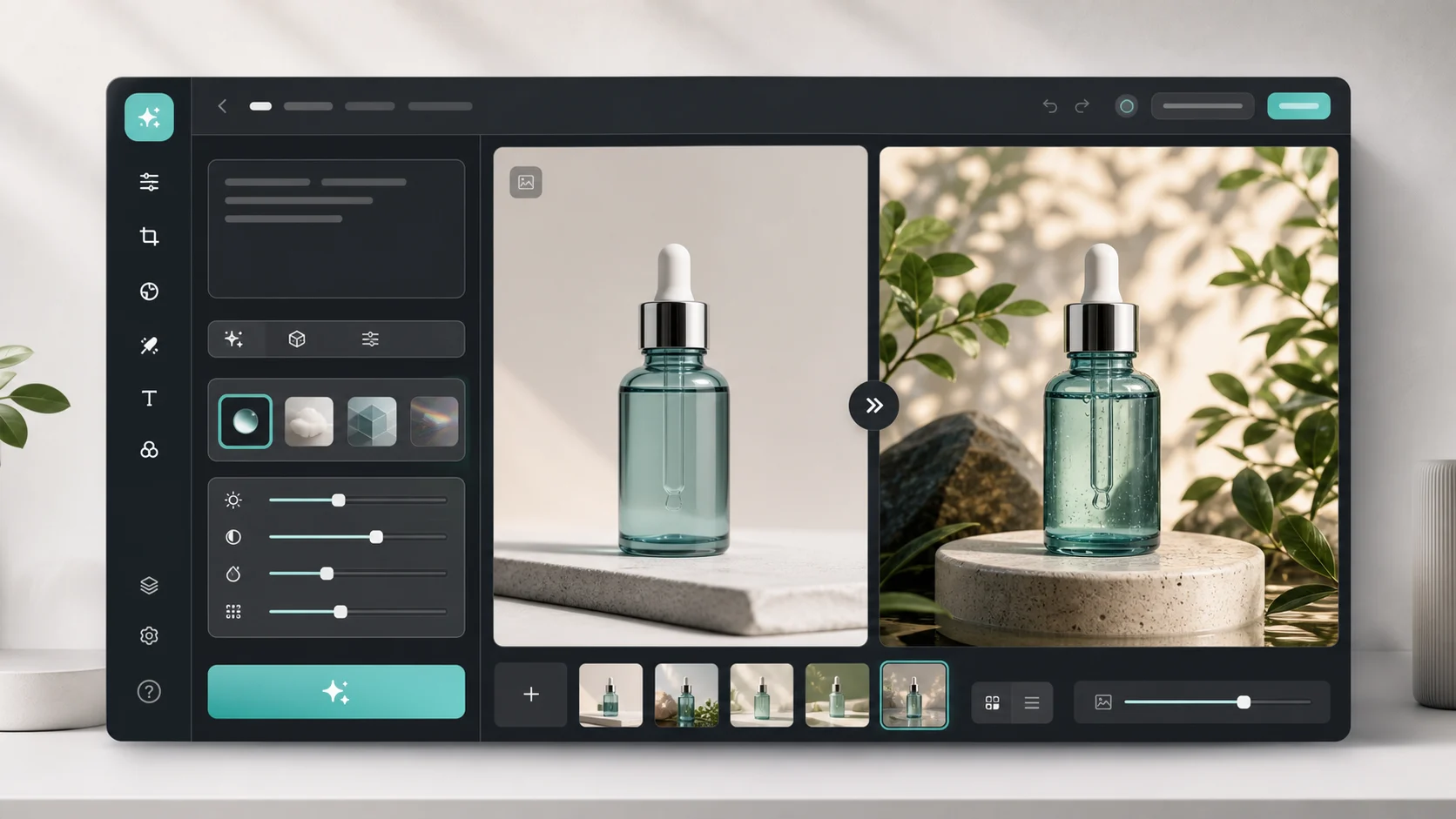
Upload an image, describe the edit, and create polished visuals for products, social posts, posters, or keyframes.
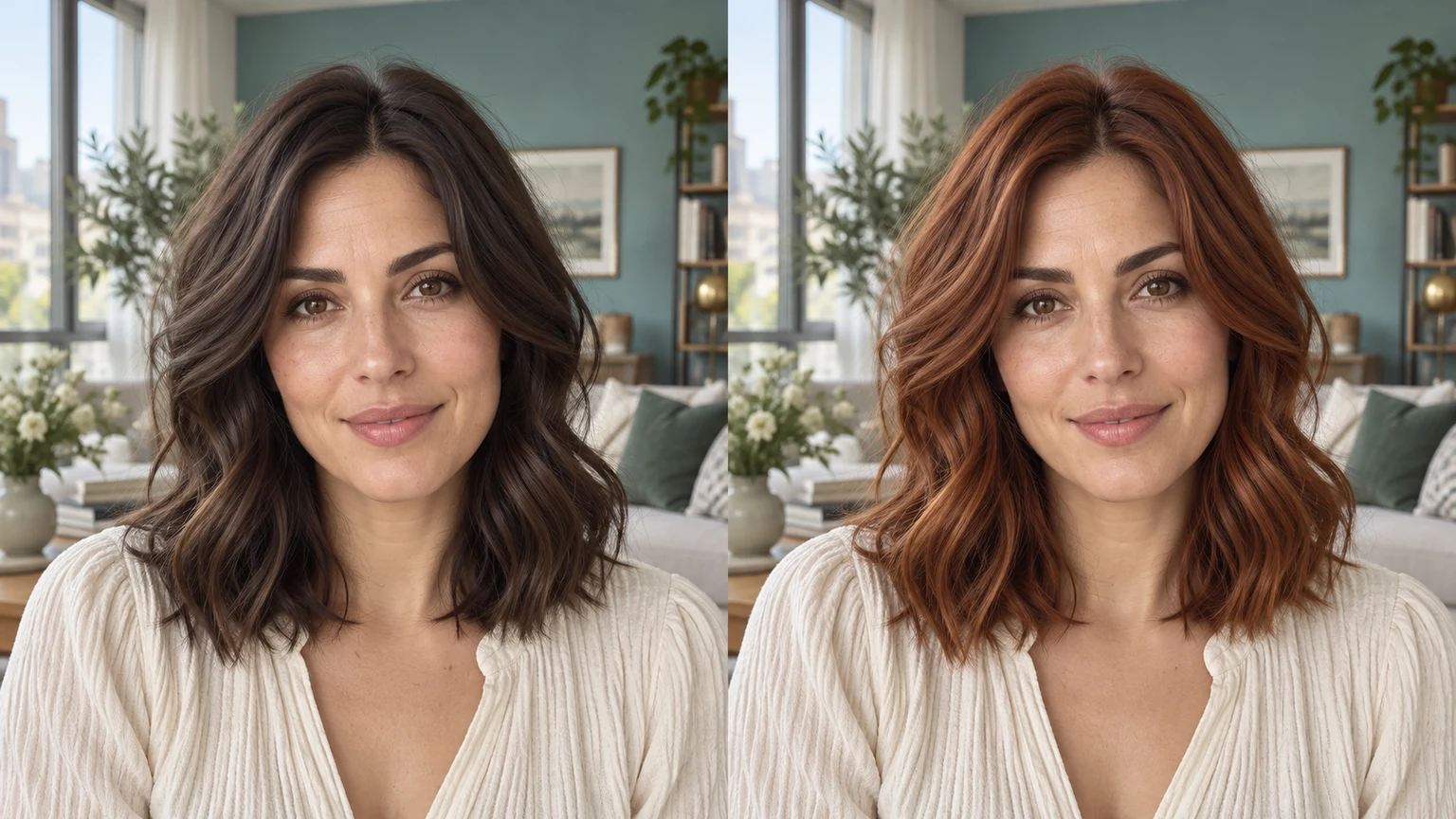
Change hair color in a photo with AI. Use a color template, upload a reference or describe your color in words, then compare and download the result.

Review credits and plans before generating.
Edit facial expressions with AI. Choose a smile, reaction template or your own expression reference, then generate and review your portrait or character image.