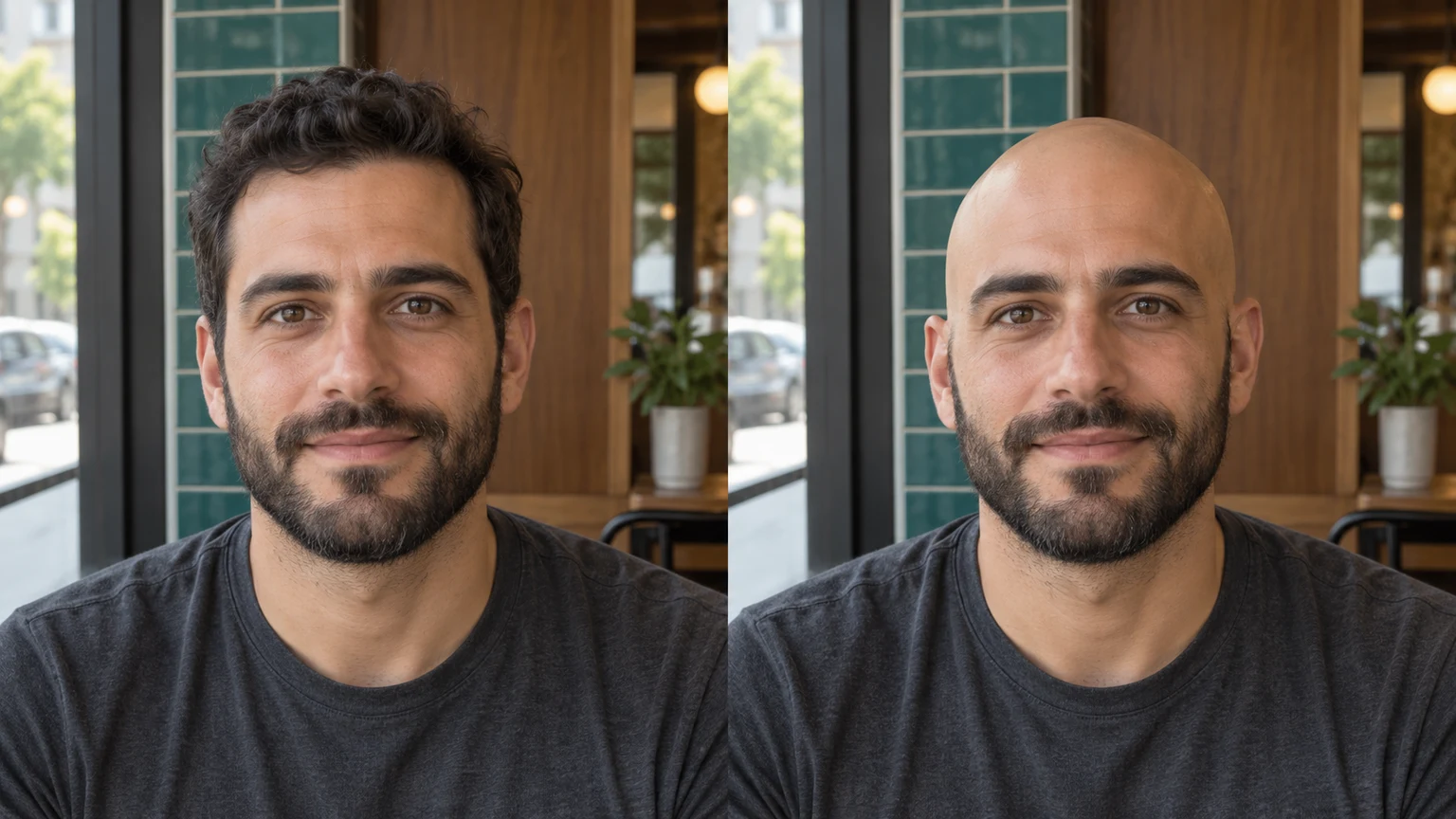


Cafe portrait · auburn waves
Try this photoPreview a hairless scalp while retaining freckles, expression and the green sweater.
To see what you might look like bald, upload a clear portrait to an AI bald filter and generate a clean-shaven preview. You do not need a reference image or a prompt. Compare the result with the original, especially the head outline, facial hair and areas previously covered by long hair.
LumiYingUpdated
Wondering what you would look like bald? Learn how to choose a photo, use an AI bald filter and review head shape, beard, glasses and background.
Choose a sharp portrait of one person with the full head visible and some space above it. Upload JPEG, PNG or WebP, up to 30 MB; avoid hats and heavy shadows.
The bald effect is already set. Edit instructions are optional: for example, ask to keep your beard, glasses or earrings. No template or second image is required.
Check the displayed credits and click Generate. Each submission creates one image. Loading an example only fills the form and does not start generation.
Compare the scalp contour, face, facial hair, ears and background with the original. Use Re-edit for another attempt from the original inputs, or download a result you like.
A visible head and readable light give the model a better starting point. Keep your request focused on a bald preview.
Explore bald looks with these AI-generated illustrations. Choose an example to load its original portrait and try a generation.
Preview a hairless scalp while retaining freckles, expression and the green sweater.
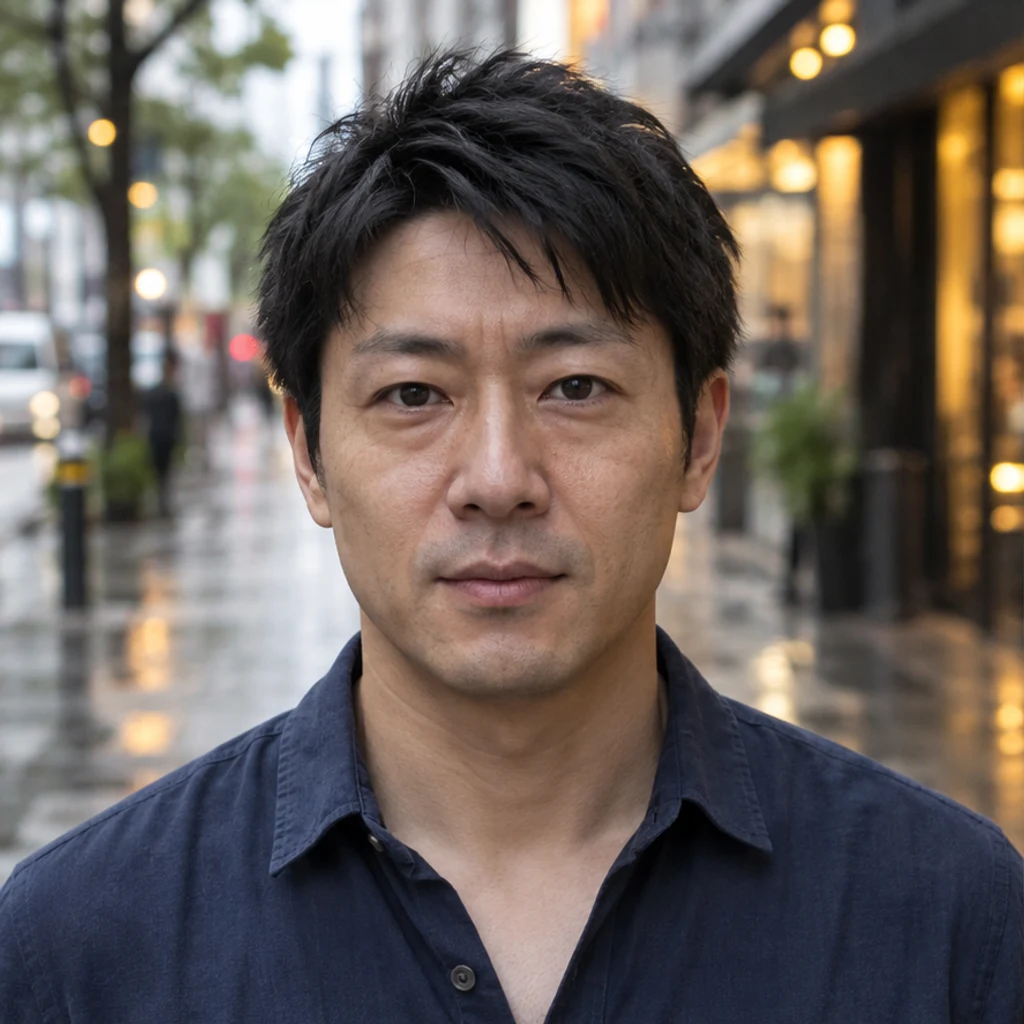
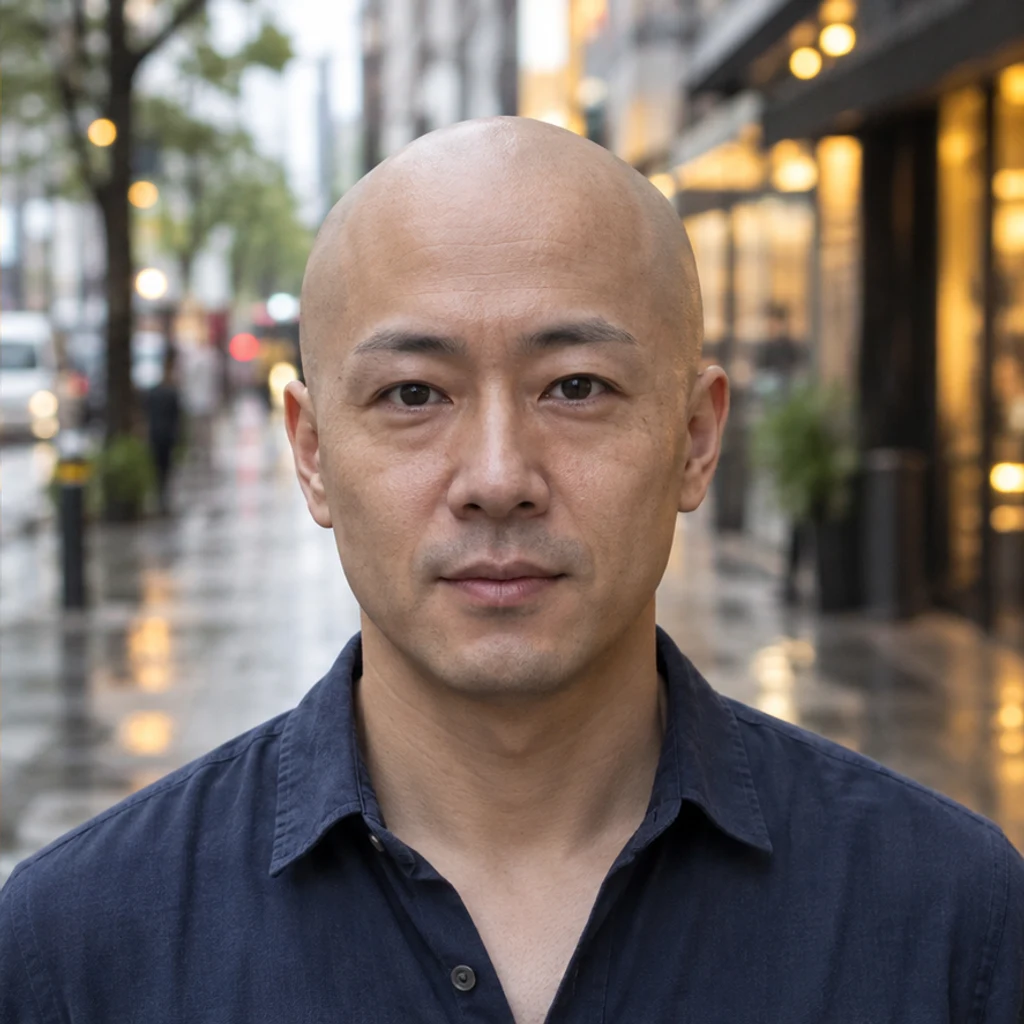
Compare the head contour against a rainy city scene and keep the original face.
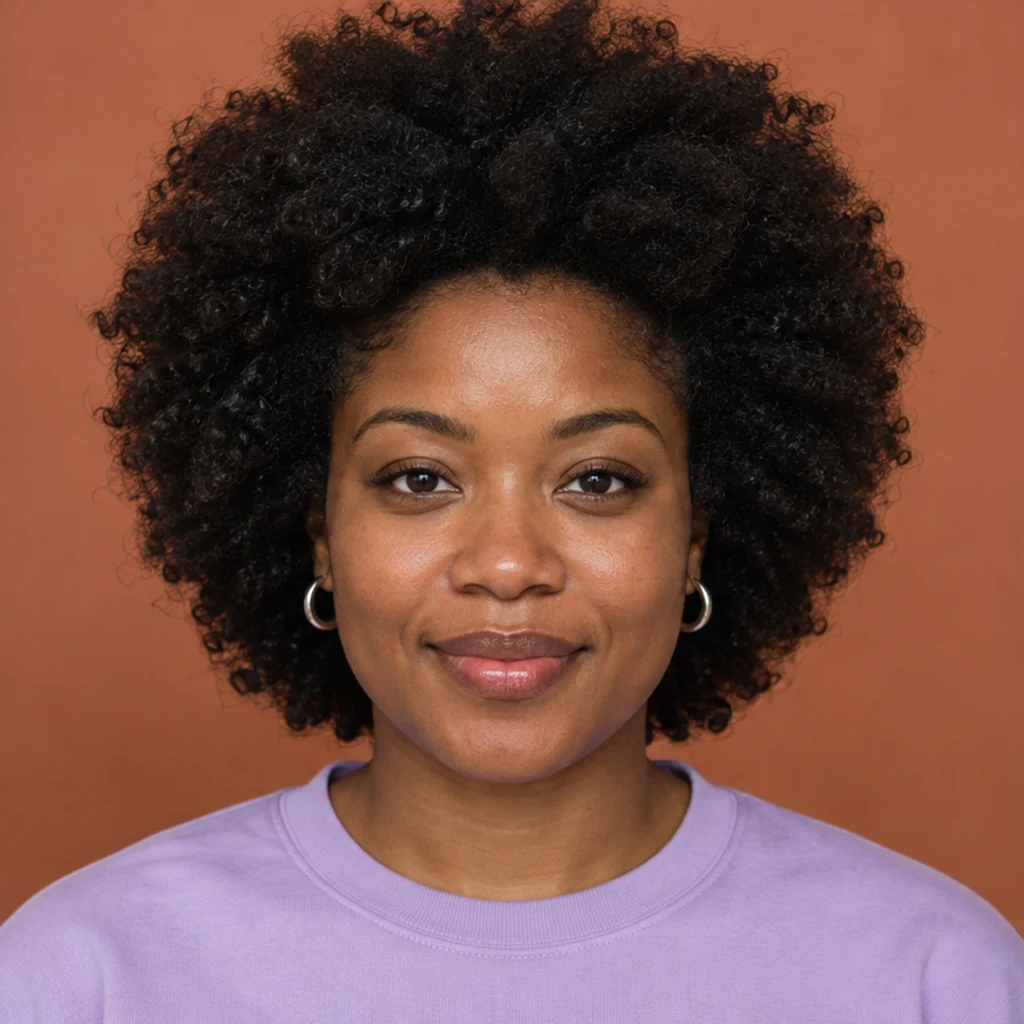
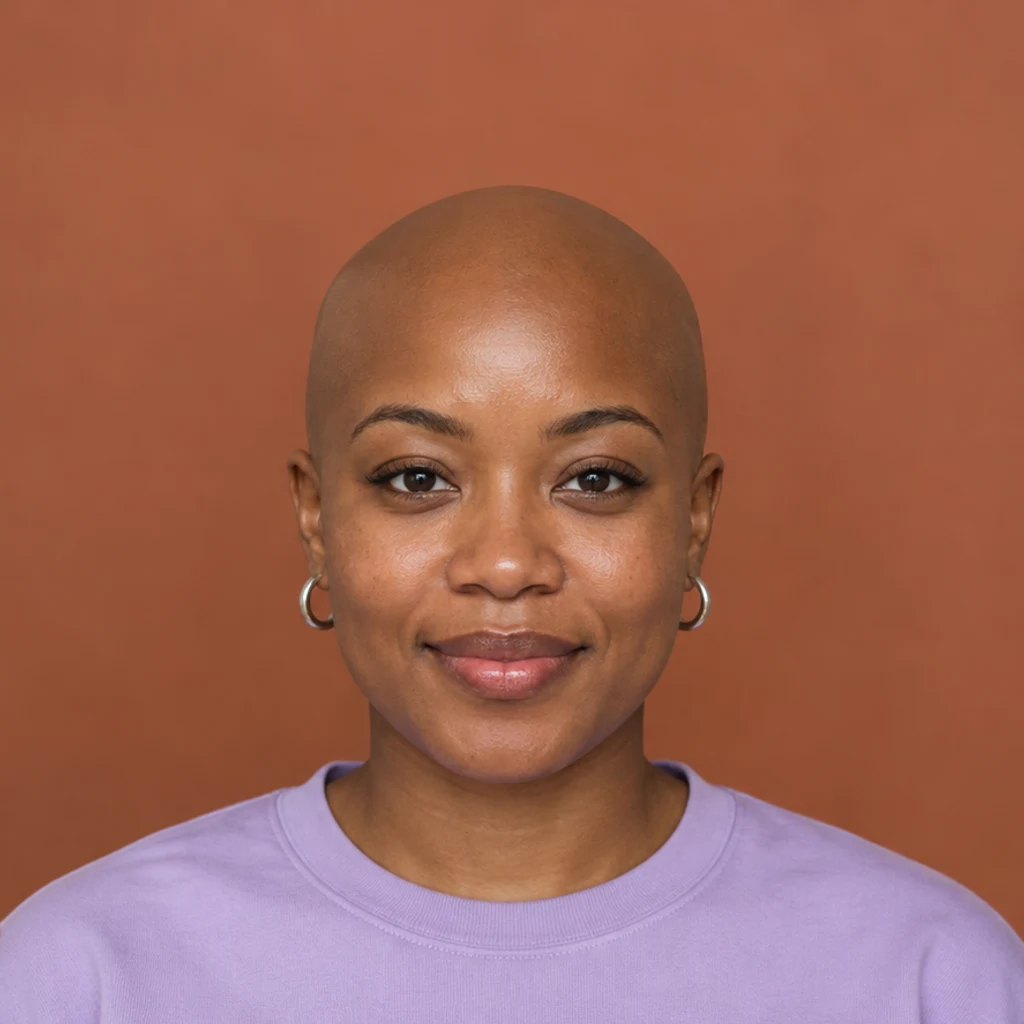
Remove the full hair silhouette while keeping the silver earrings and lavender top.
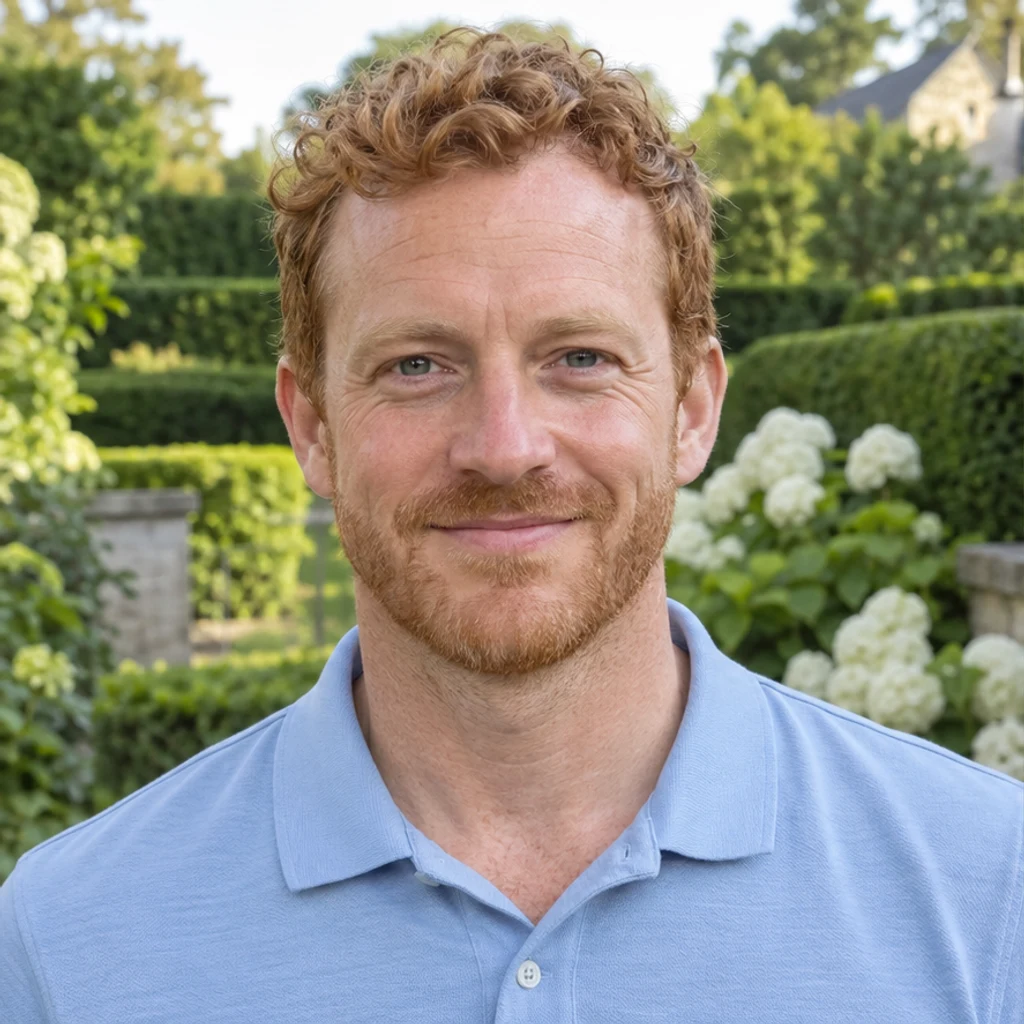
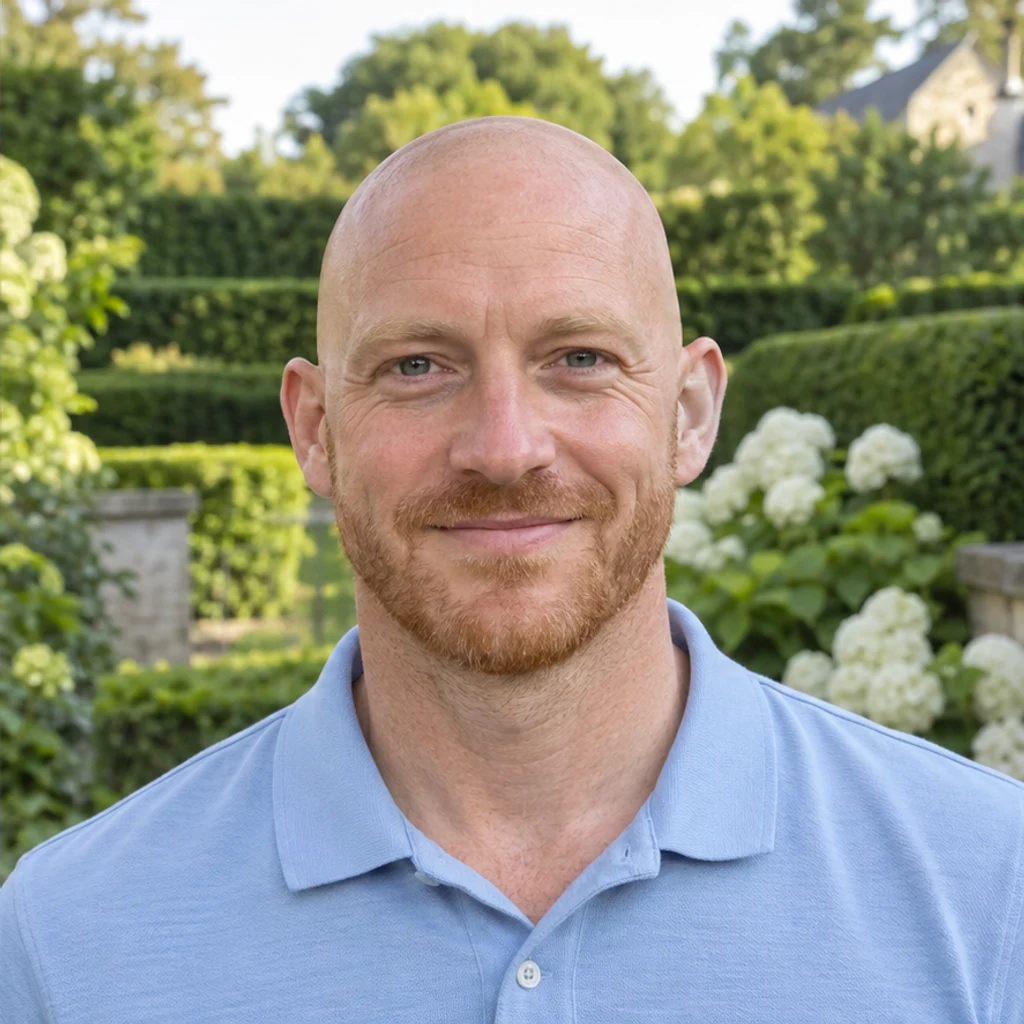
Explore a bald look with the same ginger stubble and soft garden light.
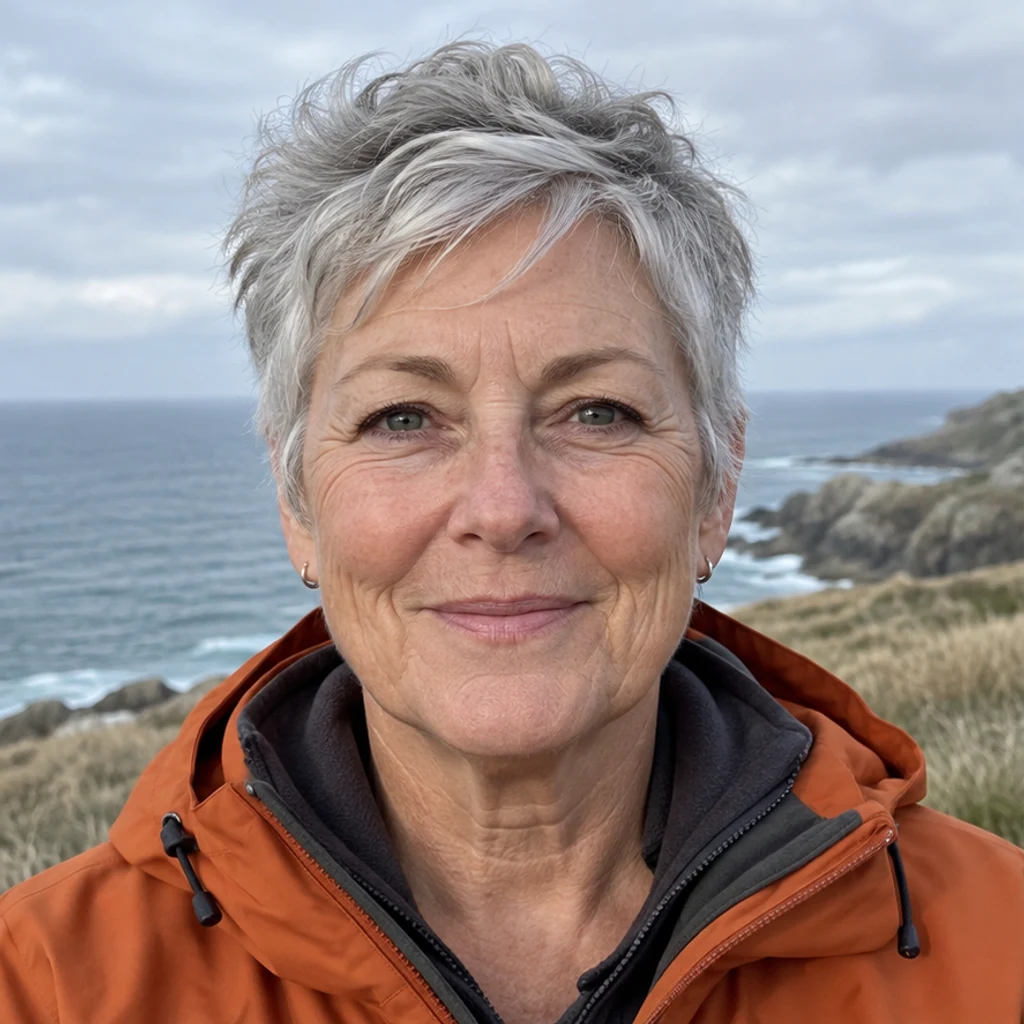
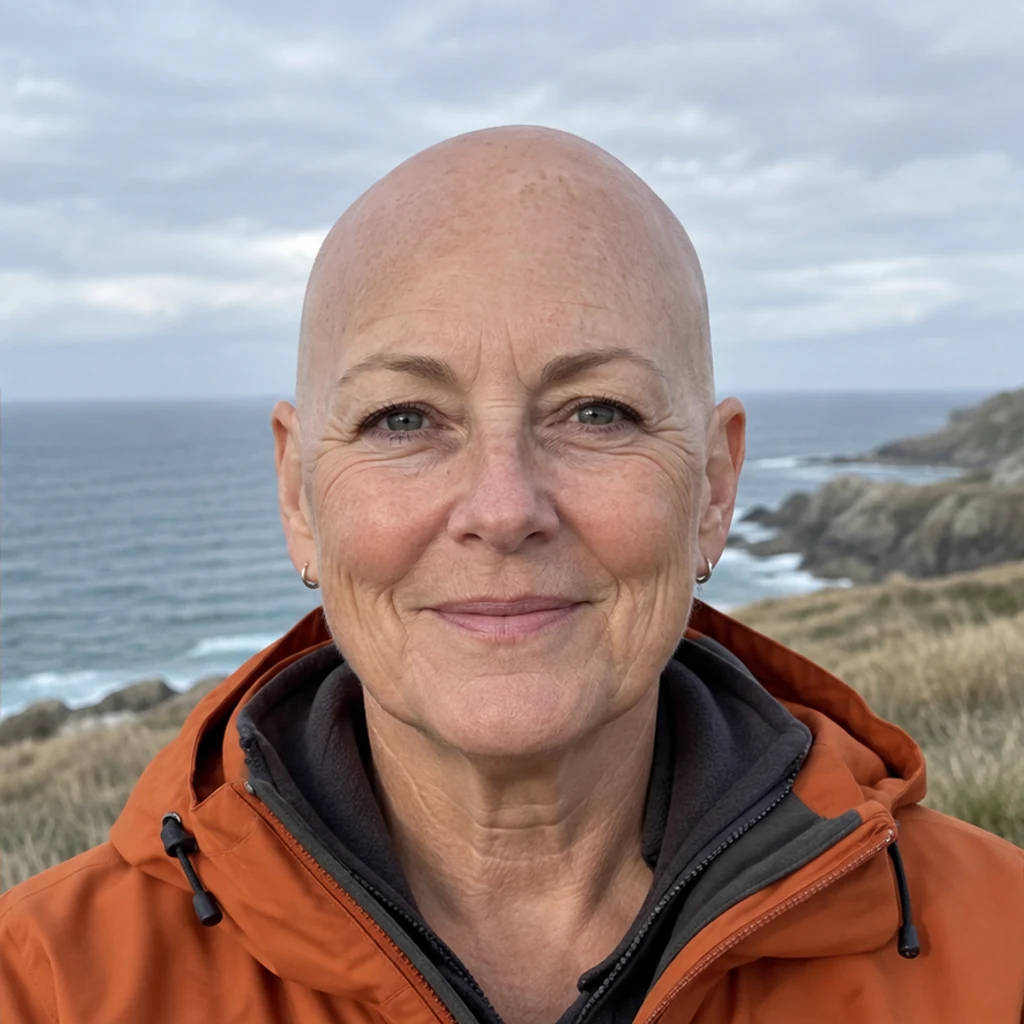
Retain the person's age and natural skin texture while previewing a shaved scalp.


Remove scalp hair only; review the boundaries between the ears and the preserved beard.

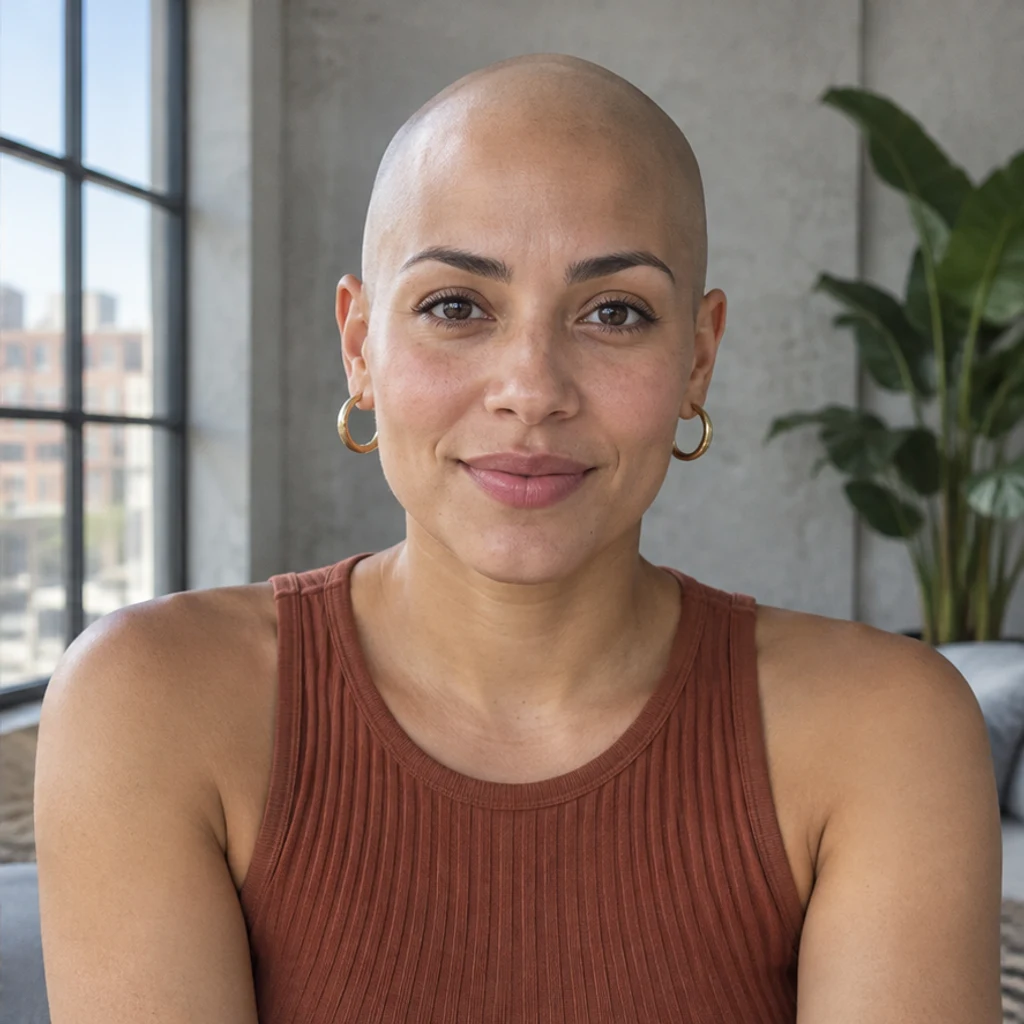
Check both the scalp and the newly visible shoulders after removing long hair.


Compare the bald outline, glasses and face under bright library lighting.
Hair hides part of the head, so AI has to infer the missing area. Review the full-size result before using it as a style reference.
Upload a clear portrait to generate a visual preview. Compare it with your original to explore the look; the hidden head shape is inferred, so it cannot predict your exact appearance after shaving.
No. Uploading your Person photo is enough. Edit instructions can request that specific details stay unchanged, such as your beard or glasses.
The edit is instructed to remove scalp hair only and retain facial hair, eyebrows and eyelashes. Generative editing can still change details, so inspect the result before keeping it.
Yes. The tool accepts a portrait regardless of hairstyle. Large or long hairstyles hide more of the head and scene, so those areas may need closer review.
This tool targets a completely bald, clean-shaven scalp. It does not offer buzz cut, thinning hair or receding hairline settings. Use the AI Image Editor for a different hairstyle request.
Generation requires a LumiYing account and uses the credits displayed before Generate. Loading an example does not spend credits. Check pricing for current plans.
Preview a bald head from your photo with optional editing instructions.
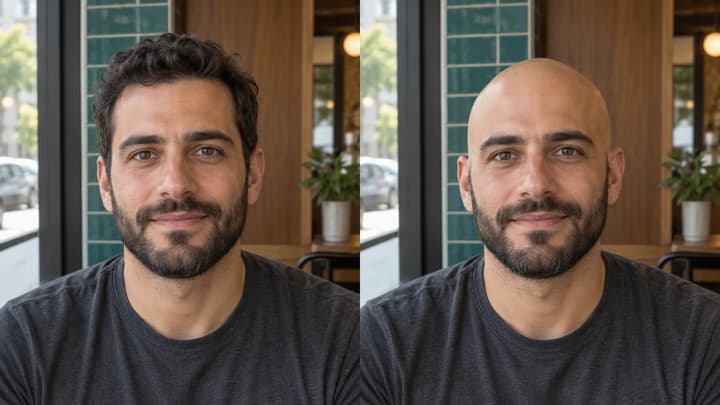
See what you would look like bald with an AI bald filter. Upload a portrait, preview a clean-shaven head, then compare and download your image.
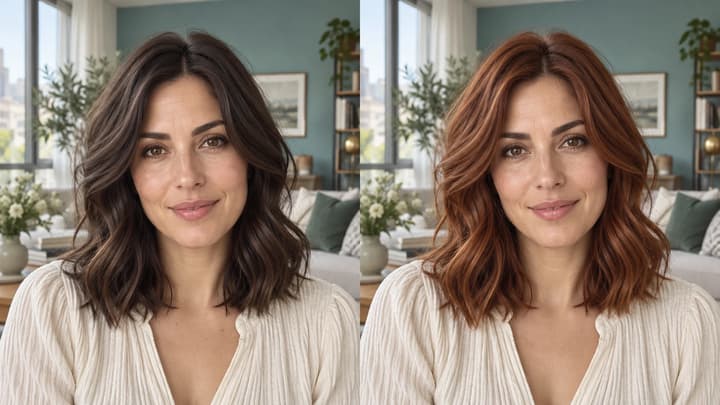
Change hair color in a photo with AI. Use a color template, upload a reference or describe your color in words, then compare and download the result.
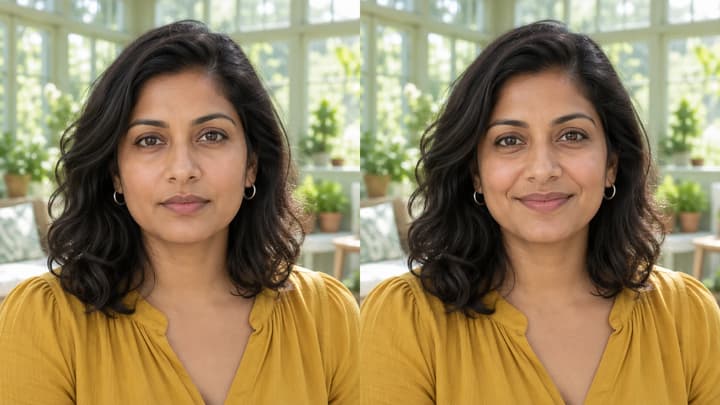
Edit facial expressions with AI. Choose a smile, reaction template or your own expression reference, then generate and review your portrait or character image.

Upload an image, describe the edit, and create polished visuals for products, social posts, posters, or keyframes.

Review credits and plans before generating.
See what you would look like bald with an AI bald filter. Upload a portrait, preview a clean-shaven head, then compare and download your image.