How to Create AI Packaging Concepts for a Brand Review

When the box, bottle or pouch already exists, start with its photo. Keep the structure as the reference point and use AI to explore surface artwork. A convincing concept still needs comparison with the original and a separate production review. You can also upload a design image to apply to the packaging.

LumiYingUpdated

From packaging photo to a revised design

Make one business decision with each version instead of changing every part of the package.

  1. Step 1. Choose the source photo

    Use a clear image of the actual blank or printed package. Keep its top, base and main panel visible; avoid cropped objects and standalone logo files.

  2. Step 2. Define changes and constraints

    Describe the palette, motif or label and what must stay. If you already have a design, upload it separately and specify which surface it belongs on. The packaging photo supplies structure and viewpoint; the artwork supplies the graphics. Without a brief, uploaded artwork is applied to the main visible surface. If no artwork is supplied either, AI proposes a new design based on the original packaging.

  3. Step 3. Generate a comparable version

    Start with 1:1 and 1K or select another format. Request the same viewpoint so changes can be judged against the original. Higher resolution does not prevent detail drift.

  4. Step 4. Compare and hand off

    Check structure, artwork and every character against the source. Send the selected concept, original photo, approved copy and unresolved questions to the designer.

Give each input a clear job

Specific instructions make feedback easier to act on.

A short packaging brief

Original photo
The existing package is the object to edit.
Are the whole package and intended design surface visible?
Design artwork (optional)
Apply the uploaded label, logo or pattern to the specified surface.
Are placement, proportions and lettering faithful to the supplied design?
Design change
Replace green leaves with navy and ivory waves.
Did the new artwork stay on the intended surface?
Keep unchanged
Retain shape, folds, closure, angle and background.
Did proportions, text or important details drift?

Briefs with one clear visual direction

Compare these AI concept illustrations with their source images. Load an original photo and its design brief to use the same starting point; outcomes can differ.

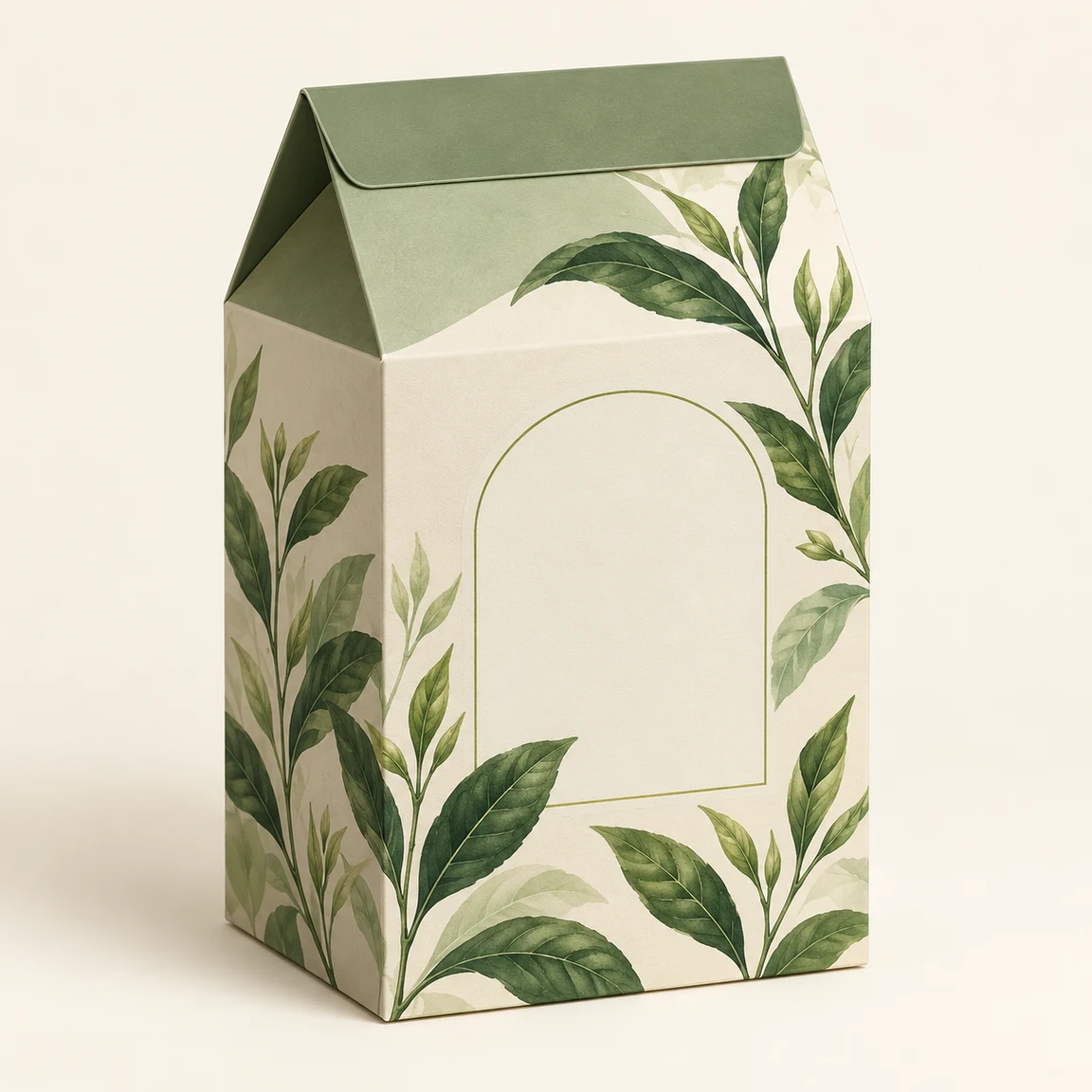
Sage and cream tea carton with green leaf illustrations
Original packaging
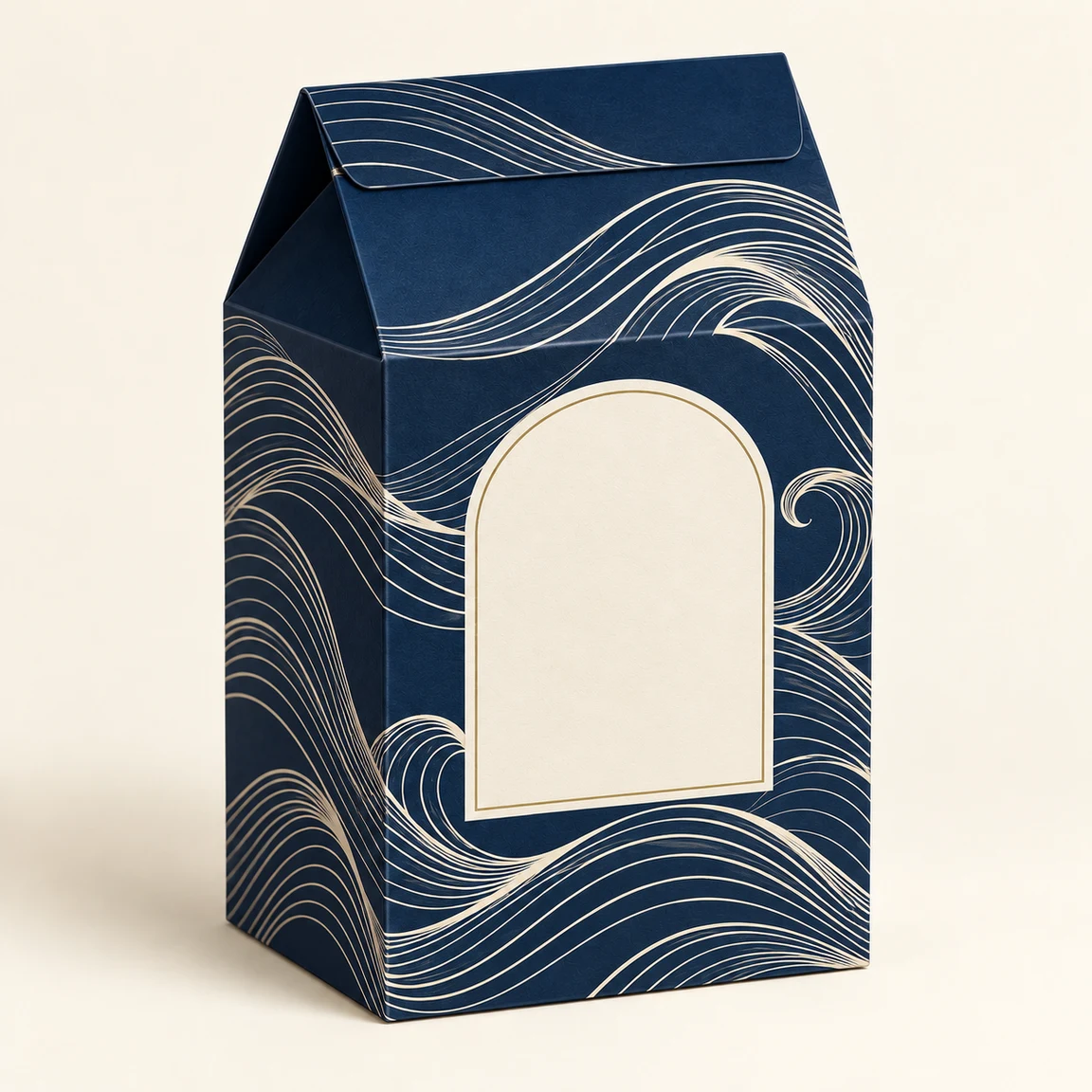
Navy tea carton with ivory waves and a blank front label
Design illustration

Tea carton: navy waves

Load this example

Swap the botanical print while retaining the carton form.

Design brief

Replace the green leaf artwork with a deep navy background and ivory wave lines. Keep the tea carton's shape, gable folds, camera angle and background. Leave the front label blank; add no text.
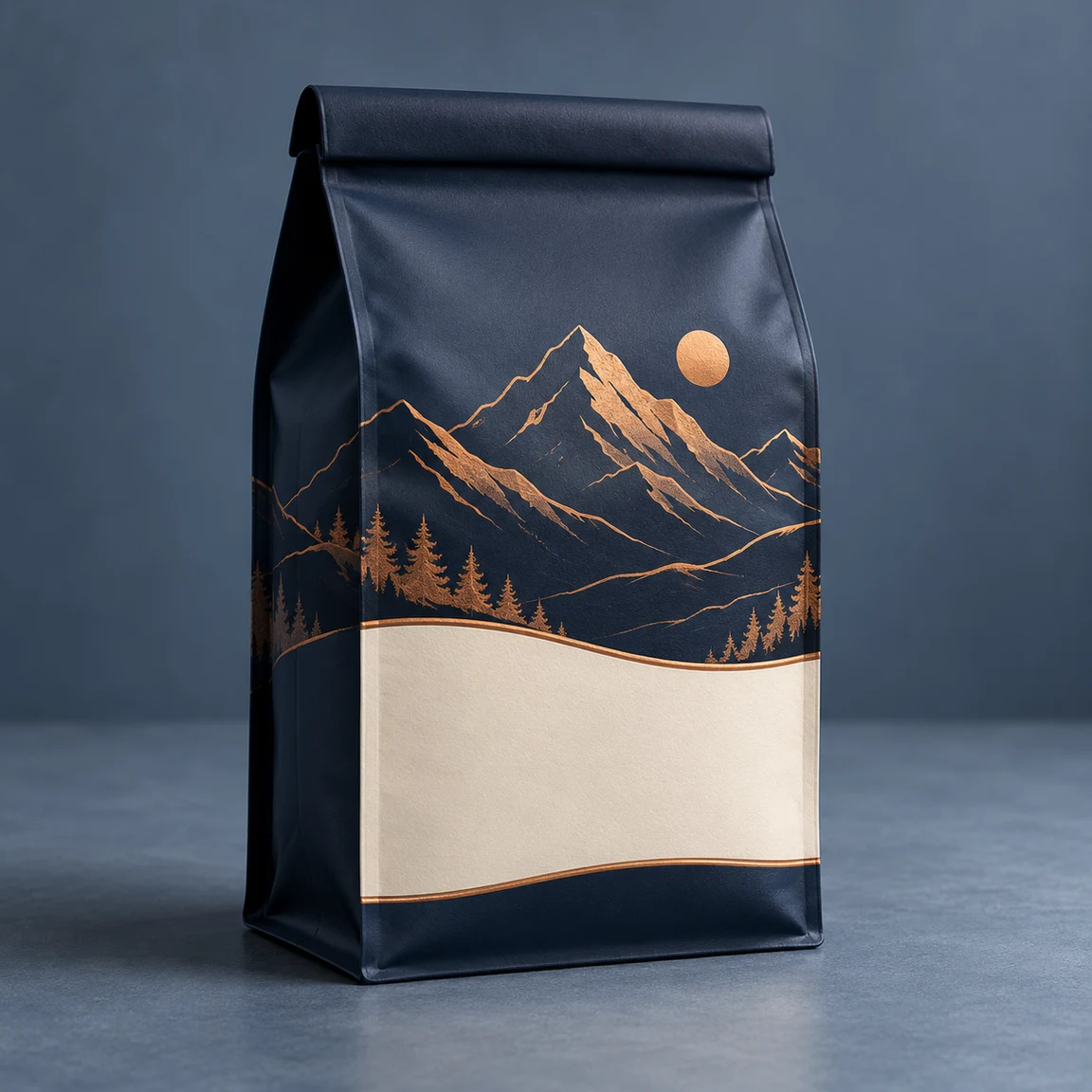
Navy coffee pouch with copper mountains and a cream panel
Original packaging
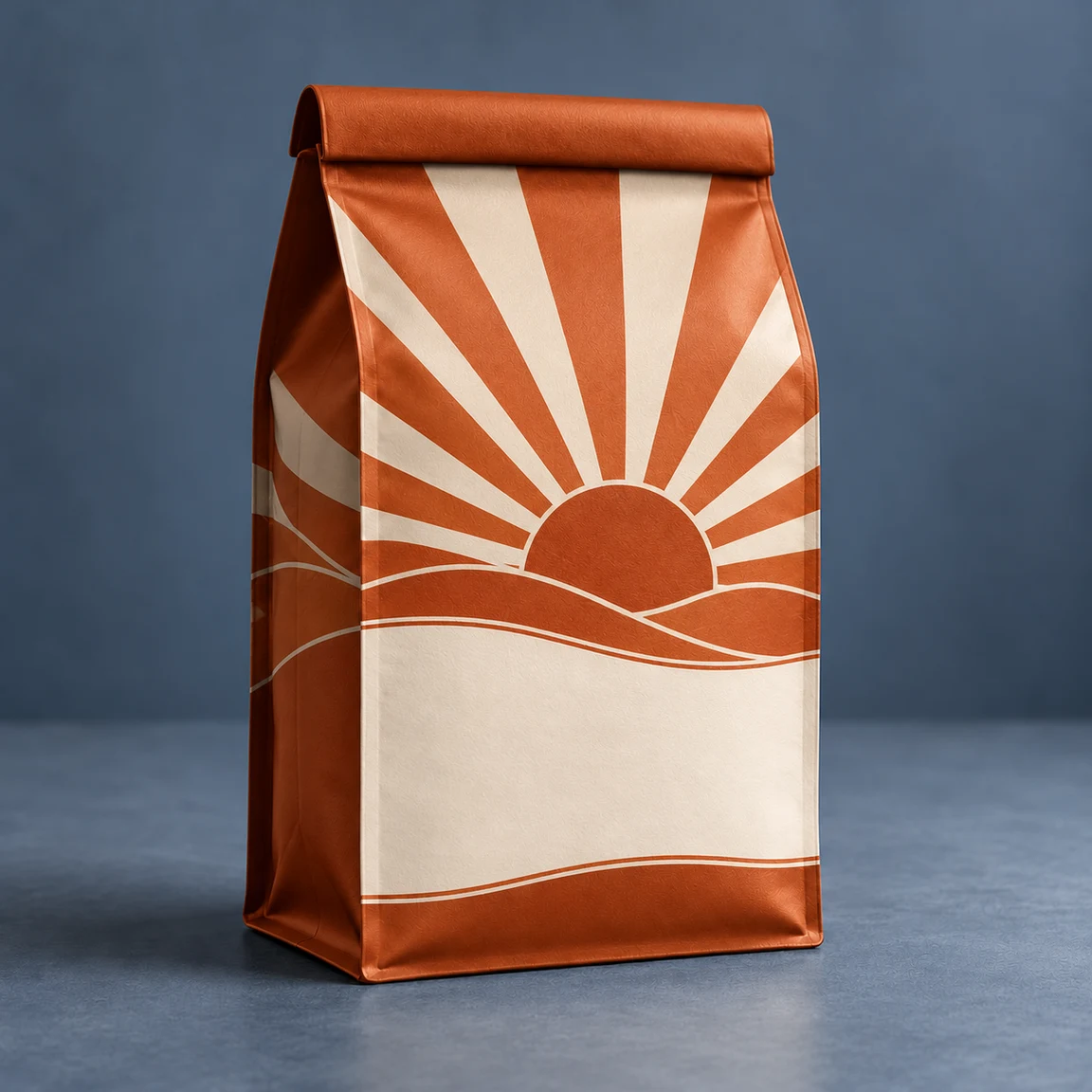
Orange coffee pouch with cream sunrise graphics
Design illustration

Coffee pouch: sunrise print

Load this example

Give the same pouch a warmer palette.

Design brief

Replace the navy mountain print with a burnt-orange and cream geometric sunrise. Leave a blank cream label area. Keep the pouch shape, folded top, creases, angle and blue-gray background. No text.

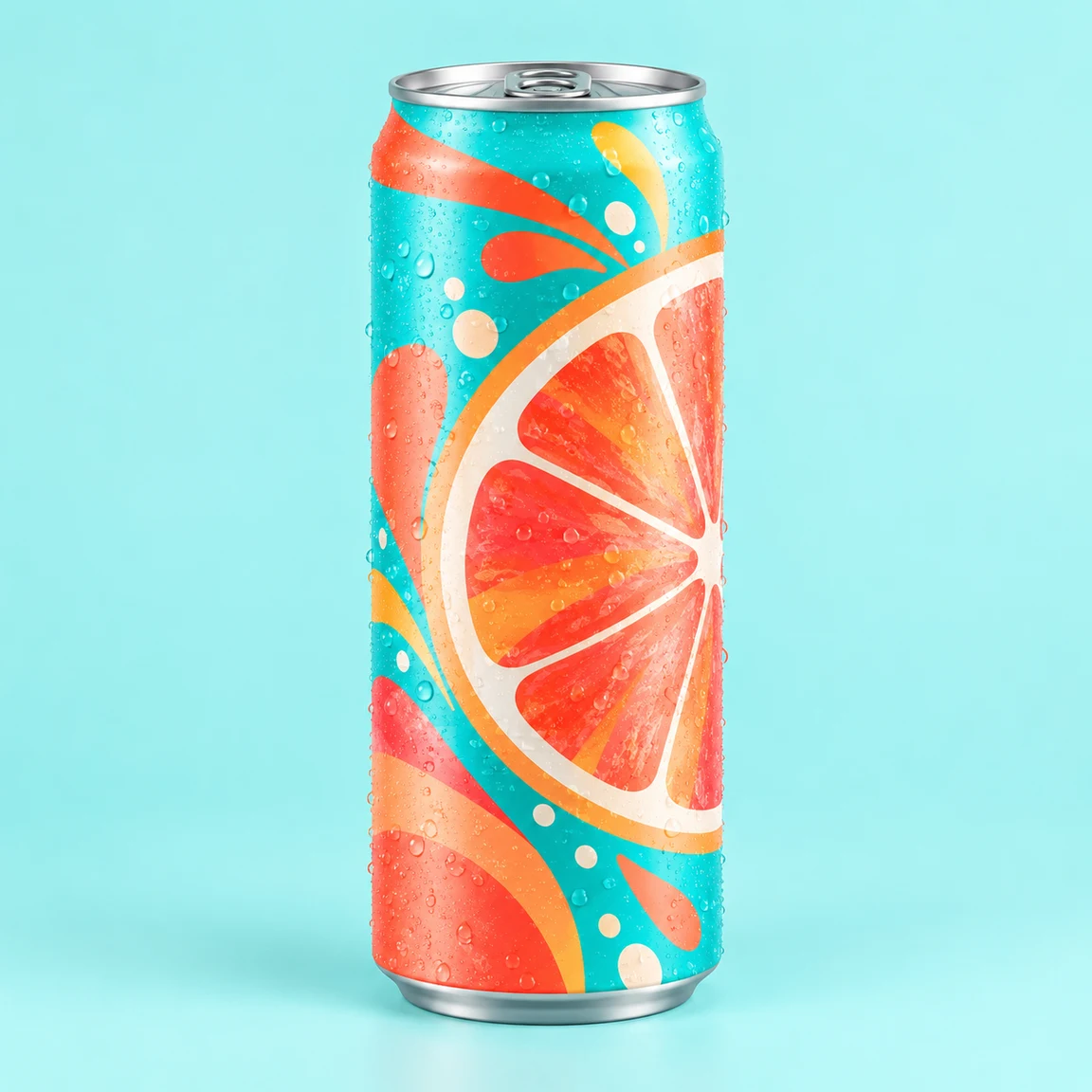
Turquoise soda can with coral citrus graphics
Original packaging
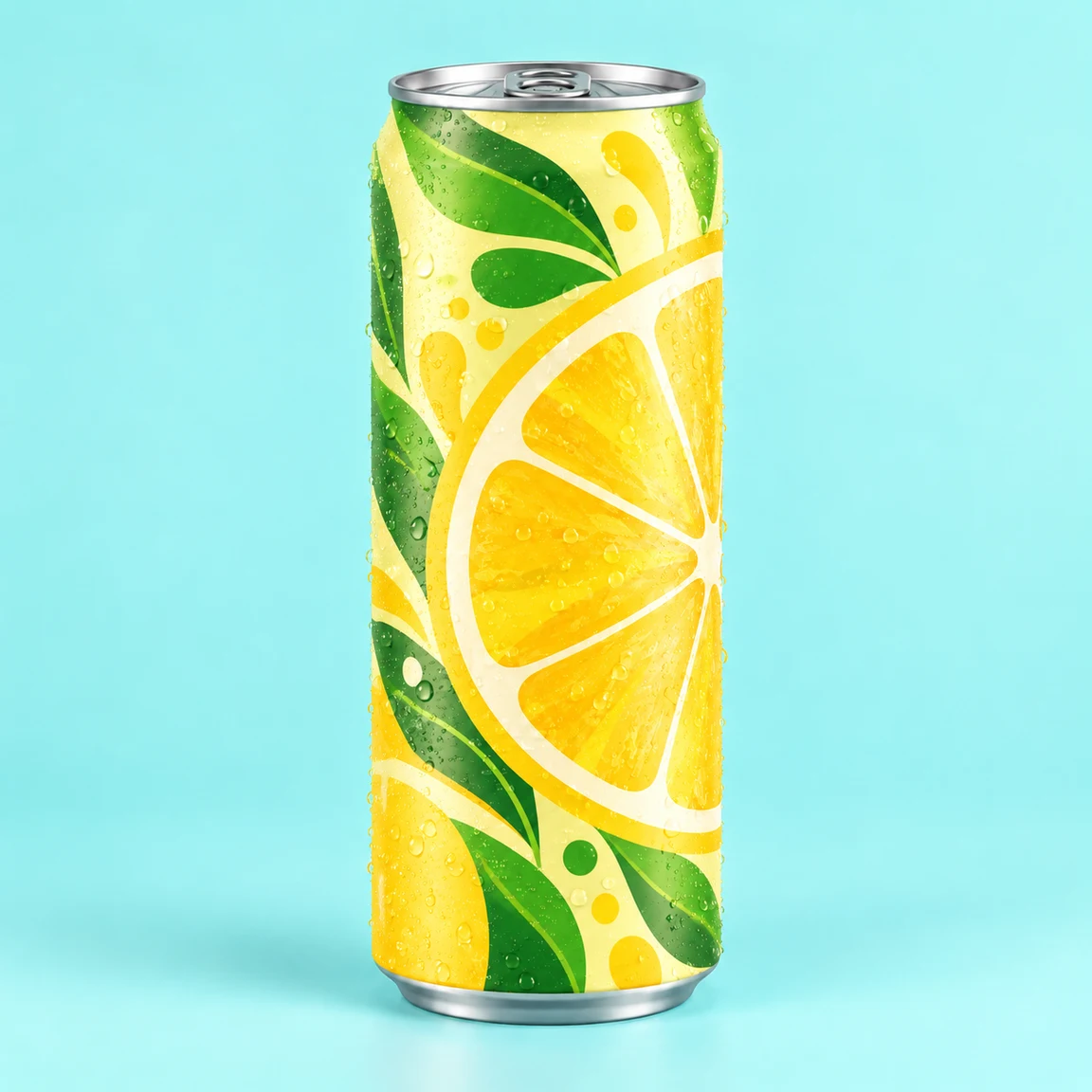
Yellow and green lemon can with a silver rim
Design illustration

Soda can: lemon graphics

Load this example

Keep the can and refresh the flavor artwork.

Design brief

Replace the turquoise grapefruit print with pale yellow, green leaves and lemon graphics. Keep the slim can, silver rim, base, pull tab, condensation and aqua background. No text.

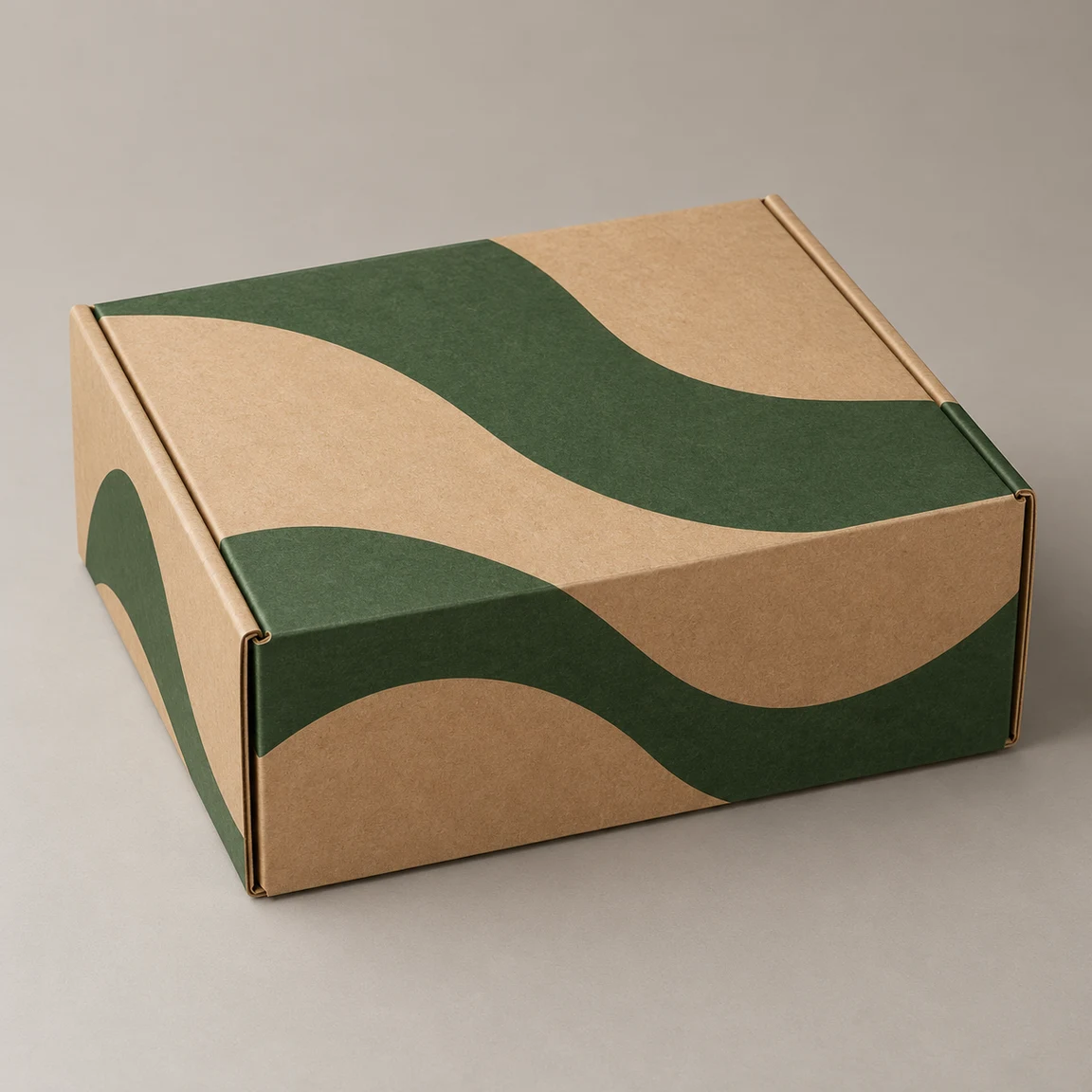
Closed kraft mailer with forest-green wave artwork
Original packaging
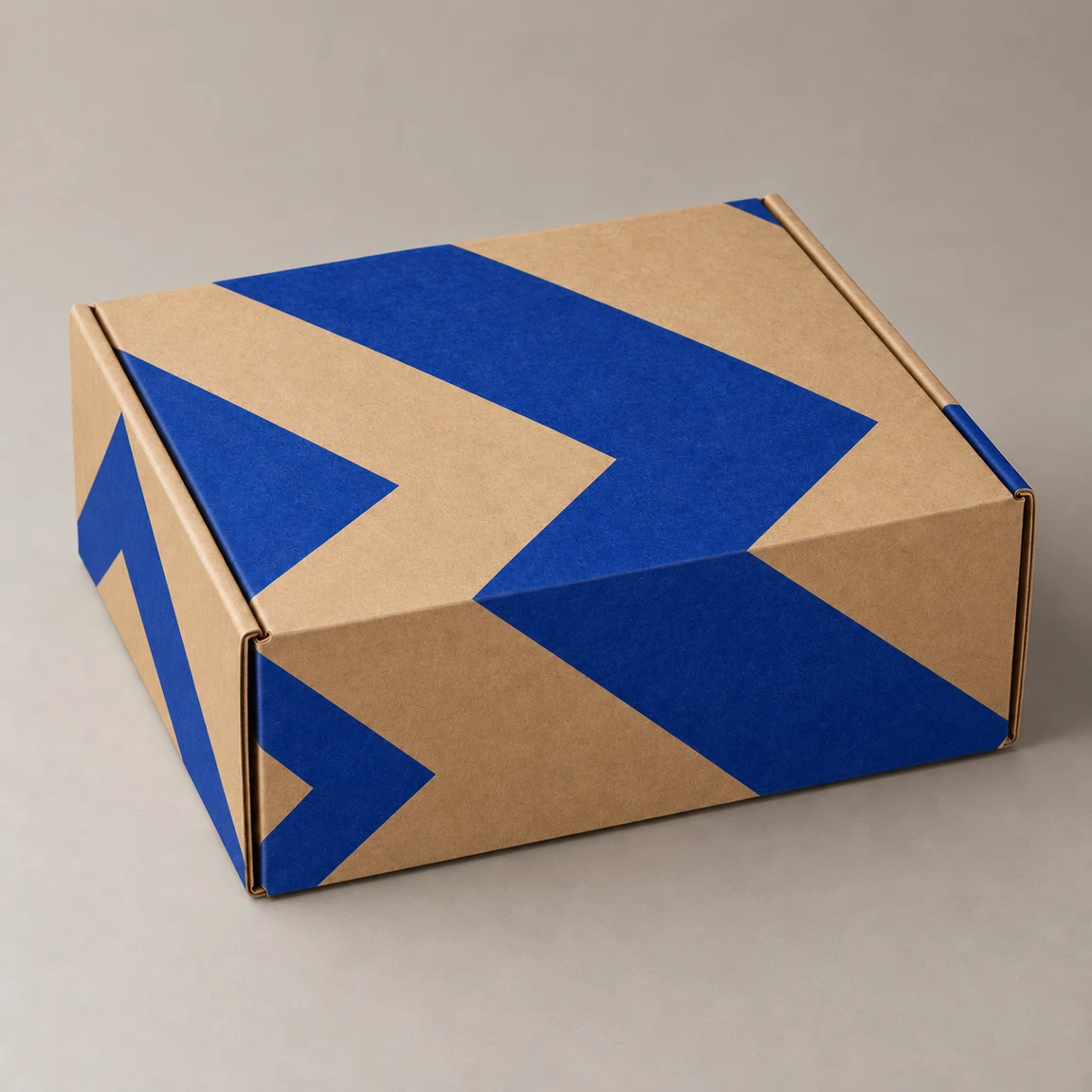
Kraft mailer with bold cobalt chevrons
Design illustration

Mailer: cobalt chevrons

Load this example

Add a bolder print without changing the box.

Design brief

Replace the forest-green print with bold cobalt chevrons, leaving plenty of kraft paper visible. Keep the closed mailer's folds, seams, tabs, camera angle and warm gray background. No text.

Review the concept before approving the direction

Fix the visible issue and keep a record of what remains unresolved.

Package shape changed
Compare the silhouette, folds, lid and cap with the original.
Narrow the requested surface change and use a clearer source photo; preservation is not guaranteed.
Text or logo has changed
Read every character and compare it with the supplied artwork.
Use a blank label for concept review; rebuild exact text and logos in final artwork.
Looks ready to manufacture
A rendered finish does not establish material, color or structural feasibility.
Ask the supplier for specifications and a proof before treating the design as production-ready.
Resources

Before the production handoff

Can I upload both my packaging and my design?

The packaging photo is required. A separate design image and the design brief are optional. Each image slot accepts one JPG, PNG or WebP up to 30 MB. Artwork cannot replace the packaging photo; exact text and logo reproduction are not guaranteed. Without a brief, uploaded artwork is applied to the main visible surface. If no artwork is supplied either, AI proposes a new design based on the original packaging.

How should I compare versions?

Keep the product and review goal constant. Change one major choice, then record why a version communicates the intended positioning more clearly.

Is 4K enough for print?

Pixel count alone does not define physical size, bleed, color settings or editable artwork. Confirm the production specification with the designer and supplier.

What should go with the selected image?

Include the brief, approved wording, original brand assets, decisions to retain and unresolved questions. The concept image is one part of that handoff.

Try a new design on your packaging

Upload the packaging photo and describe what to change and keep.