AI Packaging Design

Packaging photo

Design artwork(Optional)

Aspect ratio
Resolution

AI Packaging Design

Upload a photo of your blank or existing packaging. Add your own design artwork or a brief if you have one; both are optional. Explore new colors, labels and graphics on the same package.

AI Packaging Design

What can you explore with AI packaging design?

Your packaging

Start with a real package

Upload a clear photo of a blank or printed box, bottle, pouch or wrapper. Show the whole package; a logo or moodboard alone is not a packaging photo.

Surface design

Change the artwork

Describe new colors, illustrations or label graphics. The image gives the design a physical starting point; it does not establish printable dimensions or finishes.

Design artwork

Bring your own artwork

Upload a label, logo or pattern in the optional design slot. Describe where it belongs on the packaging; the original photo supplies the shape and viewpoint.

Design review

Compare with the original

Check the silhouette, folds, cap, artwork and any text against your source photo before choosing a direction.

Eight packaging redesigns and briefs

Illustrated before-and-after design directions, created with AI; these are not production-model test results. Loading an example fills the original image, brief and settings without generating or spending credits.

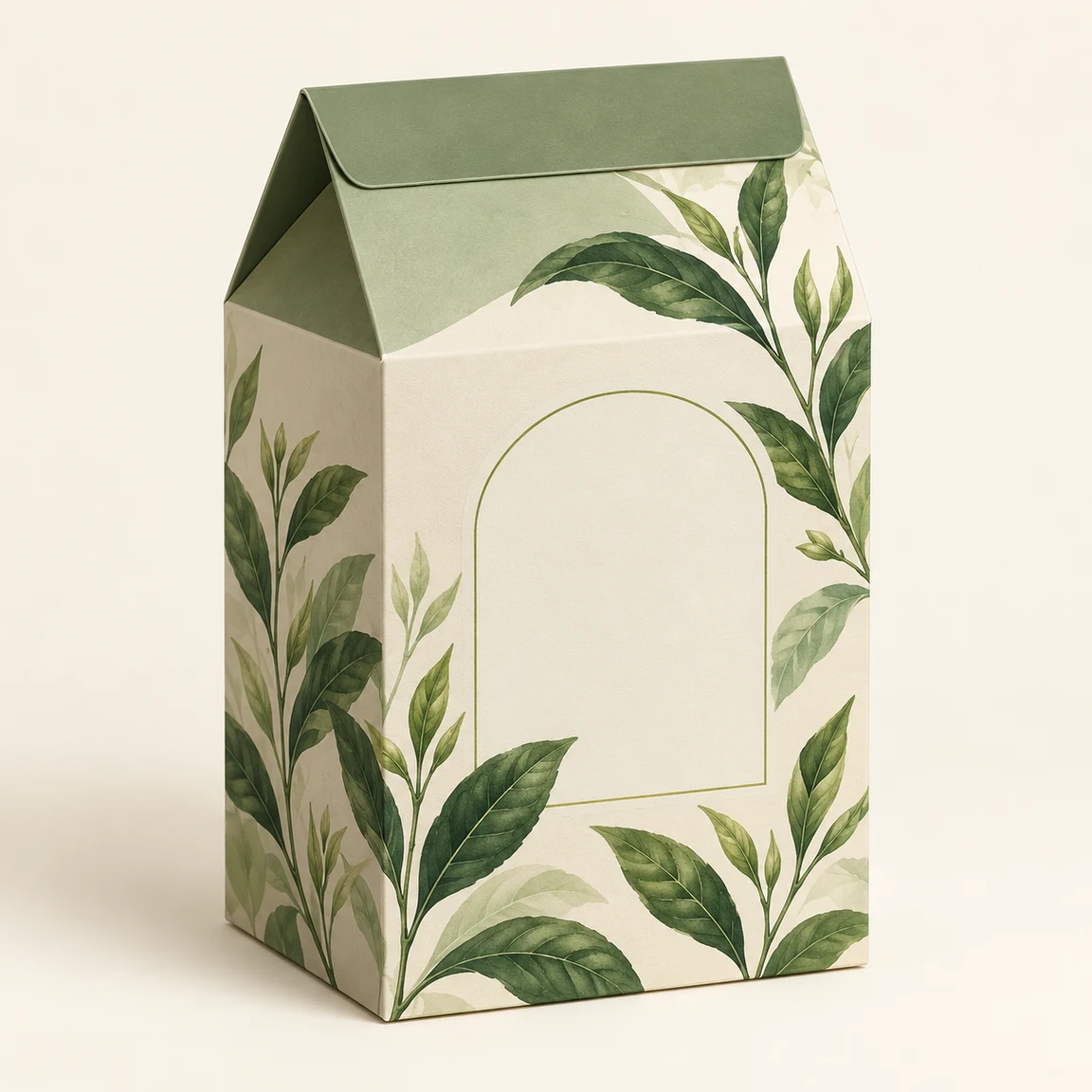
Sage and cream tea carton with green leaf illustrations
Original packaging
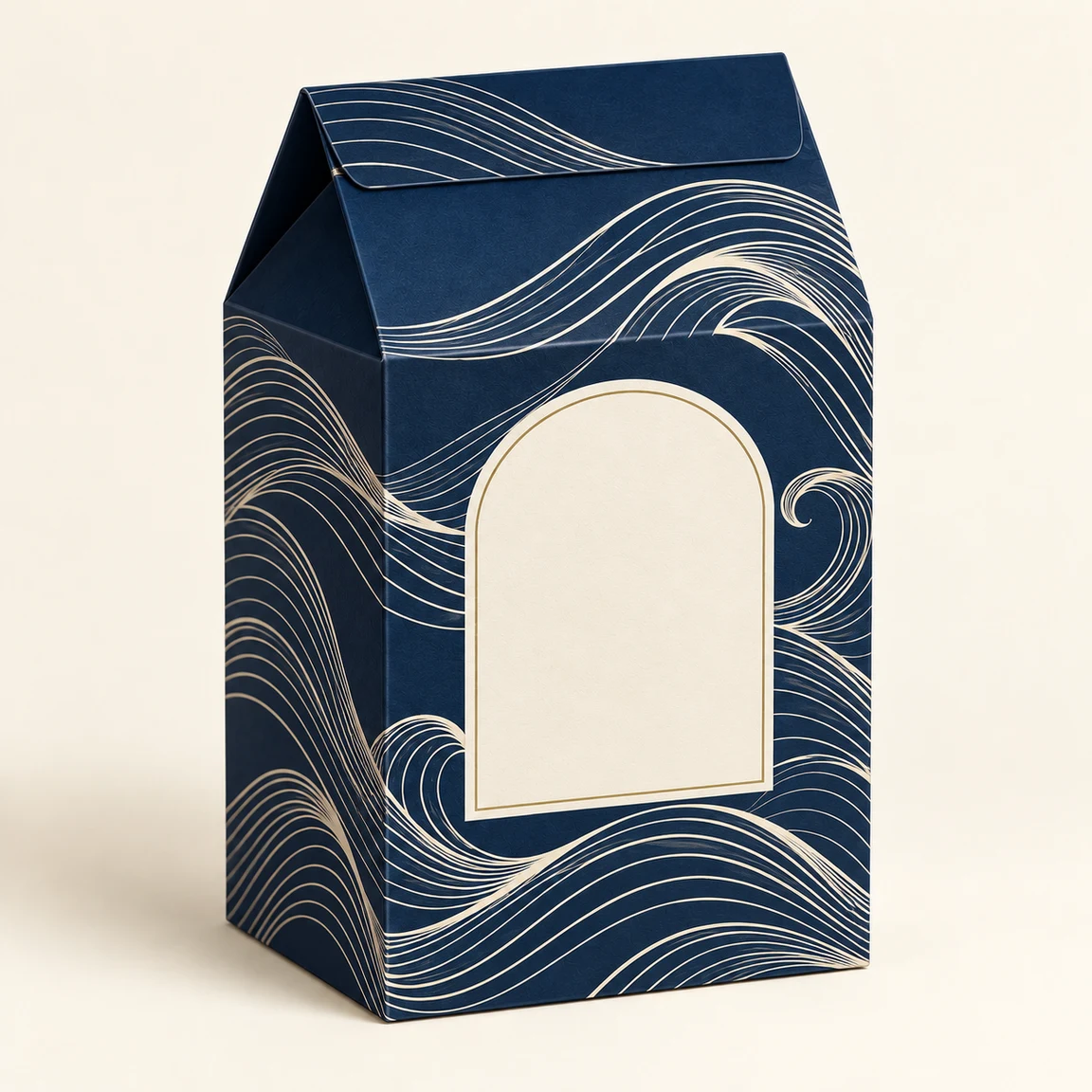
Navy tea carton with ivory waves and a blank front label
Design illustration

Tea carton: navy waves

Load this example

Swap the botanical print while retaining the carton form.

Design brief

Replace the green leaf artwork with a deep navy background and ivory wave lines. Keep the tea carton's shape, gable folds, camera angle and background. Leave the front label blank; add no text.
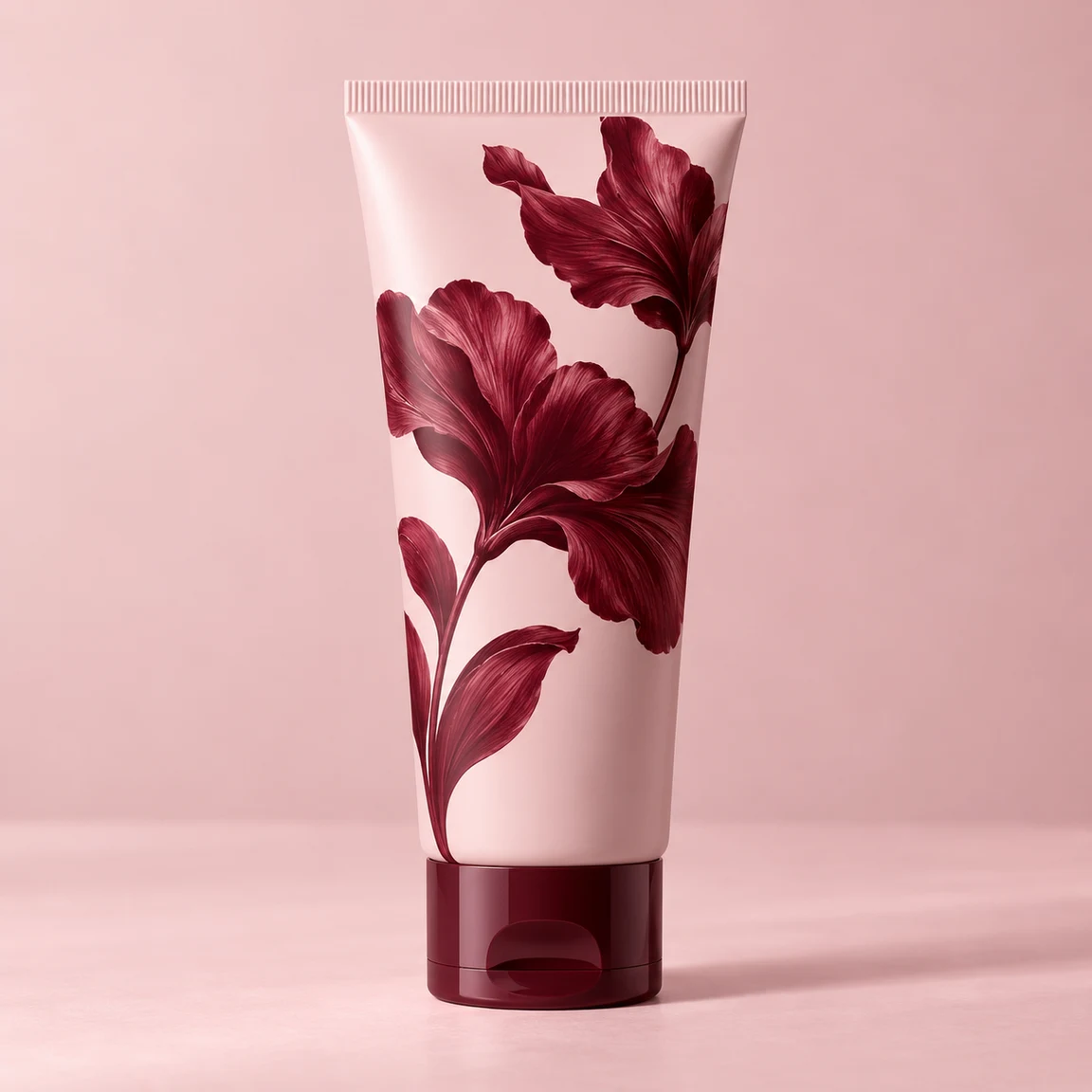
Pink skincare tube with burgundy flowers and cap
Original packaging
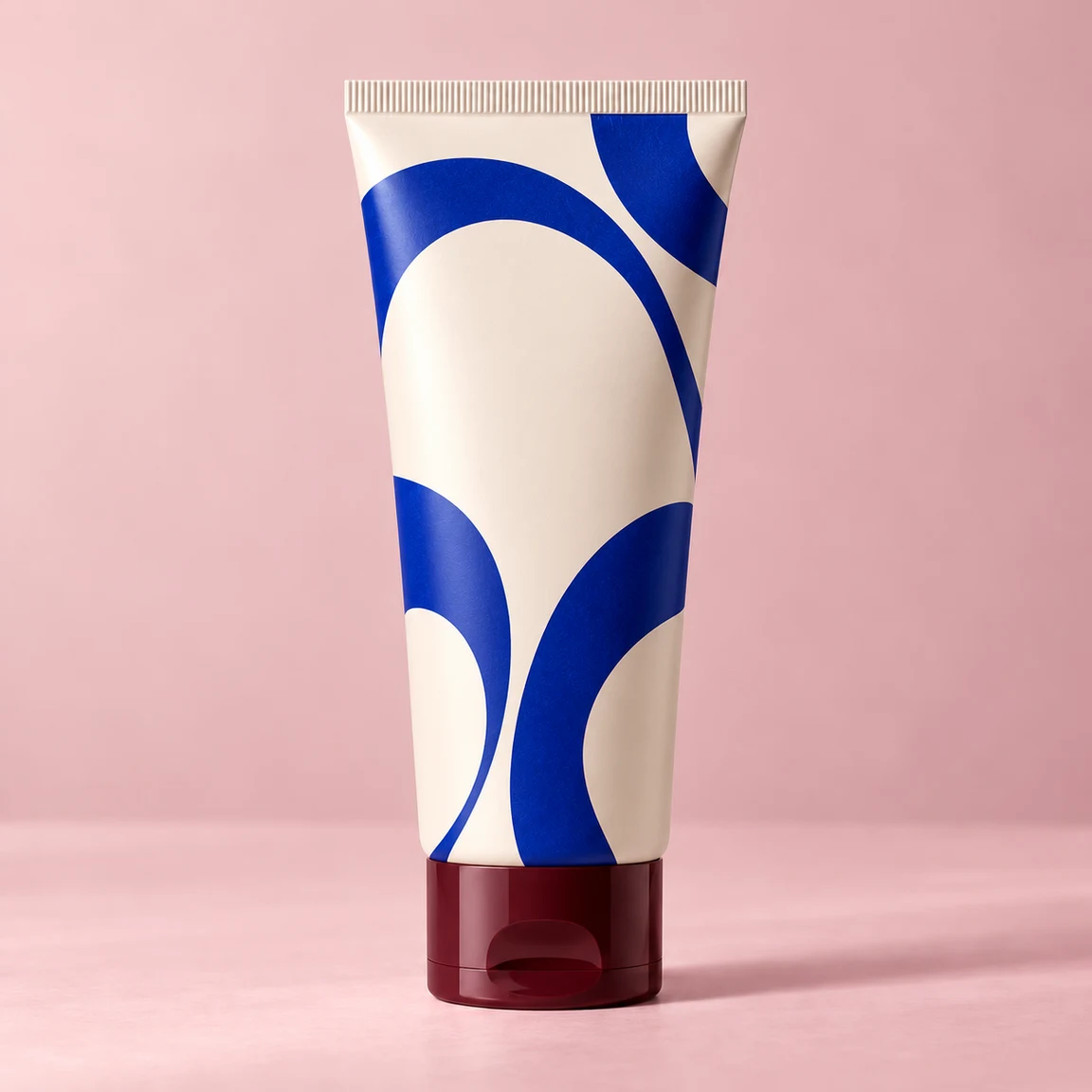
Ivory skincare tube with cobalt arcs and a burgundy cap
Design illustration

Skincare tube: cobalt arcs

Load this example

Change the tube artwork and keep the burgundy cap.

Design brief

Change only the tube's printed artwork to warm ivory with large cobalt arcs and a blank central area. Keep the tube shape, sealed top, burgundy cap, angle and pink background. No text.

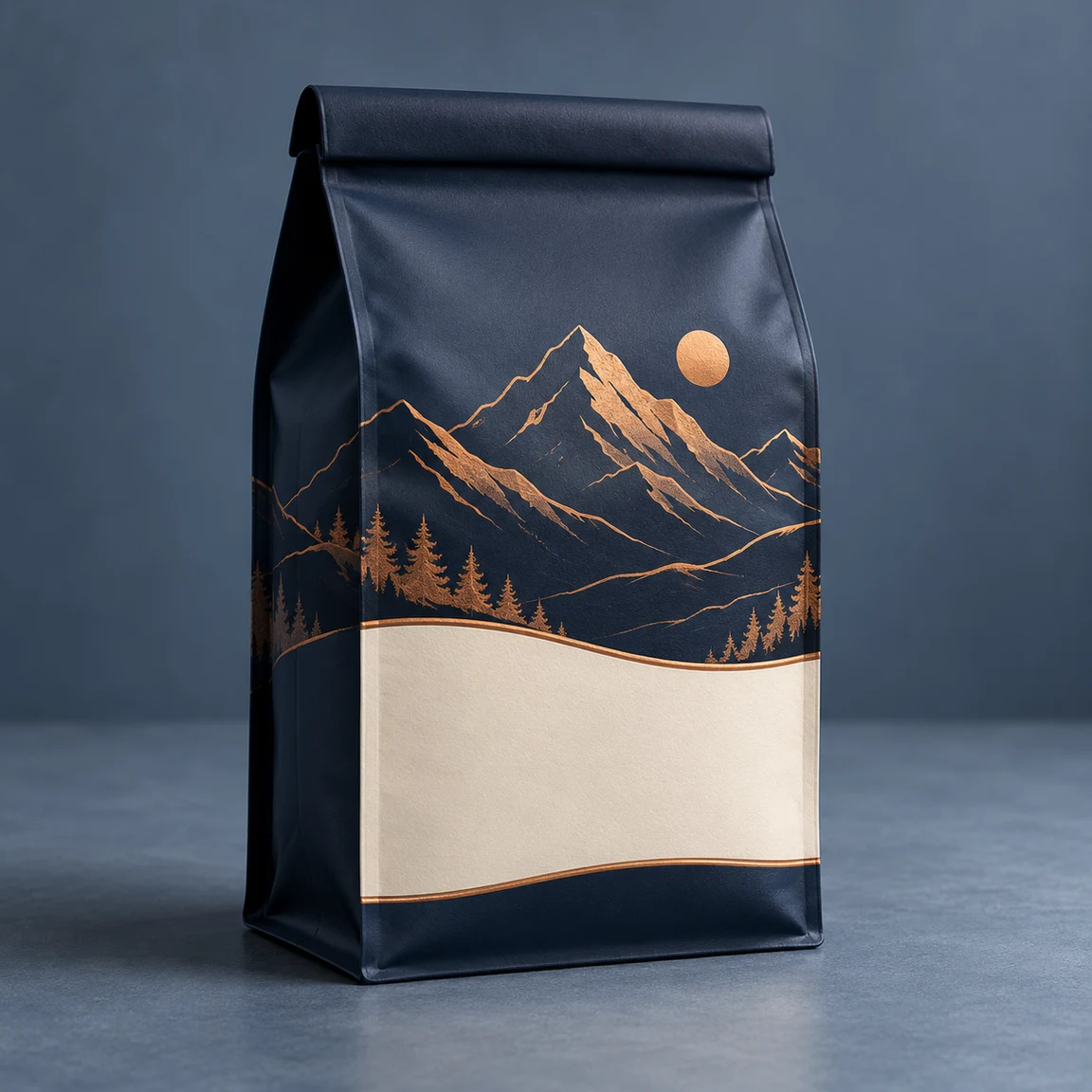
Navy coffee pouch with copper mountains and a cream panel
Original packaging
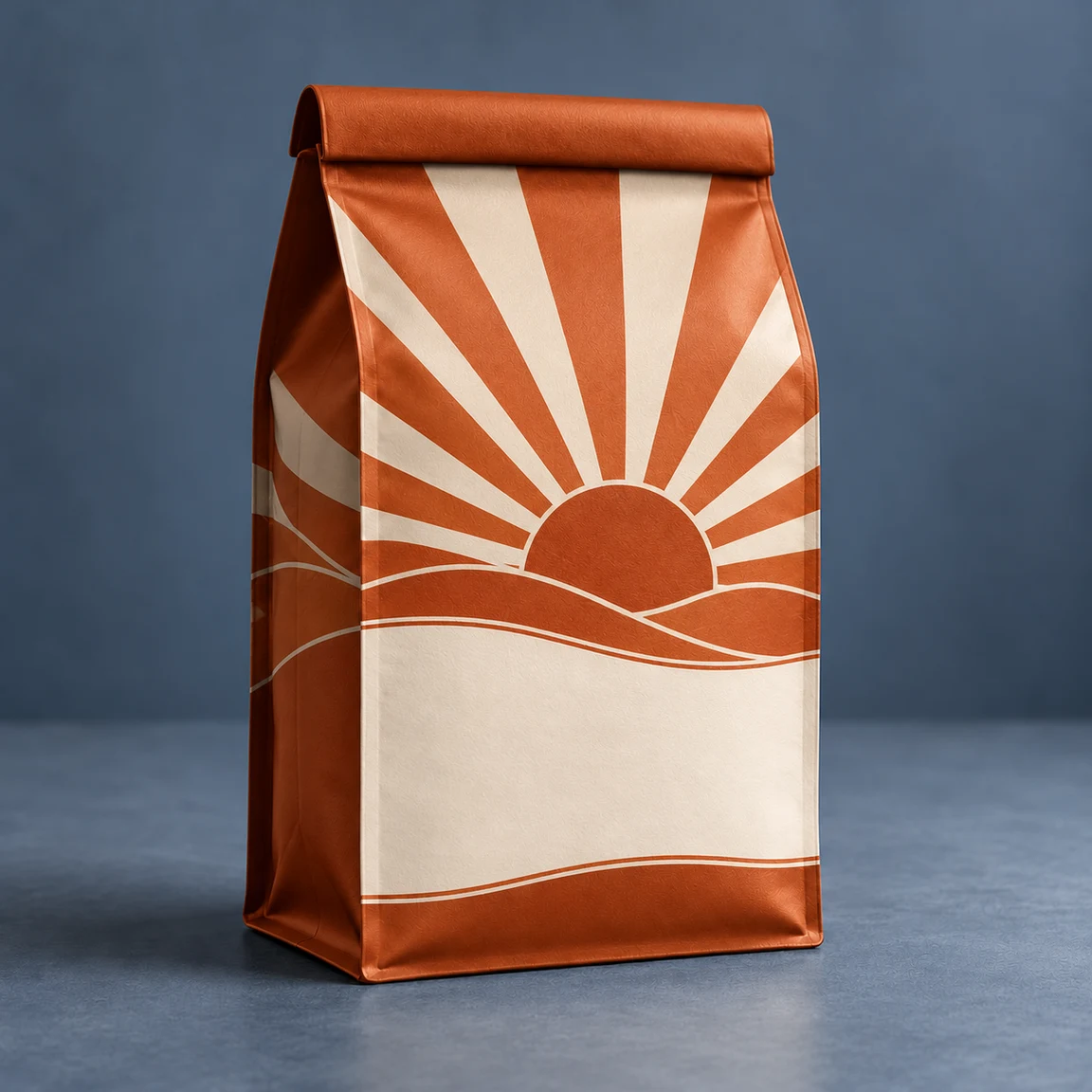
Orange coffee pouch with cream sunrise graphics
Design illustration

Coffee pouch: sunrise print

Load this example

Give the same pouch a warmer palette.

Design brief

Replace the navy mountain print with a burnt-orange and cream geometric sunrise. Leave a blank cream label area. Keep the pouch shape, folded top, creases, angle and blue-gray background. No text.

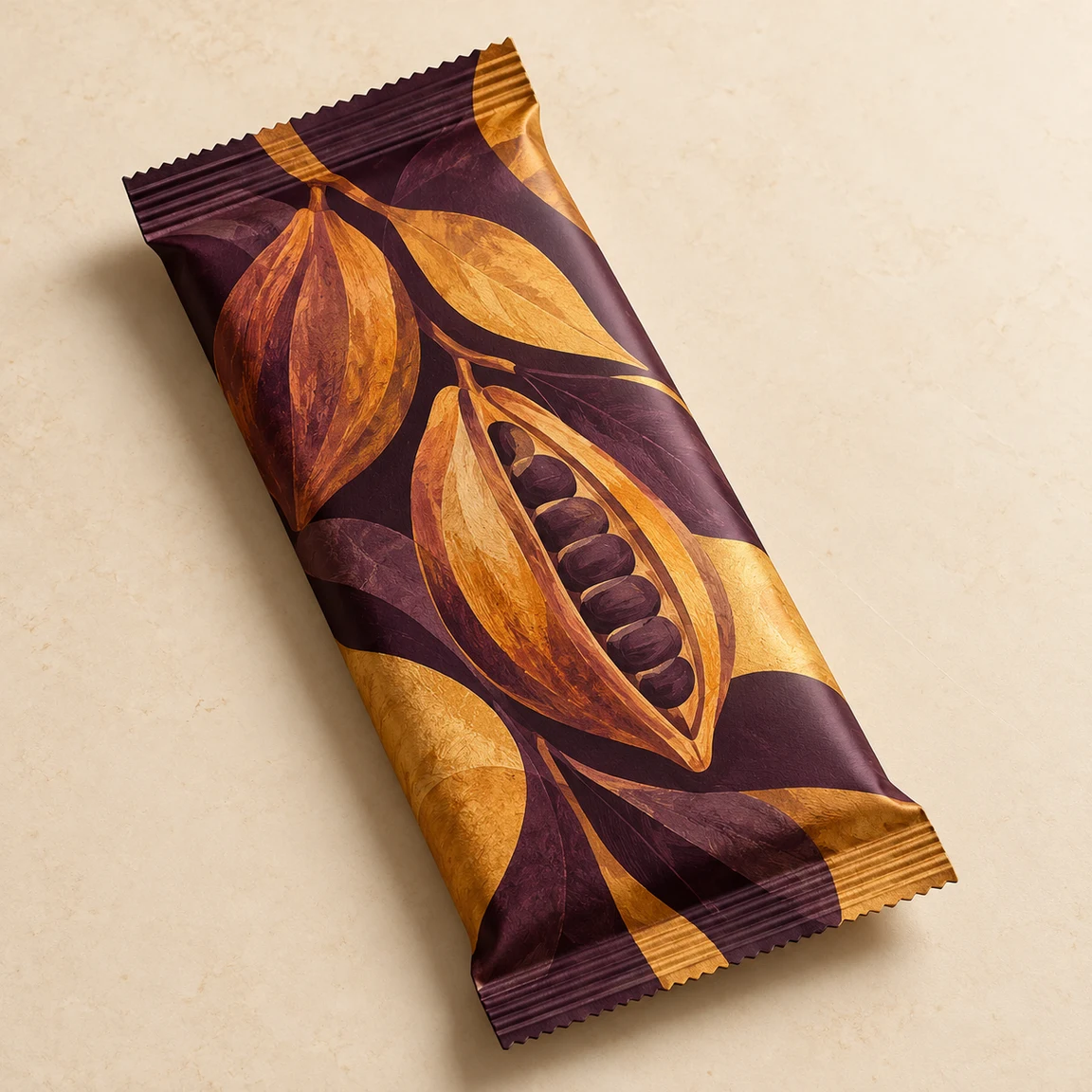
Aubergine chocolate wrapper with ochre cocoa-pod artwork
Original packaging
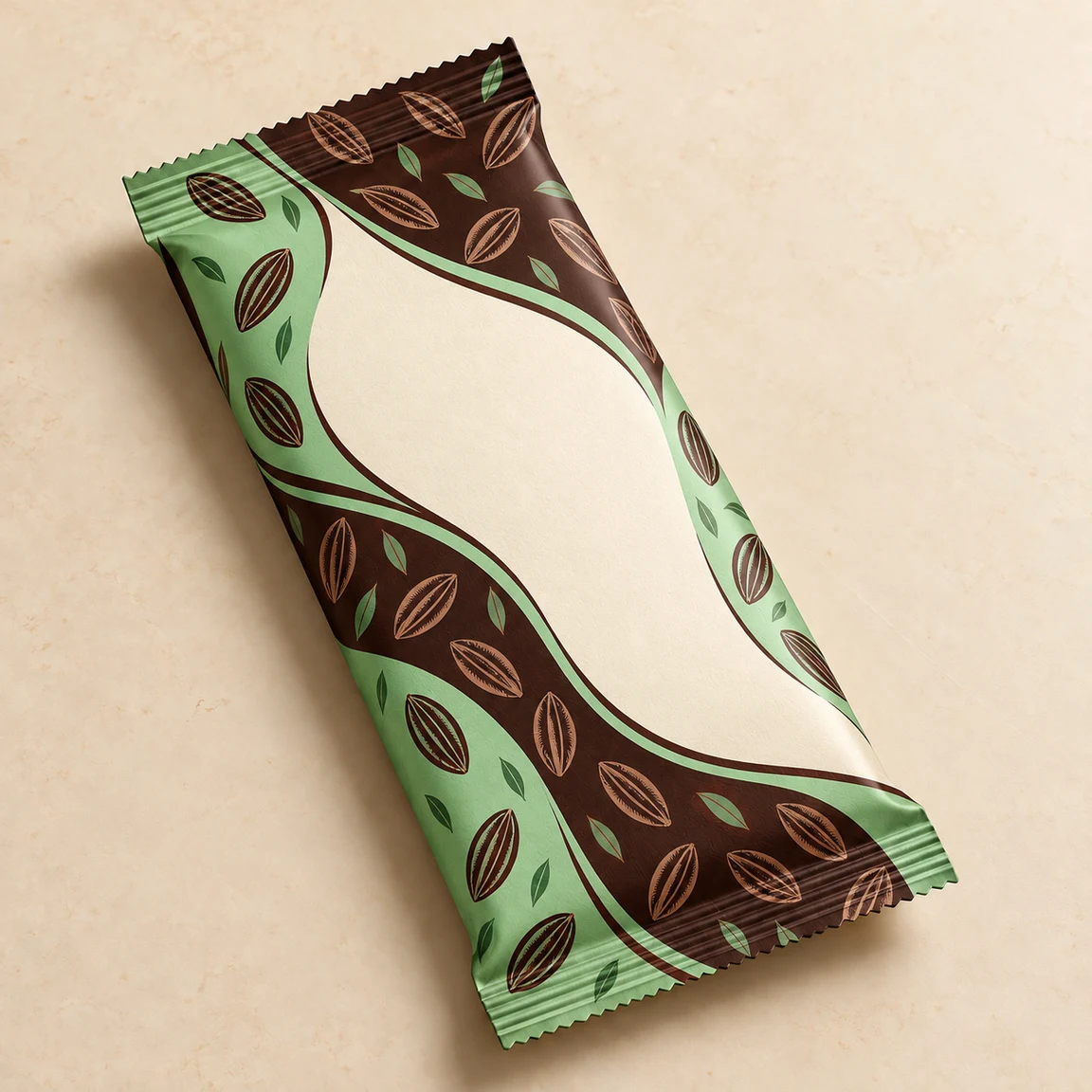
Mint and brown chocolate wrapper with cocoa motifs
Design illustration

Chocolate wrapper: mint and cocoa

Load this example

Explore a new pattern on the existing wrapper.

Design brief

Redesign the wrapper in mint green and dark chocolate brown with small cocoa motifs and a blank cream center. Keep its sealed edges, dimensions, diagonal position and cream tabletop. No text.

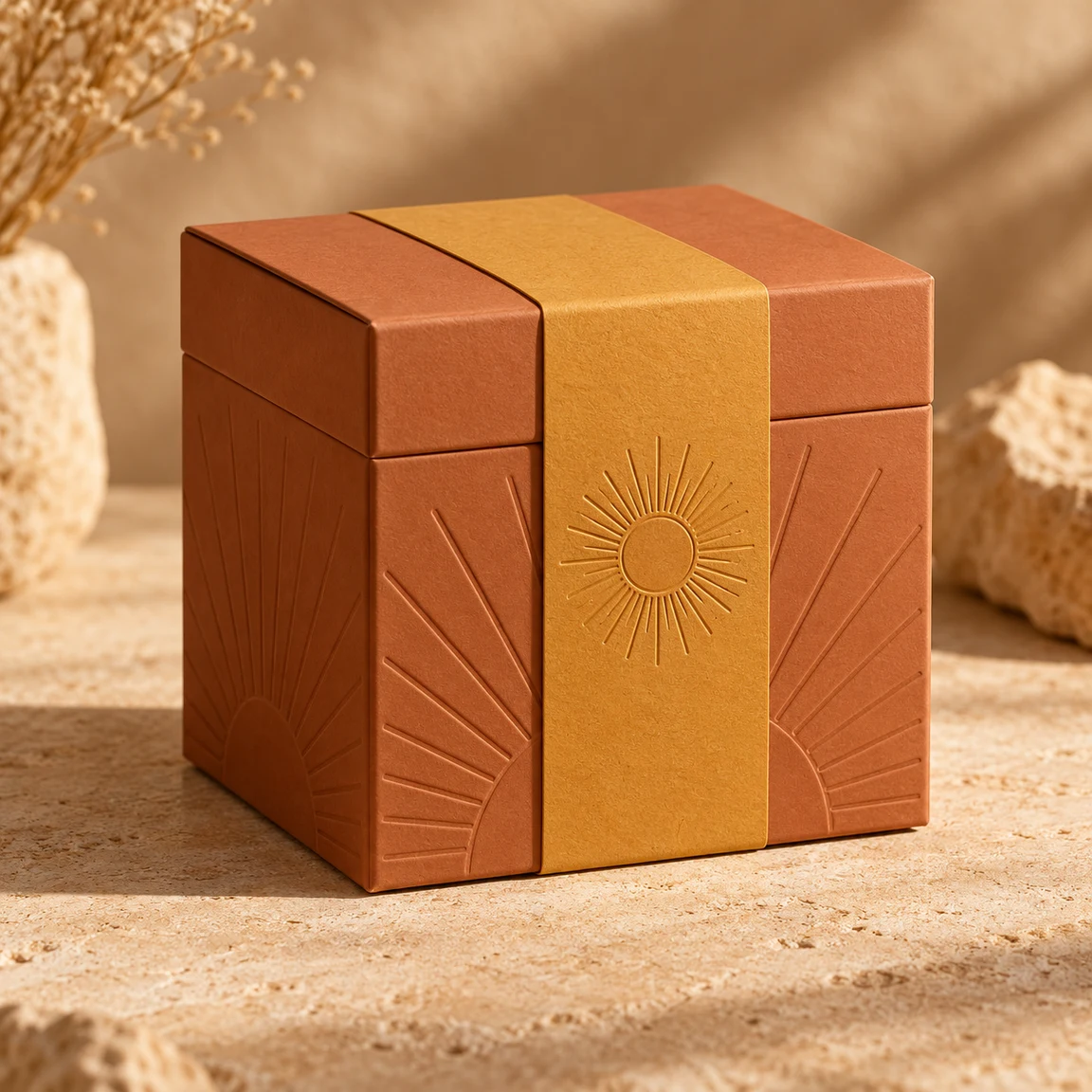
Terracotta candle box with an ochre band and sunburst motif
Original packaging
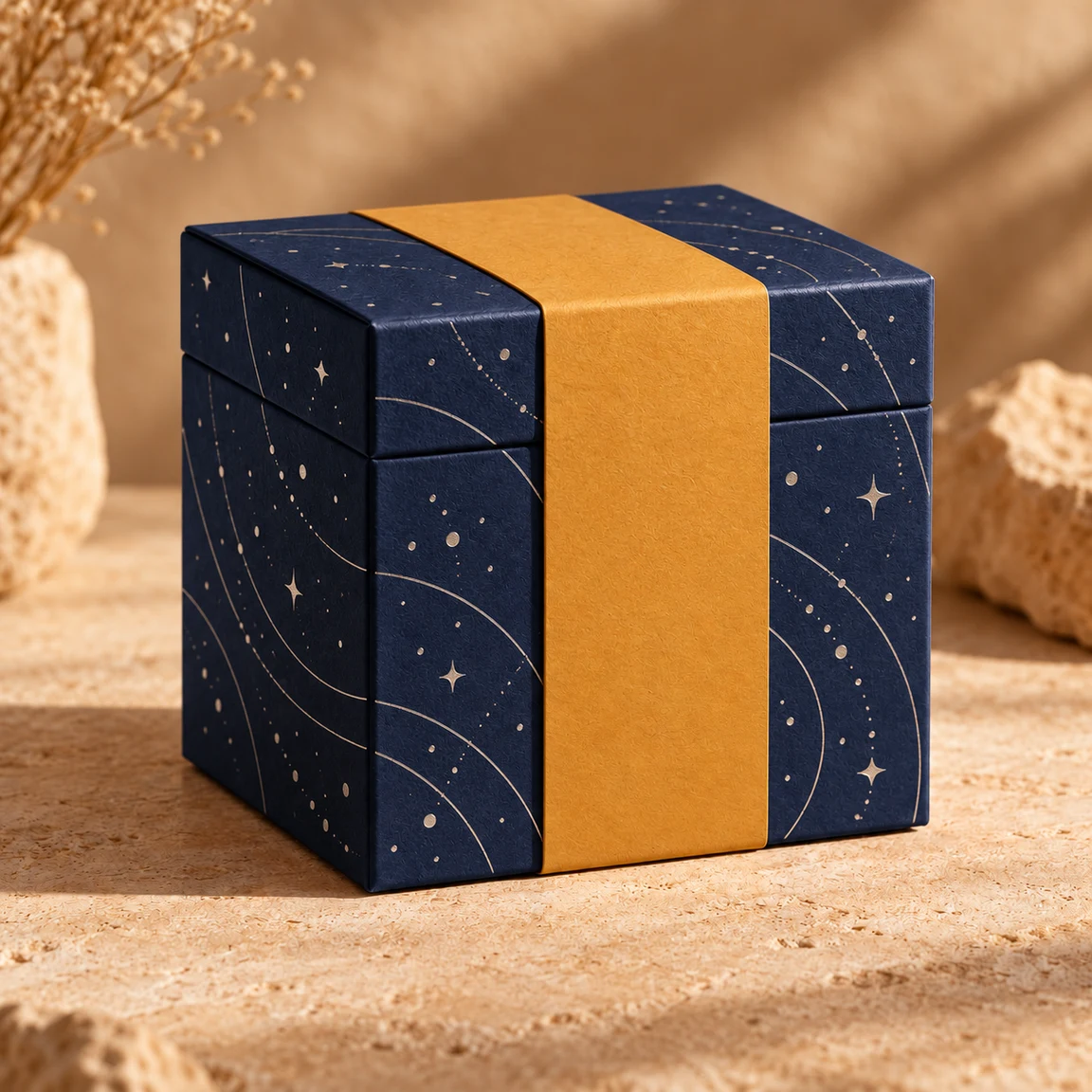
Navy candle box with constellation artwork and an ochre band
Design illustration

Candle box: night sky

Load this example

Keep the box and band; change the printed motif.

Design brief

Replace the terracotta box artwork with midnight blue and small silver constellation dots and orbit lines. Keep the ochre band blank and in place. Preserve the lid, box structure, angle and setting. No text.

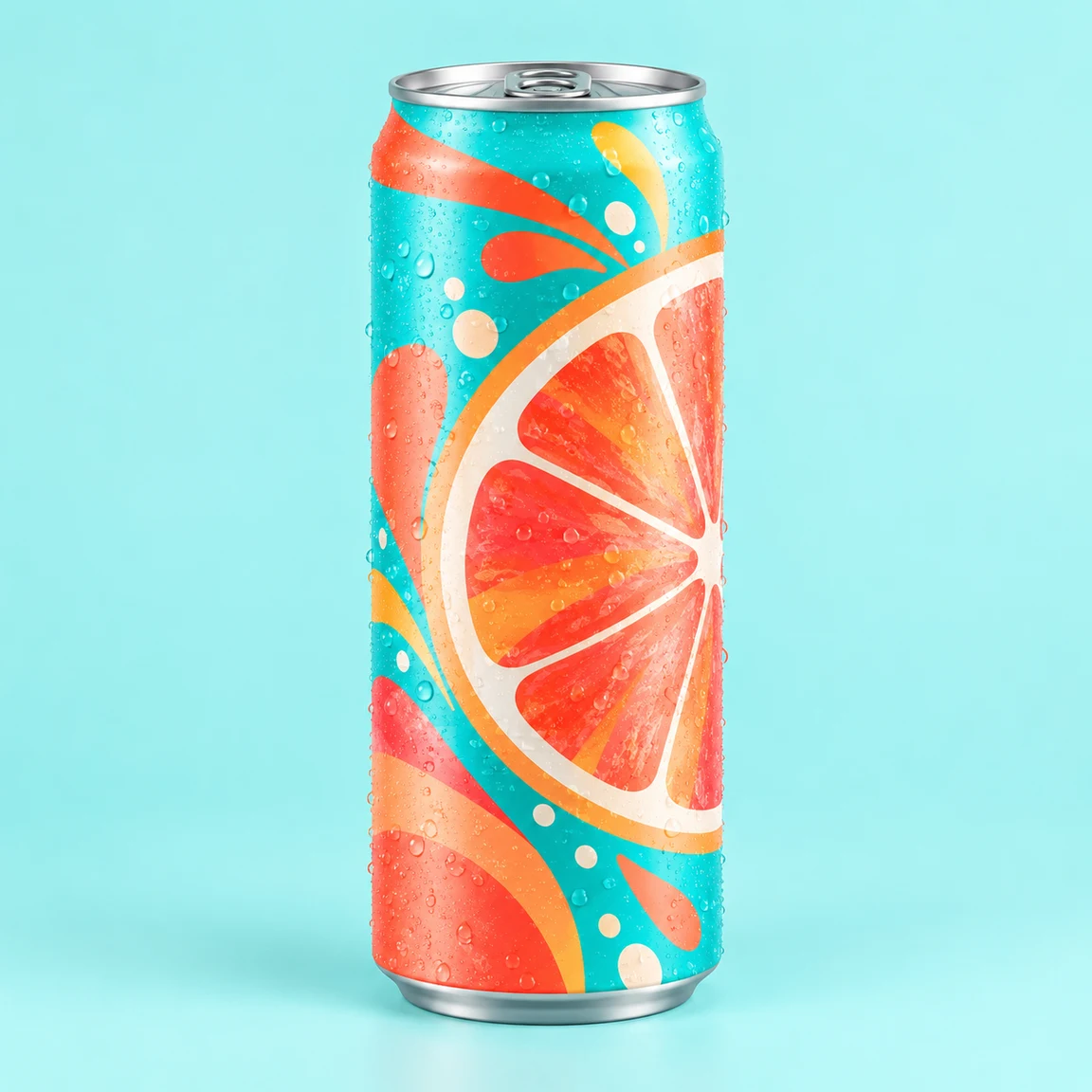
Turquoise soda can with coral citrus graphics
Original packaging
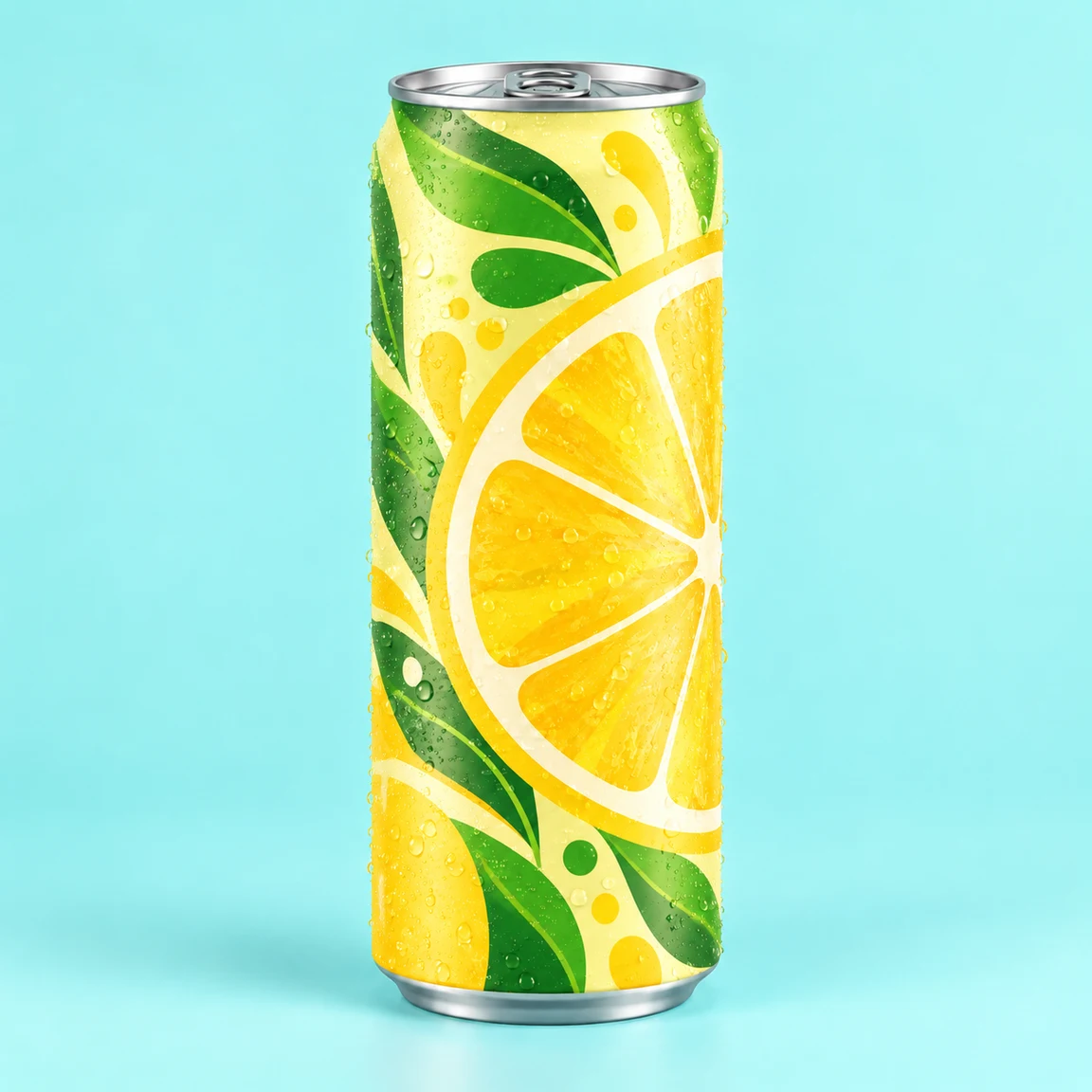
Yellow and green lemon can with a silver rim
Design illustration

Soda can: lemon graphics

Load this example

Keep the can and refresh the flavor artwork.

Design brief

Replace the turquoise grapefruit print with pale yellow, green leaves and lemon graphics. Keep the slim can, silver rim, base, pull tab, condensation and aqua background. No text.

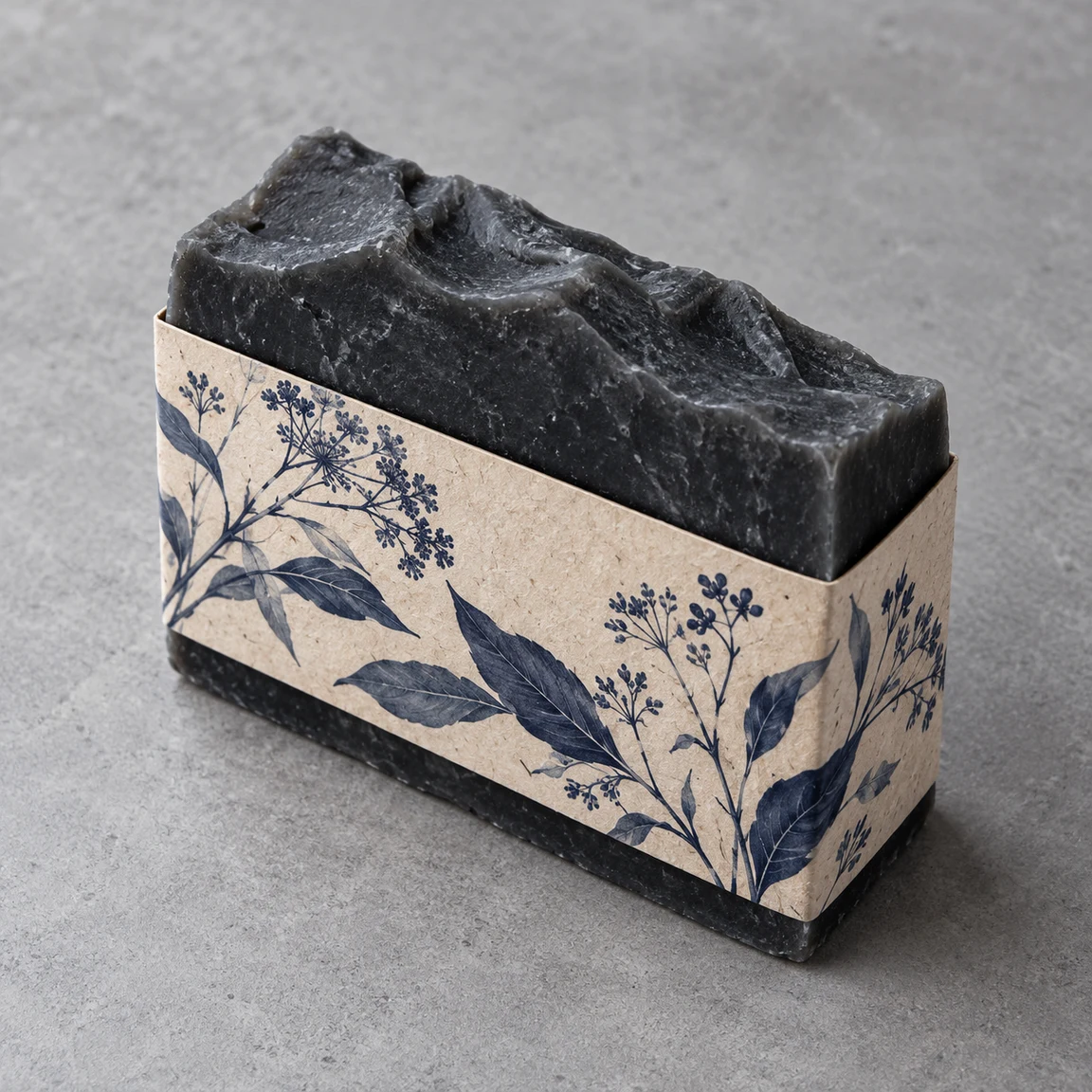
Charcoal soap bar in a cream sleeve with indigo botanical print
Original packaging
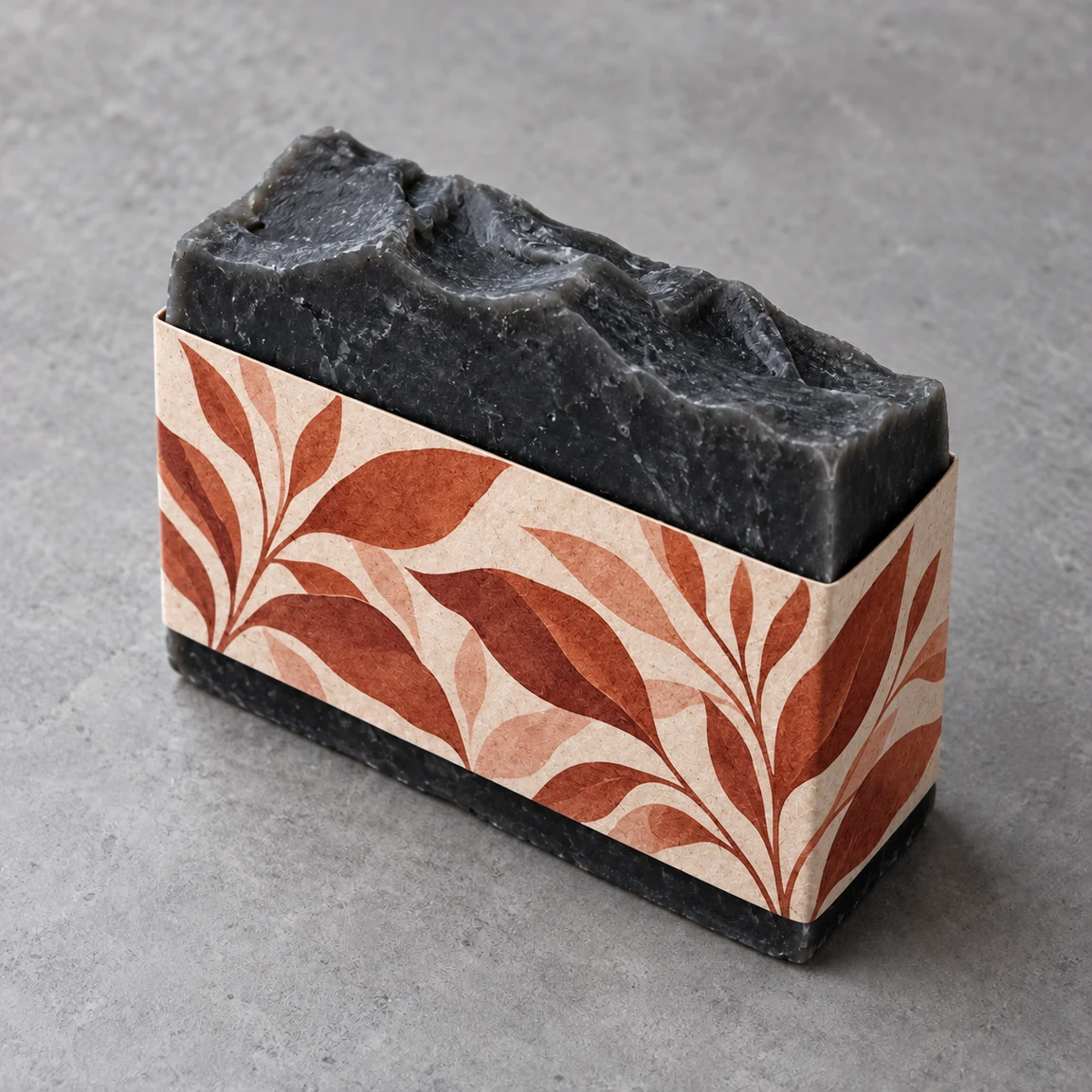
Charcoal soap with a terracotta botanical paper sleeve
Design illustration

Soap sleeve: terracotta leaves

Load this example

Limit the change to the paper sleeve.

Design brief

Change only the sleeve print to terracotta leaves on warm ivory. Keep the sleeve width and position, the charcoal soap's shape and texture, the camera angle and gray stone background. No text.

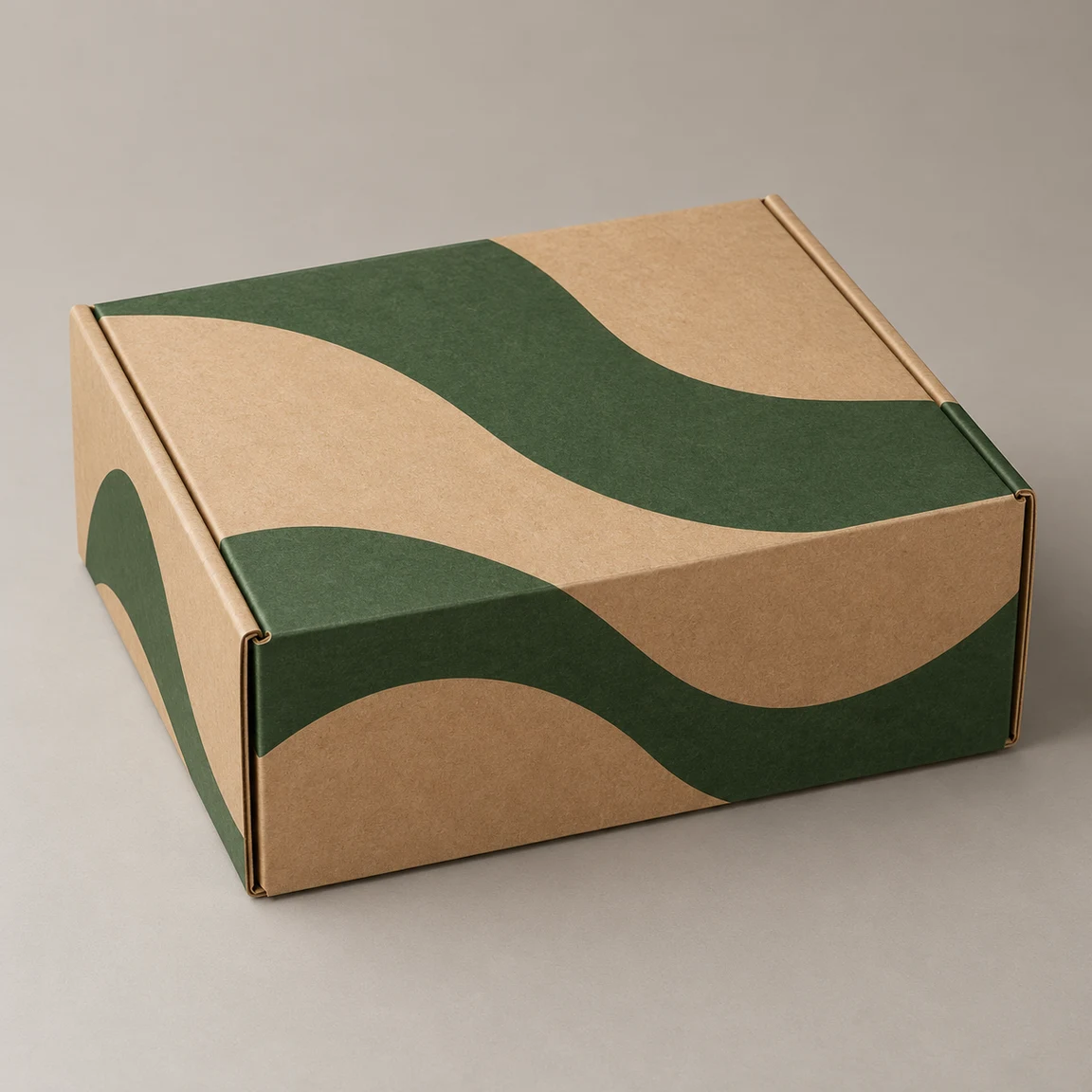
Closed kraft mailer with forest-green wave artwork
Original packaging
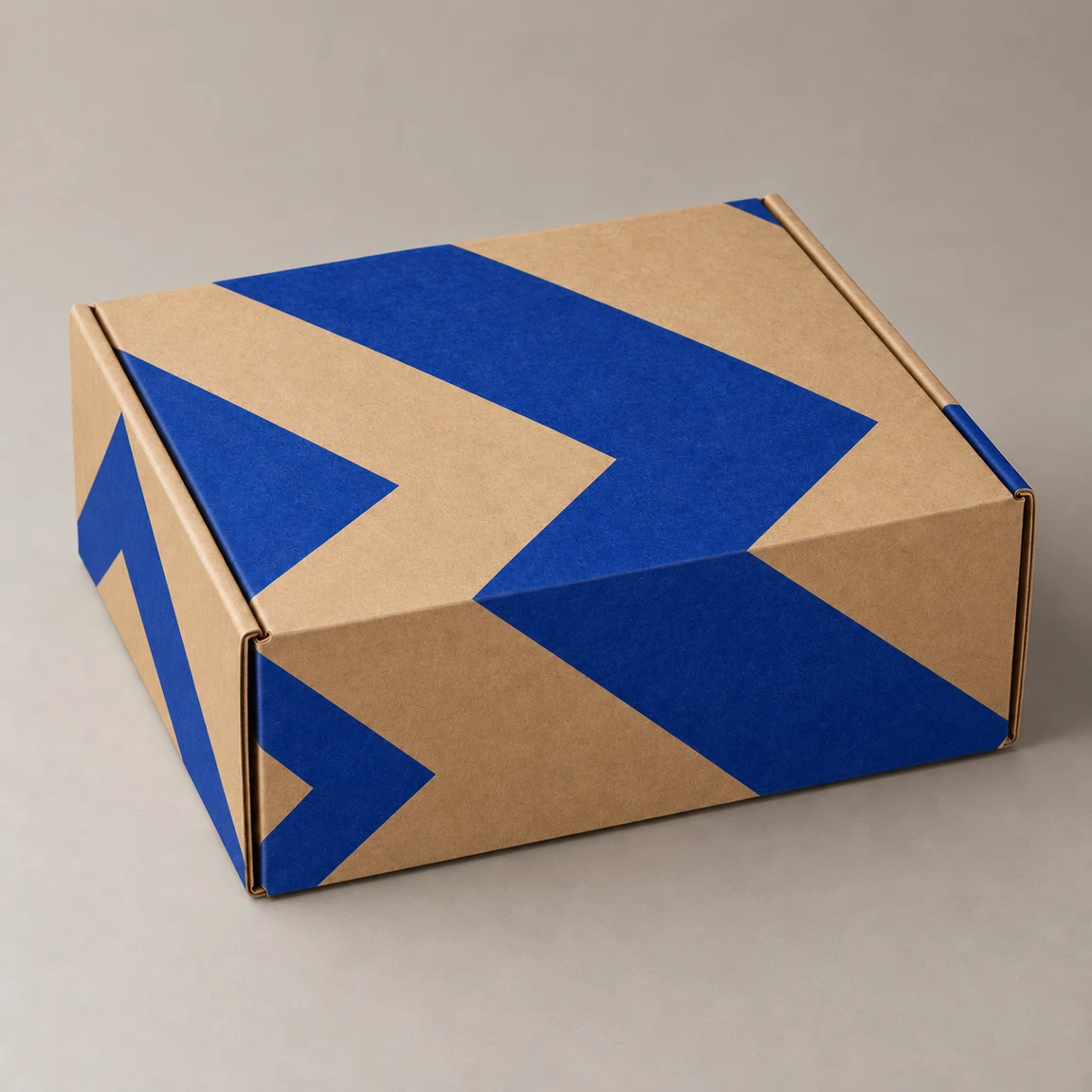
Kraft mailer with bold cobalt chevrons
Design illustration

Mailer: cobalt chevrons

Load this example

Add a bolder print without changing the box.

Design brief

Replace the forest-green print with bold cobalt chevrons, leaving plenty of kraft paper visible. Keep the closed mailer's folds, seams, tabs, camera angle and warm gray background. No text.

How to redesign your packaging

1

Upload the packaging

Use one clear photo of your actual blank or printed packaging, with the whole object visible.

2

Describe the design

Optionally upload artwork or describe placement, colors and details to retain. Start with 1:1 and 1K or choose another ratio and resolution; check the displayed credit cost.

3

Compare and refine

Generate one design image, compare it with the source, then download or re-edit. Re-edit restores the original photo, brief and settings. Re-edit also restores the separate design image.

Make the next design discussion more concrete

Use the concept to choose a direction, then resolve the production details separately.

Use your existing package

Start from a package photo instead of asking the model to invent a container.

Change one decision at a time

Compare new colors or artwork while asking to retain the package structure and camera angle.

Keep the original inputs

Re-edit restores your packaging photo, brief and settings. Another generation uses credits; loading an example does not. Re-edit also restores the separate design image.

Packaging design questions

What do I receive?

One raster concept image for reviewing a packaging direction. It is not a dieline, editable vector file, 3D model or print-ready production file.

Can I upload both my packaging and my design?

The packaging photo is required. A separate design image and the design brief are optional. Each image slot accepts one JPG, PNG or WebP up to 30 MB. Artwork cannot replace the packaging photo; exact text and logo reproduction are not guaranteed. Without a brief, uploaded artwork is applied to the main visible surface. If no artwork is supplied either, AI proposes a new design based on the original packaging.

Can it preserve my logo and exact text?

Exact lettering, logos, geometry and colors are not guaranteed. Supply only wording you want, compare important details, and prepare final typography in a design tool.

How are generations charged?

Generation uses credits. The button shows the cost for the selected resolution before submission. Changing settings or loading examples does not spend credits.

Can I ask for a limited change?

Yes. State the change and what to keep, such as changing only the label color while retaining the bottle and cap. The model may still alter details; review the result.

Can I send the image straight to a printer?

Use it to communicate a concept. A designer and supplier still need to prepare and check dimensions, dielines, typography, colors and production artwork.

Try a new design on your packaging

Upload the packaging photo and describe what to change and keep.