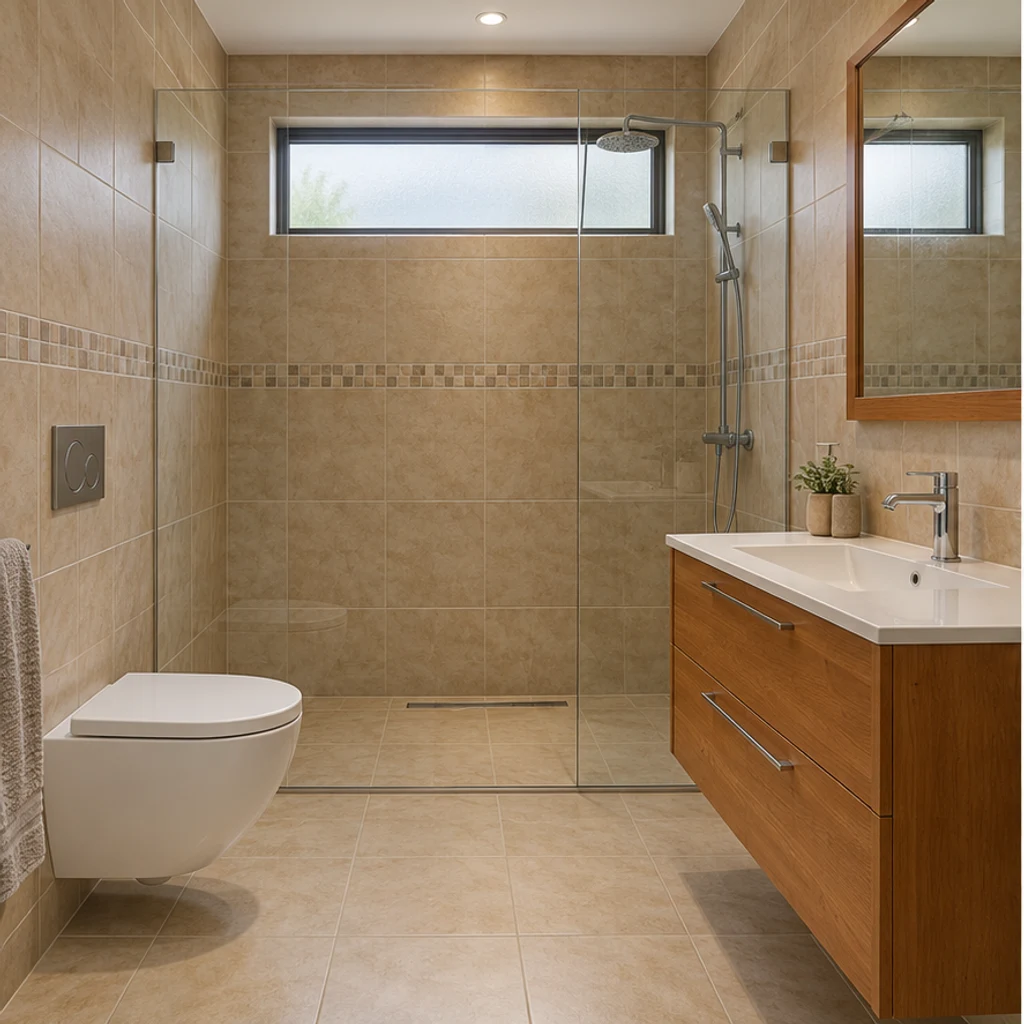
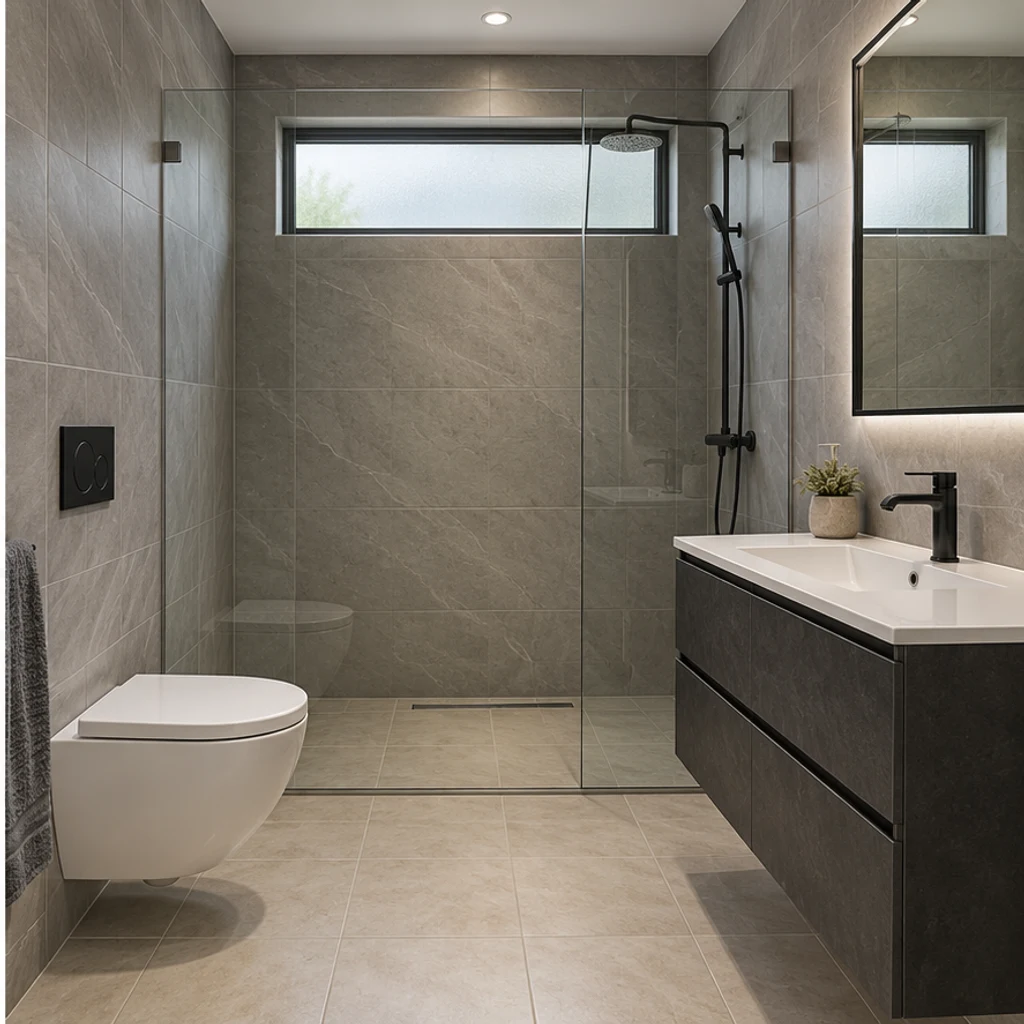
Modern gray and charcoal
Load this exampleGray tile and a charcoal vanity give this compact walk-in shower room a restrained modern direction.
Explore AI bathroom design from your photo. Compare tile, vanity and countertop finishes with 8 style references while keeping your existing room layout.
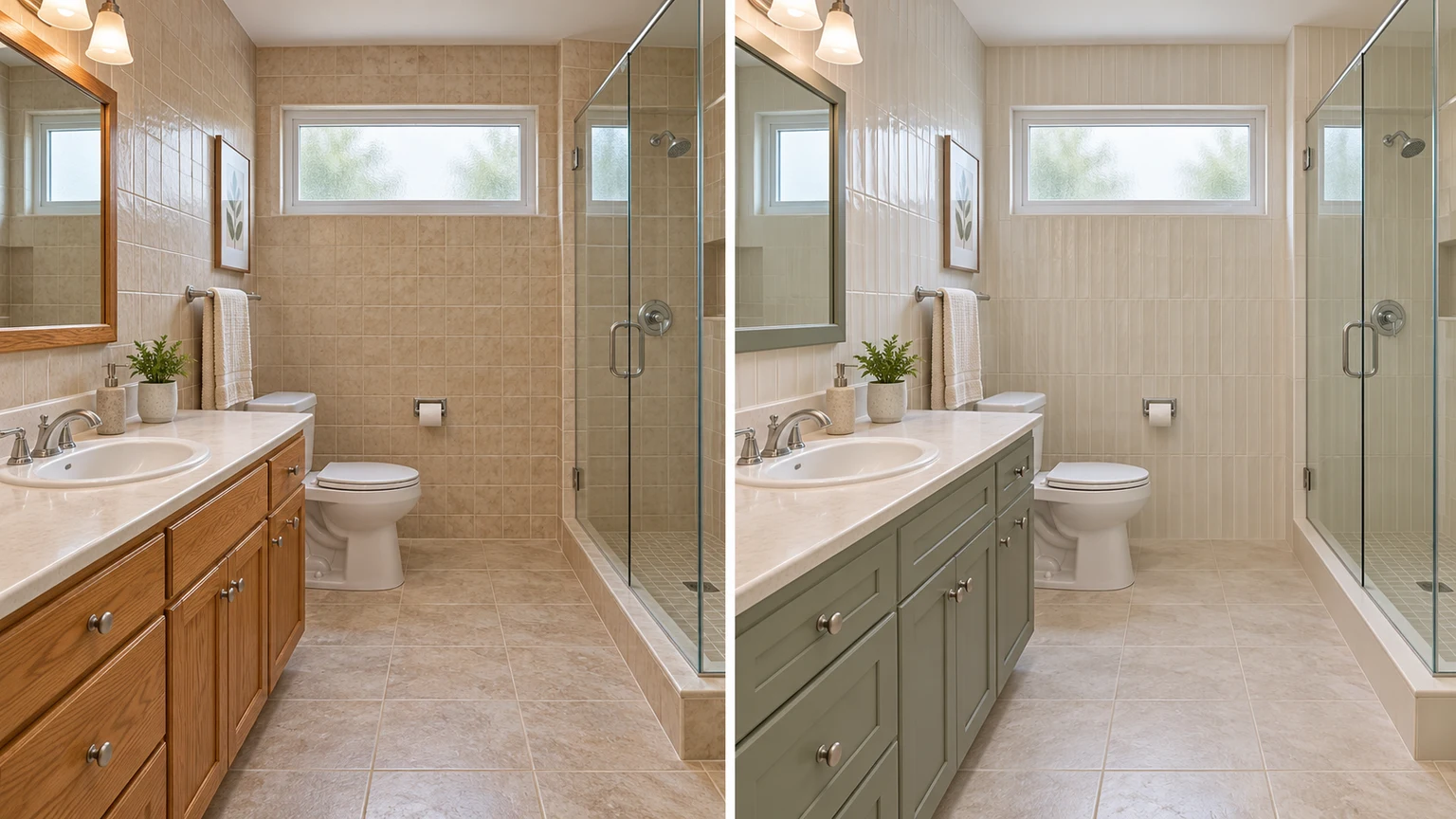
Try pale oak instead of red cherry while retaining the plum walls, countertop, basin and original cabinet divisions.
Compare beige and petrol-blue wall tiles beside the same white tub. Check the window, glass screen and floor before judging the color.
Preview a warmer finish on taps and handles while keeping their shapes, positions and the green countertop.
Compare a light tile and wood palette in a windowless bathroom. The room, shower and plumbing stay the same size and position.
Explore bathroom finish ideas with these AI-generated illustrations. Choose an example to load its original photo and style settings.
Gray tile and a charcoal vanity give this compact walk-in shower room a restrained modern direction.
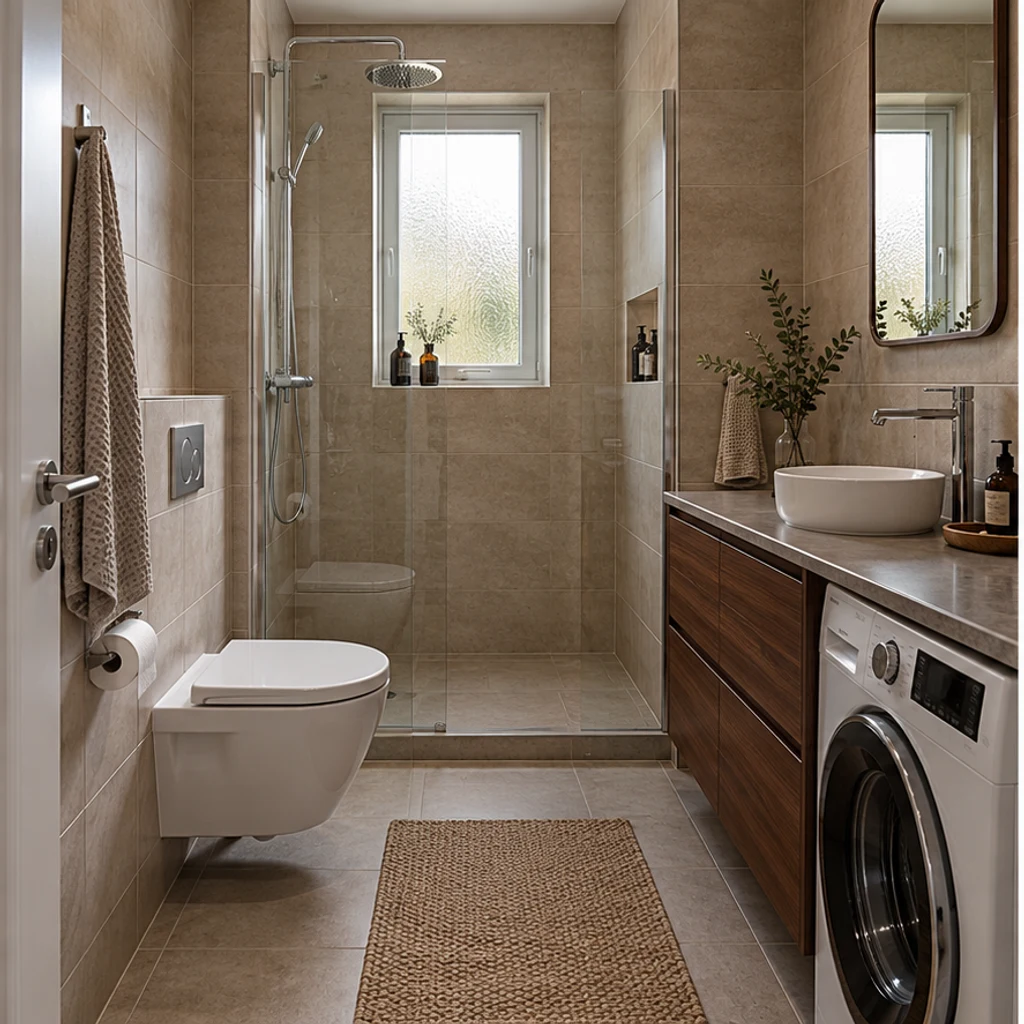
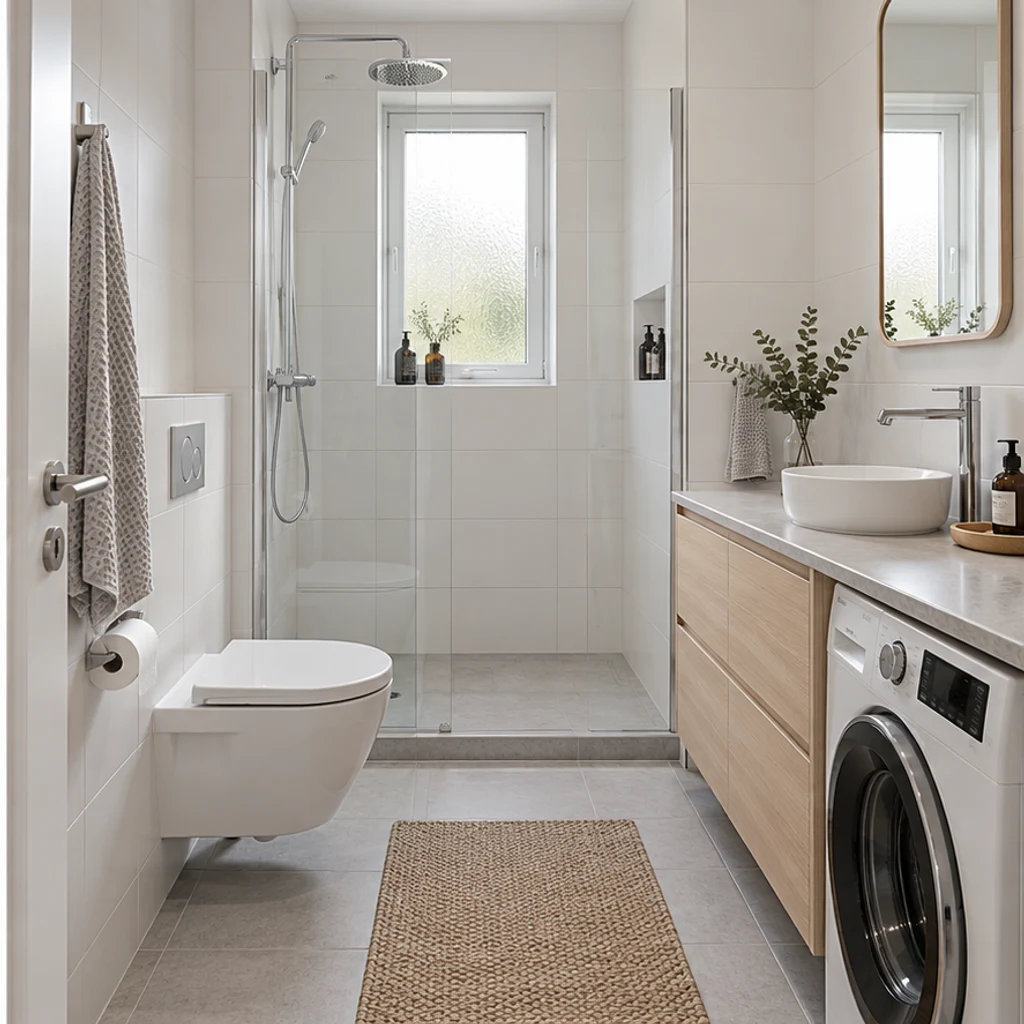
White tiles and pale ash fronts brighten this narrow bathroom around its existing washing machine.
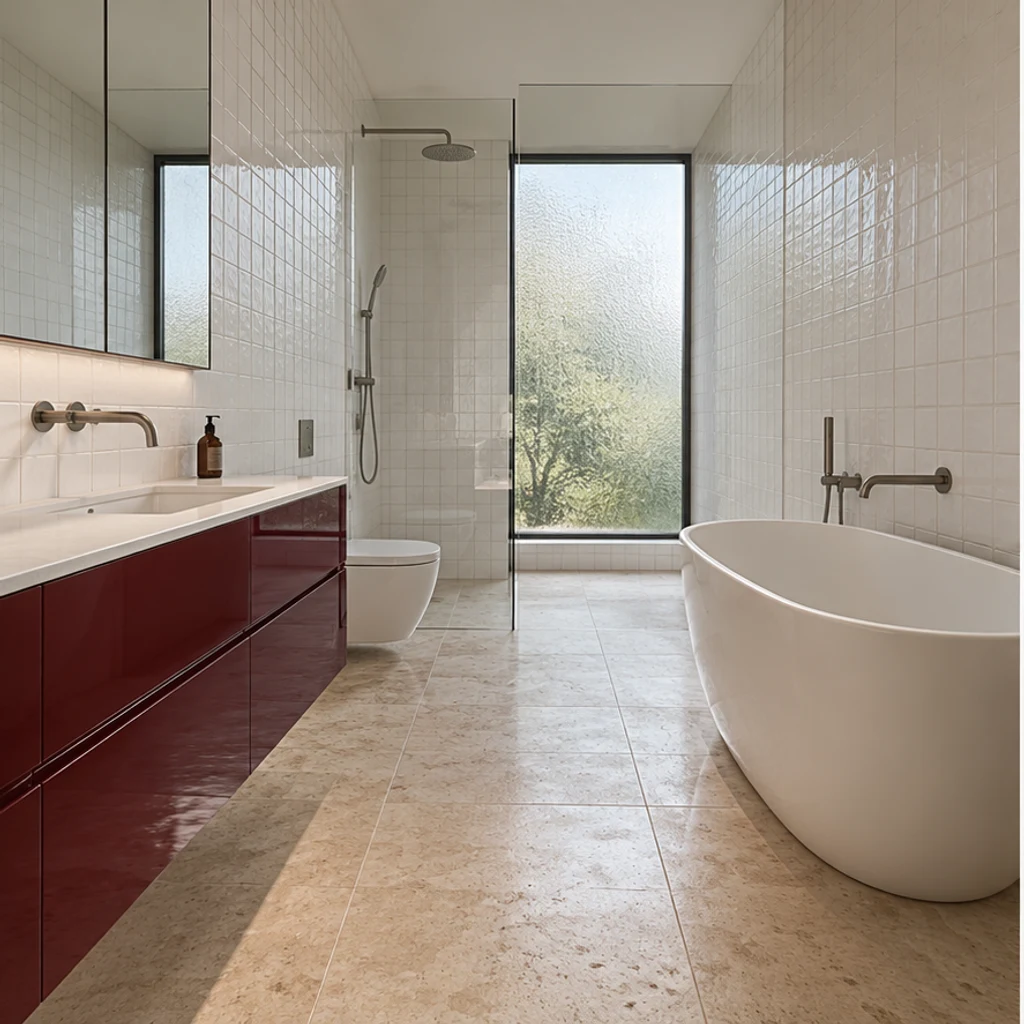
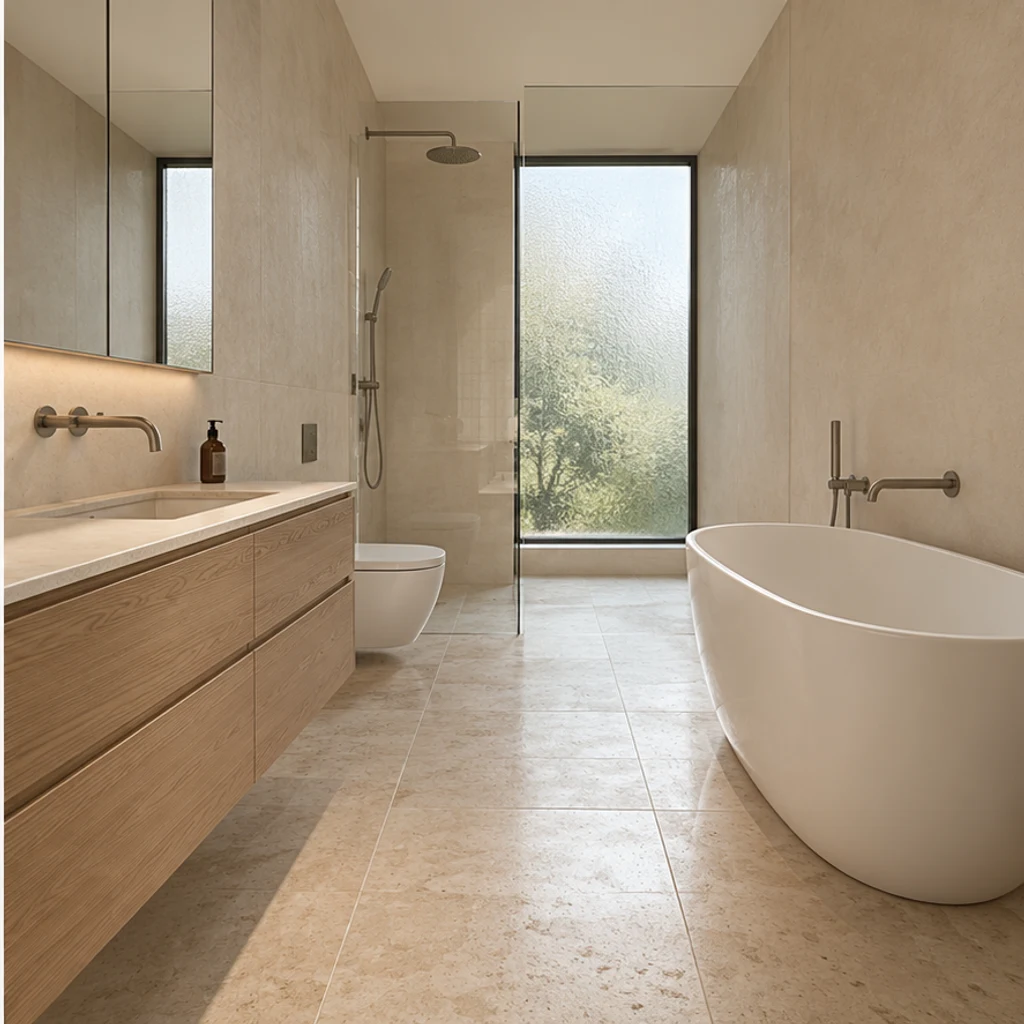
Quiet oak and sand finishes work around the original freestanding bath and tall frosted window.
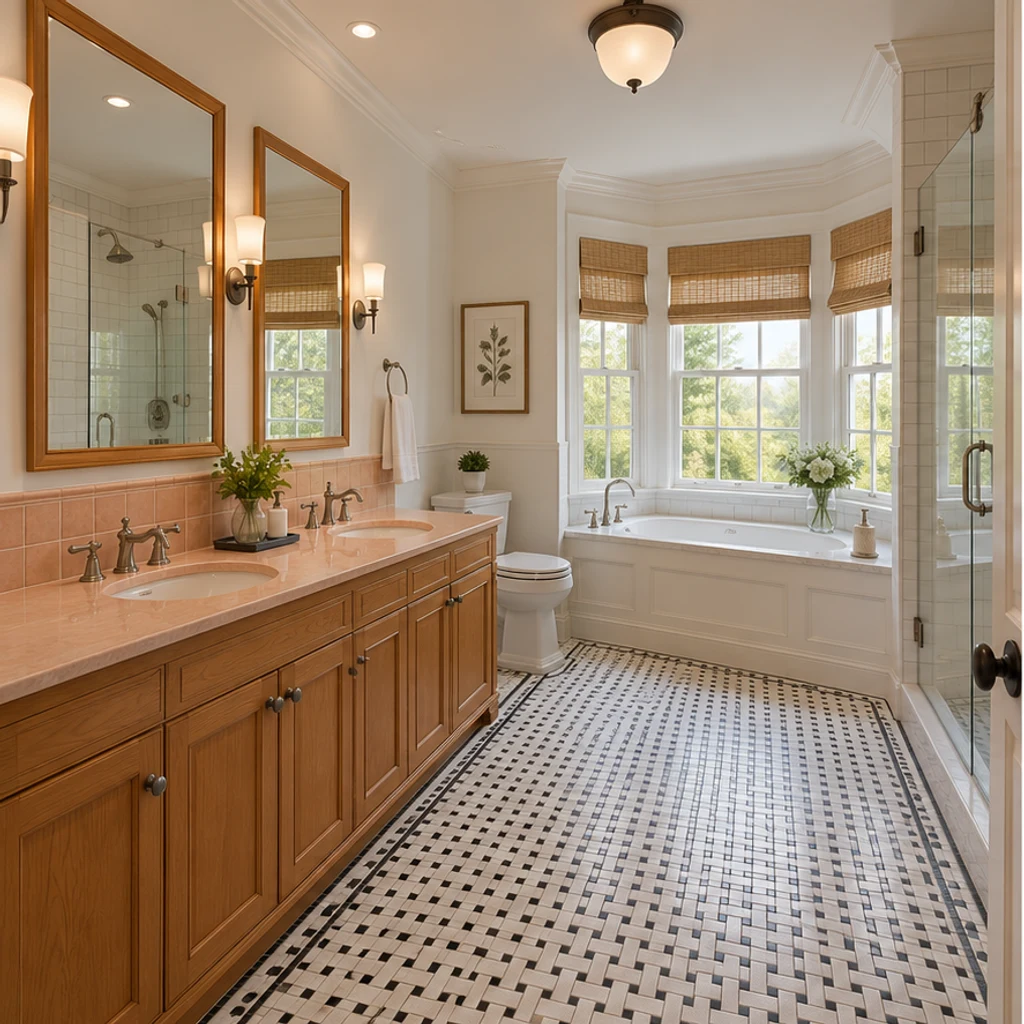
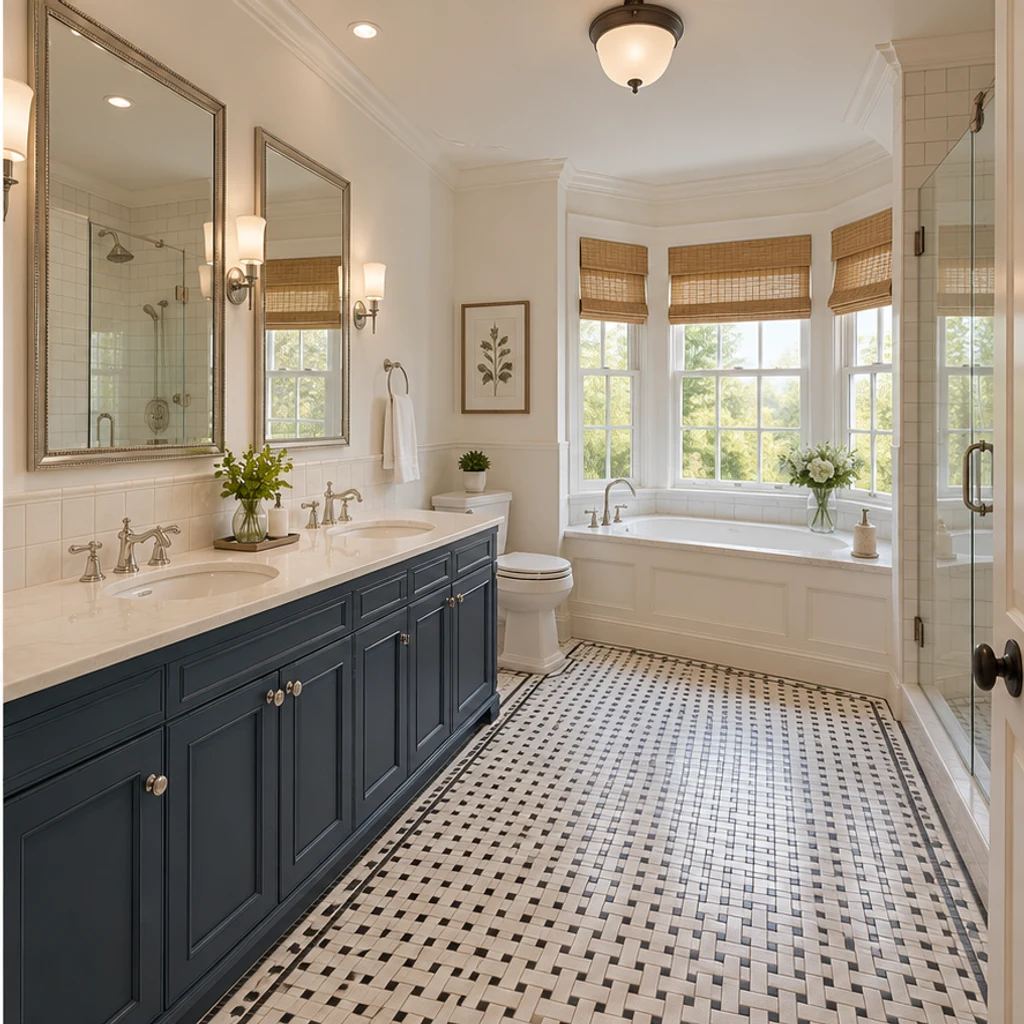
Paneled navy fronts and cream stone complement a double vanity while the mosaic floor stays.
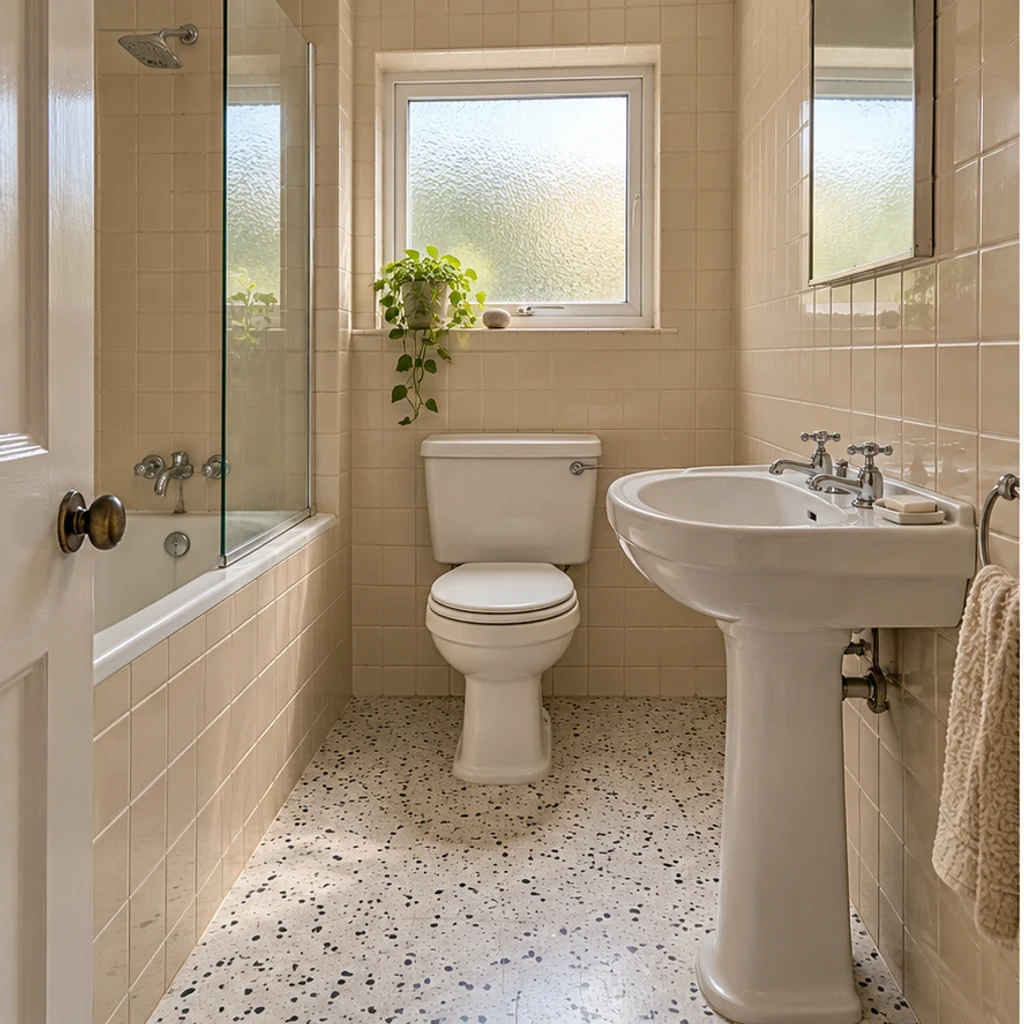
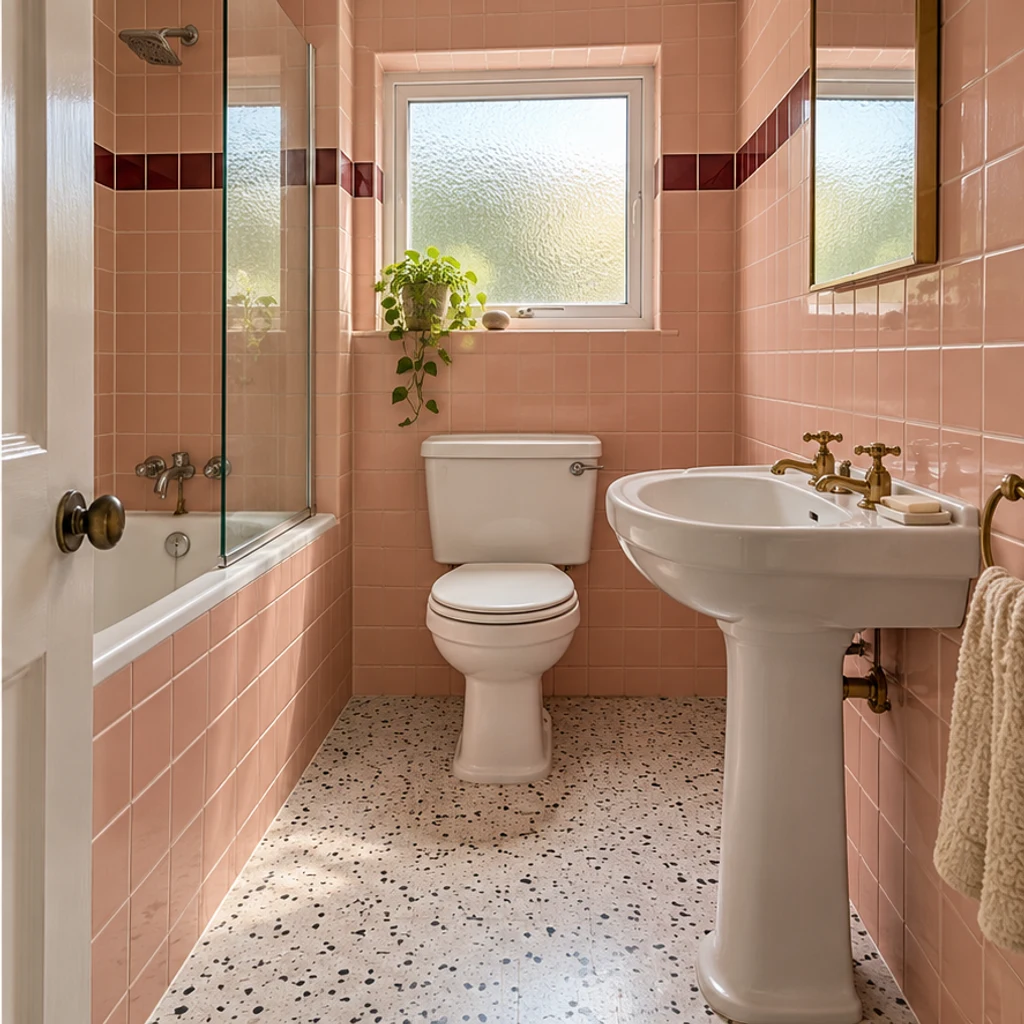
A blush tile palette and warm metal finish change the mood of a small pedestal-sink powder room.
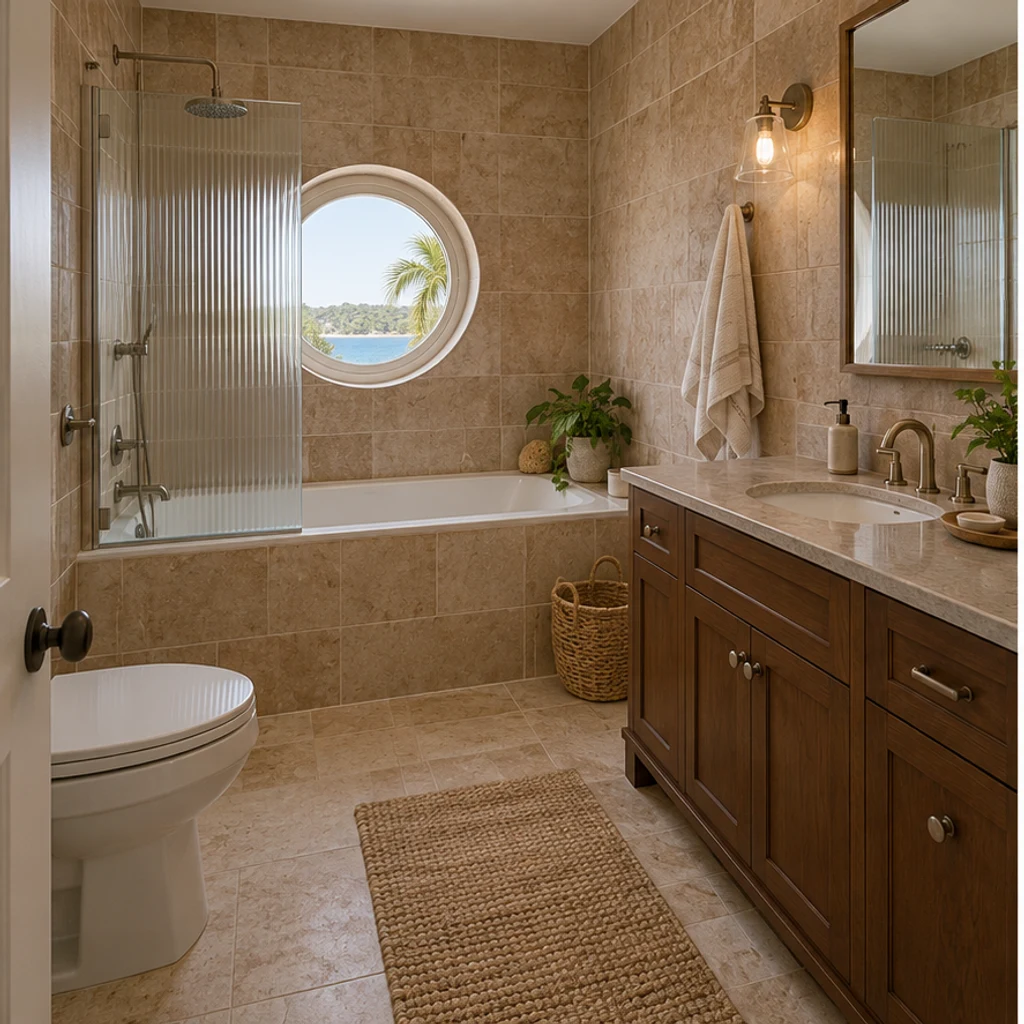
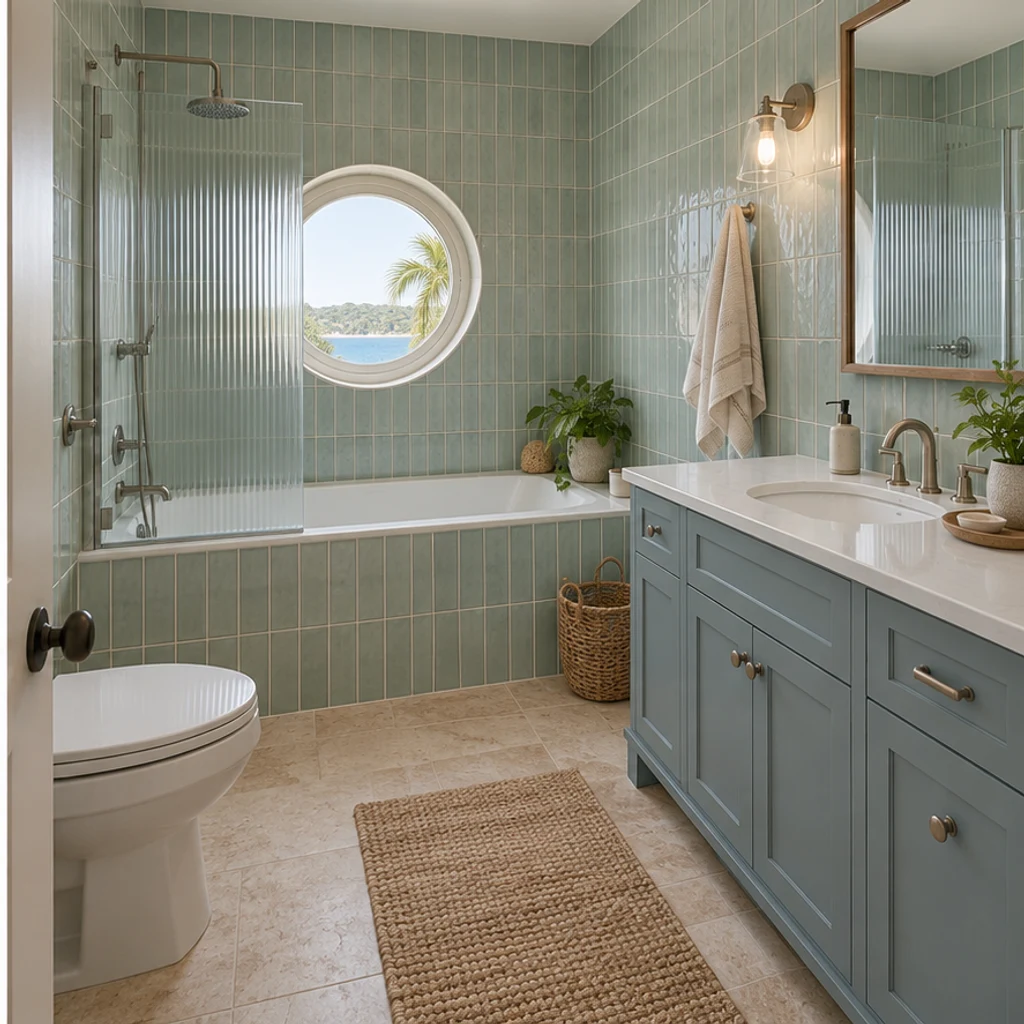
Dusty-blue fronts and pale green tile sit around the existing porthole window and inset tub.
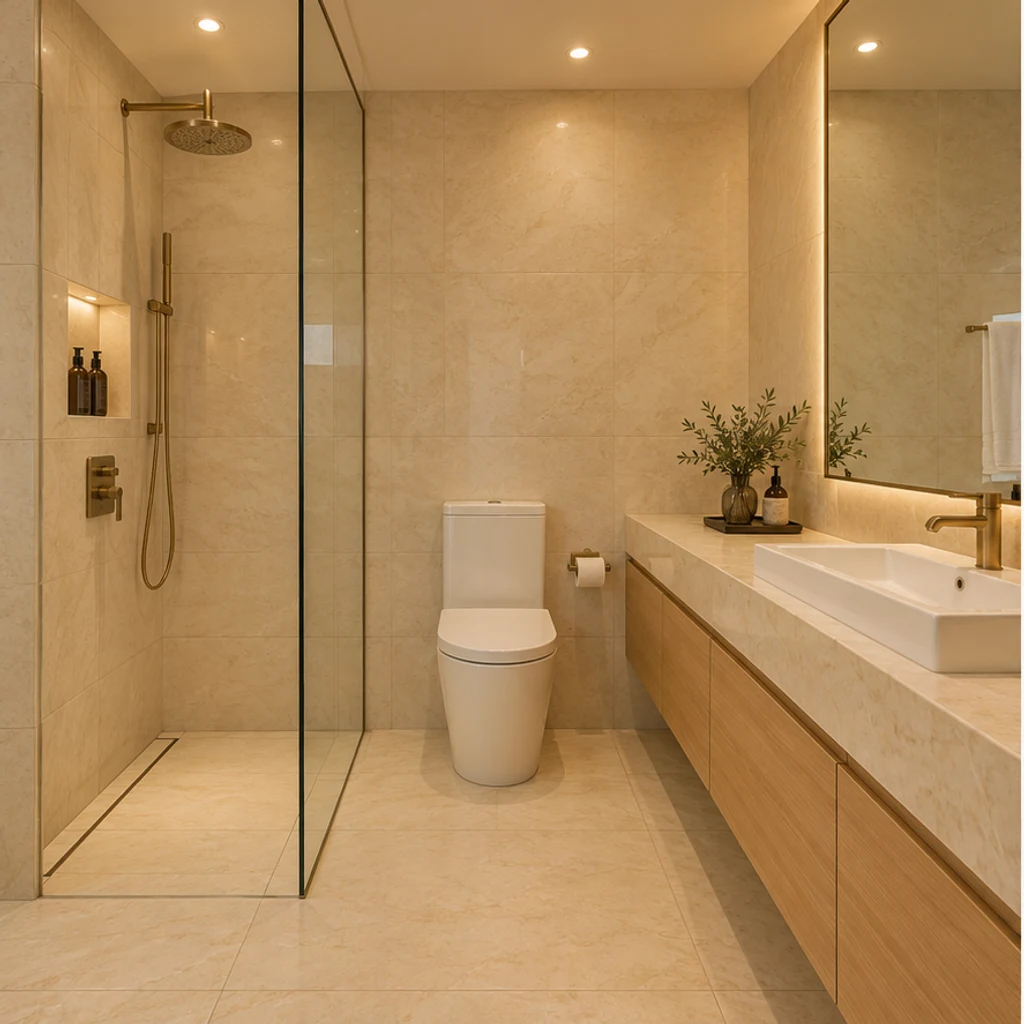
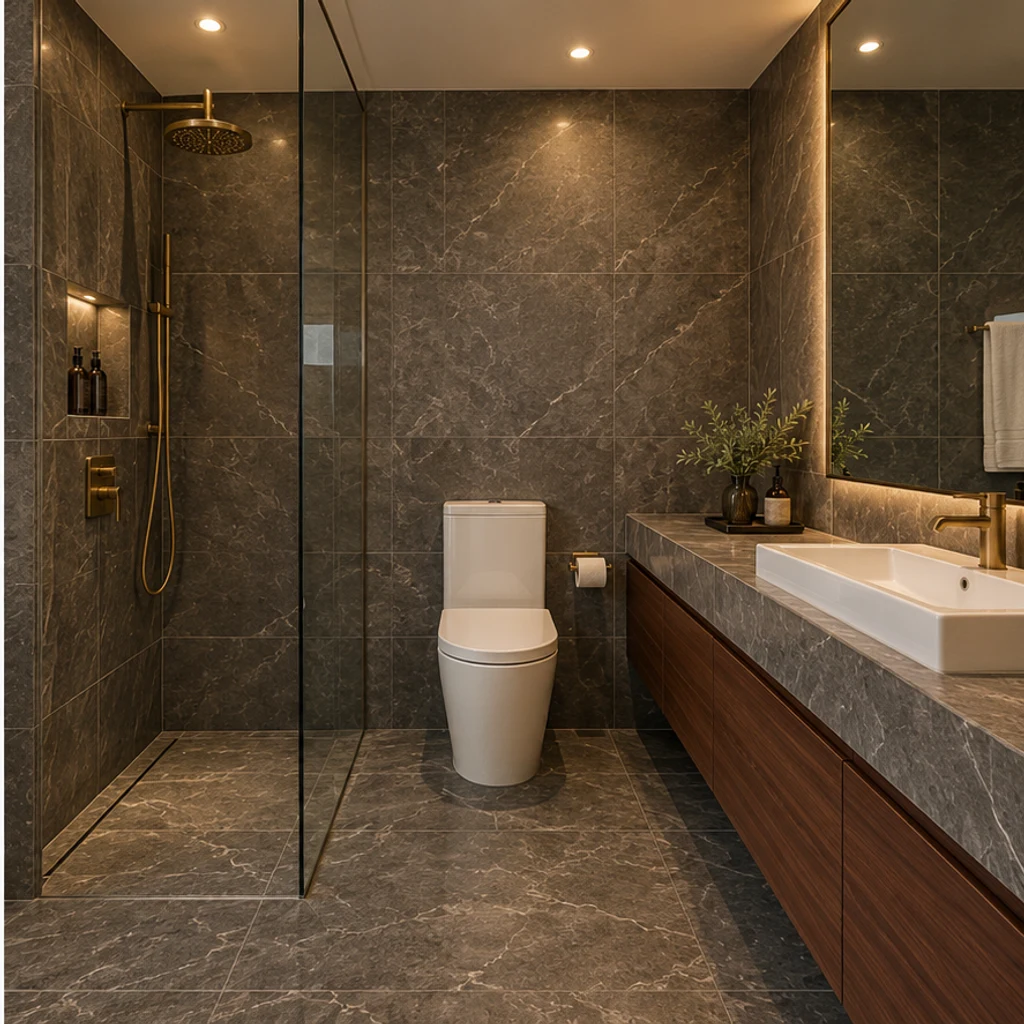
Charcoal stone-look surfaces and walnut fronts add depth to a windowless hotel bathroom.
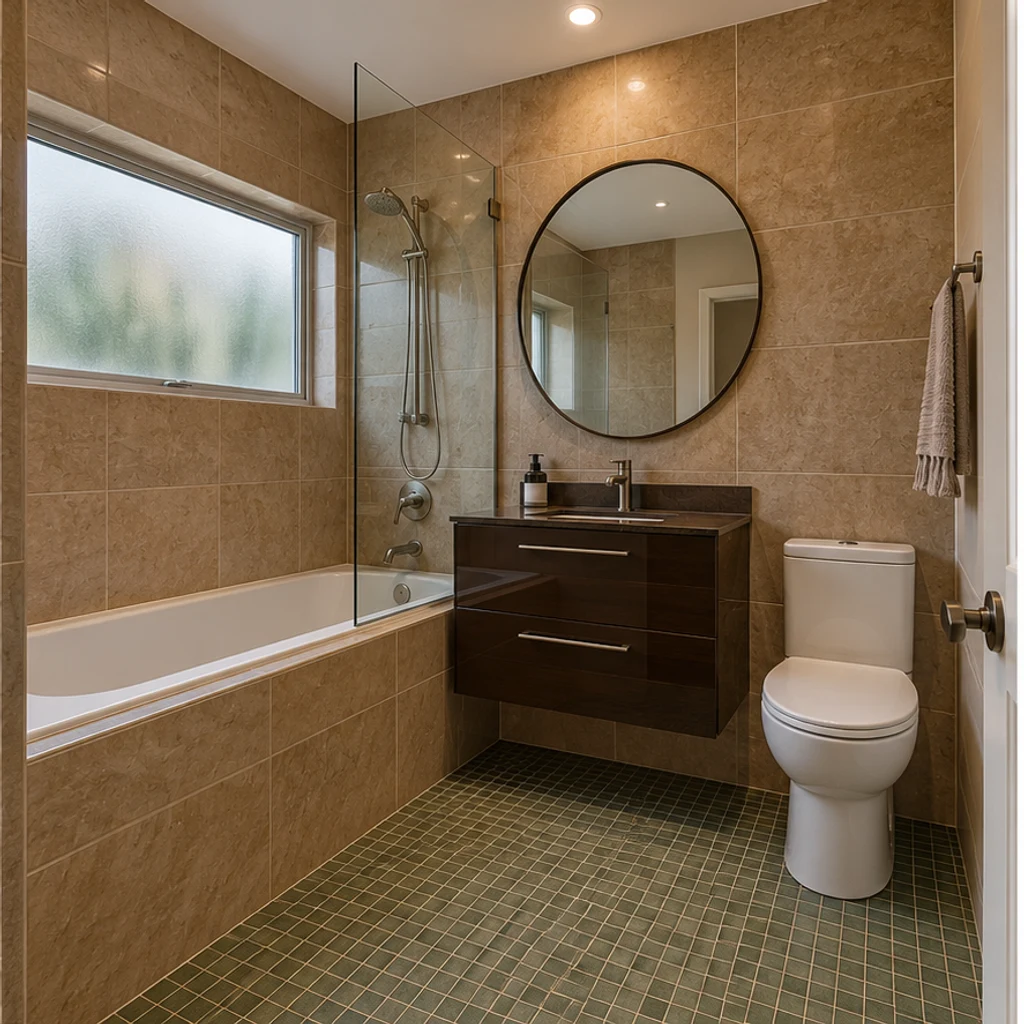
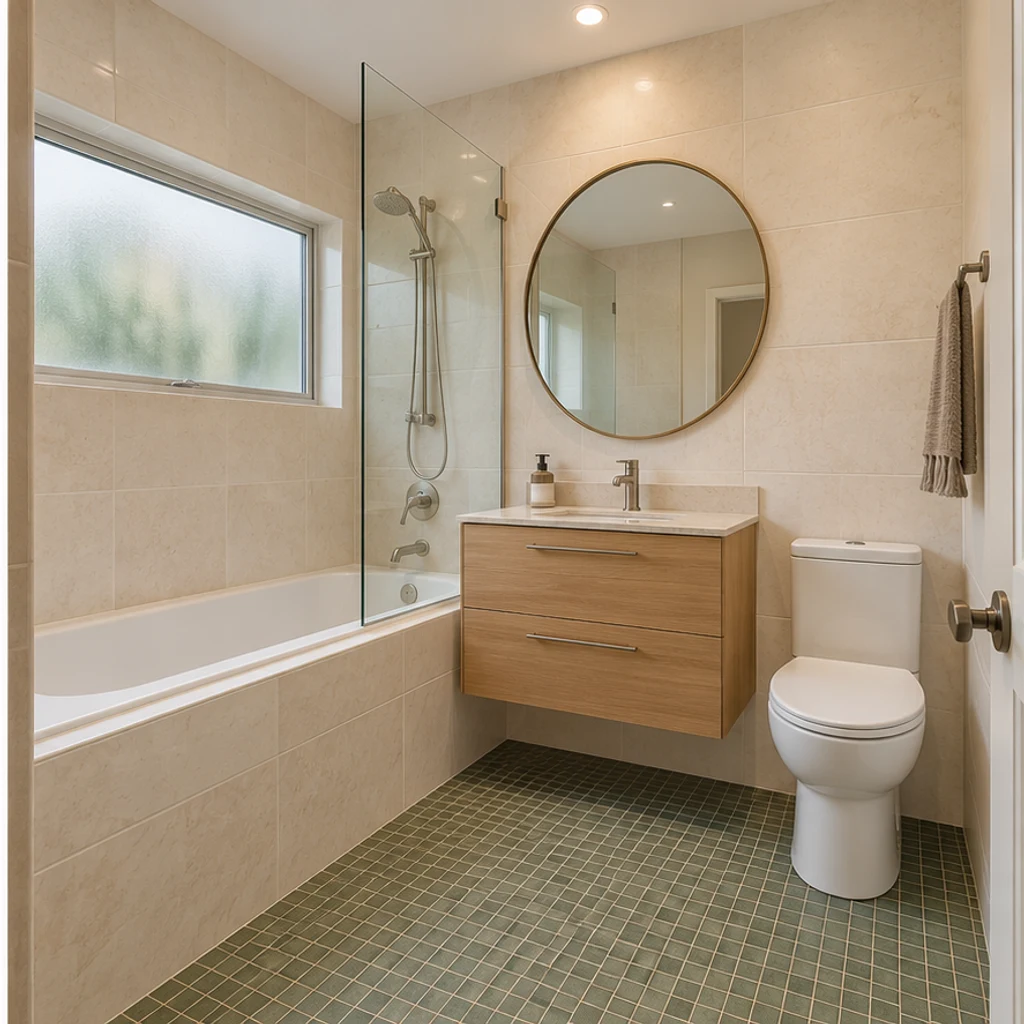
Warm ivory and pale oak coordinate with the green floor of this garden-level bathroom.
Choose a clear, level photo showing the surfaces to change and nearby fixtures. Keep the toilet, basin, tub or shower visible; avoid heavy filters and extreme wide-angle distortion.
Pick one of 8 style images, upload your own reference instead, or describe the target in Edit instructions. Name any surfaces that should stay unchanged.
Generate a concept and compare it with the original. Check fixture positions, mirror reflections and tile edges. Refine the instructions and keep useful variants in your generation history.
Start with the layout and reflections, then compare colors. A convincing concept still needs physical samples and an installation plan.
Check the toilet, basin, bathtub, shower glass, doors and windows against the original.
Look for added sinks in reflections, missing shower edges or changed lighting.
A changed floor can alter how the wall tile looks, even when you only requested wall color.
A generated texture does not identify a tile SKU, grout width, exact paint or waterproofing system.
AI can produce visual finish concepts from your existing bathroom photo. Use them to compare tile, vanity, countertop and hardware directions; inspect the layout and check real samples before making renovation decisions.
No. Upload a photo and give instructions, or use only the photo for a restrained warm-neutral finish refresh. Style templates are optional and can be removed.
Yes. Your bathroom is image 1 and the selected style is image 2. Uploading your own reference replaces the template source. The second image guides finishes, not the room layout.
Yes. Specify the surface in Edit instructions and name what must stay fixed. For example: change only the tiled walls to muted teal; keep the vanity, floor, tub, toilet and lighting unchanged.
No. This is a finish-preview tool for the existing layout. It does not produce CAD, dimensions, plumbing plans, material specifications or construction approval. Review each image for unintended changes.
Generation uses LumiYing credits. Check the cost on Generate and the current pricing page. Loading an example only fills the inputs and does not generate or spend credits.
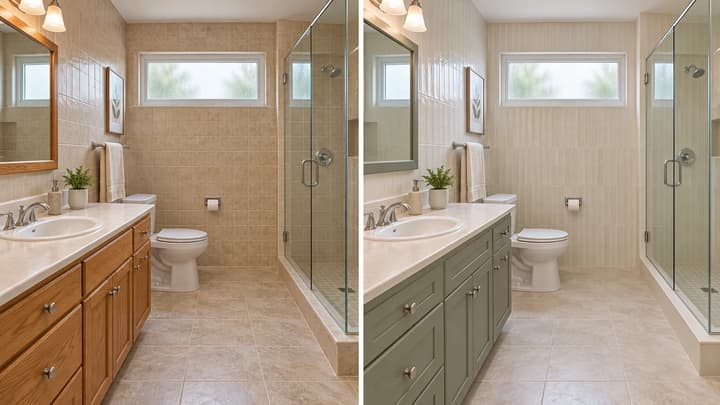
Use AI bathroom design to compare tile colors, vanity finishes and hardware in your own photo. Learn to keep the layout fixed and review remodel concepts.
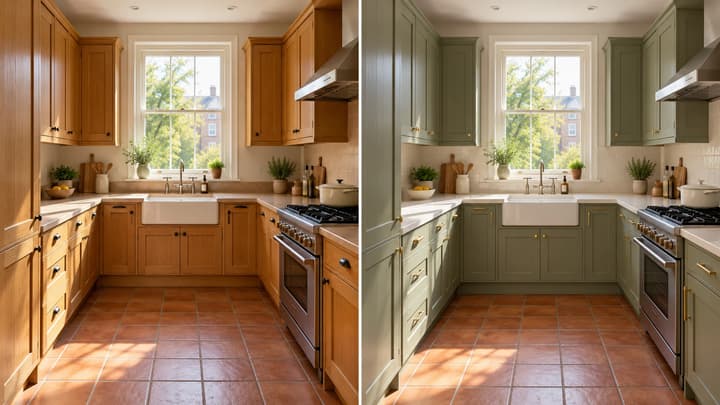
Create AI kitchen design ideas from your photo. Compare cabinet, countertop and backsplash finishes with 8 style references or your own instructions.
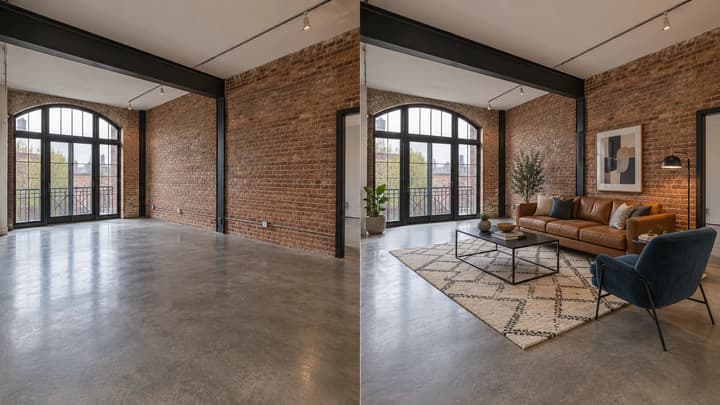
Add furniture to an empty room photo. Choose from 5 room types and 8 furniture styles, then review and download the staged image.

Upload an image, describe the edit, and create polished visuals for products, social posts, posters, or keyframes.

Review credits and plans before generating.
Explore AI bathroom design from your photo. Compare tile, vanity and countertop finishes with 8 style references while keeping your existing room layout.