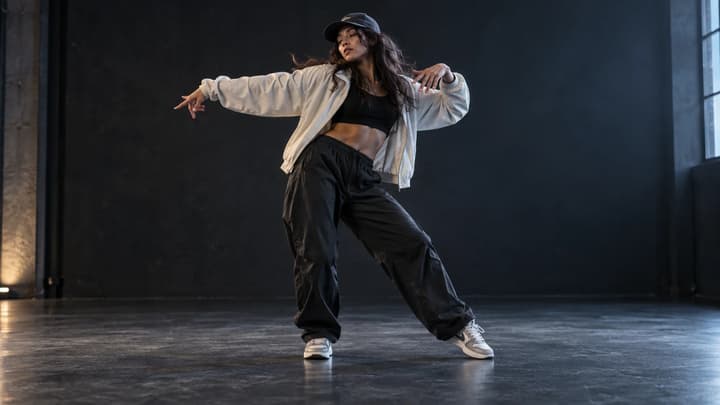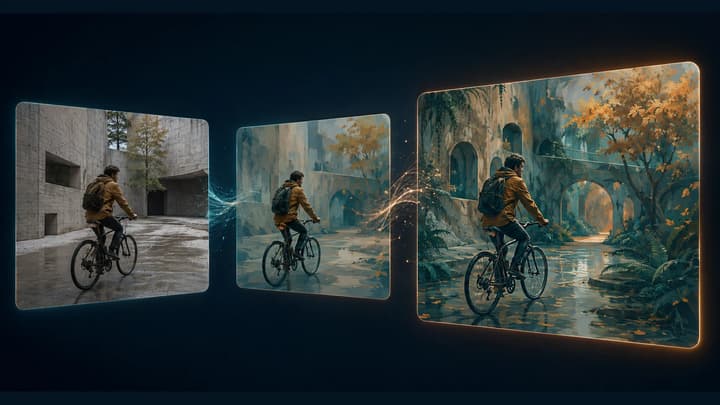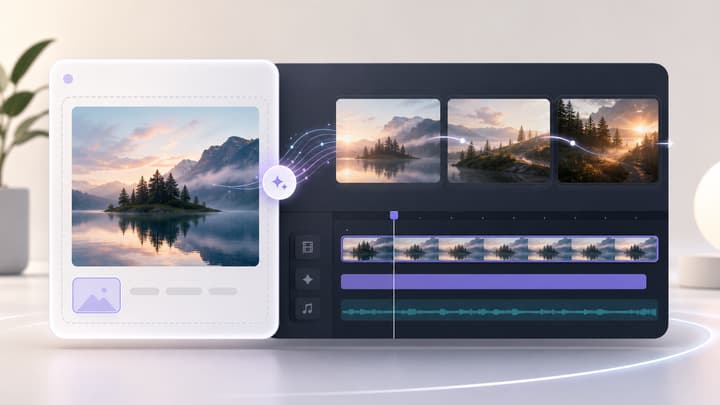
How to Make a Photo Dance with AI

To make a photo dance with AI, upload a clear person or character image, describe a short sequence of moves, and generate a video. If you already have choreography in mind, add a dance video as a motion reference. Here is how to choose the right image and write the first prompt.

Choose your workflow

One photo, two ways to direct the dance

Choose based on whether you want a new routine or have an existing movement to reference.

Photo only
Photo + movement prompt
The model interprets your steps, tempo and camera instructions. You do not need to find a template first.
Photo and dance clip
Photo + video reference + prompt
Use the photo for the character's appearance and the clip for movement. The output may differ from the original choreography.
Photo checklist

Choose a photo that leaves room to move

The useful detail is not just the face. The frame should show the parts of the body you want to animate.

Subject
One clearly visible person or character
Group photos make it harder to specify who should move.
Framing
Whole body for footwork; waist-up for a portrait groove
Cropped limbs leave the model to invent parts of the performance.
Pose and background
Visible hands, separated arms, a simple background
An uncluttered silhouette gives you a clearer starting point for the routine.
Prompt direction

Write the motion, not just the style

“Hip-hop dance” gives a mood. A sequence gives the model something more specific to follow.

Put the actions in order

Try: step right, bring the other foot in, swing both arms, then hold a pose. Keep the sequence short enough for the selected duration.

Assign each reference a job

When using two assets, say which uploaded image supplies the person and which video supplies the action. Add the camera and background instructions separately.

Step by step

How to make an AI dance video

To make a photo dance with AI, upload a clear person or character image, describe a short sequence of moves, and generate a video. If you already have choreography in mind, add a dance video as a motion reference. Here is how to choose the right image and write the first prompt.

Step 01

Upload your photo

Open the generator and add a clear image of one person or character. For footwork, choose a photo that shows the whole body, including the shoes.

Step 02

Describe the moves or add a reference

Describe two or three actions in sequence. If you have a dance video, add it as a reference and explain that the photo supplies appearance while the video guides movement.

Step 03

Generate and review

Start with five seconds and choose your framing. Check the credit cost, generate, then review the face, hands and foot contact. Refine one movement at a time before making a longer version.

Step 04

Review the movement before sharing

Watch at normal speed, then pause around turns and hand gestures. Check whether the face changes, feet slide or hands merge with the body. Simplify the affected move and generate another short attempt if needed.

Dance video examples: from photo to movement

See a full-body dance, a portrait groove and a character performance. Compare each reference image with the video and try the accompanying prompt.

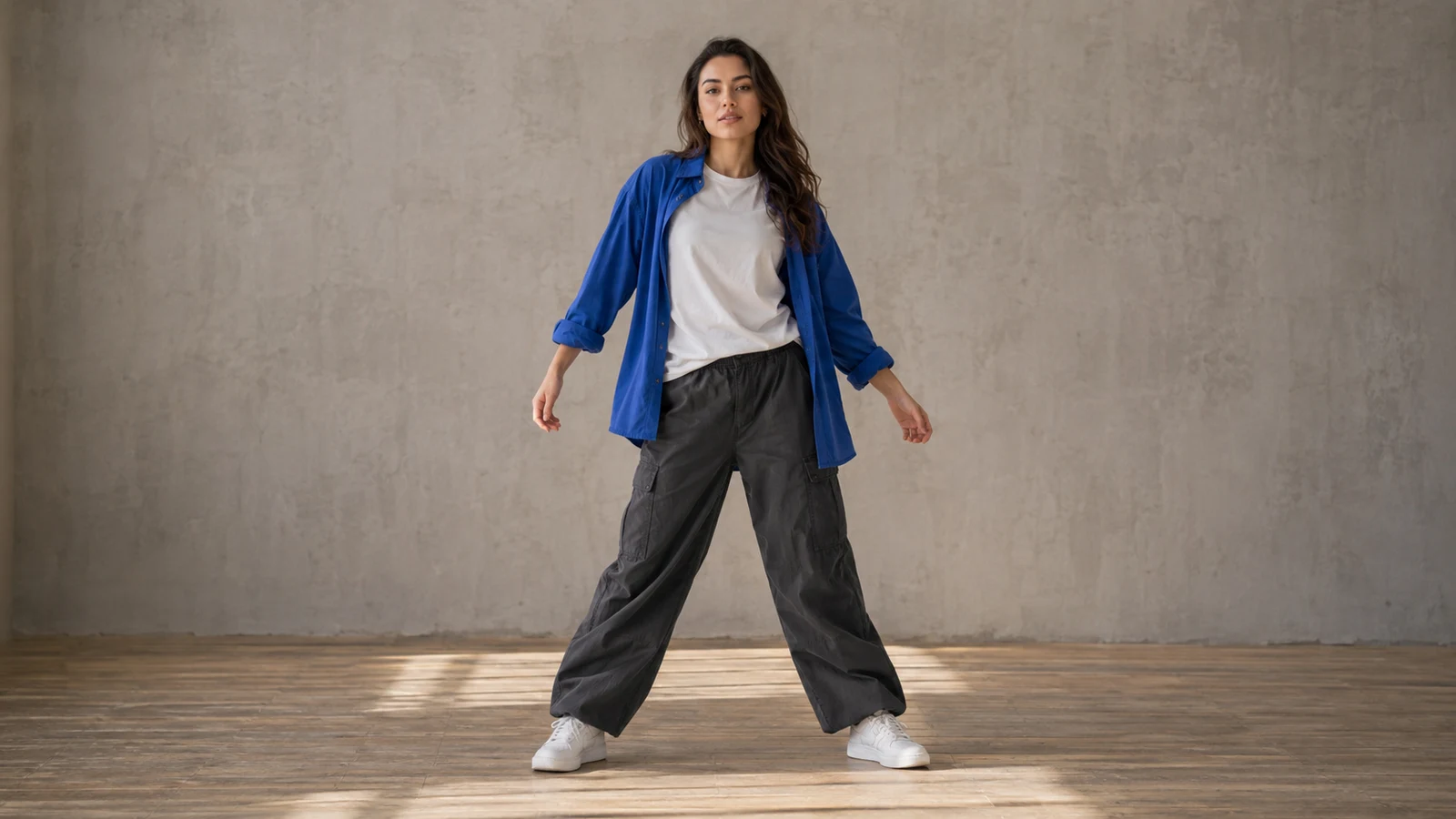
Reference image
Prompt

Animate the adult woman in the reference image performing a short, upbeat dance. She takes two clear side steps, adds a gentle knee bounce and relaxed alternating arm swings, then finishes in a balanced pose. Keep her entire body, including both feet, visible throughout. Preserve her face, cobalt-blue overshirt, white T-shirt, gray cargo pants and sneakers. Keep the camera fixed and maintain the original studio background and natural lighting. Use smooth, believable joint movement, consistent anatomy and firm foot contact with the floor. One continuous 5-second shot. No scene cuts, extra people, text, logos or watermarks.

Dance video

Side steps and arm swings with both feet in view.

Reference image
Prompt

Animate the adult man in the reference image doing a relaxed, upbeat upper-body dance. He gently shifts his torso from side to side, alternates small shoulder rolls and adds subtle head nods, with his open hands moving naturally near waist level. Preserve his face, curly dark hair, terracotta sweatshirt and original framing. Keep the camera fixed, the studio background unchanged and the lighting soft and consistent. Make the movement fluid and expressive while keeping his facial features and hand anatomy stable. One continuous 5-second shot. No scene cuts, extra people, text, logos or watermarks.

Dance video

Shoulder movement and gentle swaying in a waist-up shot.

Reference image
Prompt

Animate the stylized adult female character in the reference image performing a playful dance. She makes two light side steps with a soft knee bounce, swings her forearms outward and inward, then finishes with a cheerful, balanced pose. Preserve her short violet hair, teal bomber jacket, cream top, navy trousers and sneakers. Maintain the original stylized 3D appearance, lavender stage and soft lighting. Keep the camera fixed and her full body and both feet visible. Use clear, coordinated motion with consistent character proportions and grounded footwork. One continuous 5-second shot. No scene cuts, extra characters, text, logos or watermarks.

Dance video

A stylized character performs playful steps and finishes with a wave.

Copyable Prompts

Three dance prompts to start with

Choose a starting prompt, then adapt the subject and the image or video labels shown in your generator.

Photo only: a short street-dance groove

Use the person in the uploaded photo as the subject. Create a five-second full-body dance: step right, bring the left foot in, add a small knee bounce, then swing both arms and hold a relaxed final pose. Keep the same face and outfit. Steady front camera, natural lighting, both hands and shoes visible throughout, one continuous shot.

Use a full-body image. Start with a simple sequence before adding turns or faster footwork.

Portrait: shoulders and hands

Animate the person in the uploaded waist-up photo with a gentle rhythmic shoulder groove, two small head nods and one outward hand gesture. Keep the face and clothing consistent. Maintain the original waist-up framing and a steady camera. Five seconds, soft natural light, no scene cuts.

This keeps the requested action within a portrait crop instead of inventing full-body choreography.

Photo and video: a character follows the reference

Use the uploaded character image for appearance, outfit and illustration style. Use the uploaded dance video as a guide for body movement and timing. Keep one character in a simple studio with a steady full-body camera. Preserve the character's silhouette and keep hands and feet visible. Make a short, readable dance sequence.

Upload both assets and name them using the labels in your generator. Reference guidance does not guarantee an exact copy.

Review your clip

What to change when the first clip feels wrong

Change one variable so you can tell whether the next attempt improves it.

Feet slide or disappear
Use a wider full-body image and simpler steps
Keep the camera stationary.
Face or outfit changes
Reduce spins, occlusion and background changes
Keep the same character photo.
Movement does not follow the reference
Choose a shorter clip with one clear dancer; clarify asset roles
Keep the same appearance reference.
FAQ

Photo-to-dance questions

Should I choose 9:16 for TikTok or Reels?

9:16 is a useful starting format for vertical social clips. Keep the dancer away from the edges and leave room for feet and arm gestures. Check the full video before uploading it to your chosen platform.

Will the dance automatically match a song beat for beat?

Do not assume exact music synchronization. Describe the pace in your prompt, then review the timing. For a precise song edit, align the finished clip with your soundtrack in a video editor.

What if I only have a selfie?

Start with a close portrait groove: head nods, shoulders and small visible gestures. If you need full-body footwork, choose or create a suitable full-body image before generating the dance.

Give your photo its first dance

Choose one image, describe a short routine and start with a five-second clip.