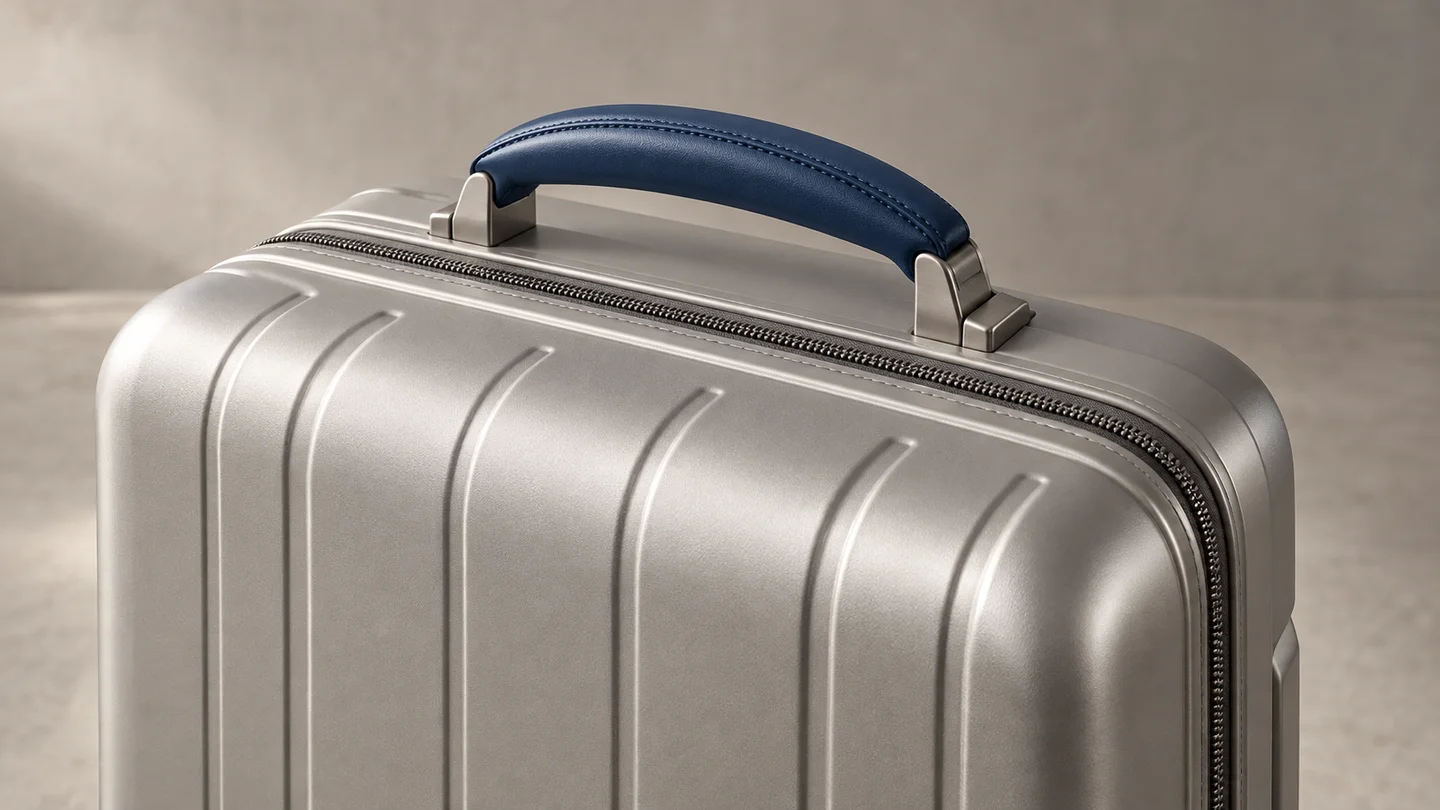
GPT Image 2 vs GPT Image 2.5
Try GPT Image 2.5 when your next image needs a recognizable product, a focused background change or several rounds of edits. Keep GPT Image 2 for an established look you already like. Compare reference fidelity, revision work and credit costs using the same brief.
LumiYingUpdated
Which model fits your next task?
GPT Image 2 vs GPT Image 2.5 at a glance
Both support new image generation and reference editing. The difference to look for is how closely the result follows the brief and how much of an accepted image survives a change.
Where the differences matter in a finished image
Product and portrait references
GPT Image 2 already accepts high-fidelity image inputs. GPT Image 2.5 improves how recognizable subjects and distinctive details carry into a new scene. For a product, examine its outline, material and label; for a portrait, compare facial features rather than just the overall mood.
Changing one element
Replacing a wall color is a different task from designing a new scene. GPT Image 2.5 improves control over requested changes. Judge the untouched areas too: a successful background edit should not require you to repair the product, headline or framing afterward.
Continuing an edit
Consistency becomes more useful when you change the background, then the lighting, then the crop. In LumiYing, upload the accepted result as the next reference. Compare what survives each edit, including choices made two steps earlier.
Text, layout and material detail
GPT Image 2.5 improves visual instruction following, textures and natural lighting. A poster still needs a separate spelling and layout check. Inspect spacing, reading order and whether light behaves plausibly on glass or fabric; extra sharpness alone does not make a usable design.
Run a small comparison before switching a project
Choose three real briefs
Use one product reference, one background-only edit and one text-heavy layout. Decide in advance what would make each result usable: the correct label, an unchanged subject or readable copy.
Match the inputs and your spend
Start with GPT Image 2 and GPT Image 2.5 Flare at 1K Medium, with the same prompt, references and ratio. One image from each costs 6 credits; three pairs cost 18 before retries. If editing precision is the deciding factor, repeat a brief with Sunburst at the same settings for 3 more credits. Record each mode separately; matching quality labels does not guarantee identical results.
Check the same details in both results
Compare label letters, subject proportions, untouched regions and text placement. Mark each brief usable or needs revision, and write down the correction needed. Repeat a close result before calling it a consistent advantage.
Compare the path to a usable image
Try the same follow-up change with each model's chosen output as its reference. Include these extra generations in the cost and time comparison. Choose the model that reaches your project's requirements with less rework.
GPT Image 2.5 and GPT Image 2 pricing on LumiYing
GPT Image 2.5 and GPT Image 2 share the Low, Medium and High prices at 1K, 2K and 4K. XHigh and Max are available only in GPT Image 2.5. One 1K Medium image from GPT Image 2 and one from GPT Image 2.5 cost 6 credits in total. Include extra generations and revisions in your budget.
Three prompts, three things to judge
Reference fidelity
Use the uploaded product photo. Place the same product on a light stone shelf against a warm neutral wall. Preserve its proportions, label text, material and color. Add soft side lighting. Keep the entire product visible and add no other products.
Check label spelling, bottle proportions and whether the material still matches the source. Treat a prettier background as a separate criterion from product fidelity.
A focused change
Change only the background wall to pale blue. Keep the subject, camera position, crop, lighting, shadows and all text unchanged. Add no new objects.
Inspect the subject, shadows and frame edges before judging the blue wall. Any unrelated change counts as another correction for this task.
A layout with text
Create a square poster for a weekend plant market. Put the exact headline "PLANT WEEKEND" at the top and "SATURDAY 10–4" at the bottom. Show three different potted plants between the two lines. Use an ivory background, deep green lettering and generous spacing. No extra words.
Read every character in both text lines. Count the three plants and check whether the spacing keeps the headline, plants and event details visually separate.
Continue reading

GPT Image 2.5 Tutorial
Learn GPT Image 2.5 with text prompts, reference edits, quality settings and practical examples. See the exact image credit costs on LumiYing.
GPT Image 2.5
Explore available settings and image prompt examples.
GPT Image 2 Tutorial
Revisit the earlier model's generation and reference workflow.
Frequently asked questions
Are the API prices the same?
The standard token rates match: $5 per million text input tokens, $8 per million image input tokens and $30 per million image output tokens. Cached inputs cost $1.25 for text and $2 for images per million tokens. Equal rates do not guarantee the same total cost per image: token usage can differ.
Is GPT Image 2.5 twice the price on LumiYing?
GPT Image 2.5 and GPT Image 2 share the Low, Medium and High prices at 1K, 2K and 4K. XHigh and Max are available only in GPT Image 2.5.
Can I reuse GPT Image 2 prompts?
Yes. Keep the original brief as a starting point, then inspect how GPT Image 2.5 interprets it. For references, explicitly name the details to preserve. You do not need to rewrite every prompt before trying the new model.
Is GPT Image 2.5 always faster or better?
There is no fixed speed or quality advantage for every LumiYing request. Prompt complexity, settings and service conditions affect the result. Compare the outputs and turnaround of your own tasks without assuming a universal percentage improvement.
Does Medium mean the same image quality in both models?
Quality names describe settings within a model, not a shared scale of visual quality. GPT Image 2.5 adds XHigh and Max, and lets you choose Flare or Sunburst separately. Compare the actual results and credit costs.
Choose a model for the image you need
Start a new edit with GPT Image 2.5, or keep GPT Image 2 for a look you have already approved. Use the same brief to see which needs less revision.