Ivory and charcoal Craftsman
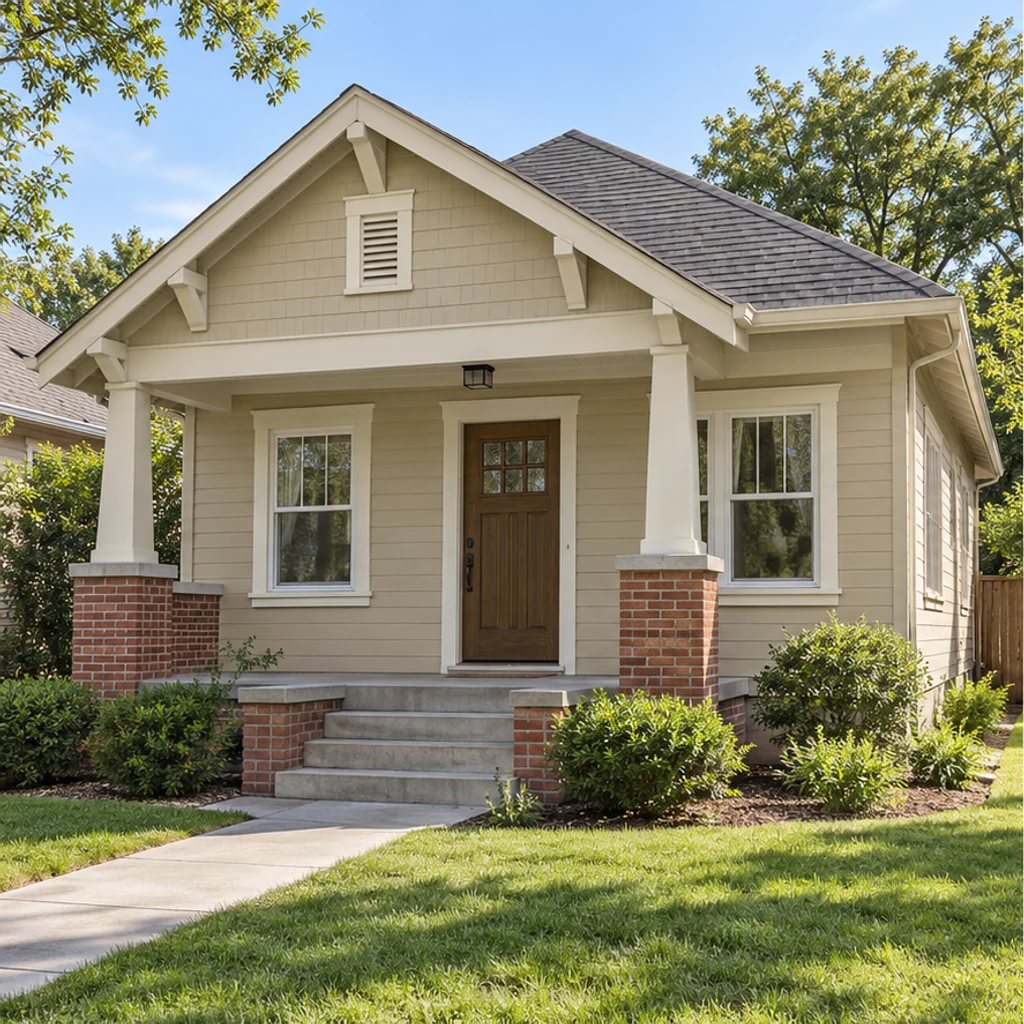
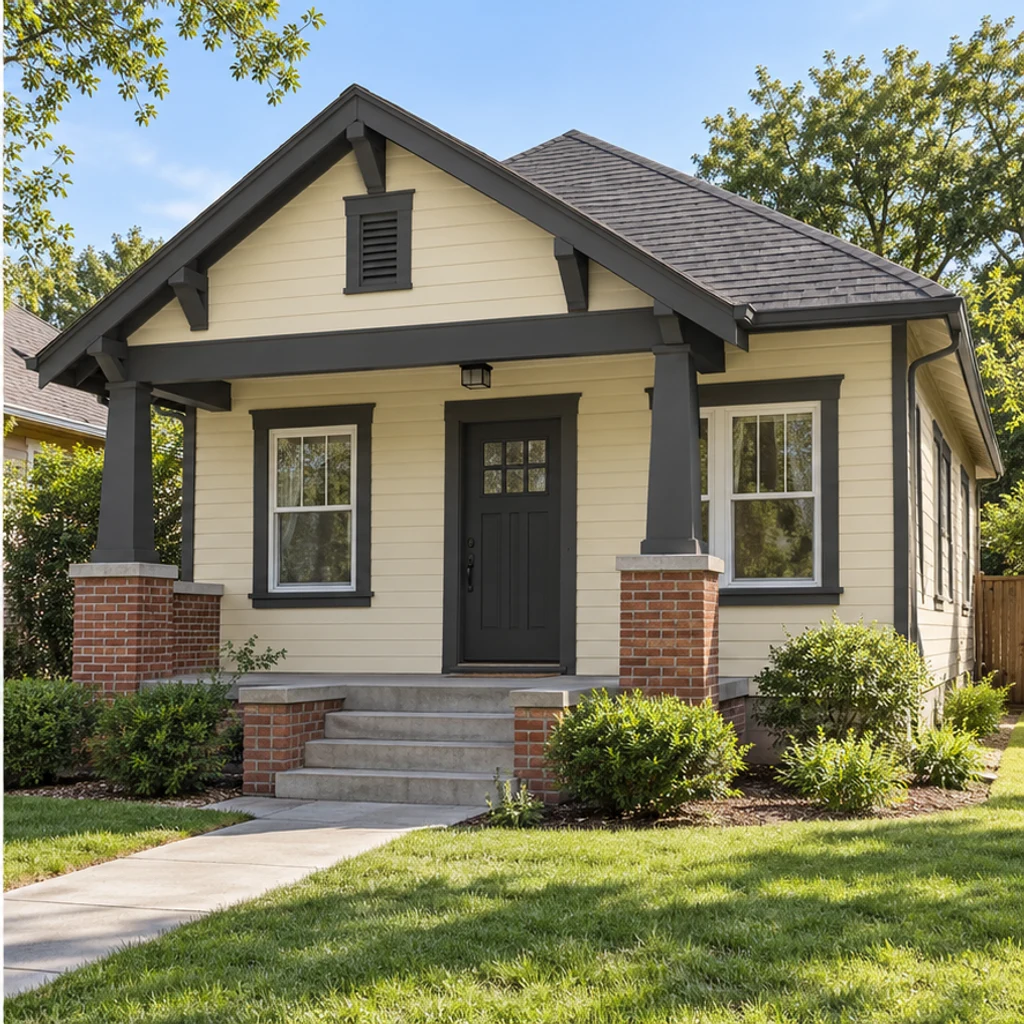
Load this exampleWarm ivory siding and charcoal trim frame the same brick porch.
A swatch alone cannot show the relationship between a new wall color and an existing roof, stone entry or shaded porch. Start with one clear house photo, keep those fixed elements in view and compare one paint direction at a time. This guide explains what to upload, how to write a focused request and what to inspect before using a preview in a paint discussion.
LumiYingUpdated
Compare exterior paint colors on one house photo: choose body, trim and door directions, preserve the roof and masonry, and check the result before testing real samples.
Choose a clear exterior photo in even daylight. Include the roof, entrance and any stone or brick you plan to keep, so the palette can be judged in context.
Pick a palette, upload one color reference or write your direction. Name the body, trim or door and say what must stay. Without a direction, the preview uses warm ivory on the painted body and charcoal on painted trim, keeping the door and shutters.
Review the displayed credit cost and generate. Compare rooflines, windows, masonry, plants and paint edges with the original. Re-edit the same inputs to explore another direction.
Use the image to narrow your options, then test real paint samples outdoors. A generated color concept does not identify an exact brand code, sheen, quantity or installation result.
Specific requests make color comparisons easier to judge. A reference image provides a direction; your instructions define the scope.
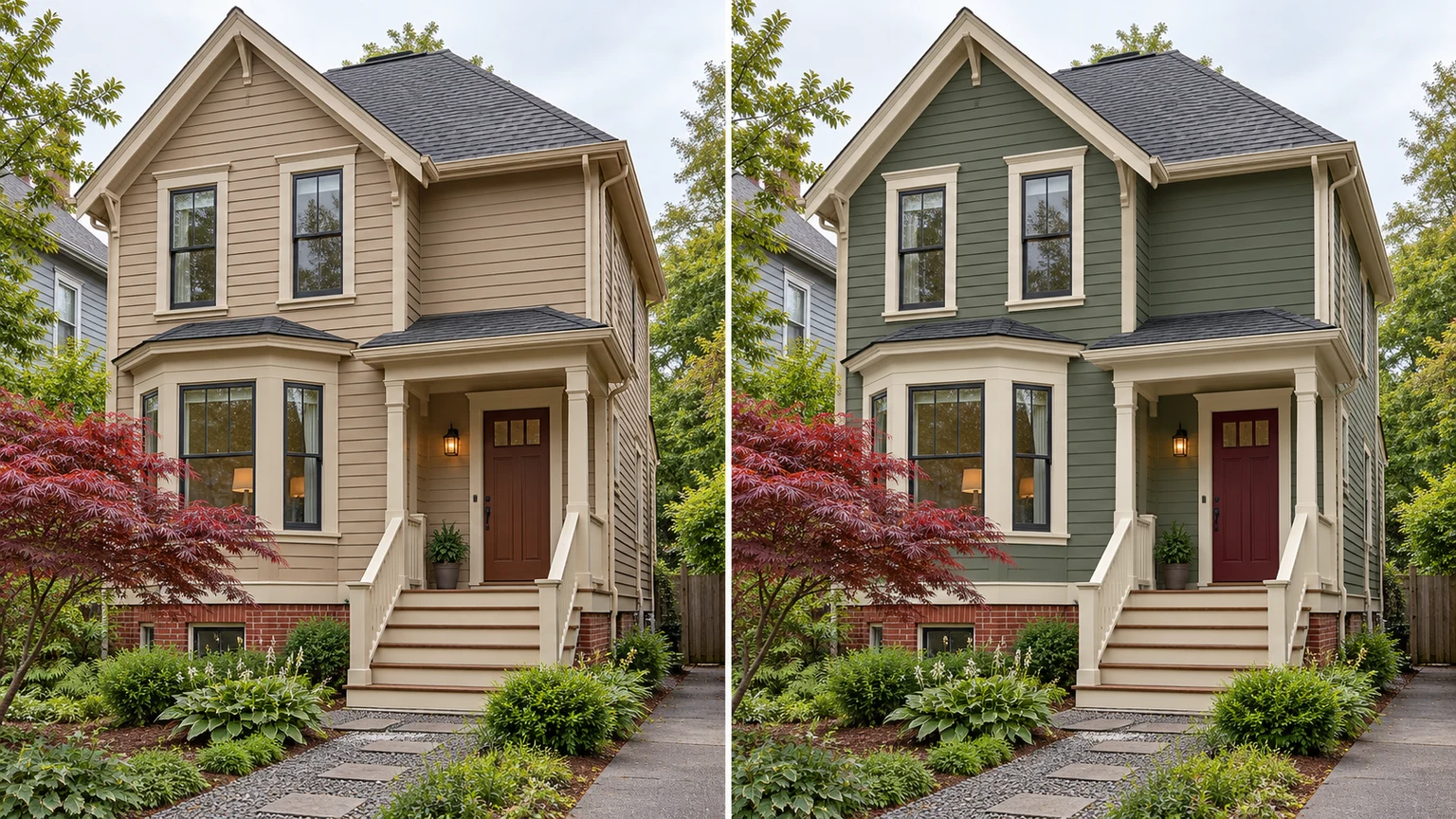
Explore exterior color ideas with these AI-generated illustrations. Choose an example to load its photo and palette settings.
Warm ivory siding and charcoal trim frame the same brick porch.
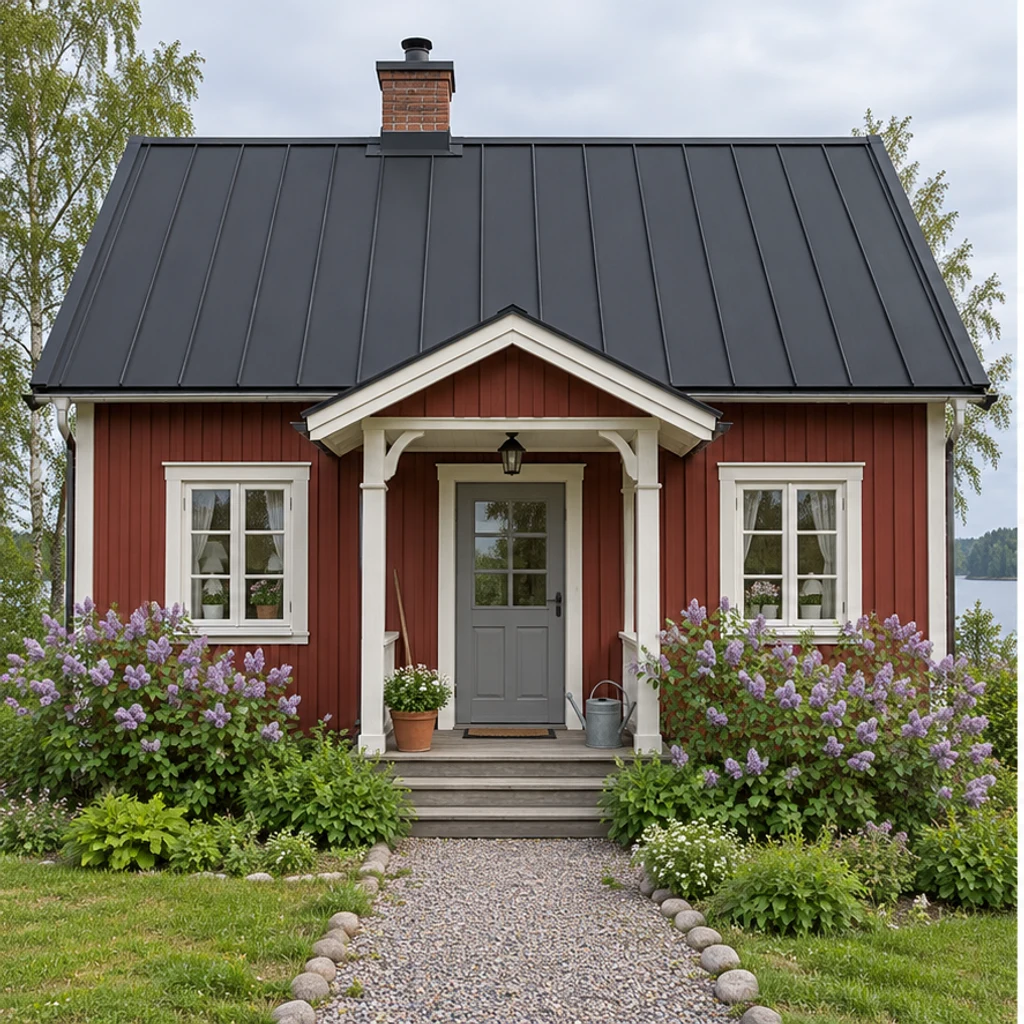
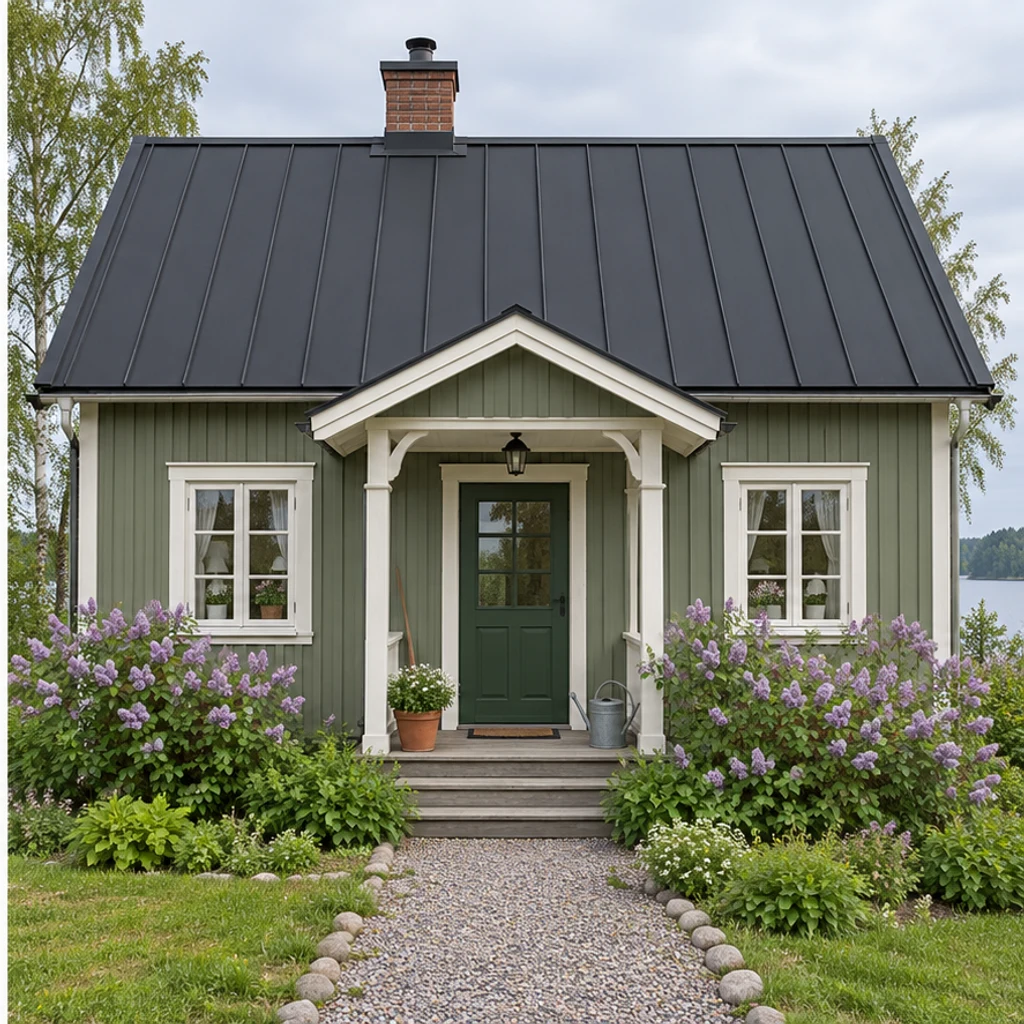
Muted sage and cream soften a red timber cottage without changing its metal roof.
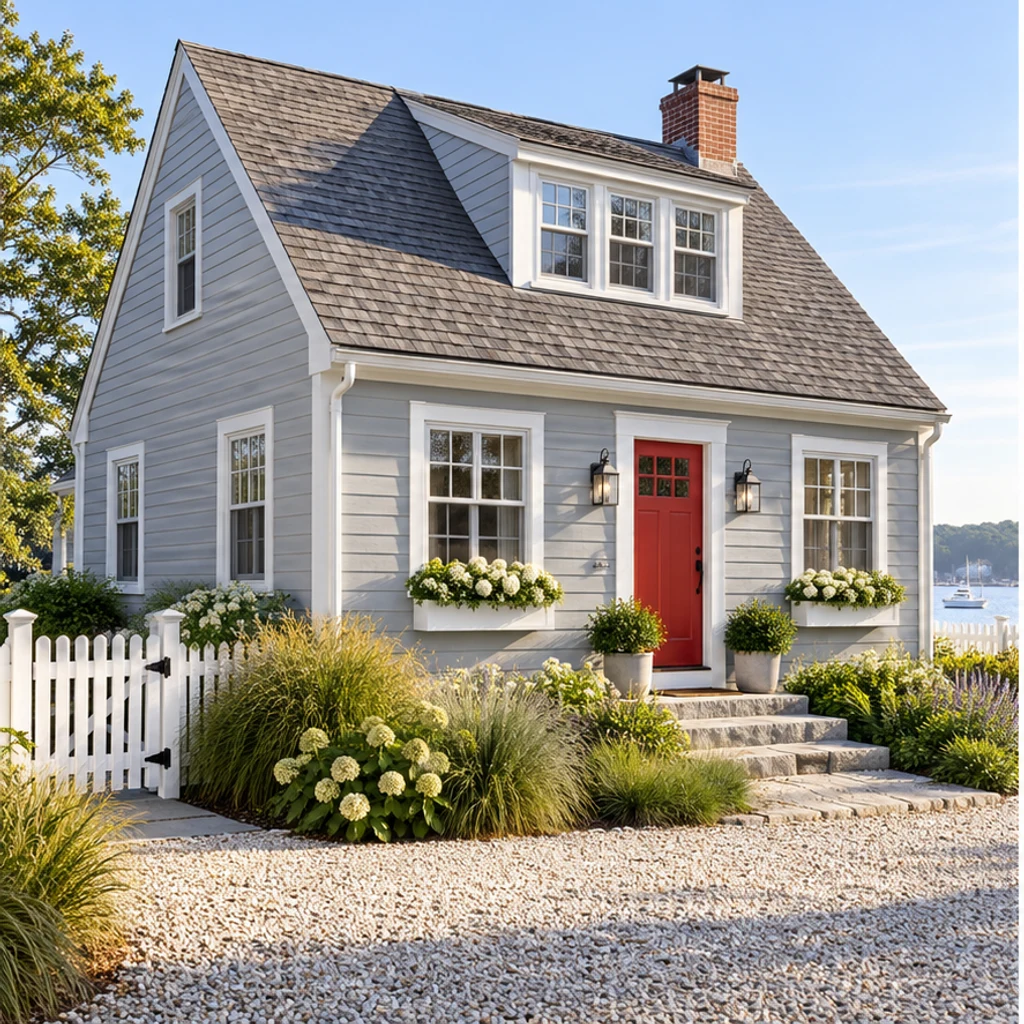
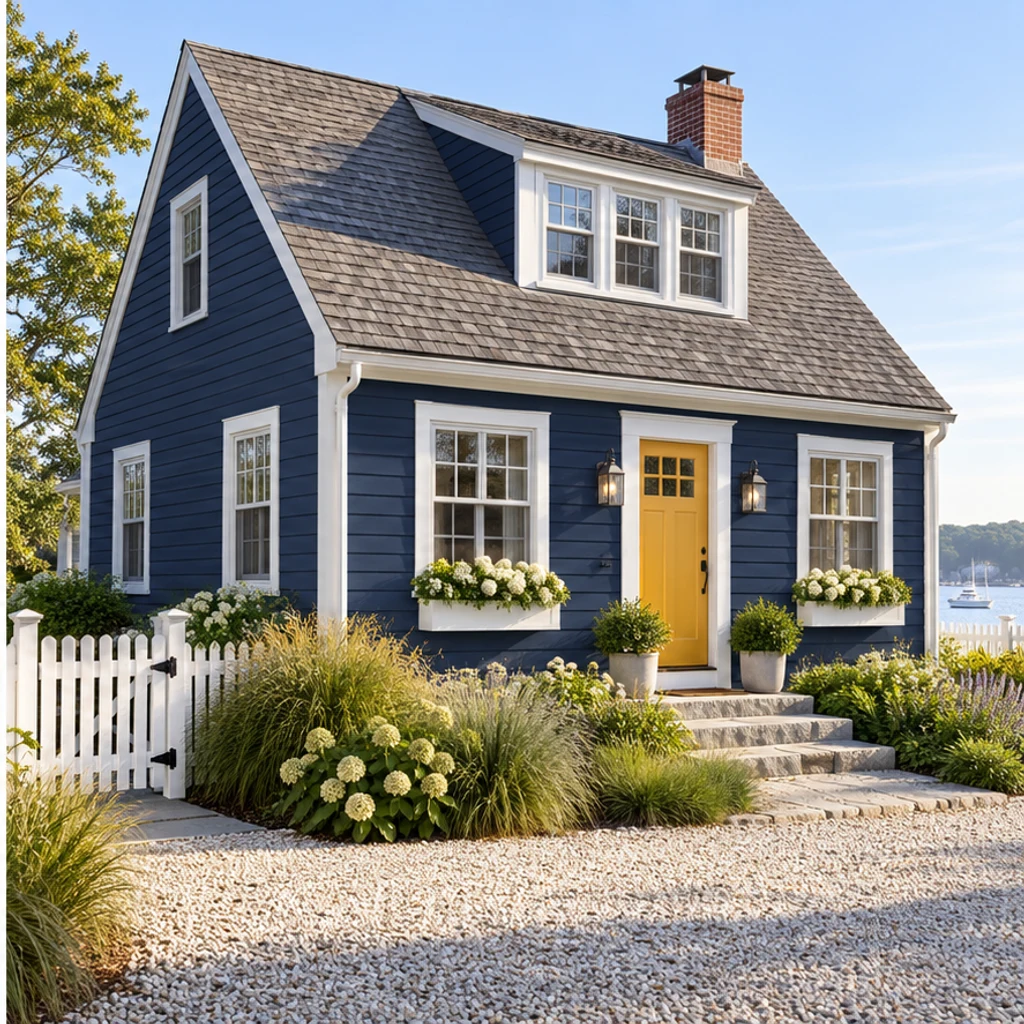
Navy siding, white trim and a mustard door contrast with the original shingle roof.
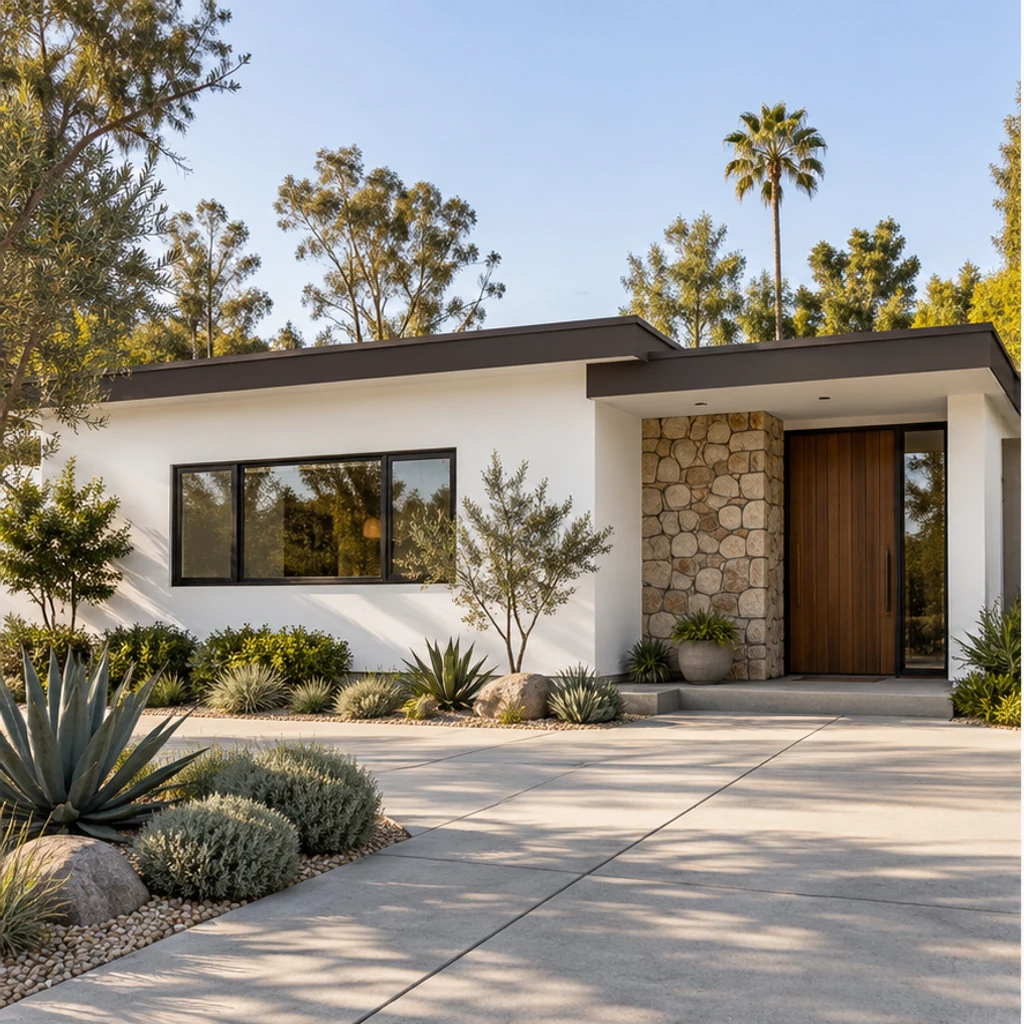
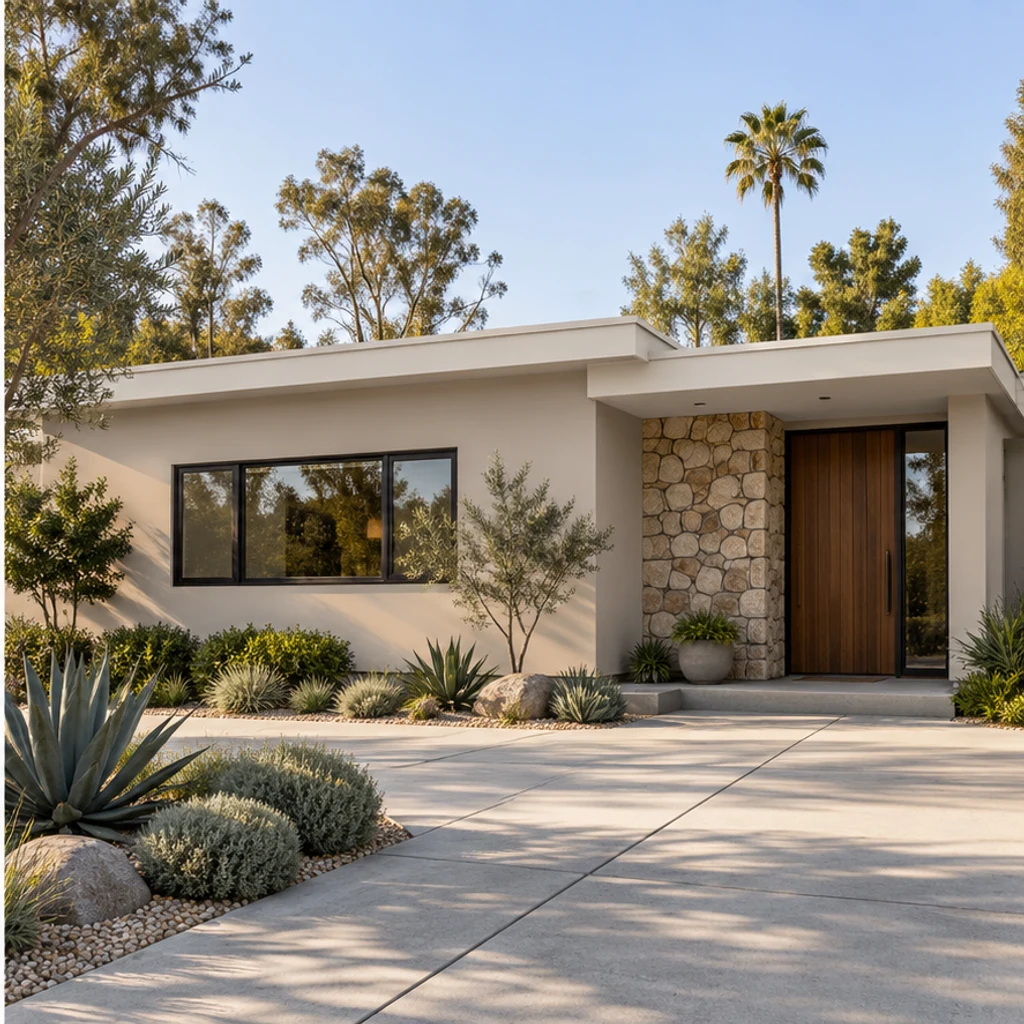
Warm greige stucco and pale trim sit beside the same stone entry and timber door.
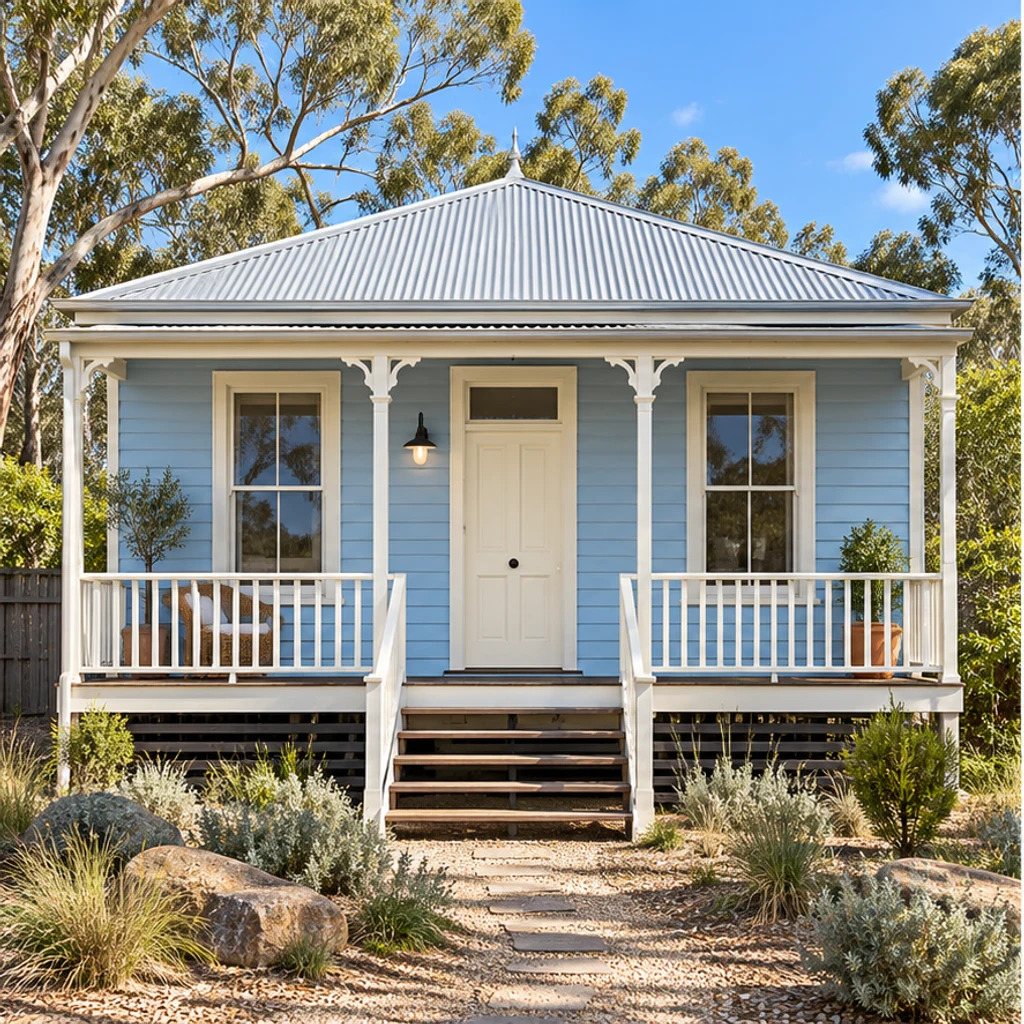
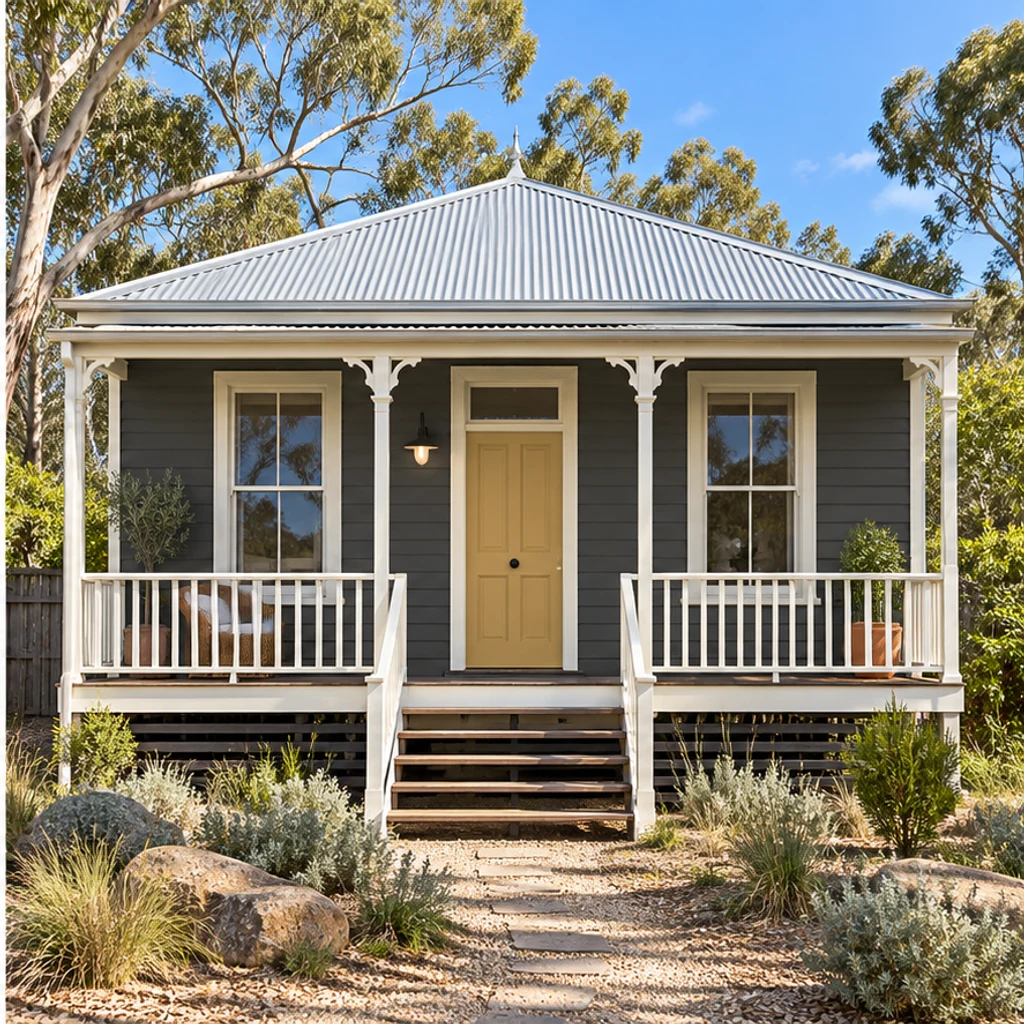
Charcoal boards and an ochre door create contrast under the original metal roof.
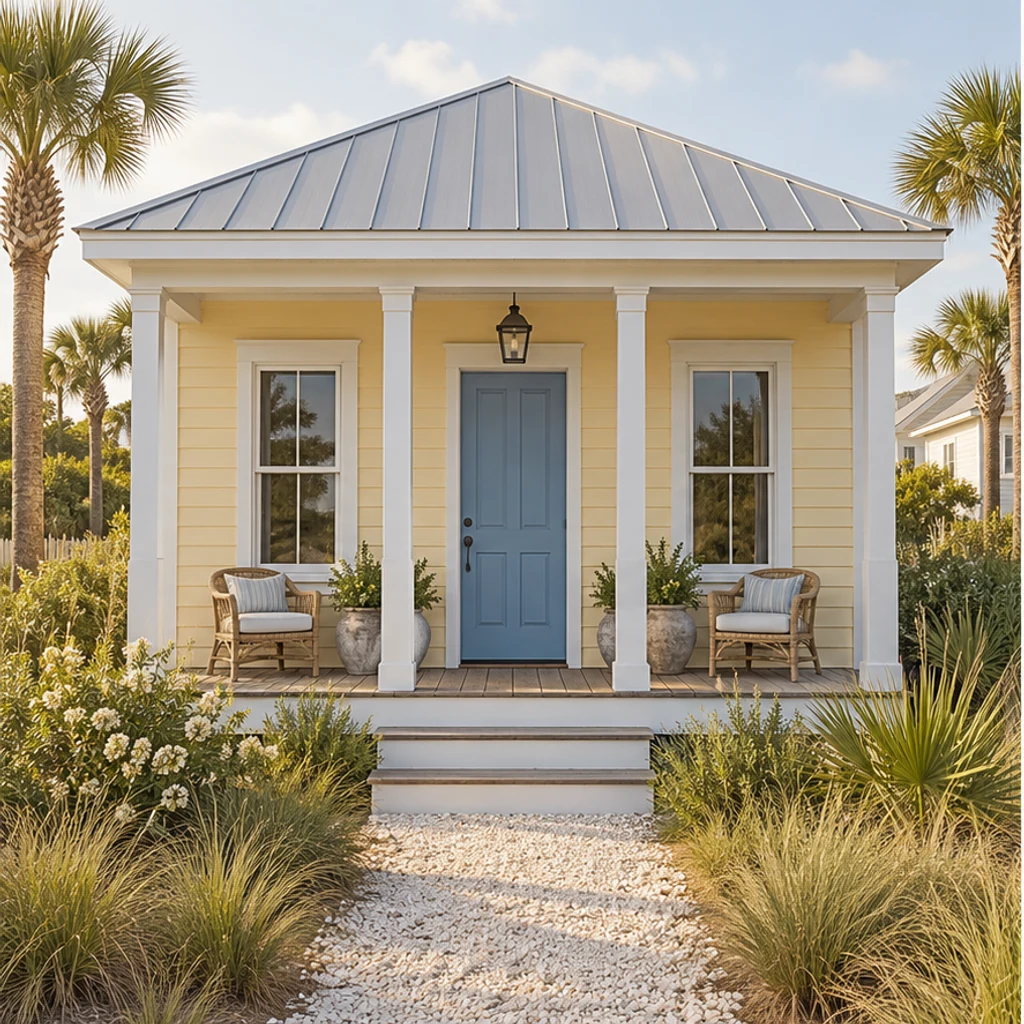
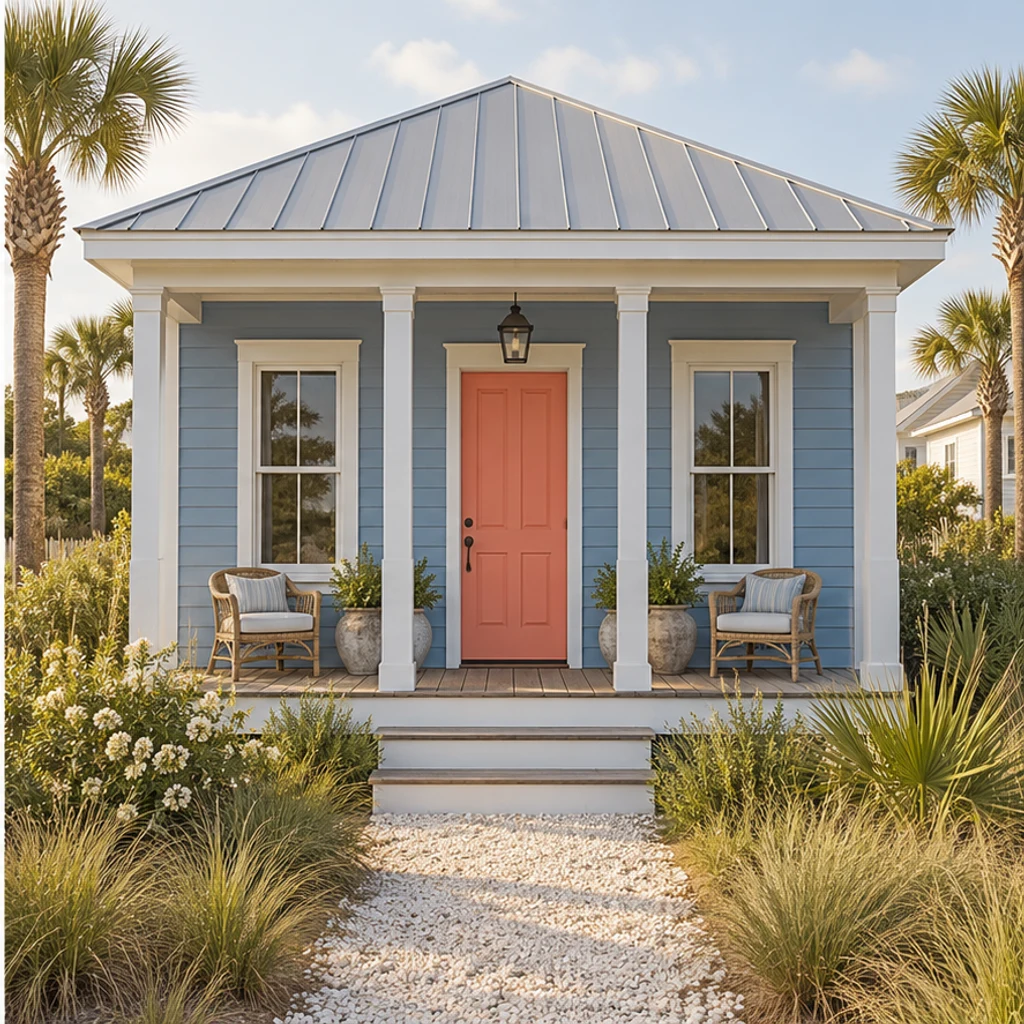
Dusty blue siding and a coral entrance keep the same light roof and wooden porch.
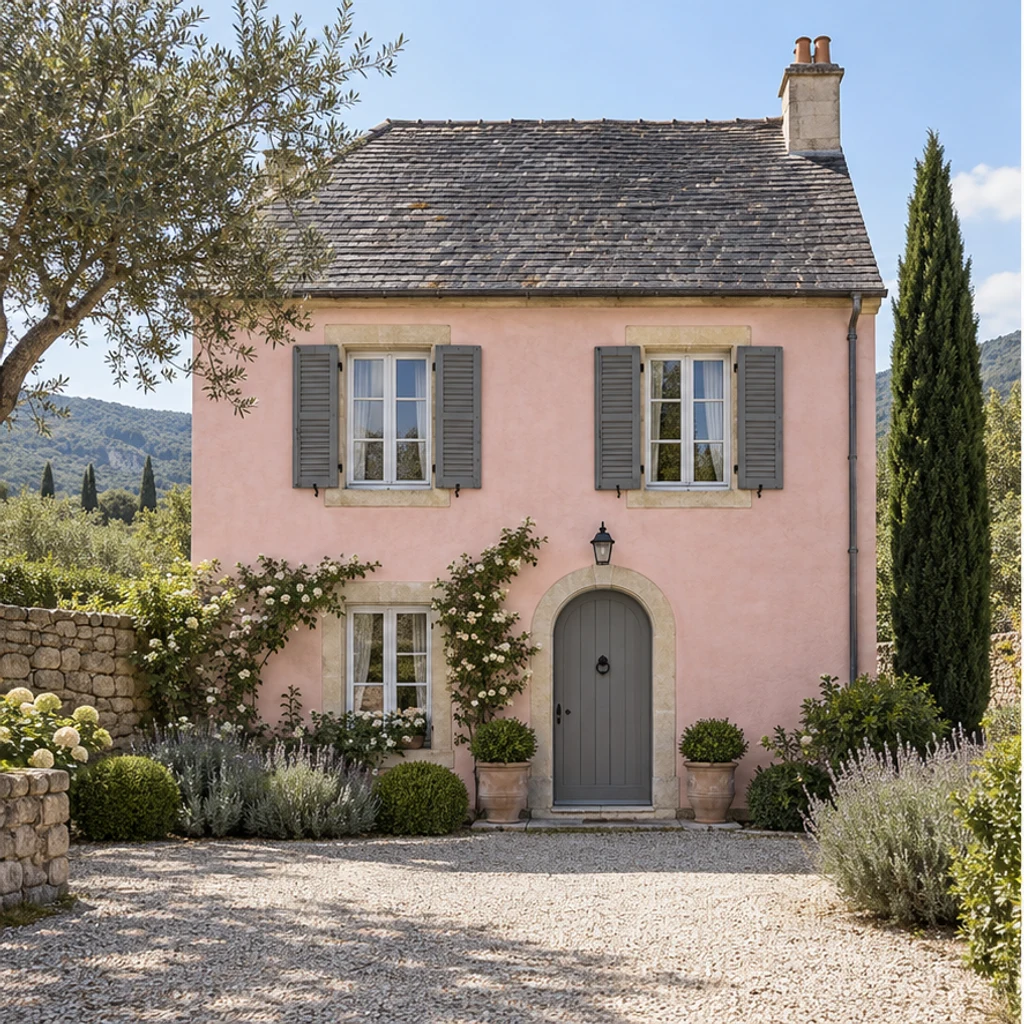
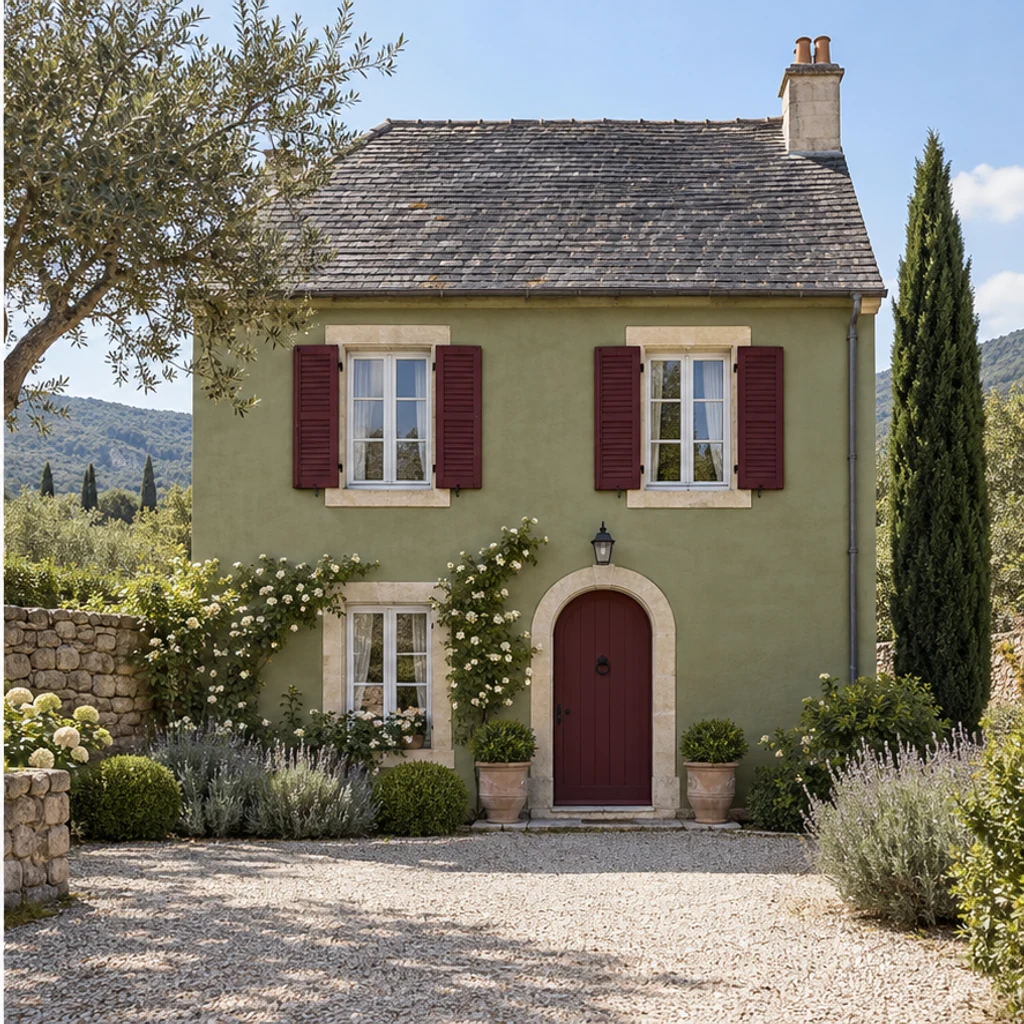
Olive stucco and burgundy painted shutters coordinate with the same slate roof.
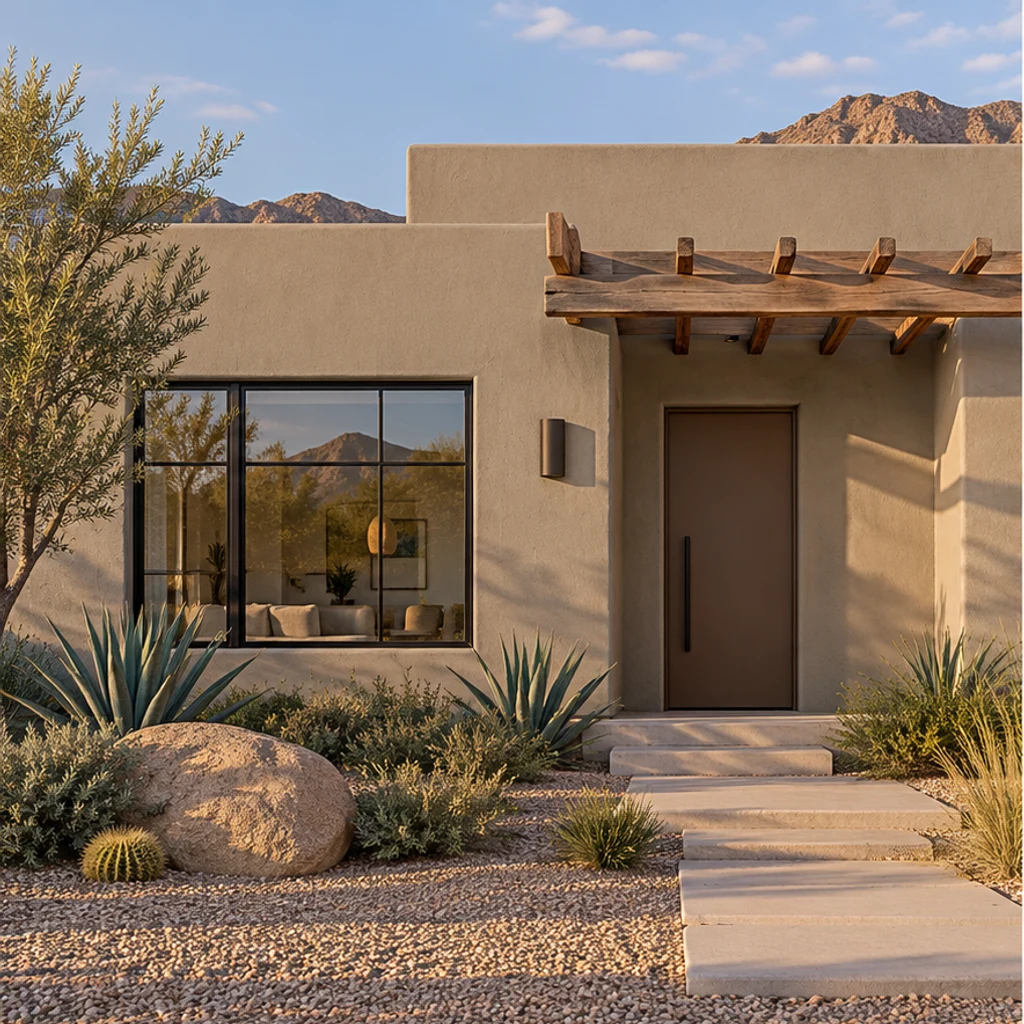
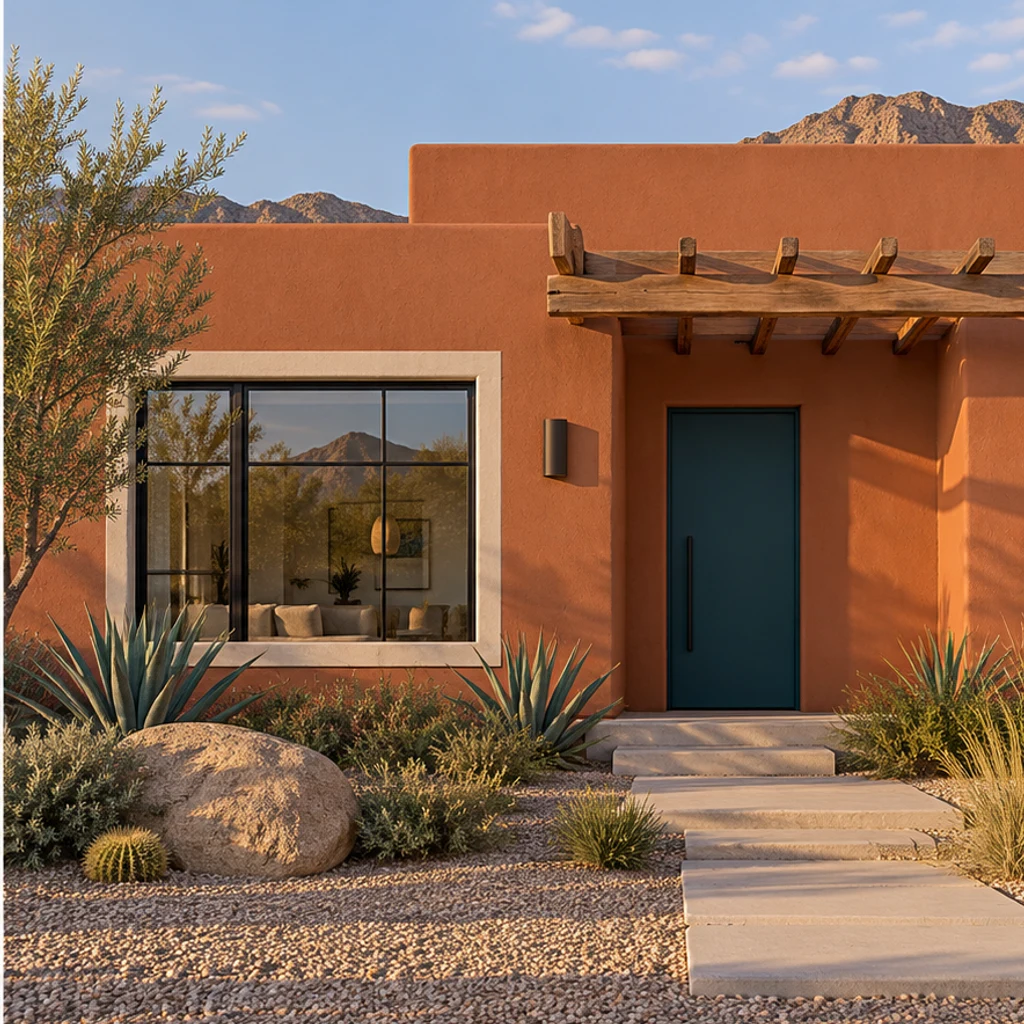
Terracotta painted stucco and a teal door keep the original timber pergola and desert garden.
A useful comparison changes the intended painted surface without changing what makes it your house. AI can alter small details, so check each result.
Yes. Upload a clear exterior photo as the house source. The optional palette is a separate color reference; it should not replace your building or camera view.
No. You can write paint instructions or use only the house photo. With no direction, the tool proposes warm-ivory painted walls and charcoal painted trim while keeping the door and shutters. Unpainted brick, stone and natural wood stay outside that default.
Yes. Name that painted surface in Edit instructions and list what to preserve. A request such as ‘only the front door, deep teal; keep all walls and trim’ narrows the edit. Check the output for unintended changes.
Yes. A selected card supplies an actual second image for its color direction. An uploaded reference replaces the card. Neither supplies your house geometry, roof or landscaping, and explicit written directions take priority.
No. The result is a visual concept, not a calibrated paint specification. Compare real samples on the house before buying paint; the tool does not calculate coverage, quantities or a contractor quote.
Yes. Re-edit restores your source and settings. Change the palette or instructions, review the current credit cost and generate another concept. Loading an example only fills the inputs; it does not generate automatically.
Preview exterior paint colors on your own house photo. Try a palette or describe siding, trim and door colors, then compare the result before choosing real paint samples.
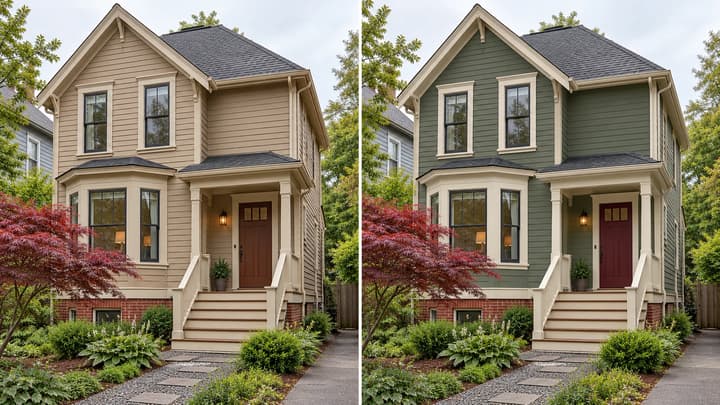
Preview exterior paint colors on your own house photo. Try a palette or describe siding, trim and door colors, then compare the result before choosing real paint samples.
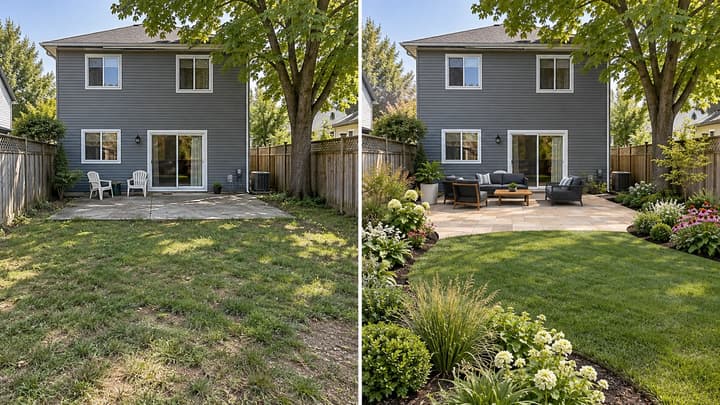
Redesign your backyard from a photo. Compare planting, paving and seating styles while keeping the house, yard boundaries and fixed features in place.
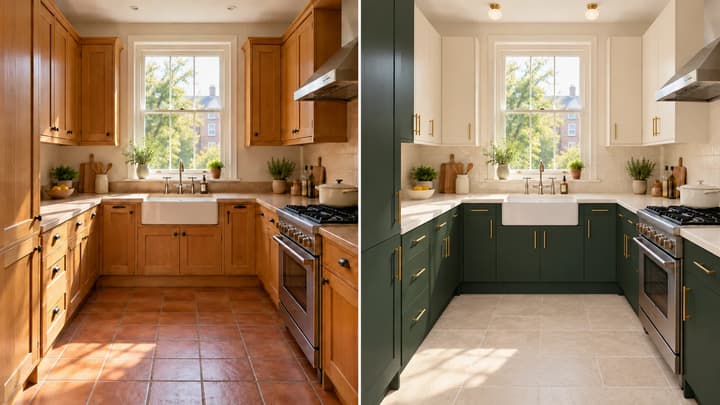
Redesign your kitchen from a photo. Coordinate cabinets, counters, walls, floors and lighting while keeping the room structure and major appliances in place.
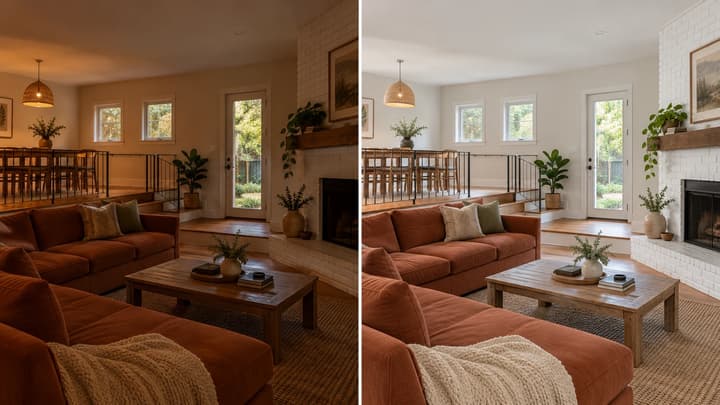
Edit a property photo with AI. Balance exposure and color or request small clutter removal while keeping the original layout, furnishings and finishes.

Review credits and plans before generating.
Preview exterior paint colors on your own house photo. Try a palette or describe siding, trim and door colors, then compare the result before choosing real paint samples.