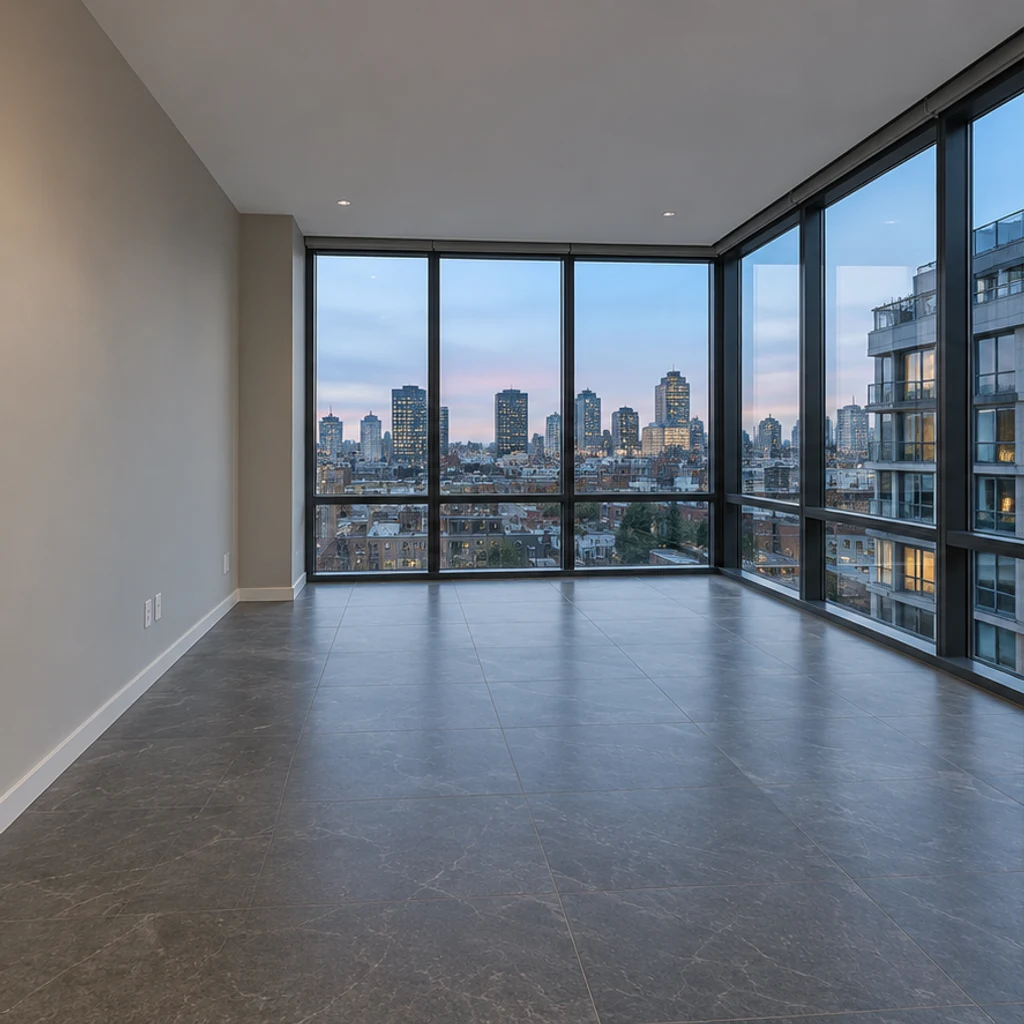
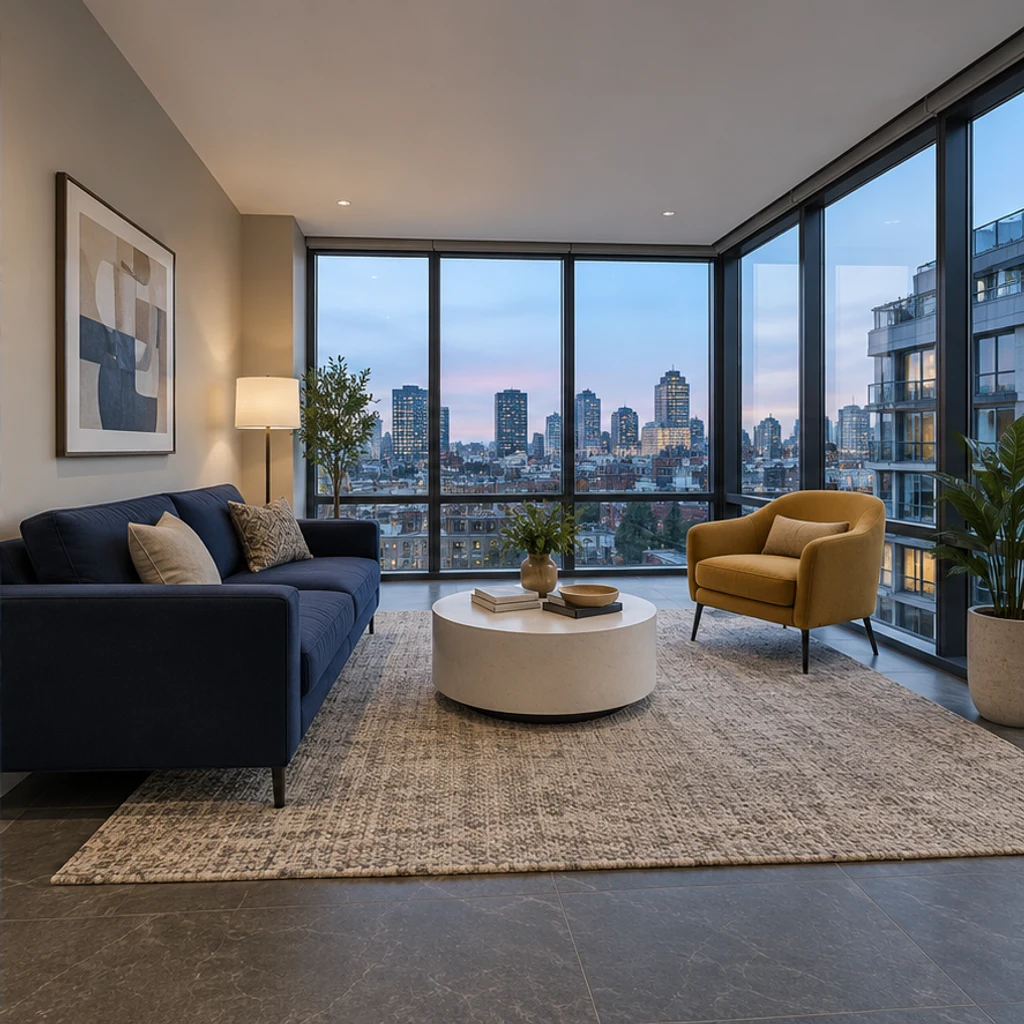
Living room
Try these settingsShow a seating layout with a sofa, coffee table and rug. Keep doors and walking space clear.
Add furniture to an empty room photo. Choose from 5 room types and 8 furniture styles, then review and download the staged image.
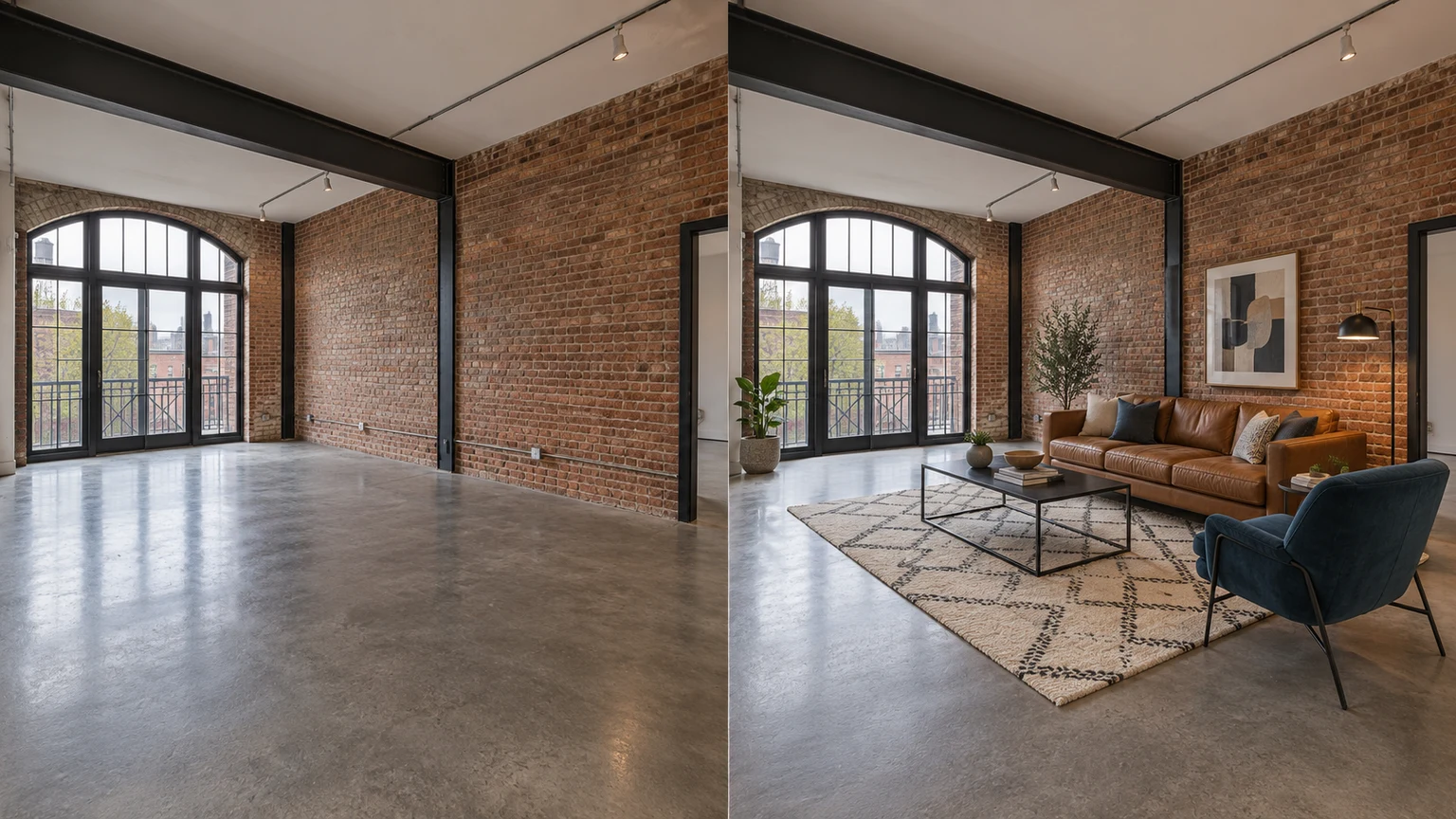
Show a seating layout with a sofa, coffee table and rug. Keep doors and walking space clear. (Empty-room illustration / Furnished-room illustration).
Explore a bed and bedside-table arrangement. Check the bed’s size against the window, door and floor. (Empty-room illustration / Furnished-room illustration).
Visualize a dining table and chairs. Leave enough space for chairs and access around the table. (Empty-room illustration / Furnished-room illustration).
These AI-created illustrations show possible layouts, not verified outputs of this tool. Try a source photo and its room/style settings; actual results may differ.
Show a seating layout with a sofa, coffee table and rug. Keep doors and walking space clear.
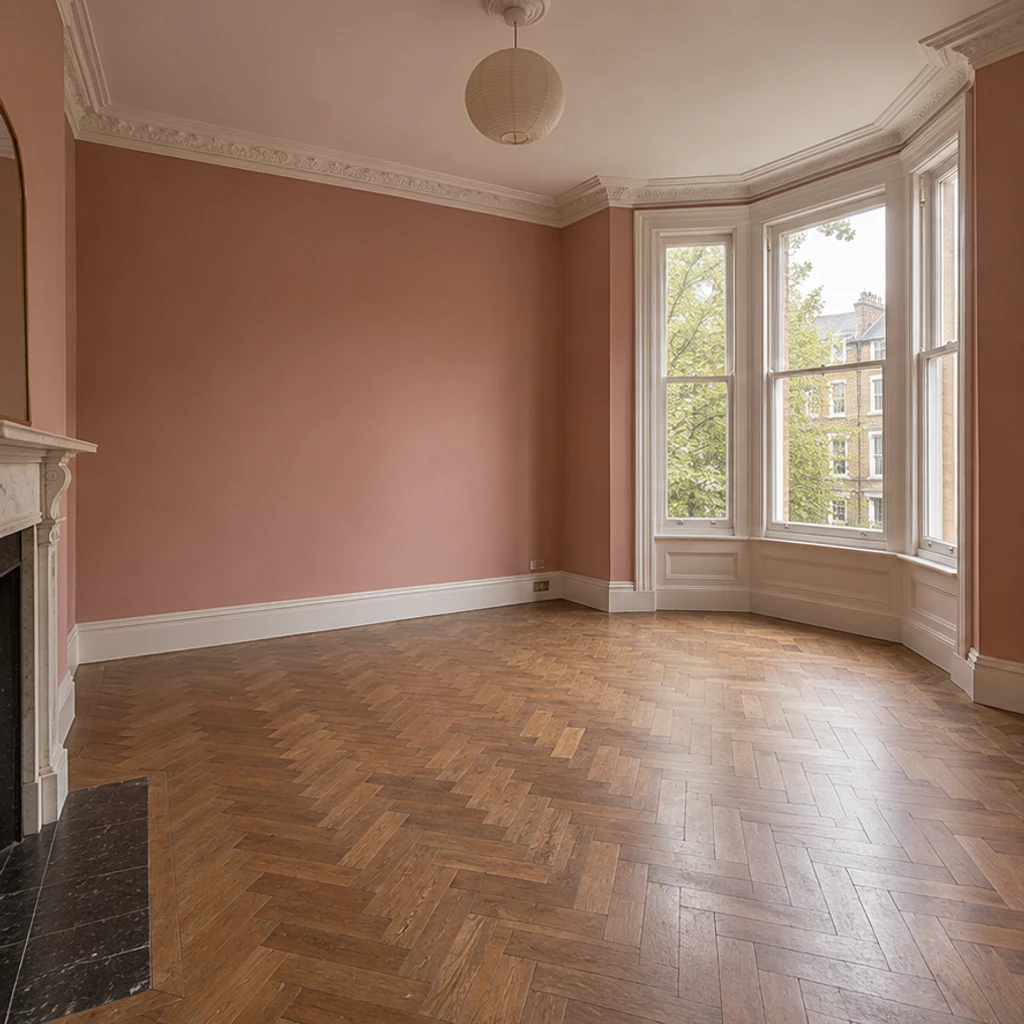
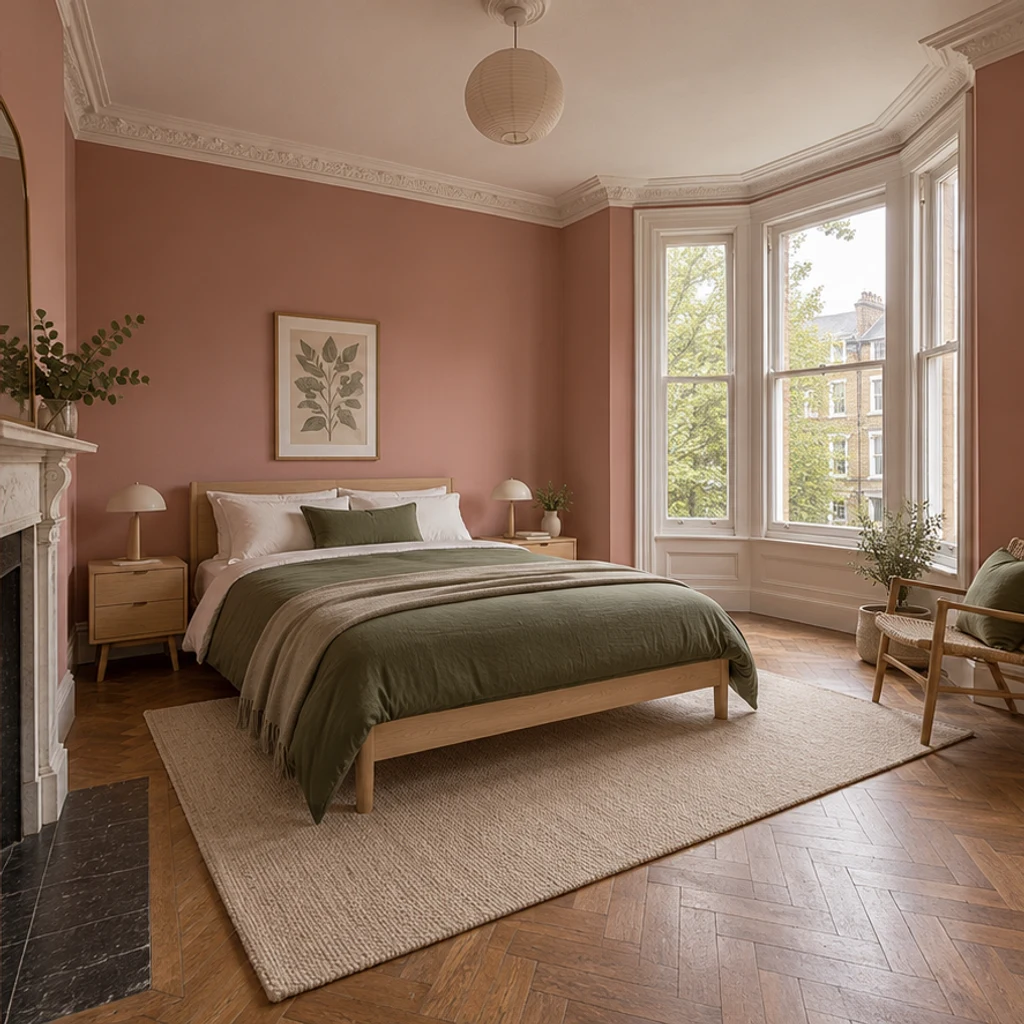
Explore a bed and bedside-table arrangement. Check the bed’s size against the window, door and floor.
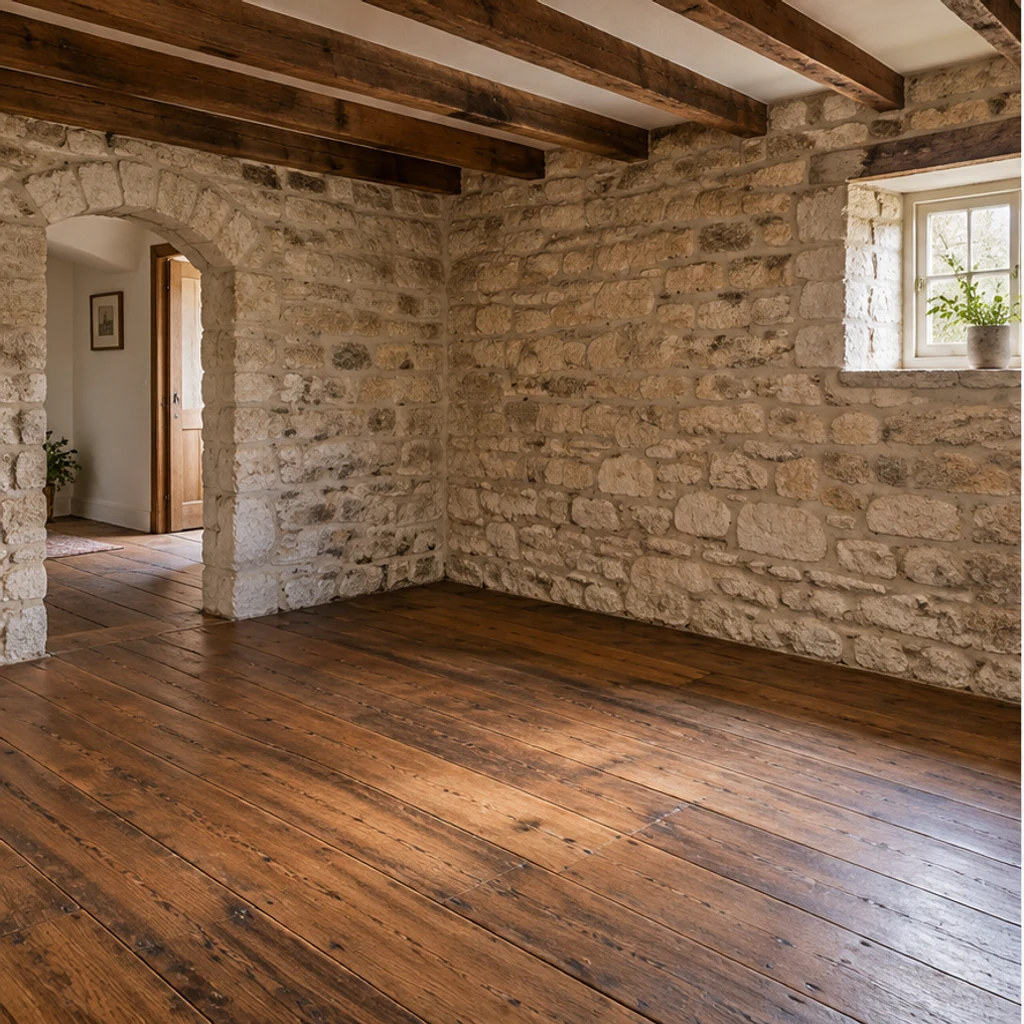
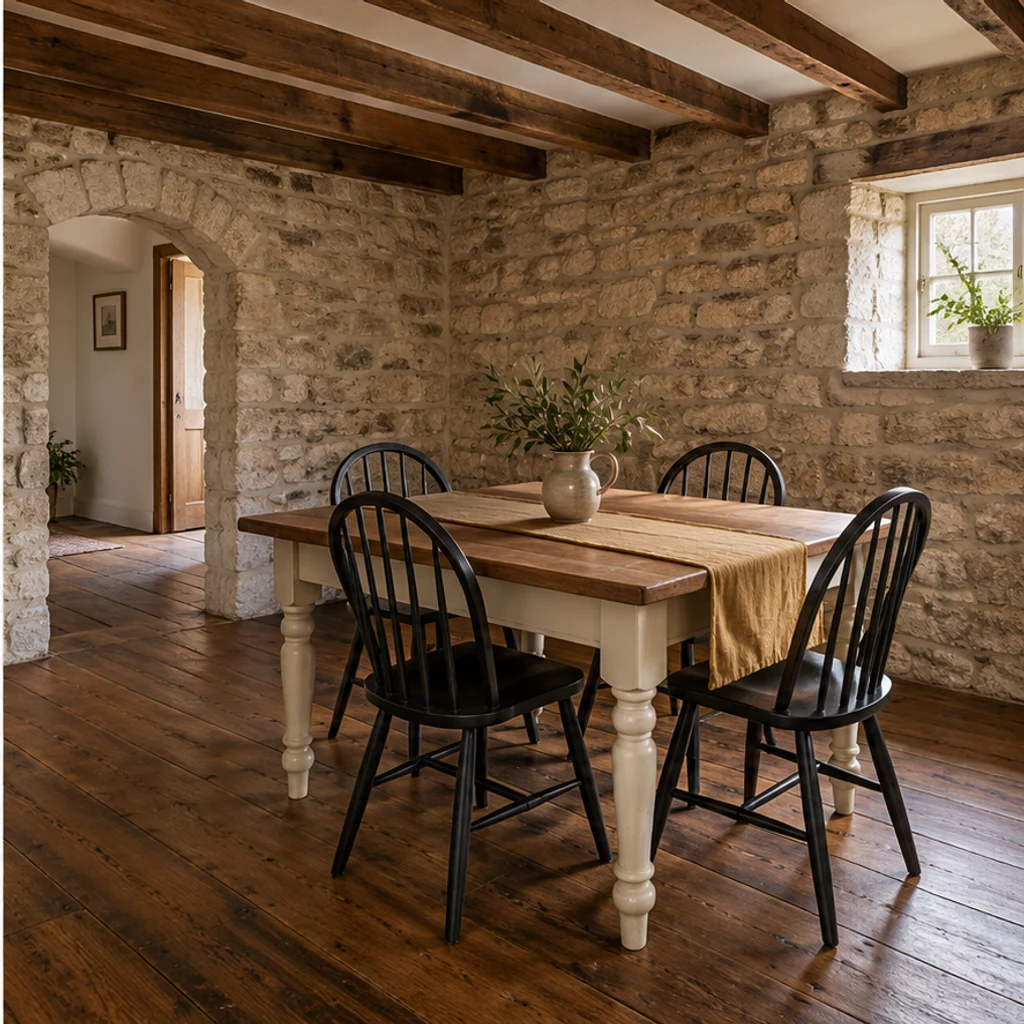
Visualize a dining table and chairs. Leave enough space for chairs and access around the table.
Upload one sharp JPEG, PNG or WebP up to 30 MB. Include the floor, windows and doorways; use a photo of the actual room.
Choose the room’s actual use from 5 room types, then select one of 8 furniture styles.
Check the displayed credits before generating. Compare architecture, furniture scale and shadows with the original before downloading.
The edit is instructed to preserve the room, but AI can change details. Compare every result with the original photo.
Check walls, windows, doors, flooring, fixed fixtures and visible condition. Reject altered structures or hidden defects; use a clearer empty-room source.
Check furniture proportions and clear doorways and walking paths. Try a better-framed photo or another style; do not treat the image as a measured floor plan.
Check that furniture touches the floor and shadows follow the existing light. Reject floating objects, mismatched shadows and implausible reflections.
Keep the original image, identify the furnished version as virtually staged, and check the listing platform’s applicable image guidance before publishing. Do not use an image that misrepresents the room.
AI virtual staging uses image editing to add digital furniture to a room photo. It produces a furnishing concept, not physical furniture or a measured design.
Use one empty-room JPEG, PNG or WebP up to 30 MB. Avoid screenshots, heavy blur and extreme wide-angle distortion.
This preset adds furniture and preserves existing objects. Start with an empty room; use the general image editor for separate edits.
Preserving architecture is part of the editing instructions, not a guarantee. Reject results that change the room or conceal its condition.
Review the credits shown in the tool and the current pricing plans. Selecting a room, style or sample does not spend credits; each generation does.
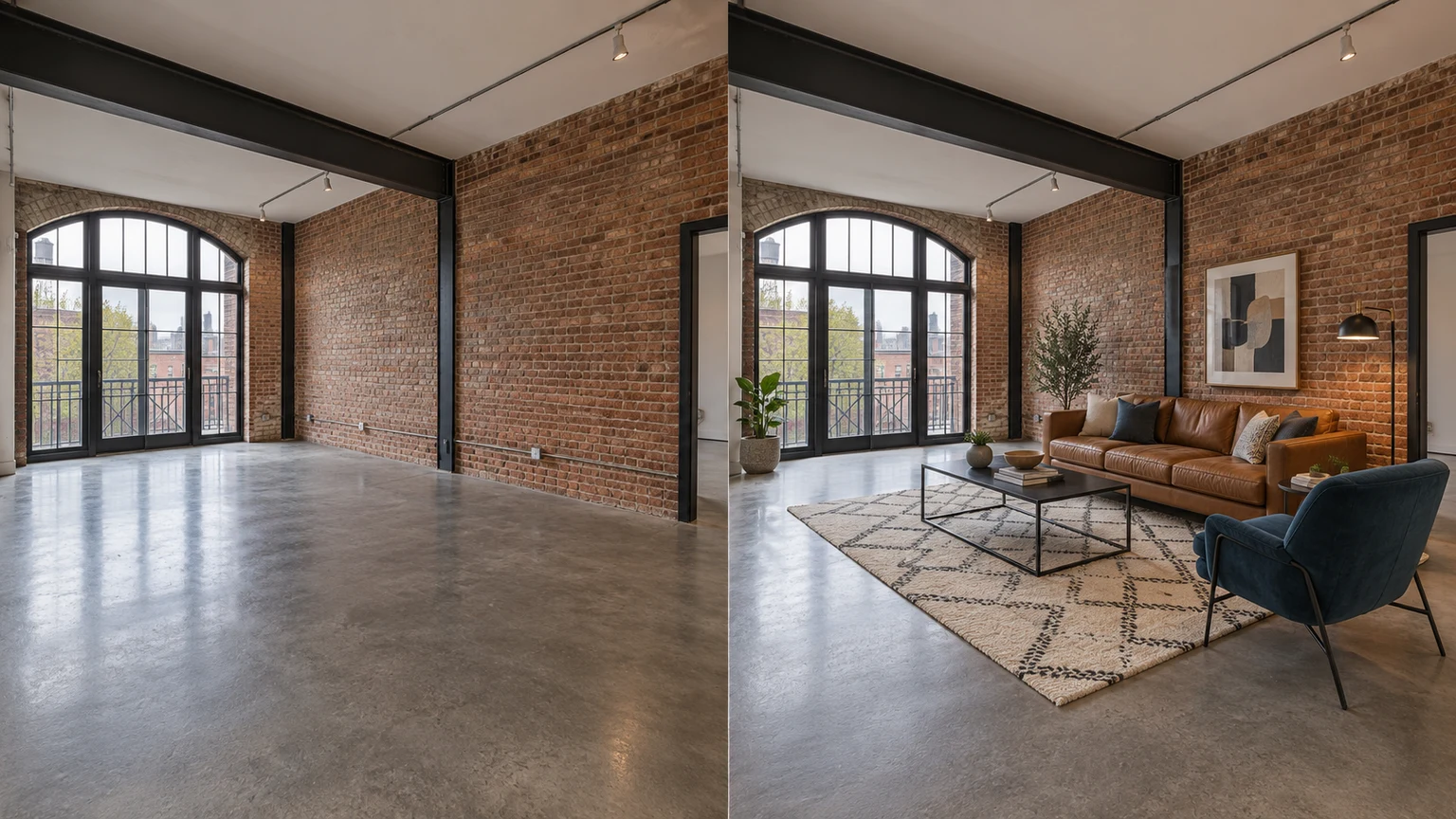
Learn what virtual staging changes, how it differs from physical staging, and how to prepare and review furnished room photos.
Upload an image, describe the edit, and create polished visuals for products, social posts, posters, or keyframes.

Review credits and plans before generating.
Add furniture to an empty room photo. Choose from 5 room types and 8 furniture styles, then review and download the staged image.