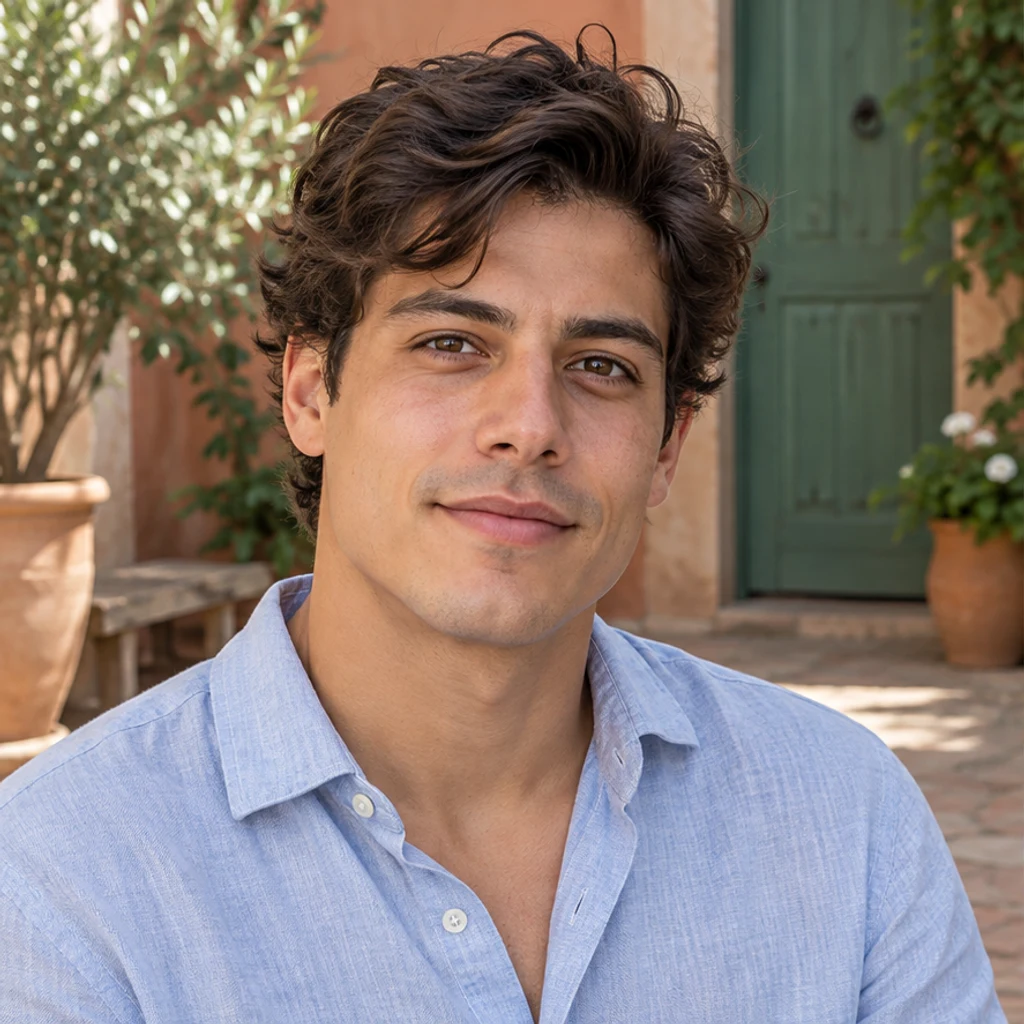
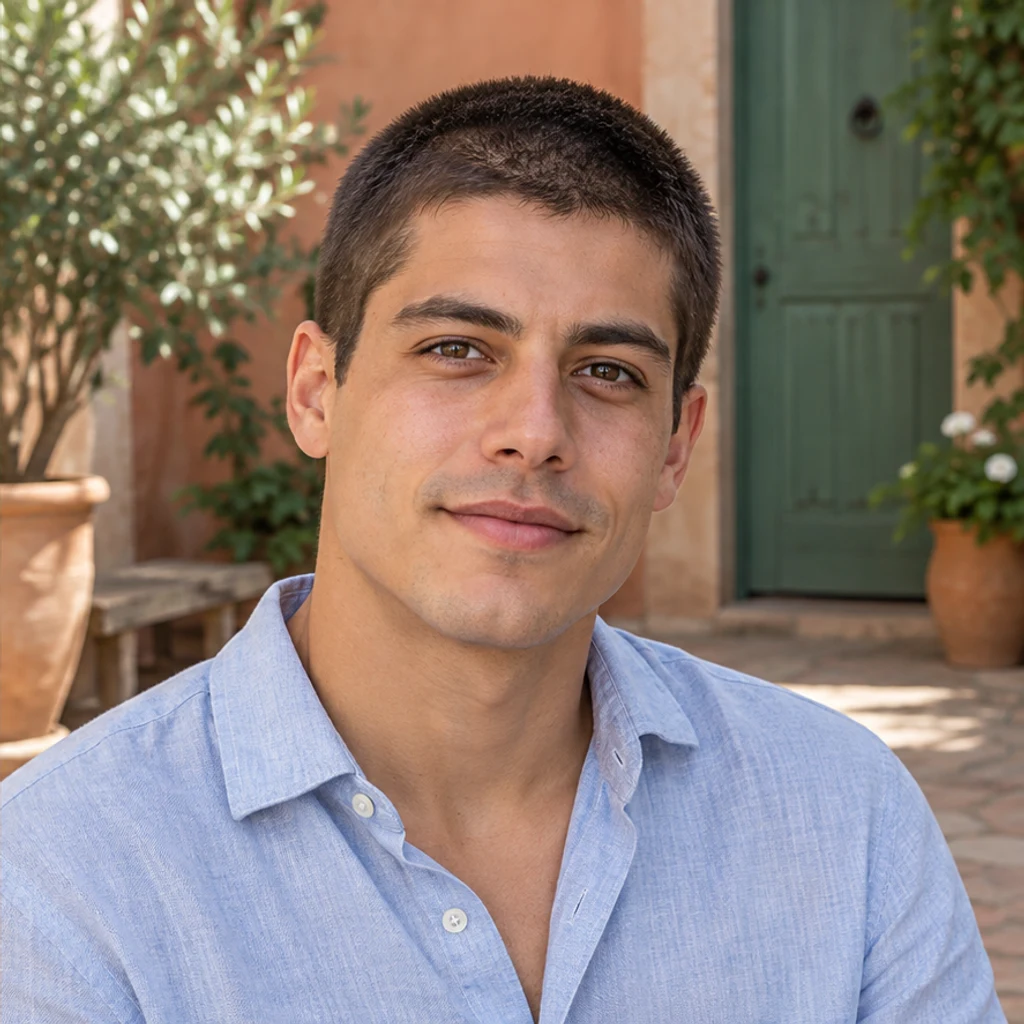
Courtyard · dark brown stubble
Try this photoGive the main man an even short buzz cut; keep his dark brown hair color, face and courtyard.
See what you would look like with a buzz cut. Choose a clear portrait, compare short hair texture and check your hairline, original color and face. Shortening hair exposes areas that may be hidden in the original. Generated scalp, ears or background are plausible reconstructions, not a measurement of your real head shape or a prediction of a haircut.
LumiYingUpdated
See what you would look like with a buzz cut. Choose a clear portrait, compare short hair texture and check your hairline, original color and face.
Use one JPEG, PNG or WebP up to 30 MB. Include the whole head, visible hairline and ears in even light; avoid hats and heavy filters.
Leave Edit instructions blank for a short, even buzz cut in the original hair color. Request a longer or shorter look, a fade, or identify one person. No template or second photo is needed.
Review the displayed credits, then generate one image. Compare the hairline, short hair texture, color and face before downloading. Loading an example only fills the form and does not spend credits.
Shortening hair exposes areas that may be hidden in the original. Generated scalp, ears or background are plausible reconstructions, not a measurement of your real head shape or a prediction of a haircut. Check the original temples, visible hairline and thinning areas for an invented straight edge or extra density. Look for clipped hair across the crown and sides, without long tufts or a smooth bald scalp. Compare the short hair and gray strands under the same light. Compare face shape, eyebrows, beard, glasses, clothes and other people.
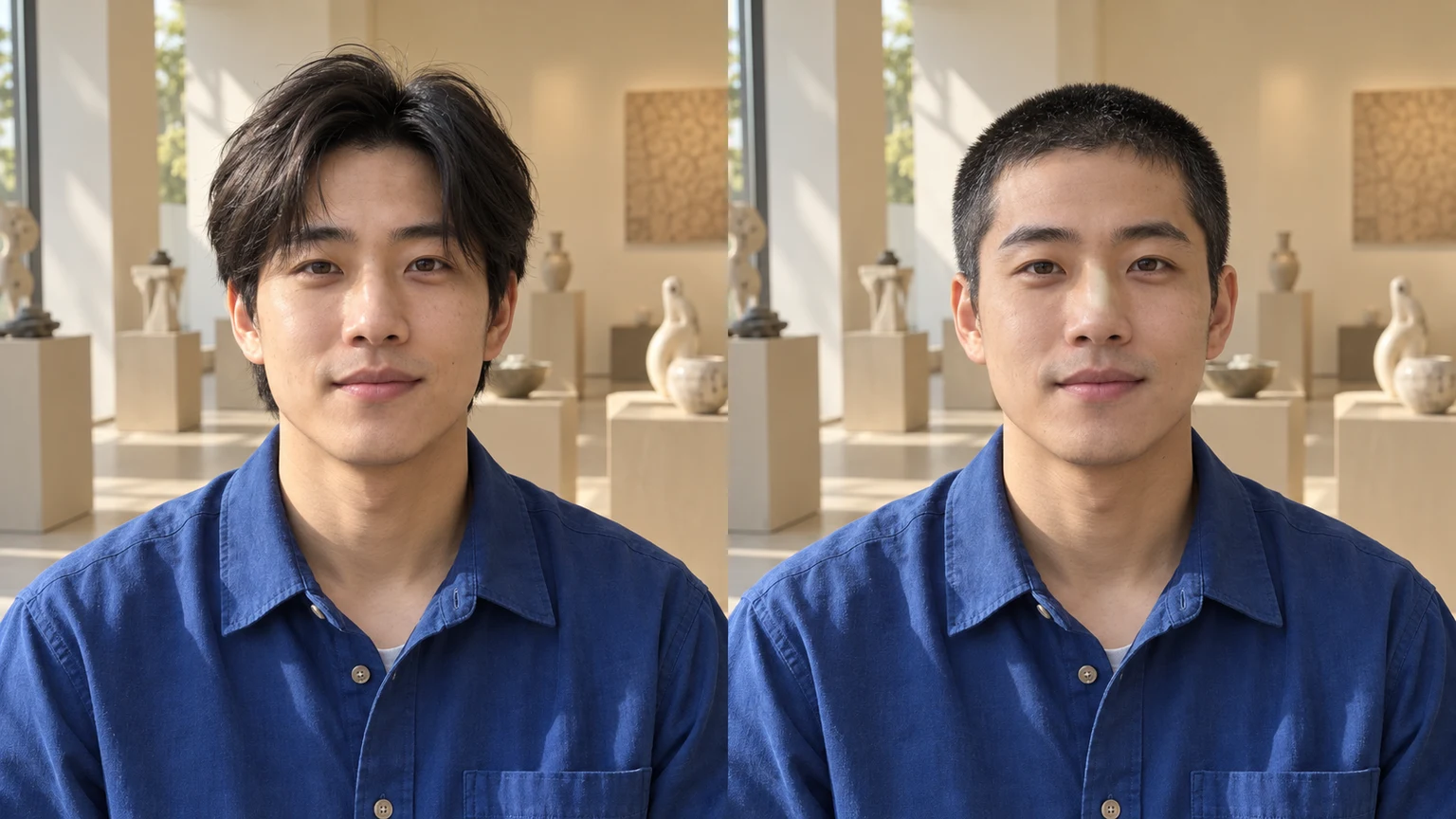
A buzz cut filter changes visible scalp hair into a short clipped hairstyle in a photo. Unlike a bald filter, it leaves visible hair texture. These AI-generated illustrations show four different editing situations.
Explore buzz cut ideas with these AI-generated illustrations. Choose an example to load its photo and editing instructions.
Give the main man an even short buzz cut; keep his dark brown hair color, face and courtyard.

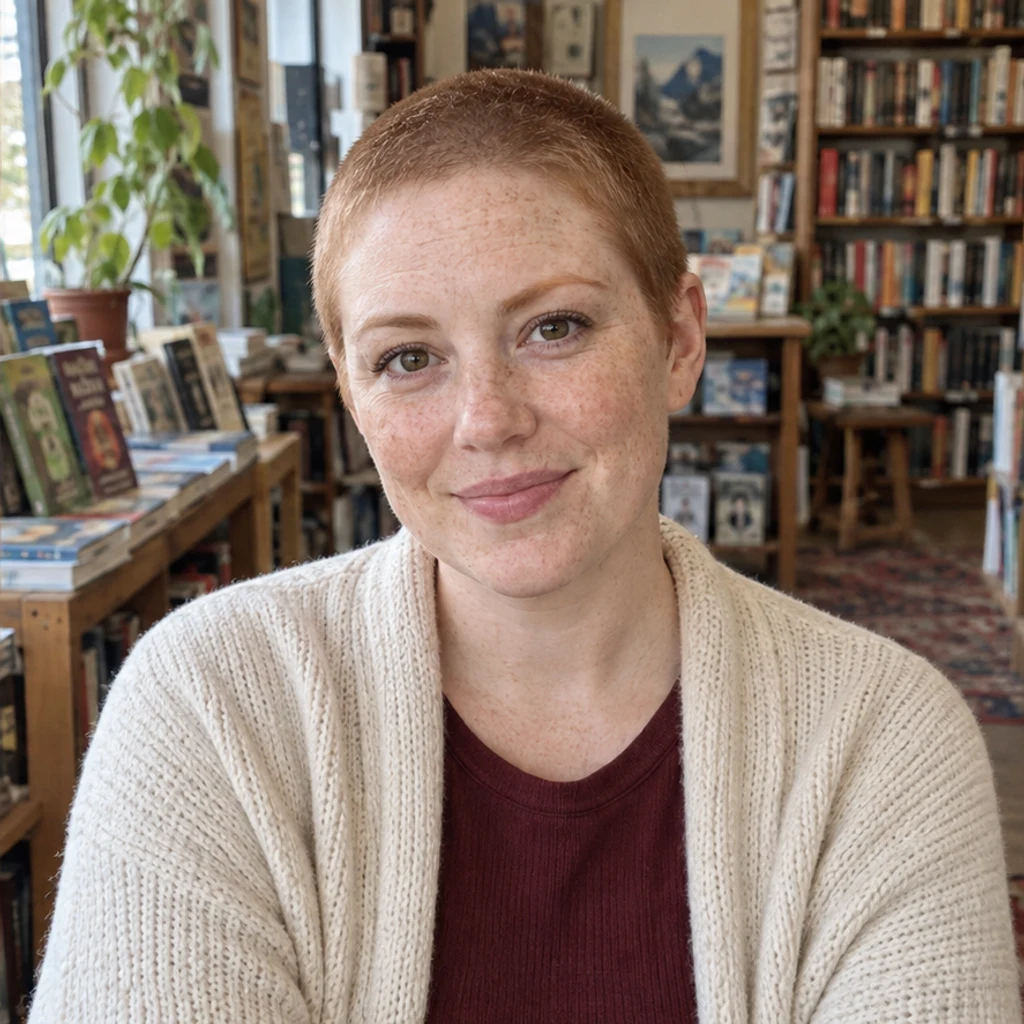
Give the woman a short copper buzz cut; keep her original hair color, freckles and face.
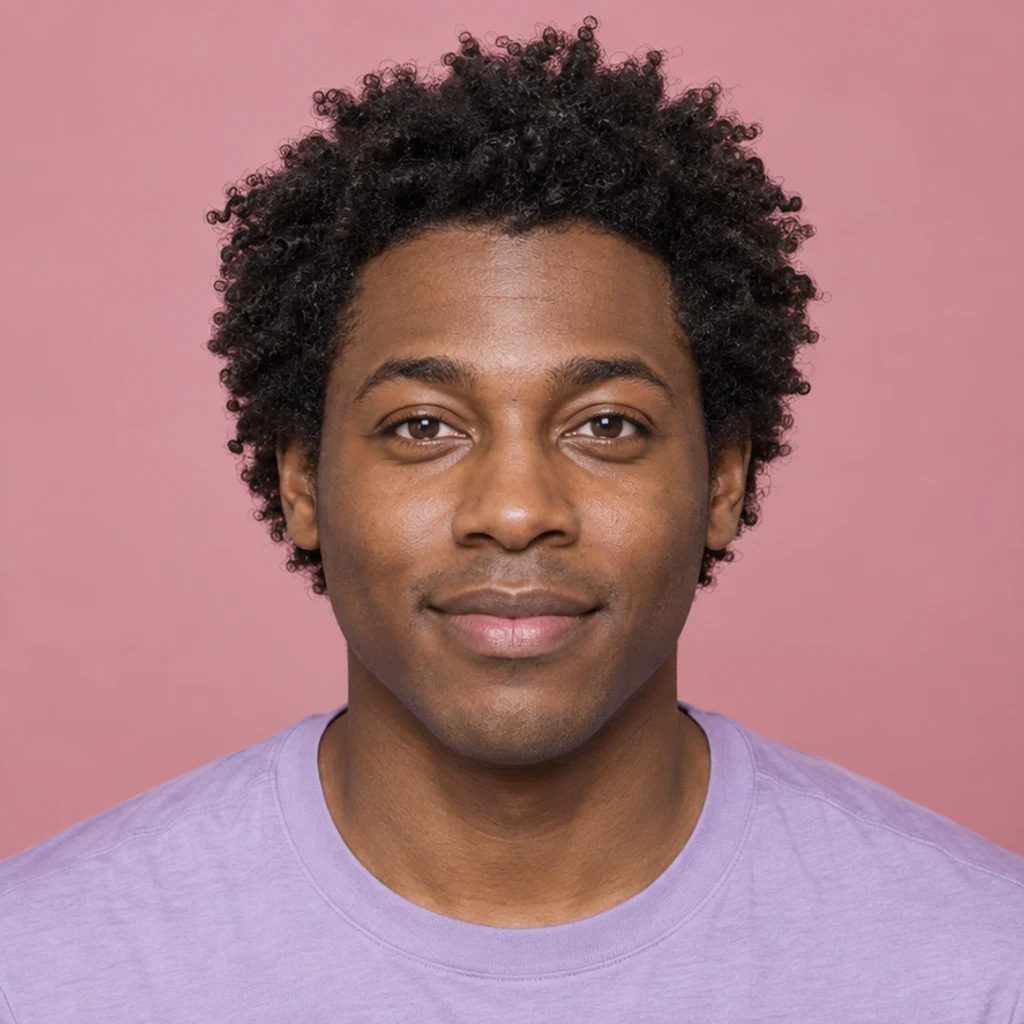
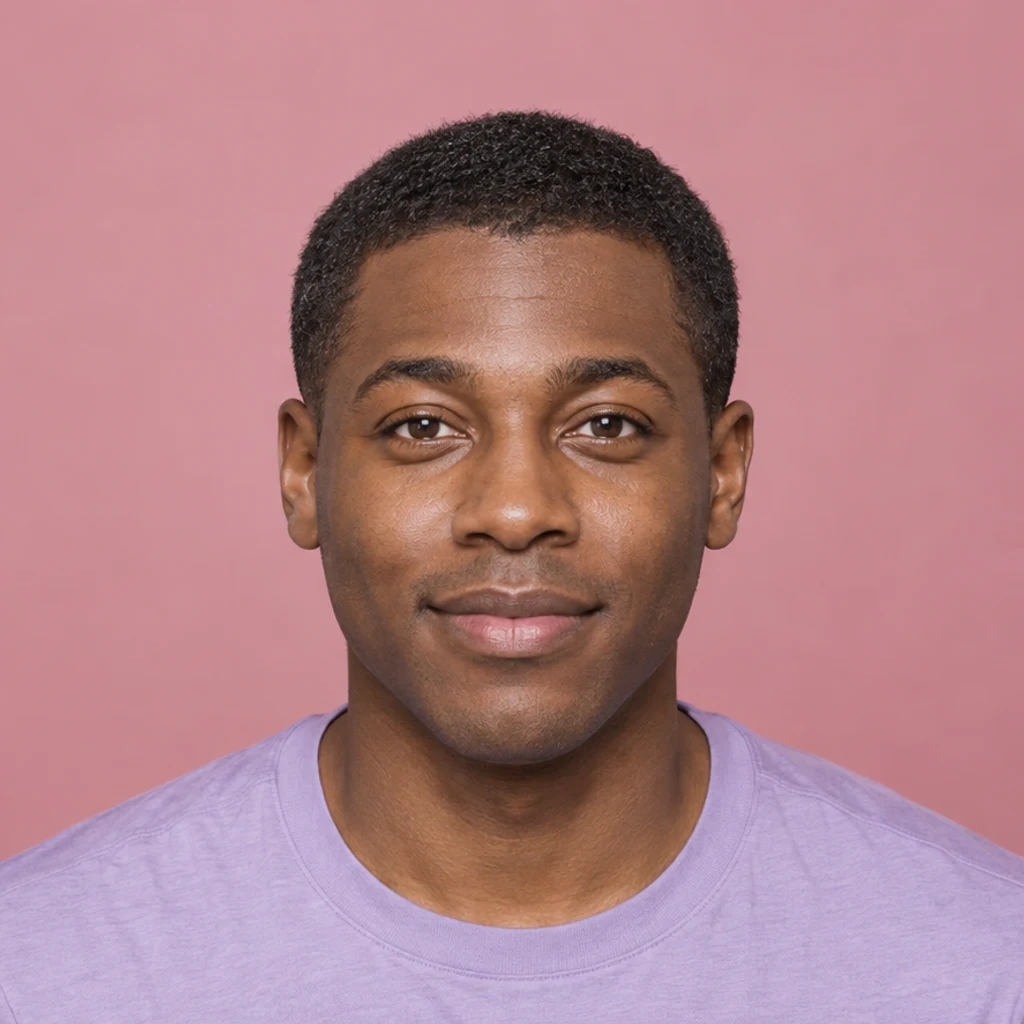
Shorten the main man’s scalp hair to a close buzz cut with visible black stubble; preserve his face and skin texture.


Create a short buzz cut in the woman’s original silver-gray color; keep her face and coastal light.
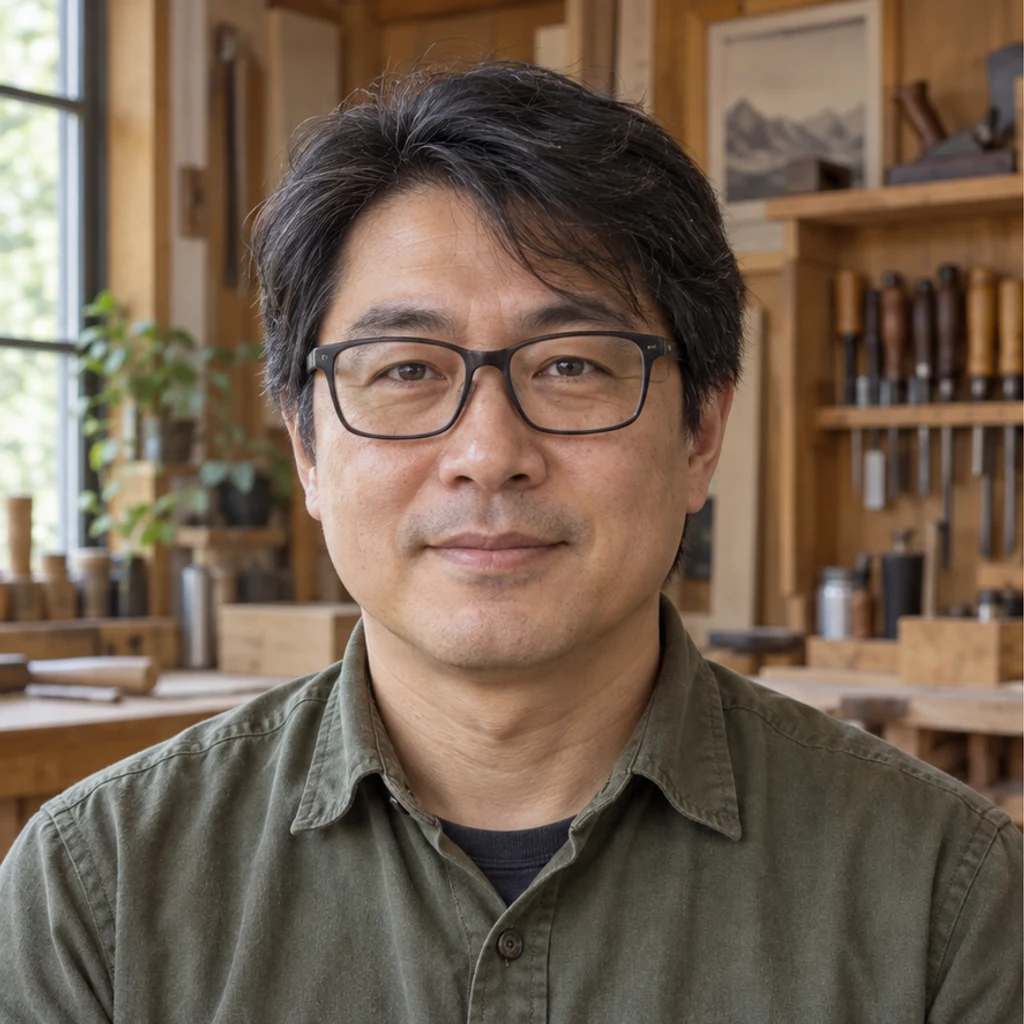
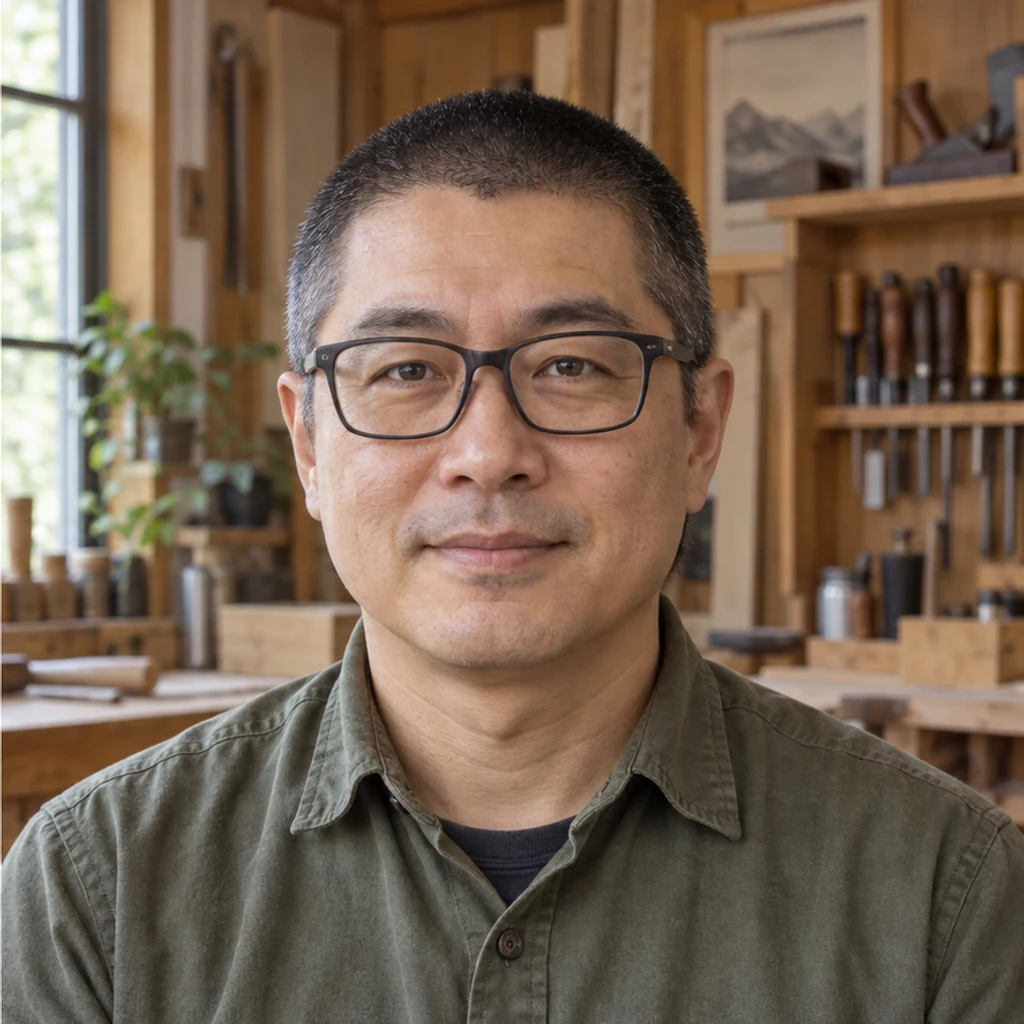
Give the man a short black buzz cut; retain his rectangular glasses, facial proportions and work shirt.
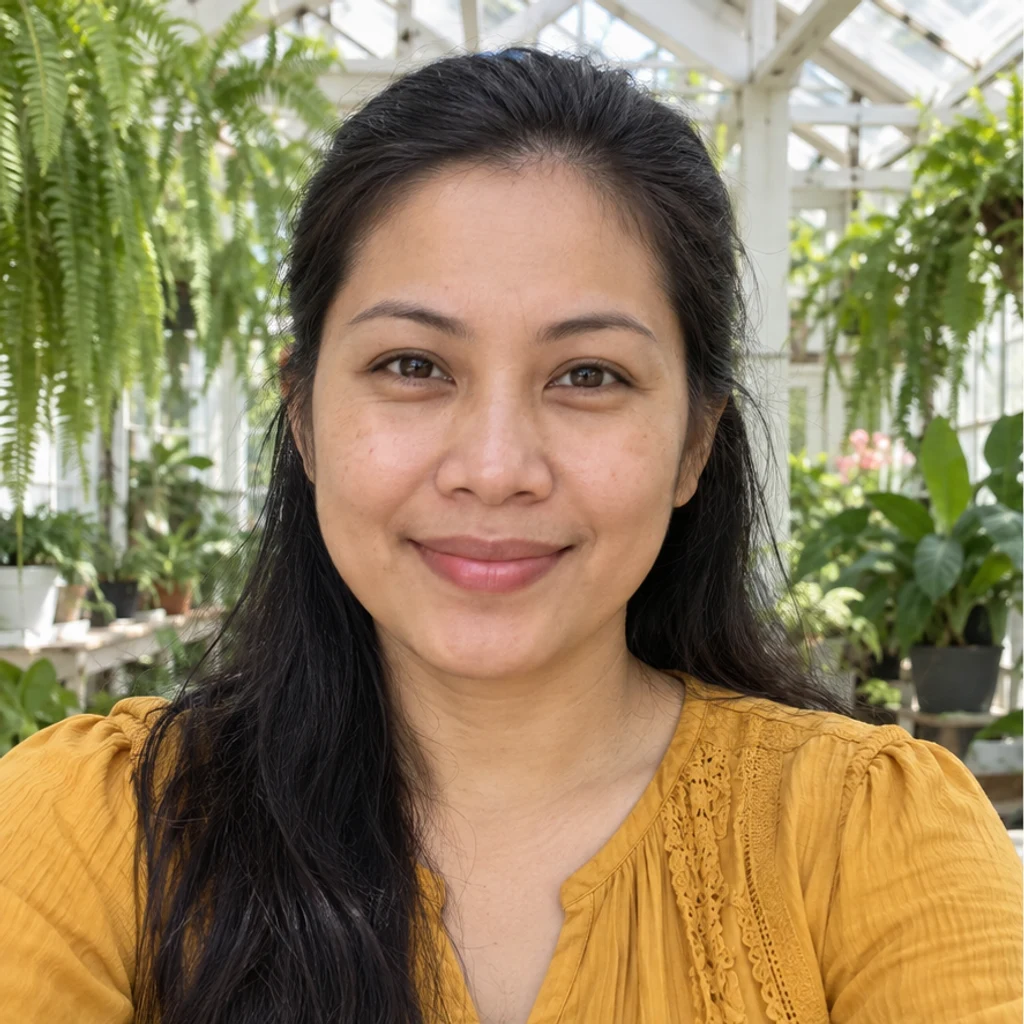
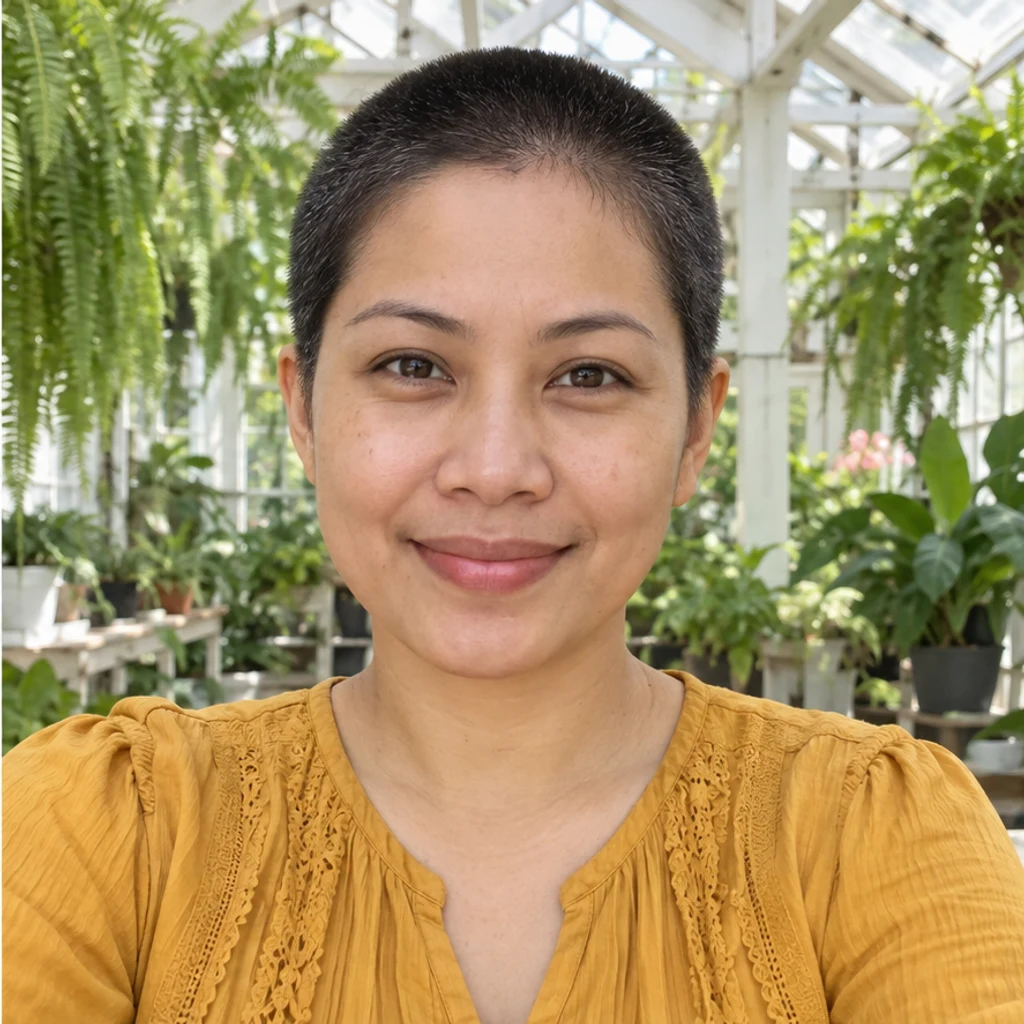
Give the woman a short black buzz cut; keep her face, marigold blouse and greenhouse.
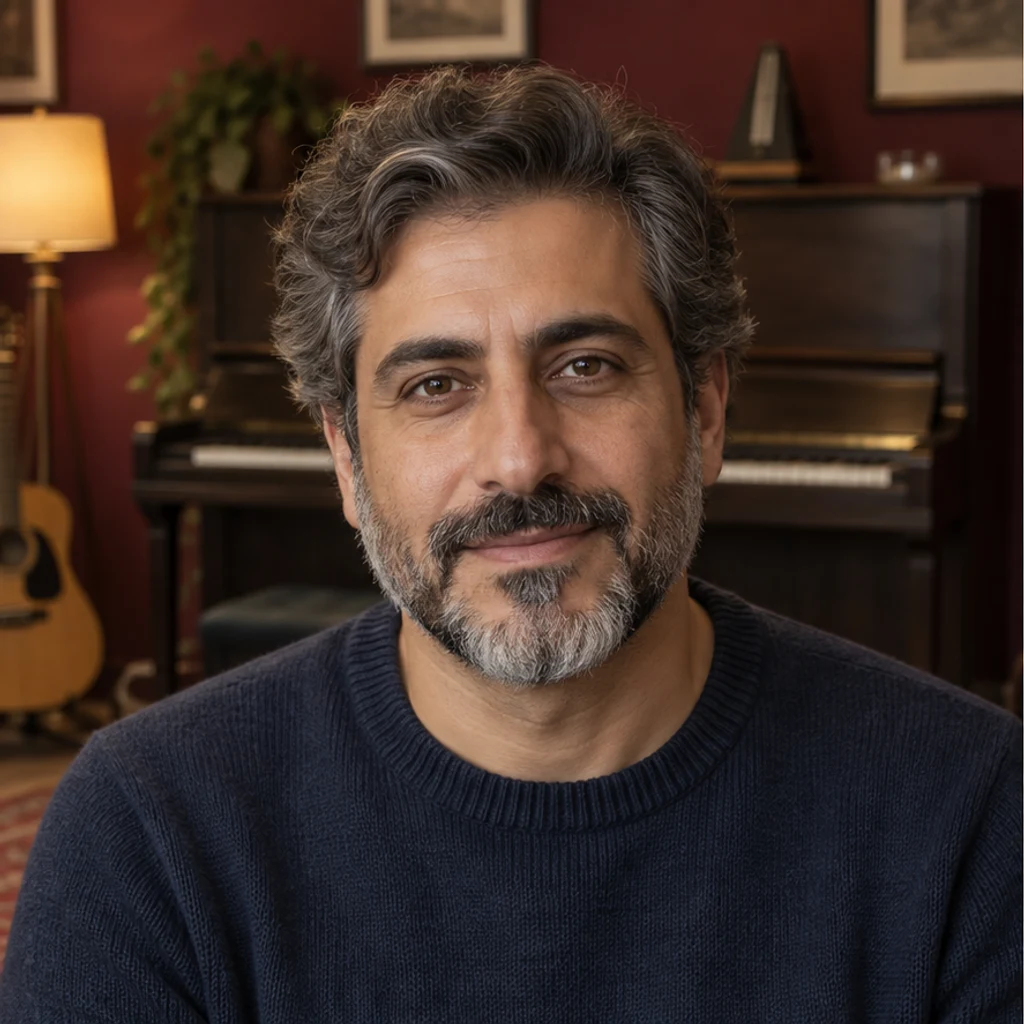
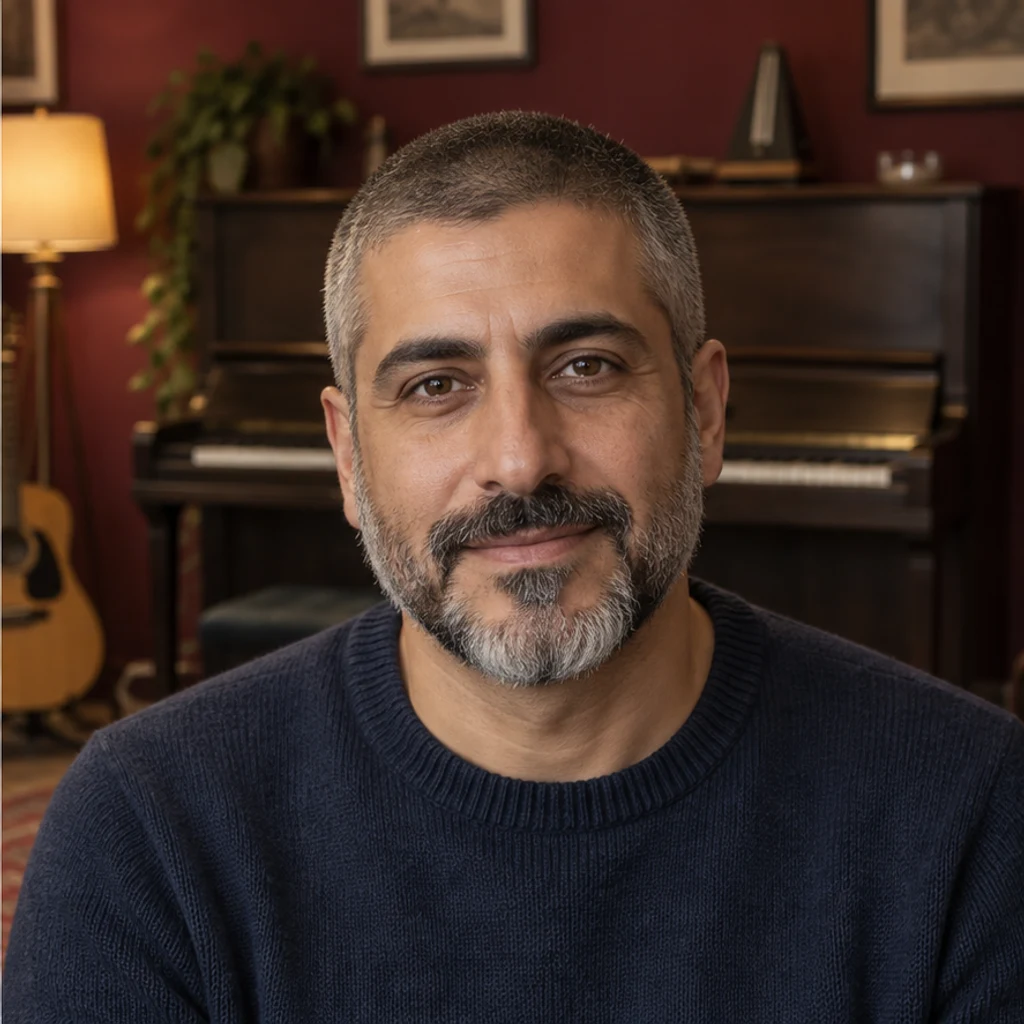
Shorten only the man’s scalp hair to a salt-and-pepper buzz cut; leave his beard and face unchanged.
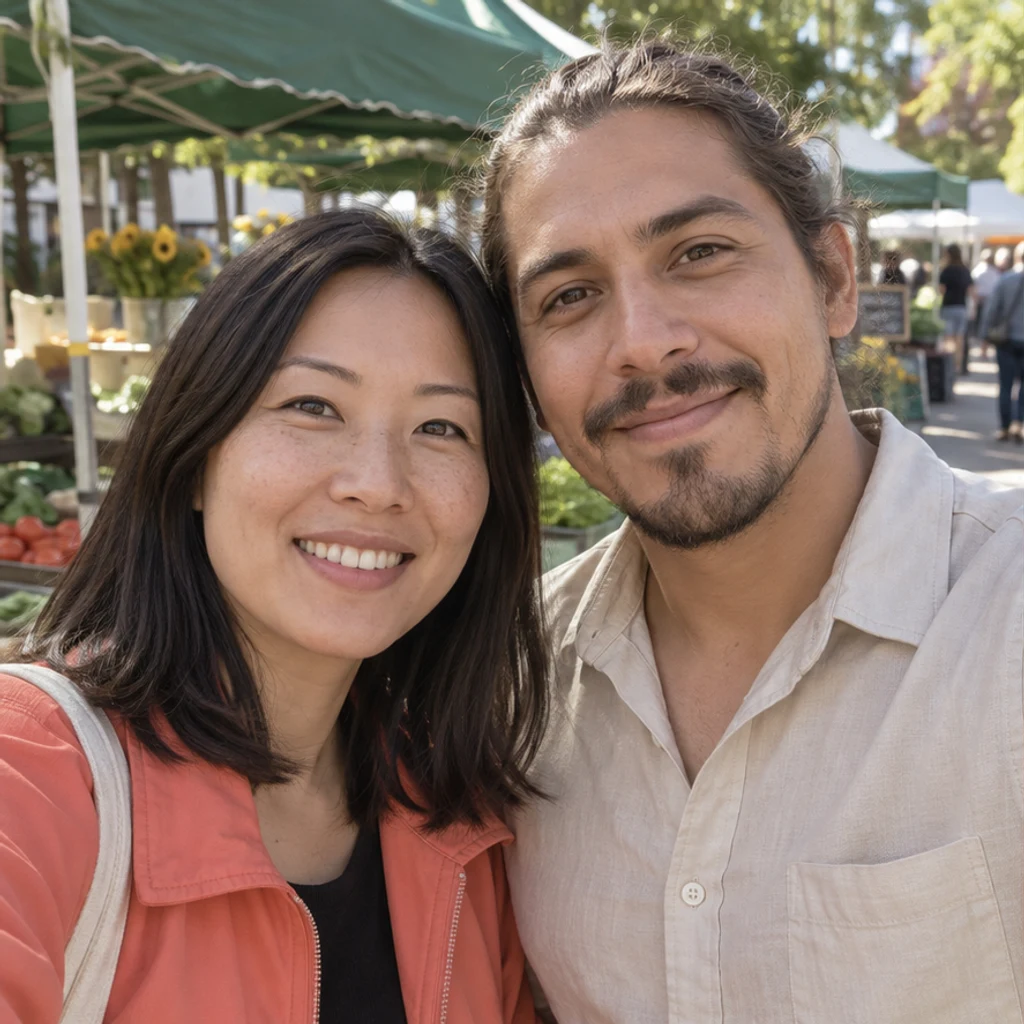
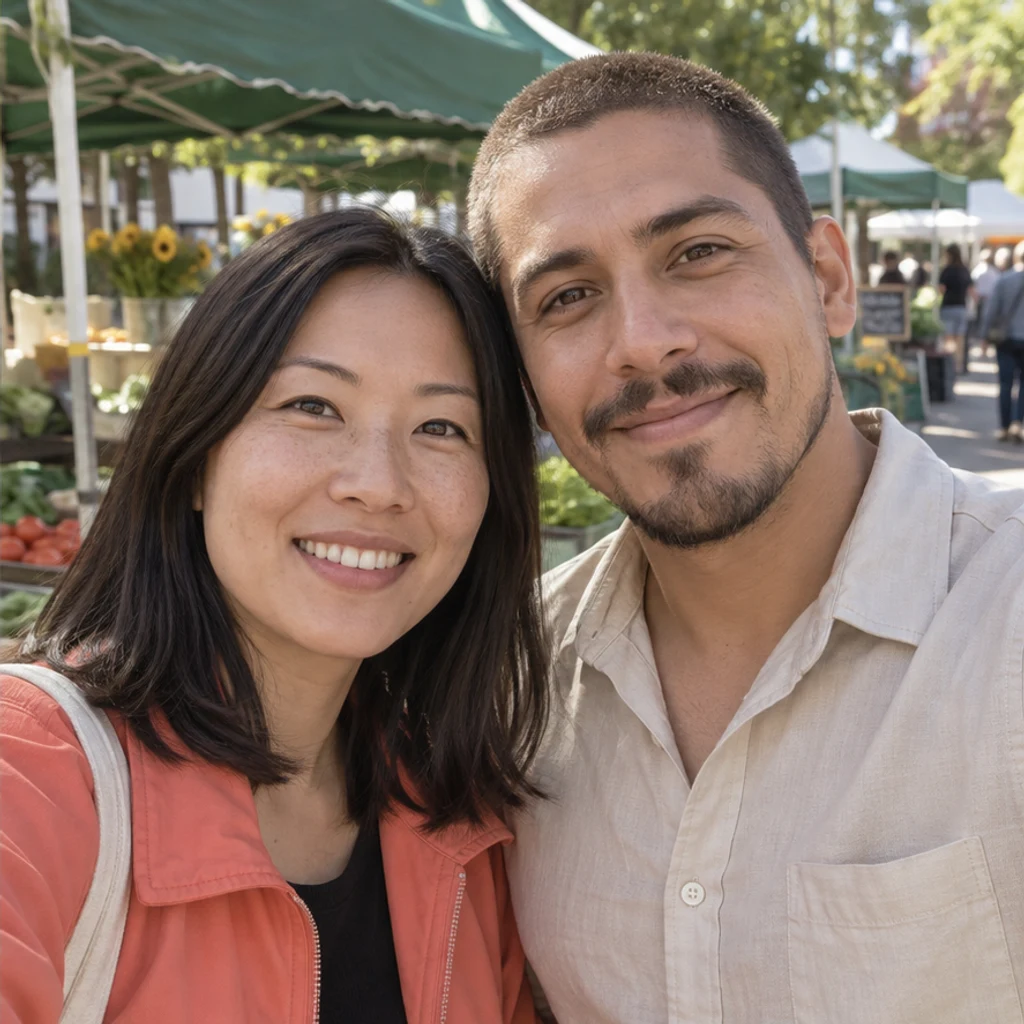
Give only the man on the right a short brown buzz cut. Keep the woman’s shoulder-length black hair, both faces and the market.
Shortening hair exposes areas that may be hidden in the original. Generated scalp, ears or background are plausible reconstructions, not a measurement of your real head shape or a prediction of a haircut.
Upload a clear portrait and generate a short-hair preview. Compare the full head, hairline, original color and face. It explores an appearance; it cannot decide whether a real cut will suit you.
No. One Person photo is enough for the default short buzz cut. Edit instructions are optional and let you describe a variation.
No. A buzz cut retains visible short clipped hair. A bald filter removes the visible scalp hair for a smooth-head preview. Use the separate AI Bald Filter for that task.
The default instructions preserve the original scalp hair color, gray strands, beard, face and scene. You can explicitly request a hair color. Review the result for unintended changes.
Yes. Describe the visual length or fade in Edit instructions. A guard number can guide an appearance, but the image does not measure hair or guarantee the result of a particular clipper setting.
No. Long hair may hide the scalp, ears or background. Newly exposed detail is inferred from visible context and is not an exact recovery of hidden anatomy or hair density.
Identify one person by position or clothing in a group. Other people should stay unchanged. When the target has no visible scalp hair, the default request keeps the photo rather than adding hair.
Generation requires a LumiYing account and uses the credits shown before Generate. Loading an example does not generate or use credits. See pricing for current plans.
Preview a buzz cut on your photo with AI. Keep your original hair color, face and scene, or describe a shorter, longer or faded look in Edit instructions.
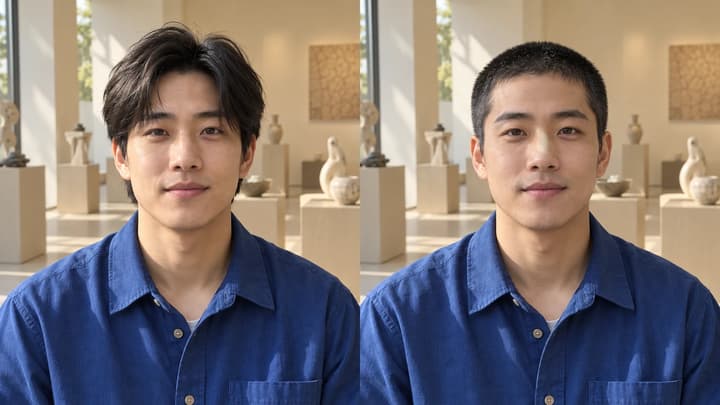
Preview a buzz cut on your photo with AI. Keep your original hair color, face and scene, or describe a shorter, longer or faded look in Edit instructions.
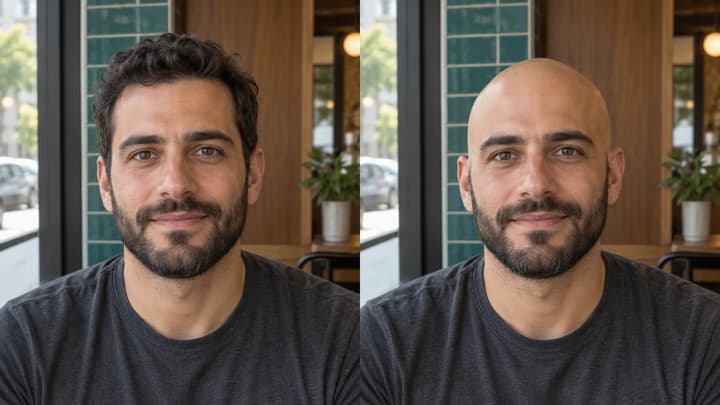
See what you would look like bald with an AI bald filter. Upload a portrait, preview a clean-shaven head, then compare and download your image.
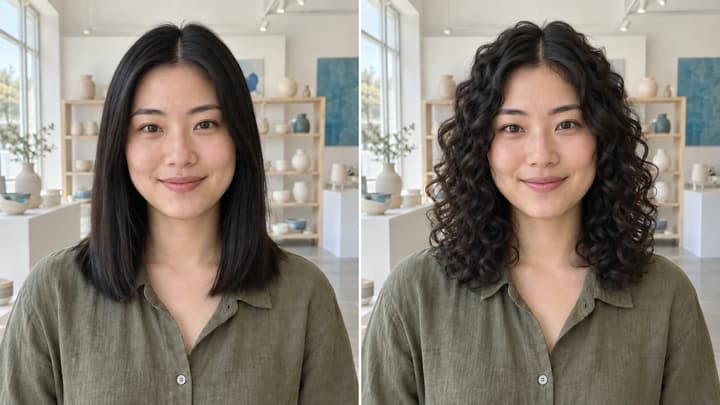
Try curls from root to tip in your photo. Choose a curl template, upload a reference or write instructions while keeping your original hair color.

Upload an image, describe the edit, and create polished visuals for products, social posts, posters, or keyframes.

Review credits and plans before generating.
Preview a buzz cut on your photo with AI. Keep your original hair color, face and scene, or describe a shorter, longer or faded look in Edit instructions.