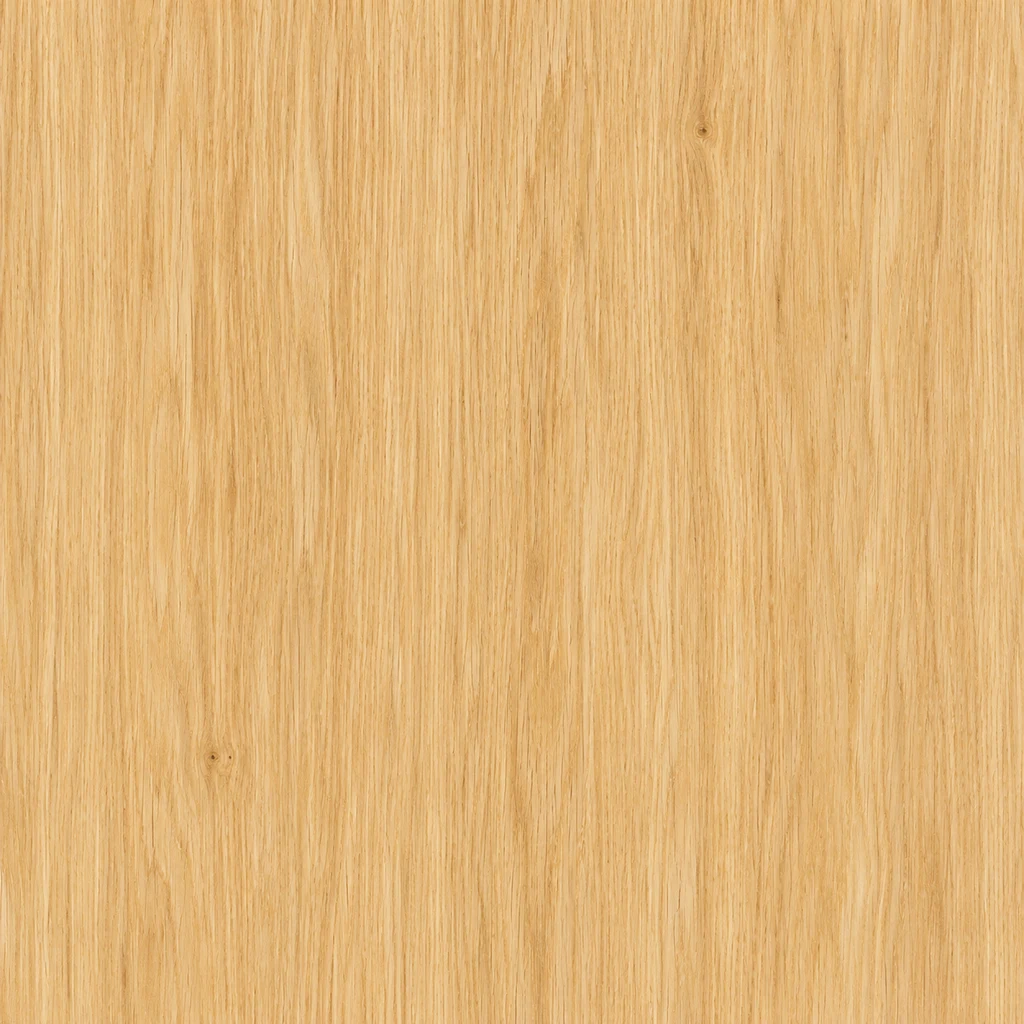
Pale oak
Fine vertical grain keeps the wood direction clear.
Texture description
Pale honey oak texture, fine vertical grain and tiny pores, few knots. Flat full-frame surface with even diffuse lighting; no plank joints.
Load this exampleCreate square texture images from a description or reference photo. Explore wood, stone, fabric and metal surfaces for backgrounds and design projects.
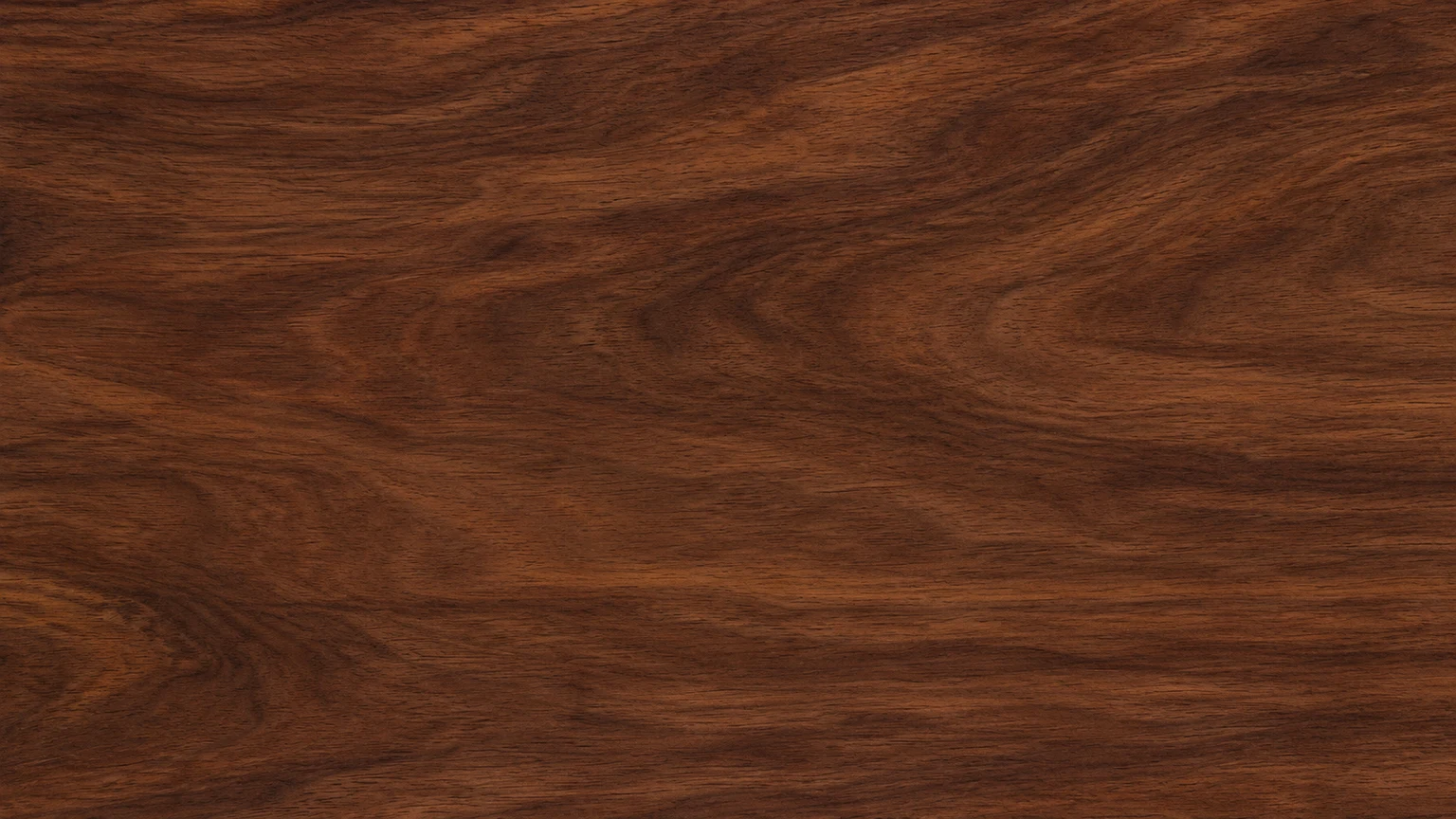
Explore flowing walnut grain or quieter wood surfaces for graphic backgrounds.
Describe stone color and mineral detail without placing it in a room or on an object.
Use thread size, weave and color to describe the cloth surface you need.
Explore brushed grain, subtle scratches or oxidation as a flat texture image.
Choose a material to load its description and settings. Adjust them before generating.
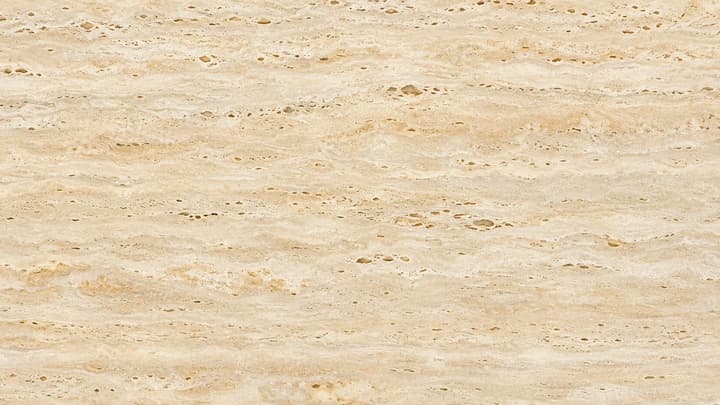
Fine vertical grain keeps the wood direction clear.
Pale honey oak texture, fine vertical grain and tiny pores, few knots. Flat full-frame surface with even diffuse lighting; no plank joints.
Load this example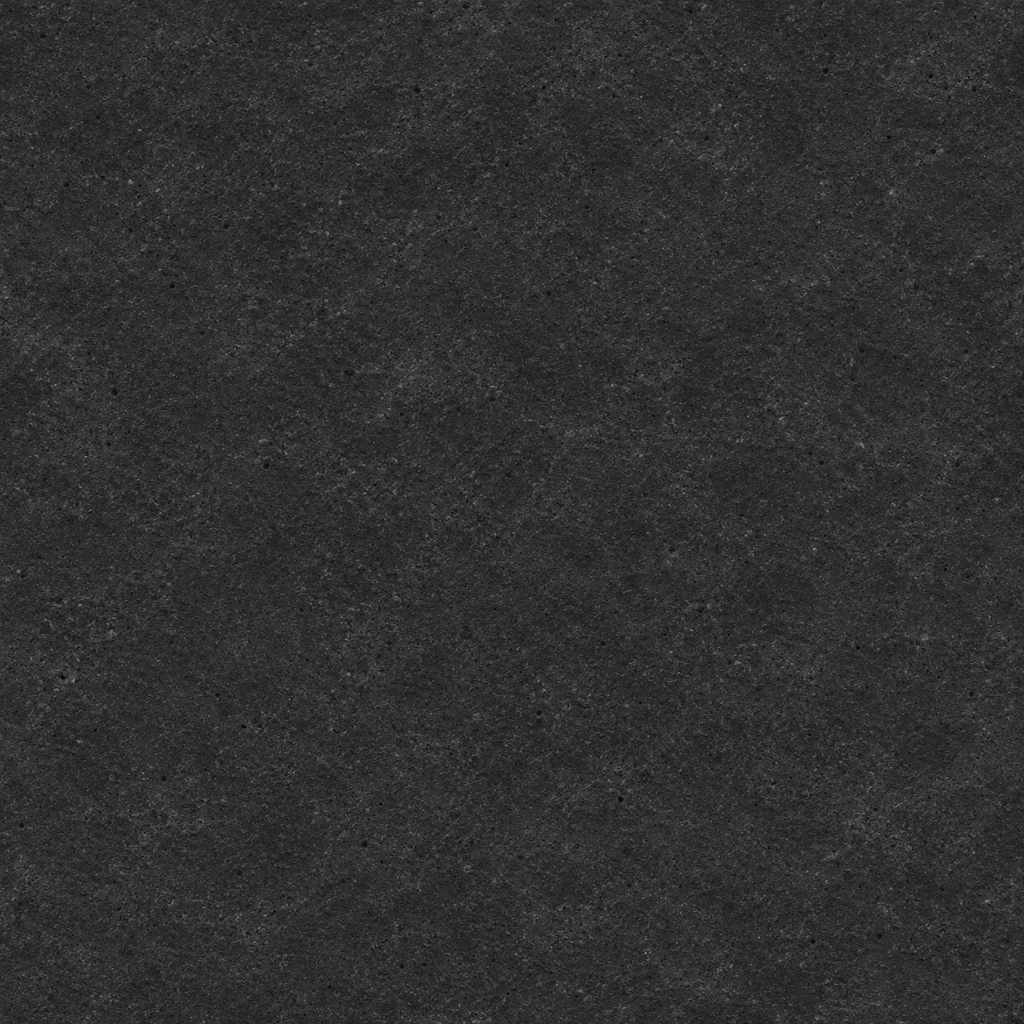
Small pores add detail without a dominant crack.
Matte charcoal basalt texture with fine volcanic grain and sparse tiny gray pores. Cool graphite palette, flat surface, even lighting; no large cracks.
Load this example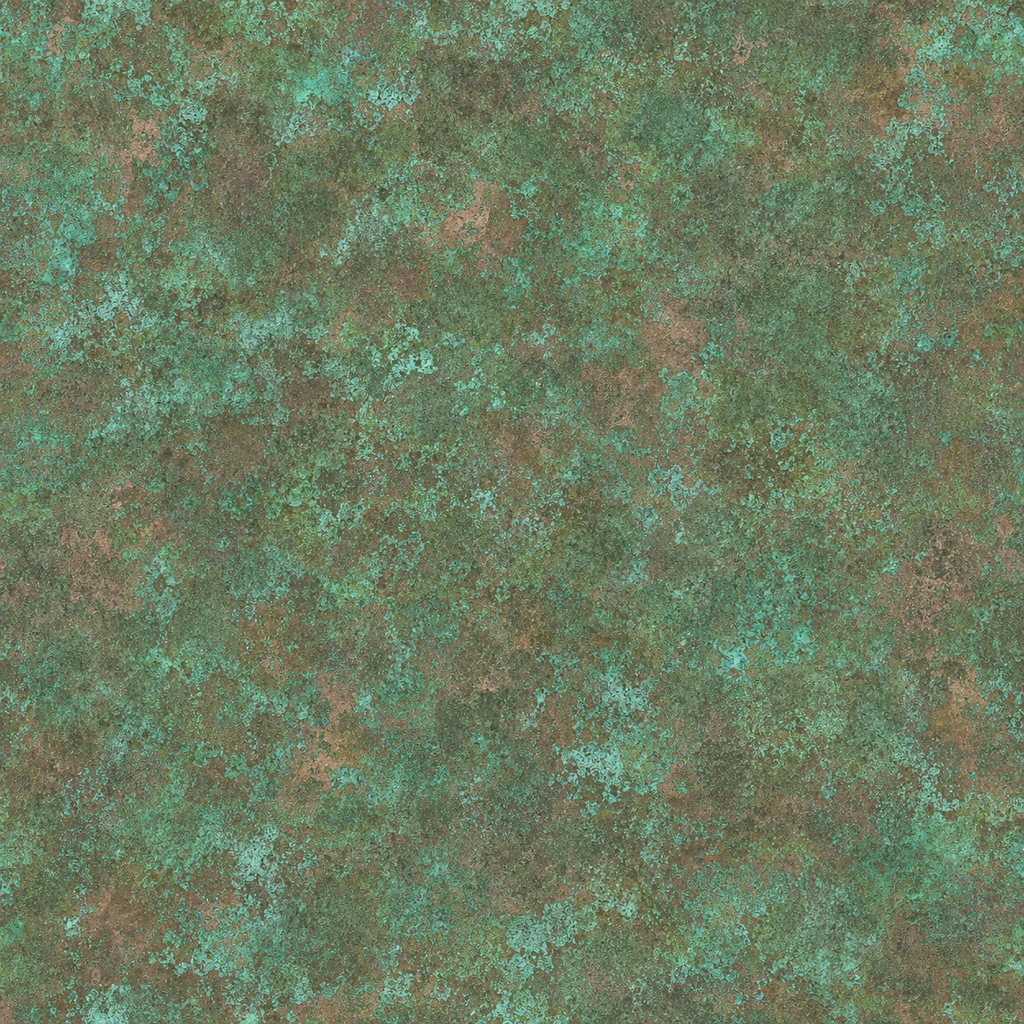
Turquoise oxidation breaks up the brown copper base.
Weathered copper texture with turquoise patina, fine stippling and small muted copper patches. Flat, evenly lit surface without bright reflections.
Load this example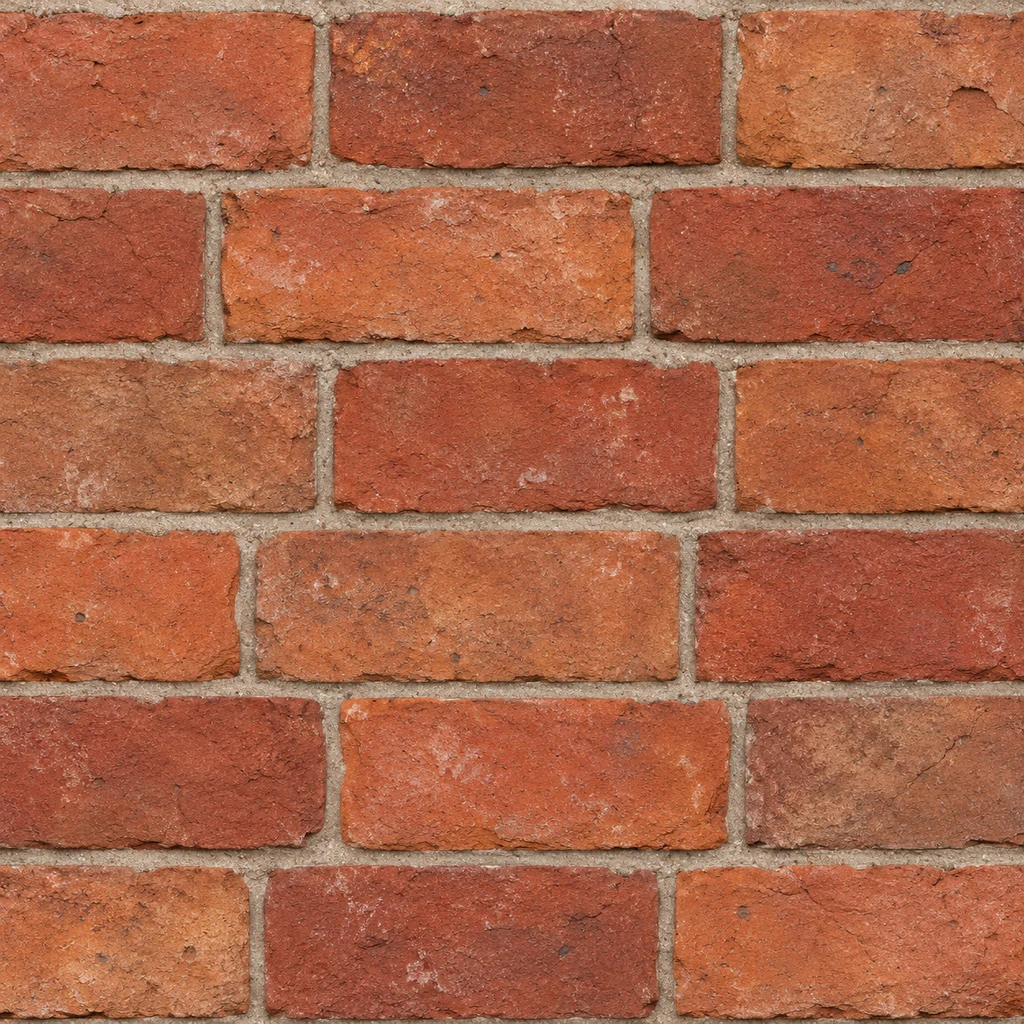
Brick size and mortar width set the visual scale.
Old terracotta brick texture, six horizontal rows in running bond, thin warm-gray mortar and subtly chipped edges. Straight-on view with even light.
Load this example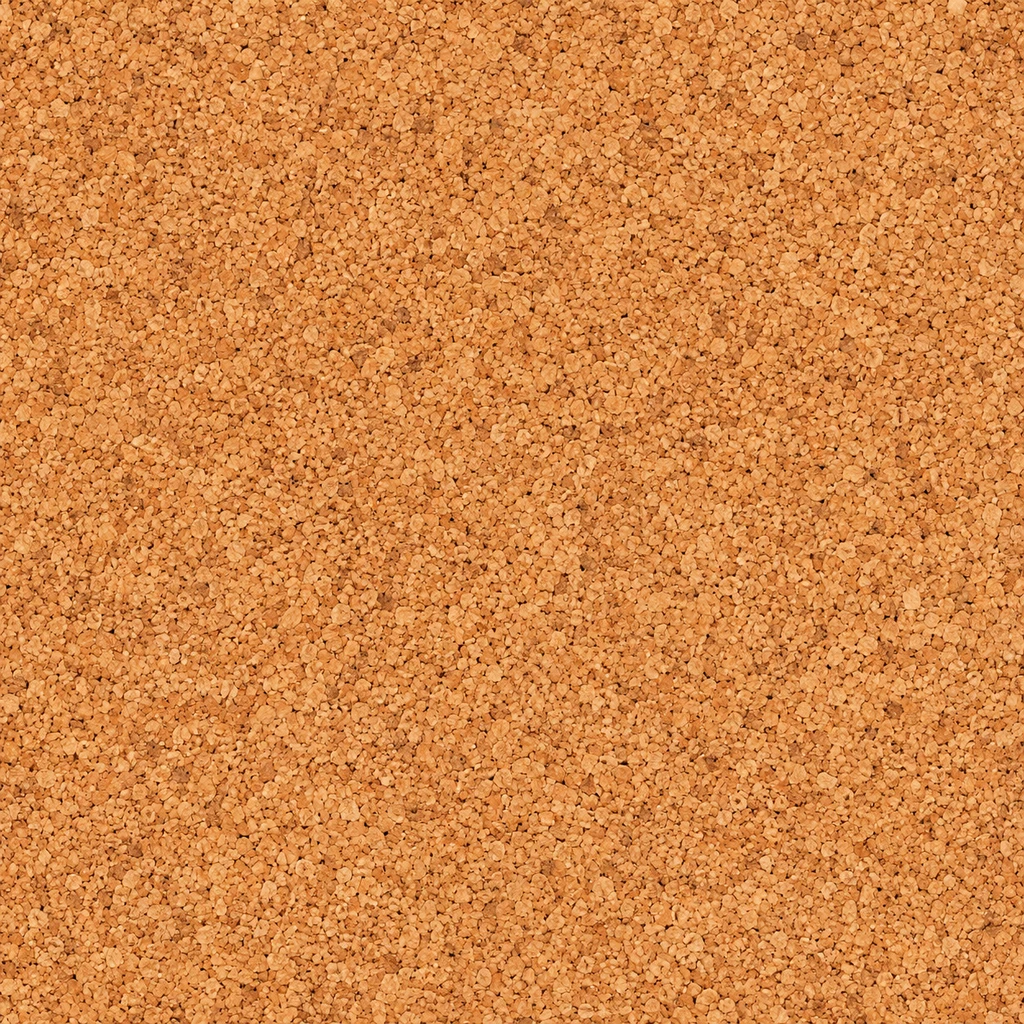
Small particles create a warm, compact texture.
Natural compressed cork texture, small irregular tan and ochre fragments, fine matte pores and consistent particle size. Flat surface with even lighting.
Load this example
Low contrast leaves room for text in a design.
Warm off-white handmade cotton paper texture, delicate fine fibers and faint ivory mottling. Low contrast, evenly lit; no folds, torn edges or text.
Load this example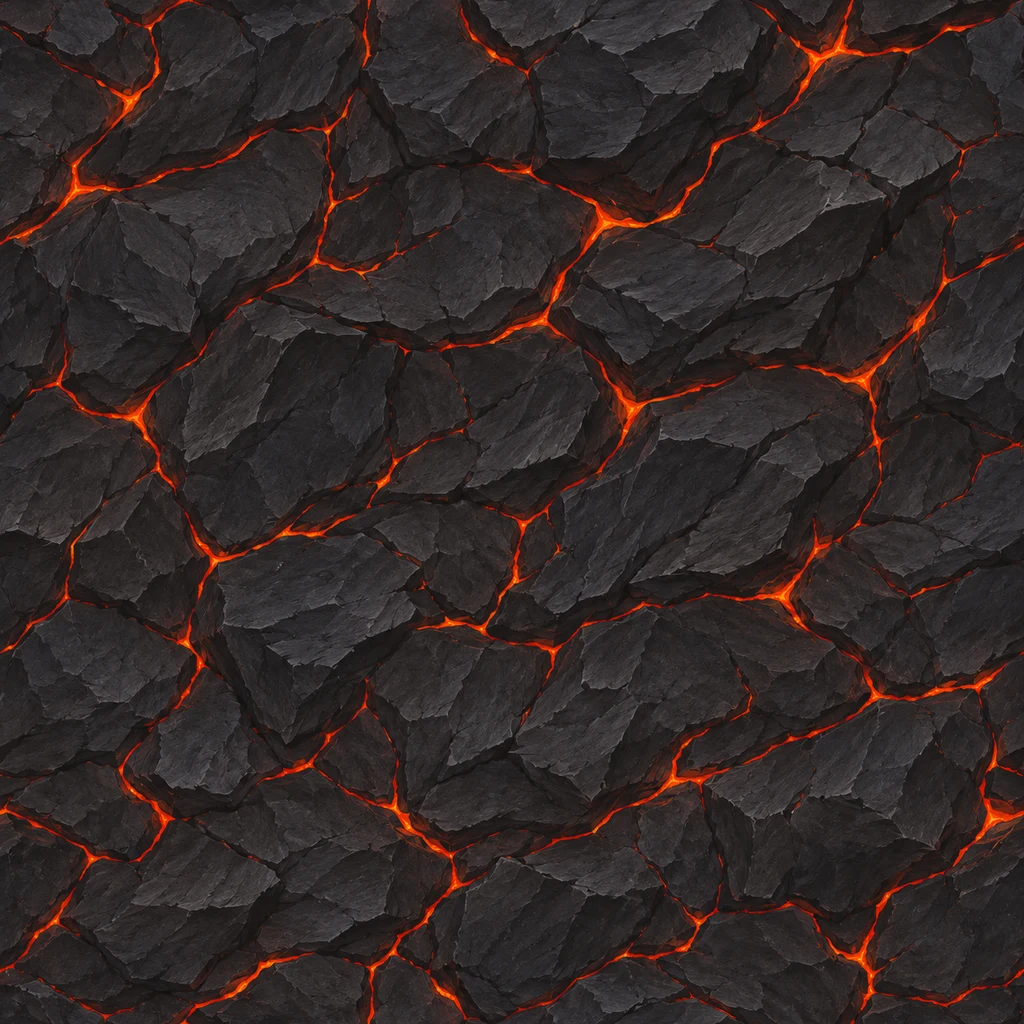
Glowing fissures give the surface a stylized direction.
Hand-painted volcanic crust texture: charcoal rock plates and thin orange-red lava fissures. Restrained ember glow, crisp painted detail; no landscape or smoke.
Load this exampleKeep the blue twill while removing garment folds and seams.
Use the reference's indigo color and diagonal cotton twill. Make a flat fabric texture with even lighting; remove folds, stitching, seams and background.
Load this exampleWrite a description, upload a reference, or use both.
Select 1K, 2K or 4K and review the credit cost.
Check color and detail, then download or re-edit.
Review the image at its intended display size.
Grain and fibers should remain visible without competing with your design.
Large highlights and shadows become part of the image, so check them before using it as a background.
You receive one color image. Seamless tiling and PBR map sets require a separate workflow.
Yes. Enter a material description, upload a reference, or use both. With only a reference, the tool uses its dominant surface as the starting point.
Yes. Choose a close, clear view of the surface. Describe which material to use if the photo contains several; the result is a flat texture, not a copy of the object.
Seamless edges are not guaranteed. For repeating backgrounds or 3D work, check adjacent copies and fix the boundaries in a texture editor.
It returns a single color image. It does not produce normal, roughness or displacement maps, or apply the image to a 3D model.
Images are square, with 1K, 2K and 4K settings. Check the downloaded pixel dimensions for your destination; more pixels do not change the scale of the grain.
Generation uses credits. The button shows the selected resolution's cost. Loading an example does not spend credits.
Describe material, scale and lighting, use a reference photo, and check a texture image before adding it to a background or design.

Create original images from a text prompt or optional reference image. Adjust the aspect ratio and resolution to bring your creative vision to life.
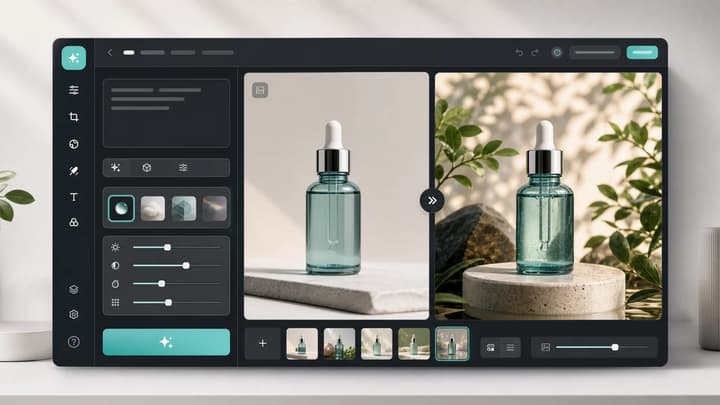
Upload an image, describe the edit, and create polished visuals for products, social posts, posters, or keyframes.
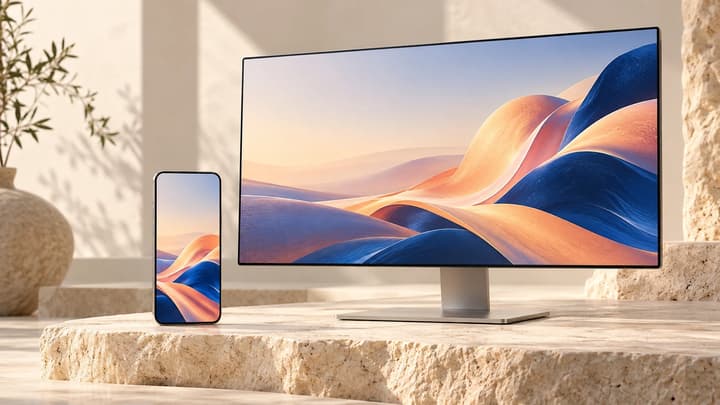
Describe your wallpaper, optionally add one reference image, and choose a screen ratio and resolution. Ask for quiet space around the clock or icons, then check the crop on your device.

Review credits and plans before generating.
Create square texture images from a description or reference photo. Explore wood, stone, fabric and metal surfaces for backgrounds and design projects.