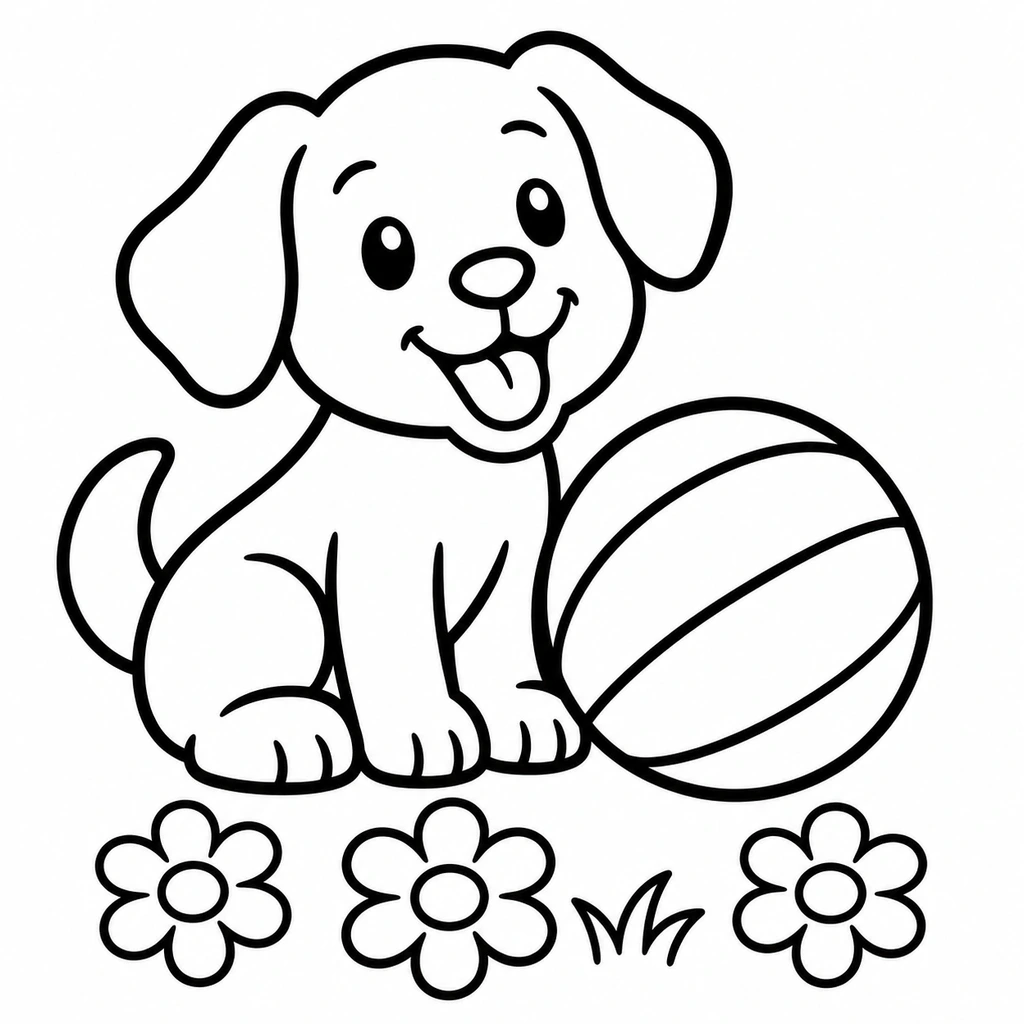
Puppy and ball
Large shapes make an easy starting point.
Scene or edit instructions
A puppy sitting beside a striped ball, three daisies and a little grass.
Load this exampleTurn a photo or a written idea into a black-and-white coloring page. Choose the detail and background, then download an image or a single-page PDF.
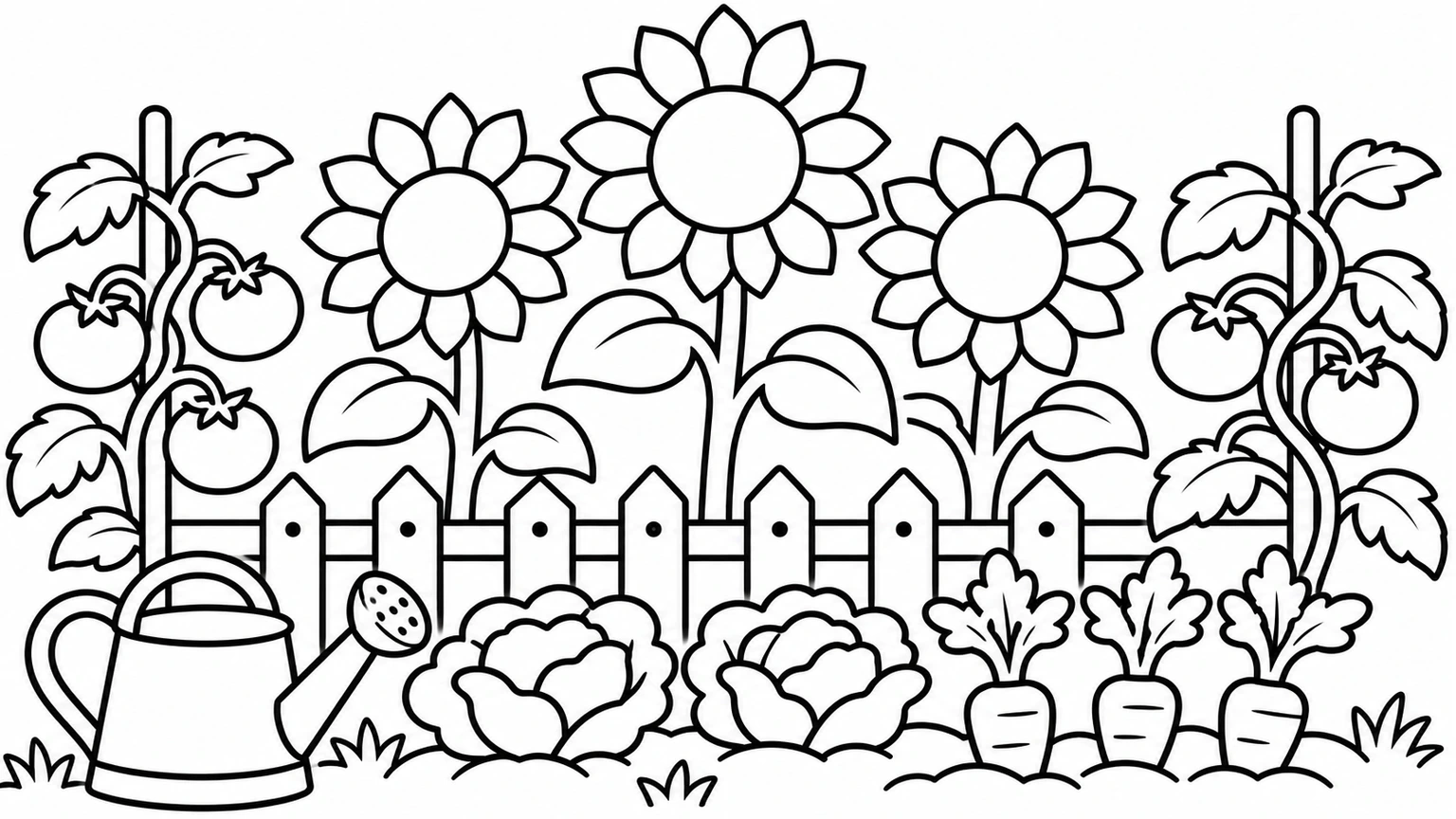
Load an idea or photo and adjust its settings before generating.
Large shapes make an easy starting point.
A puppy sitting beside a striped ball, three daisies and a little grass.
Load this example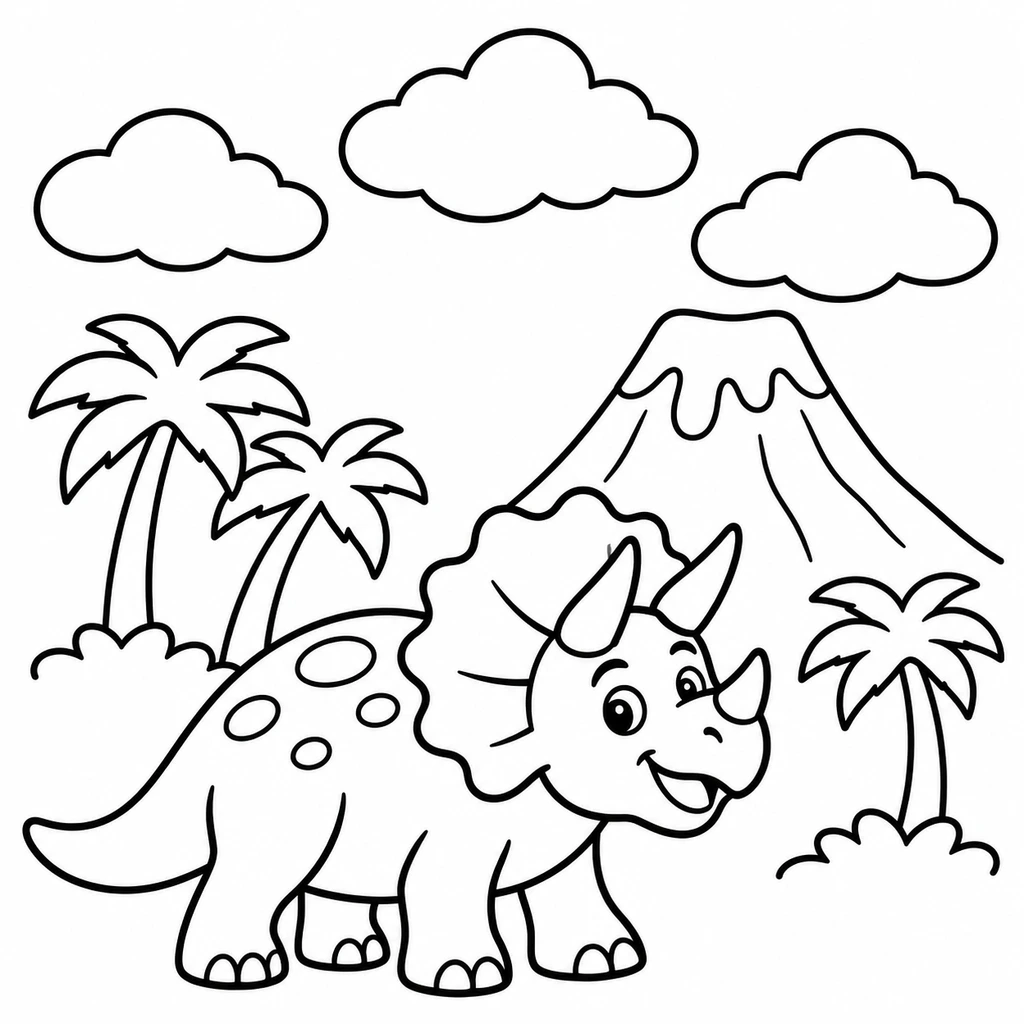
A clear silhouette keeps the animal recognizable.
A friendly triceratops beside a volcano, two palms and three large clouds.
Load this example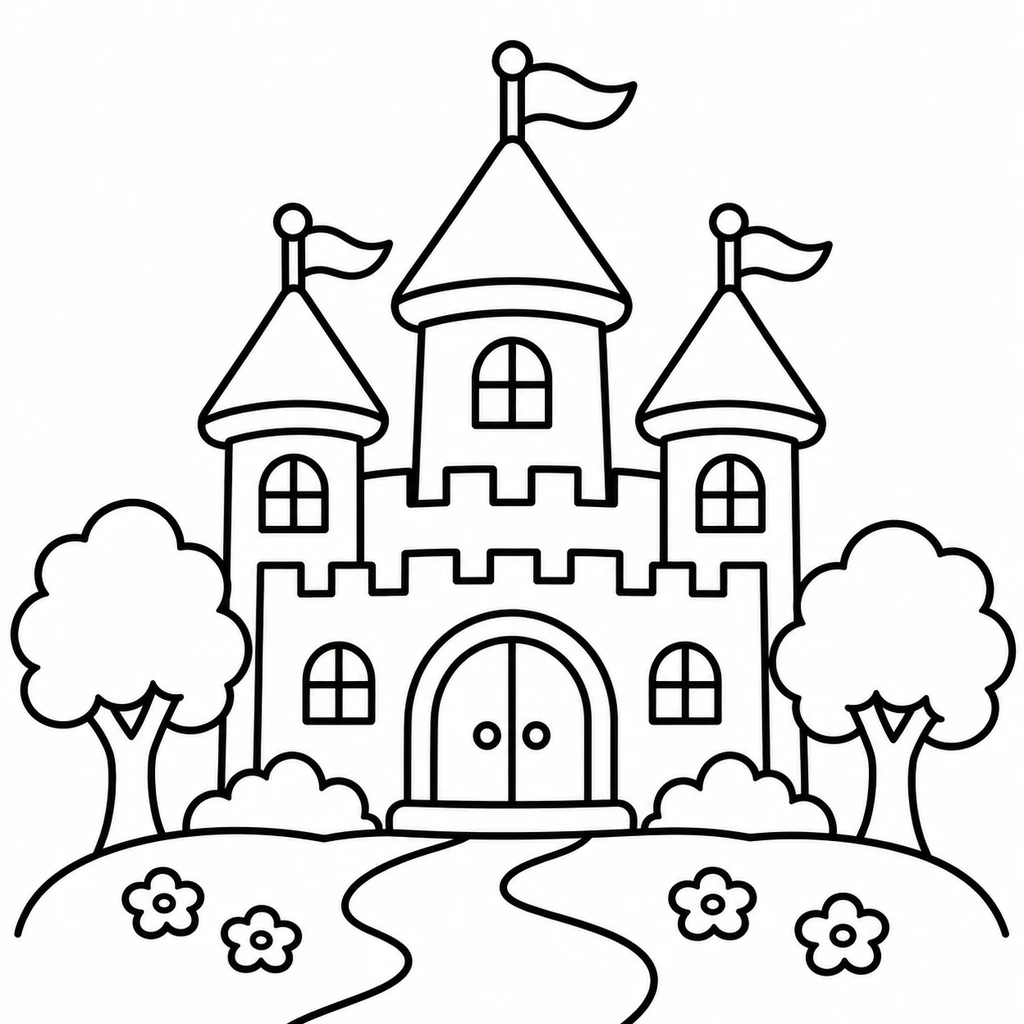
Balanced detail gives the buildings room to breathe.
A fairytale castle with three turrets, a winding path and two rounded trees.
Load this example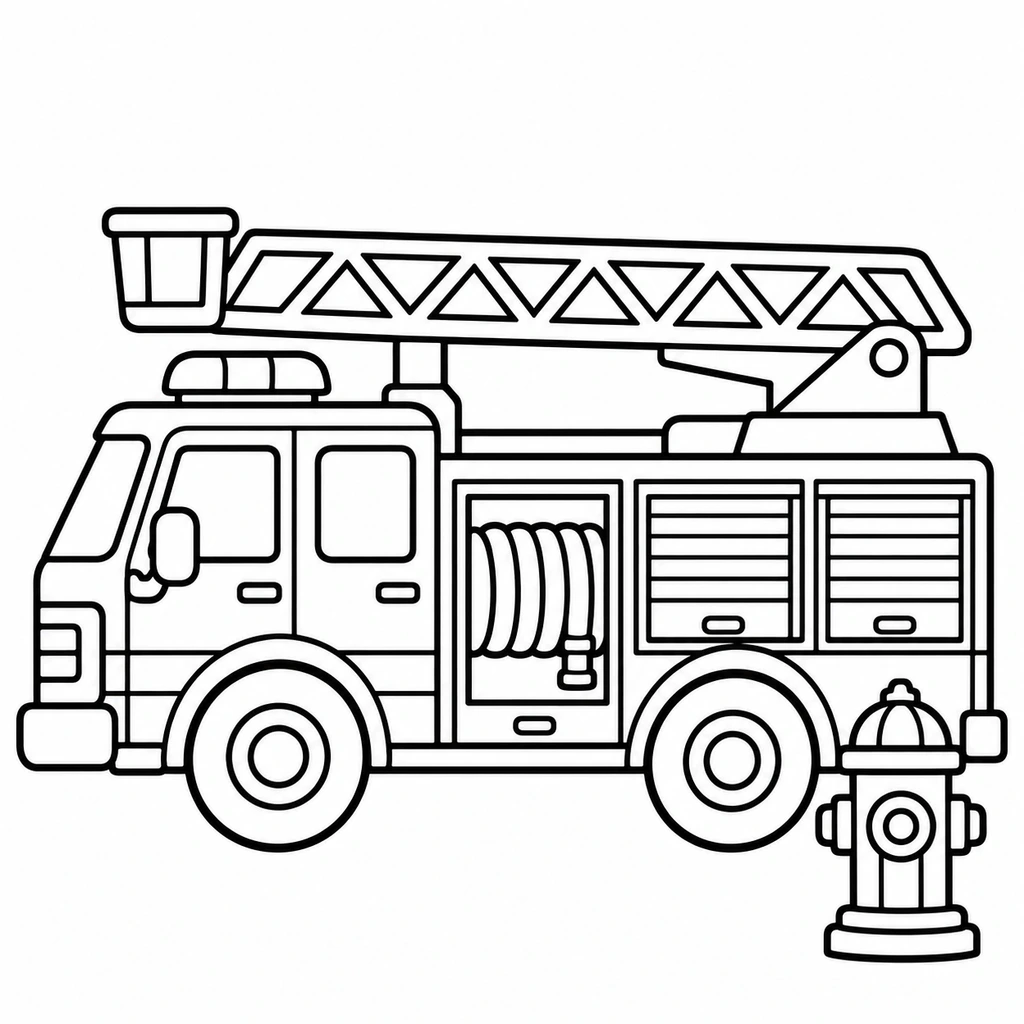
Keep mechanical parts distinct without labels.
A side-view ladder fire engine beside a fire hydrant. No lettering or numbers.
Load this example
Simple wing patterns leave space for color.
A large butterfly above three tulips. Clear decorative wing shapes.
Load this example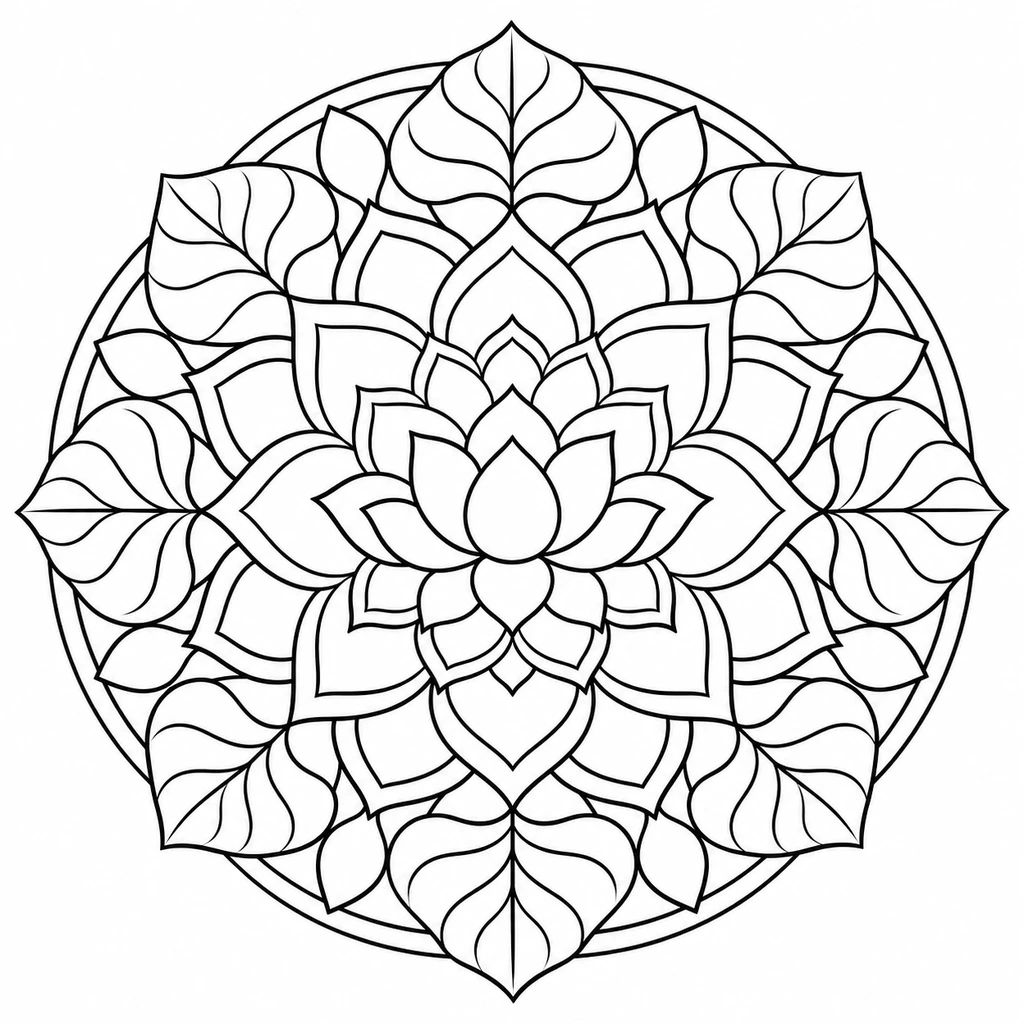
Smaller enclosed shapes suit more detailed coloring.
A circular botanical mandala of lotus petals and broad leaves. Keep every area distinct.
Load this exampleKeep the pose and markings; leave out fur texture.
Keep the cat's seated pose, face, tail and stripe shapes. Omit individual fur strands and the stool's wood grain.
Load this exampleKeep the wheels and frame; simplify the surroundings.
Keep the bicycle's complete frame, basket and wheels. Use clean closed contours and omit reflections.
Load this exampleDescribe the subject and setting for a new black-and-white scene.
Use simple detail for fewer, larger areas and bolder contours.
Simplify scenery or choose a plain white background.
Explore decorative detail while keeping the lines distinct.
Add one photo, a description, or both.
Set detail, background, page shape and resolution.
Review the outlines, then download an image or PDF.
Inspect the page before printing a whole set.
Look for closed shapes with enough space for your pen or crayon.
Check faces, paws, wheels and other important outlines at full size.
PDF export centers the image with margins. Choose A4 or US Letter and print at actual size.
Yes. Upload one JPG, PNG or WebP photo. Add instructions if you want to choose the subject or remove particular details.
Yes. Describe a scene without uploading a photo. A photo by itself also works.
Choose Simple and a white background. Clear subjects and fewer overlapping objects give larger areas to color.
Yes. The result download menu offers an image and A4 or US Letter PDFs. The PDF fits the image without cropping; watermarked results keep their watermark.
It creates one page at a time. Book assembly, consistent multi-page characters and numbered coloring are separate tasks.
Generation uses credits; the button shows the cost before you generate. Loading an example does not spend credits.
Choose a clear photo, simplify the background and line detail, then check and print a coloring page on A4 or US Letter paper.

Create original images from a text prompt or optional reference image. Adjust the aspect ratio and resolution to bring your creative vision to life.

Upload an image, describe the edit, and create polished visuals for products, social posts, posters, or keyframes.

Review credits and plans before generating.
Start with one clear subject and check a test print before making copies.