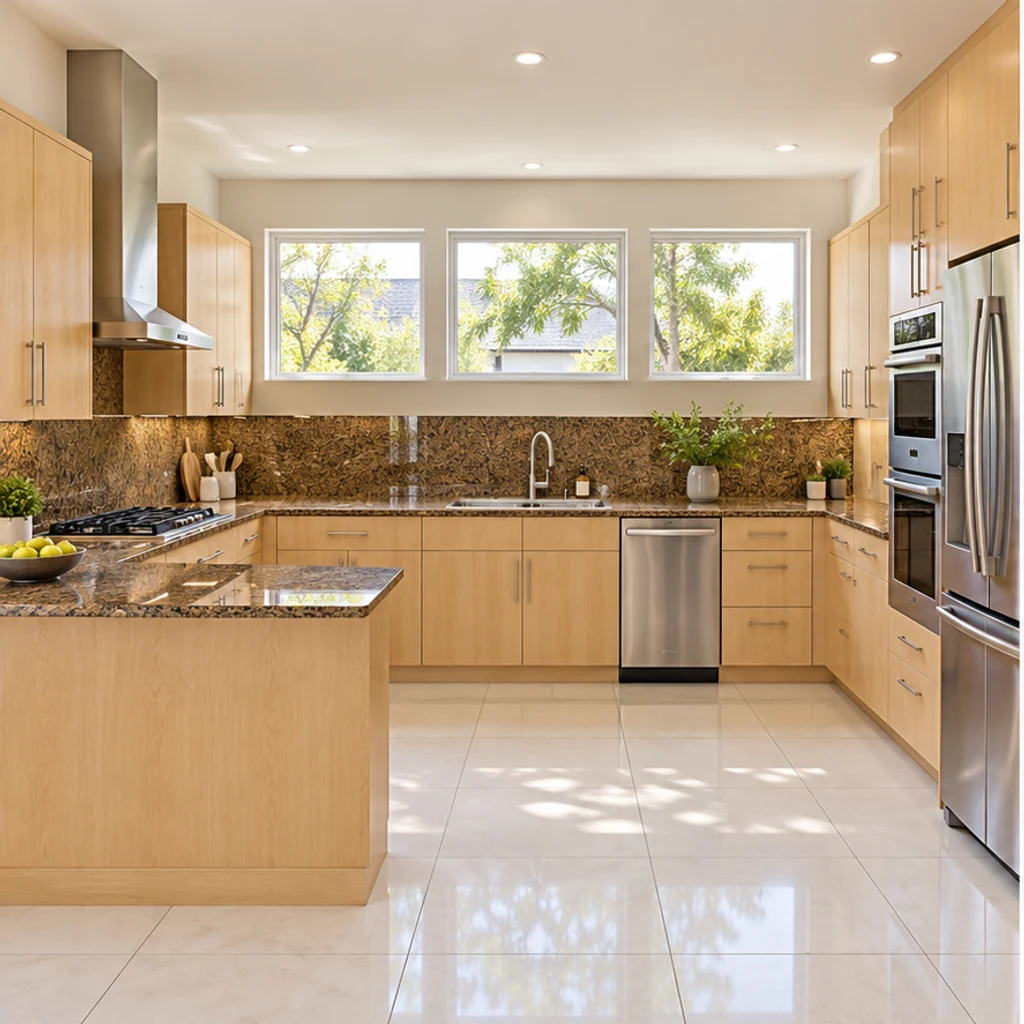
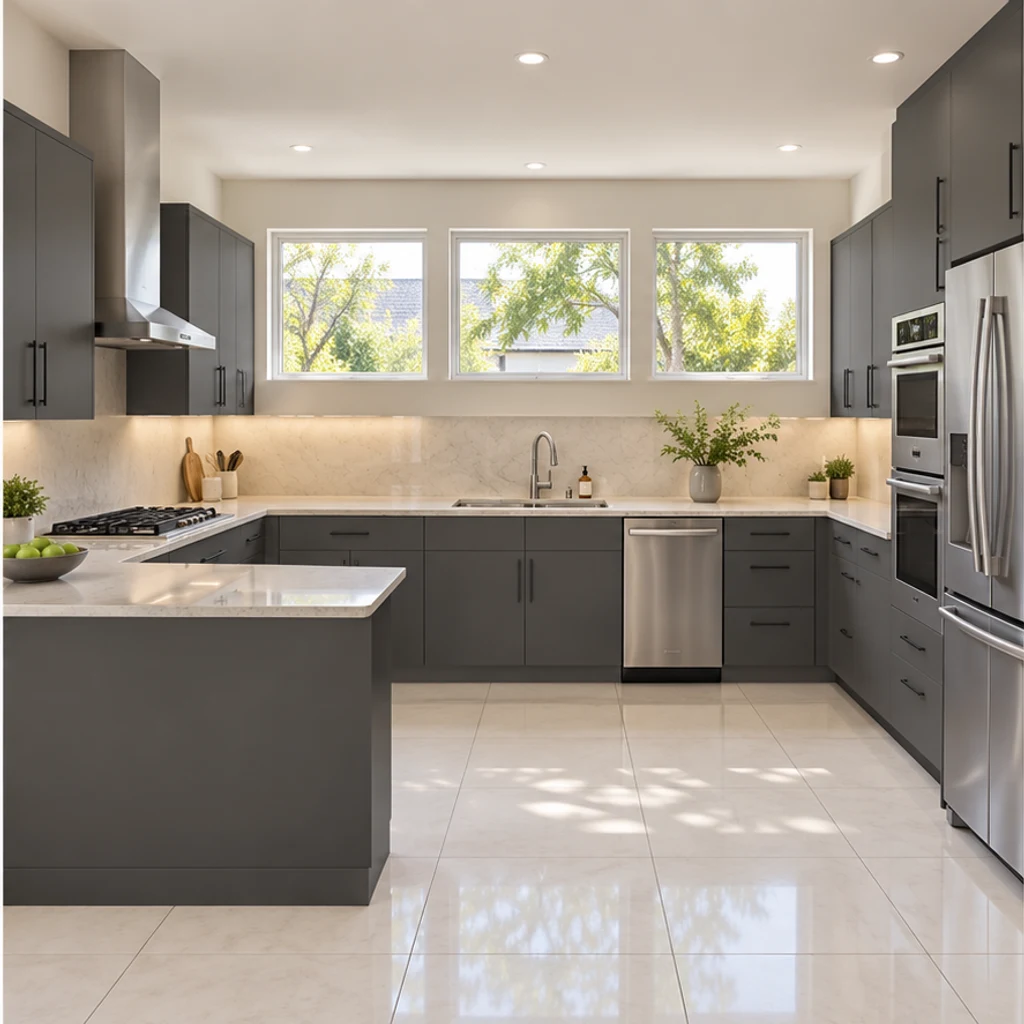
Modern graphite with pale counters
Load this exampleSlab fronts and a quiet backsplash give this peninsula kitchen a modern direction.
Start with your existing kitchen and one decision you want to make. An AI photo concept can help compare cabinet colors, countertops and backsplash combinations in context. Keep the layout fixed, review what changed, then use real samples and measured plans for the renovation.
LumiYingUpdated
Learn how to use AI kitchen design from a photo: choose a reference, write finish-specific instructions and compare results before selecting real materials.
Choose a clear, level photo showing the surfaces you want to change. Include windows, cabinets, counters and appliances; avoid heavy filters and extreme wide-angle distortion.
Select one of 8 kitchen style images, upload your own reference instead, or describe the changes in Edit instructions. Name the surfaces that must stay unchanged.
Generate a concept, compare it with the original, and check cabinet divisions, sink location and window edges. Refine your instructions and keep useful variants in your generation history.
Compare options using the same source photo. Reject any result that changes the room size or moves fixtures. Save a short list of finishes and check physical samples before ordering.
A style name can affect several finishes. If you are deciding only on cabinet color, say so explicitly and keep the countertop and backsplash fixed.
Explore kitchen finish ideas with these AI-generated illustrations. Choose an example to load its original photo and style reference.
Slab fronts and a quiet backsplash give this peninsula kitchen a modern direction.
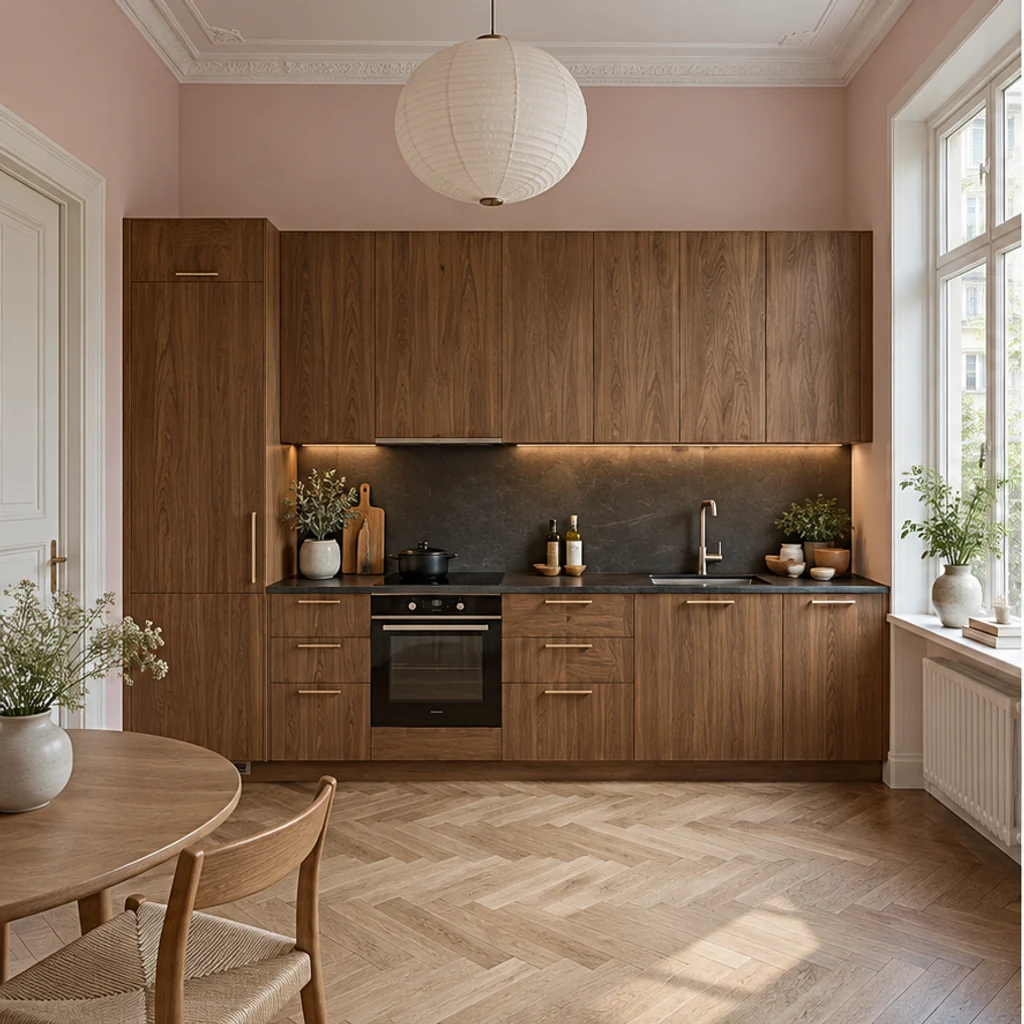
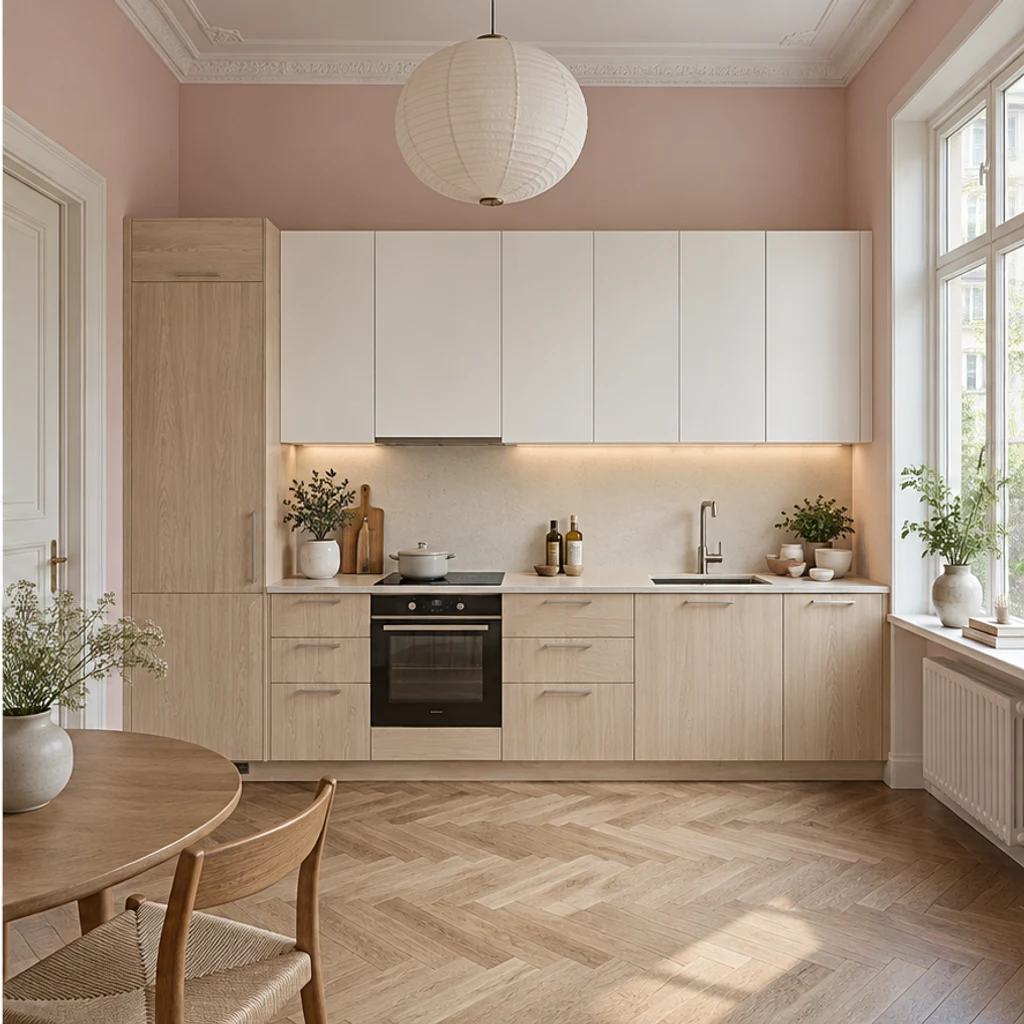
Light wood and white fronts soften this tall one-wall kitchen while the pink walls stay.
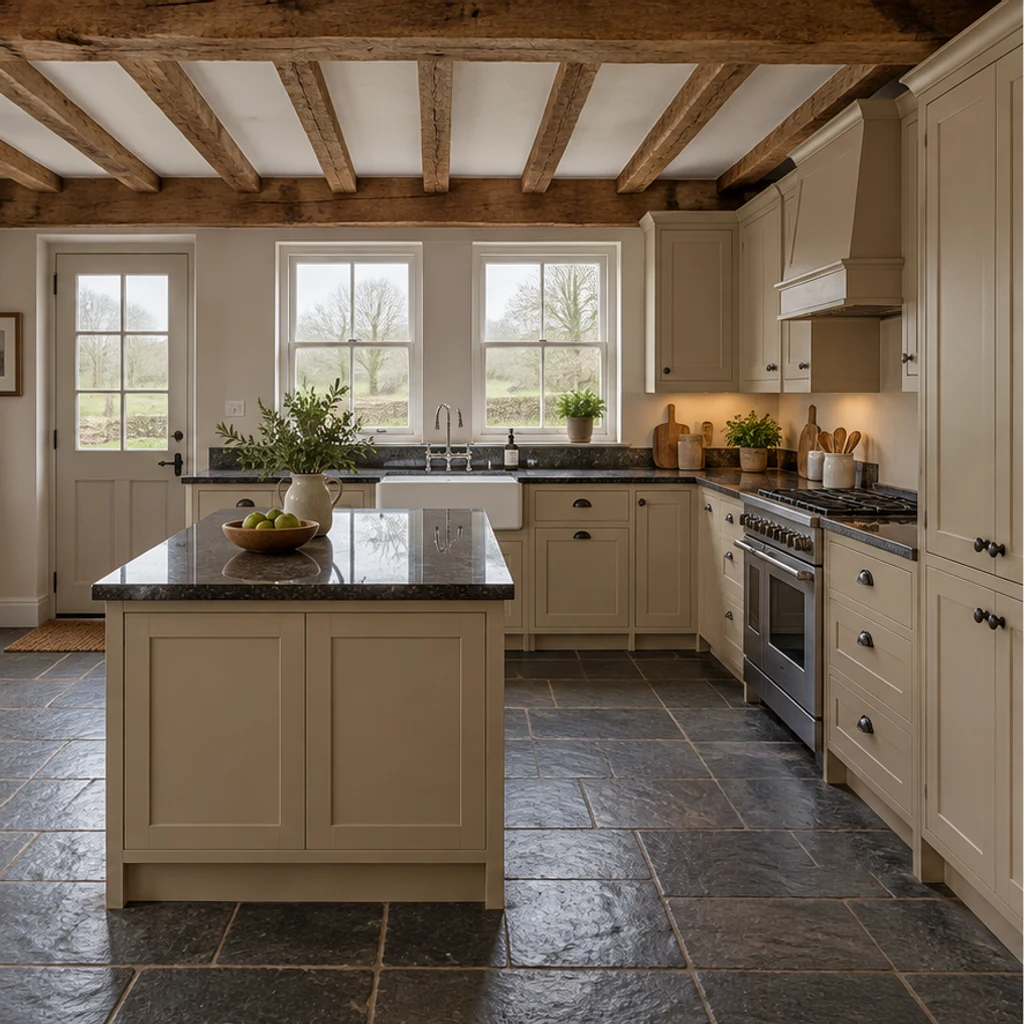
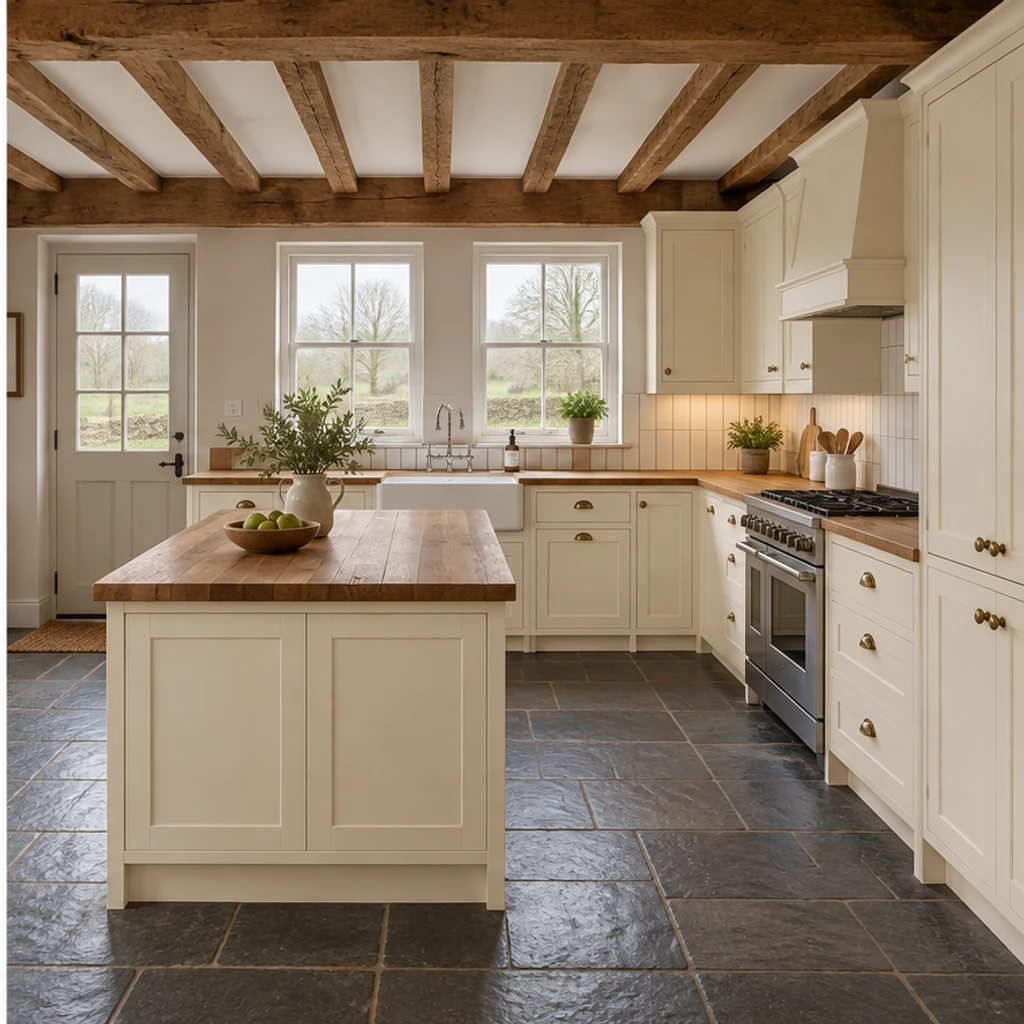
Cream cabinetry and a wood-counter direction work with this rural kitchen's existing beams.
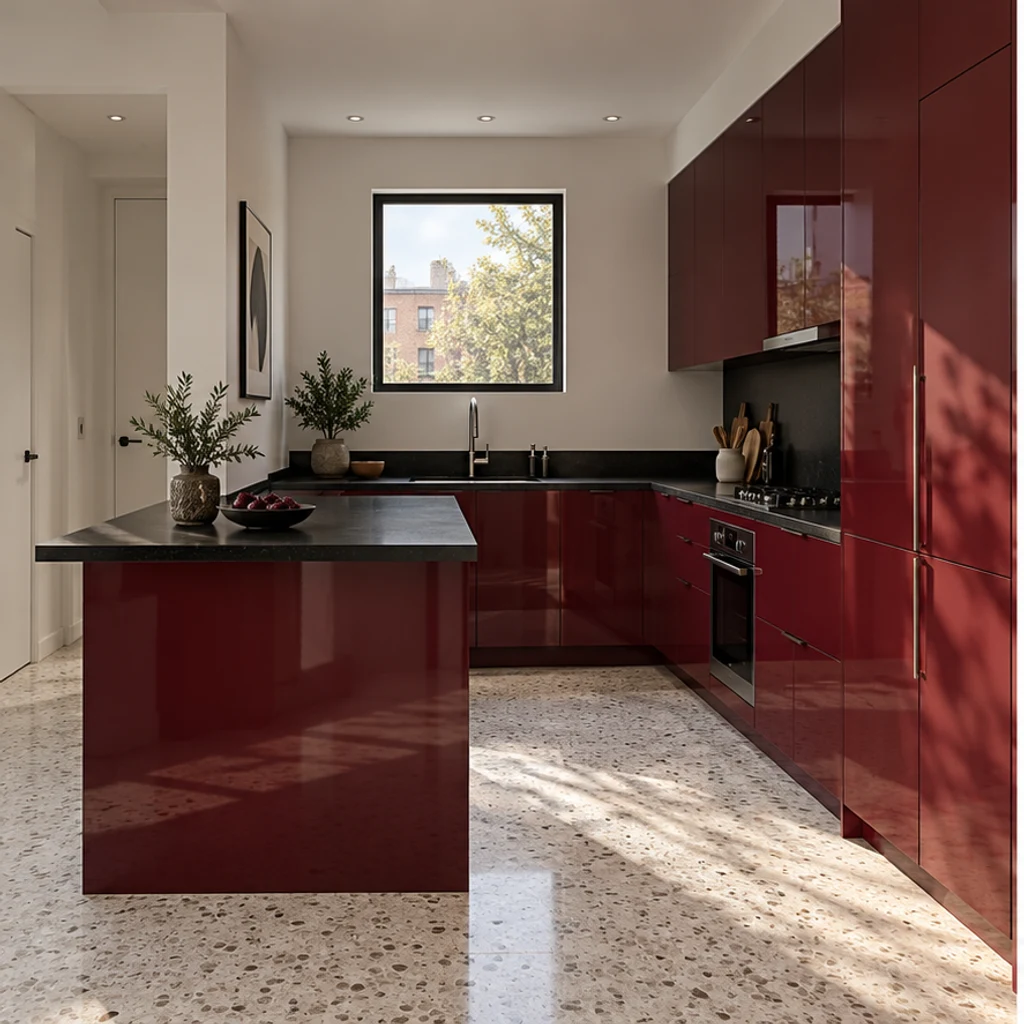
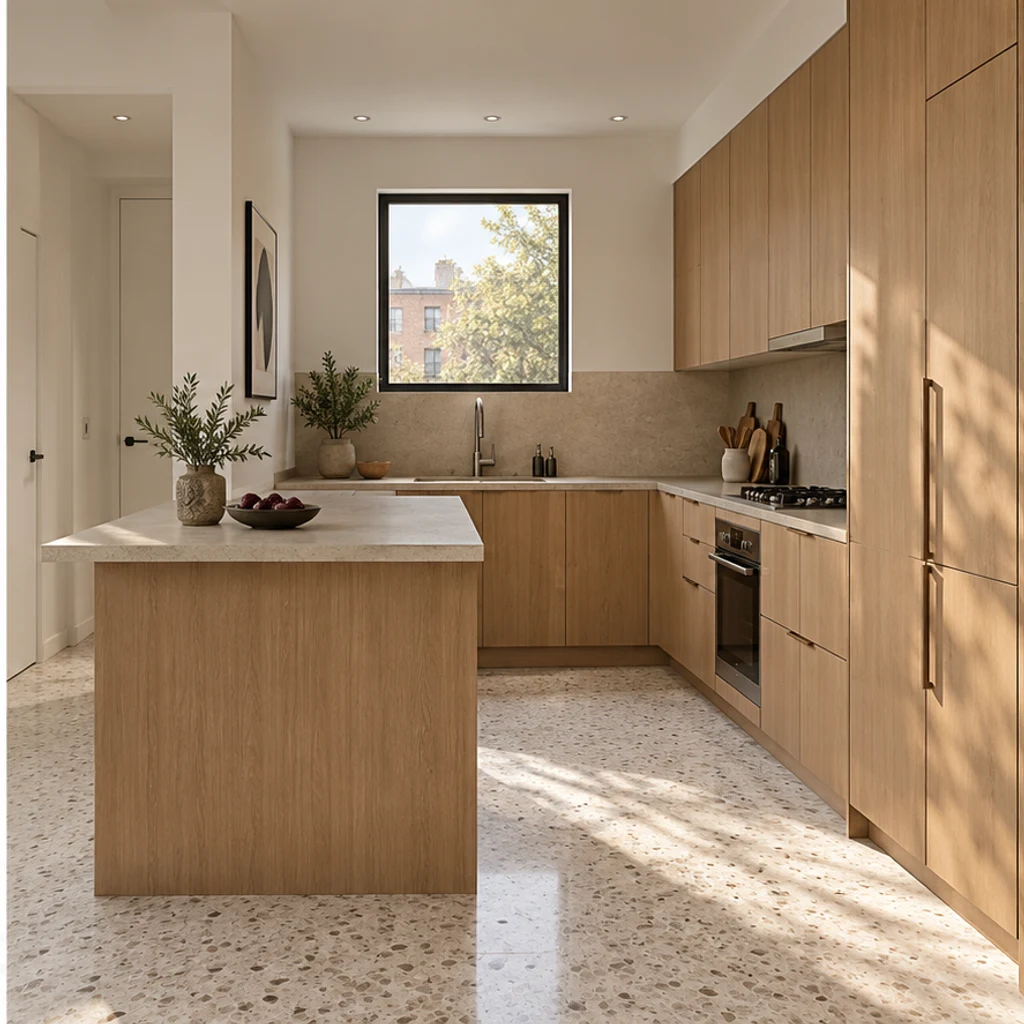
Low-contrast oak and sand finishes bring a restrained palette to a compact peninsula.
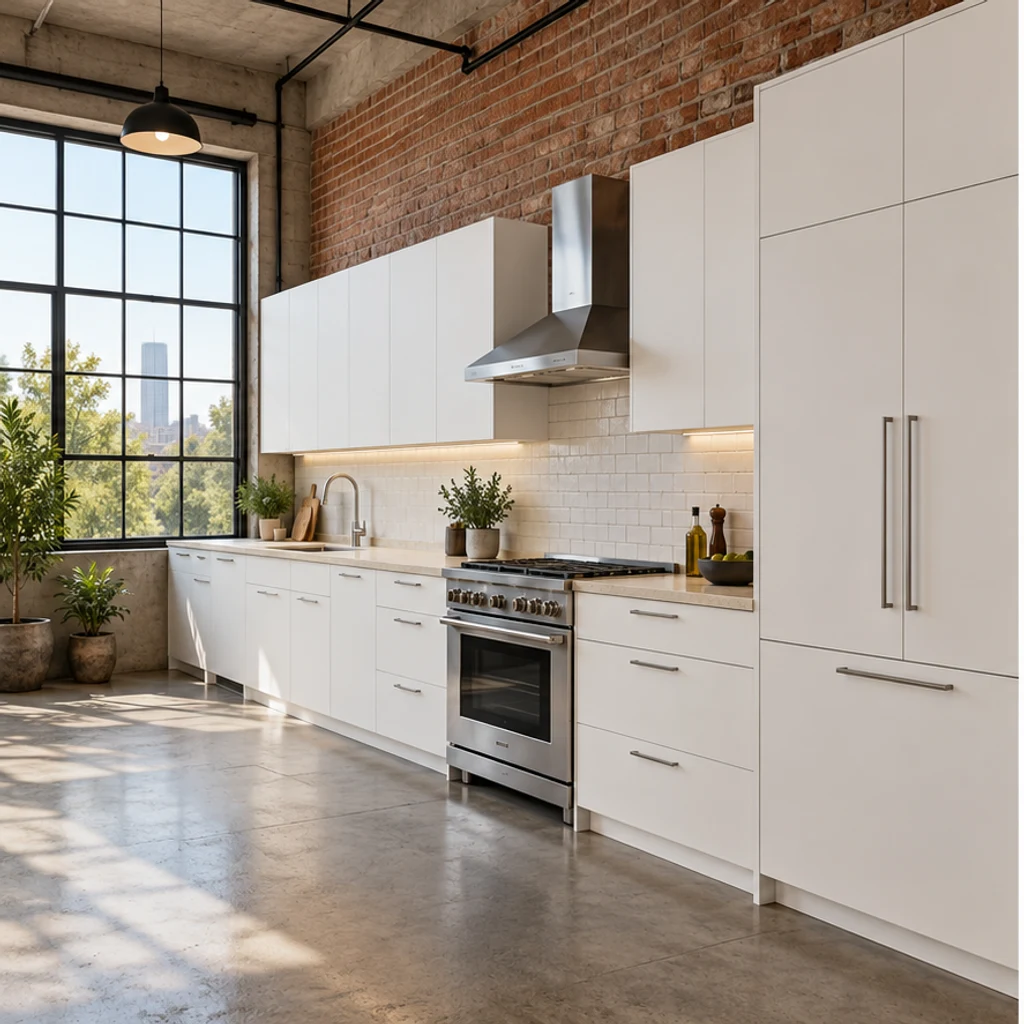
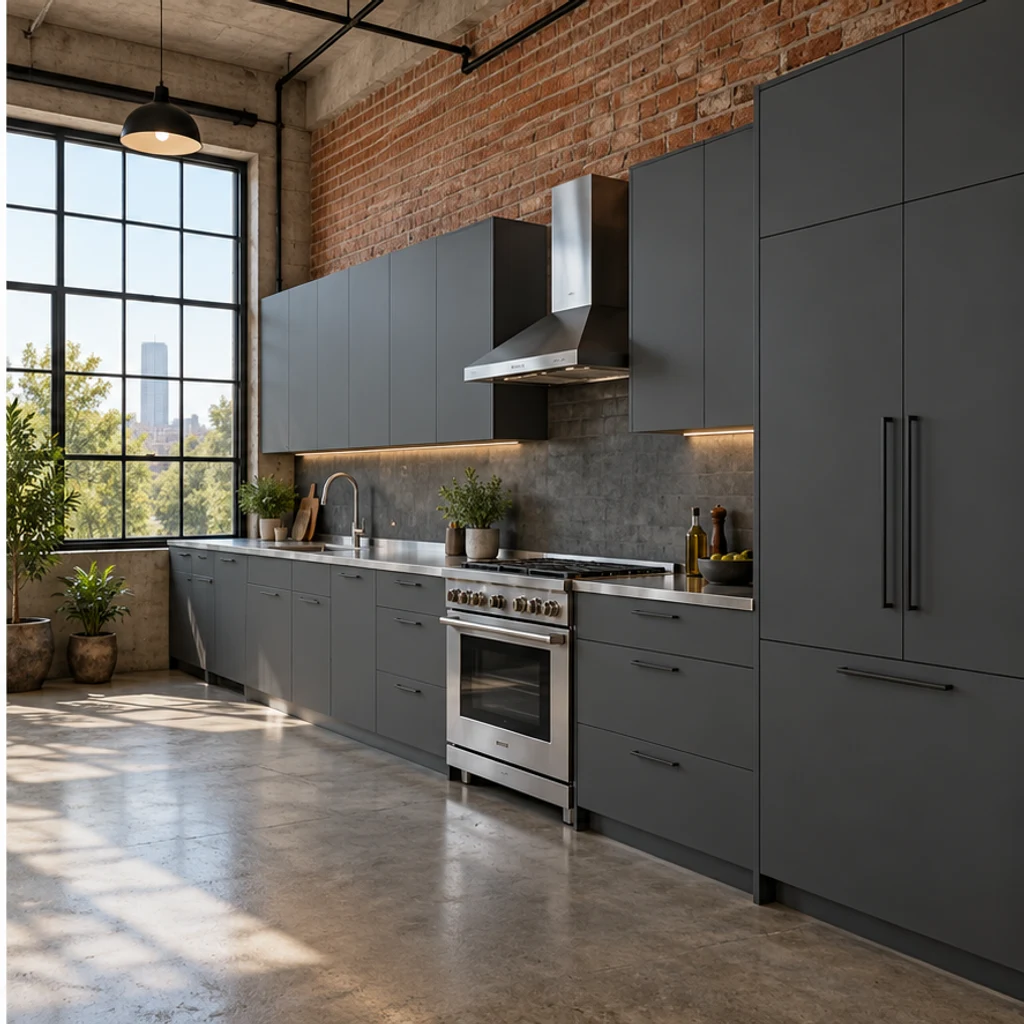
Dark fronts and a metal-counter direction sit beside the original exposed brick.
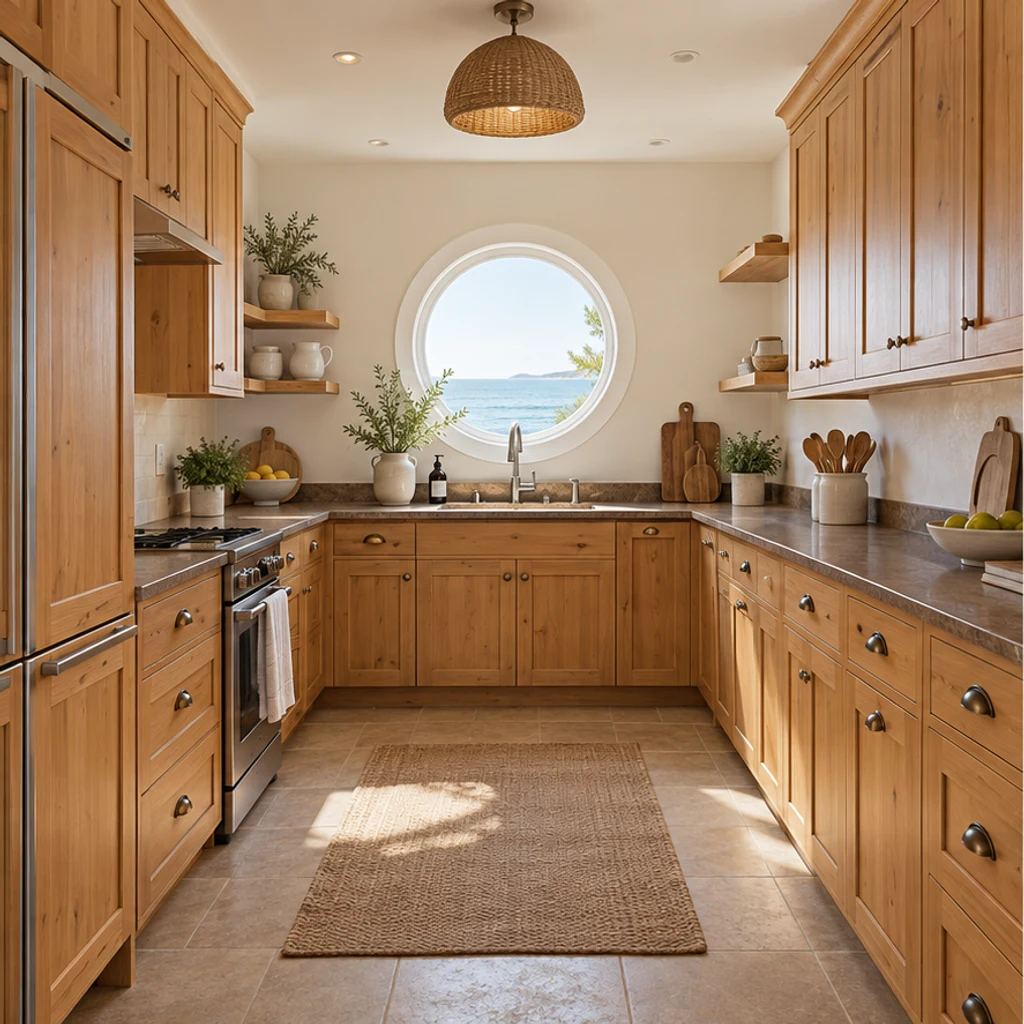
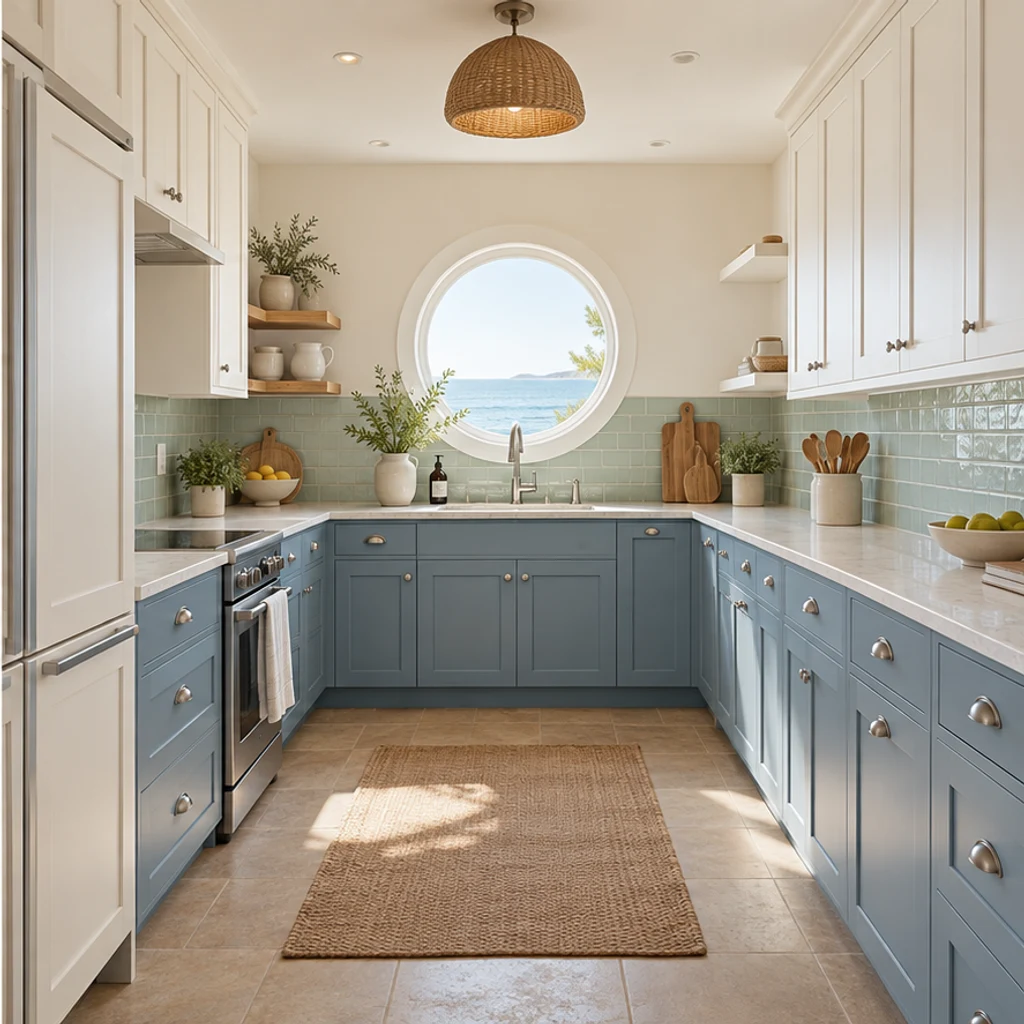
Dusty-blue cabinets and pale green tiles introduce a coastal palette around the round window.
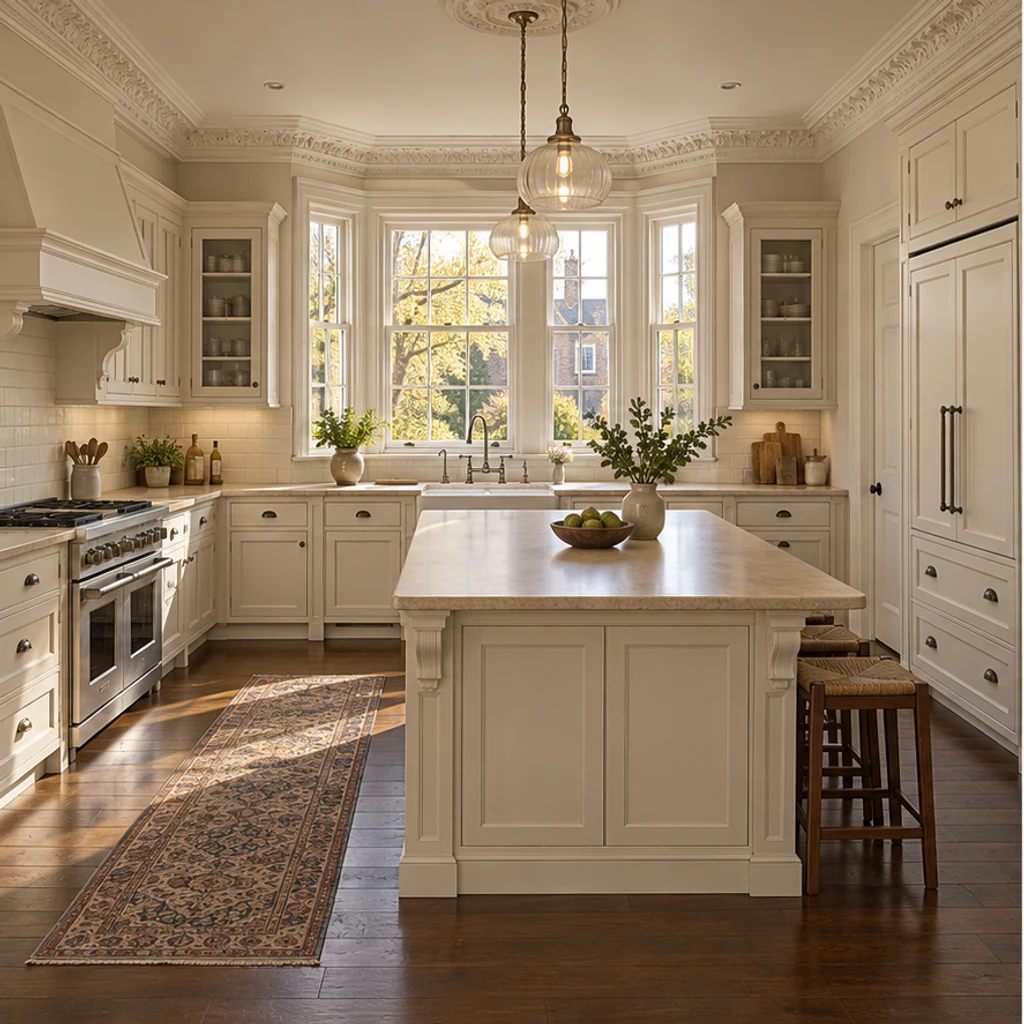
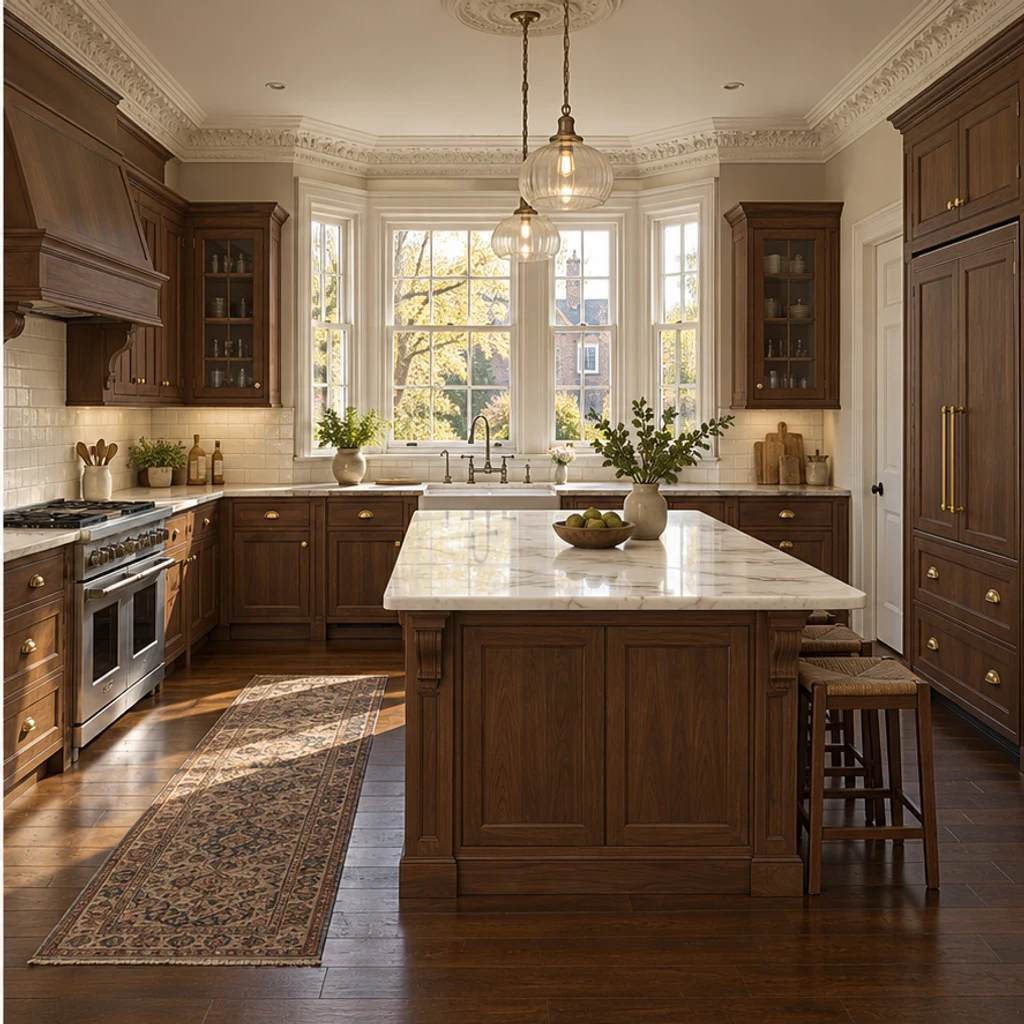
Warm walnut and subtle stone bring a classic finish direction to an island kitchen.
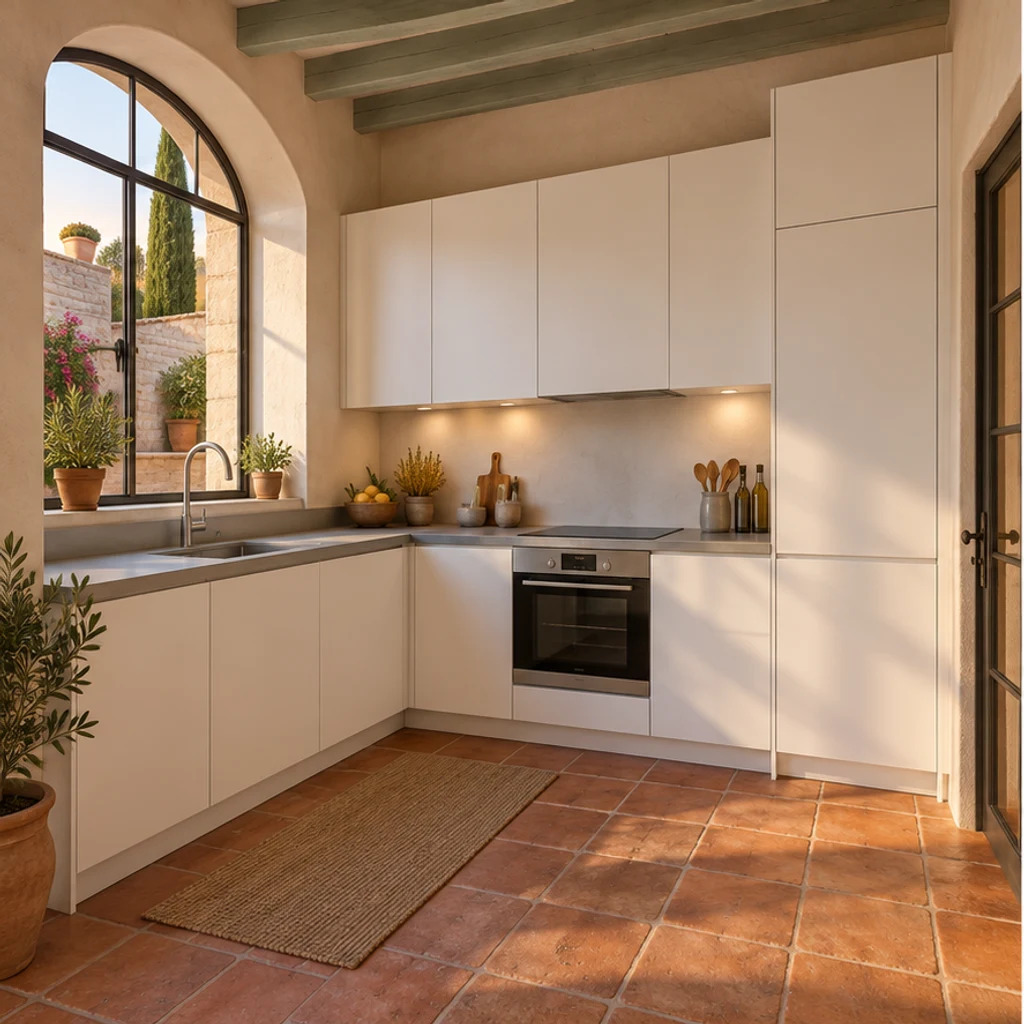
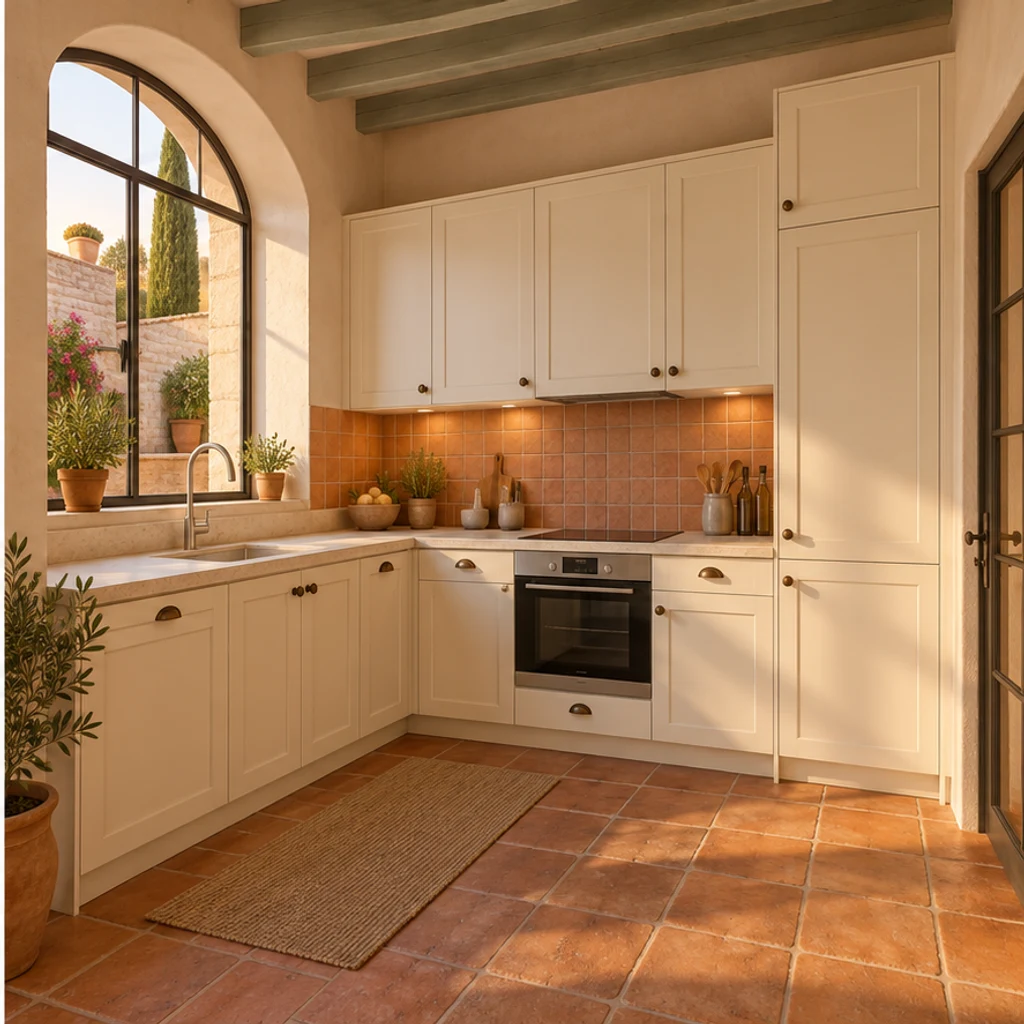
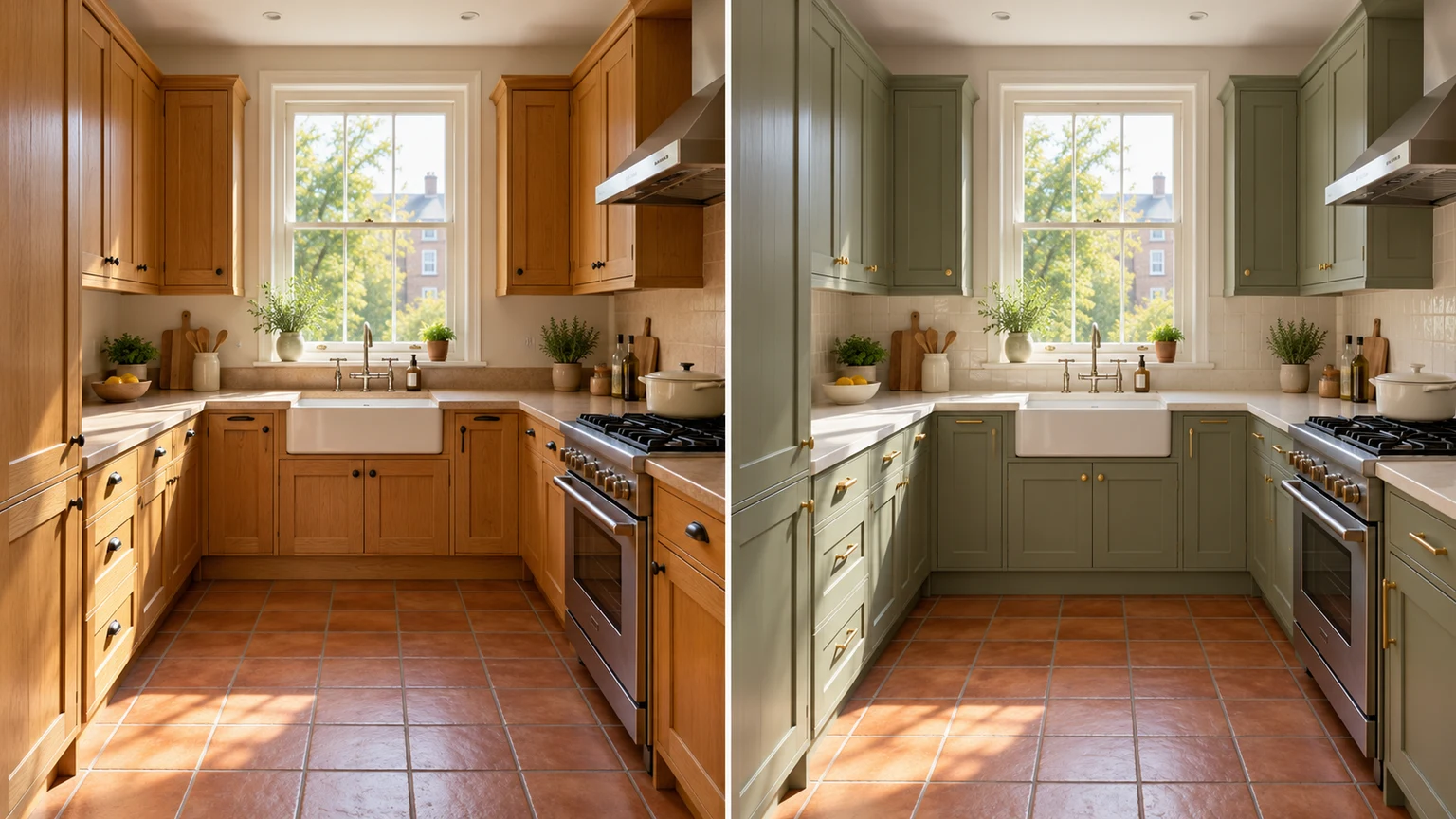
Earthy backsplash colors complement the existing arched window and terracotta floor.
A convincing image is a starting point for comparison. Review the room structure first, then decide which finish combinations deserve a physical sample.
AI can help you compare visual finish ideas from a photo. Use it to narrow cabinet colors, material directions and combinations, then validate the choices with real samples and measured plans.
No. Upload your kitchen photo and write instructions, or generate a restrained warm-neutral refresh with only the original photo. Templates are optional and can be removed.
Yes. The selected style image is sent alongside your kitchen photo. Uploading your own reference replaces the template source. The reference guides finishes; your original supplies the room layout.
Yes. Name the target surface in Edit instructions and say what to retain. For example: change only the cabinet fronts to muted olive; keep the countertop, backsplash, floor and appliances unchanged.
This tool focuses on surface and style previews with the existing layout retained. It does not produce measured plans, CAD drawings or construction-ready specifications. Review outputs for unintended geometry changes.
LumiYing uses credits for generation. Check the cost shown on Generate and the current pricing page. Loading an example only fills the inputs; it does not generate an image or spend credits.
Explore room staging, lighting adjustments and more image-editing options.
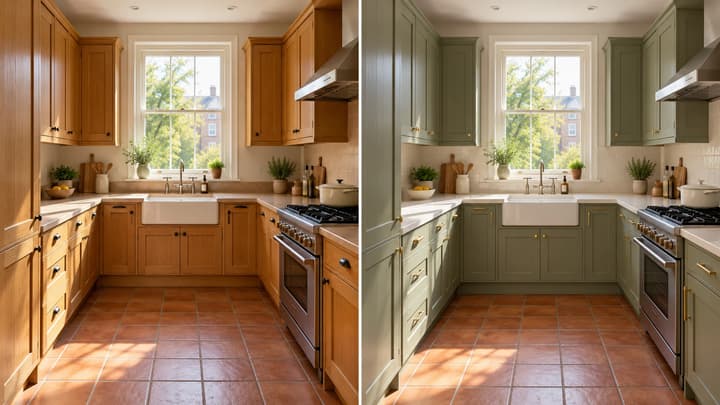
Create AI kitchen design ideas from your photo. Compare cabinet, countertop and backsplash finishes with 8 style references or your own instructions.
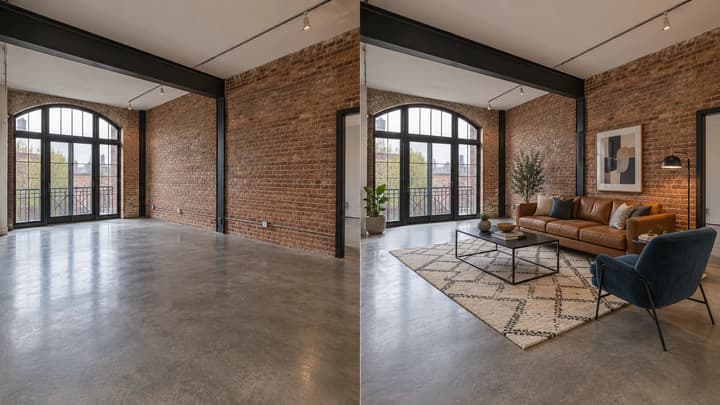
Add furniture to an empty room photo. Choose from 5 room types and 8 furniture styles, then review and download the staged image.

Change the direction and mood of light in a photo while keeping the subject, composition, text, and product details under review.

Upload an image, describe the edit, and create polished visuals for products, social posts, posters, or keyframes.

Review credits and plans before generating.
Create AI kitchen design ideas from your photo. Compare cabinet, countertop and backsplash finishes with 8 style references or your own instructions.