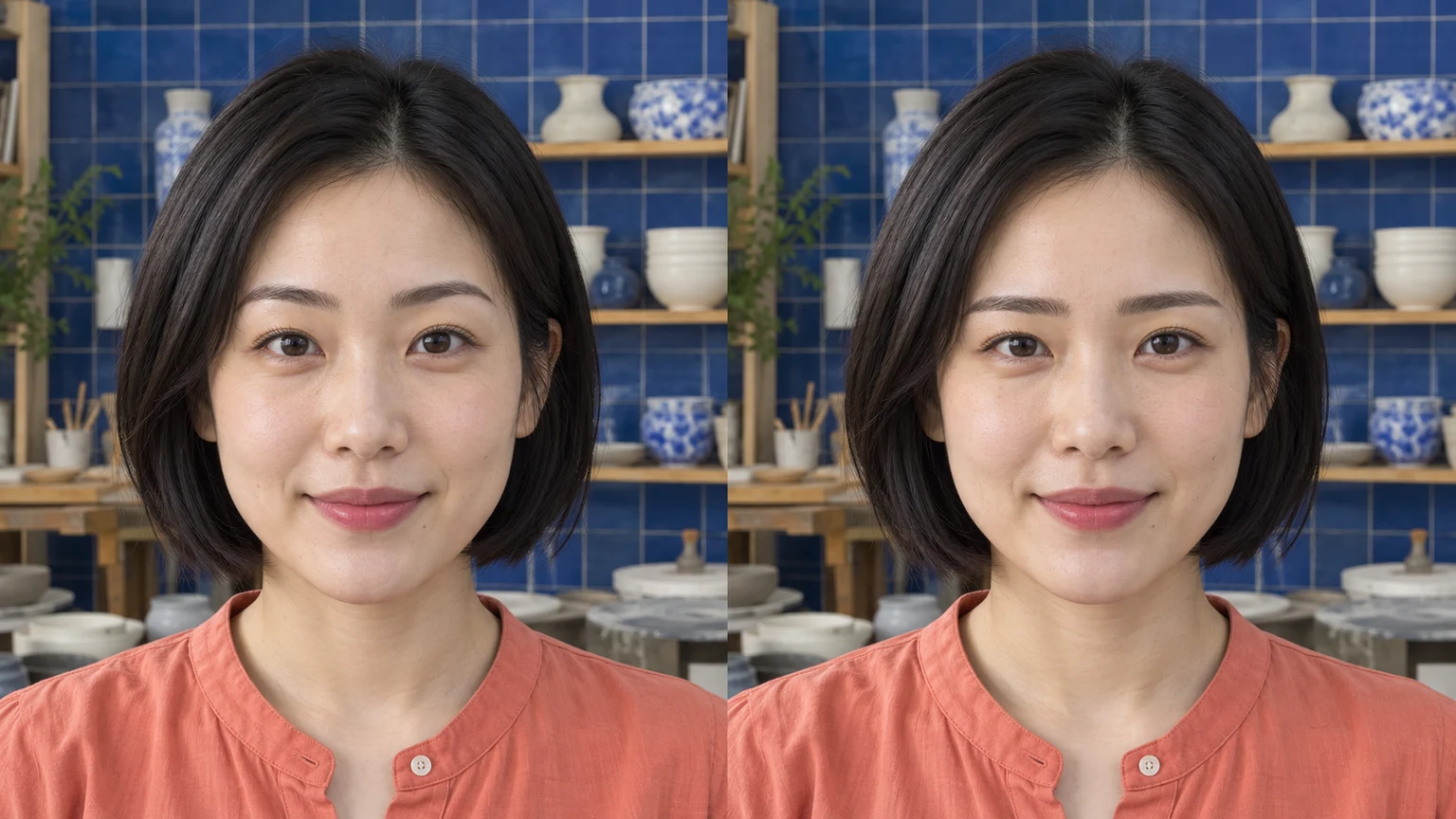
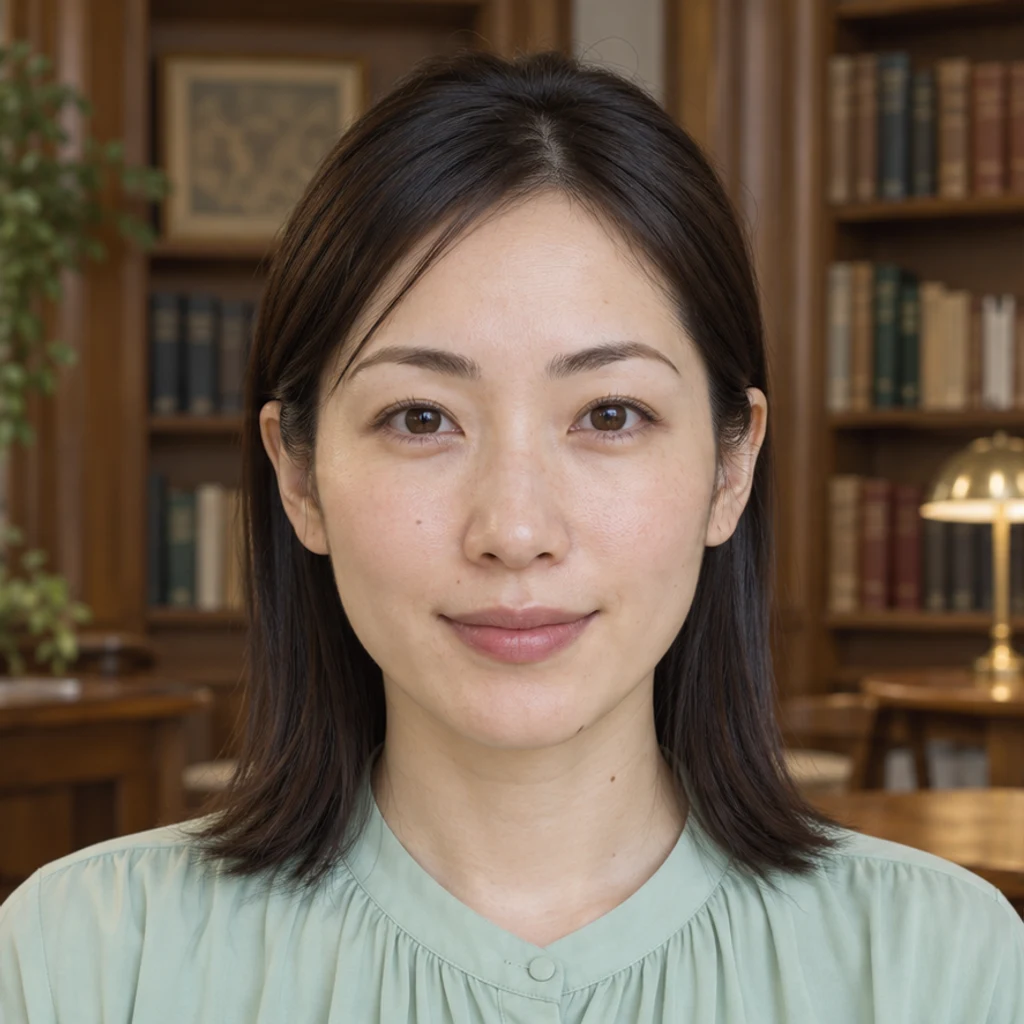
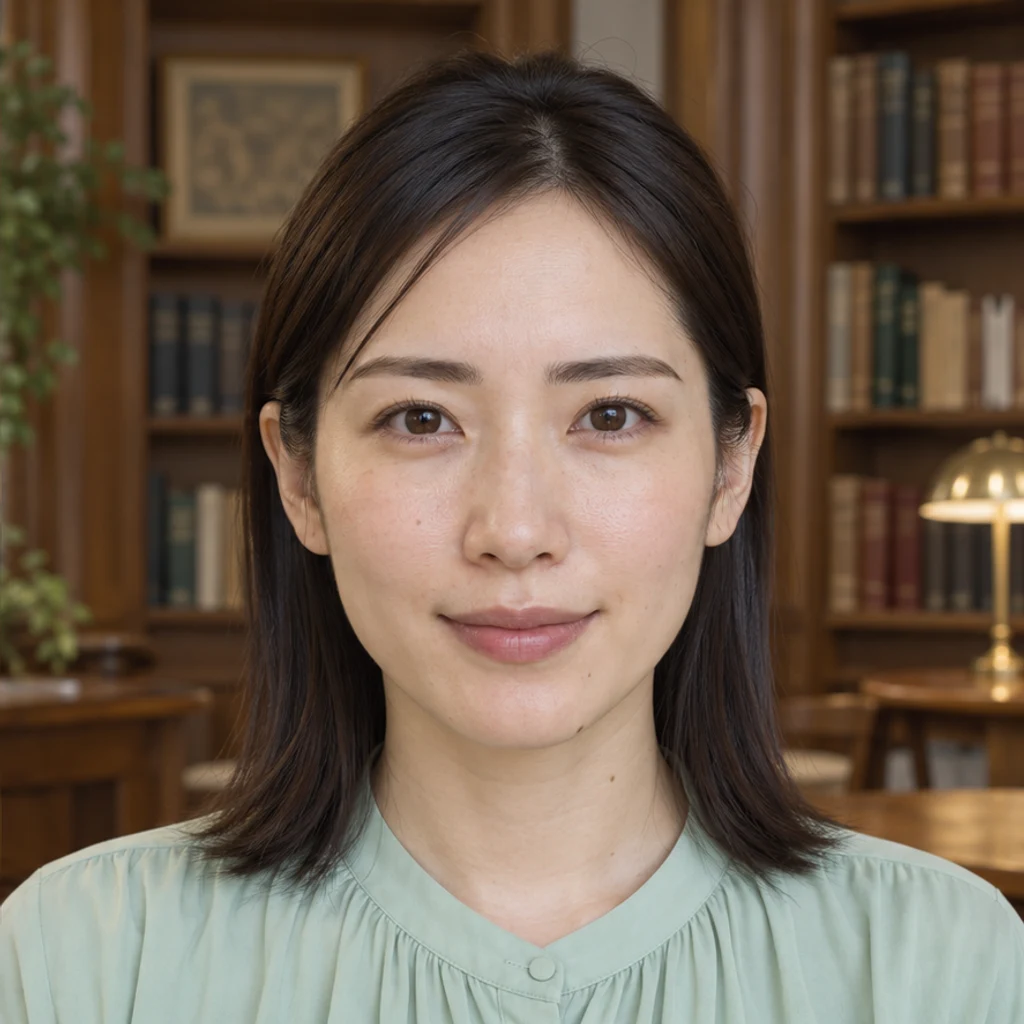
Straight brows · library
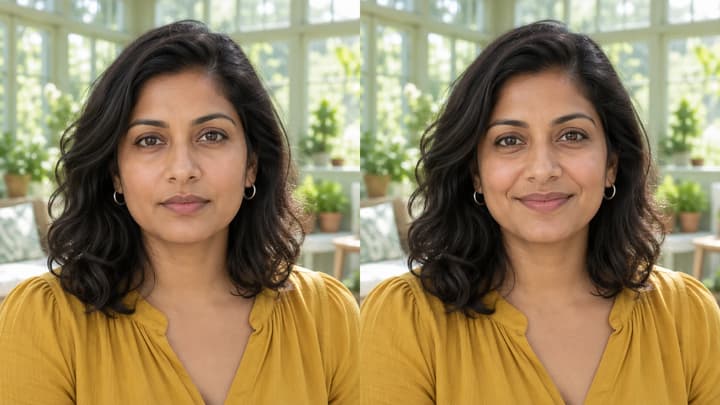
Try this styleLow horizontal brows keep the woman's dark color and mint blouse.
Start with a clear portrait where both eyebrows are visible. Keep the same photo, expression and light while comparing one change at a time: arch, thickness or hair direction. Your preference matters more than a fixed face-shape rule. A generated preview explores a style; it does not measure your face or predict a real brow treatment.
LumiYingUpdated
Compare eyebrow shapes on the same photo. Explore straight, arched, fuller or slimmer brows and check the eyes, color and expression before choosing a look.
Use one JPEG, PNG or WebP up to 30 MB. Show both eyebrows clearly, without hair or glasses hiding the area you want to edit.
Choose one of eight image styles, upload a brow reference or write Edit instructions. Templates start unselected and can be removed; template and upload are alternatives. With no direction, the default gently tidies your natural brows.
Review the displayed credits and generate one image. Compare brow shape, original color, eyes and expression. Re-edit restores your inputs. Loading an example only fills the form; it does not generate or spend credits.
Compare the brow outline and hair texture, then the unchanged eyes, gaze, expression, color and scene. Save the original and the instructions with the version you prefer.
Use the same photo and keep the first comparison close to your original color. These are style directions, not rules about what a face should look like.
Explore brow shape ideas with these AI-generated illustrations. Choose an example to load its photo and style settings.
Low horizontal brows keep the woman's dark color and mint blouse.
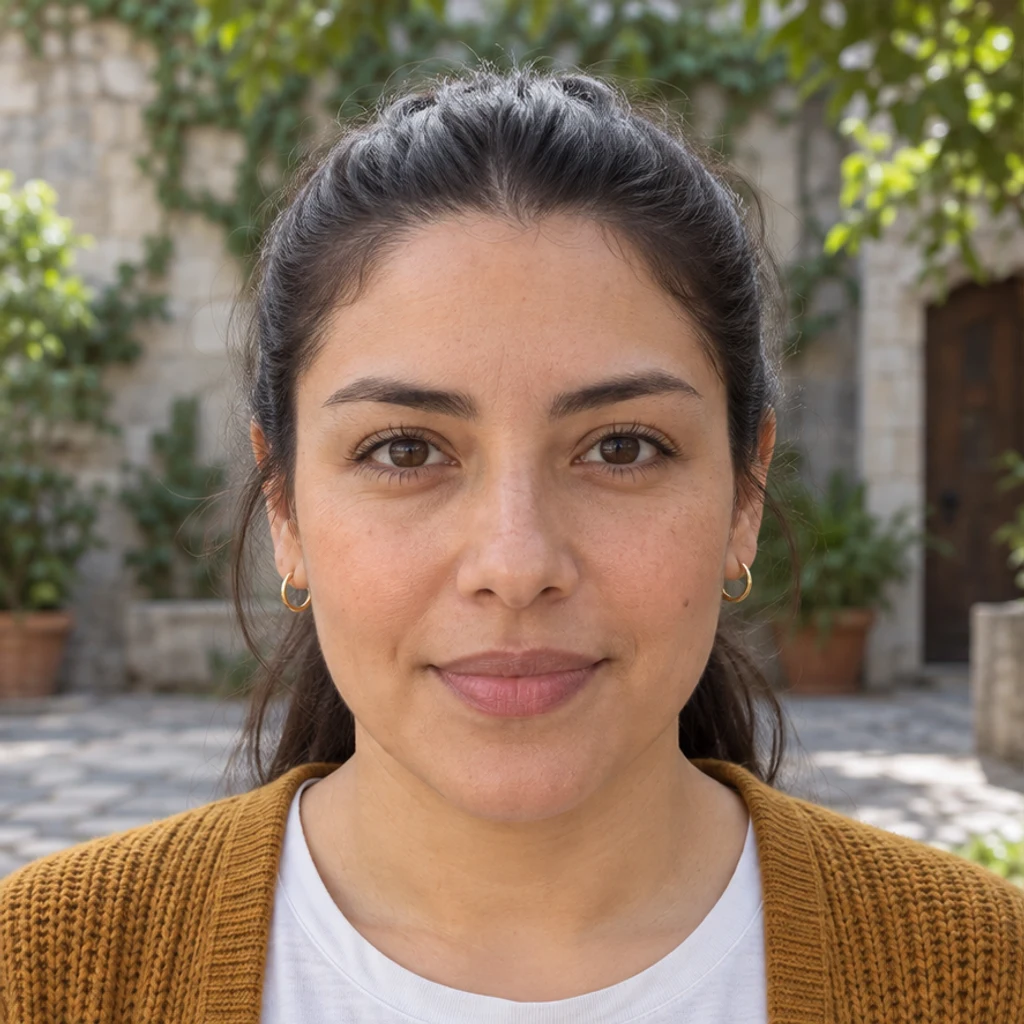
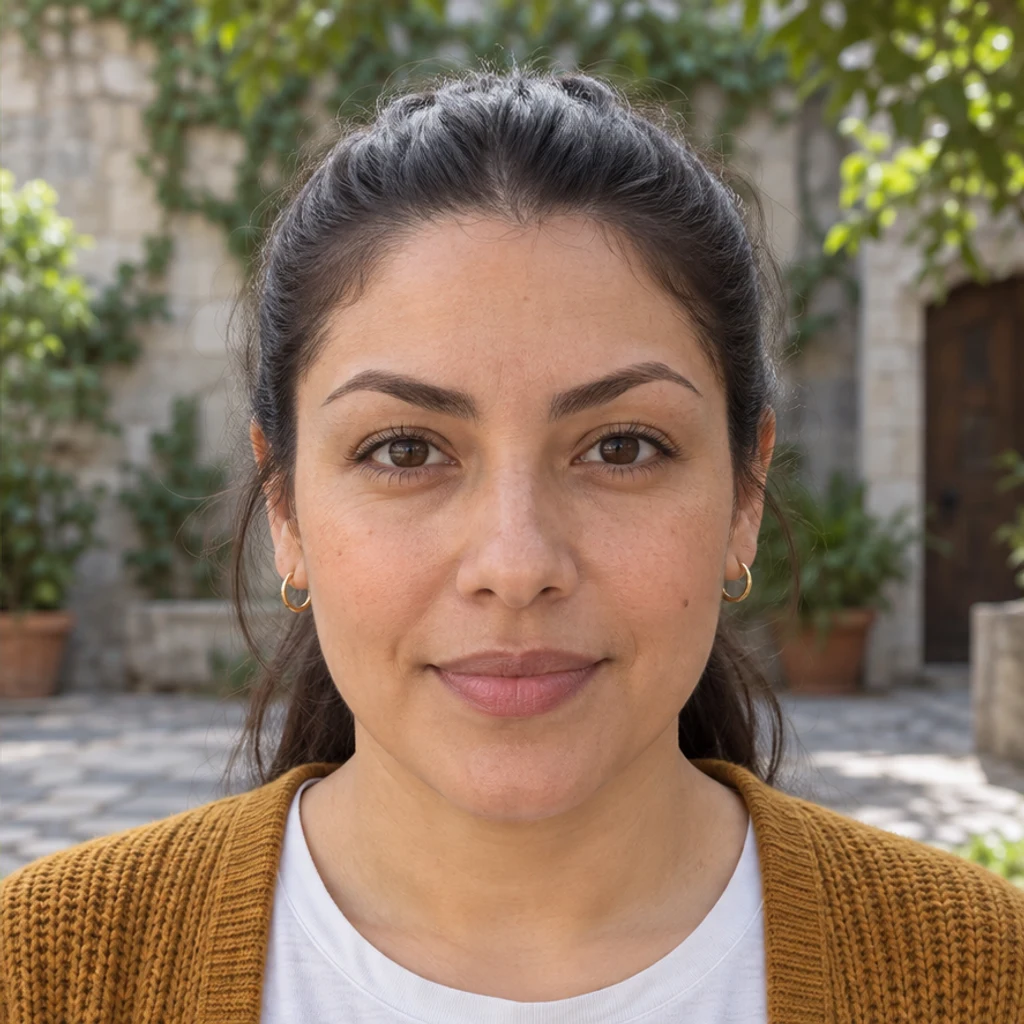
A gentle curve changes the brows while keeping the same face and courtyard light.
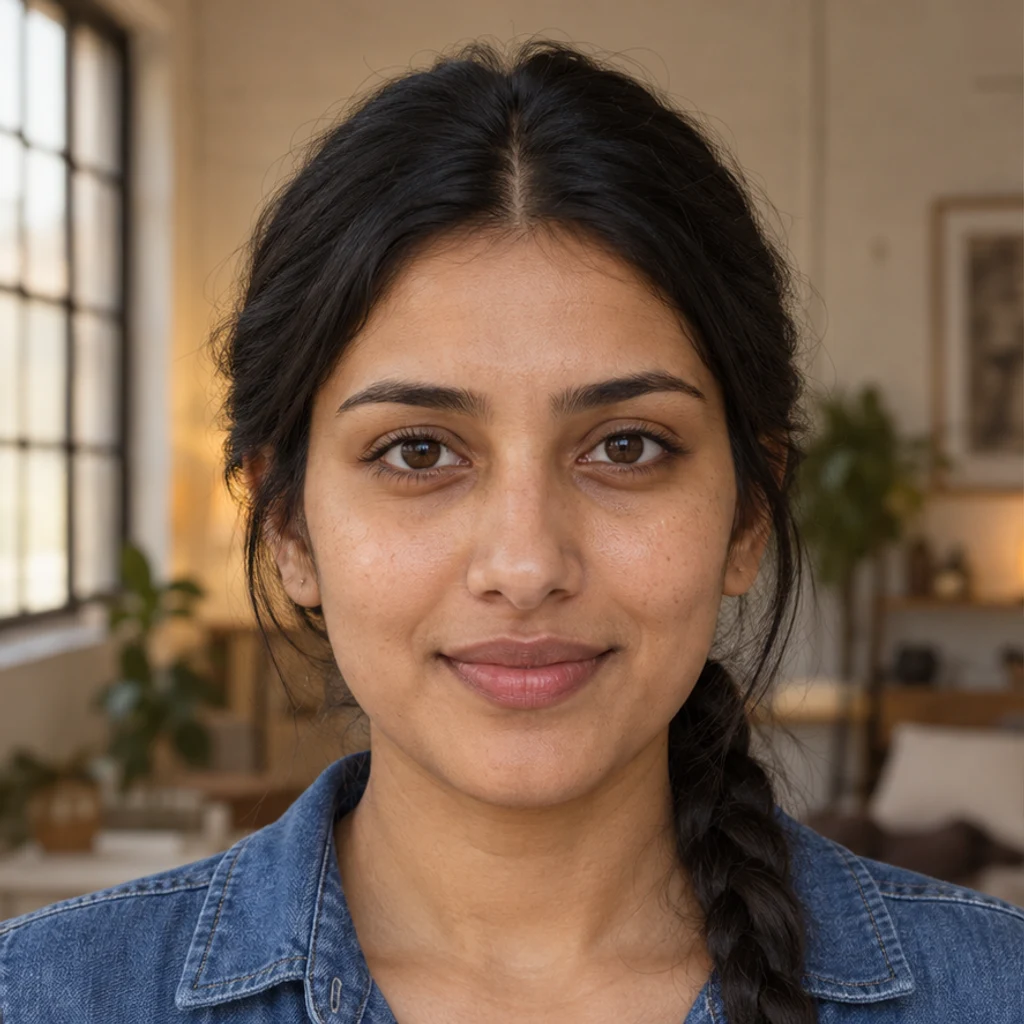
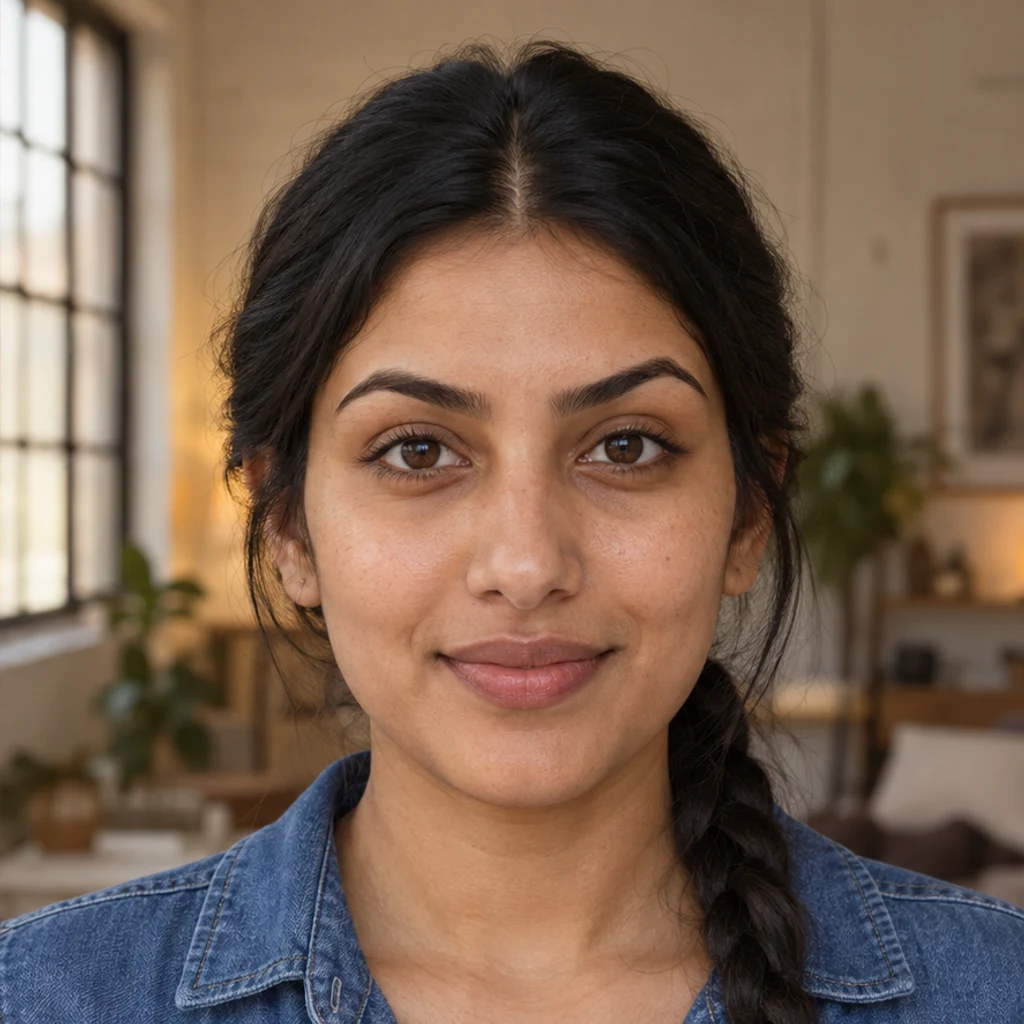
Defined higher arches keep the original eye shape and denim blouse.
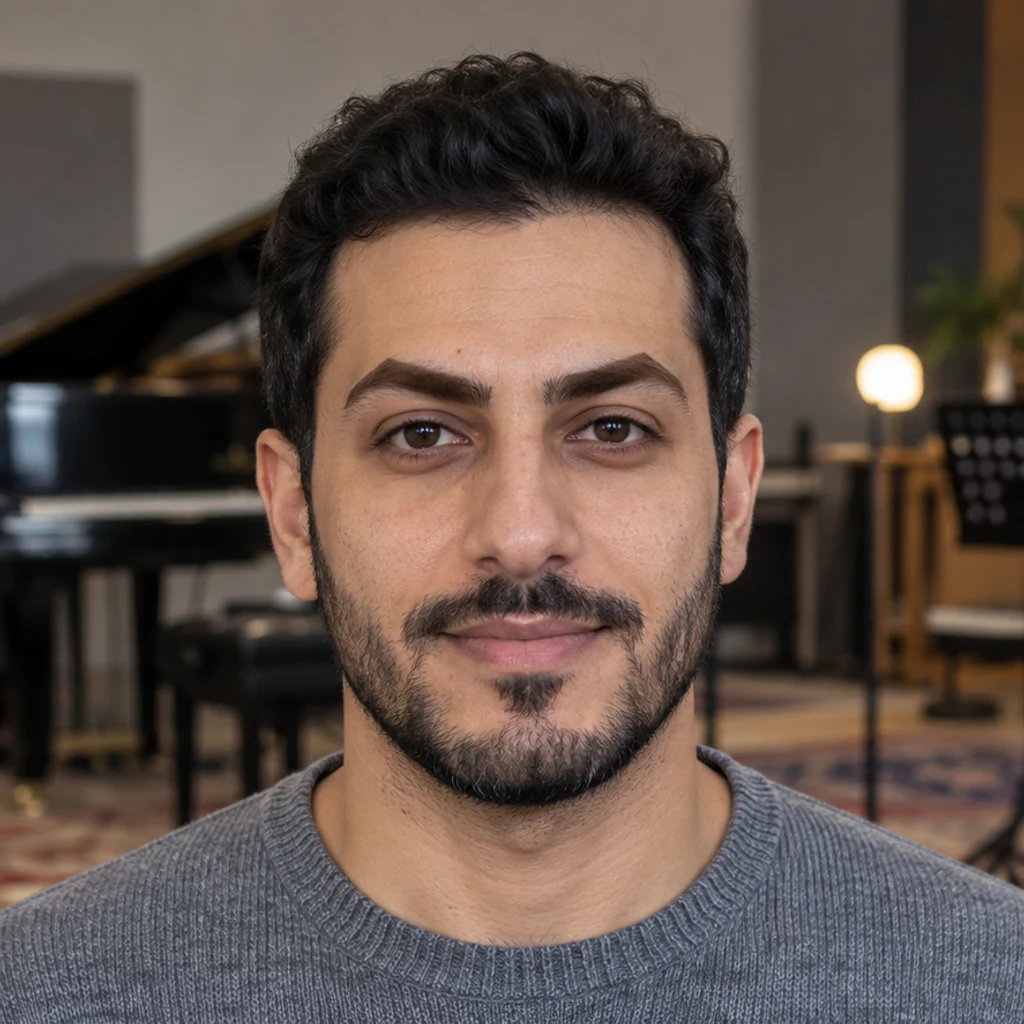
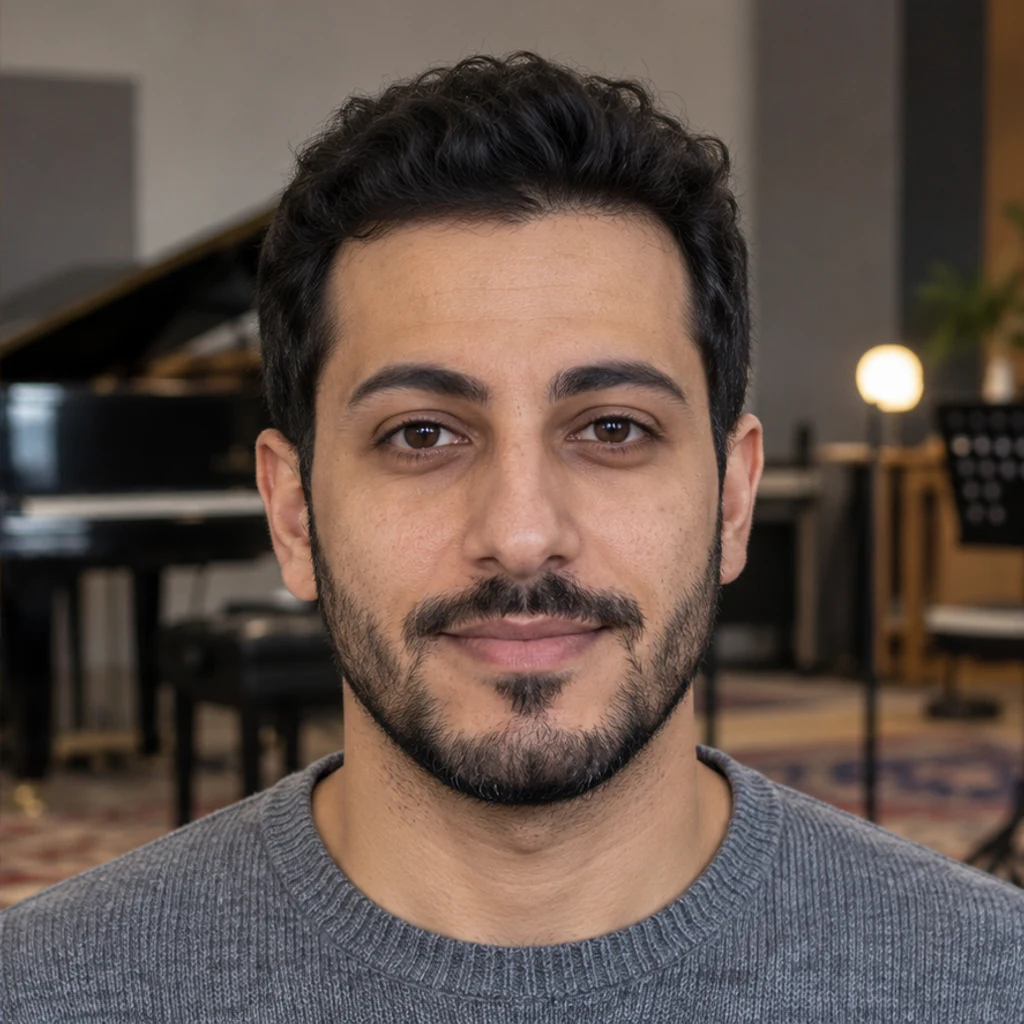
Angular brows become rounded without changing the man's beard or gaze.
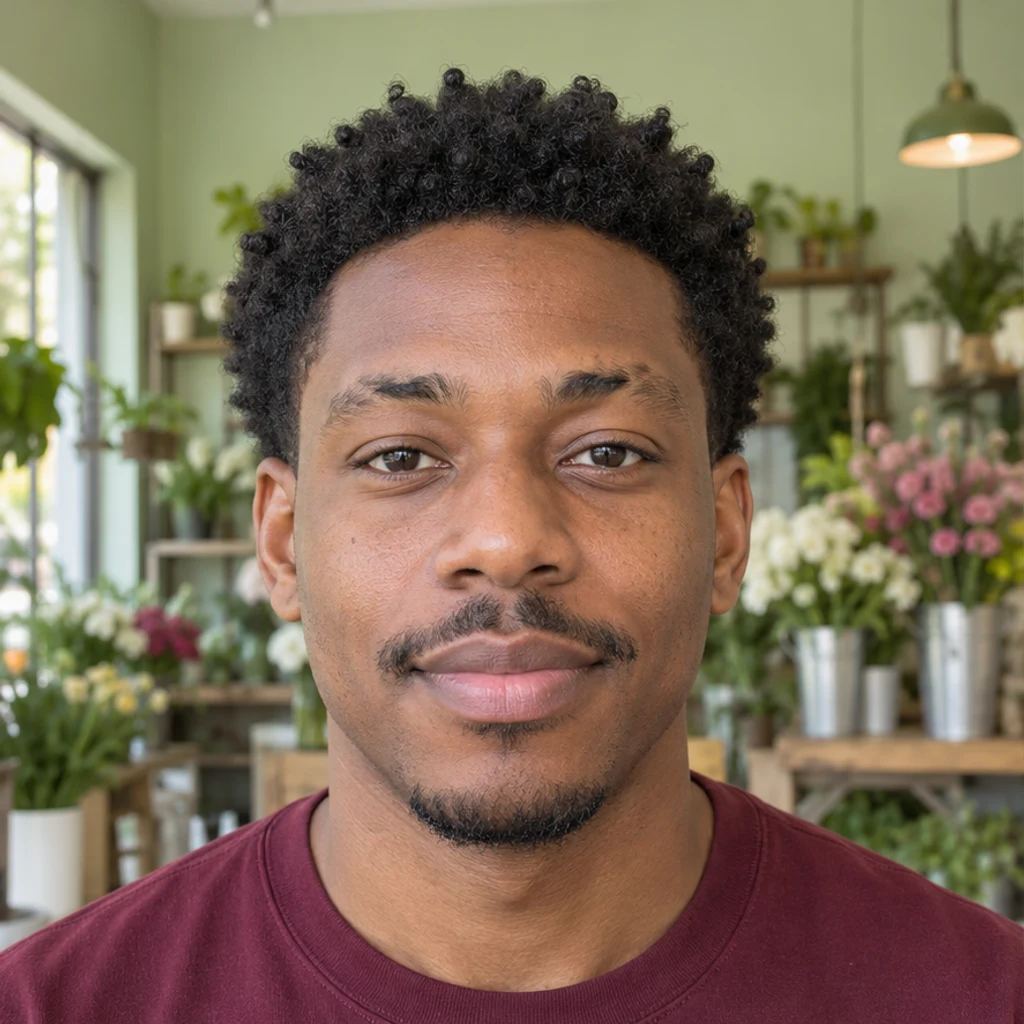
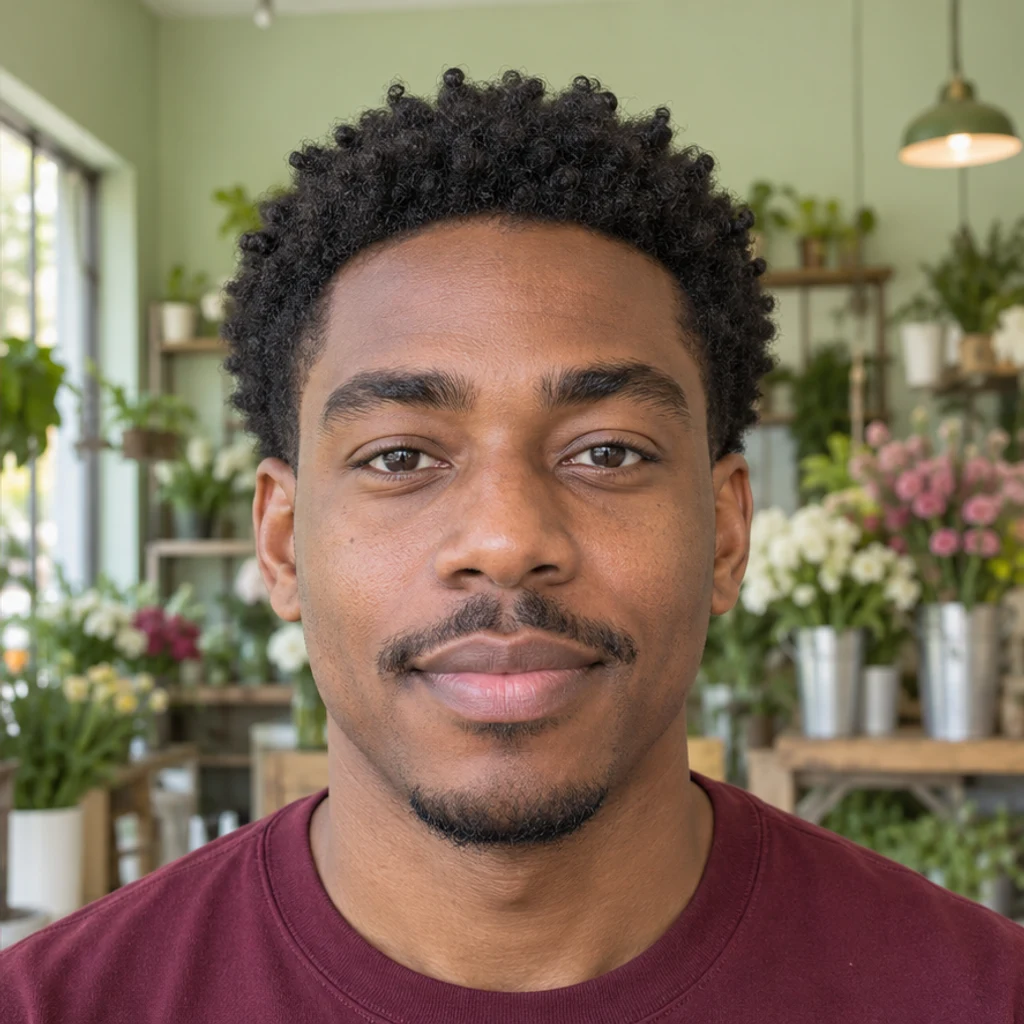
Individual black hairs fill sparse areas while keeping the original skin and moustache.
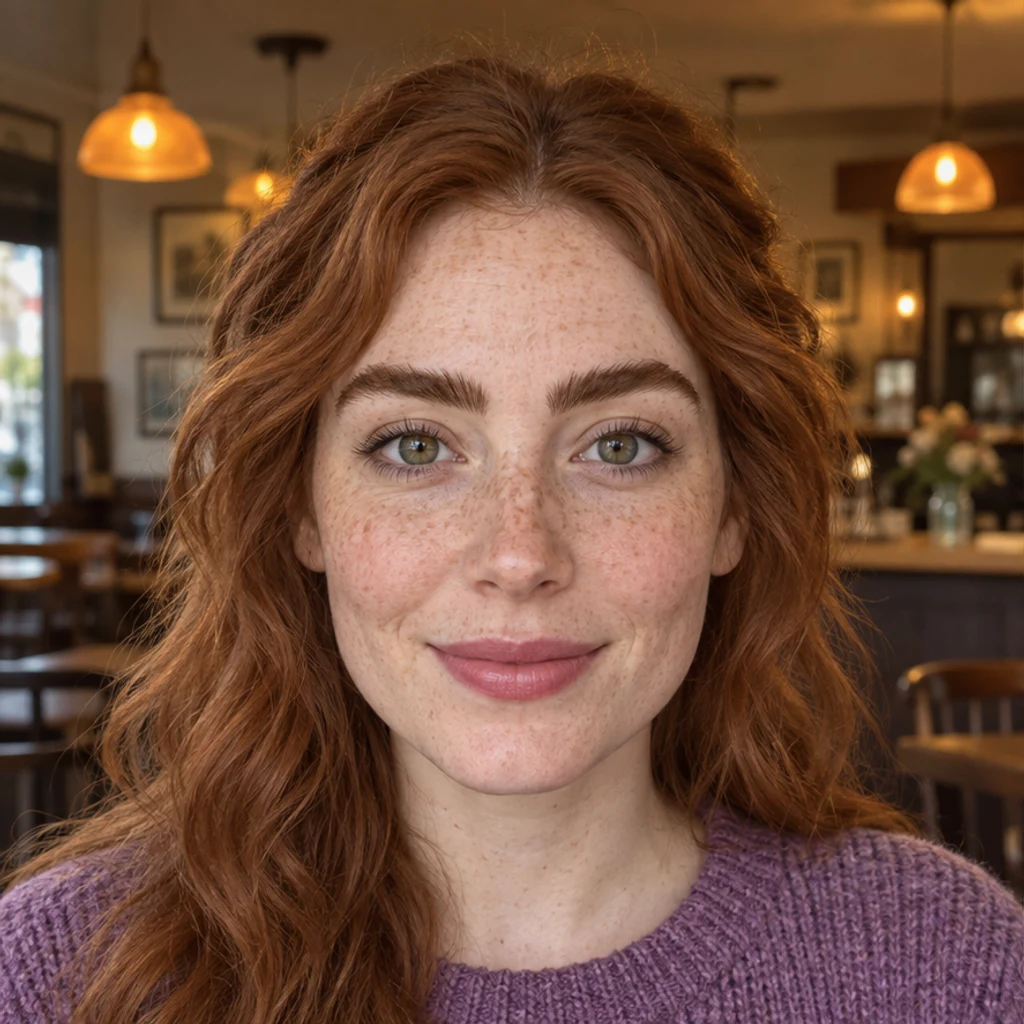
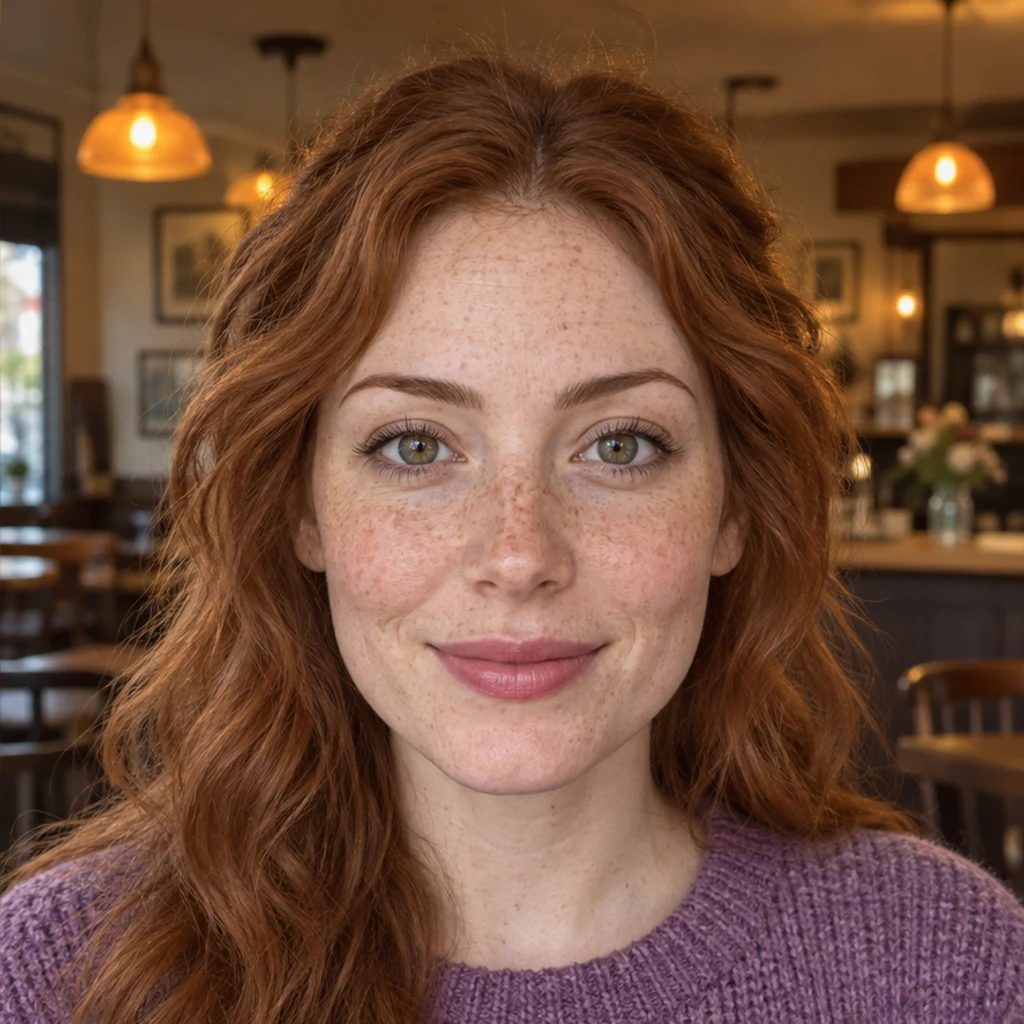
Thick auburn-brown brows become slimmer while freckles and color stay familiar.
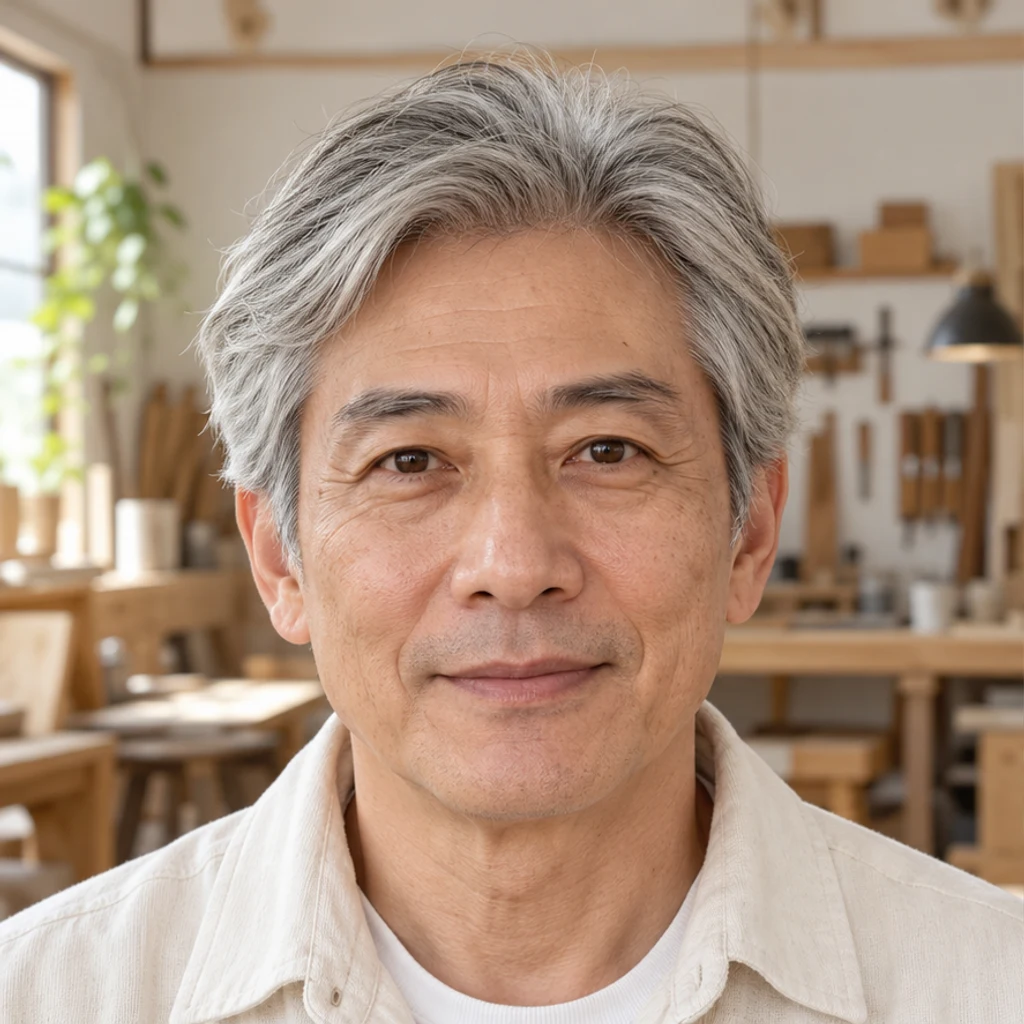
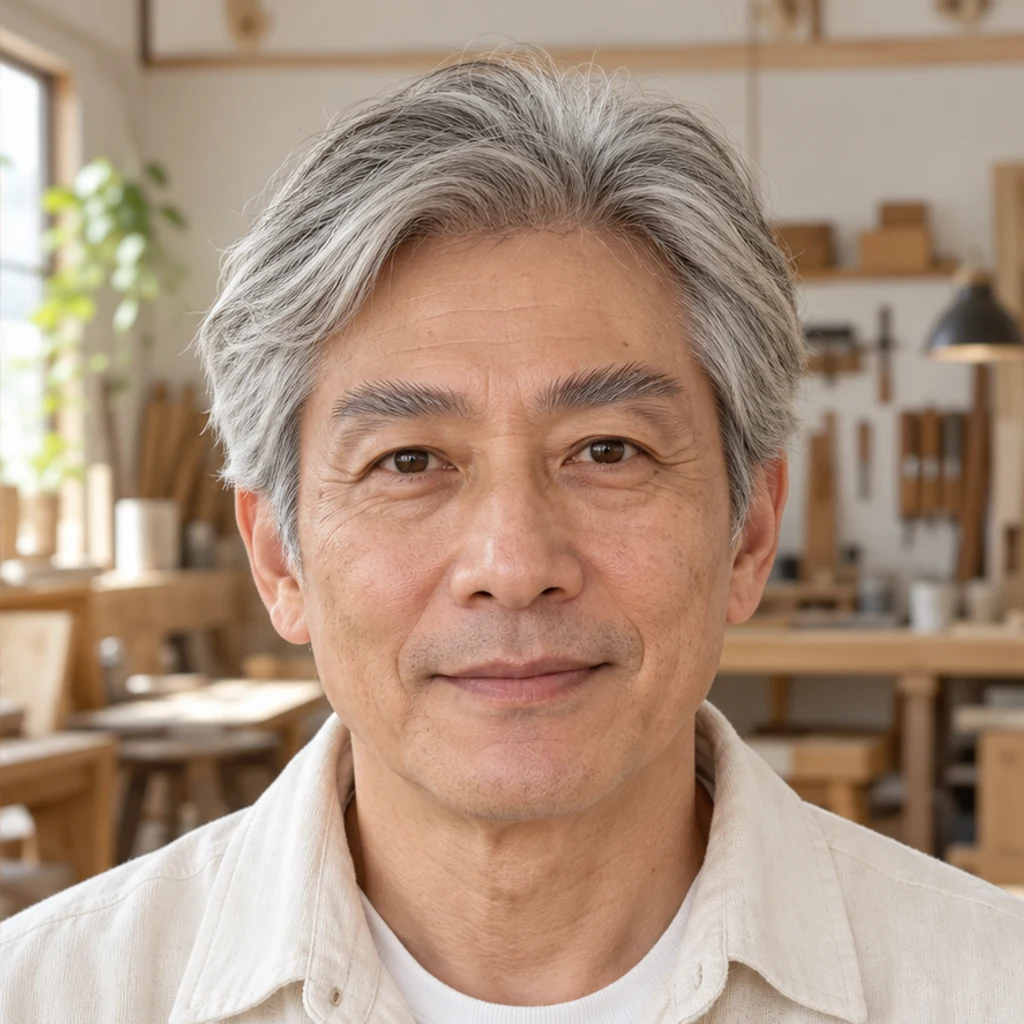
Upward-brushed gray-brown hairs keep the mature man's silver mixture.
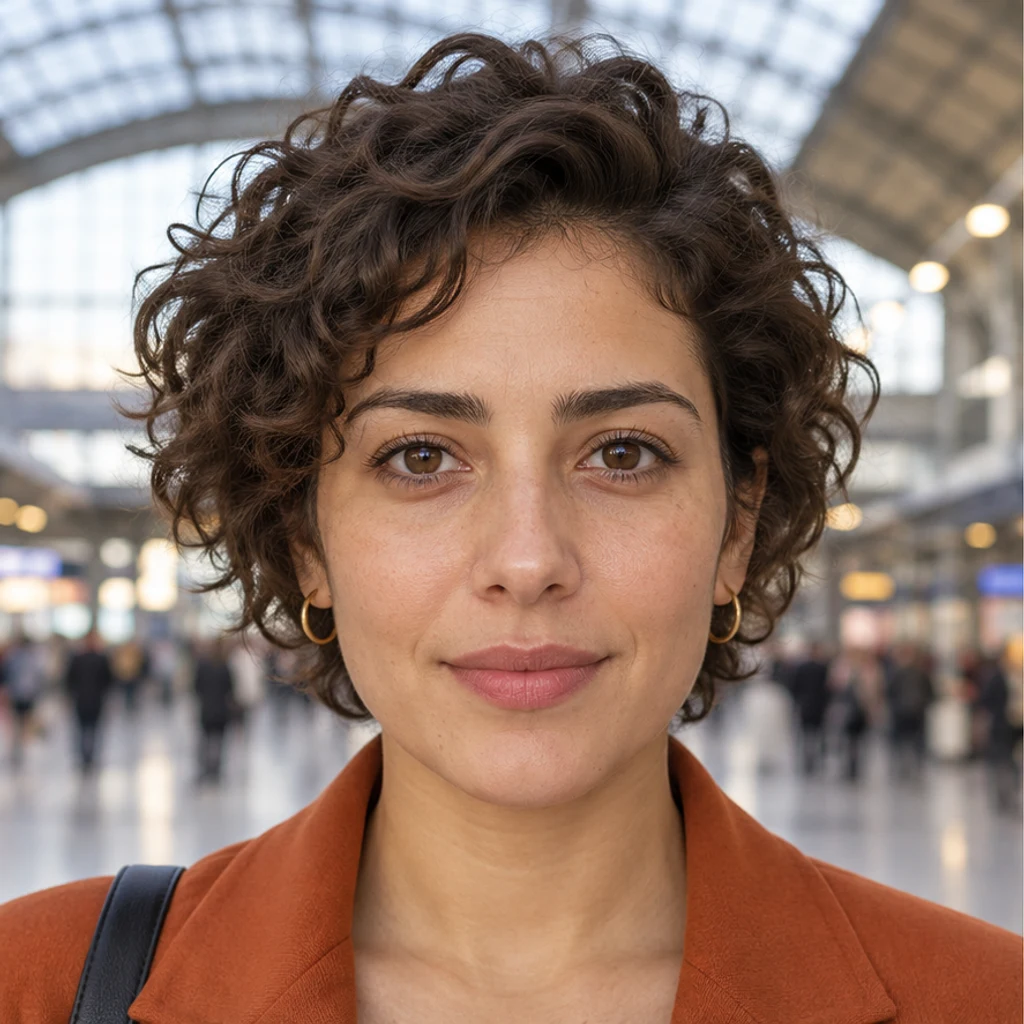
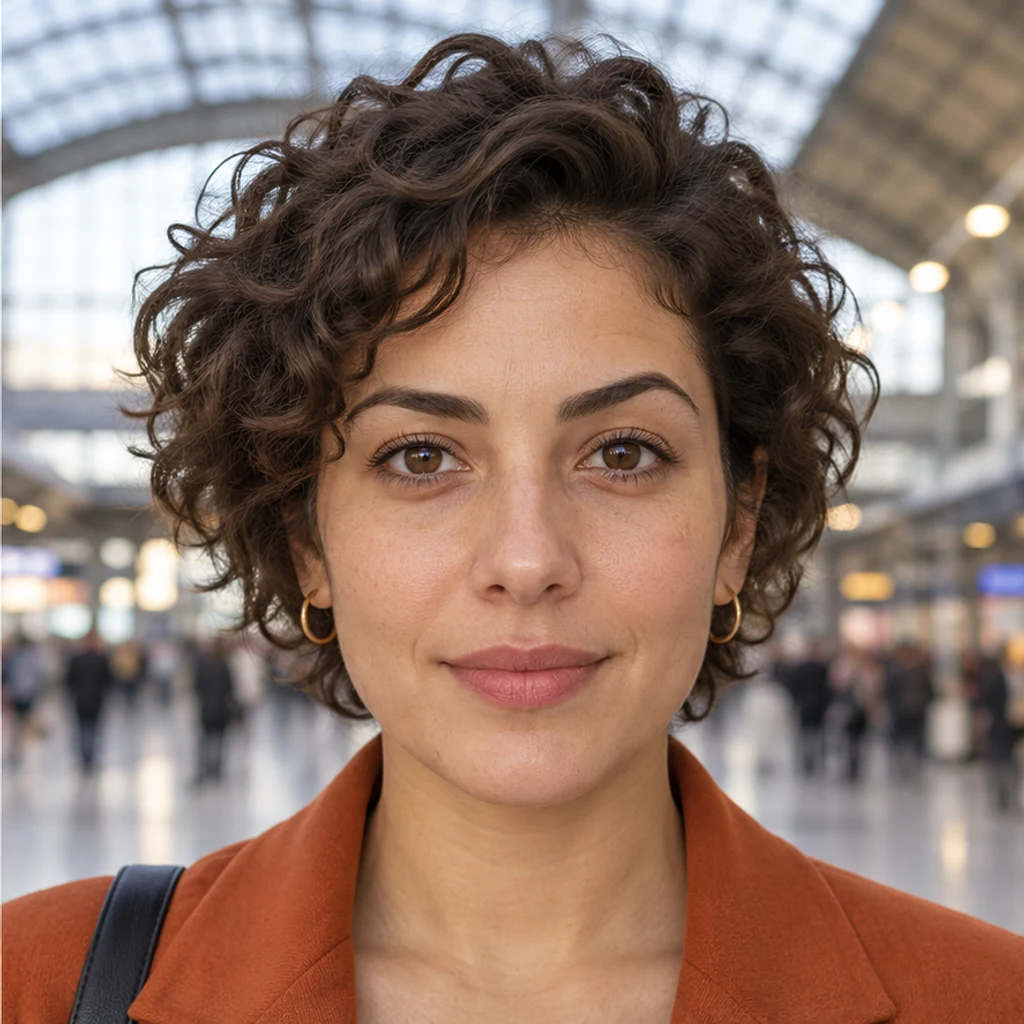
A gentle dip and arch change the brow outline, with the same curls and orange blazer.
Keep the original beside each preview. A brow change should remain a brow change.
Compare several shapes on the same original photo. Start with a small change in arch or thickness, keep color constant and choose the look you prefer. The tool does not rank beauty or detect a single best shape.
No. Use an optional image style, upload a brow reference or describe the change in Edit instructions. With only your photo, the default gently tidies your natural brows. Templates start unselected and can be removed.
Yes. Your person photo is image 1; the active template or upload is image 2. It guides brow shape, fullness and hair direction. Only one reference source is active, and it does not supply the person or original brow color.
The instruction preserves eye shape, gaze, expression and original eyebrow color, including gray hairs. Explicit written brow-color instructions can override the color default. A different reference color alone cannot. Check the result for unwanted drift.
No. It creates a visual style concept, not geometric mapping, a symmetry score or a prediction of waxing, tinting or microblading. Hidden brows are not a reliable input; use a clearer photo rather than treating generated details as measurements.
The default edits one prominent person; instructions can identify another, while everyone else stays unchanged. Generation requires a LumiYing account and the credits shown before Generate. Selecting a template or loading an example does not spend credits.
Choose the tool for the specific facial detail you want to edit next.
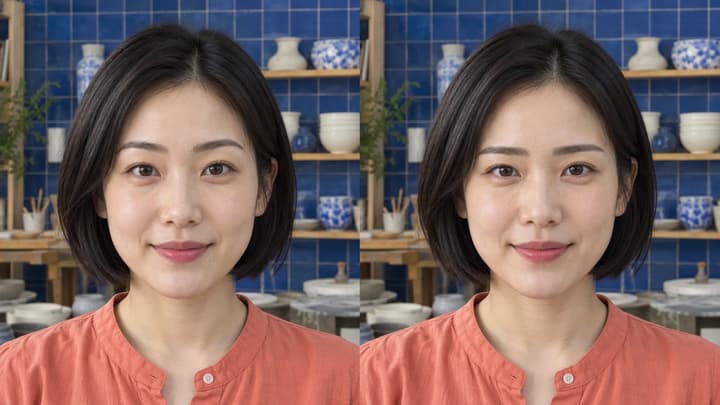
Try eyebrow shapes on your photo. Choose an image style, upload a brow reference or describe the change while keeping your original eyes and brow color.
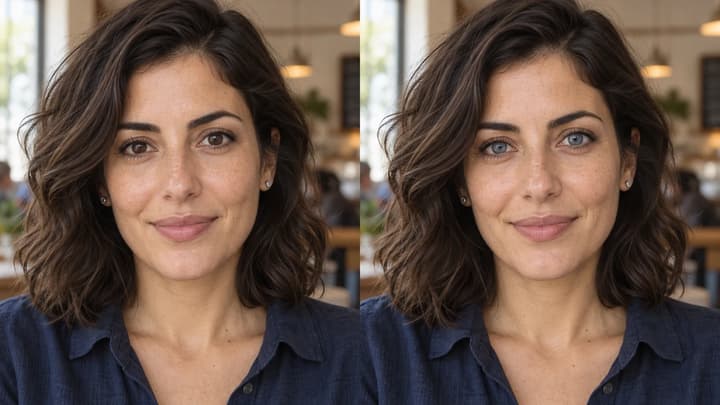
Change eye color in a photo with AI. Choose a color template, upload an iris-color reference or describe your shade, then compare and download the result.
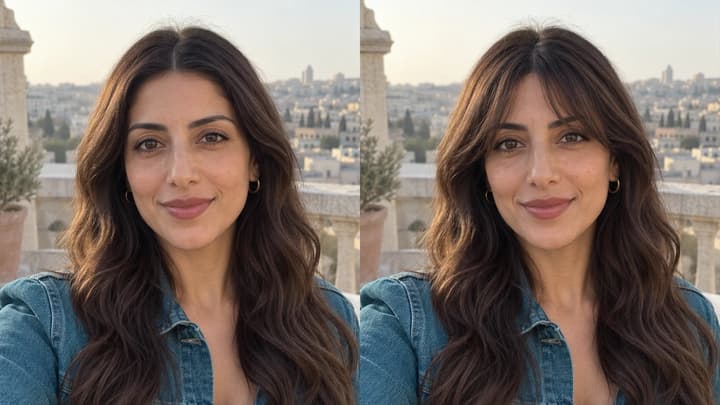
Try bangs on your photo with AI. Choose a fringe template, upload a reference or describe your style, then compare and download your preview.
Edit facial expressions with AI. Choose a smile, reaction template or your own expression reference, then generate and review your portrait or character image.

Upload an image, describe the edit, and create polished visuals for products, social posts, posters, or keyframes.

Review credits and plans before generating.
Try eyebrow shapes on your photo. Choose an image style, upload a brow reference or describe the change while keeping your original eyes and brow color.