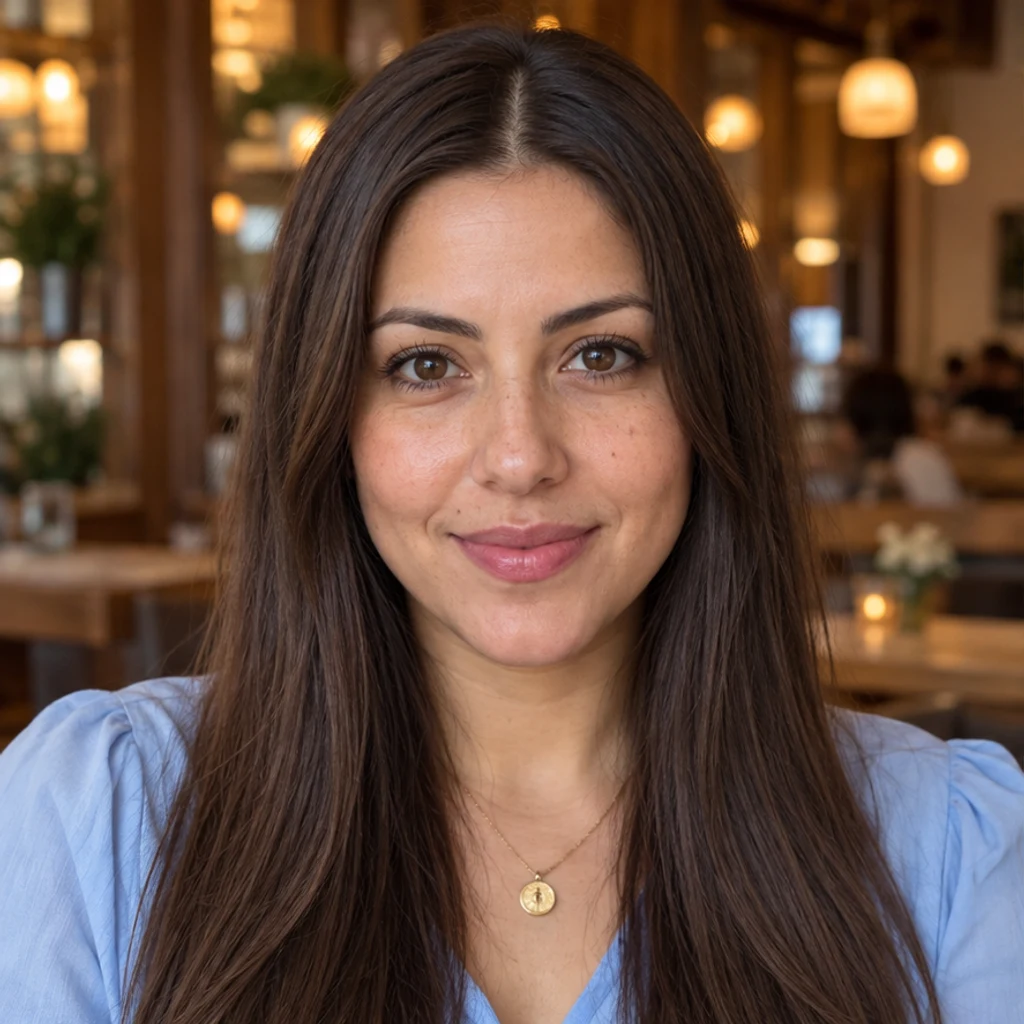
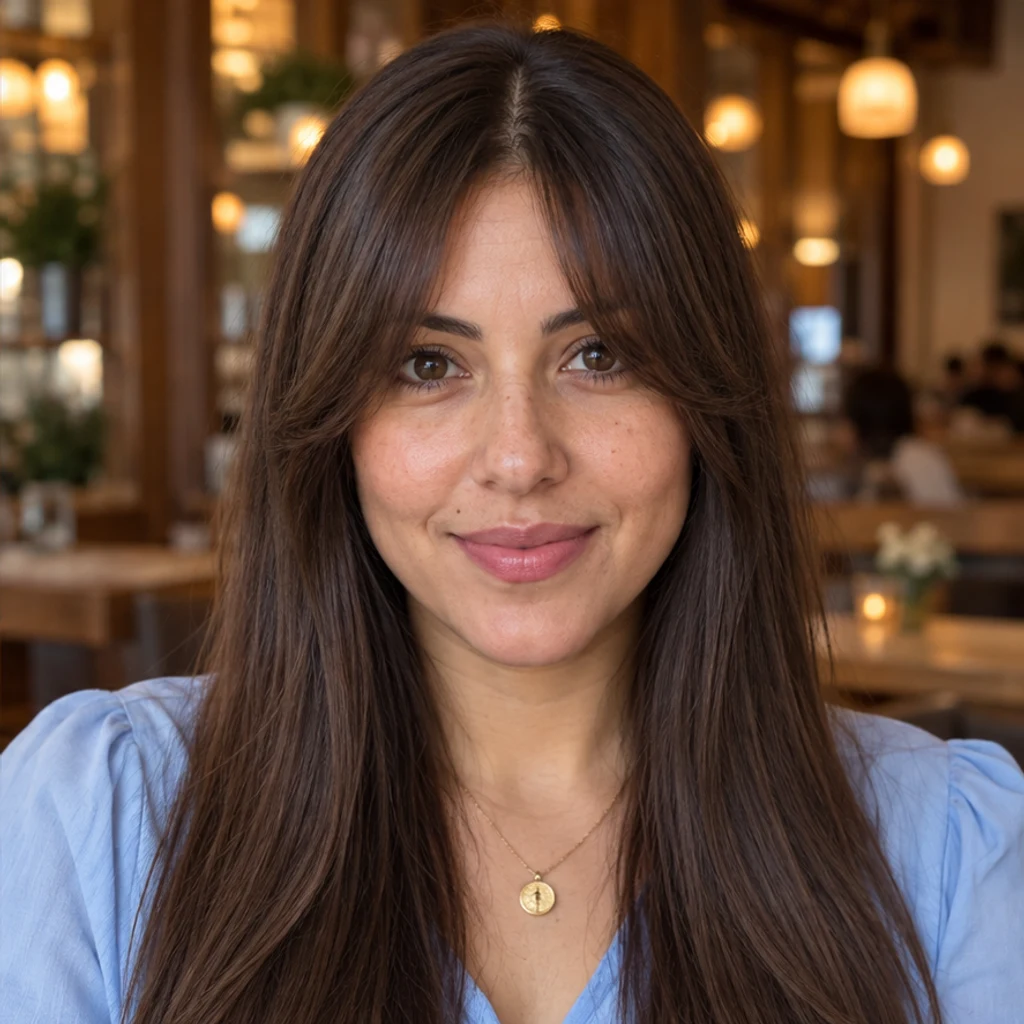
Curtain bangs · cafe portrait
Try this styleA center opening and longer curved pieces frame the face.
Try bangs on your photo with AI. Choose a fringe template, upload a reference or describe your style, then compare and download your preview.
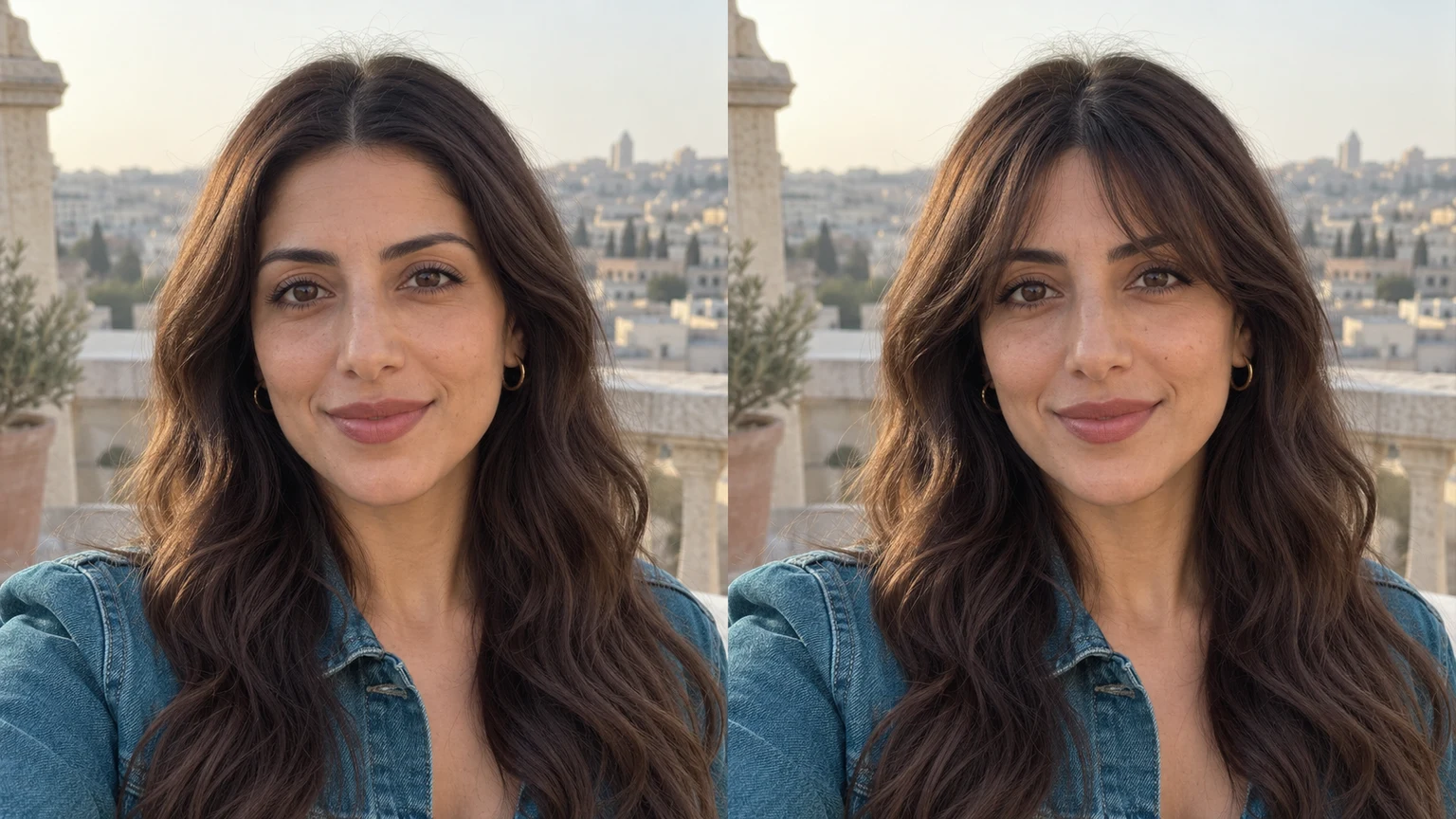
A chin-length bob gains a light fringe without changing its color or side length. Compare forehead coverage before trying denser front bangs.
Curly bangs follow the original coils. Review the fringe and side hair together instead of judging a straight-haired reference as a complete haircut.
A softly parted fringe frames the glasses. Check that the eyes, brows, lenses and frames remain consistent with the original portrait.
A dense silver fringe becomes a lighter side-swept shape. Compare length and density while keeping the original gray color and shoulder-length hair.
Explore fringe ideas with these AI-generated illustrations. Choose an example to load its photo and style settings.
A center opening and longer curved pieces frame the face.
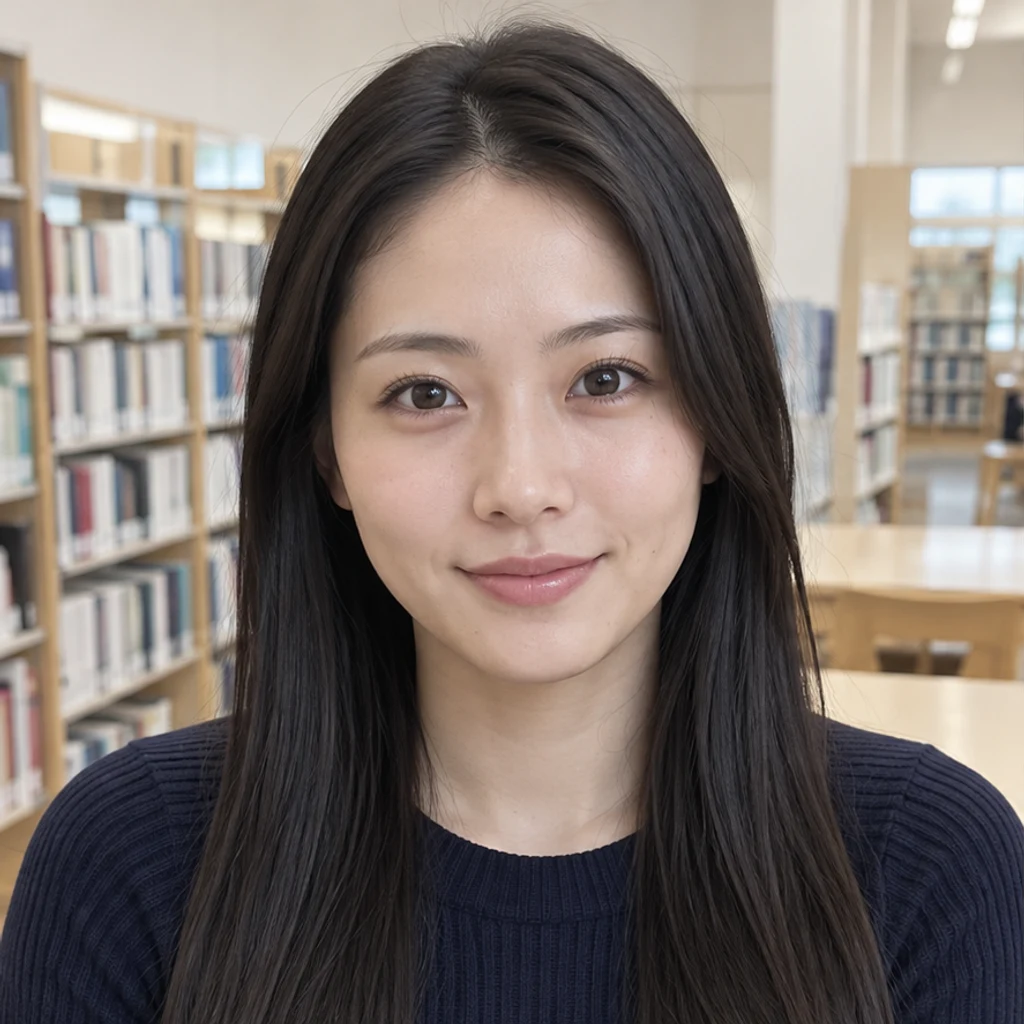
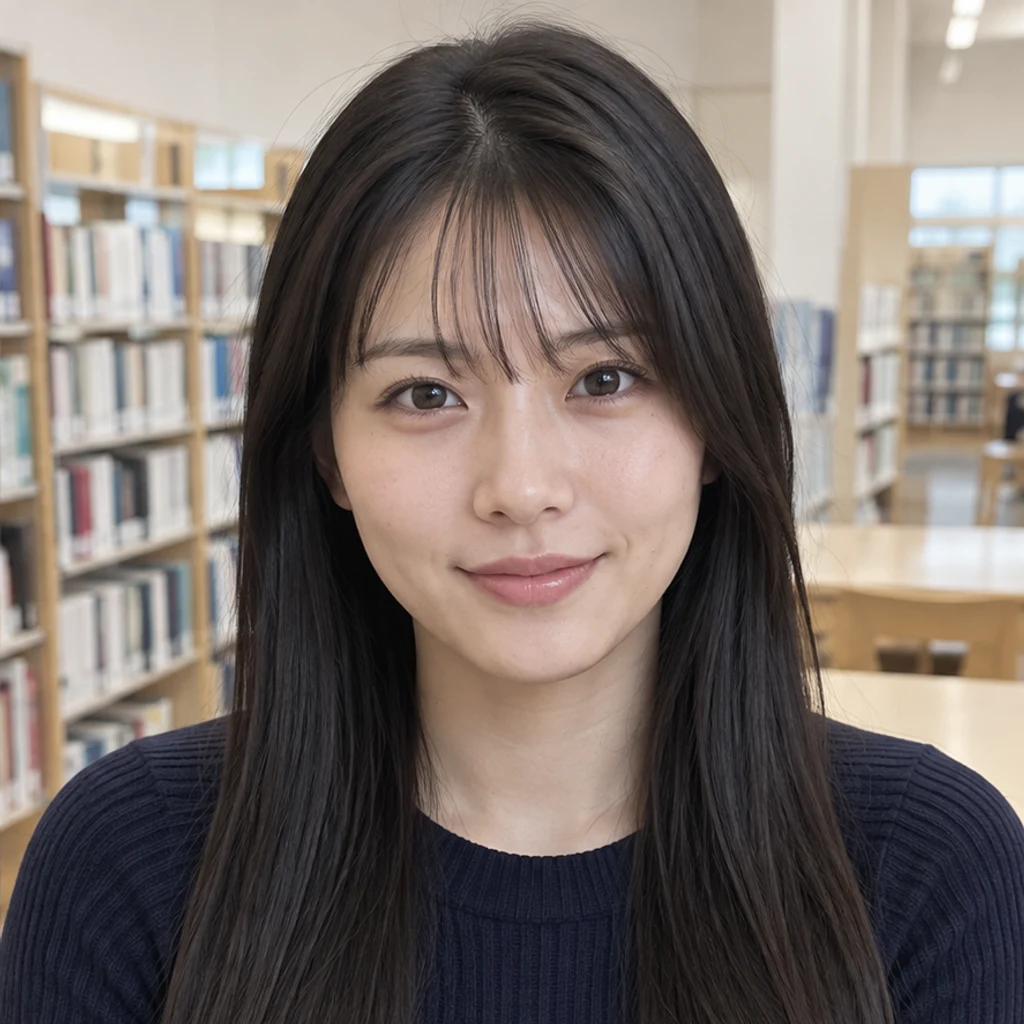
Fine separated strands give a light fringe with visible forehead.
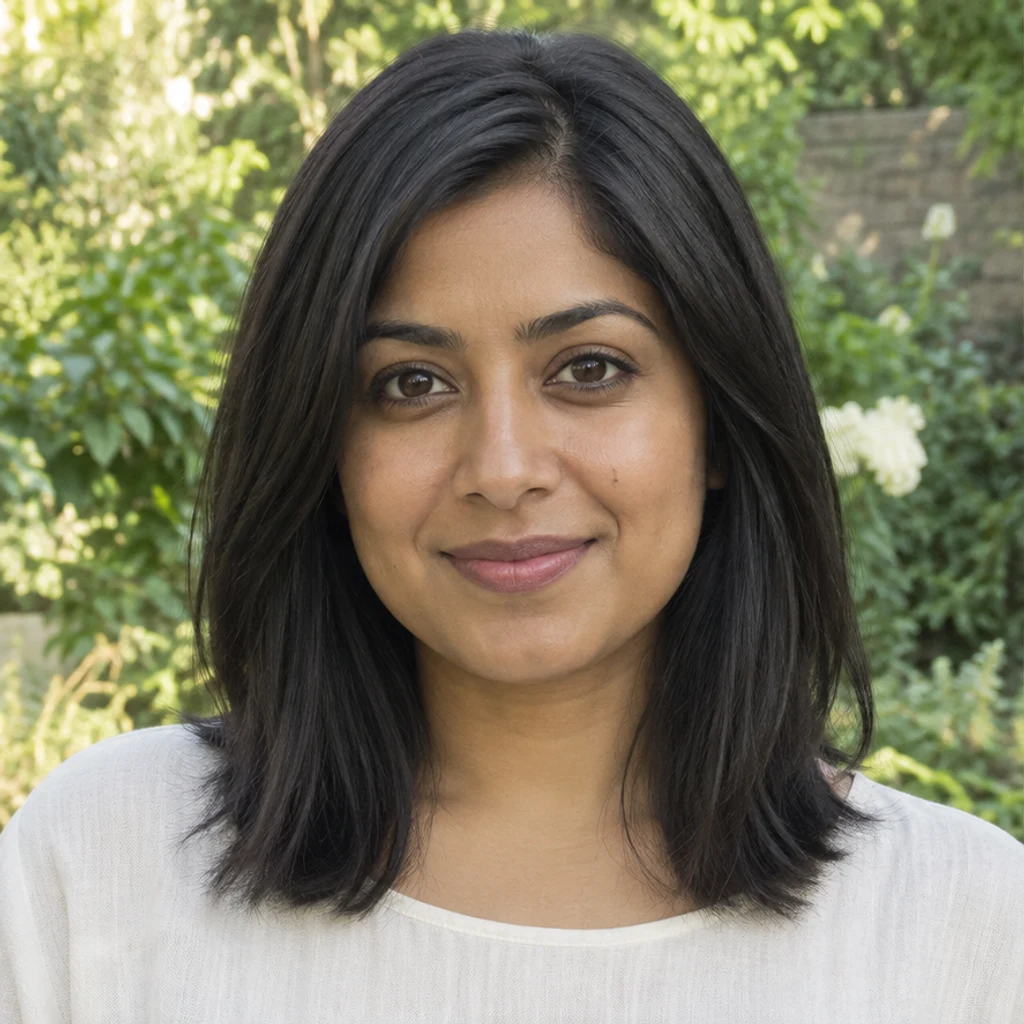
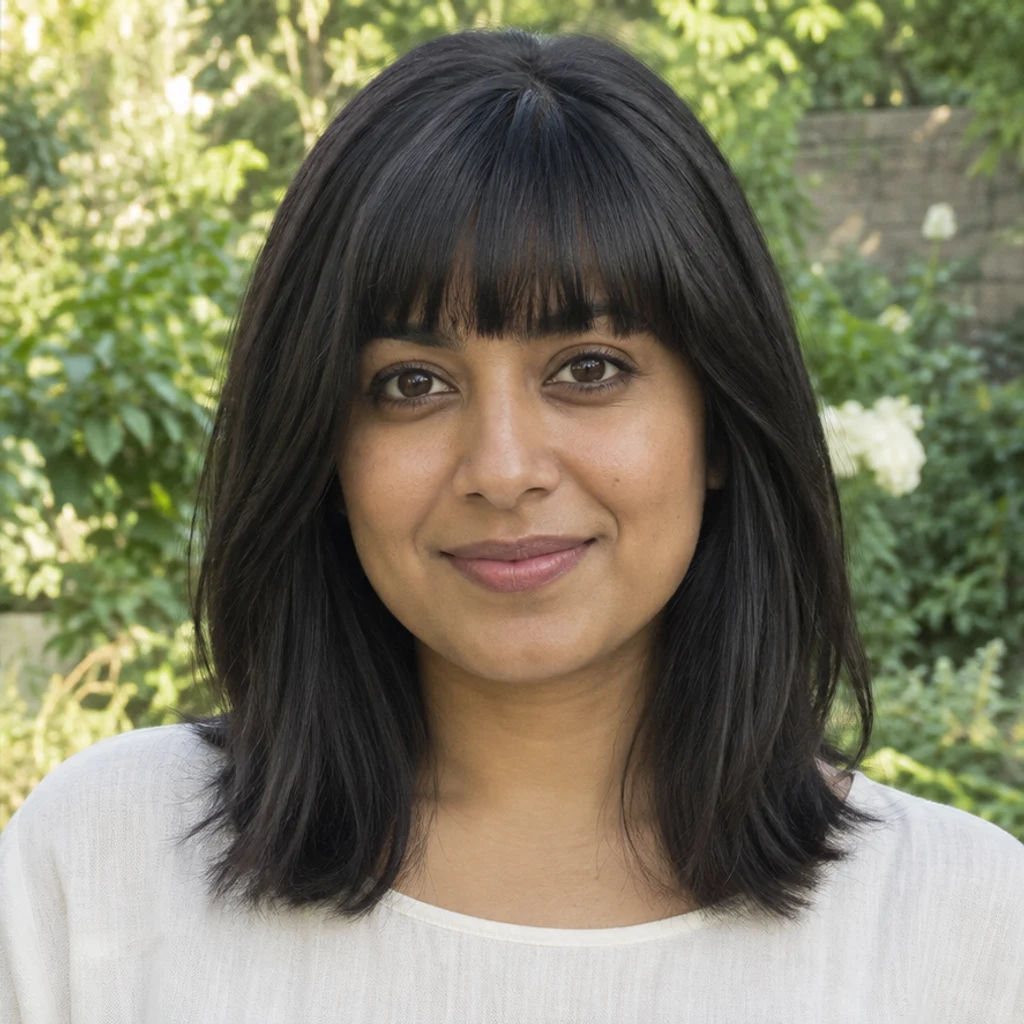
A denser straight-across edge sits just above the eyebrows.
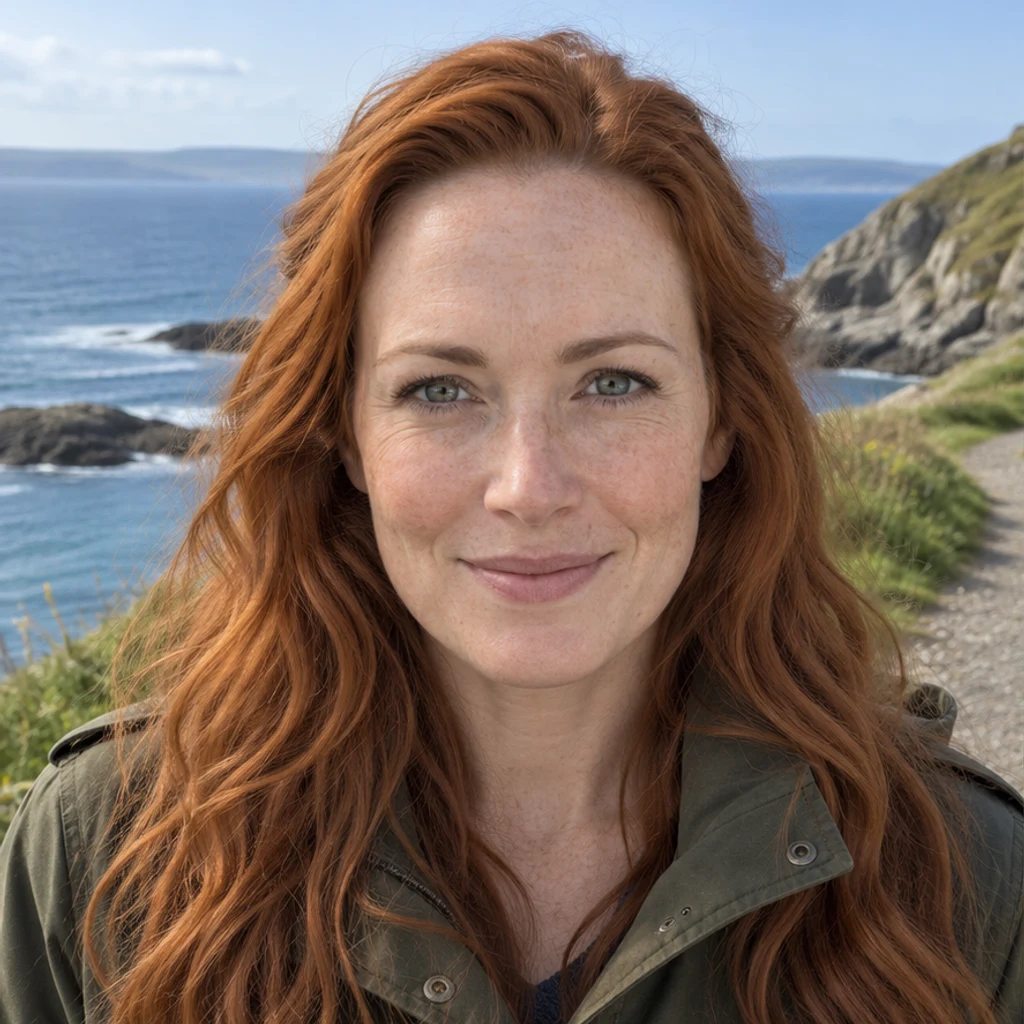
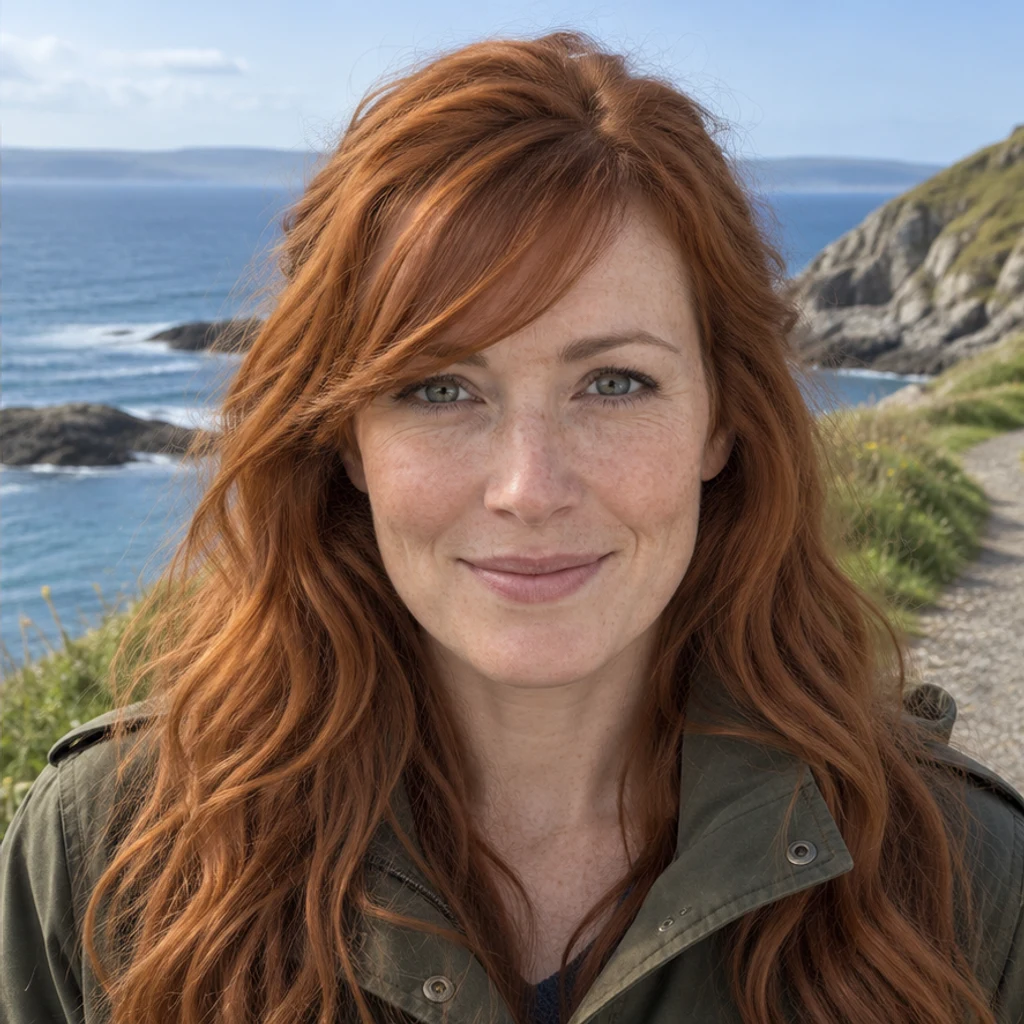
A diagonal copper fringe leaves the eyes visible.
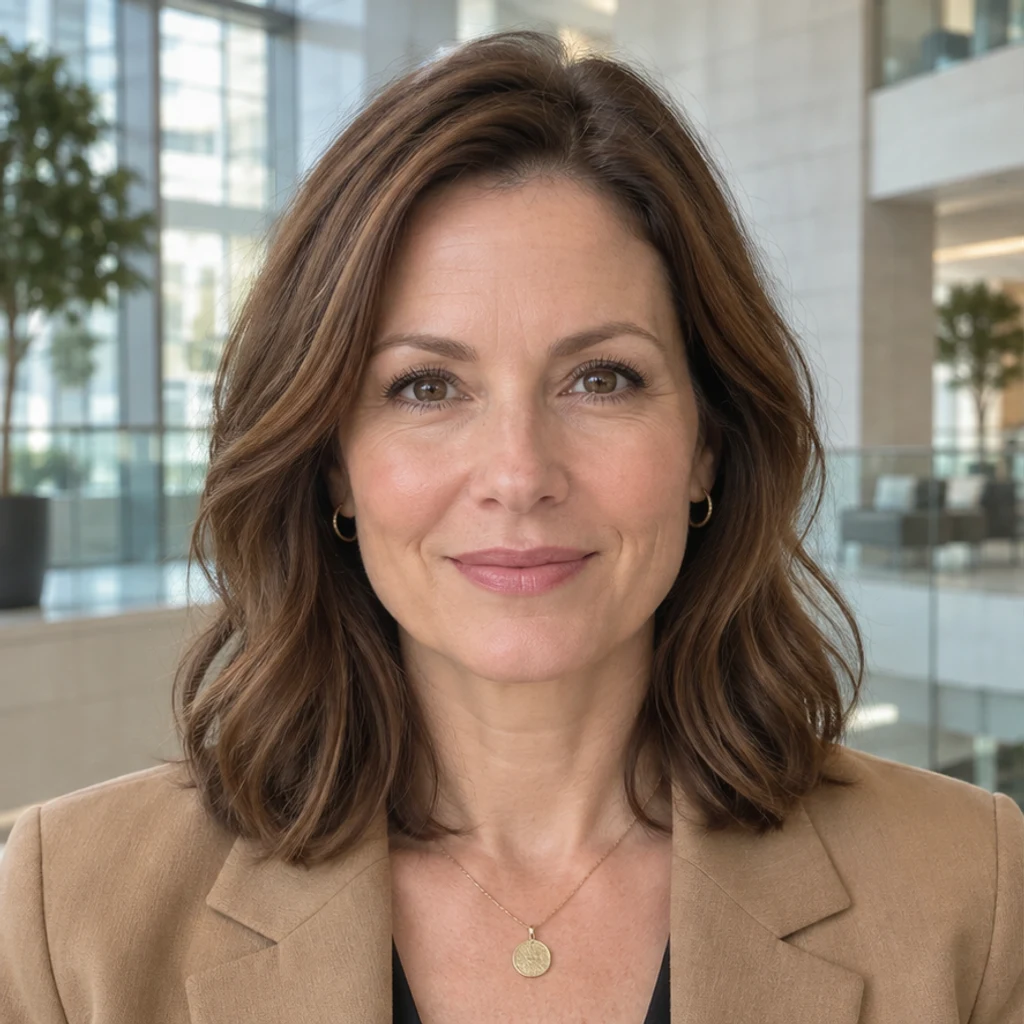
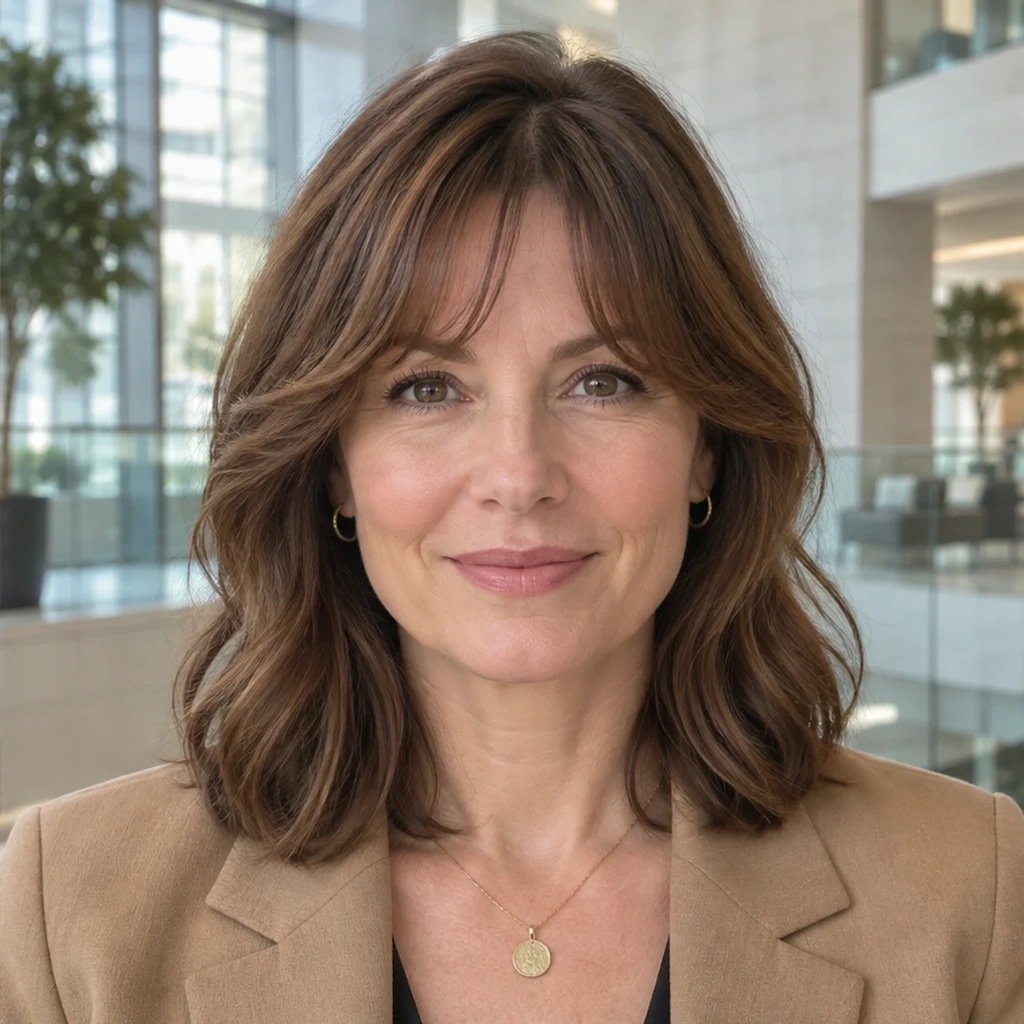
A shorter narrow center widens into curved temple pieces.
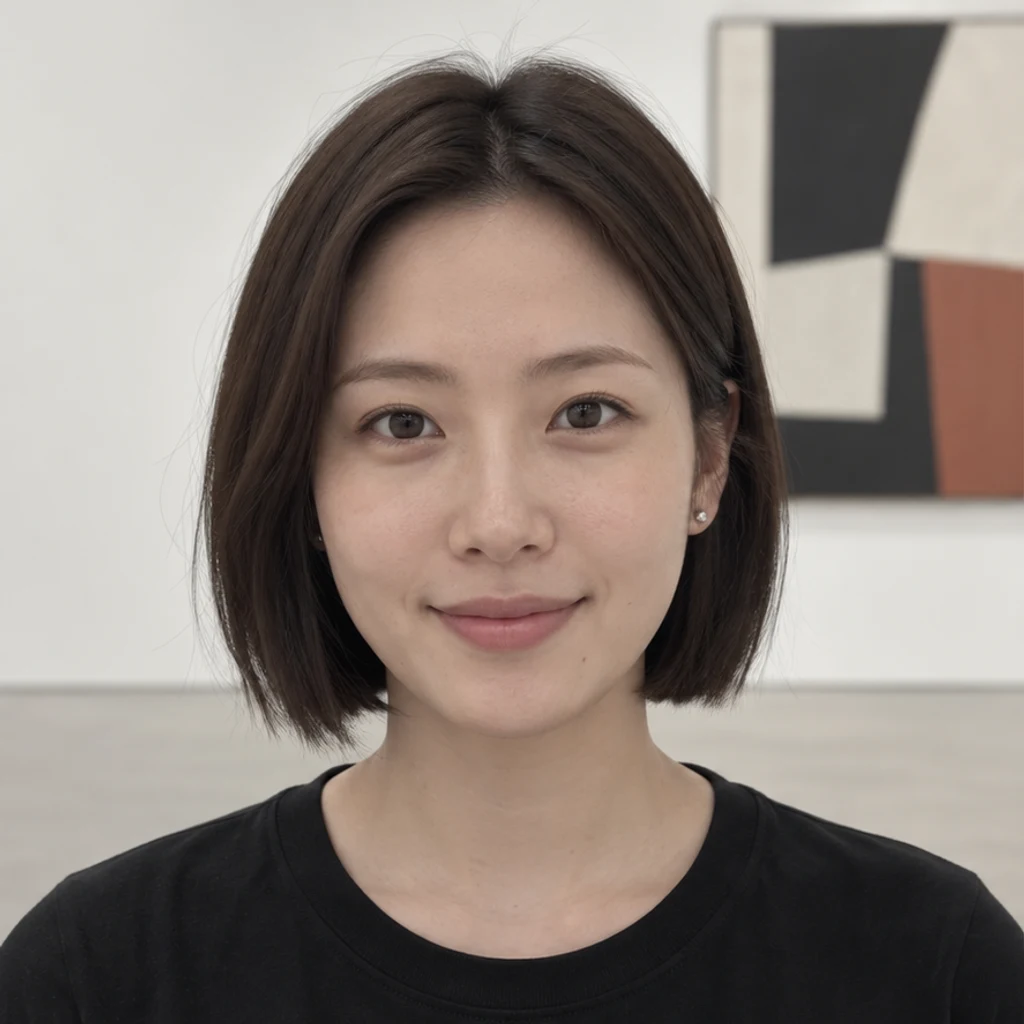
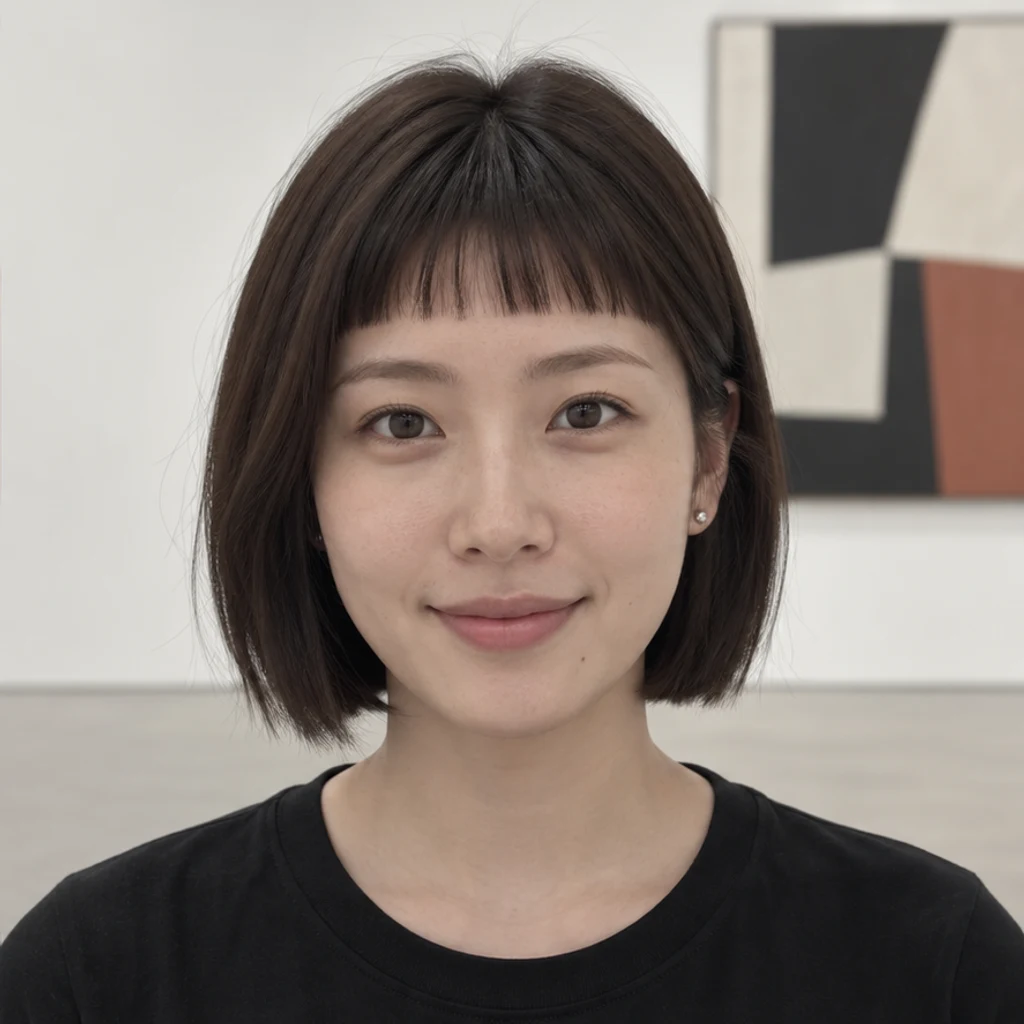
A short micro fringe leaves a clear gap above the eyebrows.
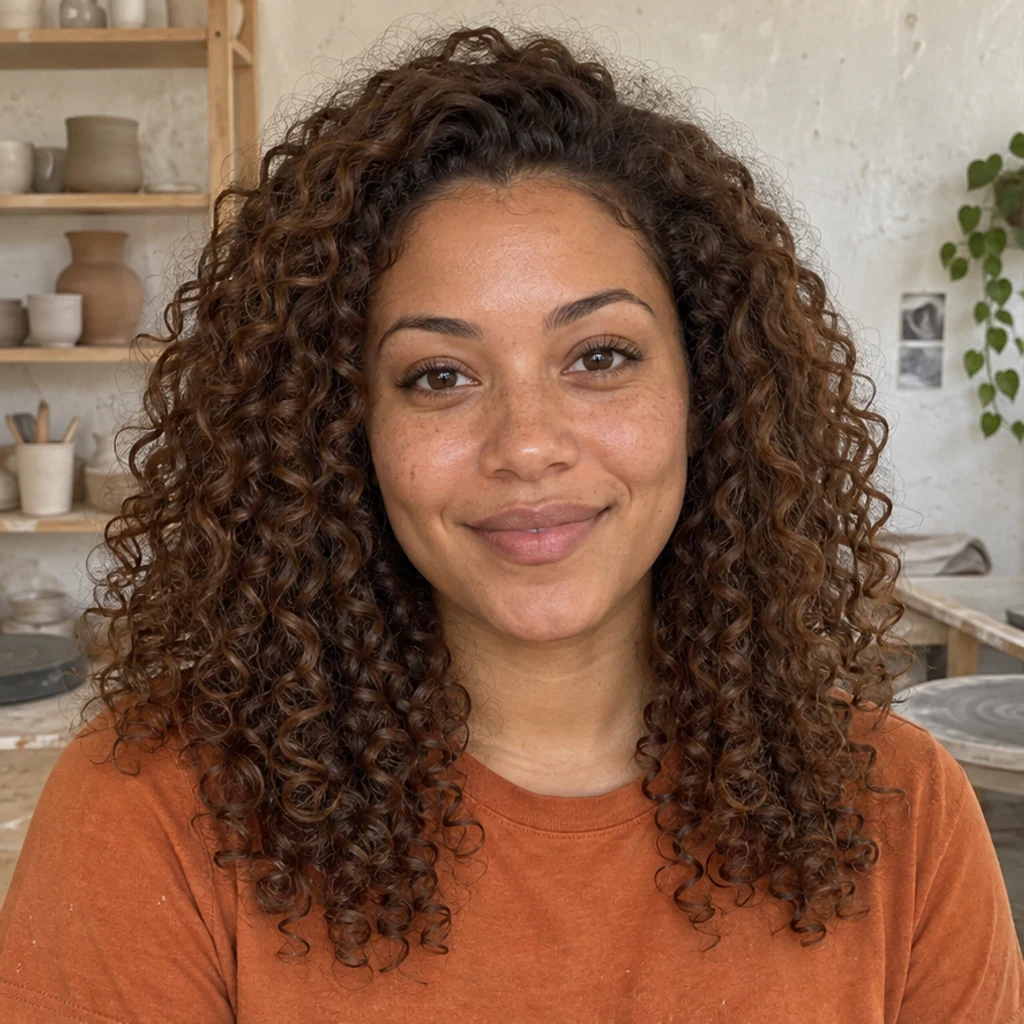
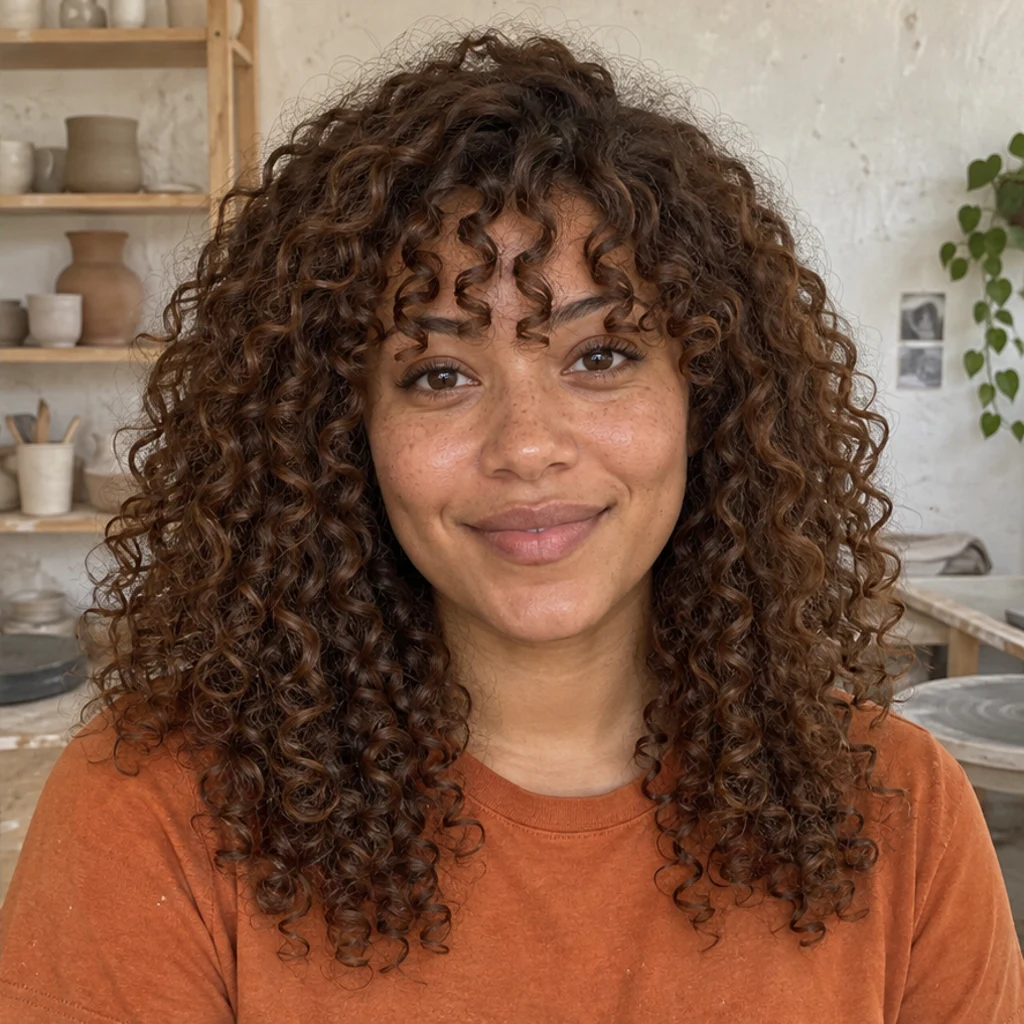
Defined curls keep the original chestnut ringlet texture.
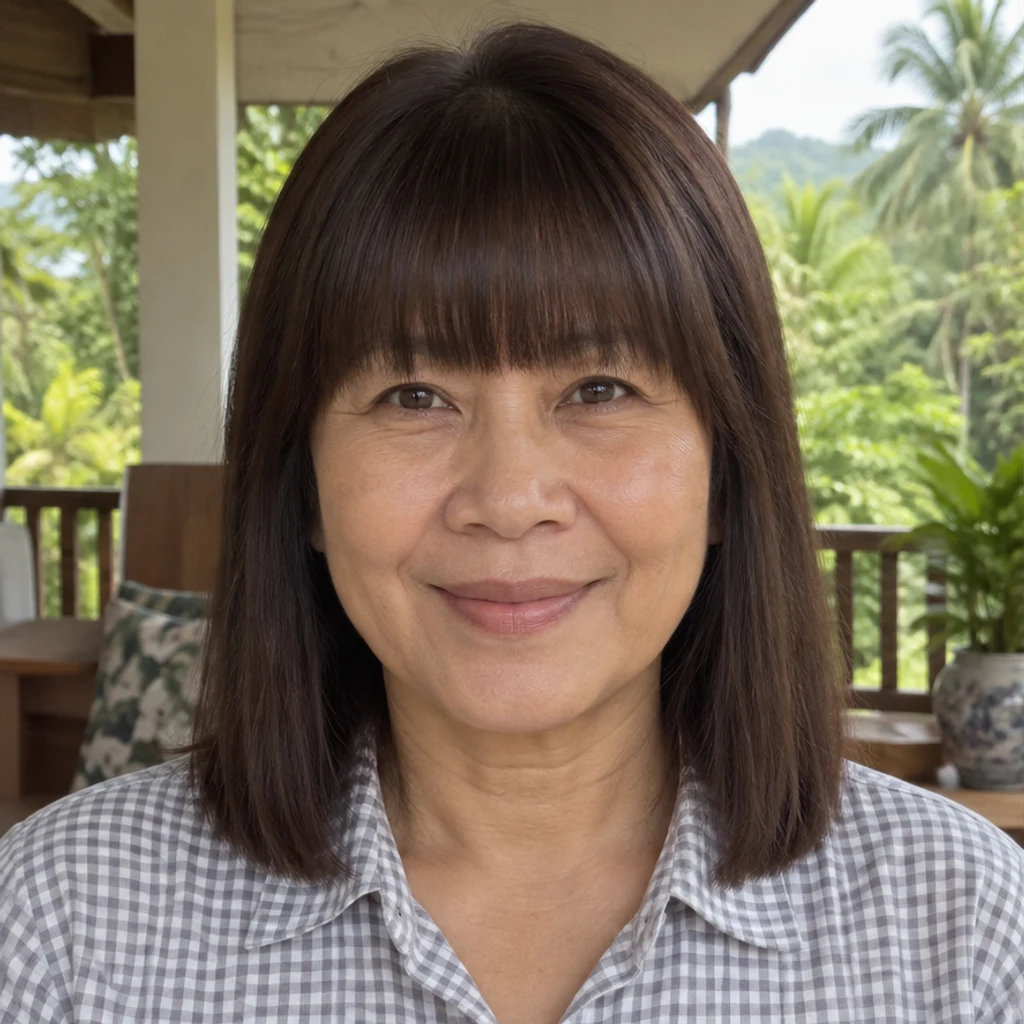
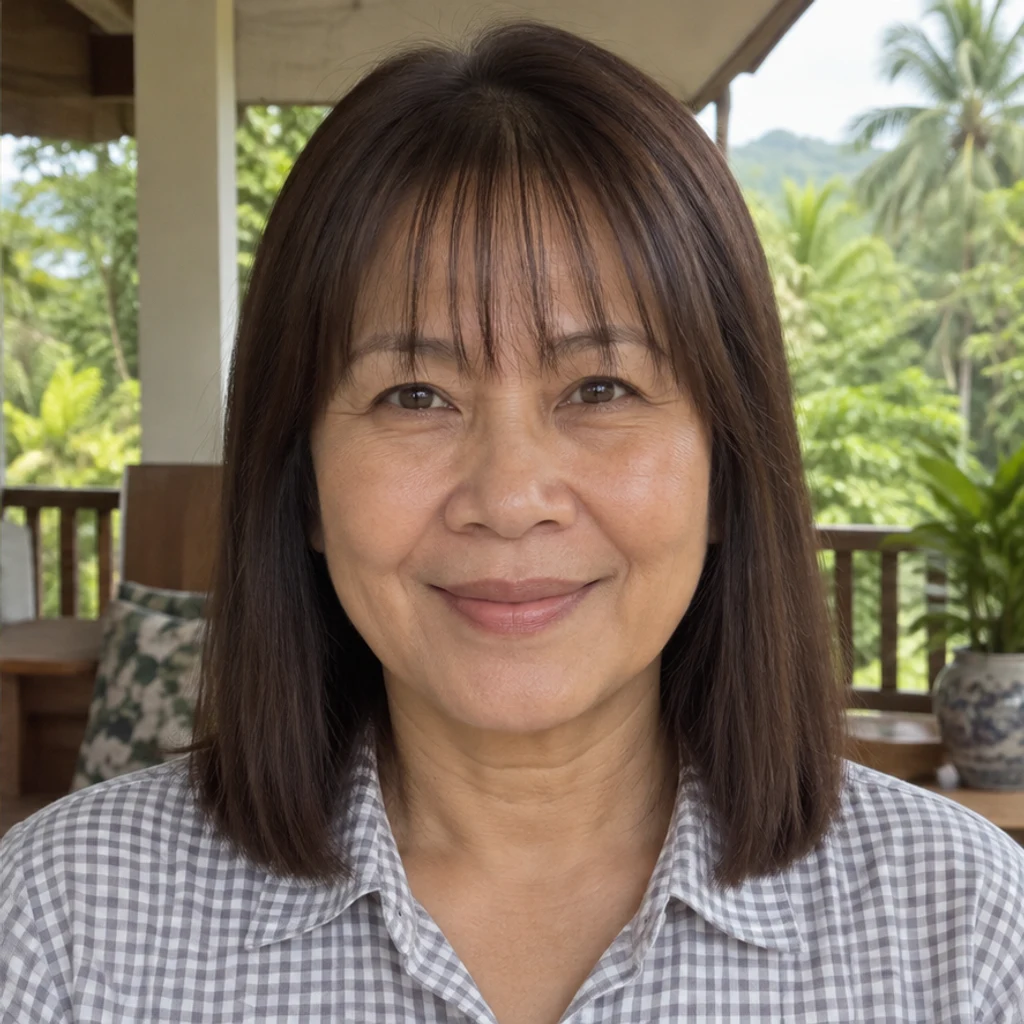
A dense existing fringe becomes sparse while keeping its color and length.
Choose one person with a visible forehead, hairline and eyes, even light and a front or slight three-quarter view. Upload JPEG, PNG or WebP, up to 30 MB.
Select one of eight style cards, upload a bangs reference or describe the look in Edit instructions. Templates and uploaded references are alternatives. You can remove a selected template; at least one style, active reference or written instruction is needed. Color and hair texture match your photo by default.
Review the displayed credits and click Generate. Each request creates one image. Loading an example only fills the form. Compare the fringe, face, glasses and remaining hair; use Re-edit to adjust the original inputs, or download a result you like.
Review the full-size result beside your original. The fringe should explain the difference, rather than a changed face, hair color or complete haircut.
Compare how much forehead is covered, where the ends sit and whether you can see your eyebrows.
Check the eyes, eyebrows, face proportions, expression and glasses against the original.
Compare color, reflections, curl pattern and the transition into the rest of your hair.
Check that side and back length, overall volume and the original hairline stayed consistent.
Upload a clear portrait and compare a few styles on the same original photo. Look at the forehead opening, length and density. A fringe simulator explores appearance; it does not decide which haircut will suit you or predict a salon result.
No. You can upload a reference or describe the fringe in Edit instructions. A person photo and at least one active style, reference or written instruction are required.
No. Choose one reference source. The selected template or uploaded image guides fringe shape, length, density and direction. Your Person photo supplies identity, original hair color, texture and scene.
The edit is instructed to preserve your face and the hair outside the fringe, and match your original color and texture. An explicit instruction can refine the fringe color or texture. Generative editing can still alter details, so compare the result before keeping it.
Yes. Choose a style, use a reference or describe a different fringe. For curly hair, start with a photo that clearly shows your natural texture. Existing bangs can be shortened or restyled; review any newly exposed forehead and the rest of your haircut.
Generation requires a LumiYing account and uses the credits shown before Generate. Selecting a template or loading an example does not spend credits. See pricing for current plans.
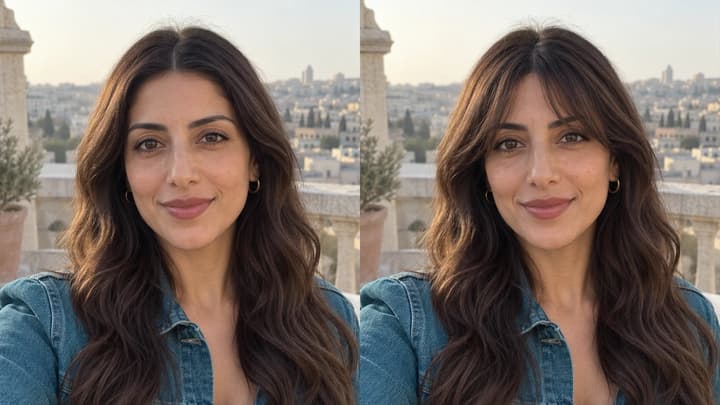
See what you would look like with bangs before a haircut. Prepare a clear photo, compare fringe shapes and check your AI preview against the original.
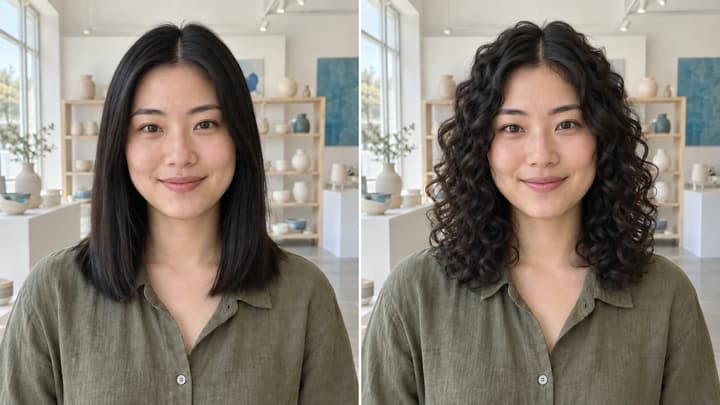
Try curls from root to tip in your photo. Choose a curl template, upload a reference or write instructions while keeping your original hair color.
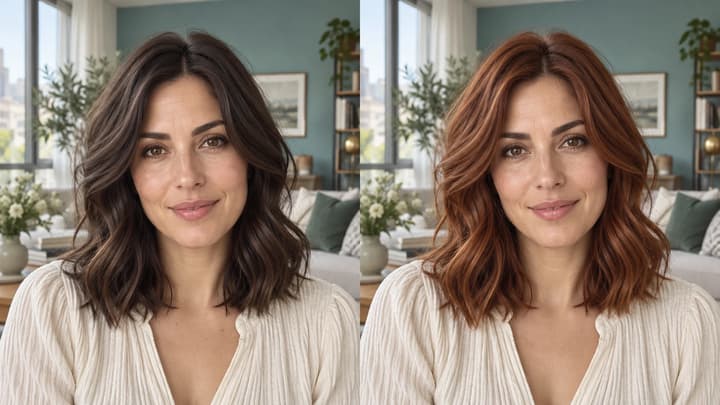
Change hair color in a photo with AI. Use a color template, upload a reference or describe your color in words, then compare and download the result.
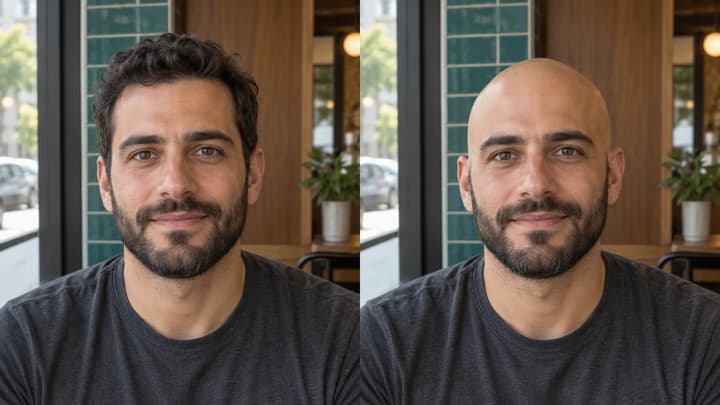
See what you would look like bald with an AI bald filter. Upload a portrait, preview a clean-shaven head, then compare and download your image.

Upload an image, describe the edit, and create polished visuals for products, social posts, posters, or keyframes.

Review credits and plans before generating.
Try bangs on your photo with AI. Choose a fringe template, upload a reference or describe your style, then compare and download your preview.