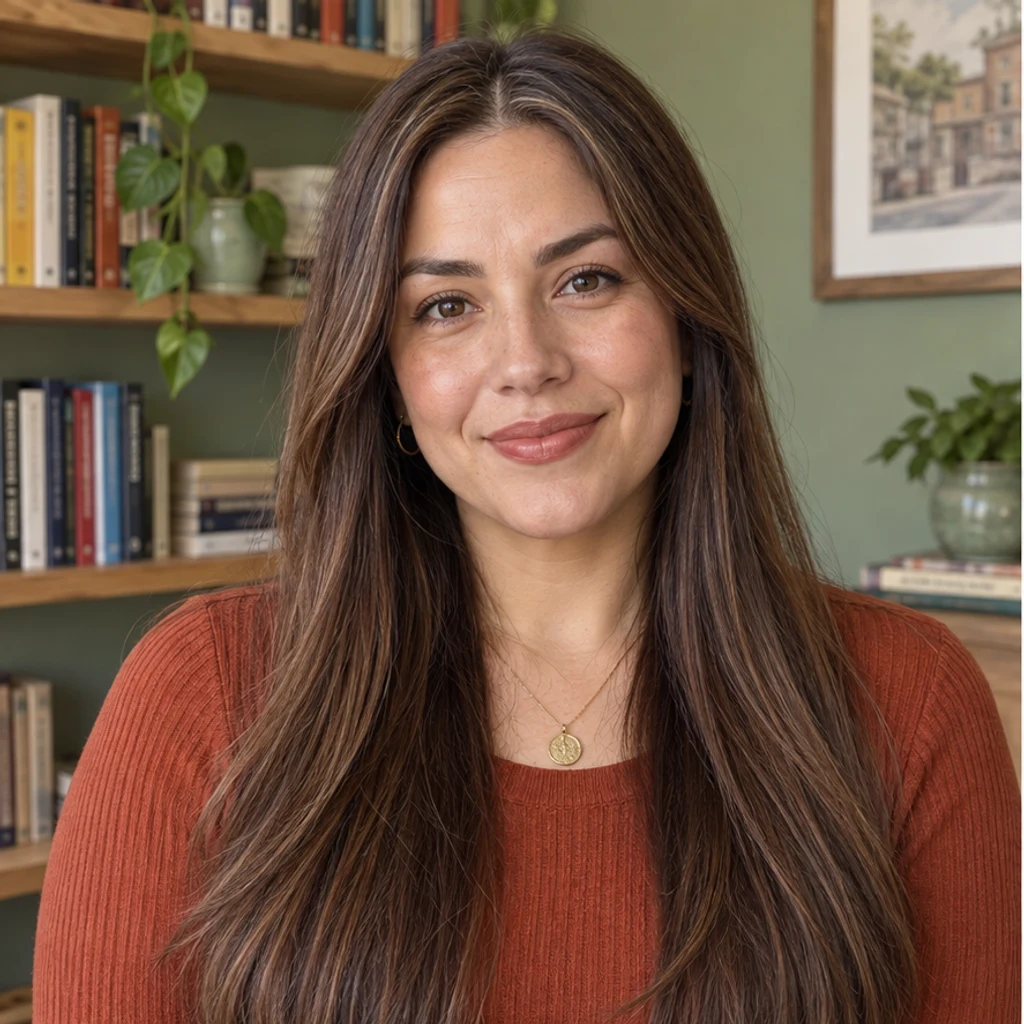
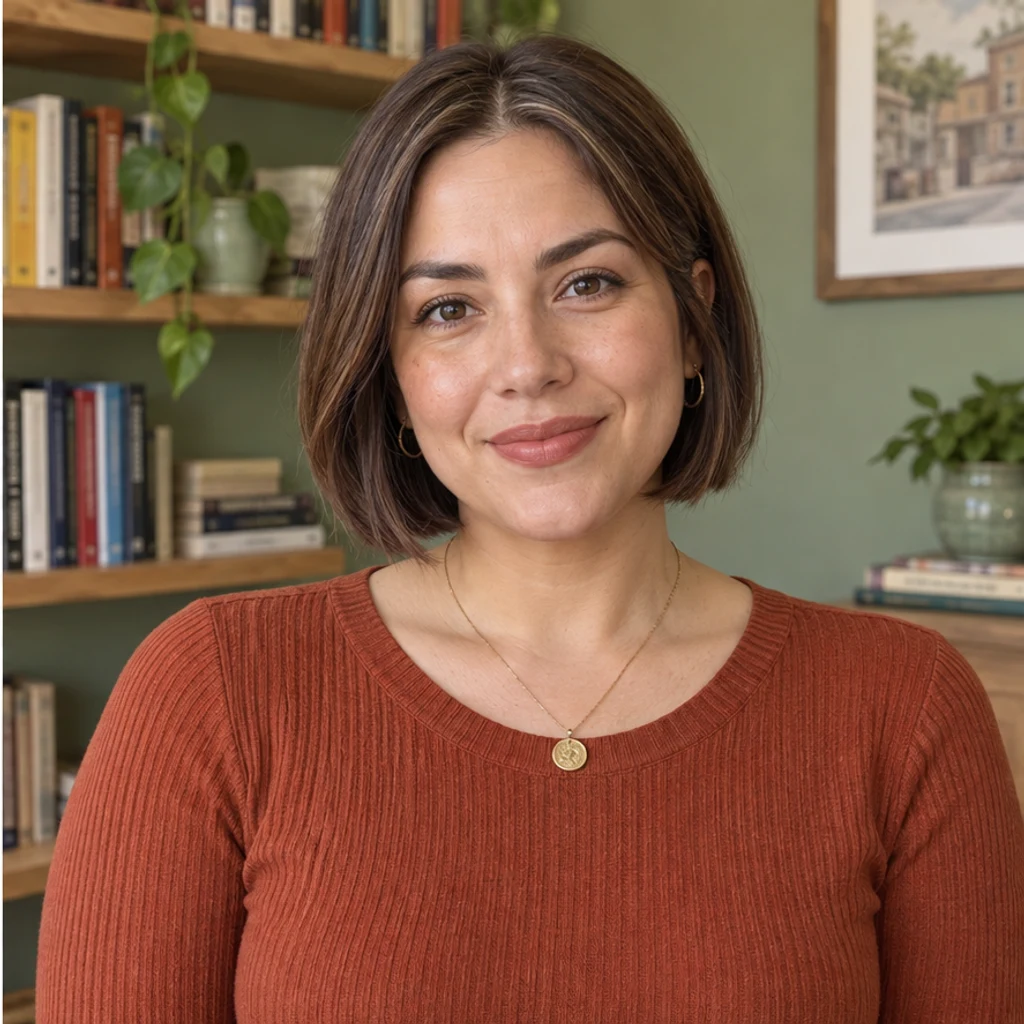
Chin bob · bookshop
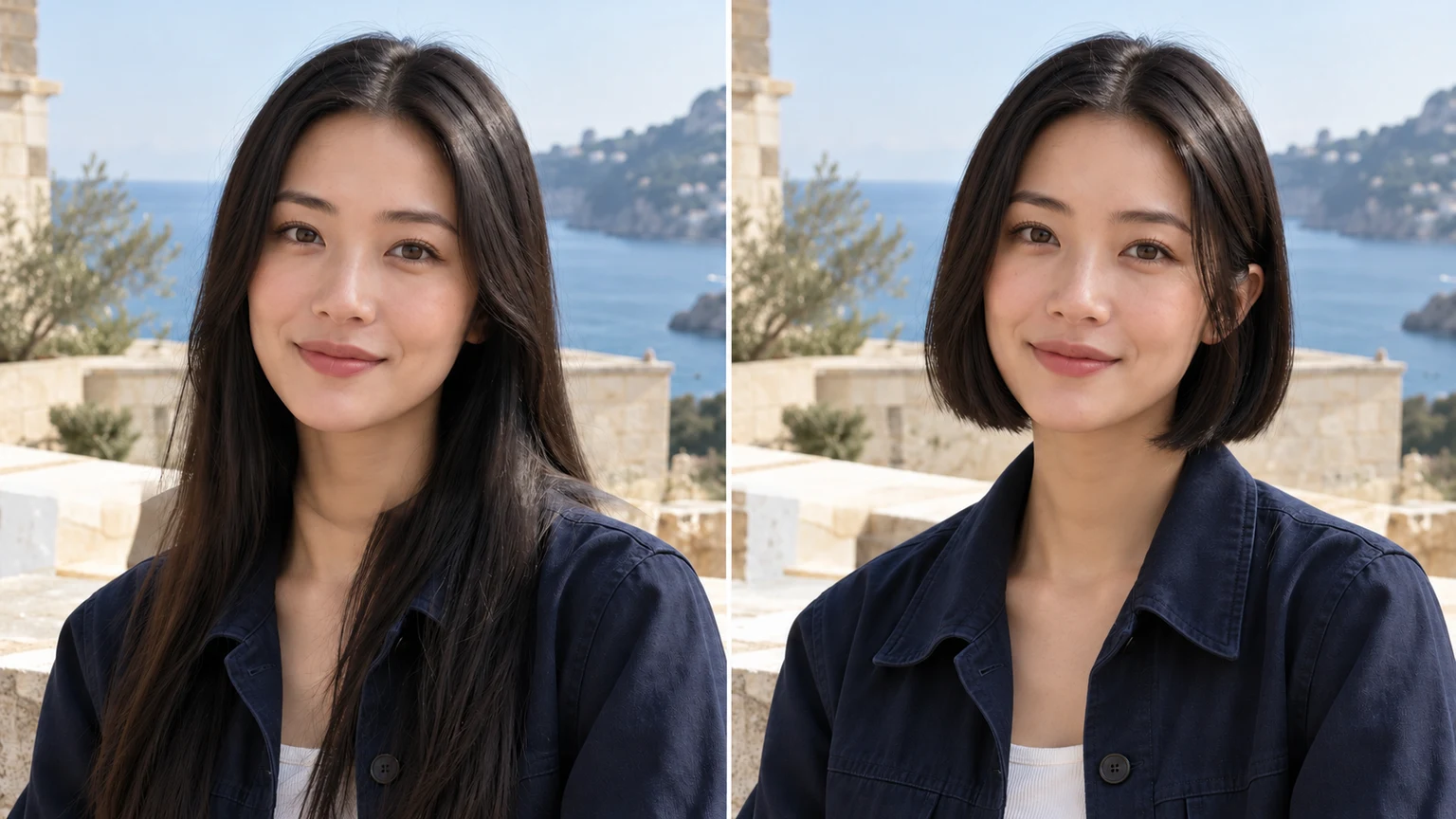
Try this styleA blunt chestnut bob ends at the jaw while keeping the original center part.
Start with one clear photo and compare a few short silhouettes. A chin-length bob frames the jaw differently from an ear-skimming pixie. Keep the original color and light for the first comparison, then inspect the face, hairline and newly exposed neck. A generated preview explores a look; it cannot predict how your real hair will behave after a cut.
LumiYingUpdated
See what you would look like with short hair. Compare bobs and pixie cuts on the same photo, keeping your original color, face and lighting.
Use one clear JPEG, PNG or WebP up to 30 MB. Include the whole head and hair outline with even light; avoid hats or a tight crop.
Choose one of eight image templates, upload a reference or describe the cut in Edit instructions. Templates start unselected and can be removed. Template and upload are alternatives; at least one active style, reference or written direction is needed.
Check the displayed credits, then generate one image. Compare the cut, color, face and scene at full size. Re-edit restores the original inputs. Loading an example only fills the form and does not generate or spend credits.
Compare the whole hair outline, jaw-level ends, nape, original color, hairline and face. Keep the same source for each attempt and download a preview whose changes you can describe.
Change the cut first while holding color and lighting constant. Add a styling preference once the length is clear.
Explore short haircut ideas with these AI-generated illustrations. Choose an example to load its photo and style settings.
A blunt chestnut bob ends at the jaw while keeping the original center part.
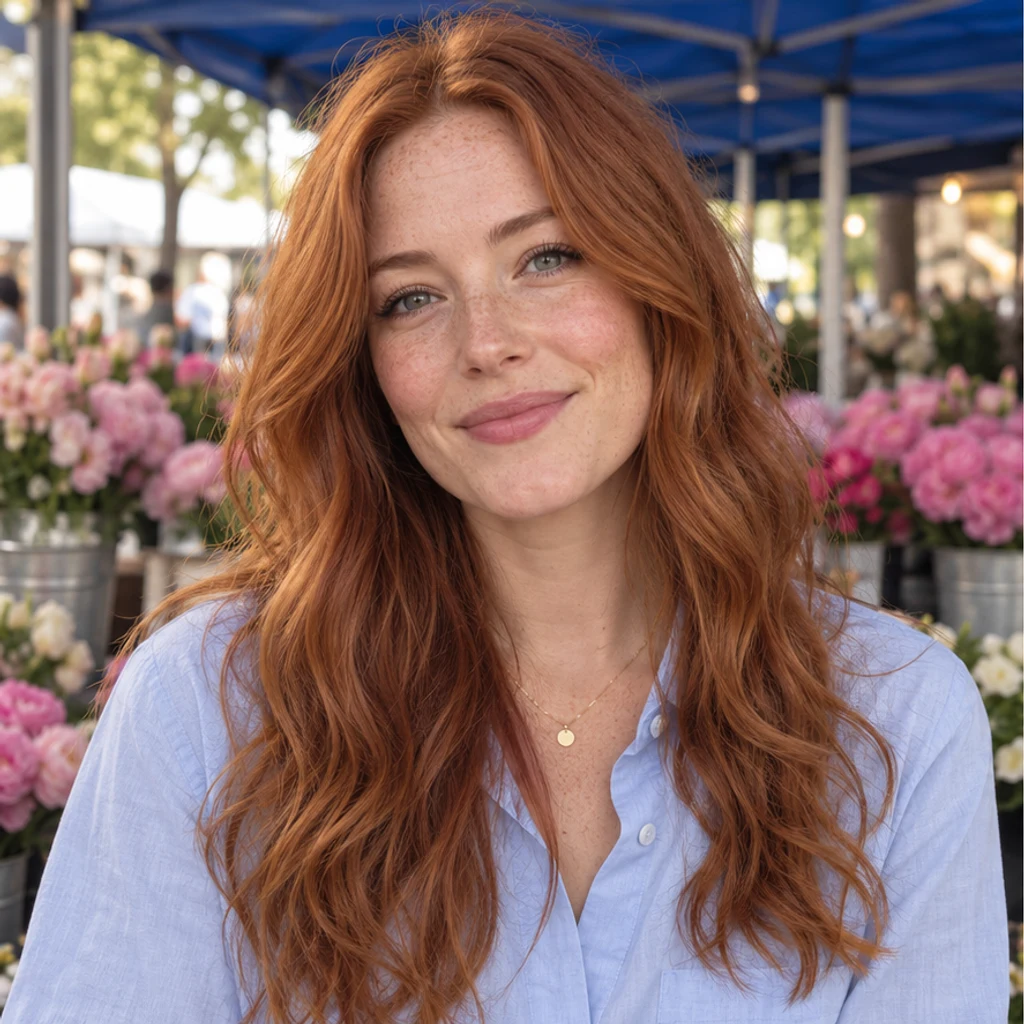
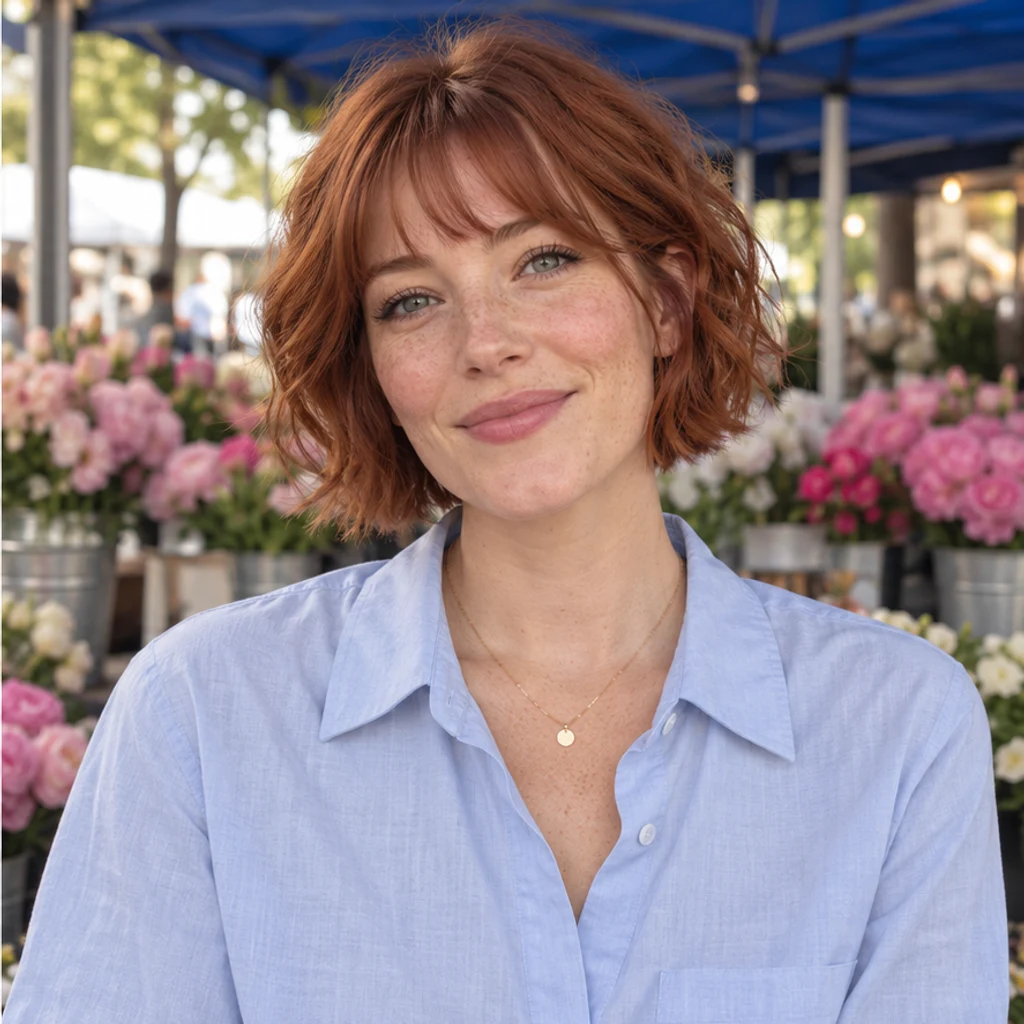
A short copper bob adds a light fringe while retaining the original freckles.
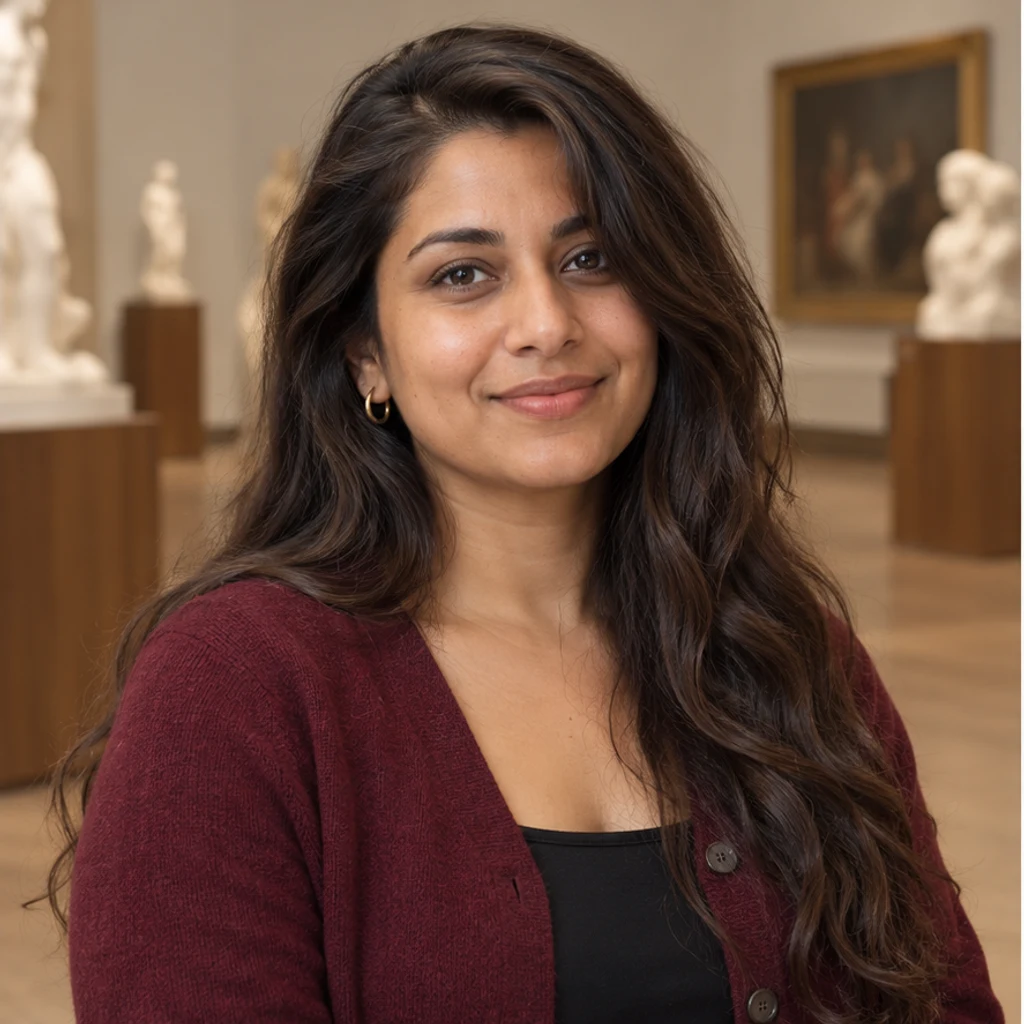
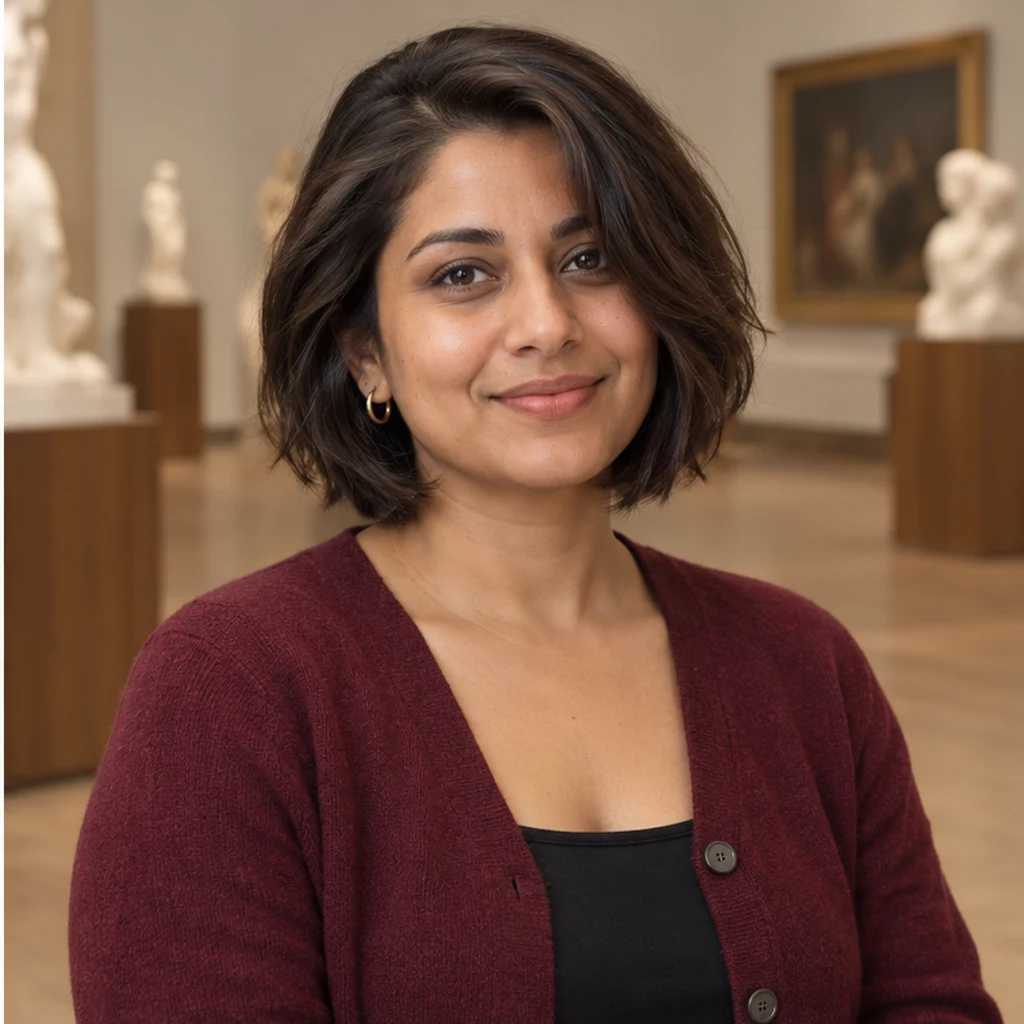
Short dark layers reshape the outline without changing the face.
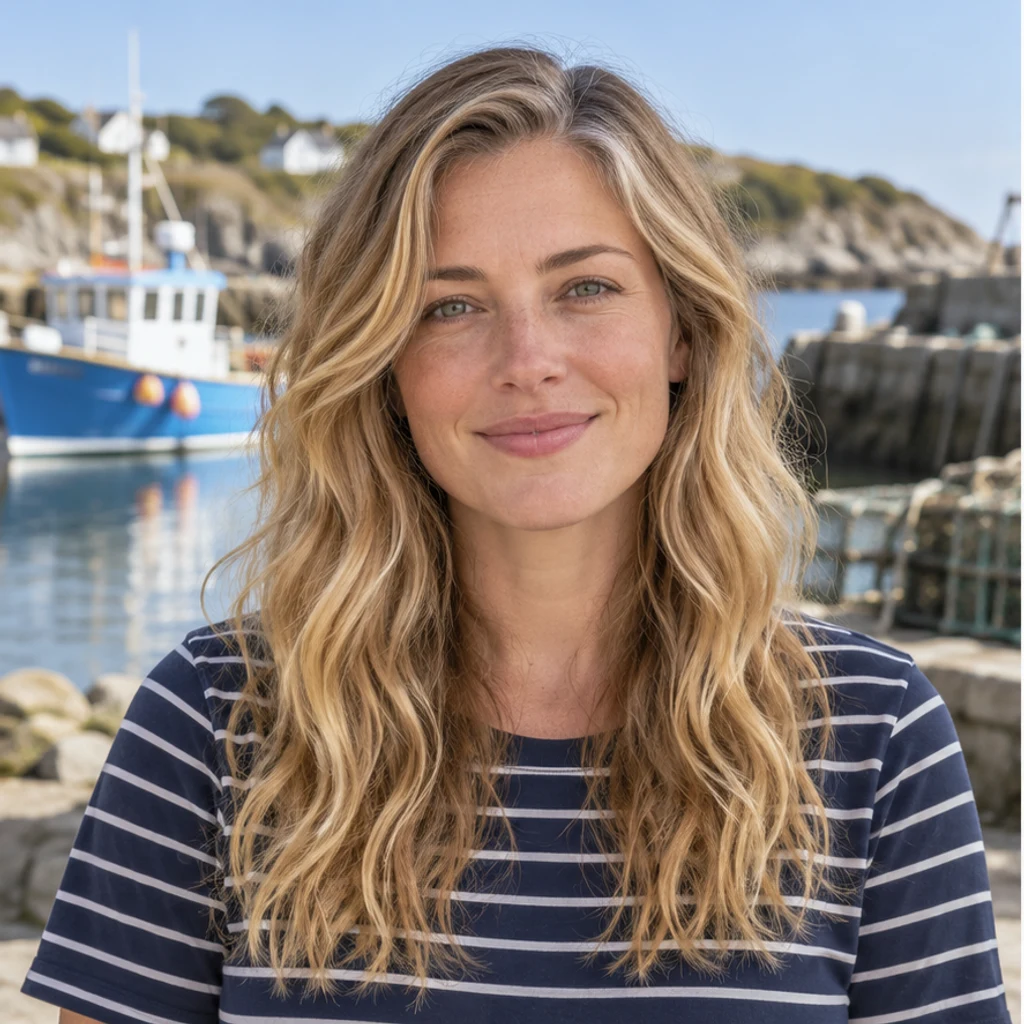
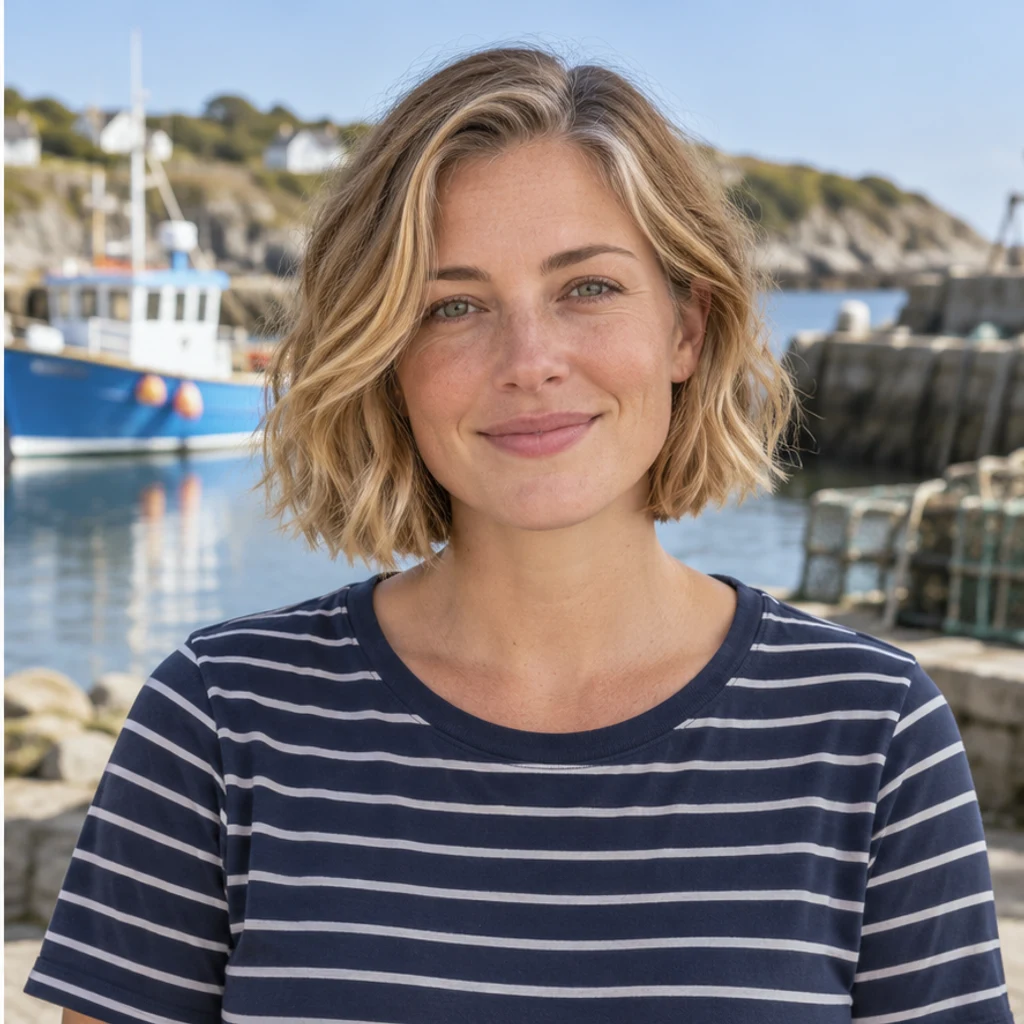
A blonde jaw-length bob retains natural waves and the original harbor light.
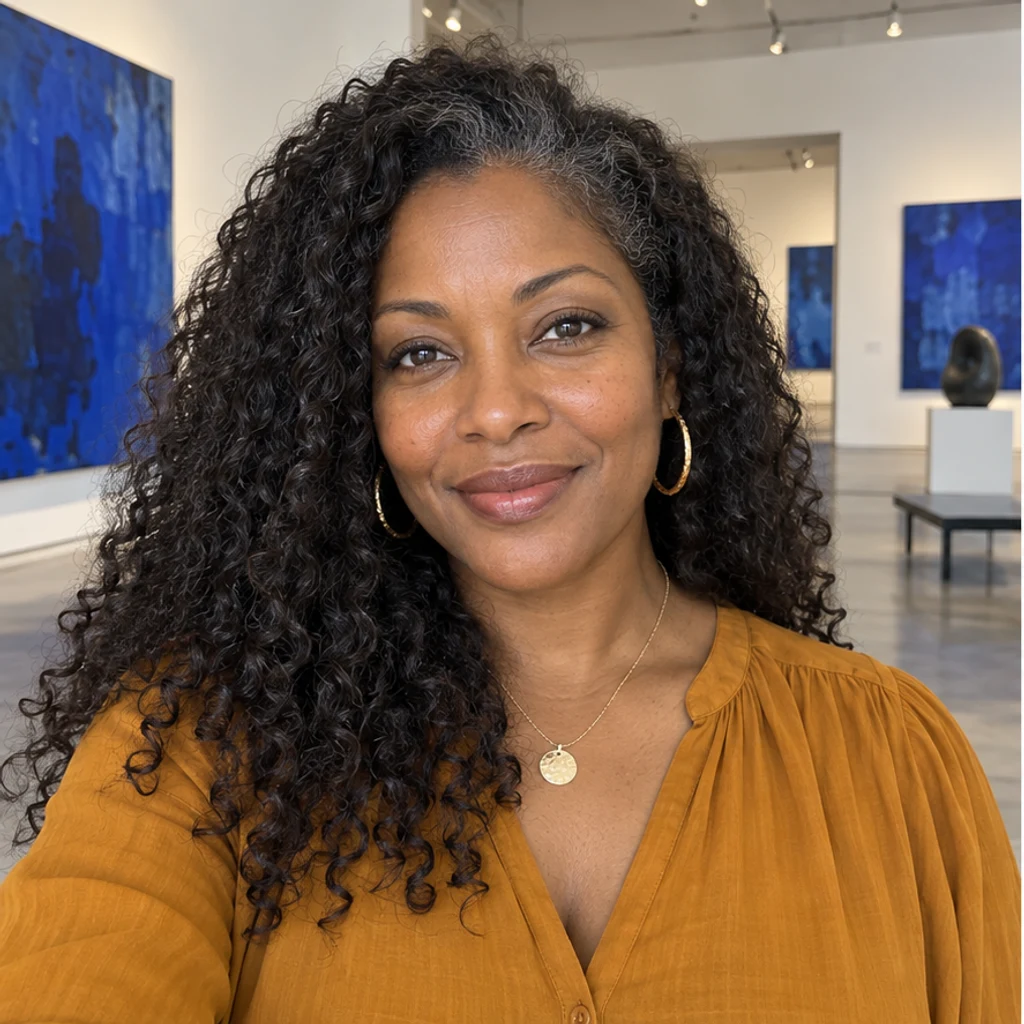
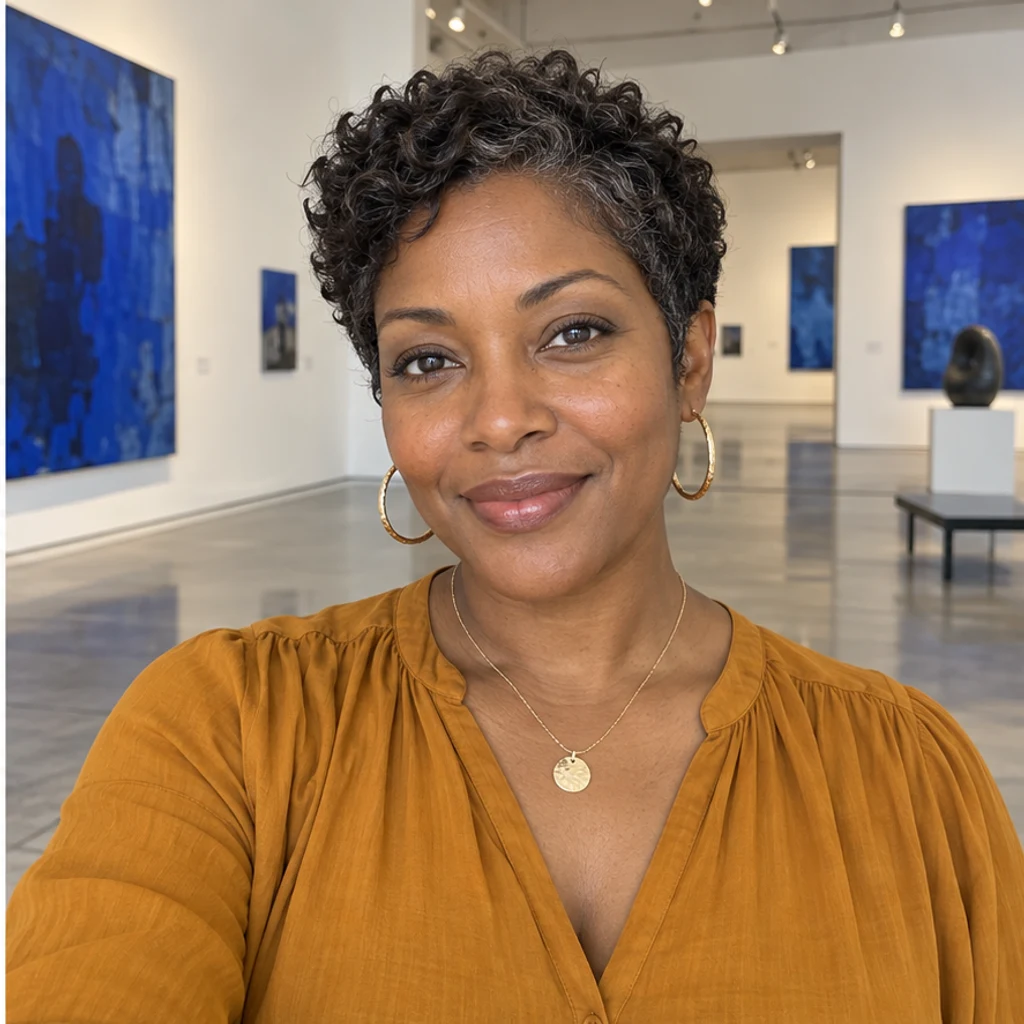
A short coily pixie keeps visible dark locks across the crown.


A side-swept pixie retains the original silver and dark strands and glasses.
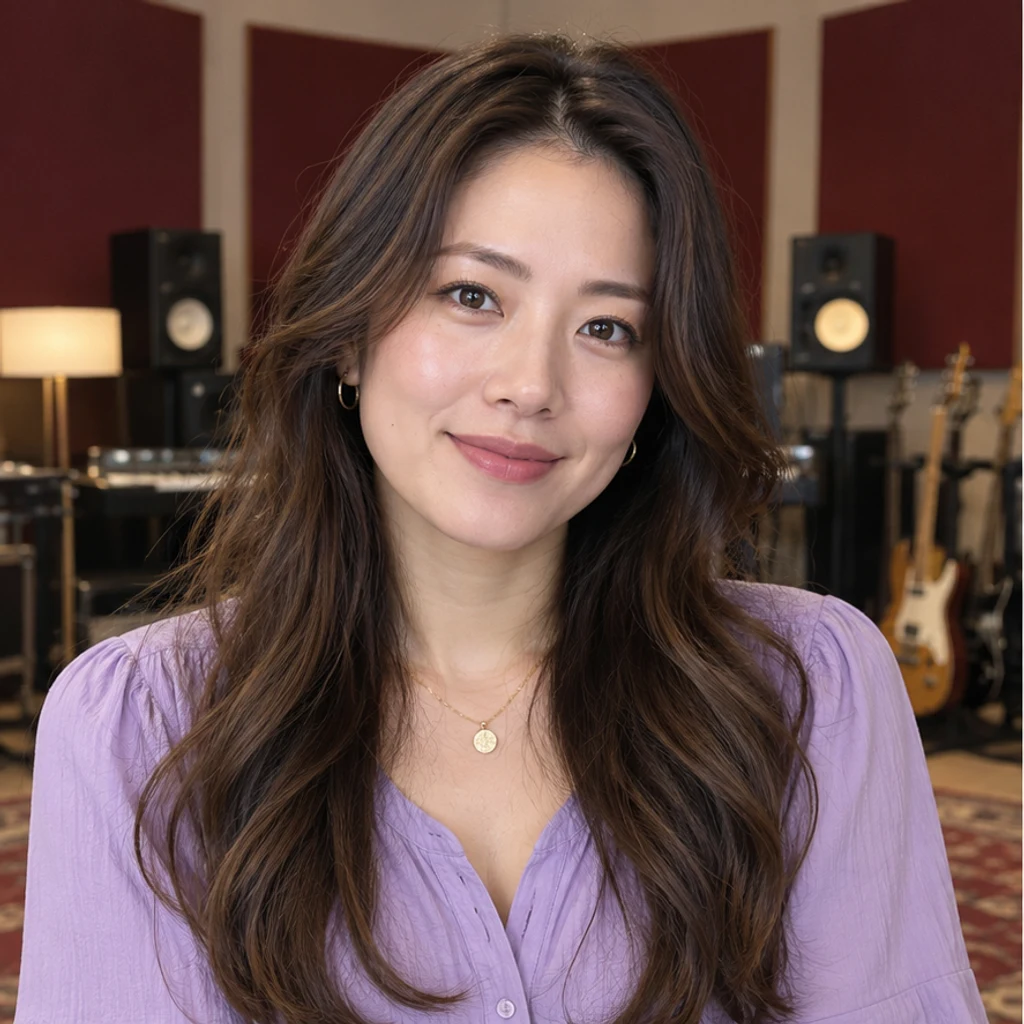
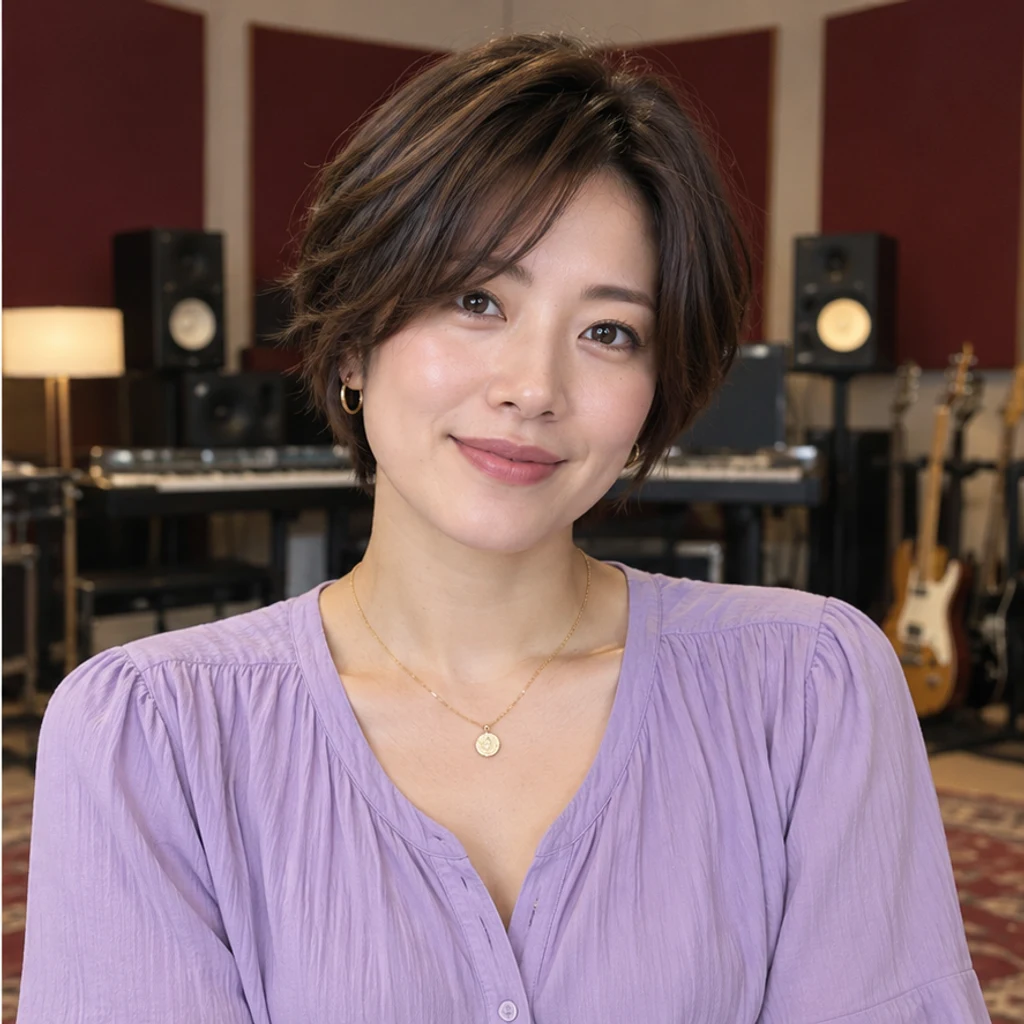
A bob-pixie blend creates an ear-length outline with longer soft fringe.


Short black scissor-cut locks keep the man’s original beard and face.
Use the same original for every attempt. Compare the haircut separately from color, makeup, lighting and styling.
Try a few silhouettes on the same clear portrait. Compare jaw-length bobs with shorter pixies while holding color and lighting constant. The preview helps you explore an appearance; it does not decide which haircut suits you.
No. Upload a haircut reference or describe the short style in Edit instructions. You need a person photo and at least one active template, reference or written direction.
Yes. The active template or uploaded reference is sent with your original photo. It guides the cut’s shape, length, layers and texture. Template and uploaded reference are alternatives, and Re-edit restores the original settings.
The instruction preserves your original hair color, gray strands, visible hairline, face and scene. A reference with another color does not request recoloring. An explicit hair-color instruction can override the default. Check the result because generated details may drift.
Yes. The cut is adapted to the source person. For groups, identify one person in your instructions; other people should stay unchanged. If the target has no visible scalp hair, the default request keeps the original rather than inventing hair.
No. Hair covering the ears, neck or collar hides information that must be plausibly reconstructed. A photo cannot establish how your own hair will fall, grow or react to styling. Use the preview as a visual discussion aid.
Generating requires a LumiYing account and uses the credits shown before Generate. Selecting a template and loading an example do not spend credits. See pricing for current plans.
Compare a shorter cut, a curl pattern or a hair color on your original photo.
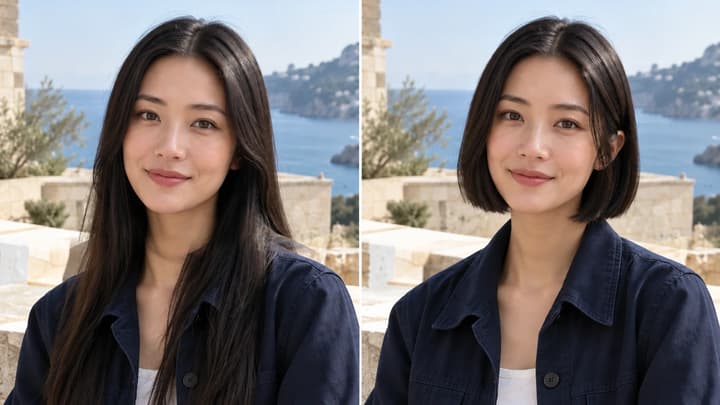
Try a bob, pixie, bixie or textured crop on your photo. Choose an image template, upload a haircut reference or describe your short hairstyle.
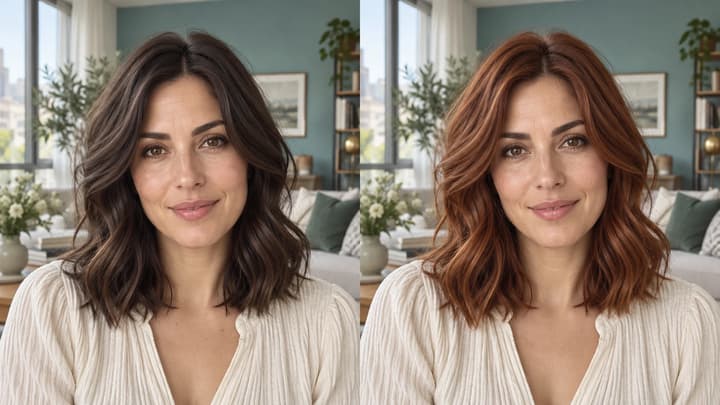
Change hair color in a photo with AI. Use a color template, upload a reference or describe your color in words, then compare and download the result.
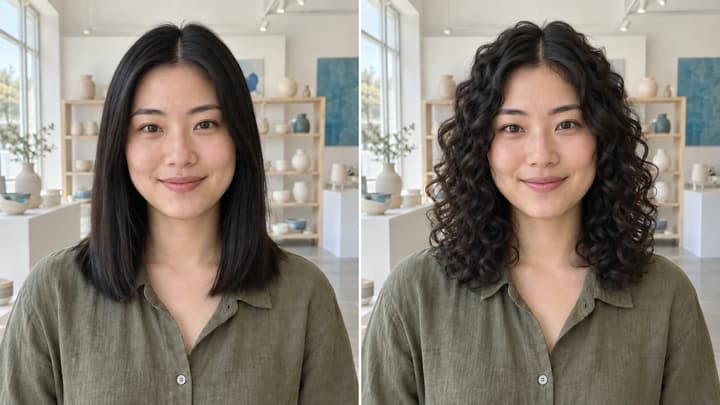
Try curls from root to tip in your photo. Choose a curl template, upload a reference or write instructions while keeping your original hair color.
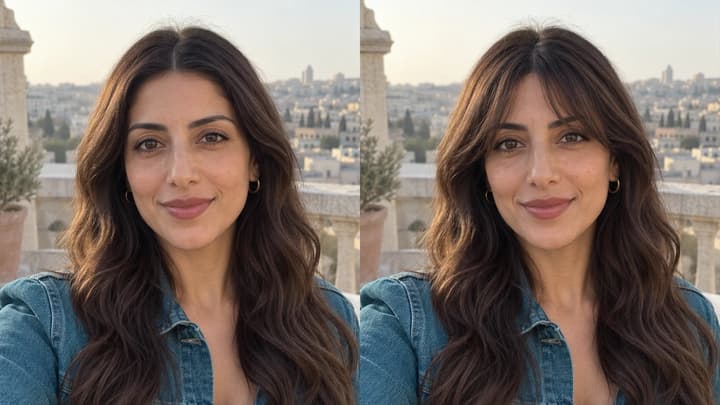
Try bangs on your photo with AI. Choose a fringe template, upload a reference or describe your style, then compare and download your preview.

Upload an image, describe the edit, and create polished visuals for products, social posts, posters, or keyframes.

Review credits and plans before generating.
Try a bob, pixie, bixie or textured crop on your photo. Choose an image template, upload a haircut reference or describe your short hairstyle.