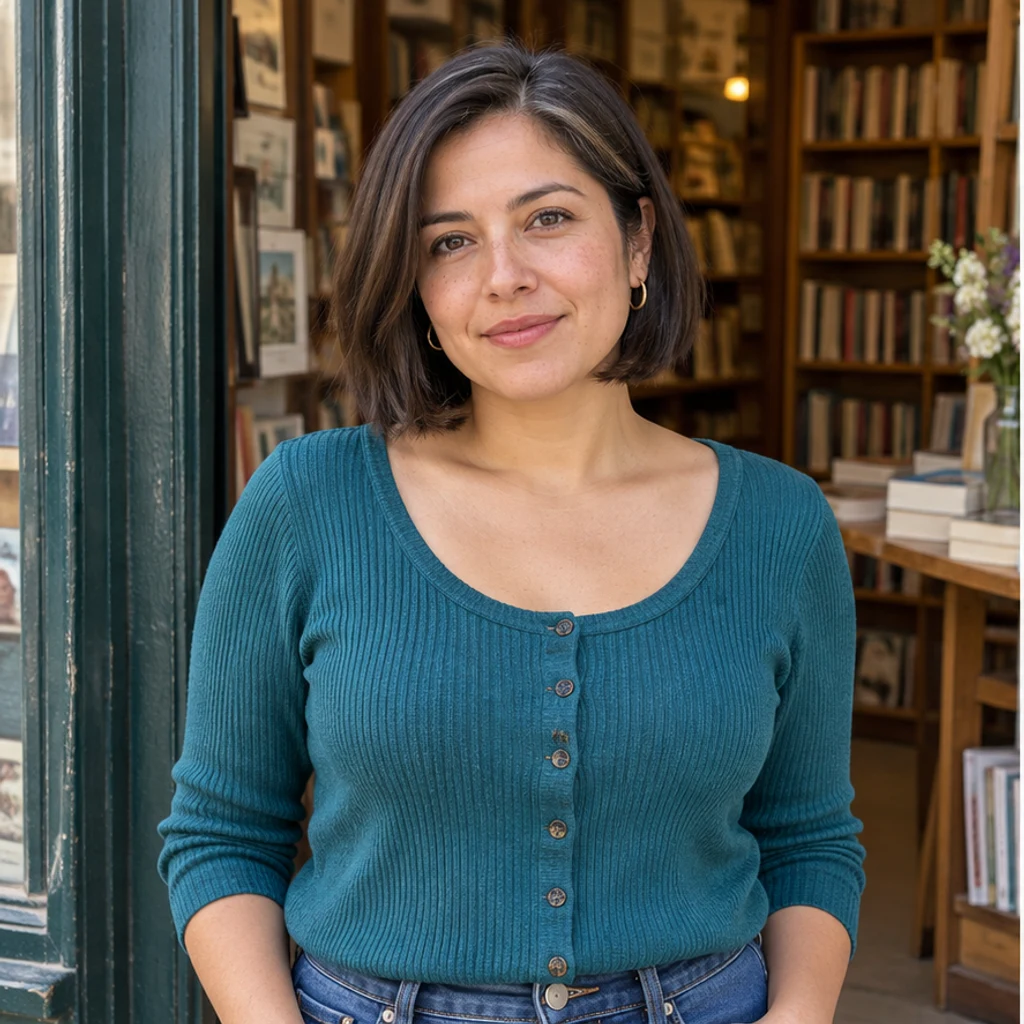
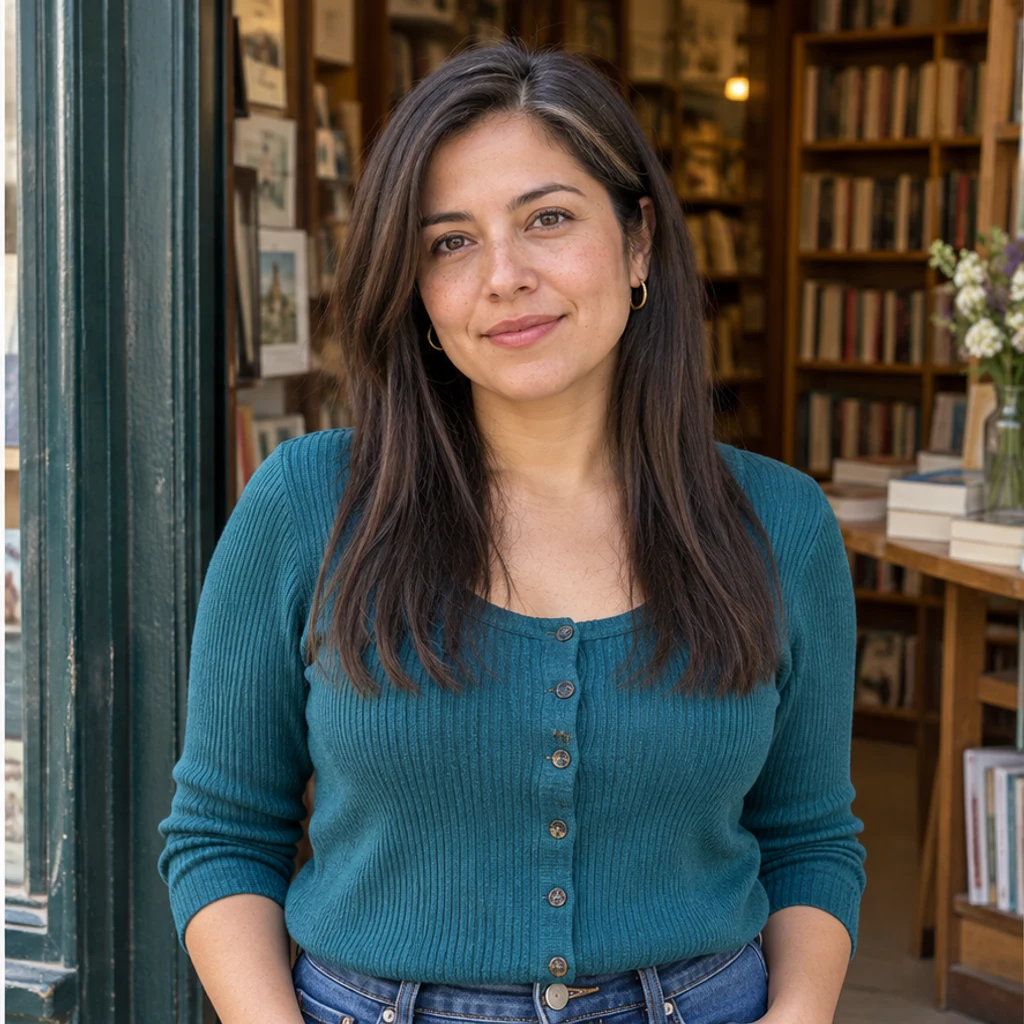
Below-collarbone straight · bookshop
Try this styleStraight brown length keeps the original part and bookshop light.
Add long hair to your photo while keeping your original color. Try eight image styles, upload a hairstyle reference or describe the length you want.
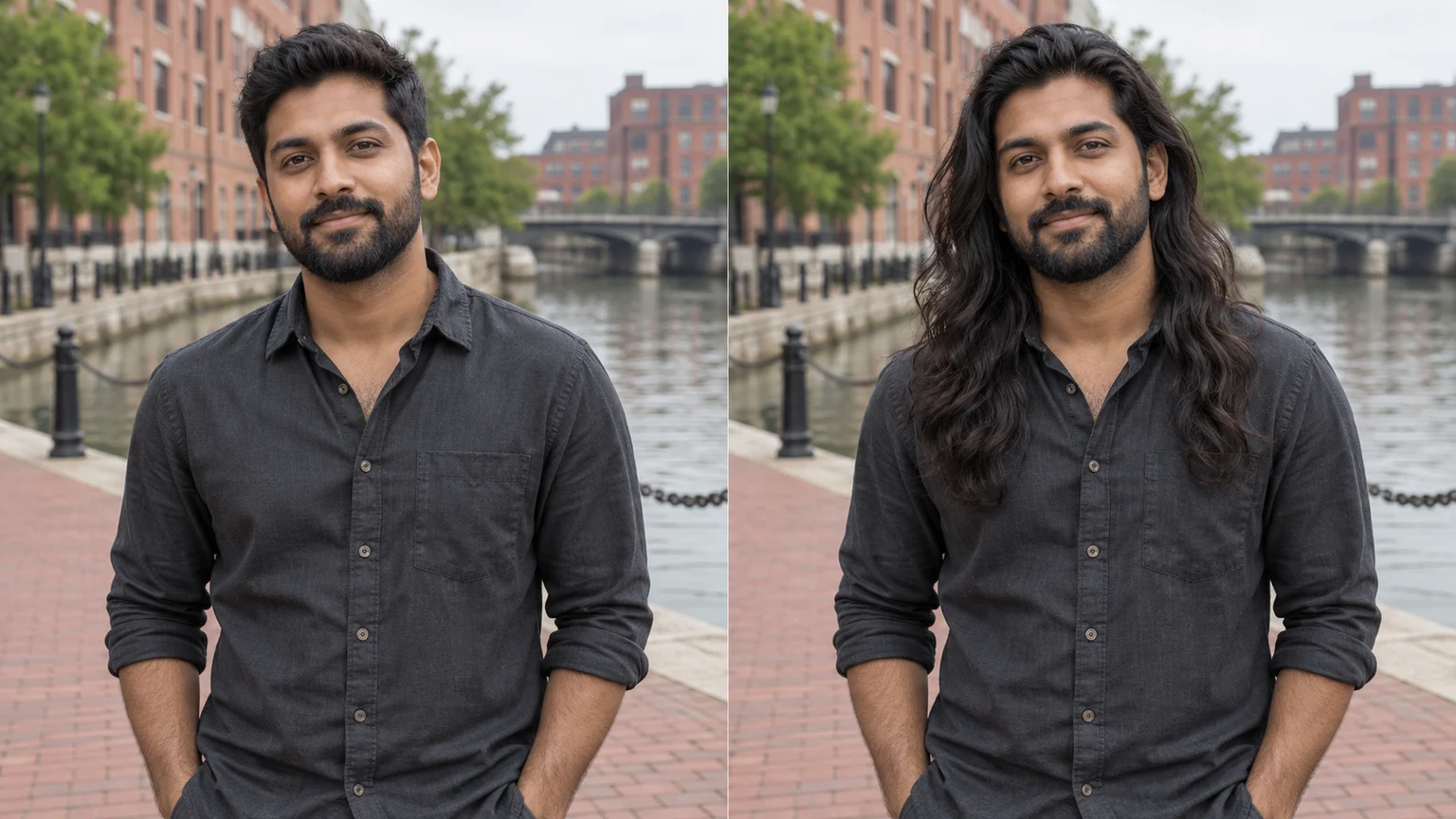
A short brown bob becomes chest-length hair. Inspect the crown and temples for a continuous connection.
Longer coils should stay coherent from near the scalp to the ends, with natural volume around the shoulders.
Long silver layers preserve the original gray mixture, face and glasses. A different reference color does not request recoloring.
Only the man’s hair is extended. His friend’s hair, both faces and the terrace remain unchanged.
Explore long hair ideas with these AI-generated illustrations. Choose an example to load its photo and style settings.
Straight brown length keeps the original part and bookshop light.
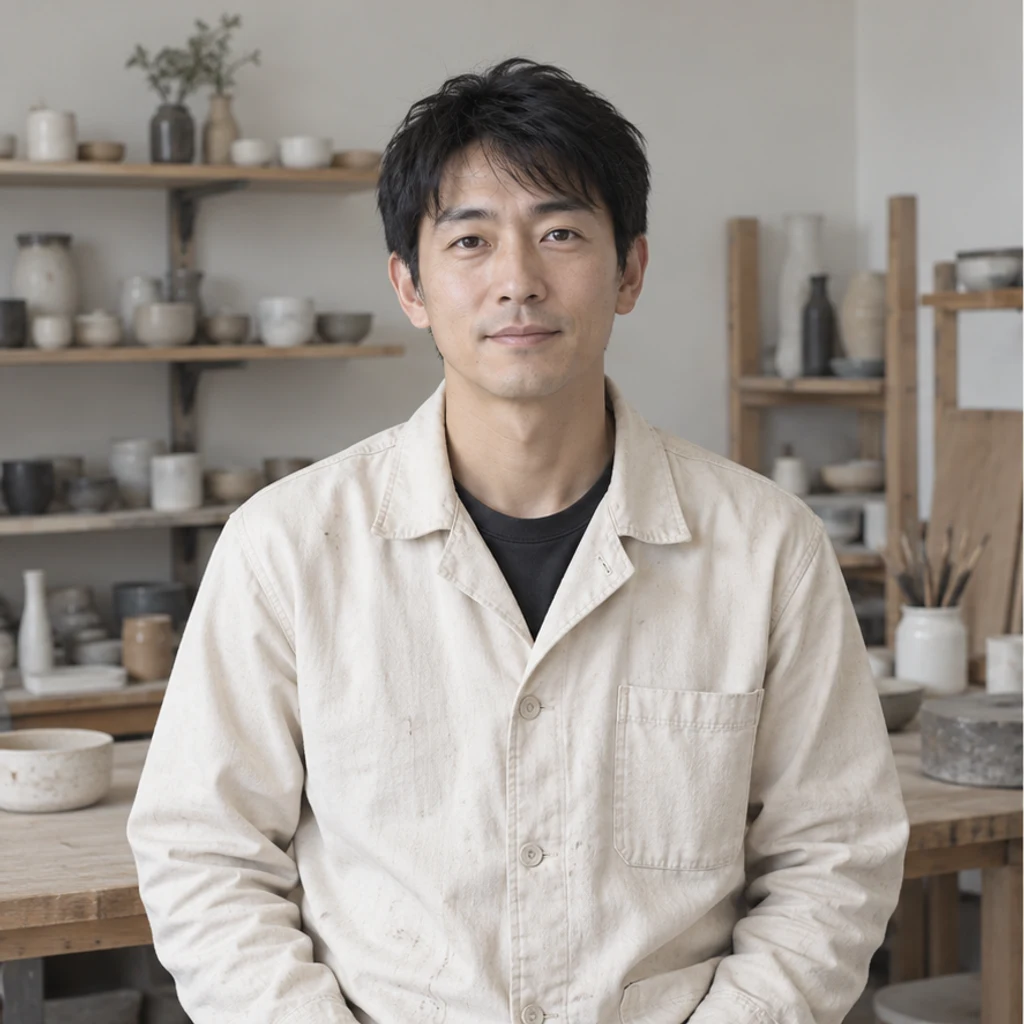
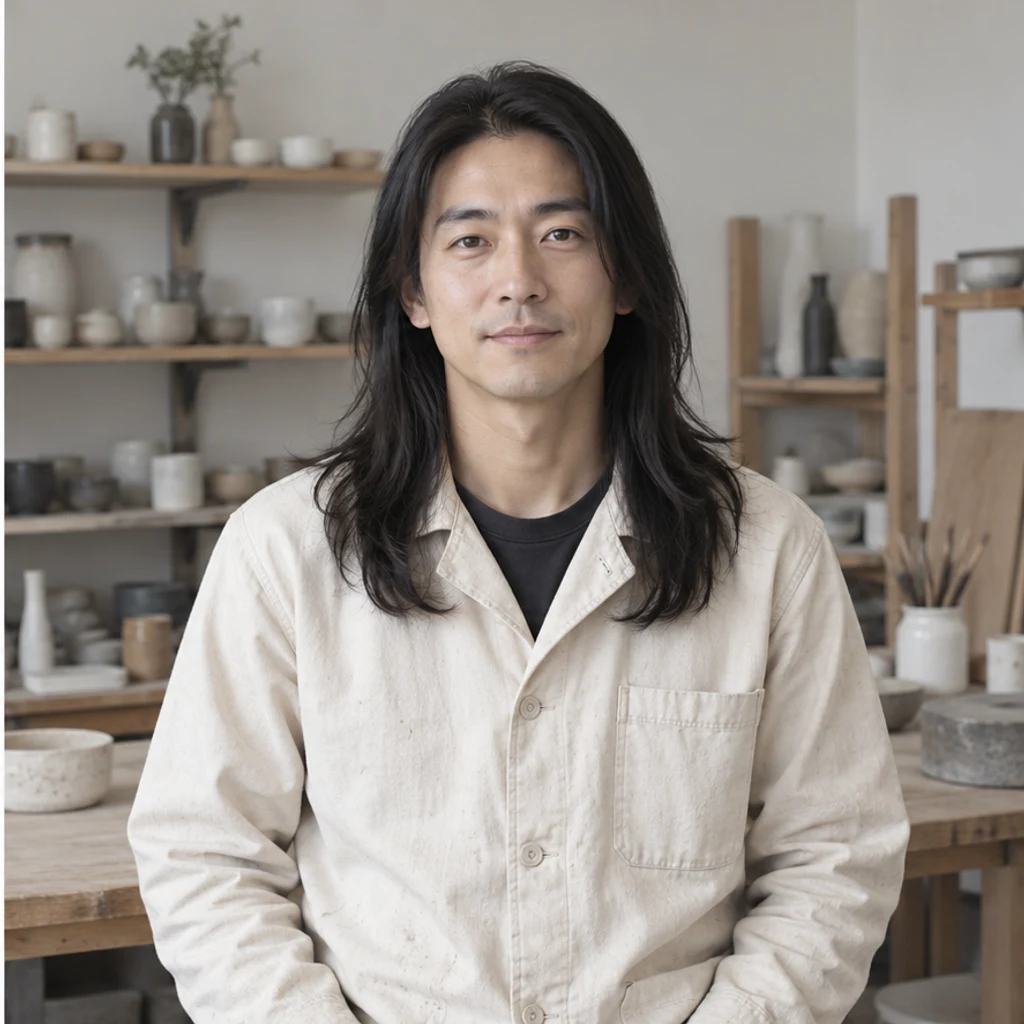
Long black strands frame the man’s original face and cream jacket.
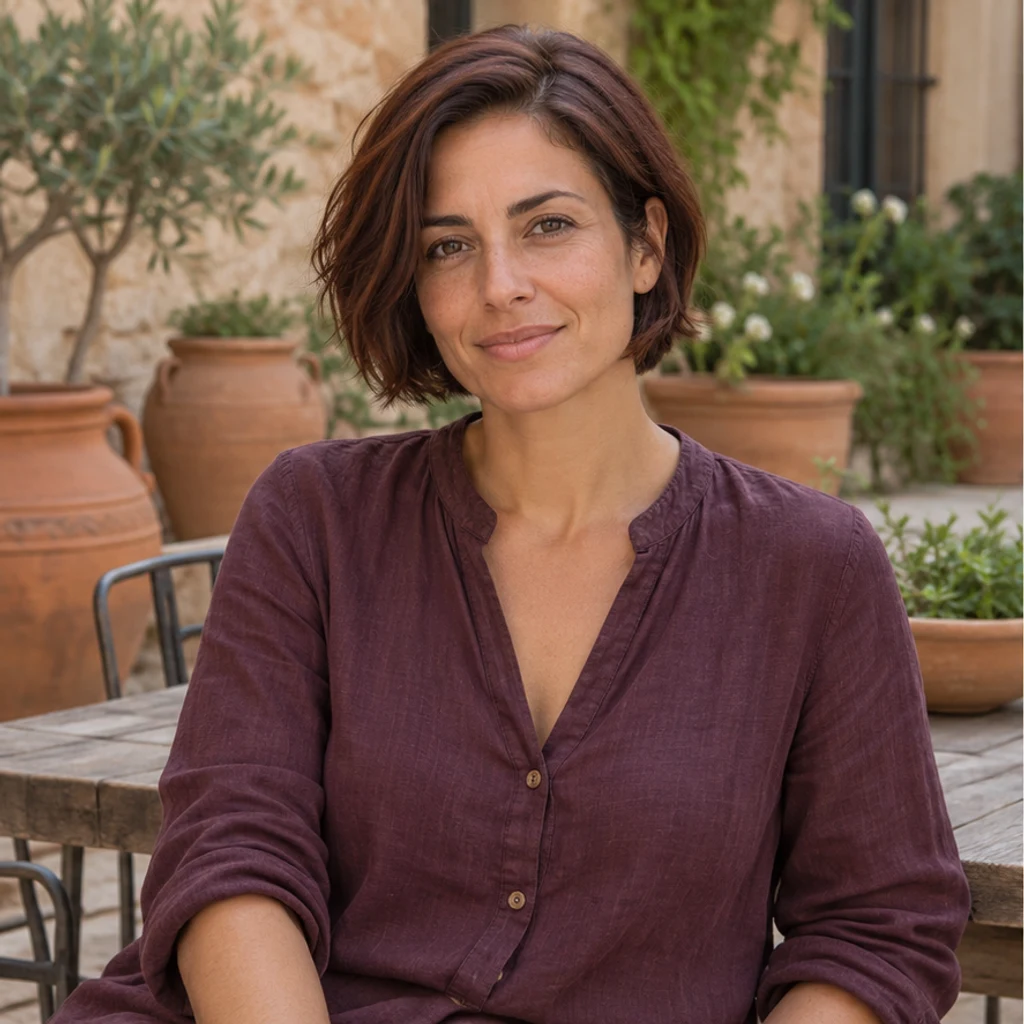
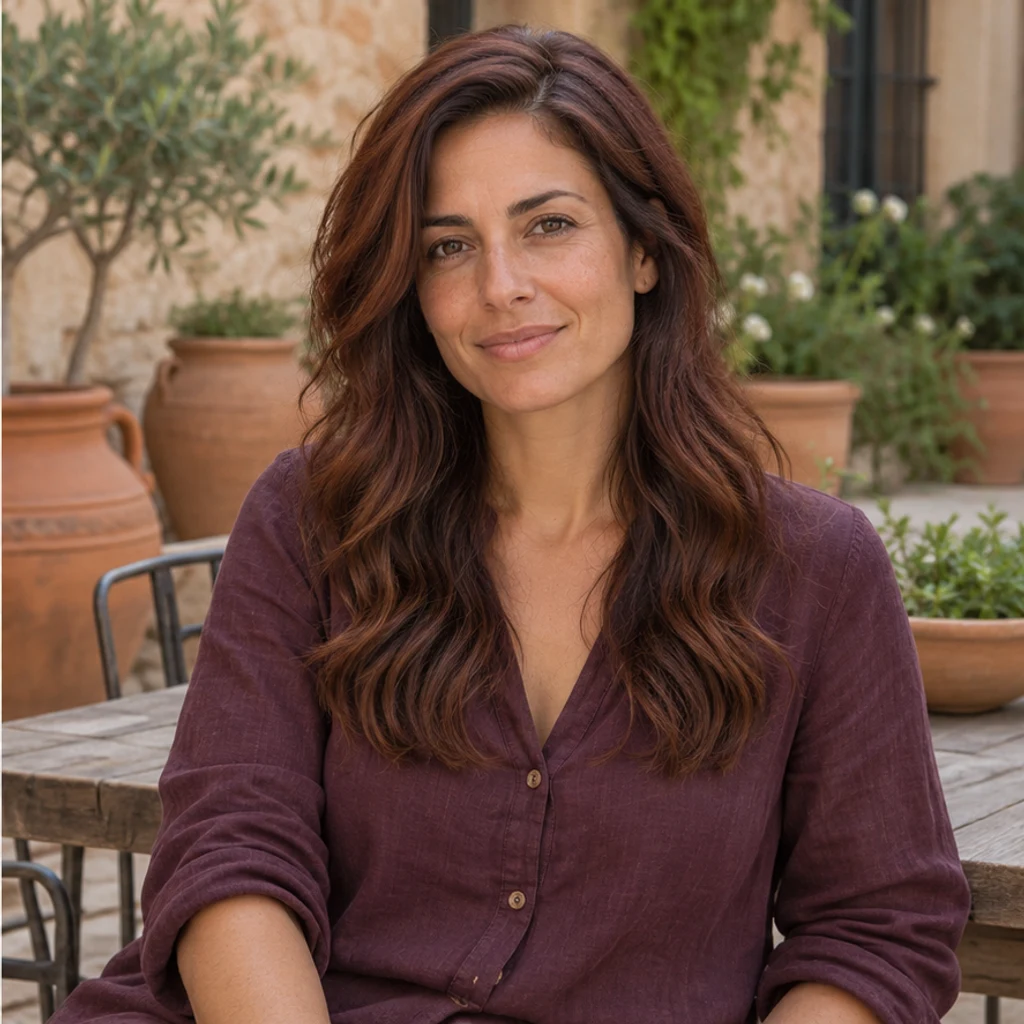
A short auburn bob becomes long waves with the same original color.
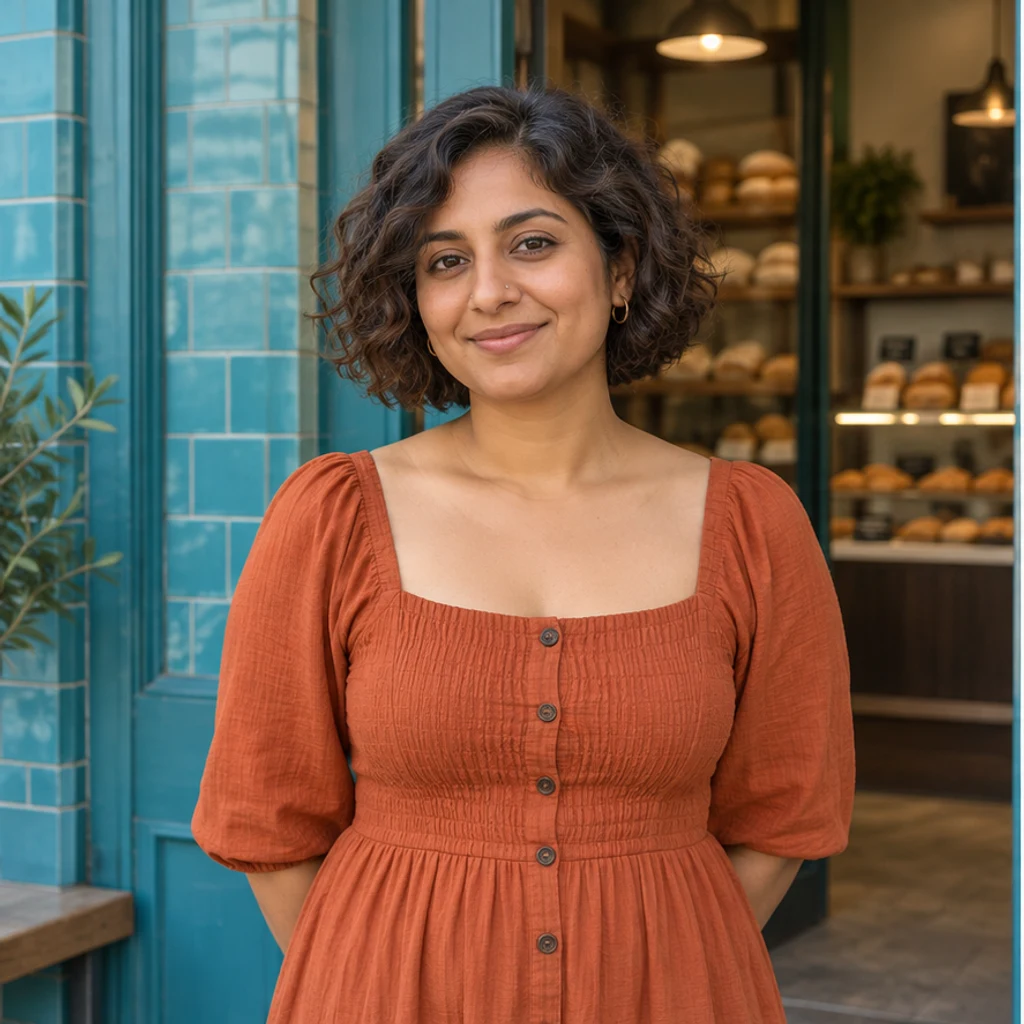
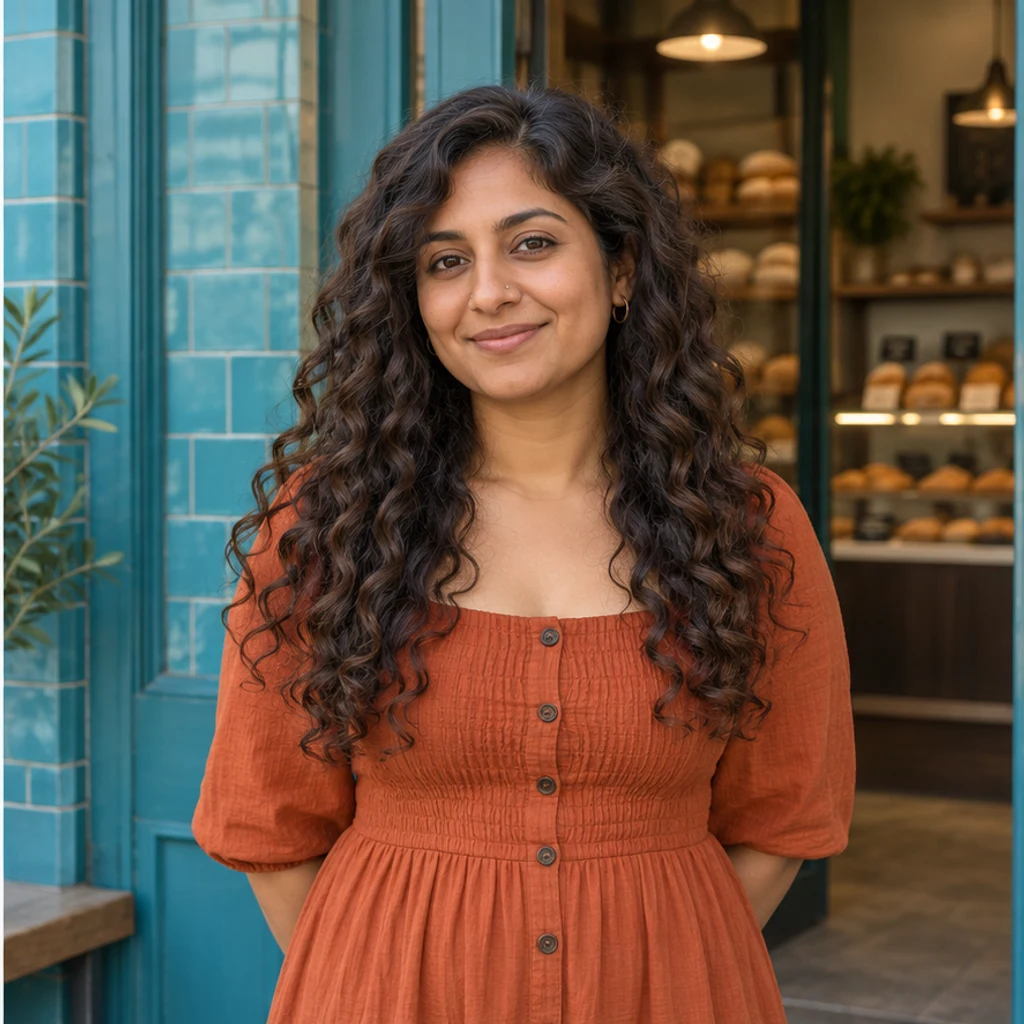
Long brown curls connect from the roots and fall over the orange dress.

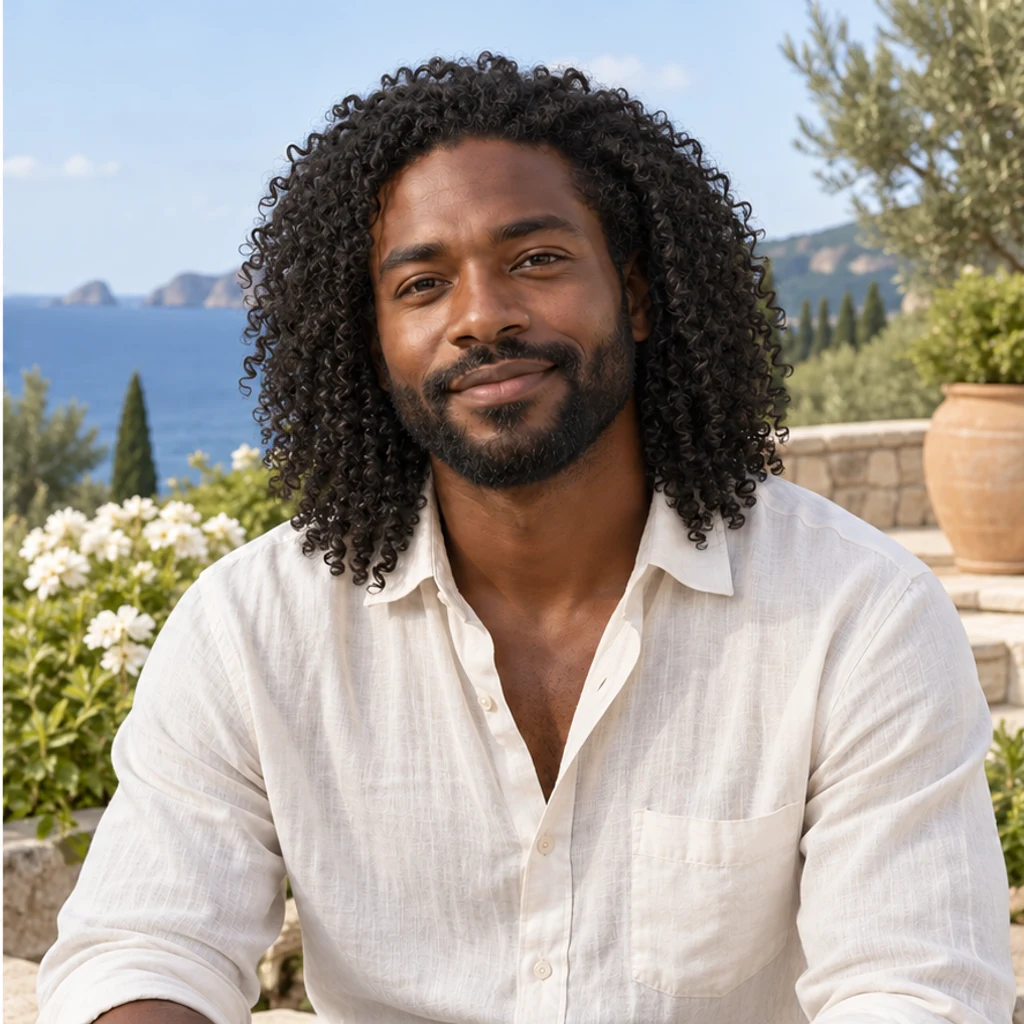
Long black coils preserve the man’s original beard and skin texture.
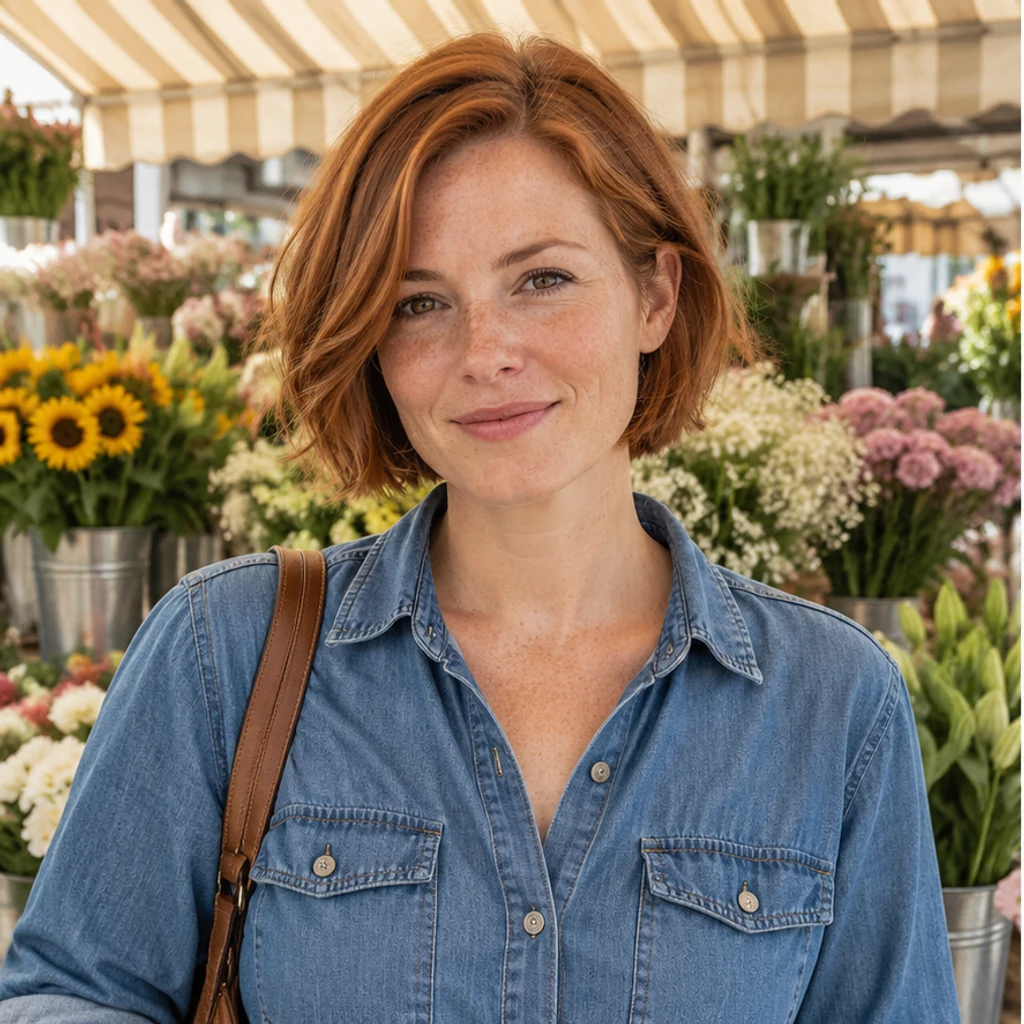
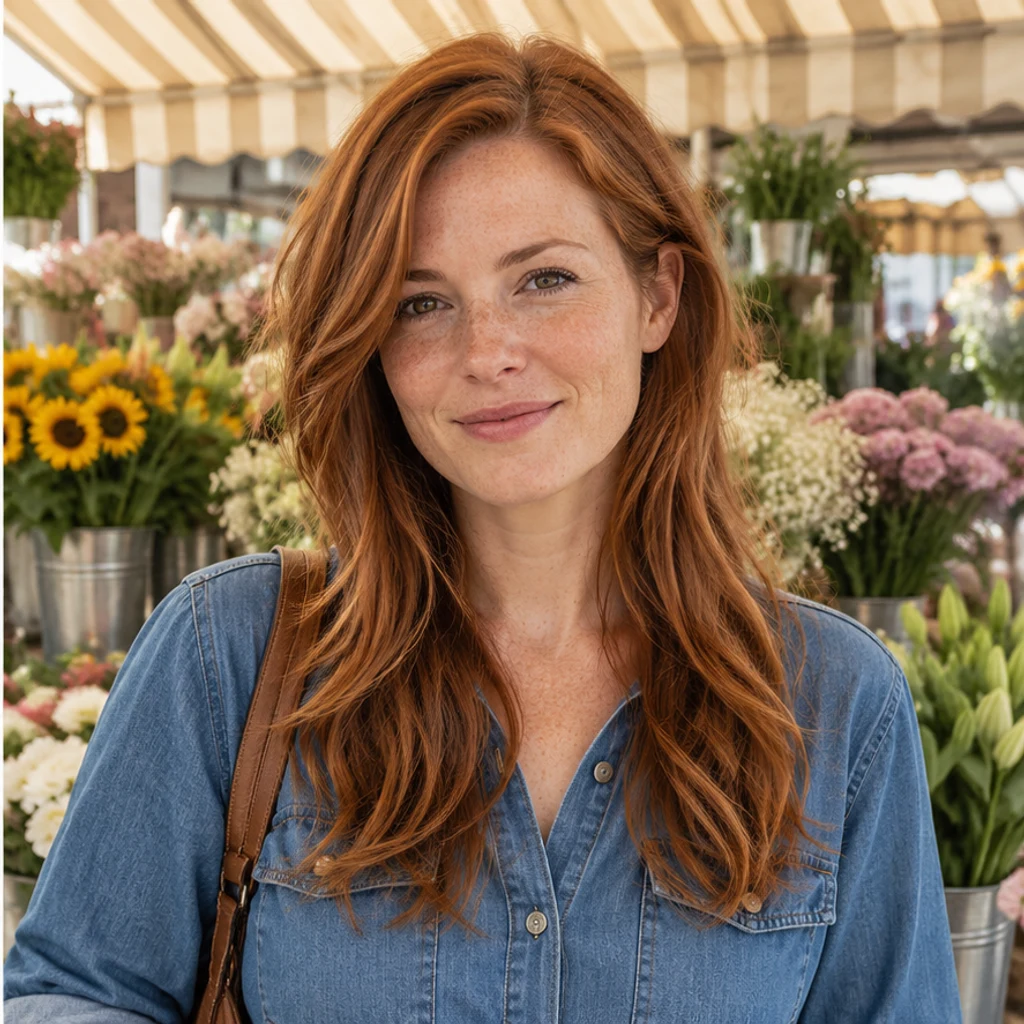
Copper layers retain the original freckles and denim shirt.
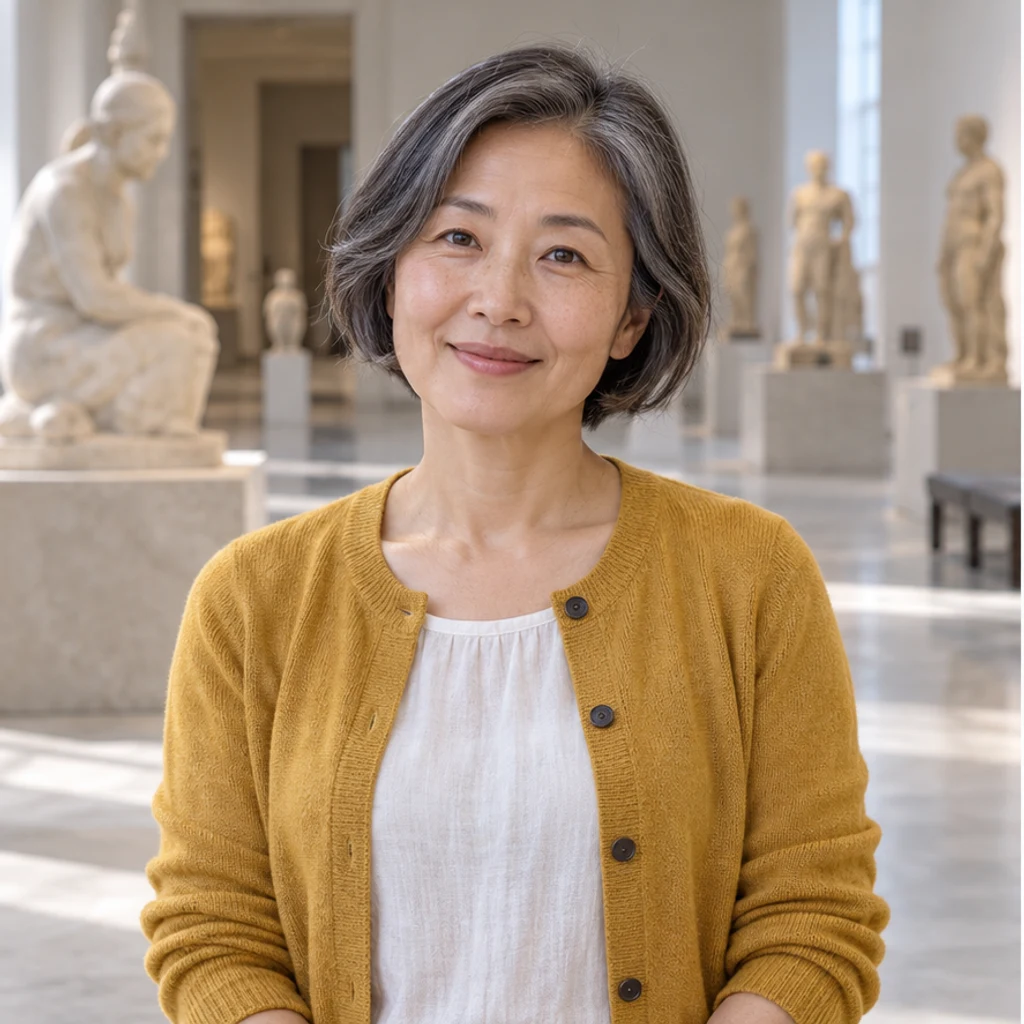
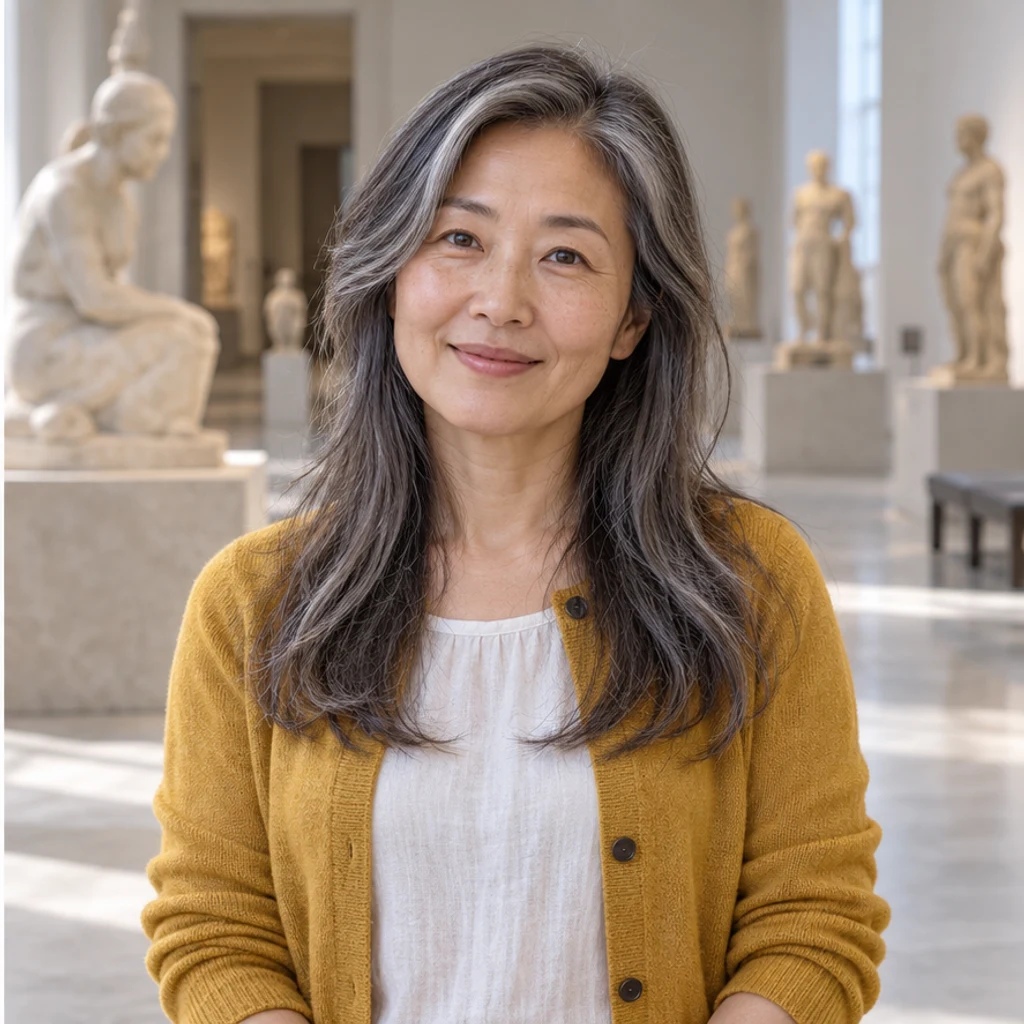
Long salt-and-pepper hair keeps the original gray mixture.


Sandy-blond layers extend past the shoulders with the same face and stubble.
Use one clear JPEG, PNG or WebP up to 30 MB. Include your complete head, shoulders and space for the new ends.
Choose an image template, upload a reference or write Edit instructions. Templates start unselected and can be removed. Template and upload are alternatives. With neither, the default extends your original texture toward the upper chest without shortening already-longer hair.
Review the displayed credits and generate one image. Check the roots, length, face and scene. Re-edit restores your inputs. Loading an example only fills the form; it does not generate or spend credits.
Start every comparison from the same original. Follow the new hair from the scalp to the ends.
Look for disconnected locks or straight roots beneath a requested curly style.
Hair should pass in front of or behind the shoulder naturally, without redrawing the shirt, face or glasses.
Compare roots, highlights and gray strands with the source.
A tight portrait may cut off the new hair.
Try a collarbone or chest-length version on the same photo. Compare the outline, roots and ends while keeping color and lighting constant. The preview helps you explore a look rather than decide what suits you.
No. You can use just your photo, or describe the length and texture in Edit instructions. The default extends existing hair toward the upper chest, preserving texture and color; hair already longer stays long.
Yes. The active template or upload is sent as a second image. It guides length, layers, texture and volume, while your original supplies the person and hair color. Only one reference source is active.
The instruction preserves your original color, gray strands, visible hairline, face and scene. Written color instructions can override that default. A reference with another color alone does not. Check generated details for drift.
Yes. The default changes one prominent person; instructions can name another. Other people stay unchanged. If the target has no visible scalp hair, the request keeps the original instead of inventing growth.
No. New locks and the areas they cover are generated interpretations. The preview cannot establish future density, growth time or a real salon outcome.
Generation requires a LumiYing account and uses the credits shown before Generate. Selecting templates and loading examples do not spend credits. See pricing for current plans.
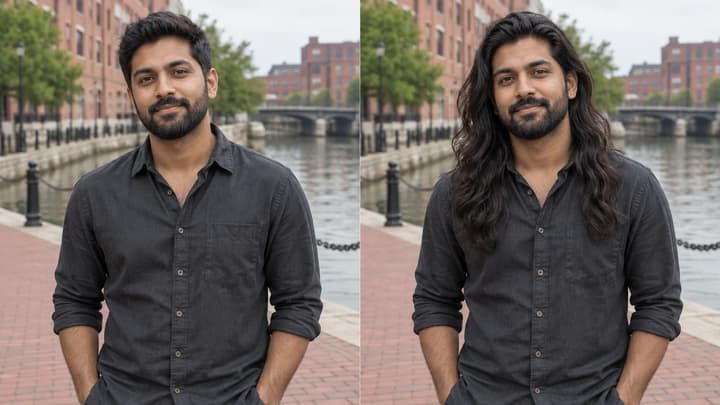
See yourself with long hair in a photo. Choose a length, compare straight hair or curls, and check the hairline, shoulders and ends.
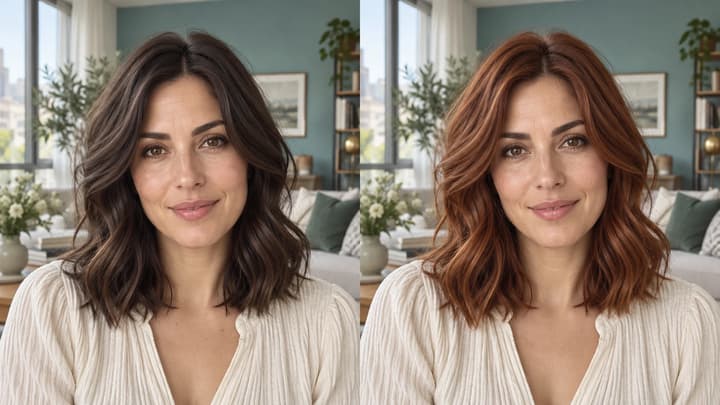
Change hair color in a photo with AI. Use a color template, upload a reference or describe your color in words, then compare and download the result.
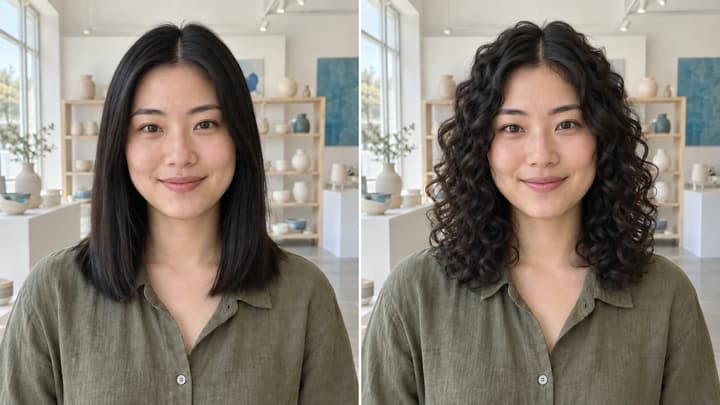
Try curls from root to tip in your photo. Choose a curl template, upload a reference or write instructions while keeping your original hair color.
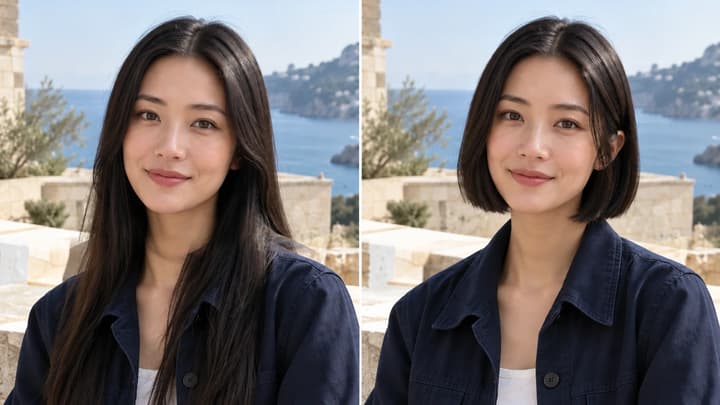
Try a bob, pixie, bixie or textured crop on your photo. Choose an image template, upload a haircut reference or describe your short hairstyle.

Upload an image, describe the edit, and create polished visuals for products, social posts, posters, or keyframes.

Review credits and plans before generating.
Add long hair to your photo while keeping your original color. Try eight image styles, upload a hairstyle reference or describe the length you want.