

Light stubble · cafe portrait
Try this styleA subtle sandy-blond stubble with skin visible between the hairs.
Add a beard to your photo with AI. Preview stubble, goatees and full beards using style templates, a reference photo or your own edit instructions.
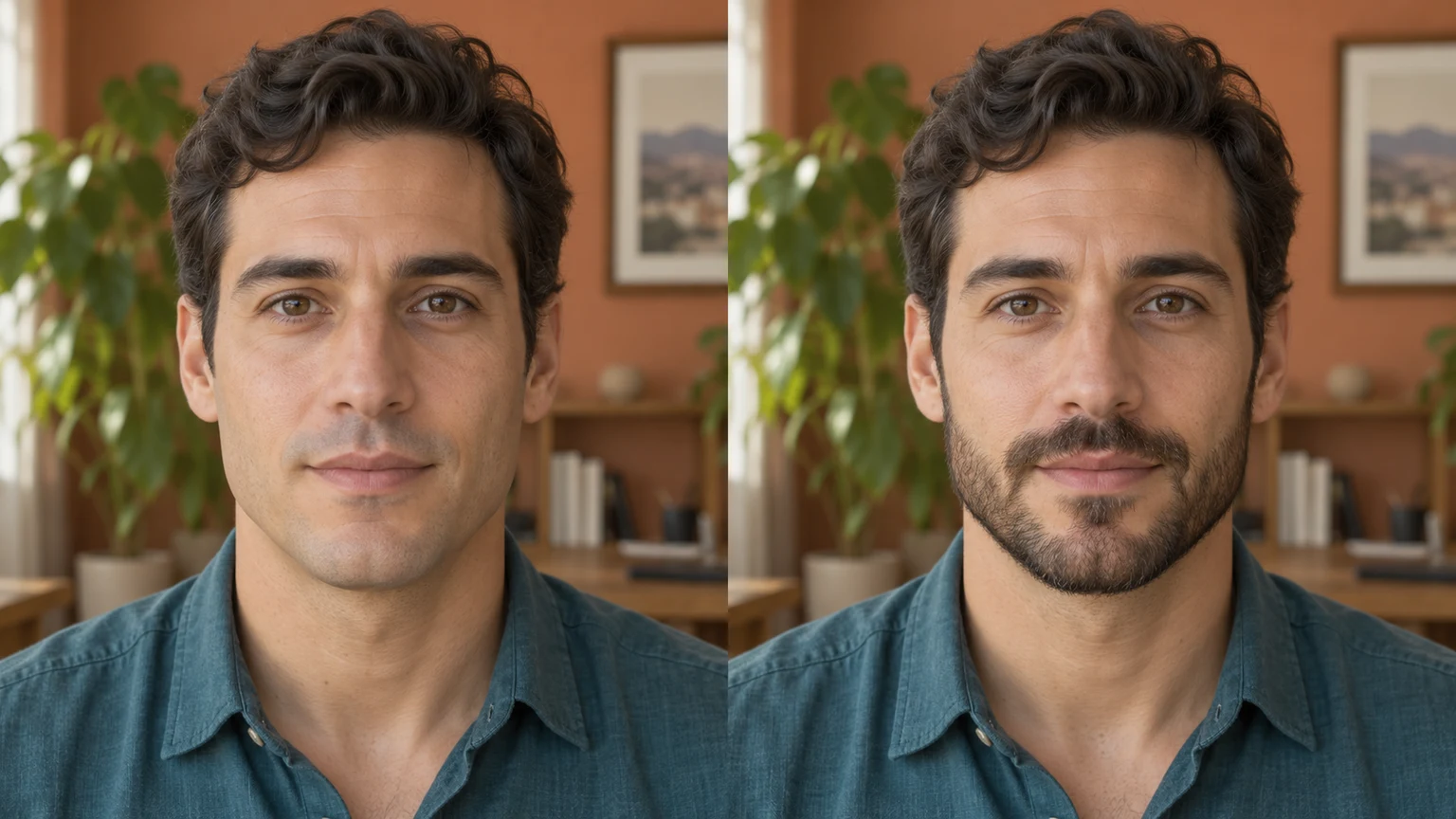
See a subtle change before trying a fuller beard. A courtyard portrait shows light stubble with the original hair, expression and clothing.
A short boxed beard gives the cheeks and chin a defined edge. Check the beard boundary while keeping the person's face shape as the reference.
A circle beard changes the area around the mouth. Compare the glasses, lips and expression with the original study portrait.
A silver beard can complement an existing gray hairstyle. Compare strand detail and tone while retaining the person's age and skin texture.
Explore beard styles with these AI-generated illustrations. Choose an example to load its photo and style settings.
A subtle sandy-blond stubble with skin visible between the hairs.


Denser short facial hair along the cheeks, upper lip and chin.
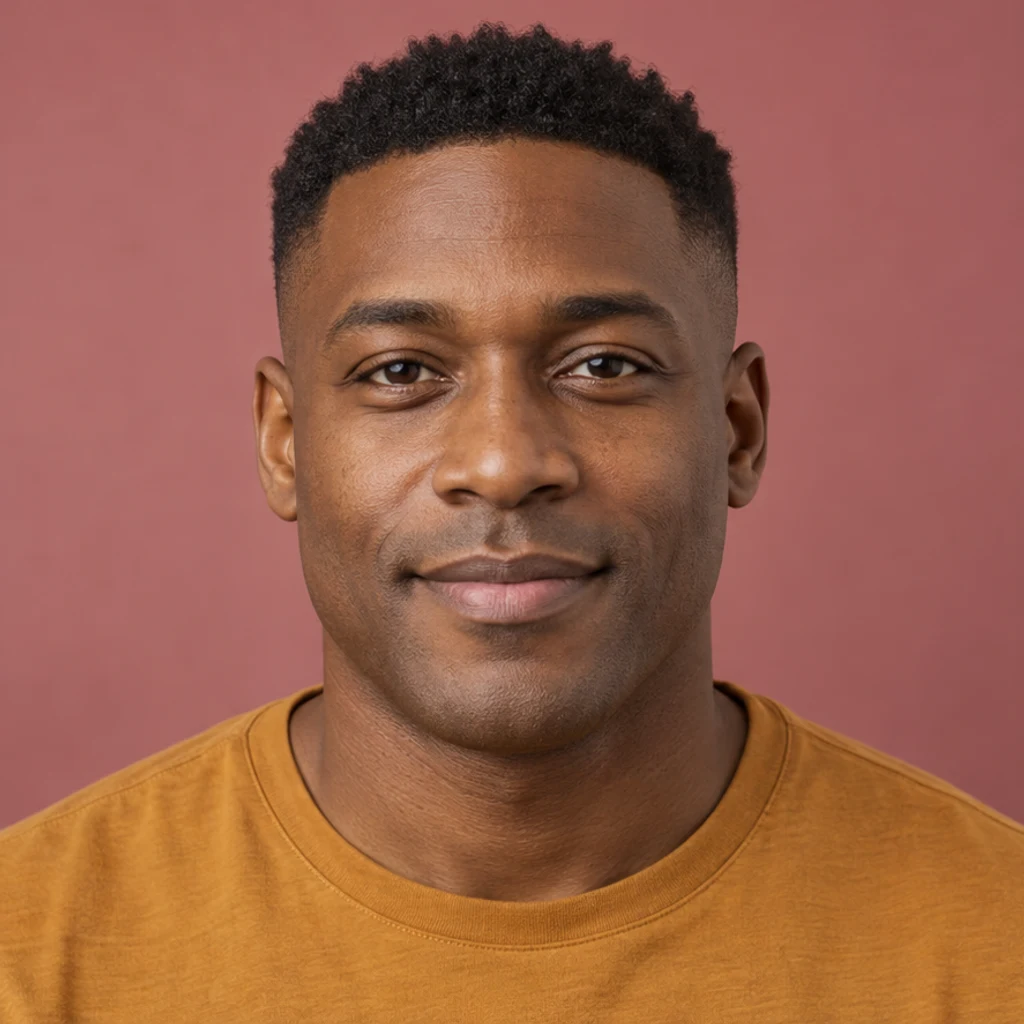
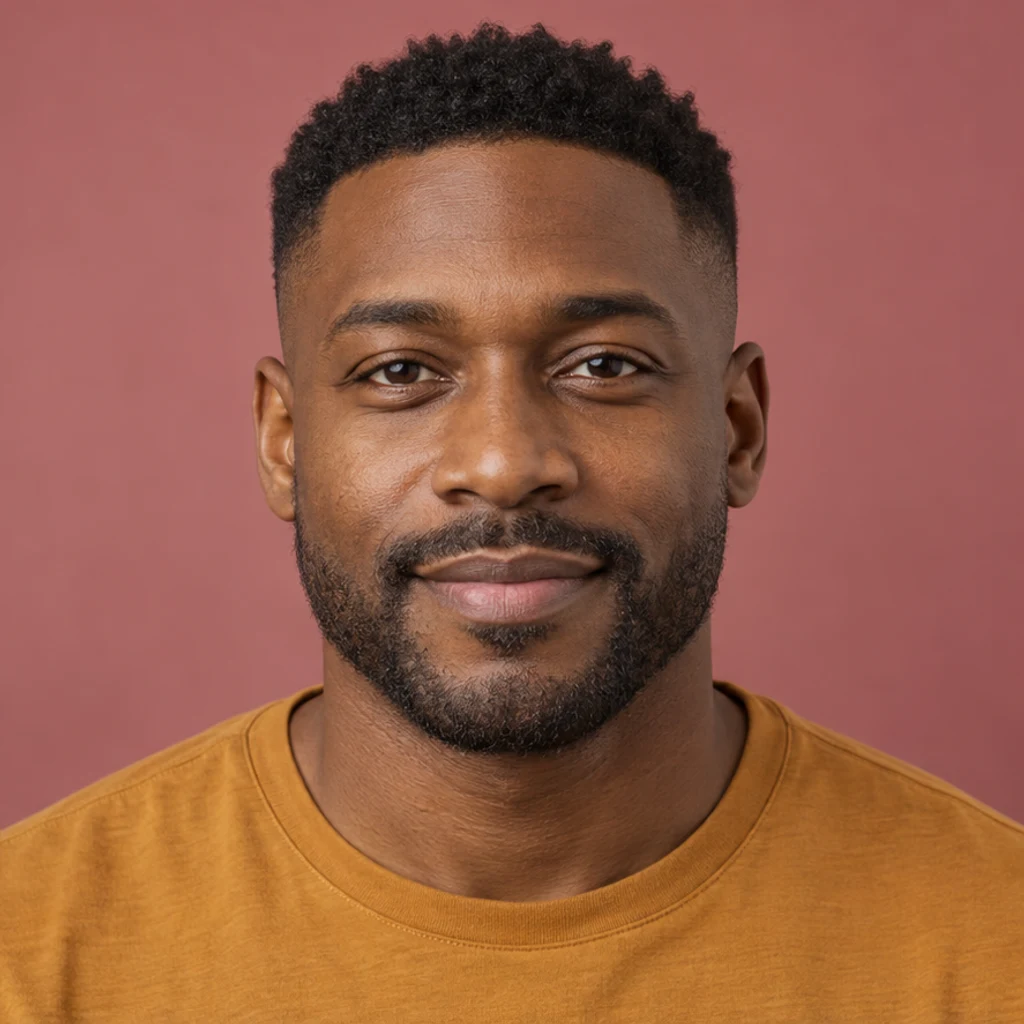
A neatly defined beard with clipped sides and a tidy moustache.
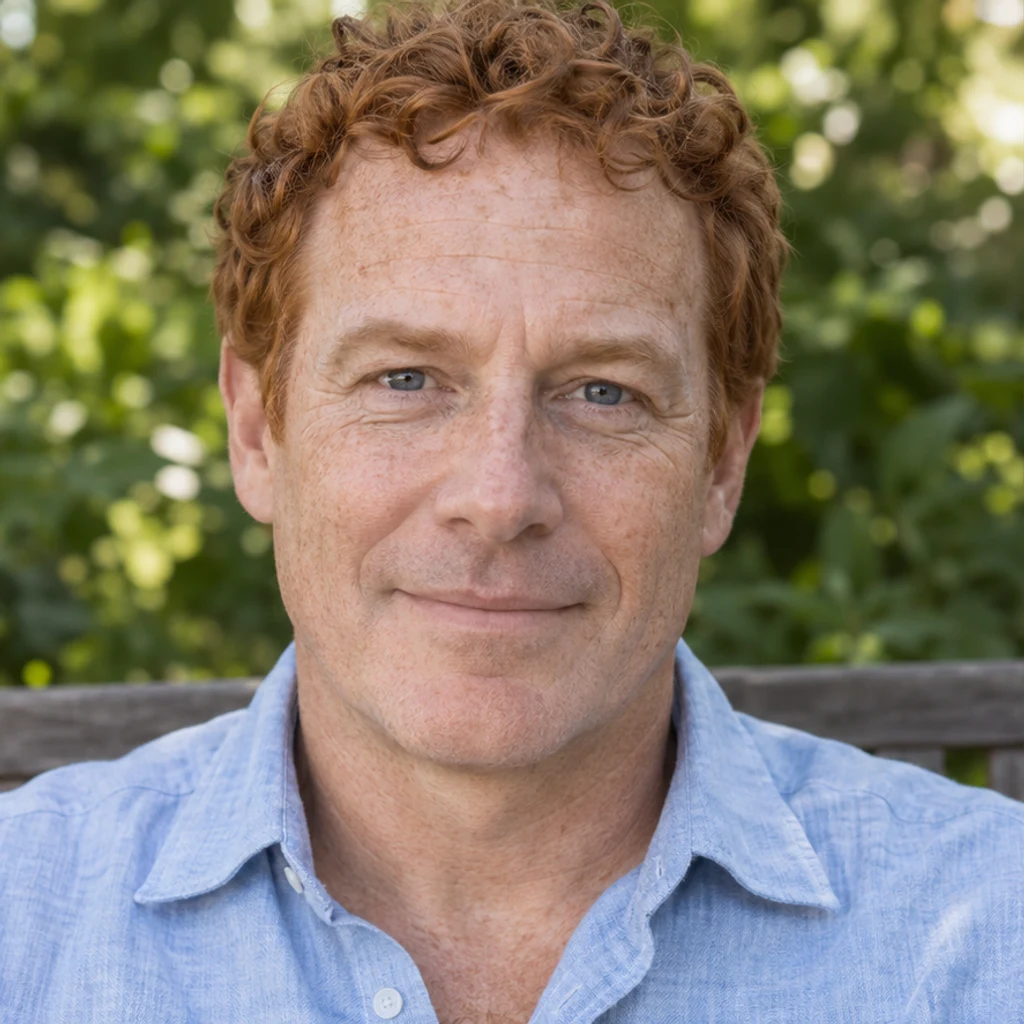
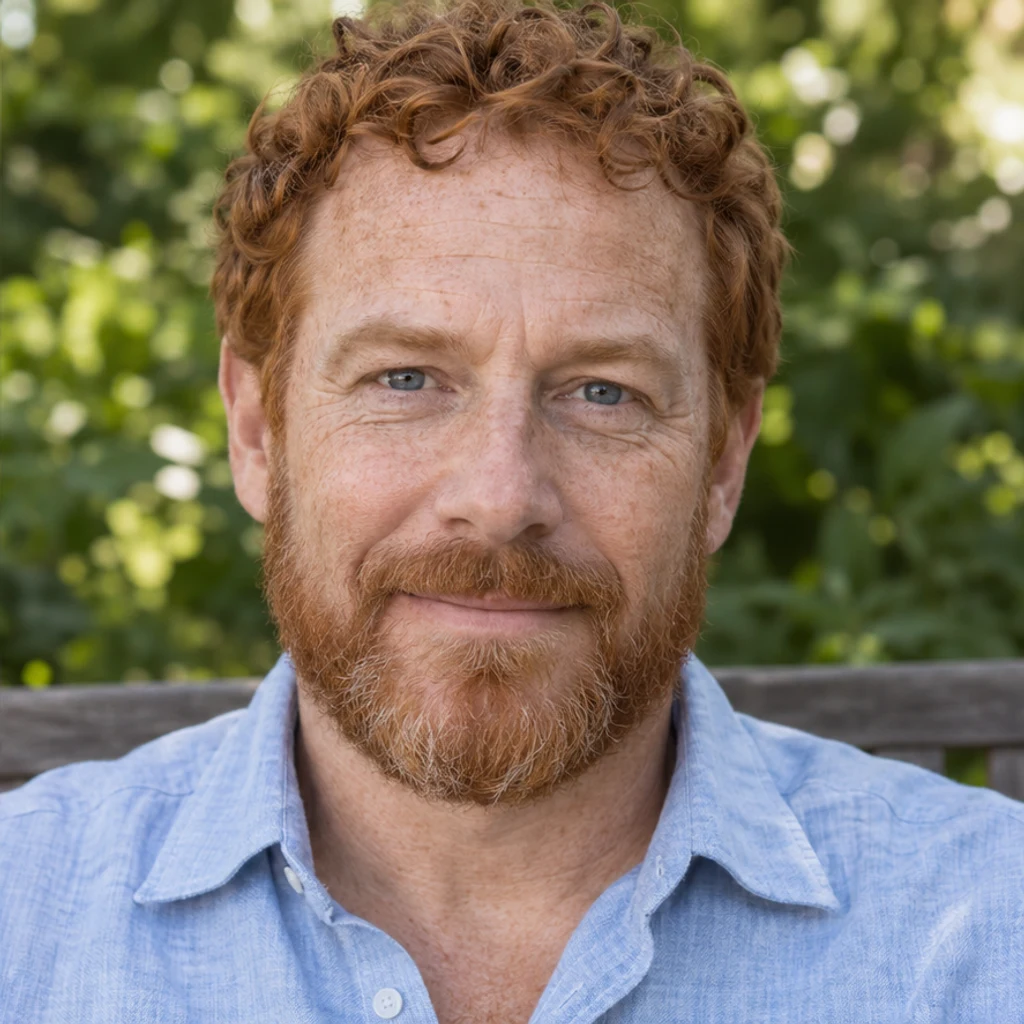
A rounded ginger beard with fuller cheeks and more chin length.
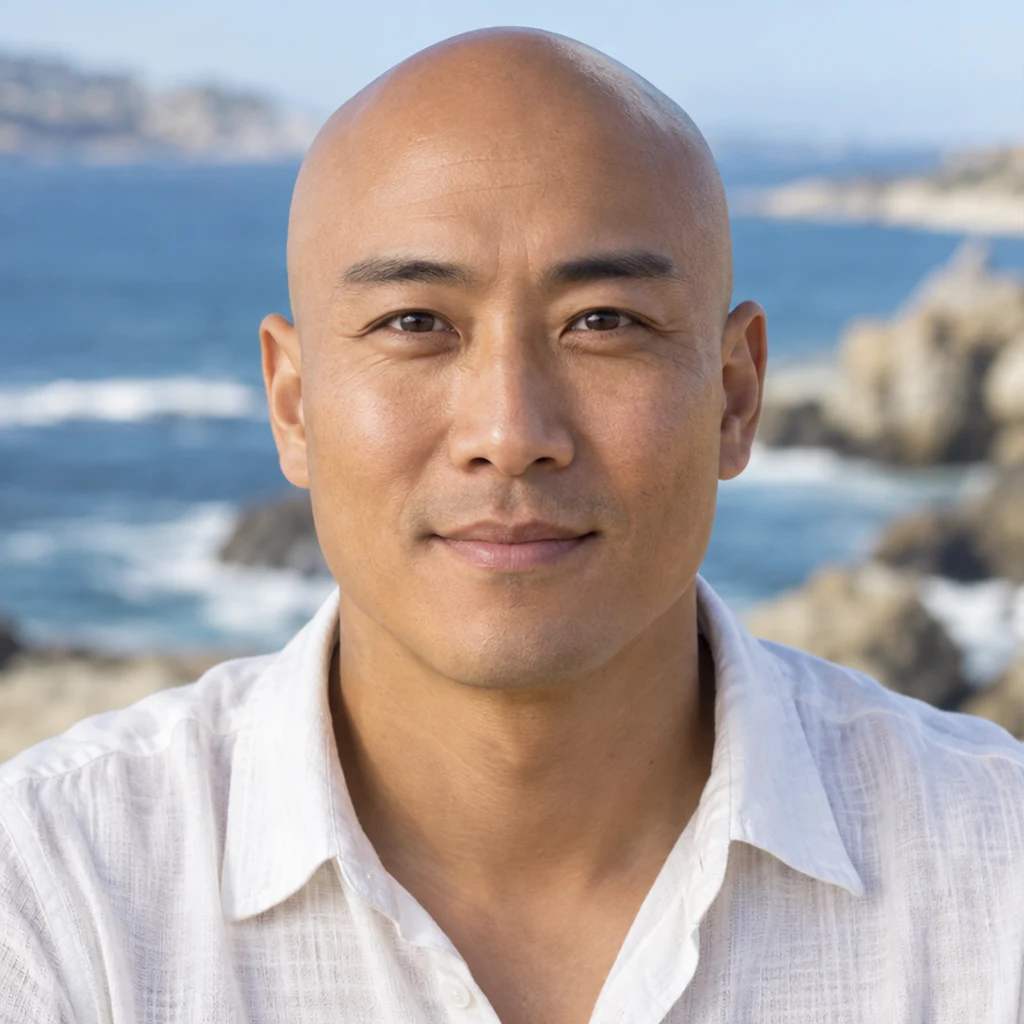
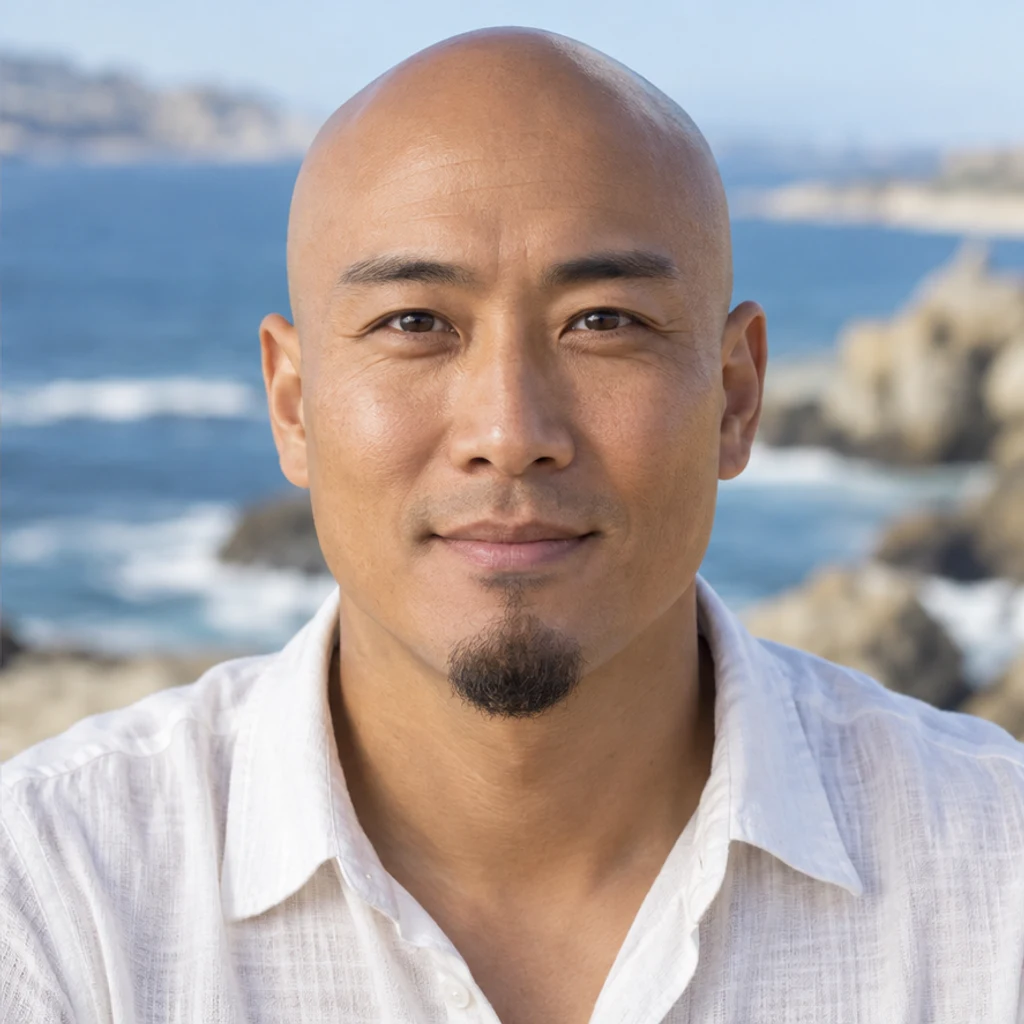
A chin-only beard with a clean upper lip and cheeks.
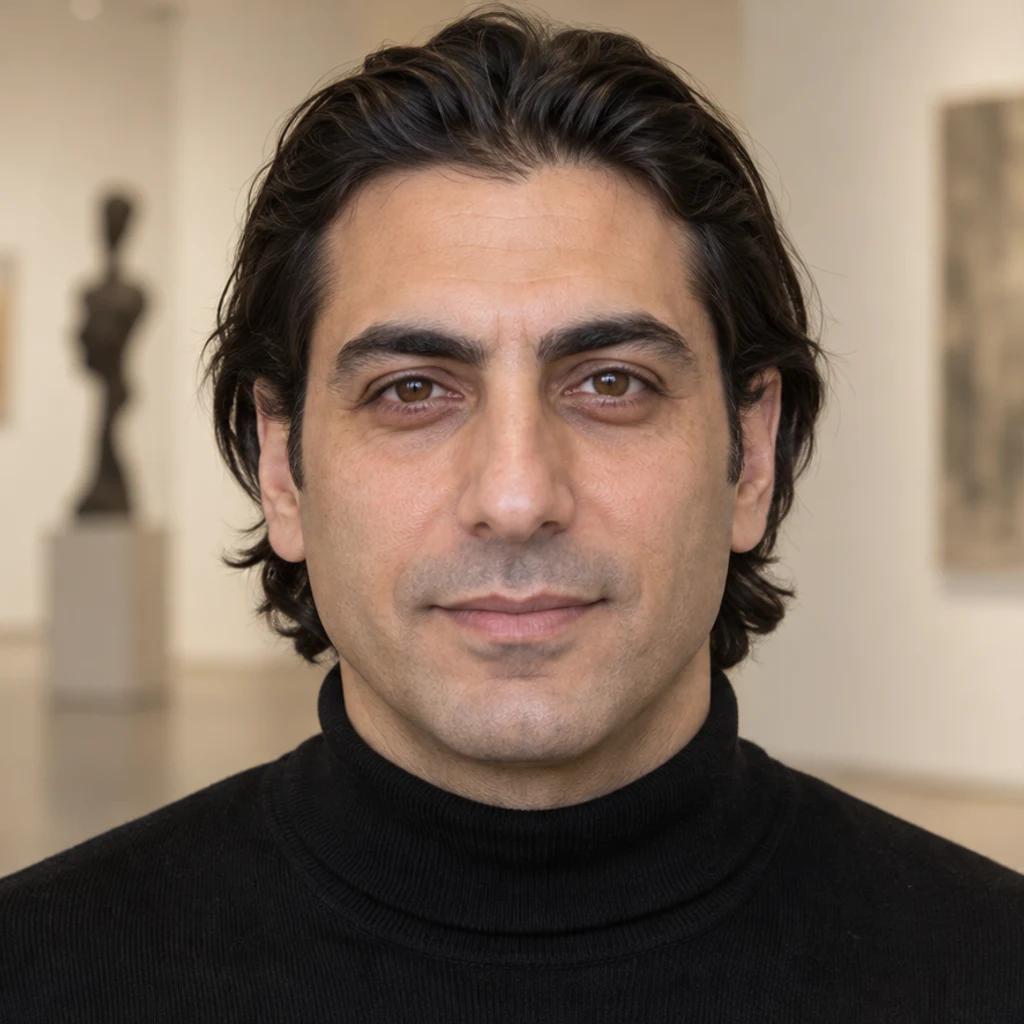
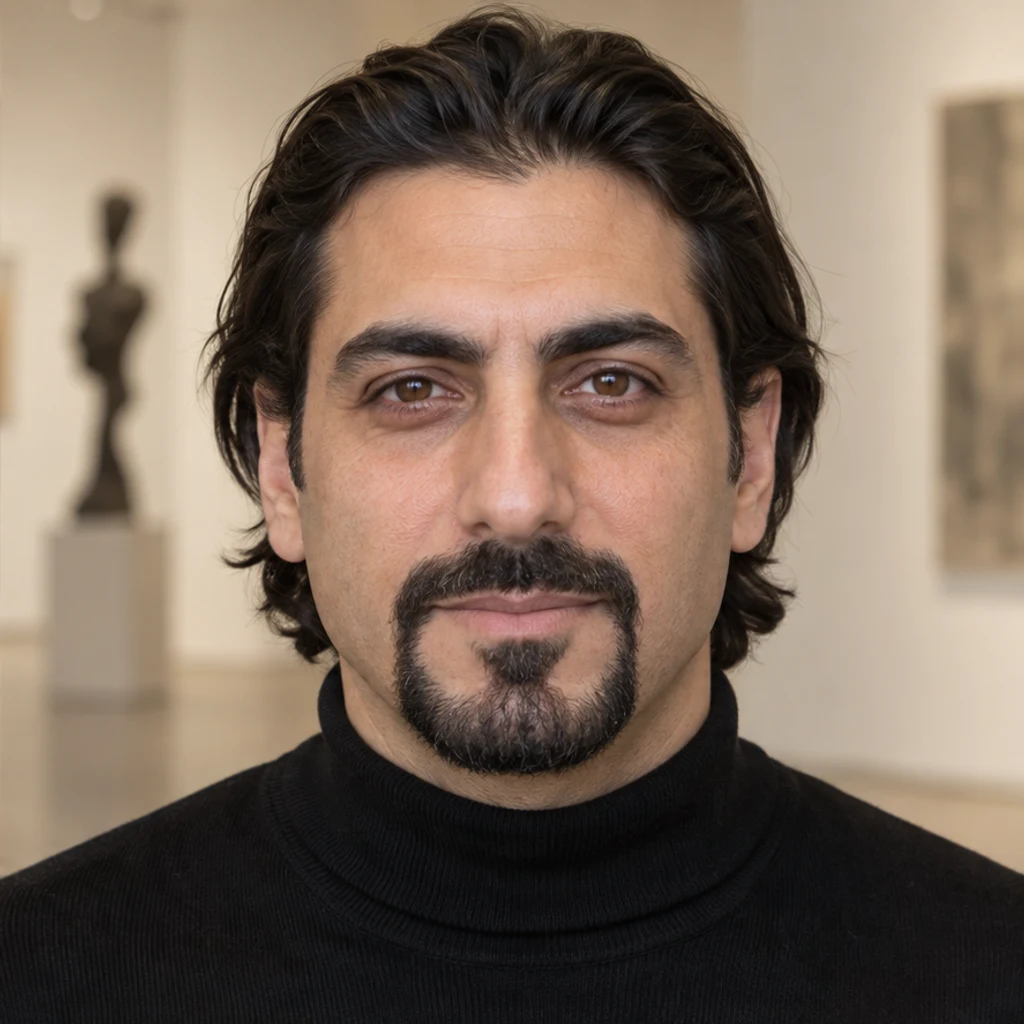
A moustache connected around the mouth to a compact chin beard.
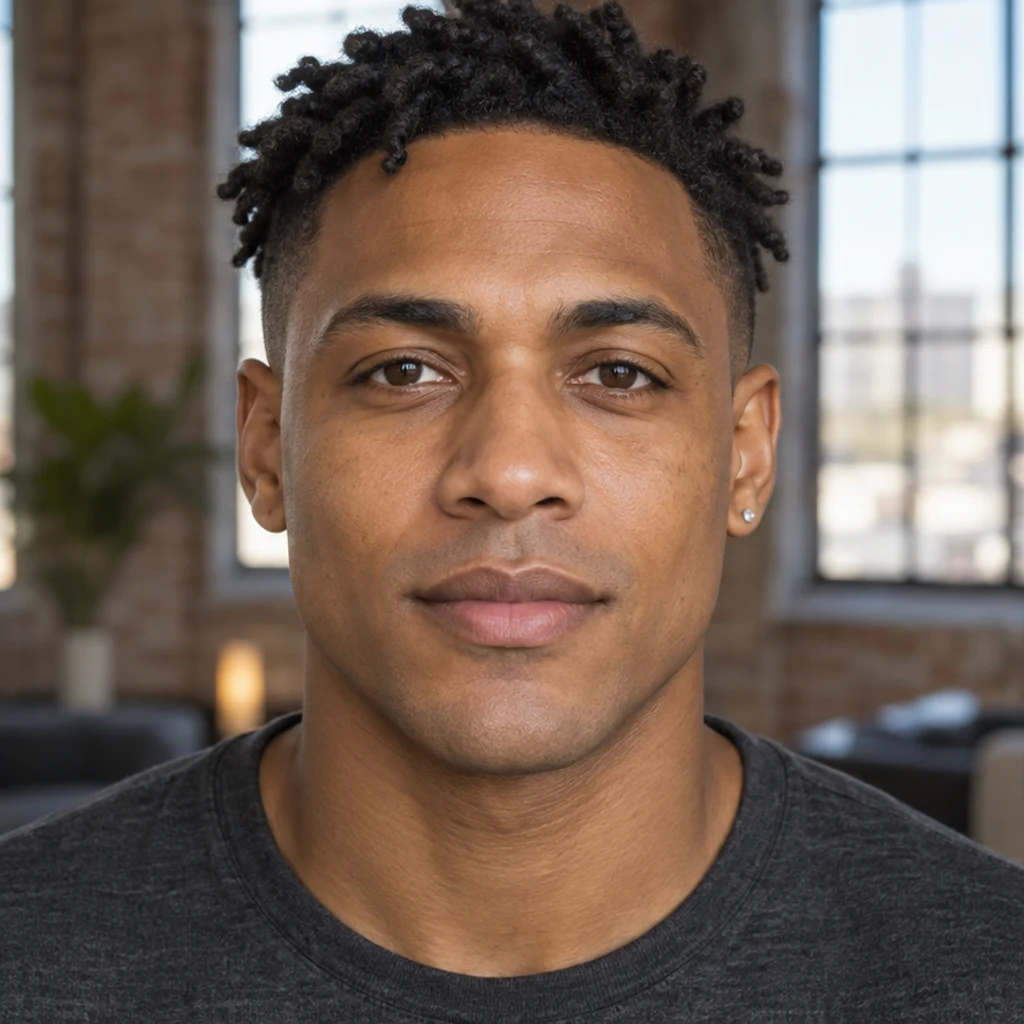
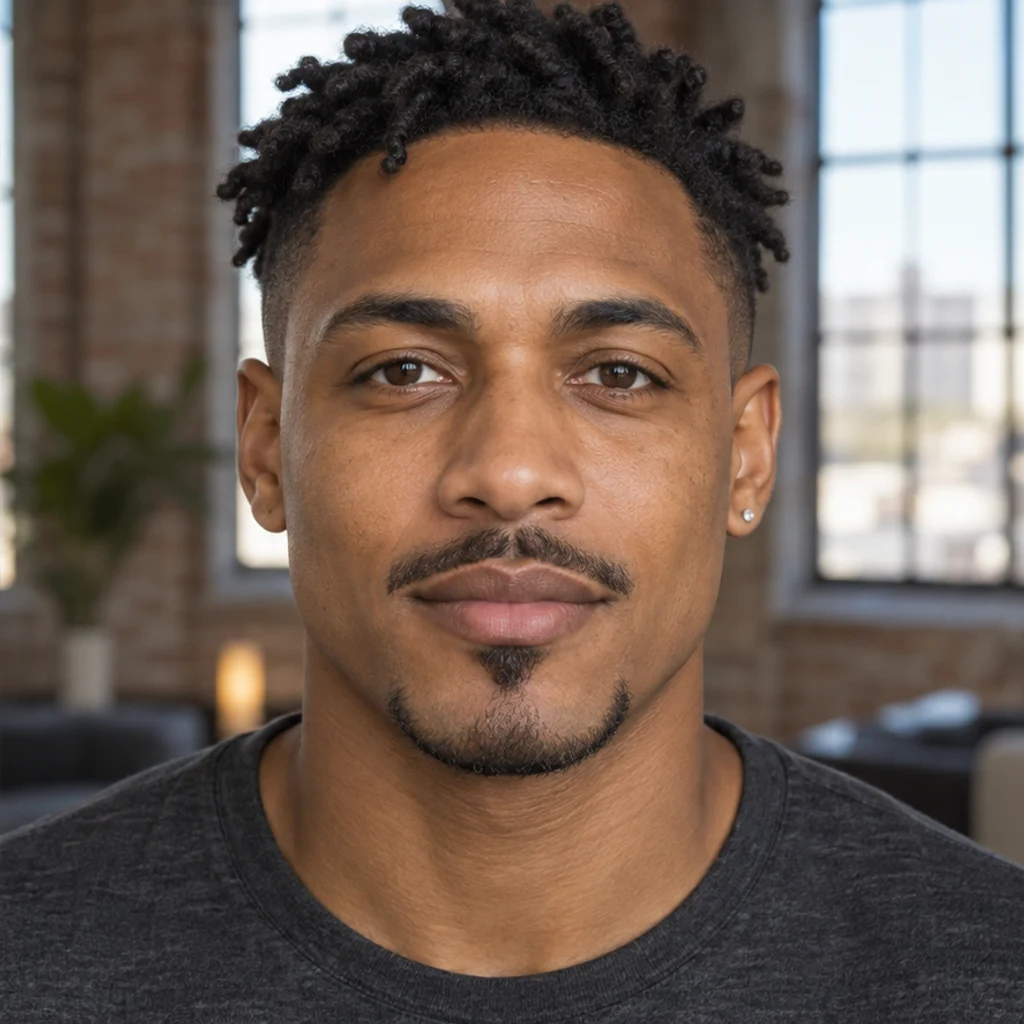
A pointed chin shape and separate moustache with clean cheeks.

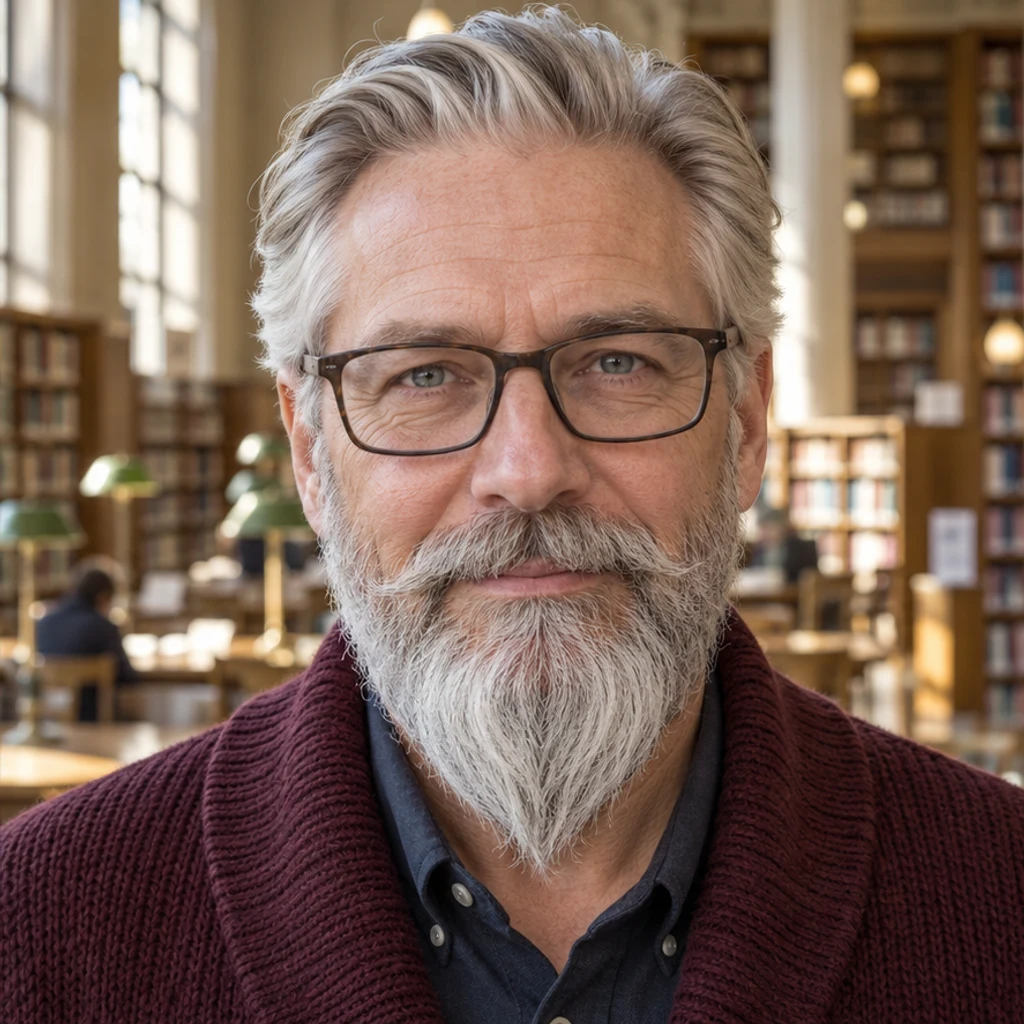
Shorter sides and a fuller silver chin tapered to a soft point.
Choose one person with a visible chin and cheeks, even light and a front or slight three-quarter view. Upload JPEG, PNG or WebP, up to 30 MB.
Select one of eight style cards, upload your own beard reference or describe the look in Edit instructions. Templates and uploaded references are alternatives. You can remove a selected template; at least one style, active reference or written instruction is needed. Beard color matches your photo by default. To change it, specify a color in Edit instructions.
Review the displayed credits and click Generate. Each submission creates one image. Loading an example only fills the form and does not start generation. Inspect the beard, face, scalp hair and background. Use Re-edit to adjust the original inputs for another attempt, or download a result you like.
Review the full-size image beside your original. Small changes around the jaw, lips and sideburns can affect how natural the result looks.
Look for a beard that is too thick, too long or flat like a painted patch.
Compare the jaw, nose, lips, skin texture and expression with the original.
Check that the scalp hairstyle, eyebrows, glasses and earrings have stayed in place.
Inspect cheek lines, the neckline and transitions beside the ears. Compare hair color under the original light.
Upload your portrait and try a beard style to get a visual preview. Compare a few lengths from the same original photo. The result explores appearance; it does not predict your natural growth, coverage or density.
No. You can upload a beard reference or describe the style in Edit instructions instead. A person photo and at least one active style, reference or instruction are required.
No. Choose one reference source. The template or uploaded image guides beard shape, length and density; your Person photo supplies identity and scene. By default, the edit preserves your existing beard color, or uses your scalp hair color if no beard is visible. To change the beard color, specify it in Edit instructions. Your scalp hair color should stay unchanged.
Yes. Describe the desired length, outline, density or color, or choose a reference. The tool targets facial hair. Review the result for unwanted changes to skin, lips or scalp hair.
The edit is instructed to preserve your face, expression, scalp hair, clothing and scene. Generative editing can still alter details, so compare the result before keeping it.
Generation requires a LumiYing account and uses the credits shown before Generate. Loading a template or example does not spend credits. See pricing for current plans.
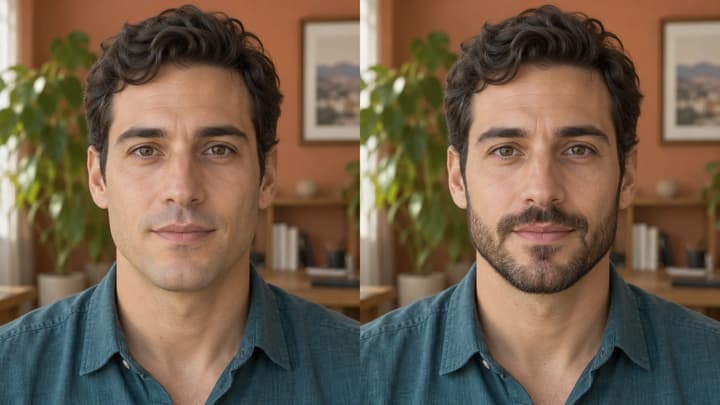
See what you might look like with a beard. Choose a clear photo, compare stubble and beard styles, then review your AI preview before keeping it.
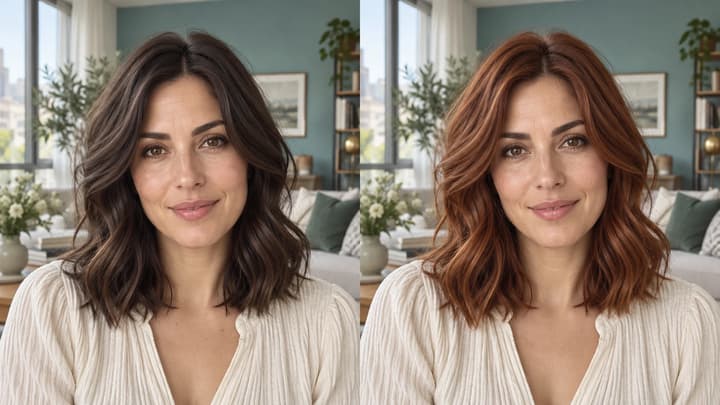
Change hair color in a photo with AI. Use a color template, upload a reference or describe your color in words, then compare and download the result.
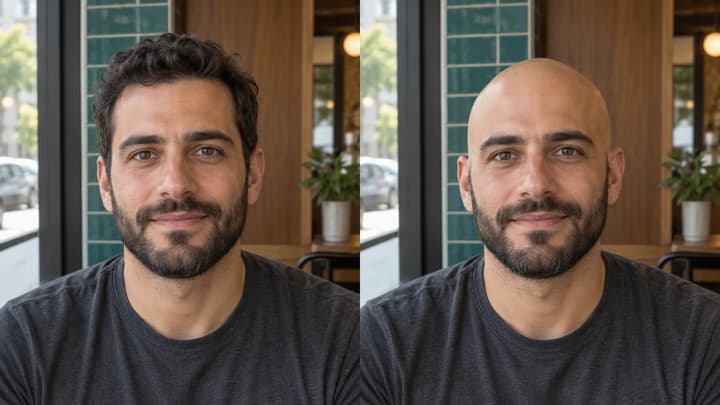
See what you would look like bald with an AI bald filter. Upload a portrait, preview a clean-shaven head, then compare and download your image.

Upload an image, describe the edit, and create polished visuals for products, social posts, posters, or keyframes.

Review credits and plans before generating.
Add a beard to your photo with AI. Preview stubble, goatees and full beards using style templates, a reference photo or your own edit instructions.