

Cafe portrait · medium beard
Try this photoRemove the beard and moustache while keeping the mustard sweater and window light.
Remove a beard from a photo with an AI beardless filter. Upload a portrait, preview a clean-shaven face or use edit instructions to keep your moustache.
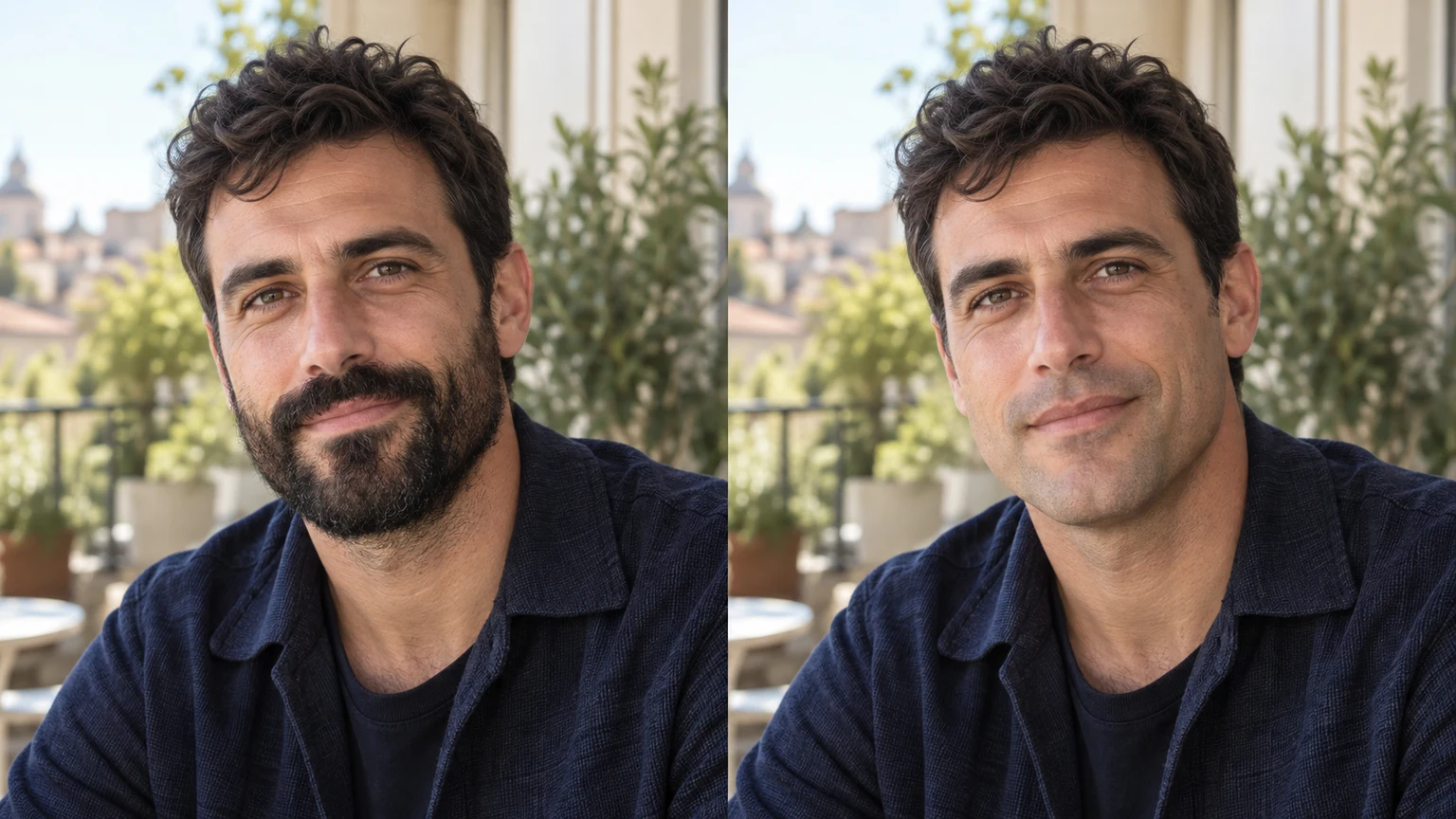
A ceramics-studio portrait illustrates the clean-shaven direction. The model has to infer skin and part of the chin hidden by a dense beard.
This kitchen portrait keeps frames and wrinkles in view. Removing salt-and-pepper facial hair should not make the person younger.
A station portrait shows a turned face. Check the ear, nose profile and jaw angle instead of judging only whether the beard disappeared.
A greenhouse portrait pairs light ginger facial hair with freckles. Check that the new skin retains texture rather than becoming a flat patch.
Explore no-beard looks with these AI-generated illustrations. Choose an example to load its original portrait and removal instructions.
Remove the beard and moustache while keeping the mustard sweater and window light.
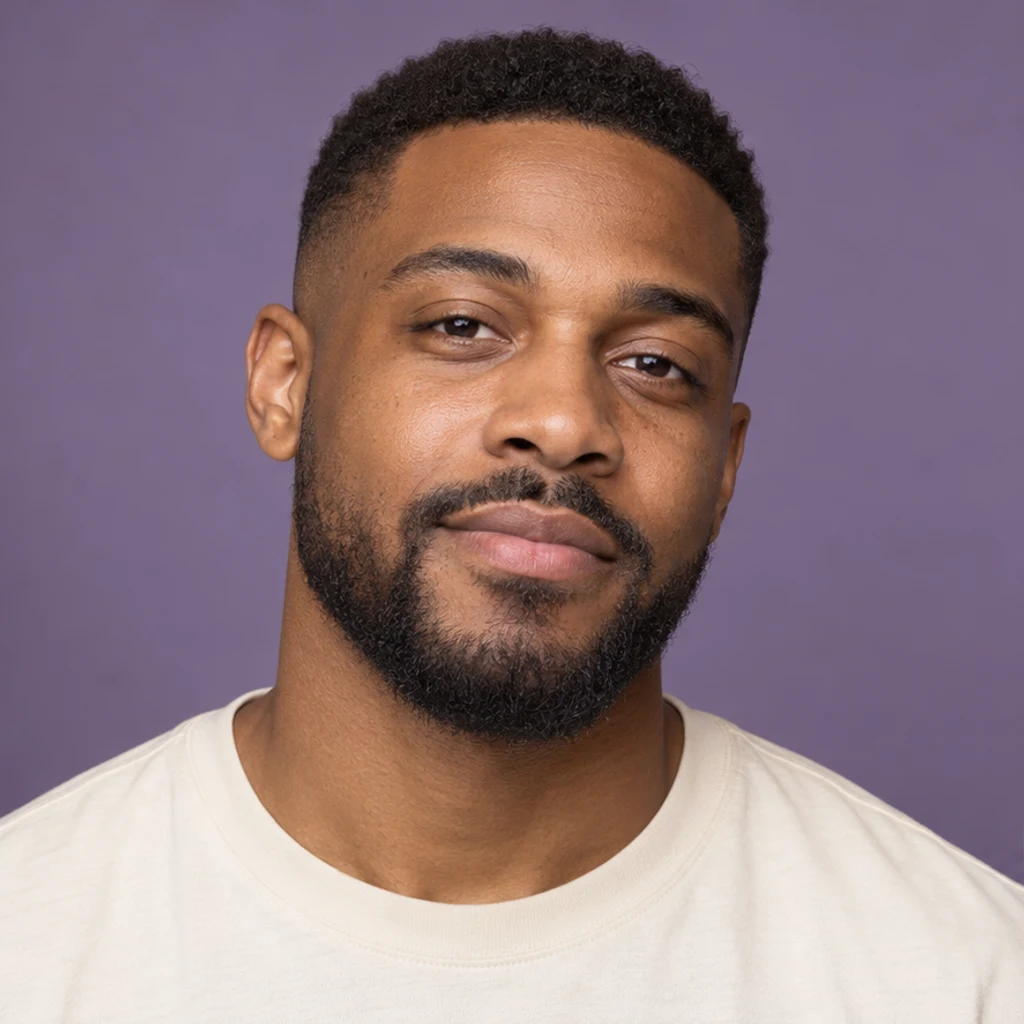
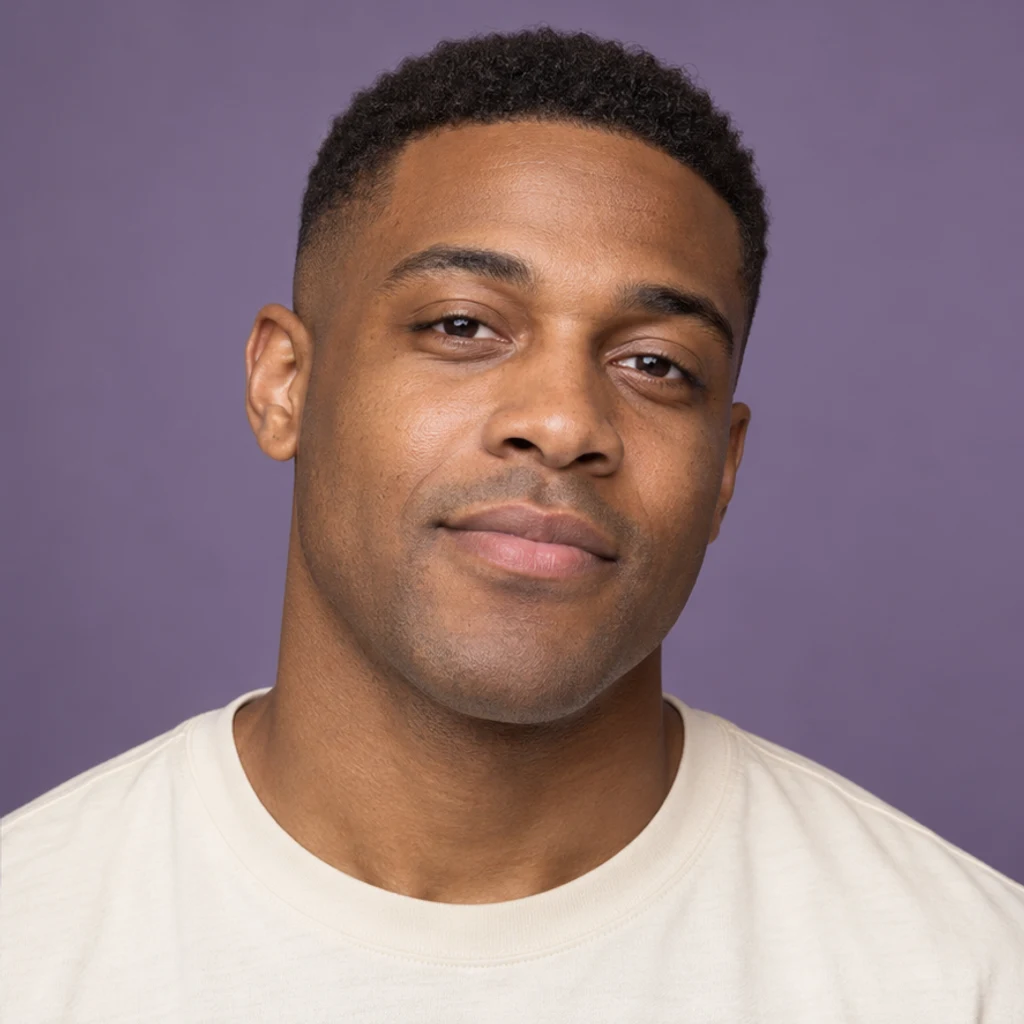
Explore a clean-shaven face against a violet backdrop with the same short haircut.
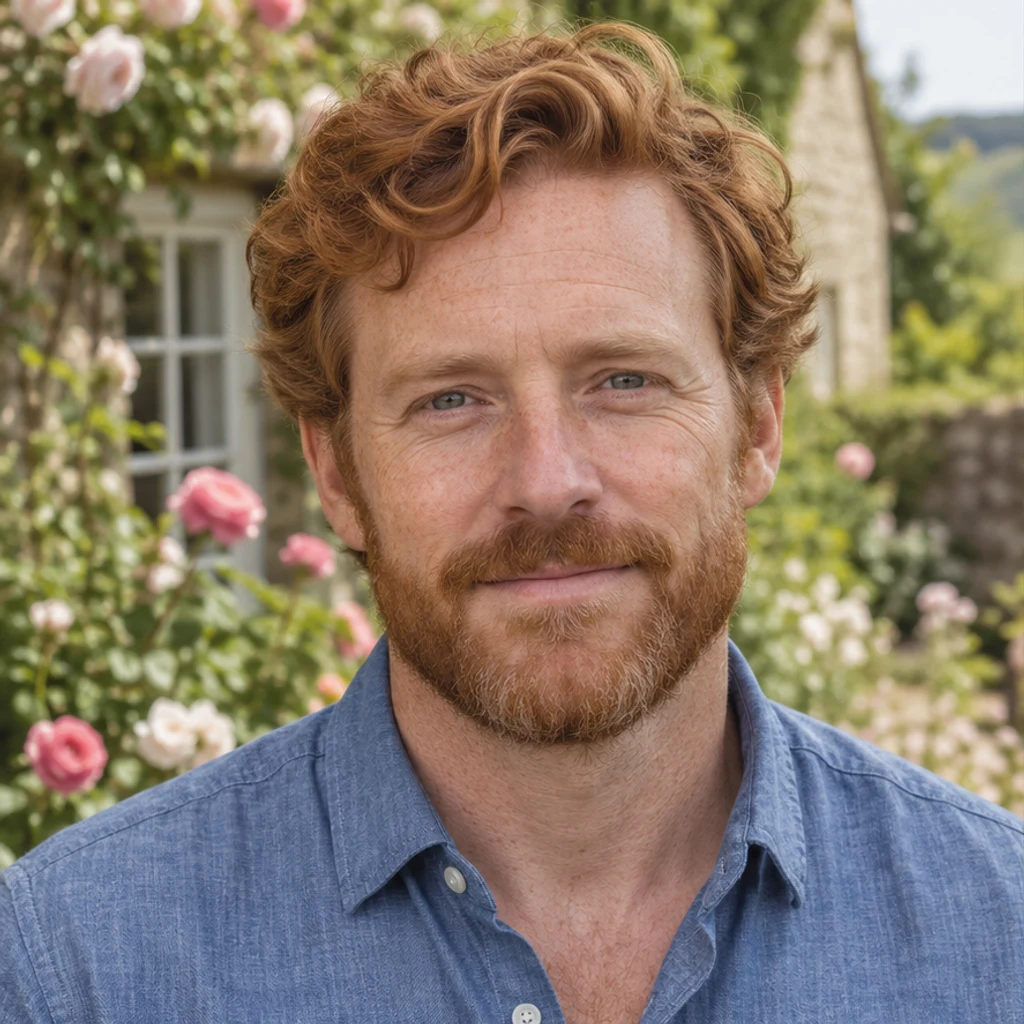
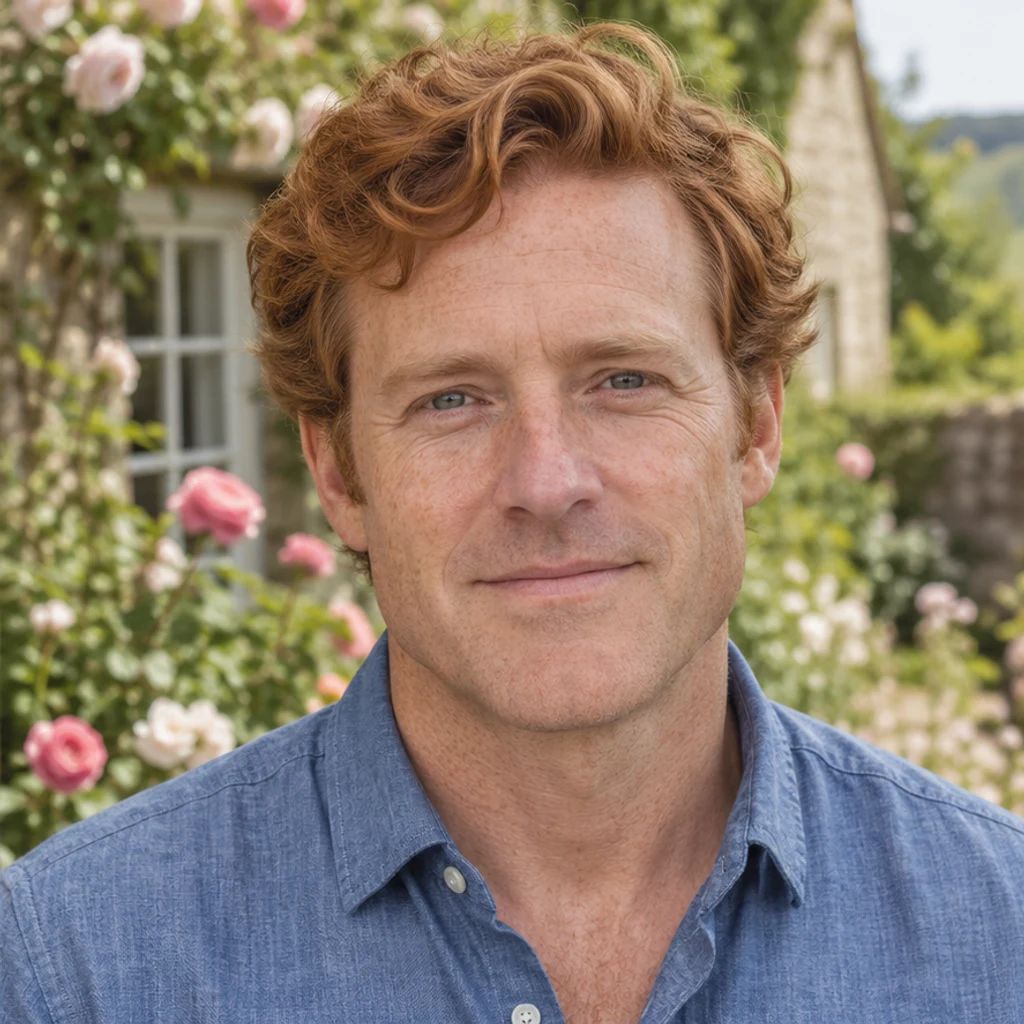
Keep red scalp hair, freckles and the chambray shirt when removing facial hair.


Review the inferred chin while preserving silver hair and visible signs of age.

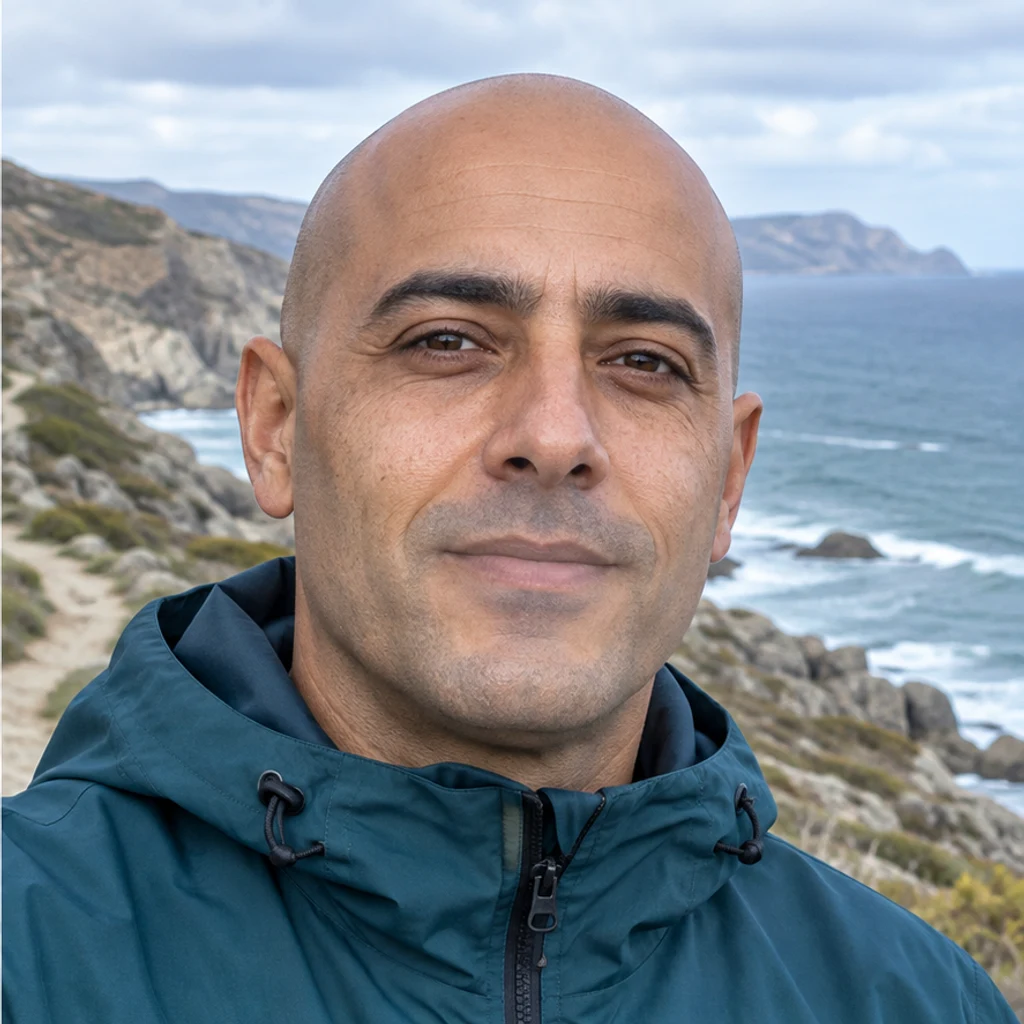
Remove facial hair while keeping the already shaved head and teal jacket.


Check the face and frames after removing the beard and moustache.


Remove only the moustache from an otherwise clean-shaven face.

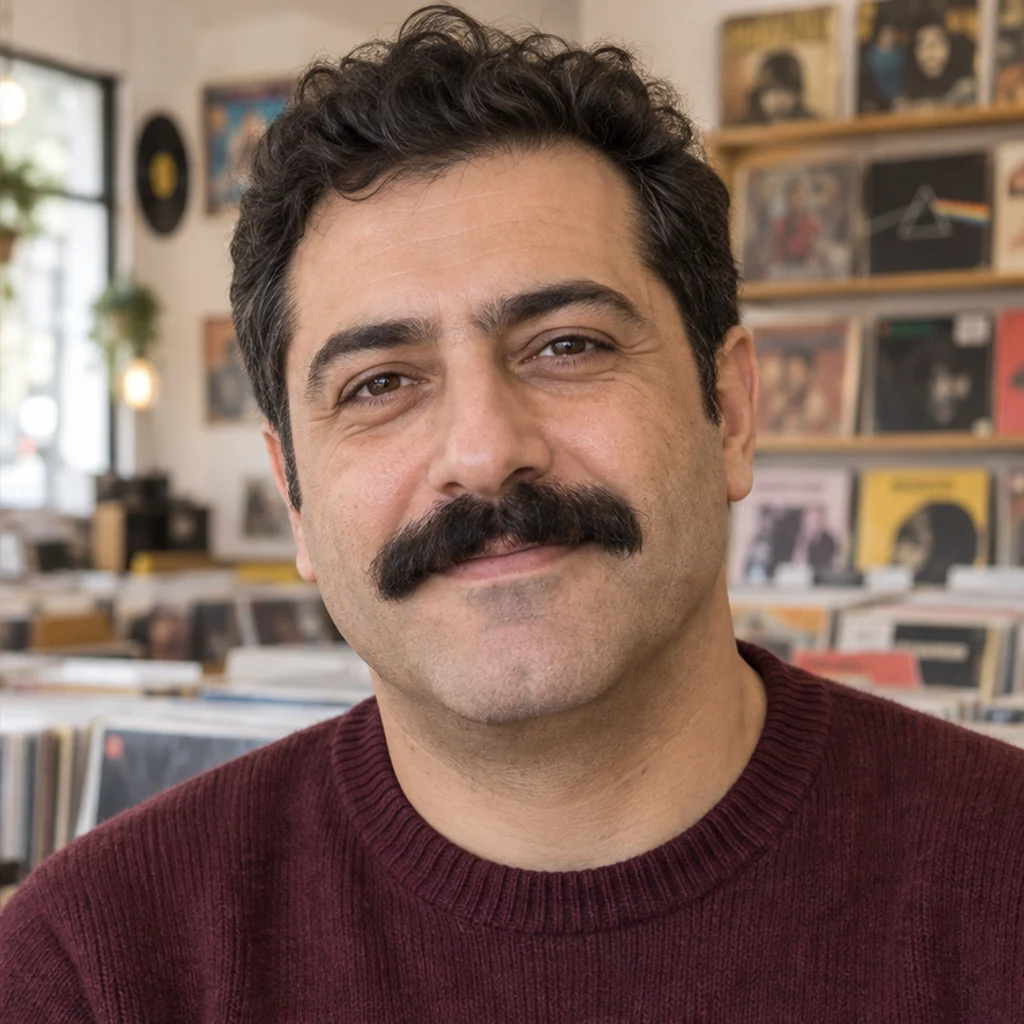
Remove the cheek, chin and jaw beard while retaining the original moustache.
Choose one clear portrait with the cheeks, chin and upper lip visible. Upload JPEG, PNG or WebP, up to 30 MB. Even light makes comparison easier.
No prompt or second image is required. By default, remove the beard, moustache and stubble. Use Edit instructions to keep the moustache or remove only the moustache.
Review the displayed credits and click Generate for one image. Compare the face, lips, hair, skin and scene with the original. Re-edit restores the original inputs; download a result you like. Loading an example only fills the form.
A beard hides real skin and sometimes the chin outline. Treat the result as a style preview; it cannot reveal the exact appearance beneath your beard.
Look for a newly pointed chin, slimmer jaw or changed face proportions.
Check the mouth outline, lip corners and the original expression.
Review texture, patchy beard remnants, scalp hair and eyebrows.
Compare frames, collar edges, lighting and background details.
Upload a clear portrait for a clean-shaven preview. Compare it with the original to explore the look. Skin and chin areas hidden by facial hair are inferred.
No. Your Person photo is enough for the default beard, moustache and stubble removal. Edit instructions are optional.
The edit is instructed to retain scalp hair, eyebrows, identity, expression, clothing and scene. Generative editing can still shift details, so inspect the result.
Yes. Write 'Remove the beard but keep my moustache' or 'Remove only the moustache' in Edit instructions. The request narrows which facial hair is removed.
No. A dense or long beard conceals details that are not present in the photo. The generated chin and skin are a plausible interpretation, not a prediction.
Generation requires a LumiYing account and uses the displayed credits. Loading examples does not spend credits. Check pricing for current plans.
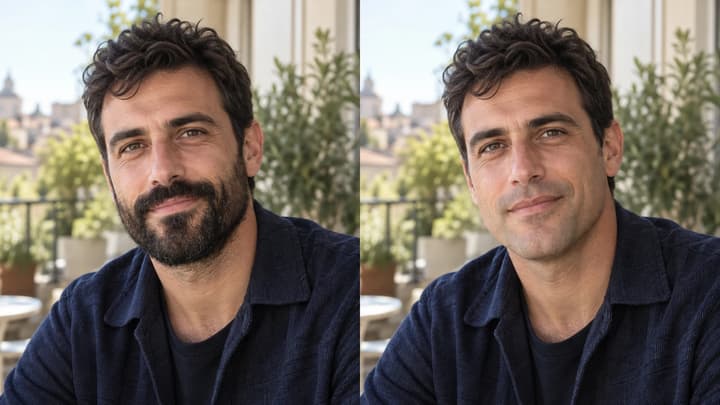
See what you might look like without a beard. Choose a clear photo, use a no-beard filter and review the chin, lips and skin before keeping your preview.
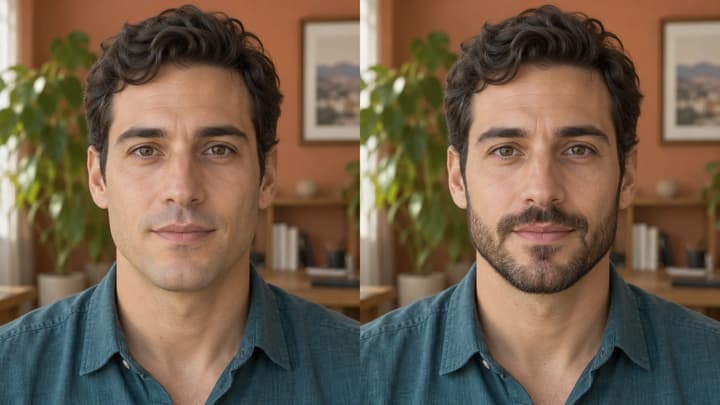
Add a beard to your photo with AI. Preview stubble, goatees and full beards using style templates, a reference photo or your own edit instructions.
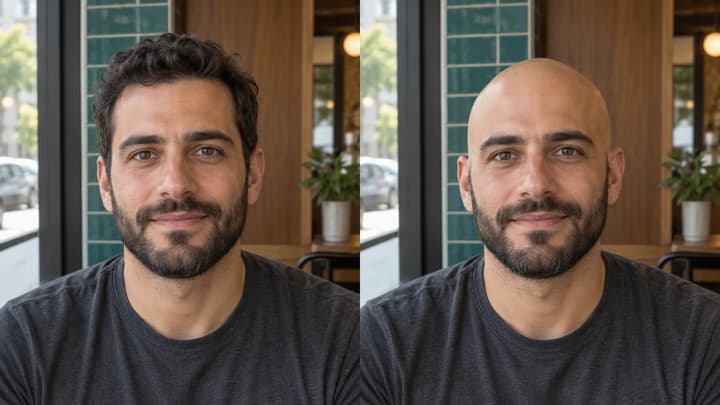
See what you would look like bald with an AI bald filter. Upload a portrait, preview a clean-shaven head, then compare and download your image.

Upload an image, describe the edit, and create polished visuals for products, social posts, posters, or keyframes.

Review credits and plans before generating.
Remove a beard from a photo with an AI beardless filter. Upload a portrait, preview a clean-shaven face or use edit instructions to keep your moustache.